Learn how to change the document background color in Apple Pages to customize designs of your flyers, posters, brochures, newsletters and more on an iPhone, iPad, or Mac.
How to change the document background color in Pages

Learn how to change the document background color in Apple Pages to customize designs of your flyers, posters, brochures, newsletters and more on an iPhone, iPad, or Mac.
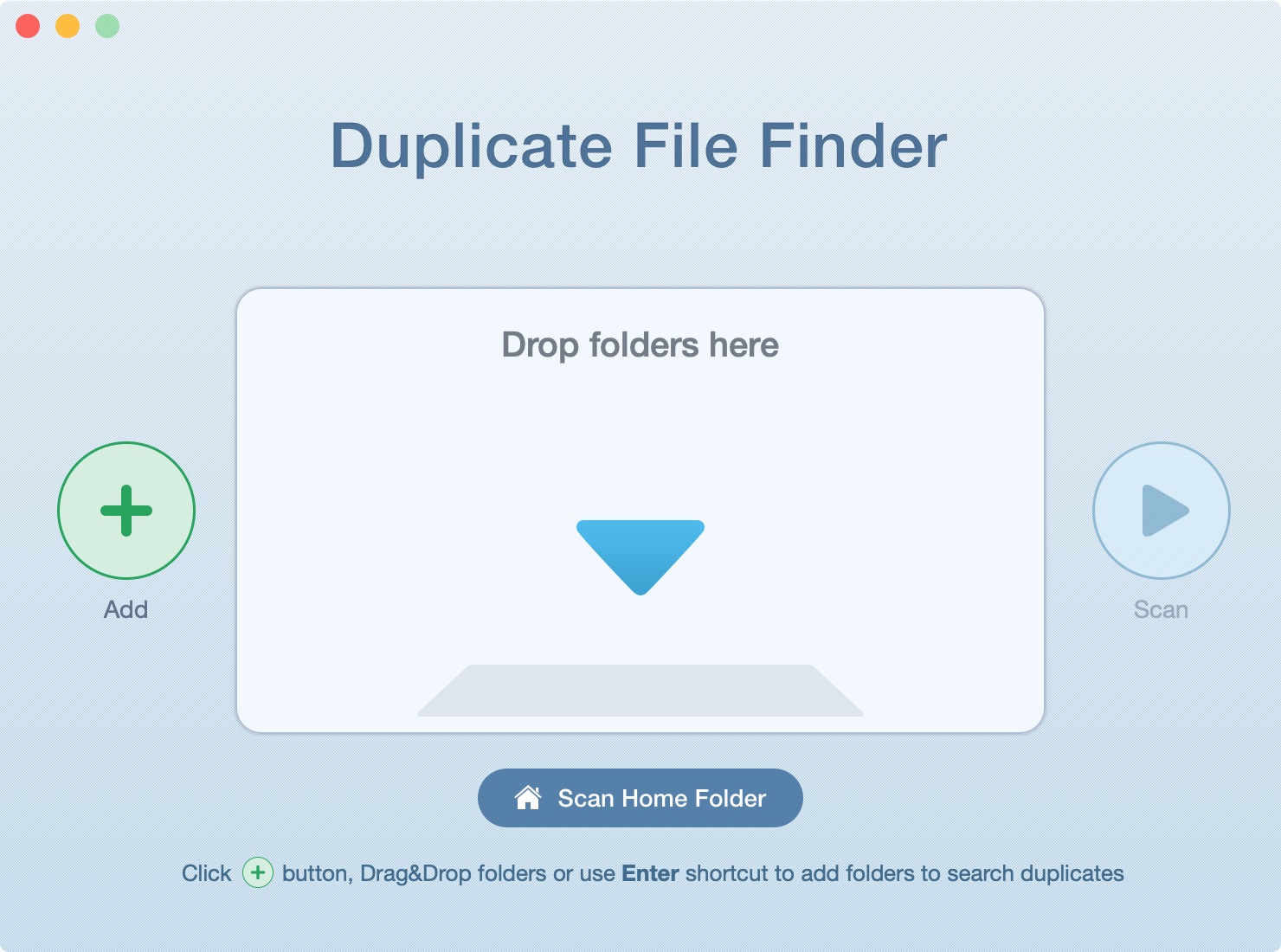
In this tutorial, we’ll show you how to scan your Mac’s drive to find and delete all duplicate files. This will help free up space and reduce clutter.
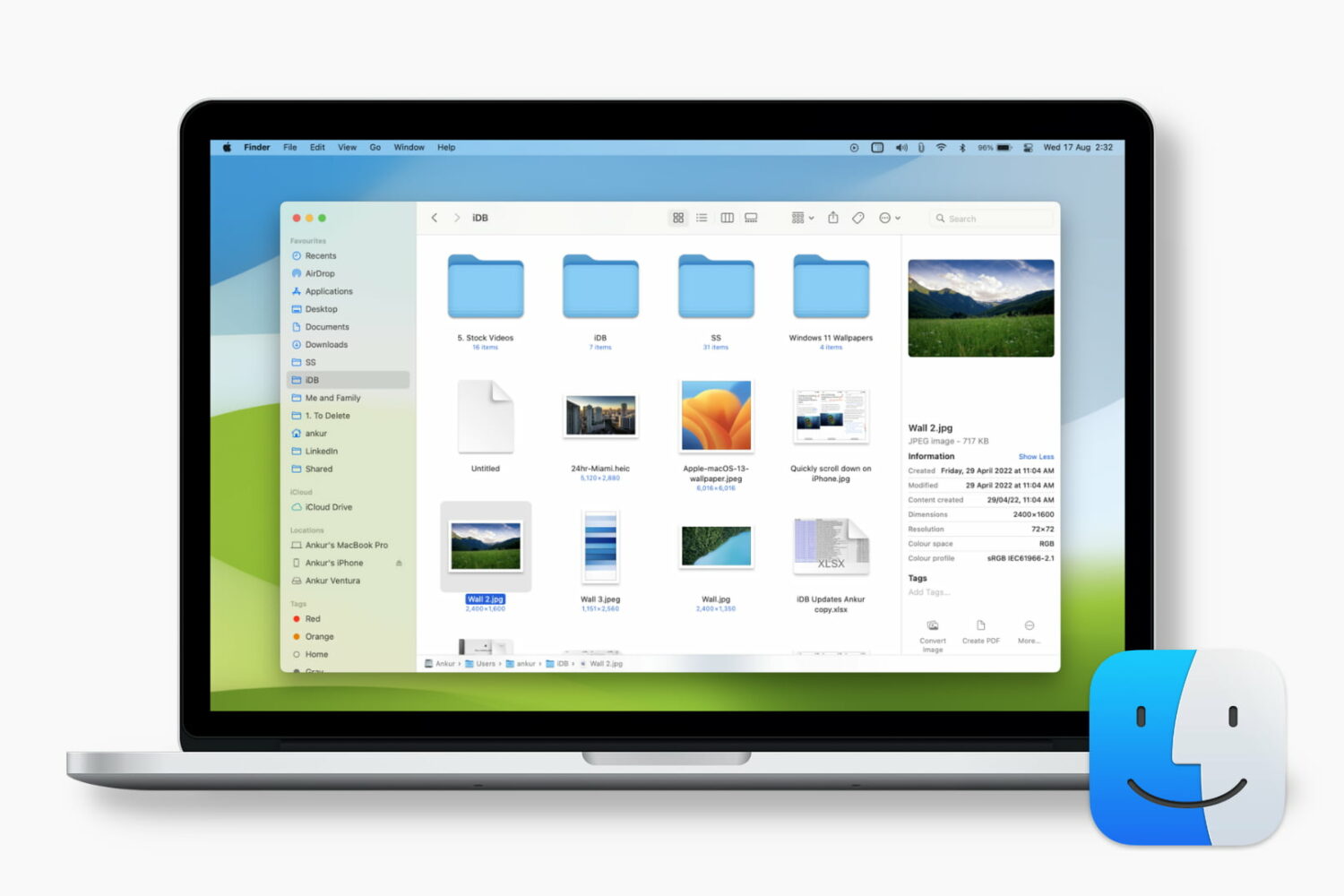
Learn how to customize the Finder's preview pane by choosing specific glanceable details to show when browsing files on your Mac.
You’ve received a Photoshop file (.PSD) that you need to look at, but you don’t have Photoshop. Here are three free ways you can view PSD files on Mac.
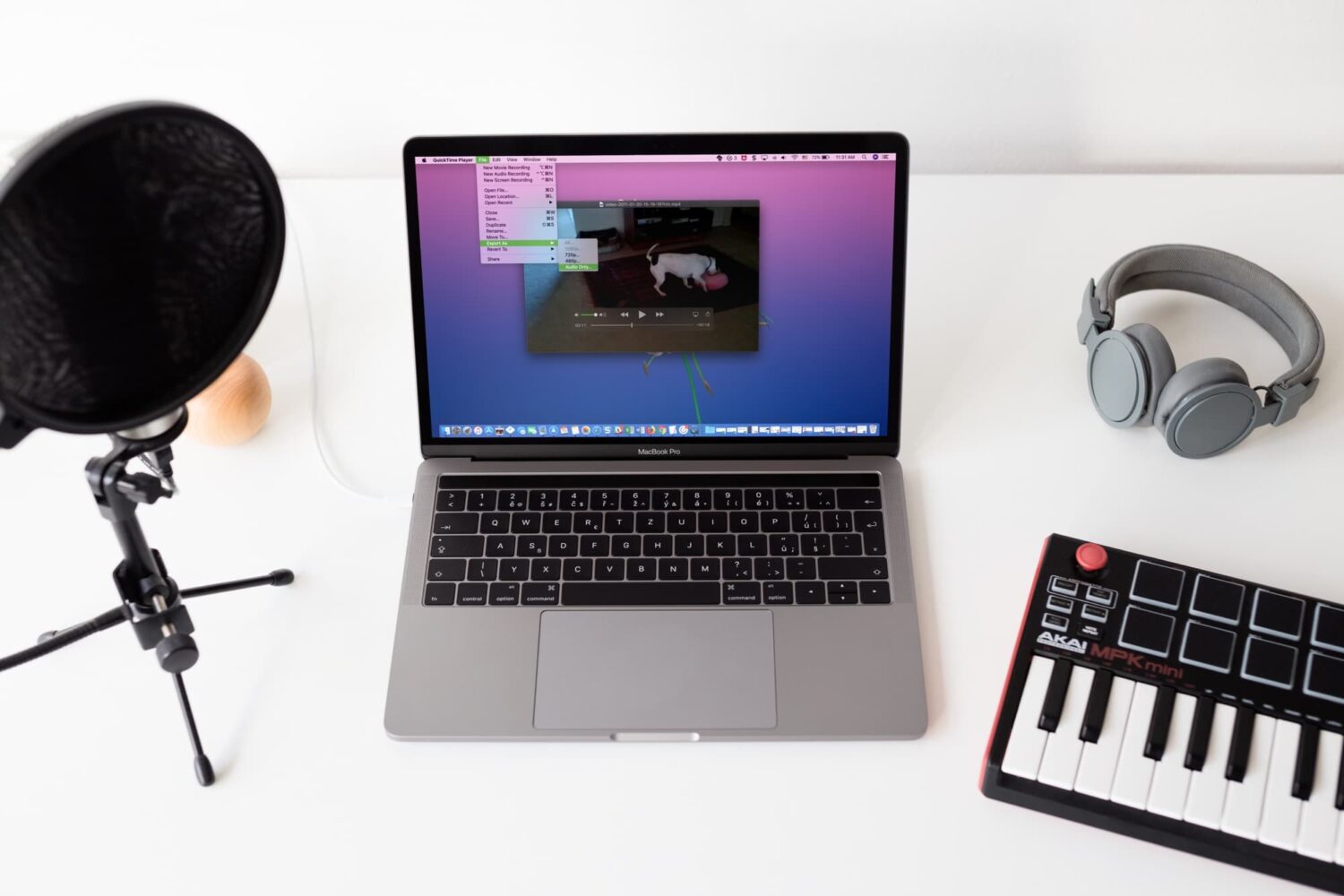
Check out four free methods to extract an audio track from a video clip on your iPhone, iPad, or Mac and save it as a separate file in the MP3 or M4A format.
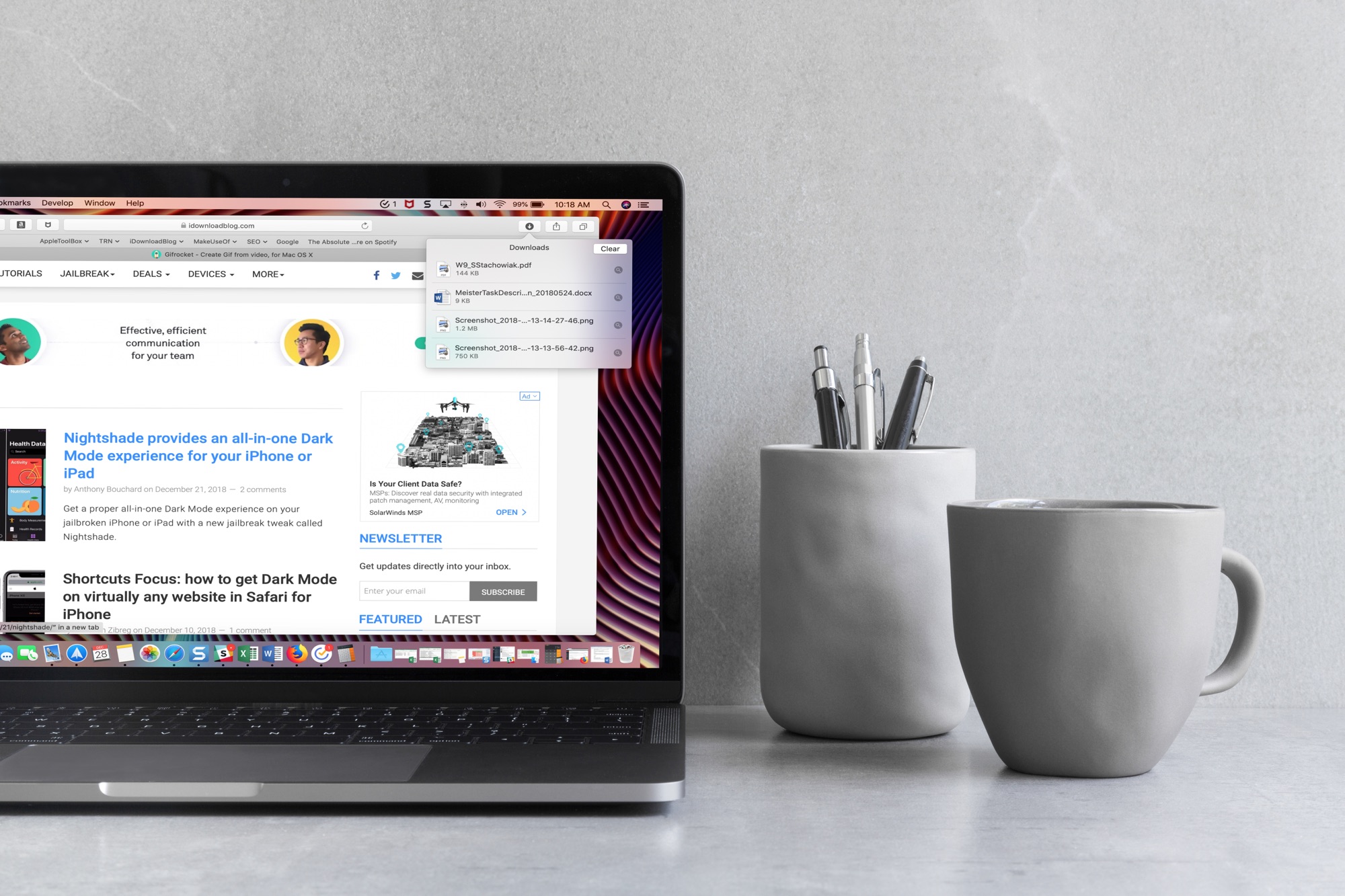
When you download items in Safari, they are all easily accessible from the toolbar. You can see them, pause and resume them, and clear them away.
Here’s how to manage and remove download items in Safari for Mac.
While you may work and create your spreadsheets in Numbers, there may be a time when you need one of those documents in the Microsoft Excel file format.
You can easily export spreadsheets into different formats for viewing and editing with other applications. Here’s how to convert a Numbers file to Excel on Mac, iPhone, and iPad.
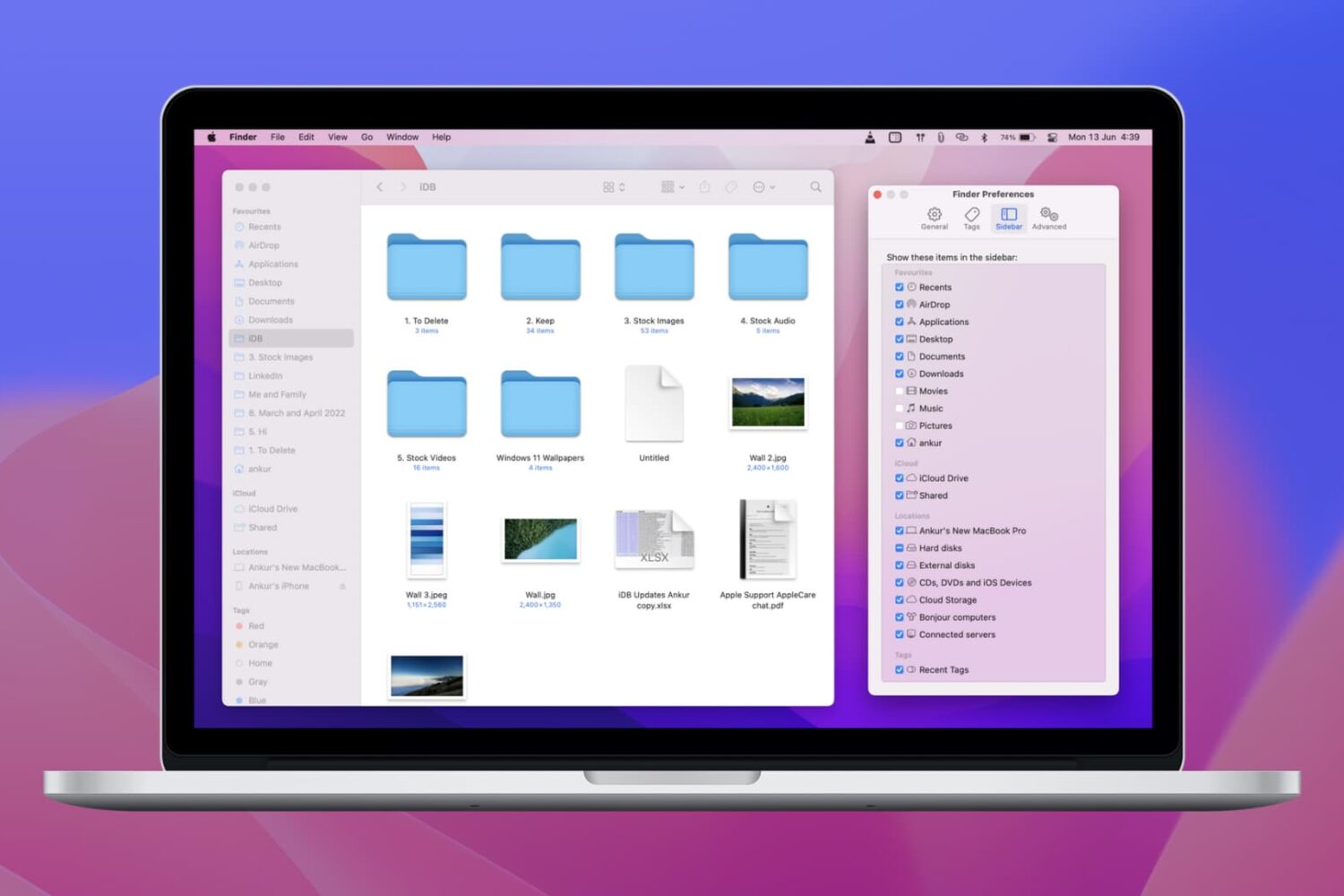
Learn how to customize the Finder sidebar on your Mac and make it your own with handy shortcuts to your drives, folders. network shares and more.
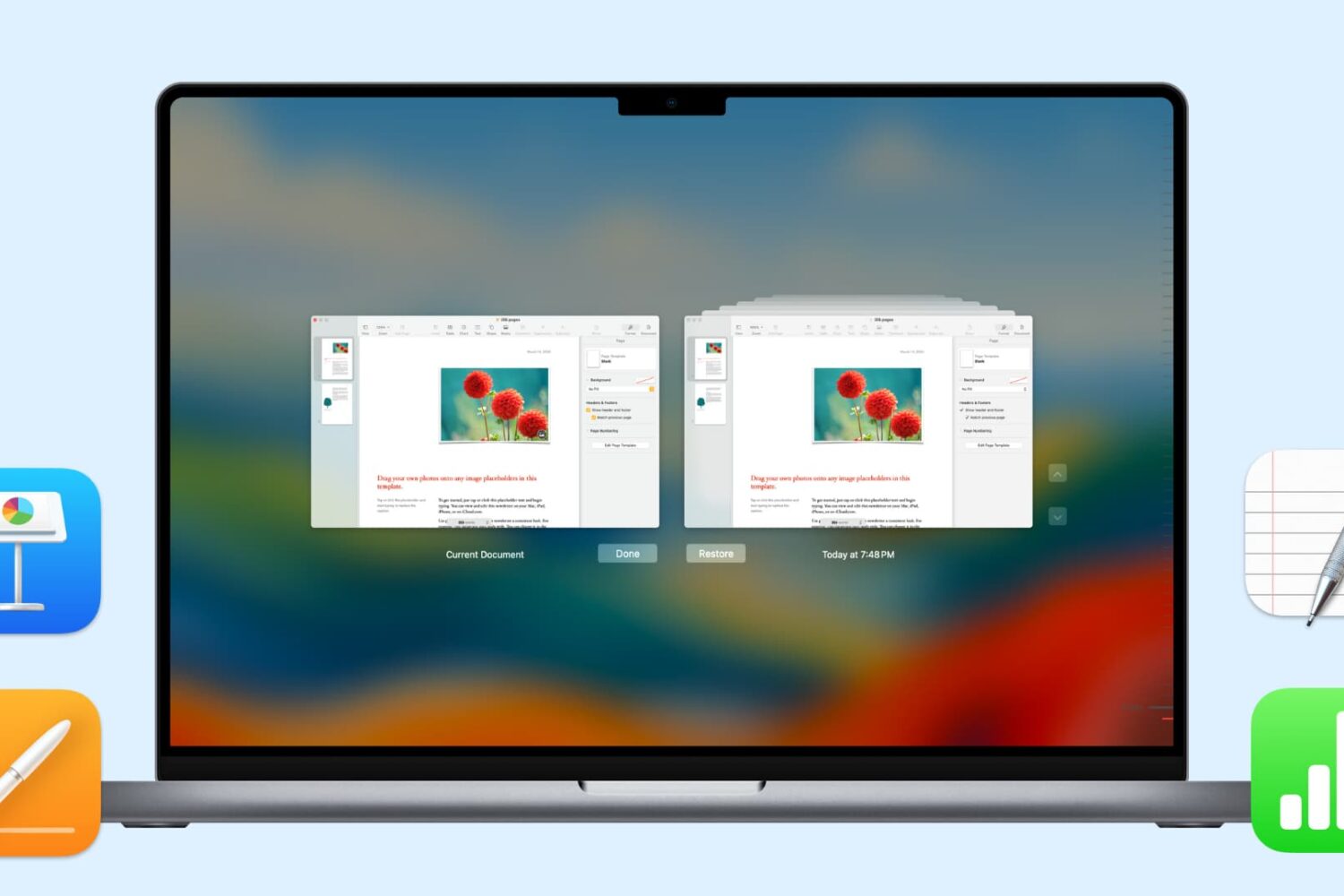
In this handy tutorial, we’ll show you how to browse and restore previous versions of documents in Pages, Numbers, Keynote, Text Edit, and Preview on your Mac.
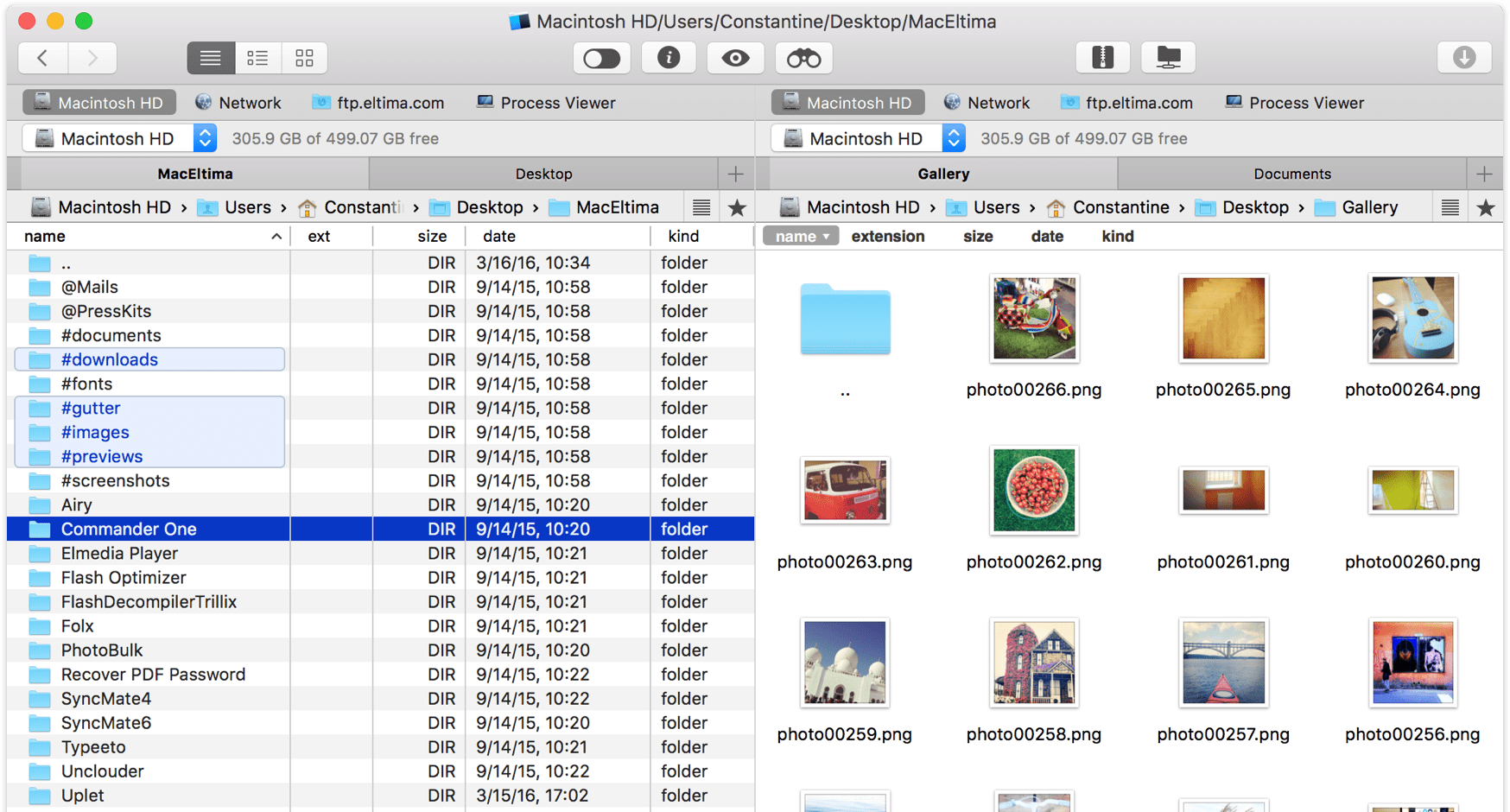
Managing your files in macOS, browsing network volumes, using Dropbox without downloading data to your Mac, sharing items between iOS devices and your computer and performing other file operations in the Finder—all those everyday tasks leave a lot to be desired. Enter Commander One, a free, productivity-focused Mac file manager from US-based developer Eltima that's everything Apple's annoying Finder wishes it could be, and then some more.
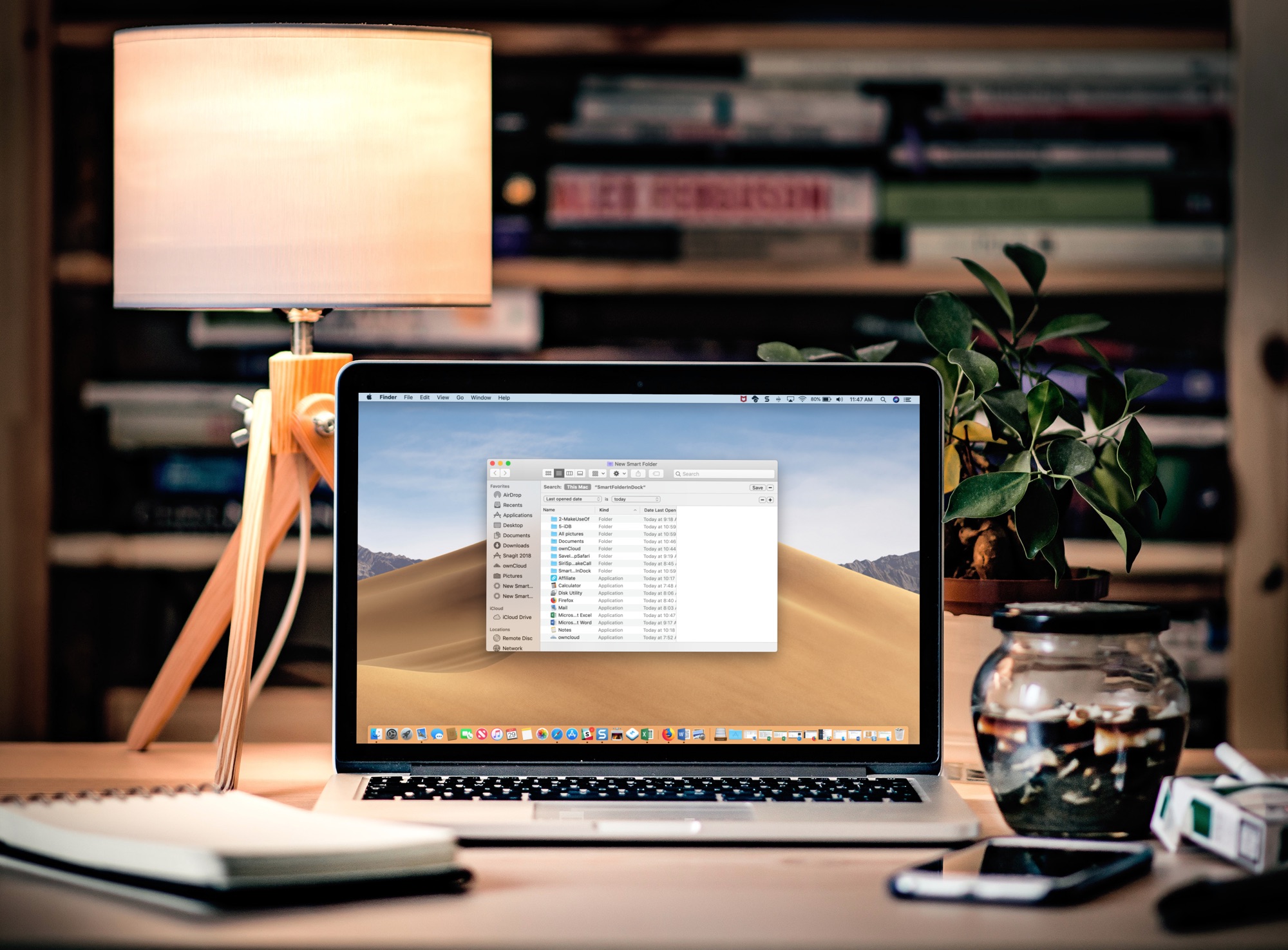
Learn how to add a folder to the Dock of your Mac that automatically gathers your recently opened files in real-time for convenient one-click access.