Learn how to immediately delete files on your Mac and skip the Trash altogether, which will permanently erase the items without a chance of undeleting them later.
How to immediately delete files on your Mac and skip the Trash altogether
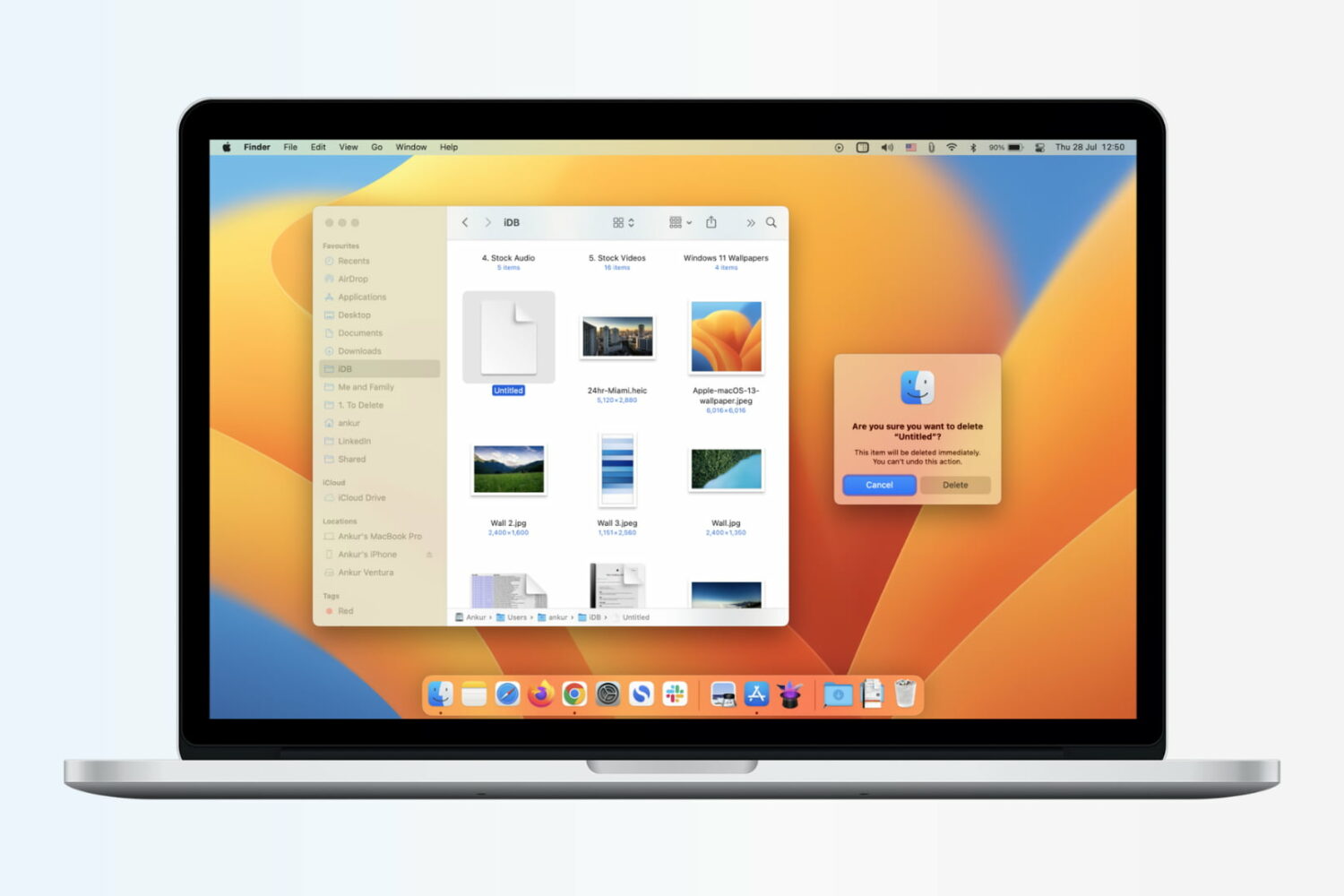
Learn how to immediately delete files on your Mac and skip the Trash altogether, which will permanently erase the items without a chance of undeleting them later.

What do you do when you have a great image saved as a PNG on your iPhone or iPad and someone needs it in a JPG format, or vice versa? Well, you have to convert it, of course. But this isn’t always as easy as it seems.
If you’re in the market for a mobile app that doesn’t cost a fortune, gives you the file types you need, and is easy to use, then you came to the right place. Here are the best apps to convert image formats on iPhone and iPad.
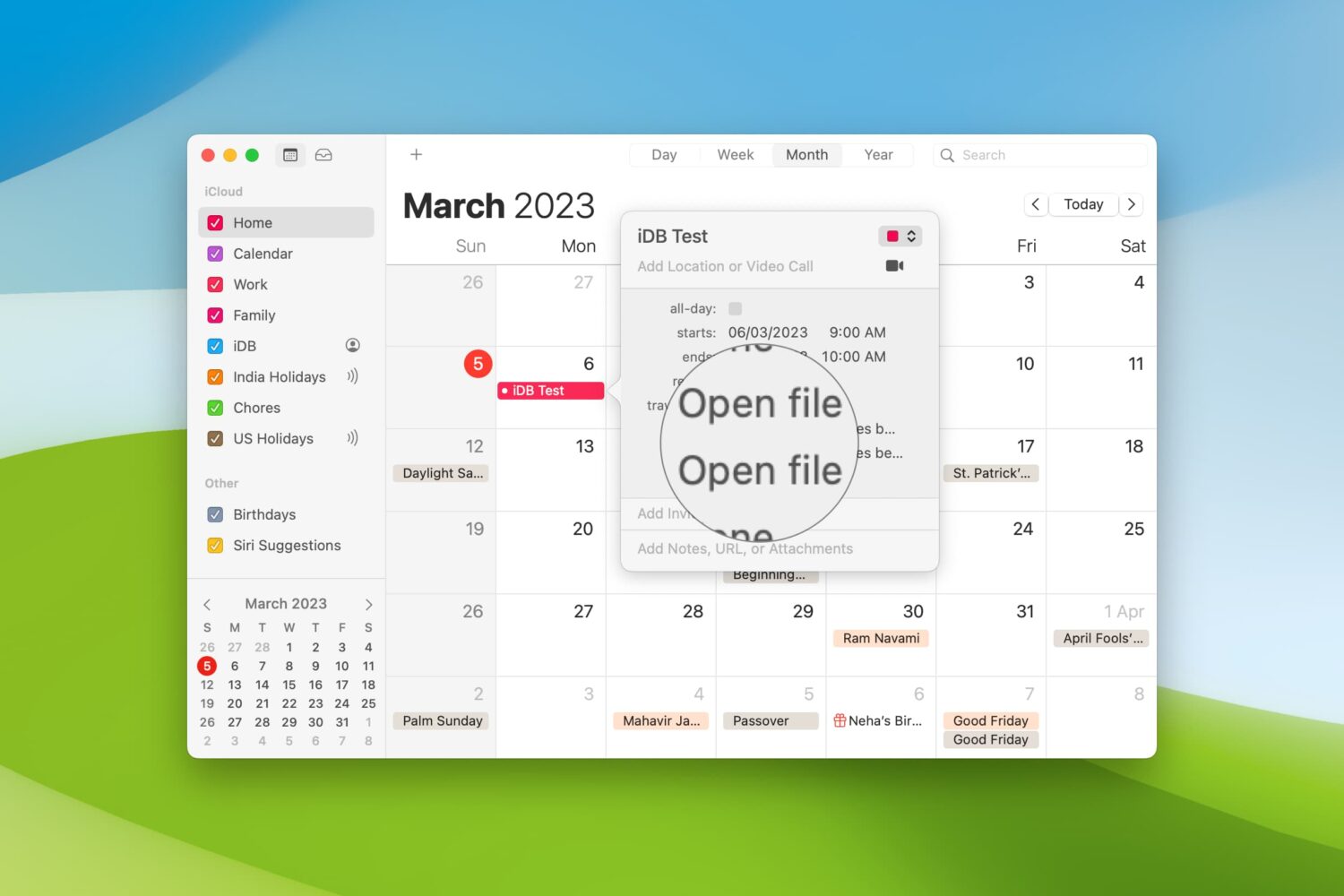
When you’re getting ready to join a meeting, whether it’s a web conference, conference call, or in-person meeting, you often have at least one file you need for it.
One way to ensure you don’t forget that important document is by including it with the event on your Calendar. This can help ensure you have all the necessary documents or notes in front of you and minimize the chance of forgetting something important.
Here’s how to set your Mac Calendar app to open that file right before your meeting.

While it can be easy to share files, images, and links across your devices, you likely use different apps for that. For instance, you may use Photo Stream for images and Safari for links. However, if you want to use just one simple app that not only lets you share across your mobile devices, but your computers and browsers too, then check out Pushbullet.
As a longtime fan of Pushbullet, this easy-to-use application lets you share items between your devices instantly. With the push of a button, you can share to several spots at one time or to a single device, and it’s all done securely. If you are ready to dig into Pushbullet, here’s how to get started and use it.
2019's iOS 13 update will bring a handful of productivity-boosting, iPad-only features such as an updated Files app, unspecified enhancements for Apple Pencil and other perks.

Learn all the ways you can select stuff on your Mac, including contiguous groups of Finder files, multiple non-adjacent items, and more.

Microsoft released a monster of an update today for users of its OneDrive storage app for iOS.
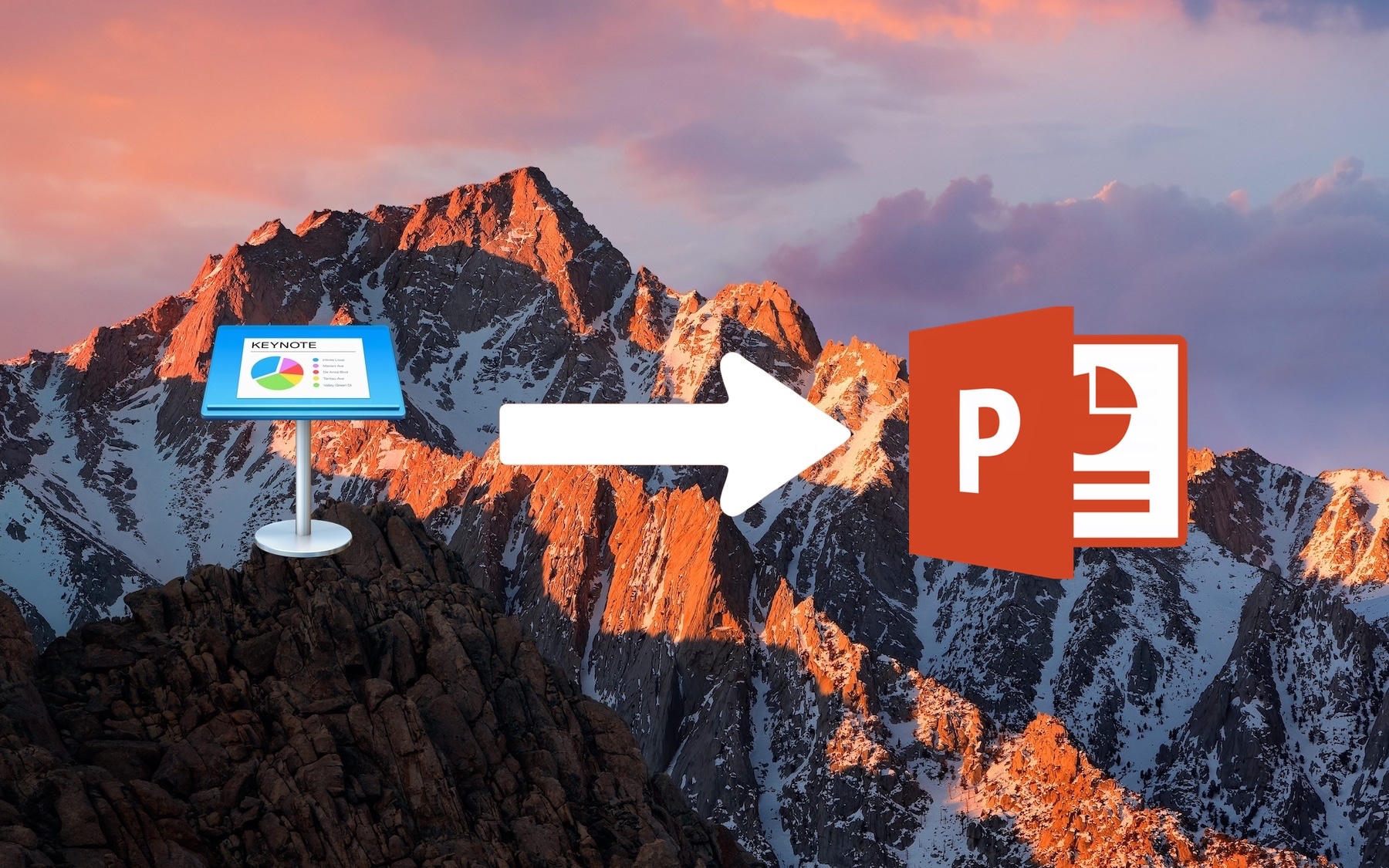
All Mac and iOS devices such as iPhone and iPad come with a suite of office applications pre-installed. This includes Keynote, a presentation software app very similar to PowerPoint, its Microsoft counterpart.
Keynote presentations can easily be viewed on any Apple hardware, but as an application exclusive to Apple platforms, there can be compatibility issues when wanting to share a Keynote document with a Windows user. To avoid these compatibility issues between Mac and Windows, one can save Keynote documents created on Mac as PowerPoint documents that will easily be viewable on Windows.

Learn how to compress files on your iPhone or iPad, so they take less space. And extract ZIP archives to access the items inside, without using any third-party apps.
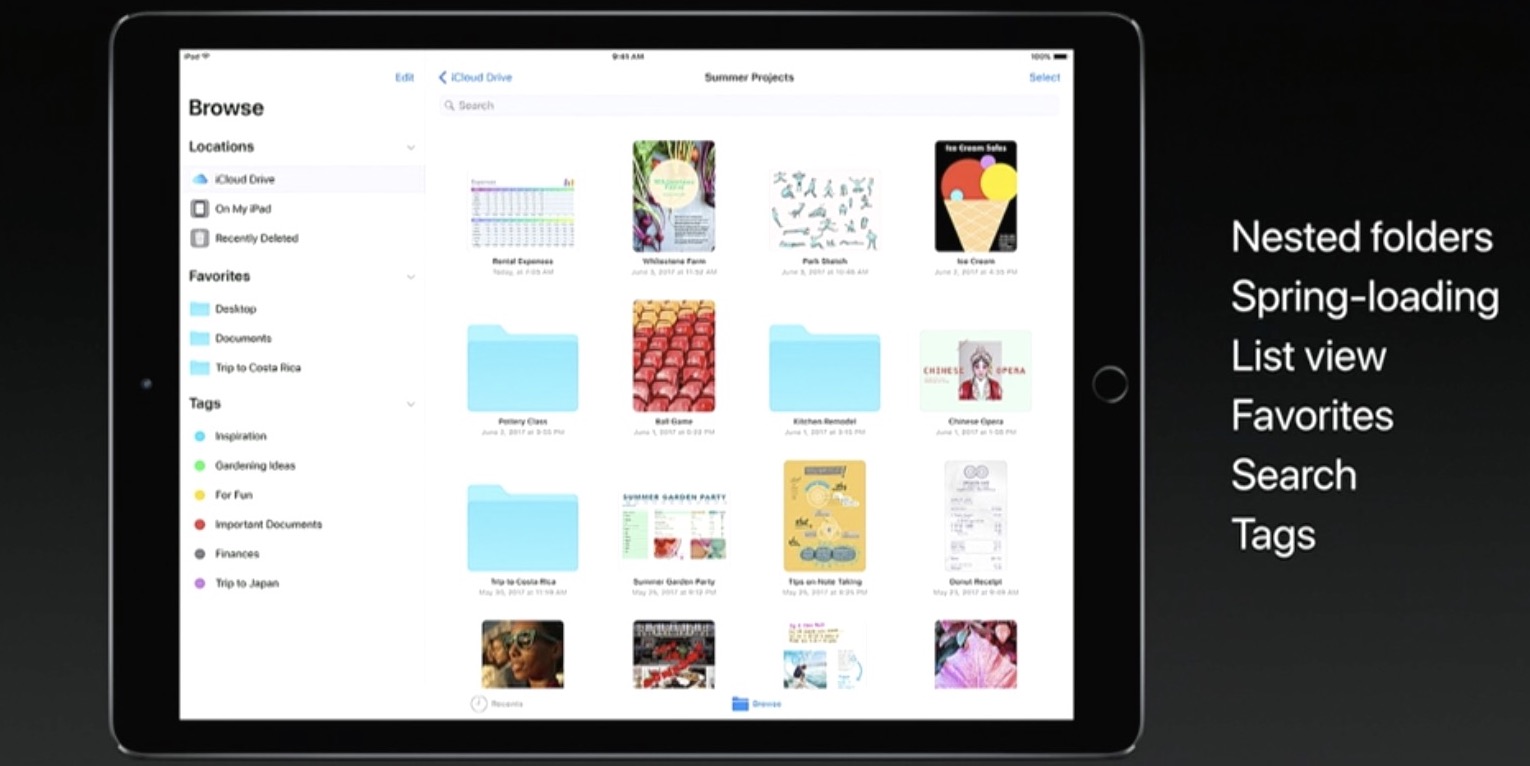
Apple announced a new Files app at its Worldwide Developers Conference today that works especially well with the newly announced iOS 11 productivity features for iPad. A placeholder listing for the Files app appeared on App Store earlier today, meaning users will be able to hide and re-download the new app.
Featuring a user interface that looks like an enhanced iCloud Drive app, the Files app allows you to access files and folders in your iCloud Drive, on your device and in third-party cloud services like Box and Dropbox, as long as they include a Provider Extension for iOS.
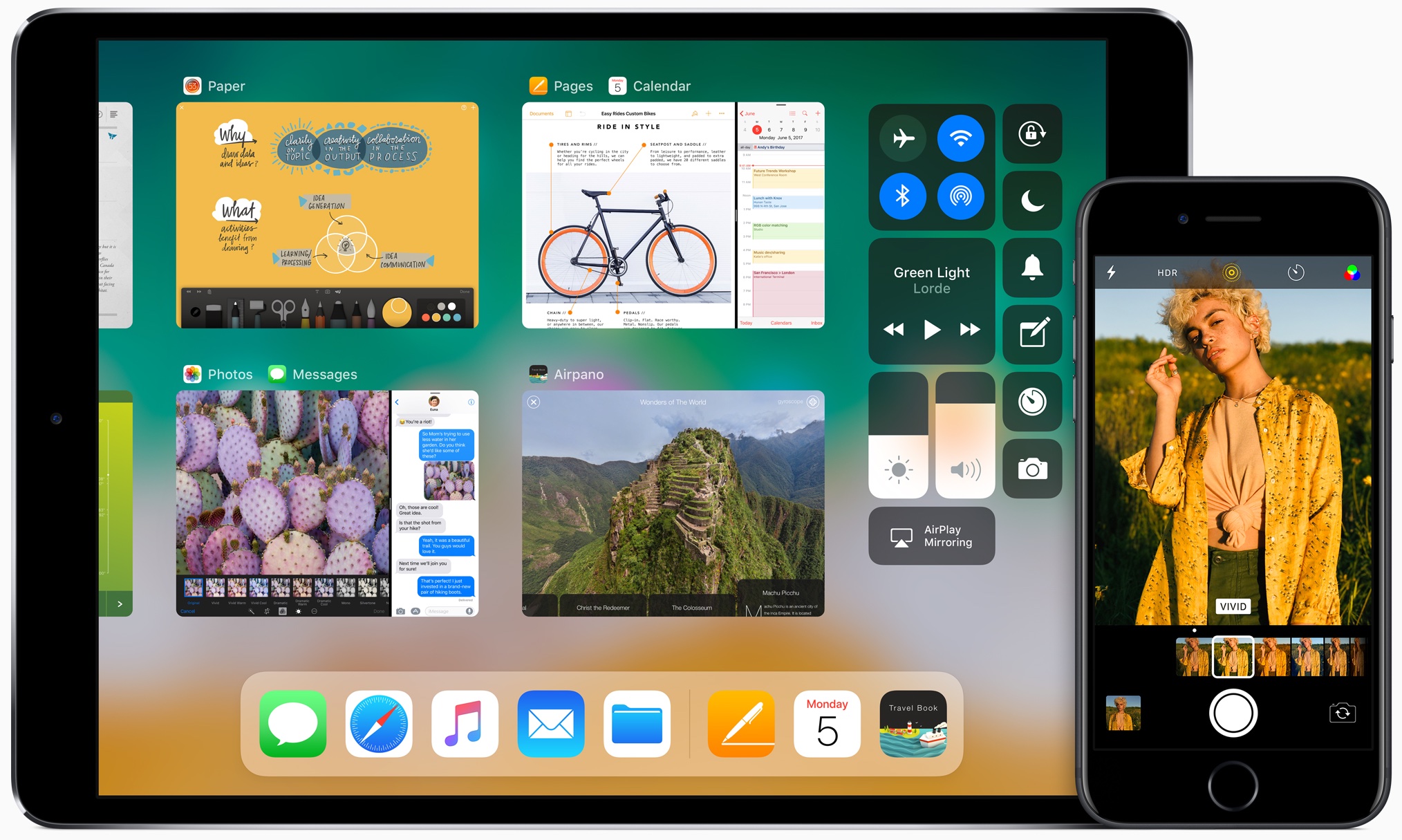
And with new iPad productivity features on iOS 11 like an enhanced Split View mode, an interactive Dock (pictured above) and drag-and-drop, users will be able to easily, say, drag an attachment from Mail and drop it on a folder in the Files app to save it to a custom location.
It works the other way, too.
For instance, you could tap and hold the Files app icon in the Dock to bring up your recently accessed files, then simply drag a recently opened image and drop it in a precise place within the Keynote presentation you're working on.
Your files can be browsed in the grid view with larger thumbnails or you can access details about files in the more informative list view. Items can be sorted by size, date and more, you can create new folders, delete files and so forth.
The files app requires iOS 11 and supports only 64-bit devices.
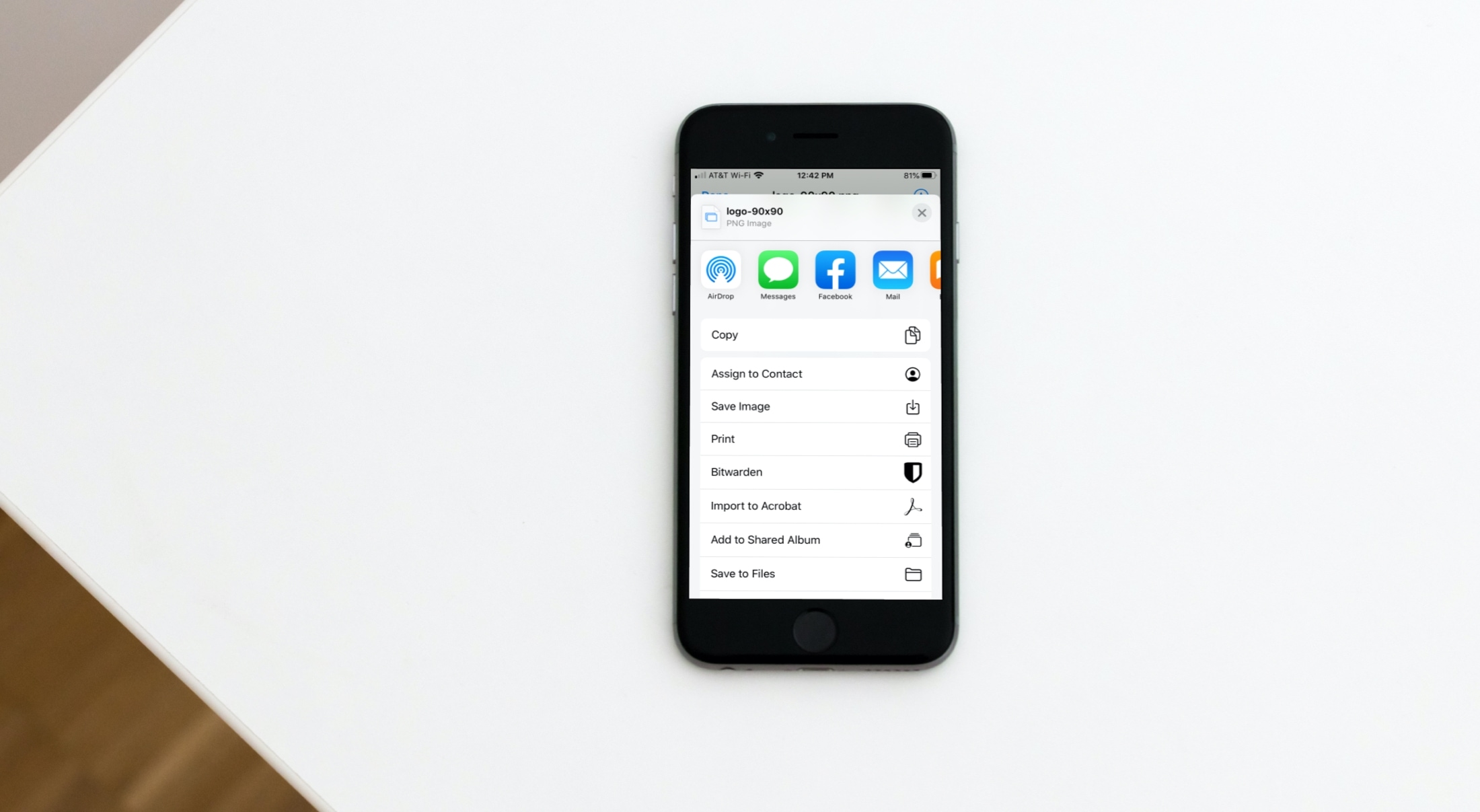
Learn how to save email attachments from Apple Mail to a folder on your iPhone or iPad or apps such as Google Drive or Microsoft OneDrive.