Learn how to recover recently deleted files from iCloud Drive that you may have trashed accidentally or still need.
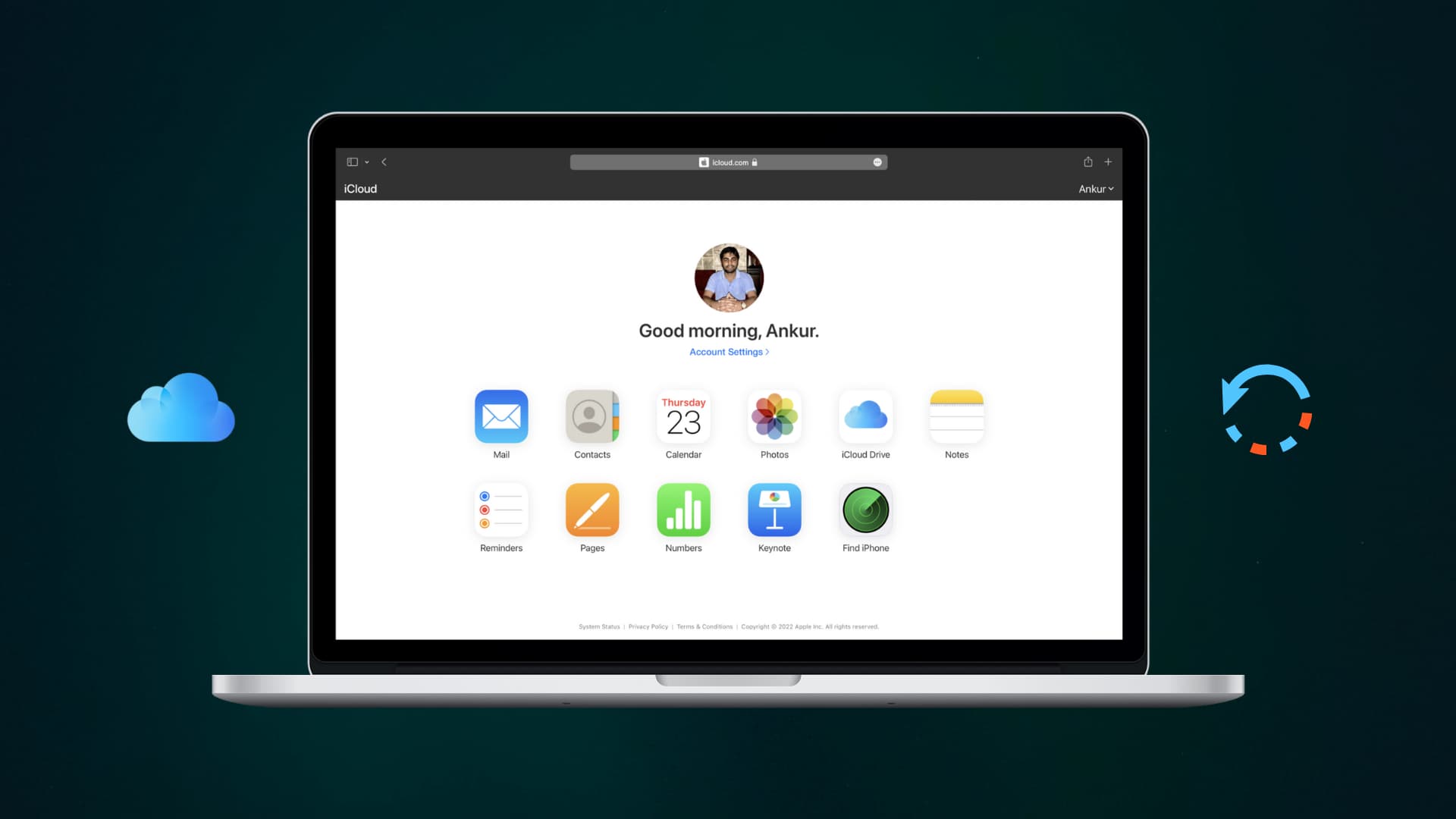
Because iCloud Drive stores your files in the cloud, deleting a document from your iCloud Drive makes it vanish on all your devices using the same Apple account.
If you need to recover a recently deleted file from your iCloud Drive, you can do so using your iPhone, iPad, Mac, or another device with a browser.
iPhone and iPad
- Open the iOS Files app and tap Browse a couple of times until you reach the main root menu.
- Tap Recently Deleted in the Locations section to view files you’ve recently deleted from both your iCloud Drive and local device storage (On My iPhone). A label under deleted files displays their original location.
- Tap the three-dot icon at the top, followed by Select. Then mark one or more items you want to restore, and tap Recover.

Mac
Files deleted from iCloud Drive move to the Trash. To recover them:
- Click the Trash icon on the right side of the Dock.
- Select one or more deleted items, then click File > Put Back from the top menu bar. Doing so will undelete the items, and they’ll reappear in their original locations.

Unfortunately, the Trash on macOS doesn’t show a label indicating whether the file originally lived in a folder on your Mac, iCloud Drive, or external storage. You can help yourself by switching the Trash window to icon view so you can visually distinguish specific files. Or, select a deleted file and press the Space Bar to preview it with Quick Look to confirm that’s the file you want to recover.
iCloud Drive on the web
You can use a web browser on a Windows PC or an Android phone to recover recently deleted files from your iCloud Drive.
- Visit iCloud.com/drive and sign in with your Apple account.
- Select Recently Deleted in the sidebar to browse the recently deleted files.
- Select the items to undelete and click Recover. To recover everything in the Recently Deleted folder at once, click Recover All instead.

Can’t find your file in Recently Deleted or Trash?
You may not be able to recover older files if you’ve set your Mac to automatically empty the Trash. Also, iCloud syncing issues may prevent a file deleted on one device from showing up in the Trash or the Recently Deleted folder on your other devices. Be sure all your devices are connected to the Internet for changes to sync.
More on iCloud Drive: