Learn how to play, pause, shuffle, and control Apple Music, Spotify, YouTube Music, or other media playback on your iPhone using your Apple Watch.
How to control and play music on iPhone from your Apple Watch
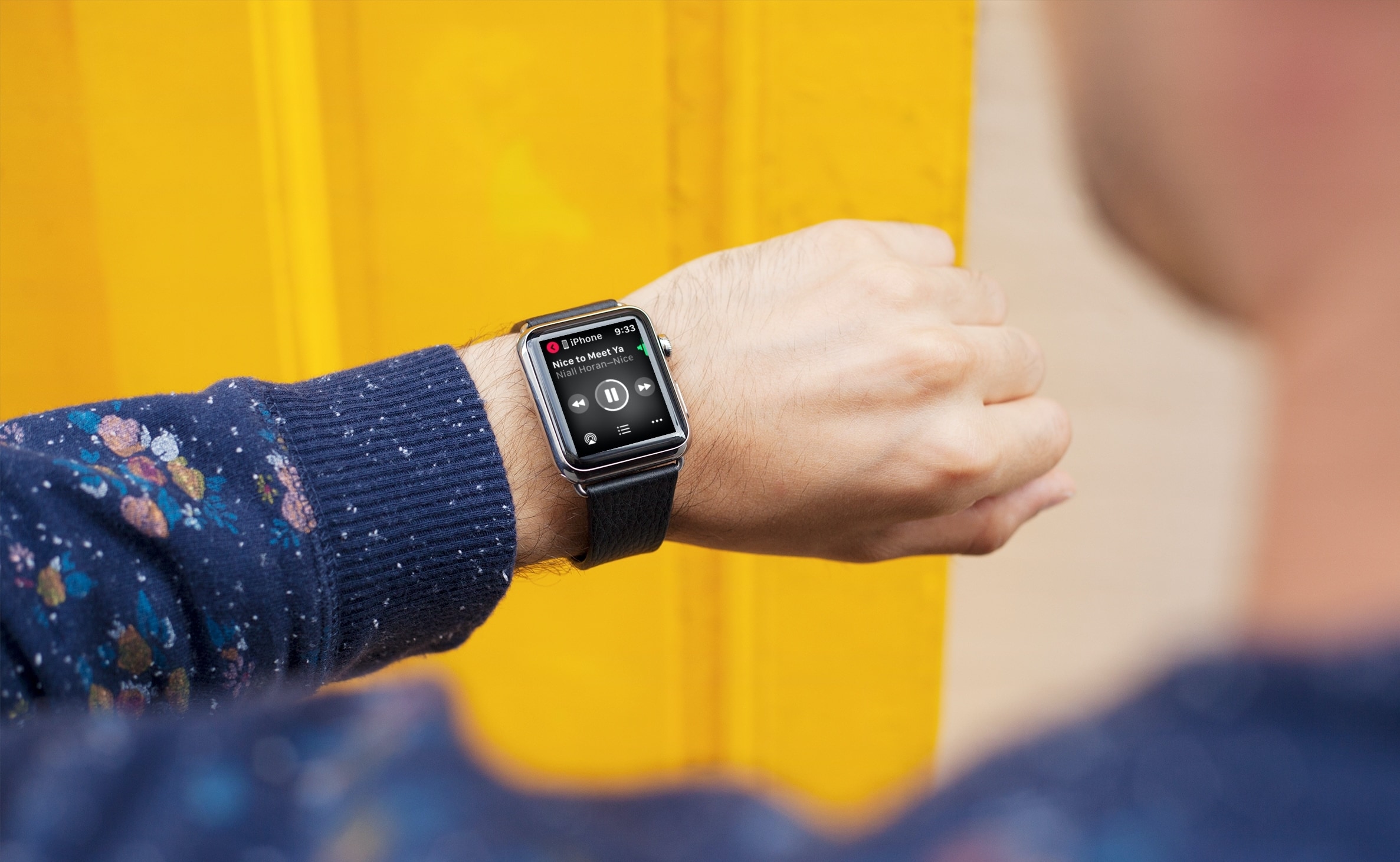
Learn how to play, pause, shuffle, and control Apple Music, Spotify, YouTube Music, or other media playback on your iPhone using your Apple Watch.

In this quick tutorial, we show you a couple of easy ways to see all the songs you have marked as your favorite in the Apple Music app on your iPhone, iPad, and Mac.
Through New Year's Eve, you can get a six month subscription to Apple Music for free when using Apple's Shazam app. Apple's running a special promotion for Shazam users in the US, UK, and Canada - and they're even giving an incentive for folks with lapsed Apple Music memberships. Here's how the deal works.
Shazam is the app that identifies what music you're hearing. It's great for figuring out which tracks are playing in movies, advertising or when you're out and about and you hear a song you really love. Apple announced plans to acquire Shazam in 2017. Since then the software's been updated with new features and even went ad-free.
As reported by Macworld UK, this isn't the first time Apple's used Shazam to promote Apple Music - in fact, this promotion is similar to one that Apple offered over Black Friday. And just like then, if you've had an Apple Music subscription but you let it lapse, you can resubscribe and get three free months.
How to get six free months of Apple Music1) Download and install Shazam from the App Store.
2) Tap on Shazam to open it.
3) Tap on the Library icon in the upper left hand corner.
4) Look in Recent Shazams for "Limited Time Only: Get up to 6 months free of Apple Music."
5) Tap on the Try Now button and sign up.
6) Tap on Try It Free. Tap on Confirm.
Bear in mind that you won't see the promotion if you're already an Apple Music subscriber, so if you're currently using Apple Music and you don't see this in your Recent Shazams library or anywhere else in the app, it's because Apple already knows you subscribe to Apple Music.
There's a loophole, however: If you cancel your subscription and then fire up Shazam, you should see the promotion, and then be eligible for the three-month restart deal. It's worth a try if you'd like to save yourself almost $30.
After the promotional period, Apple Music returns to its regular price: $9.99 per month, or $14.99 per month for a family subscription.
So did you get the free deal? Is it incentive enough for you to restart Apple Music after letting lapse? Sound off in the comments and let me know what you think.
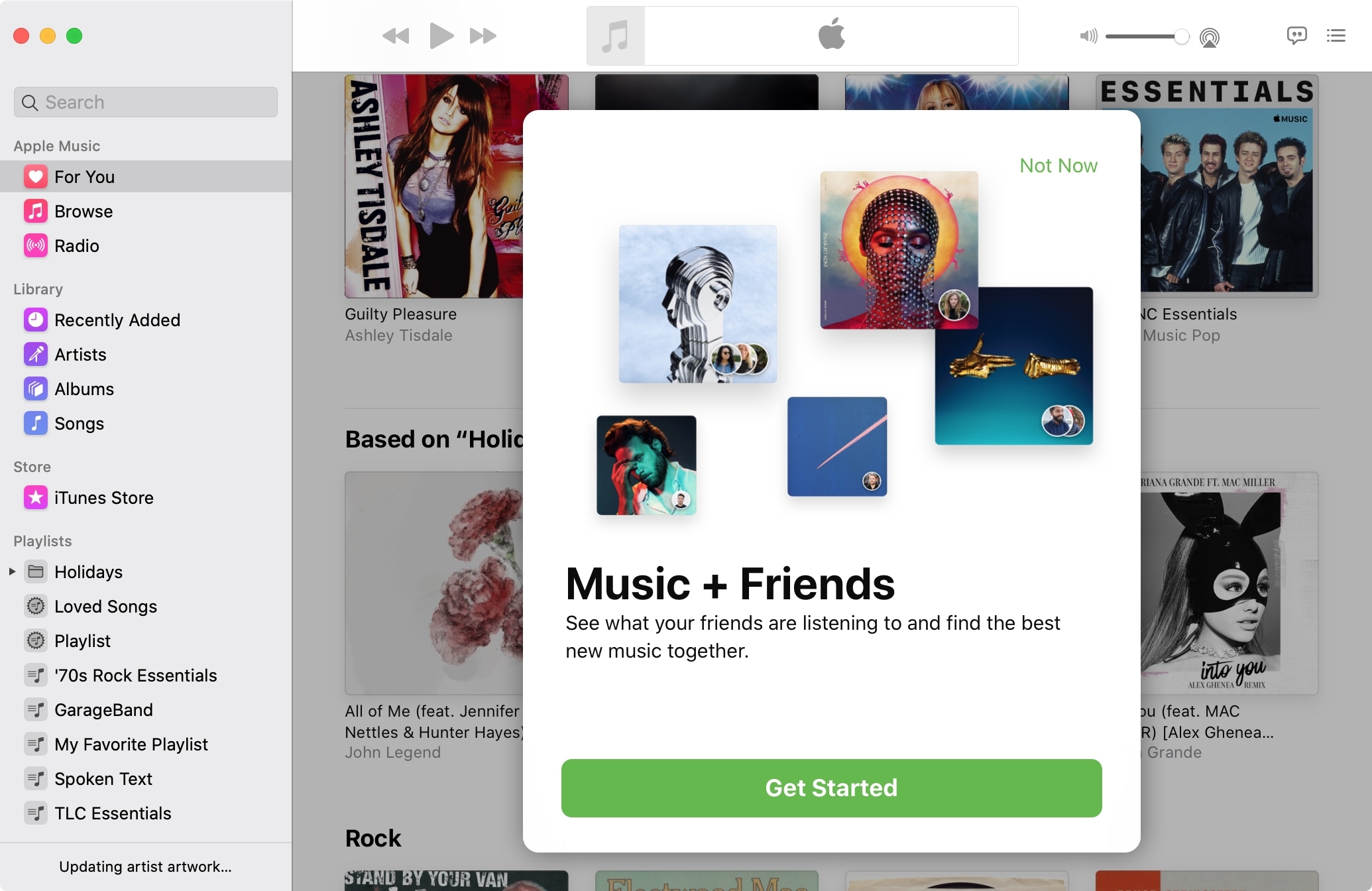
One of the best ways to discover new music is by finding out what others are listening to. And who better to turn you onto something you might like than your pals?
With Apple Music you can easily see what your friends are listening to, on both iOS and Mac, and we’ll show you how.

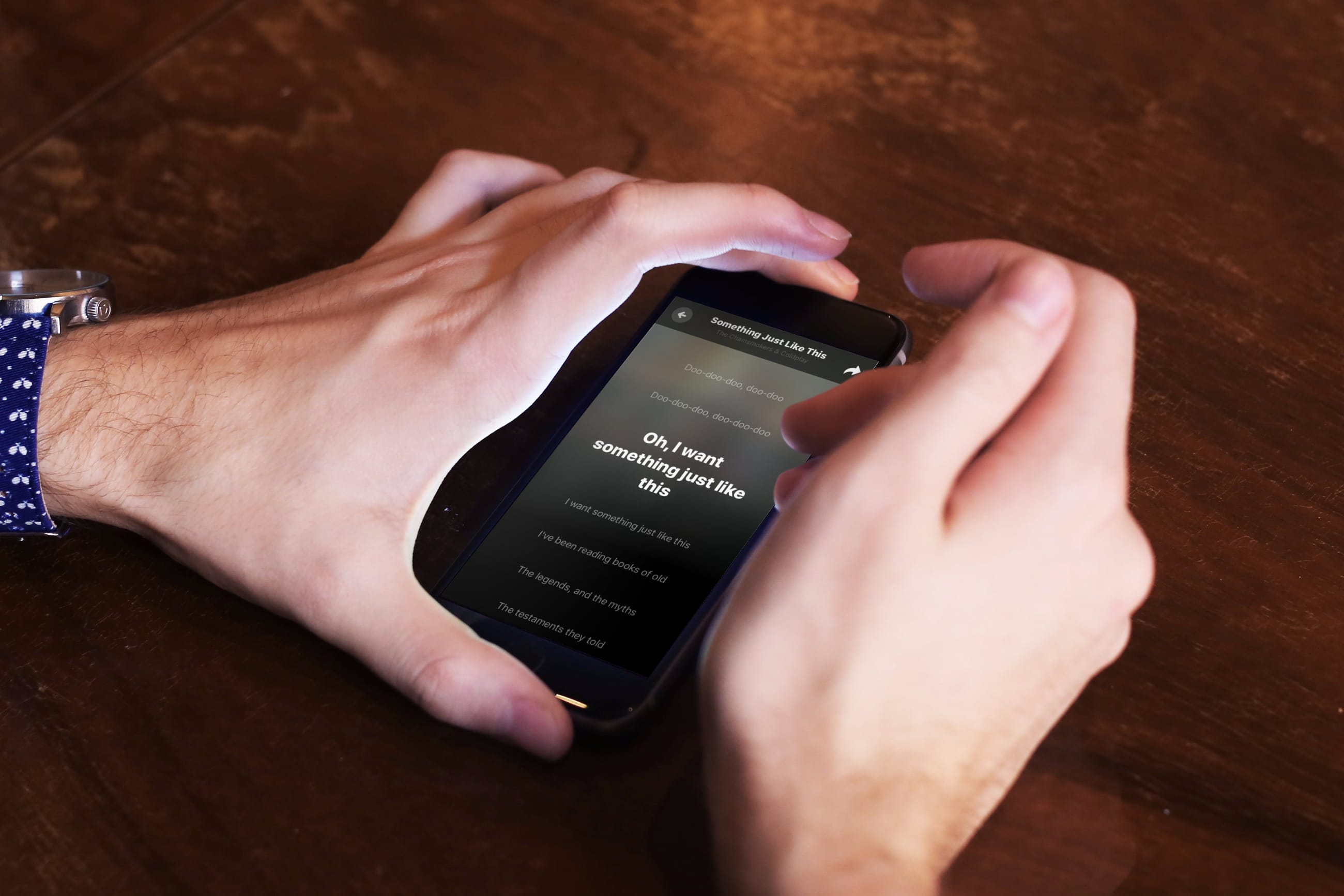
Find out which songs you played recently on Apple Music on iPhone, iPad, or Mac, to listen to them again or delete them from your history.

Learn how to block explicit songs, movies, and TV shows in Apple Music and Apple TV apps on your child’s Mac by setting up parental controls.
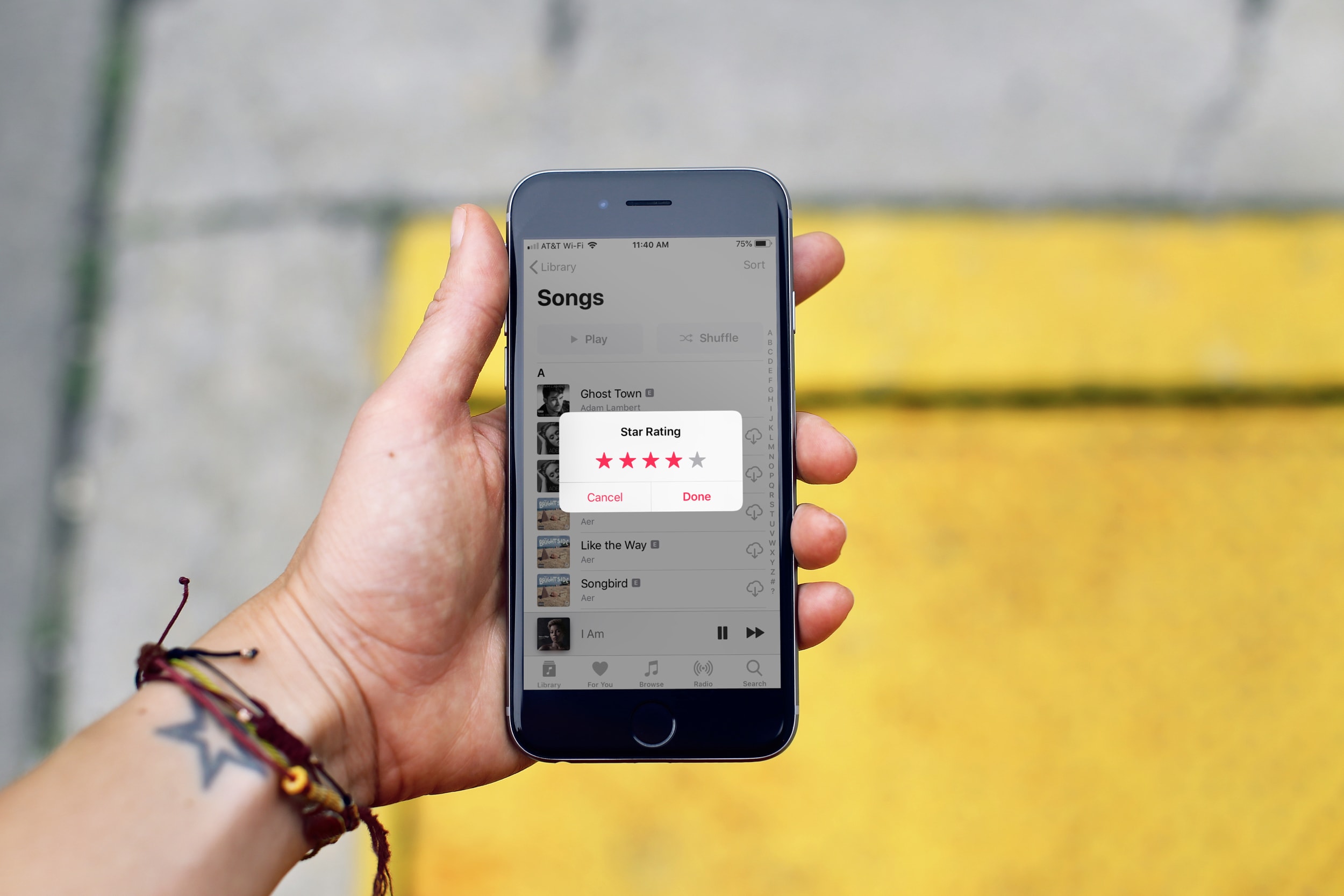
In this tutorial, we’ll show you how to rate songs in your iPhone, iPad, or Mac’s music library on a scale of one to five stars and then create smart playlists based on these rated songs.
Learn how to check the status of the various Apple services to confirm whether there are any downtime, or to make sure all services are operating normally.
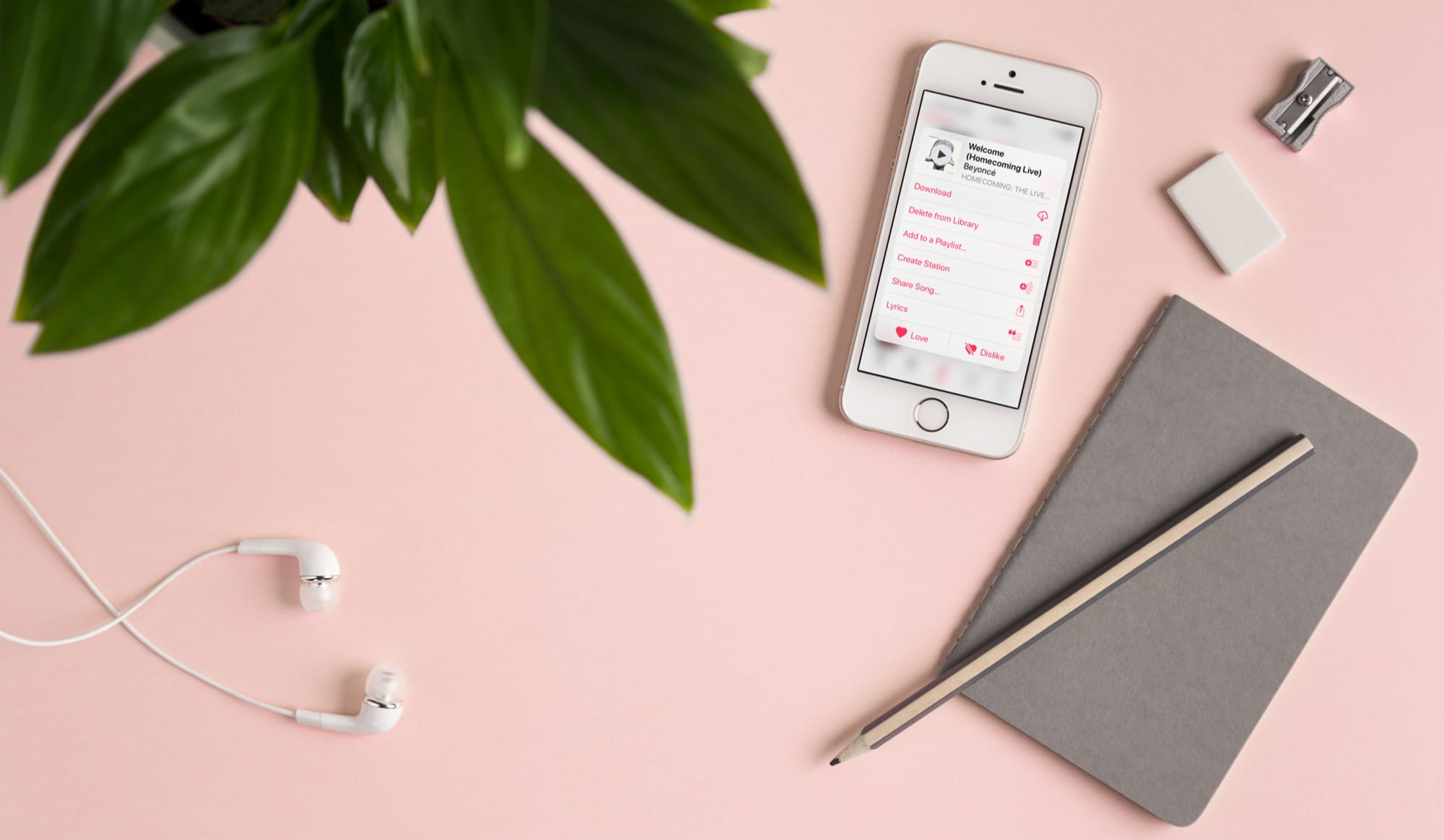
Learn how to create a radio station based on a particular song or artist in Apple Music on your iPhone, iPad, or Mac to listen to similar songs.
Learn how to use the Sound Check feature in the Apple Music app on your iPhone, iPad, and Mac to play different songs at a consistent volume level.

Learn how to get information about a song in your library or the Apple Music catalog, including metadata like title, artist, album, composer, genre, and more.
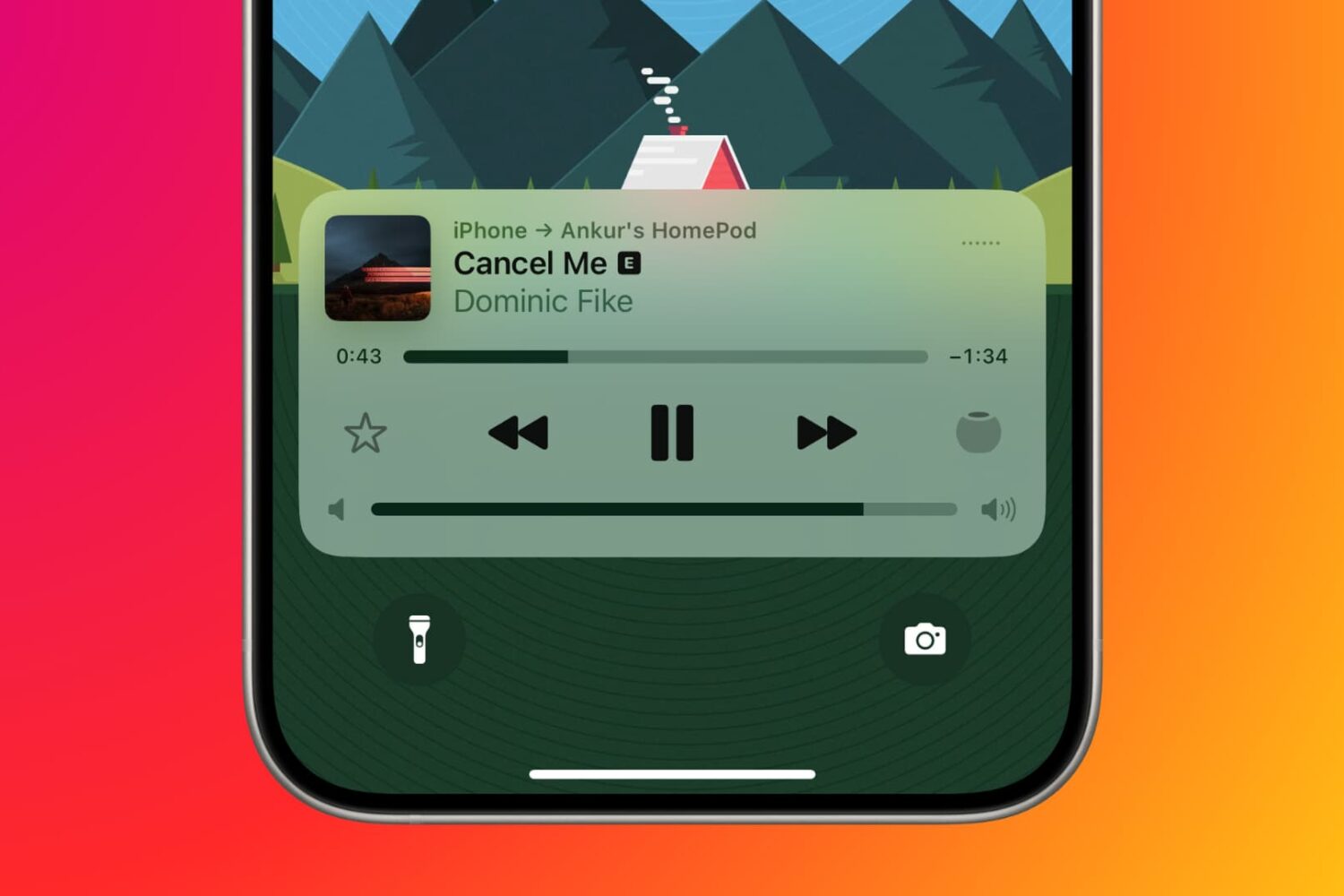
Find out how to manage your Apple Music subscription on your mobile device, computer, or the web if you need to change or cancel your Apple Music plan.