Learn a few useful tips to filter your Music library and find the songs, albums, or artists you want quicker than ever on your iPhone and iPad.
How to filter your library in the Music app on iPhone and iPad
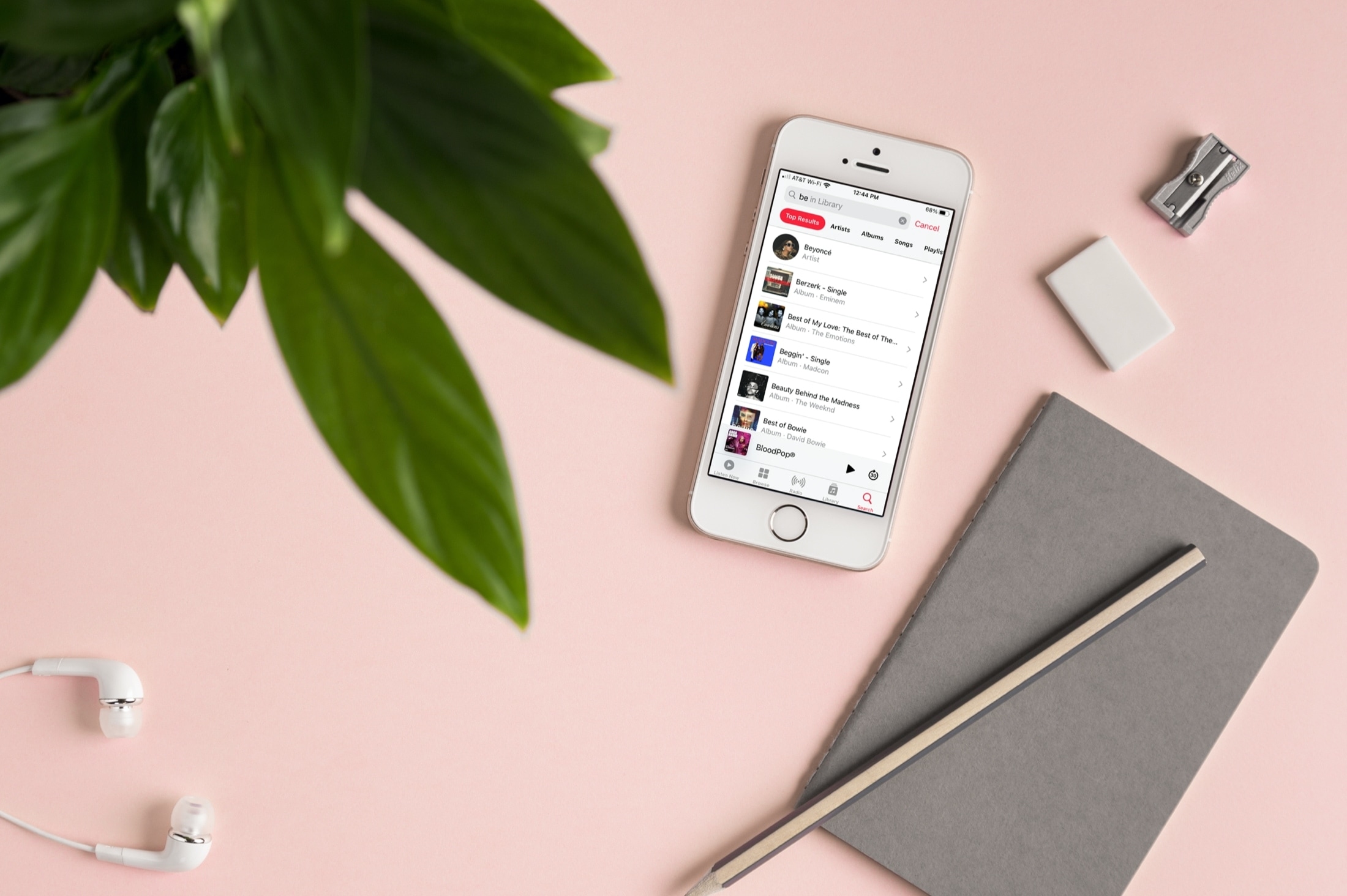
Learn a few useful tips to filter your Music library and find the songs, albums, or artists you want quicker than ever on your iPhone and iPad.
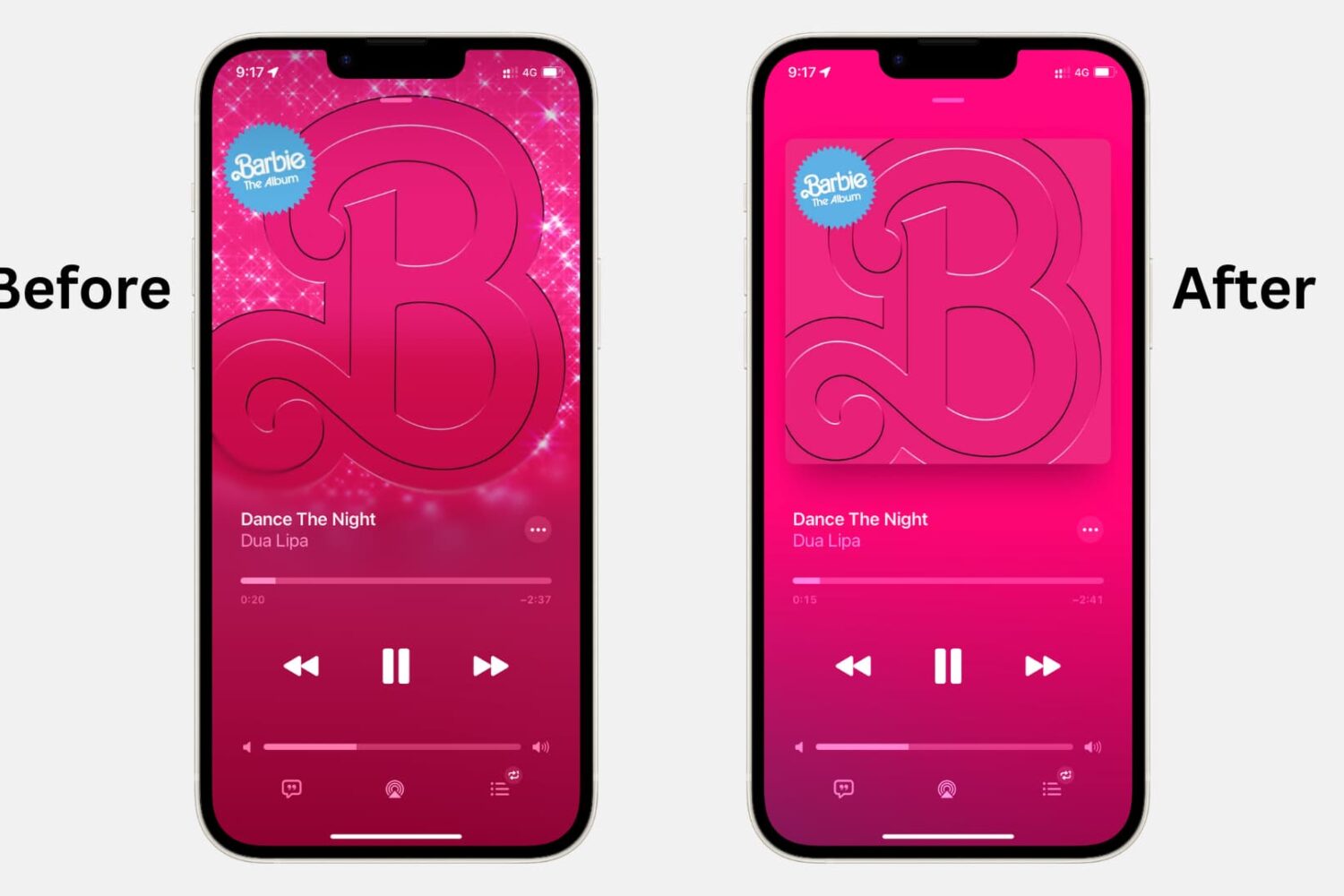
Turn off animated cover art in the Apple Music app on iPhone, iPad, and Android phone to avoid motion sickness and save data and battery.
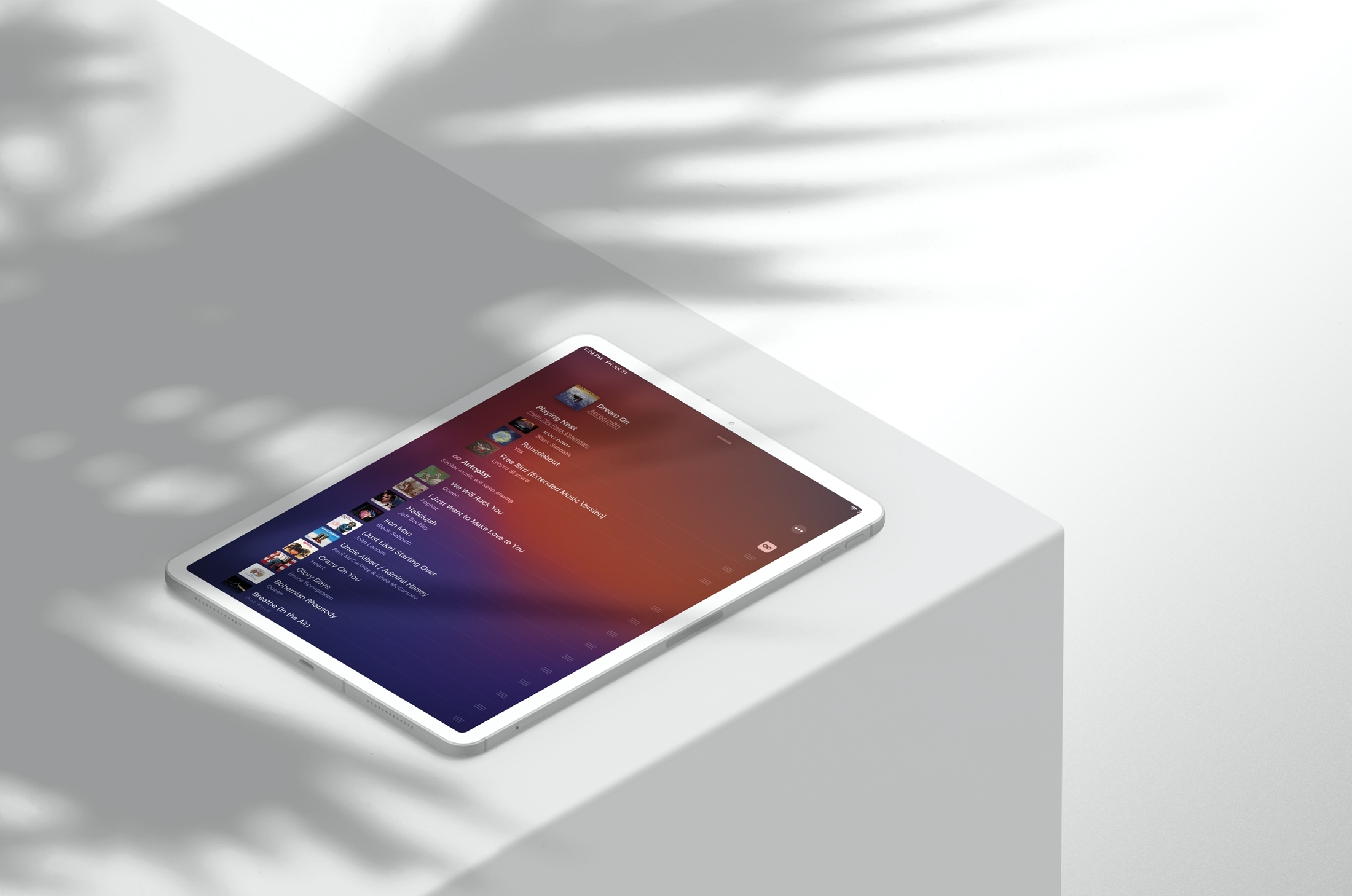
Learn how to activate the smart Autoplay feature in the Apple Music app on your iPhone or iPad so similar songs play nonstop after the one you’re listening to ends.

From creating stations and custom playlists to organizing your favorite music systematically and saving power while on the go, here are the top ten Apple Music tips you should know about.
Explore this list of handy keyboard shortcuts for the Apple Music app on your Mac so you can move & groove quicker and easier than ever!
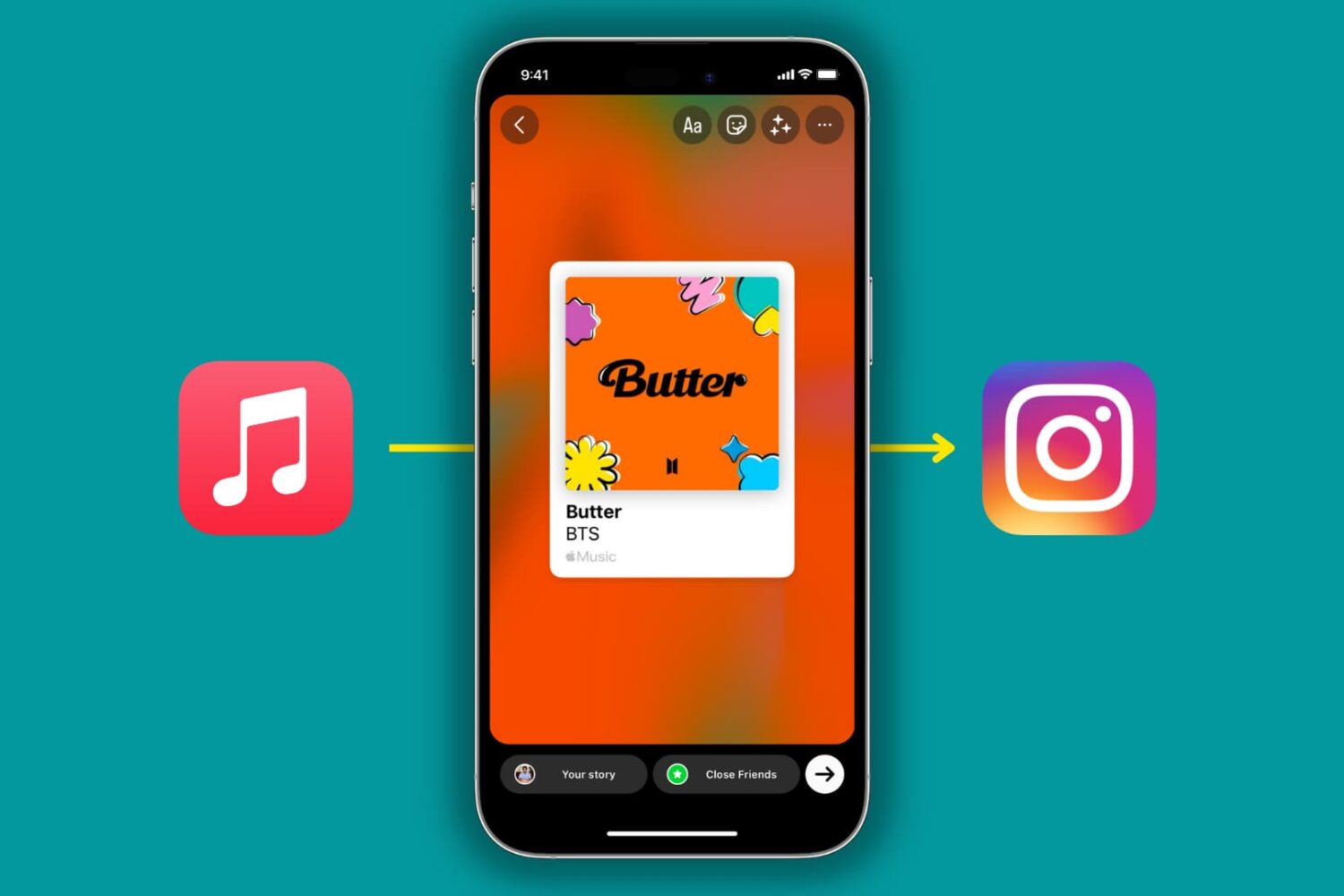
The Apple Music app on iPhone and iPad lets you share songs and albums to Instagram Stories or Facebook Stories in a beautiful, interactive manner. In this tutorial, we'll quickly show you how to do that!
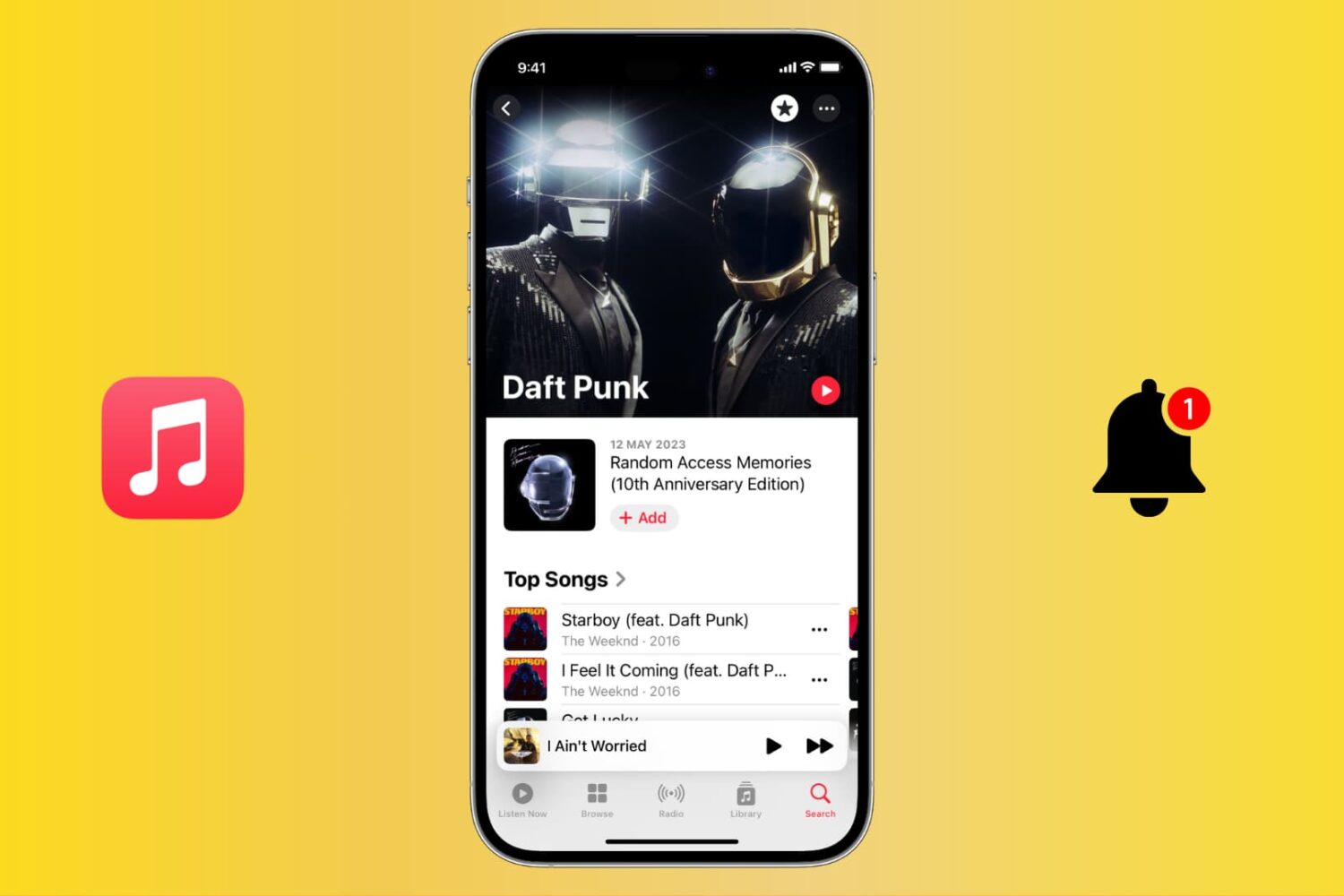
Stay up to date with your favorite artists’ latest releases on Apple Music and never miss a beat by receiving notifications for their new songs and albums.
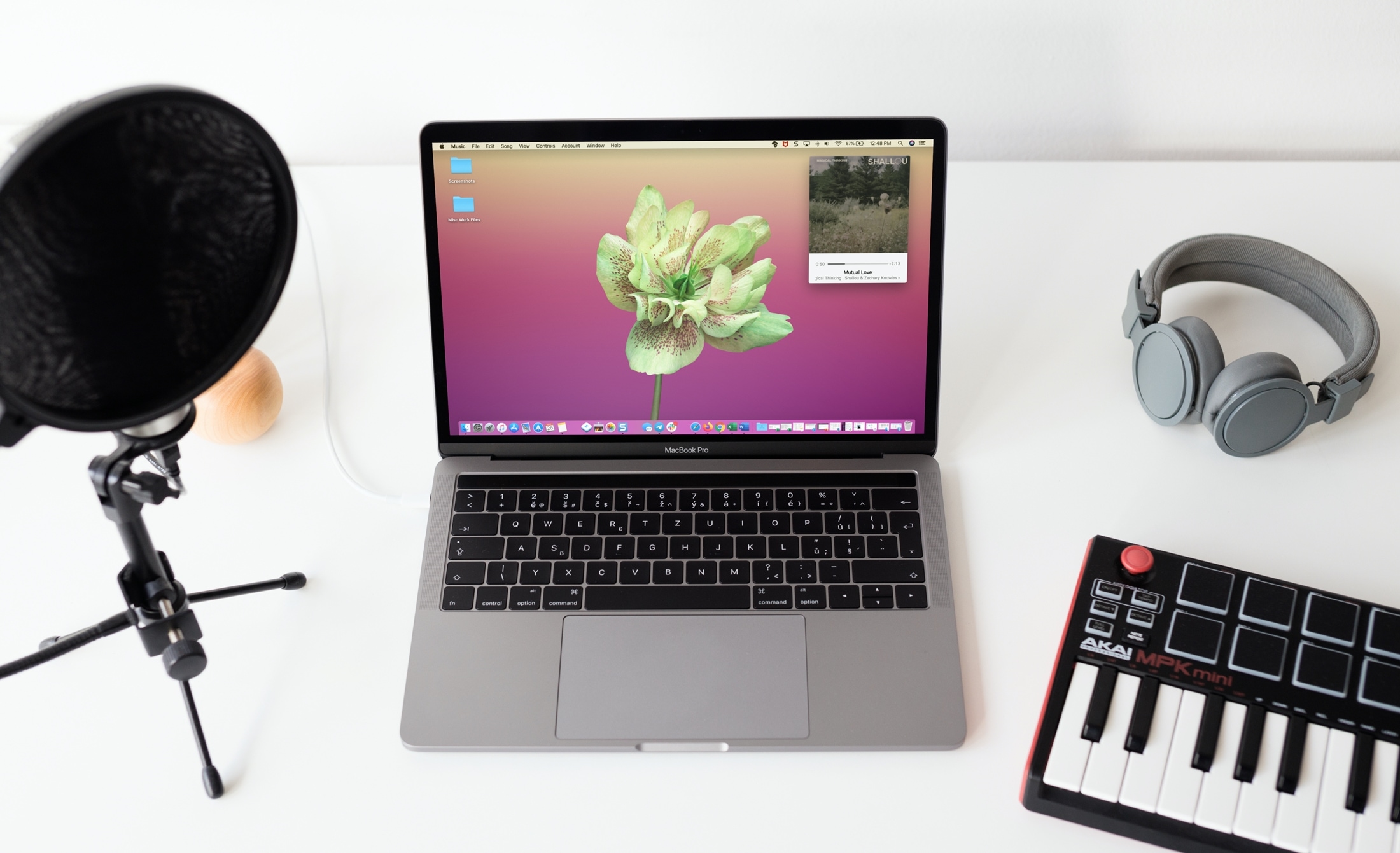
Learn how to use the Mini Player feature to turn the full Music app window into a tiny one that can even stay floating above all other app windows.
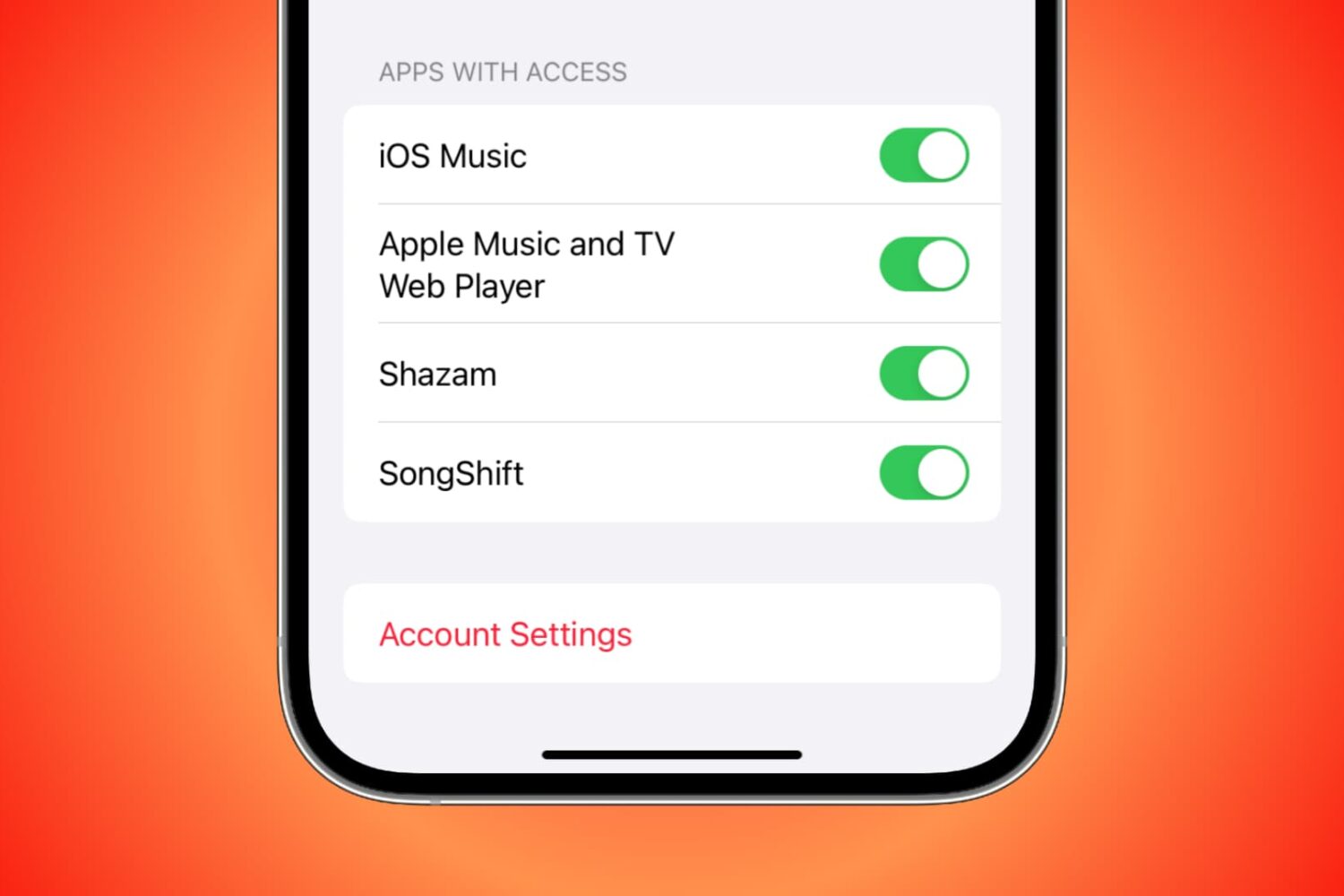
You can grant third-party apps and services access to your Apple Music for various reasons. For instance, you might allow Alexa access so you can play Apple Music on your Amazon smart speaker. But if there comes a time when you want to revoke access to an app or service for privacy or security reasons, you can do that easily by following the steps here.

Learn how to turn off repeat mode in the Apple Music app on your iPhone or iPad if you don’t want to continue listening to the same song or queue of songs.

In this handy tutorial, we show you how to add songs to your Apple Watch from your iPhone, manage the synced music, and see how much space it’s taking on the wearable.
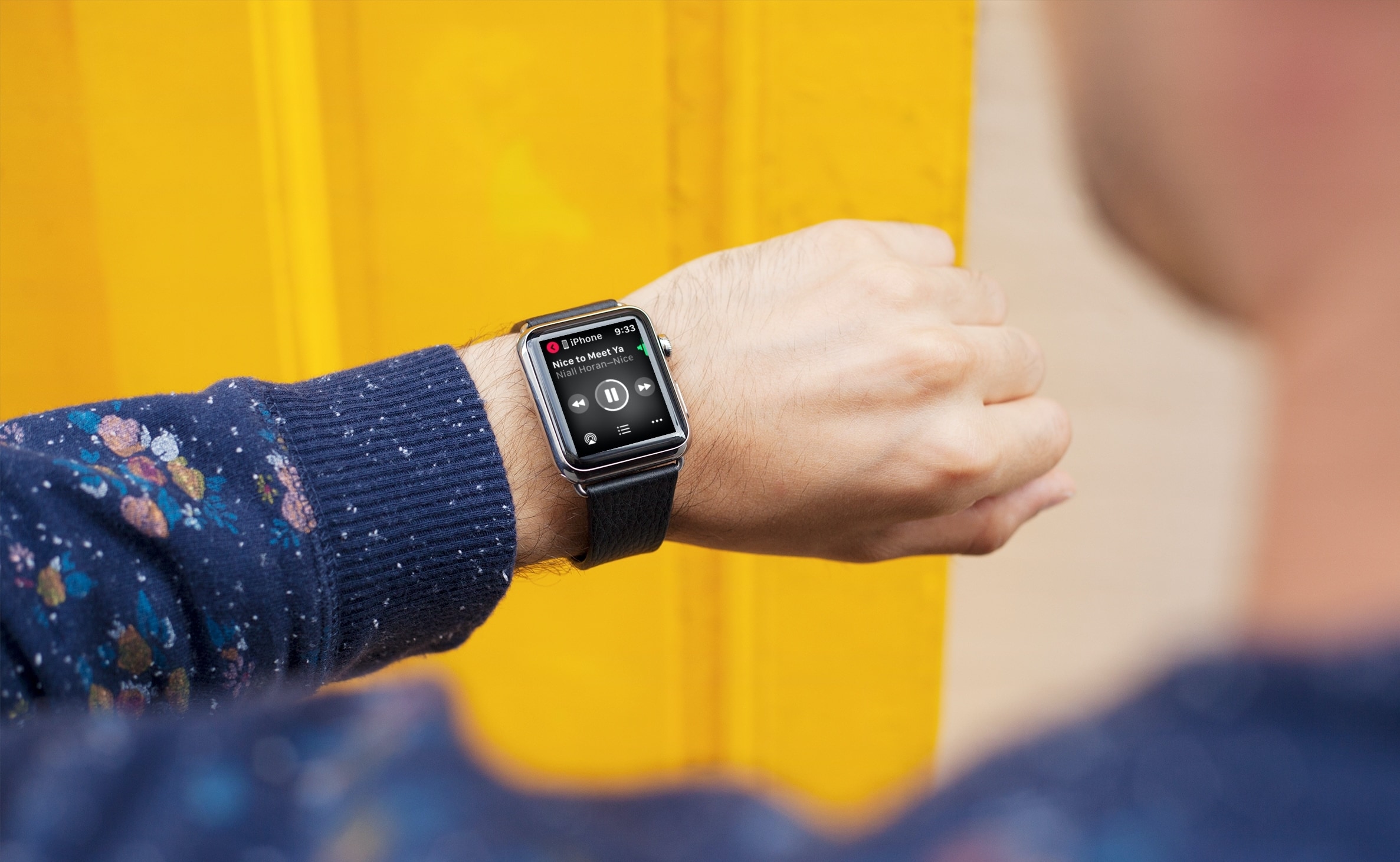
Learn how to play, pause, shuffle, and control Apple Music, Spotify, YouTube Music, or other media playback on your iPhone using your Apple Watch.