Turn off animated cover art in the Apple Music app on iPhone, iPad, and Android phone to avoid motion sickness and save data and battery.
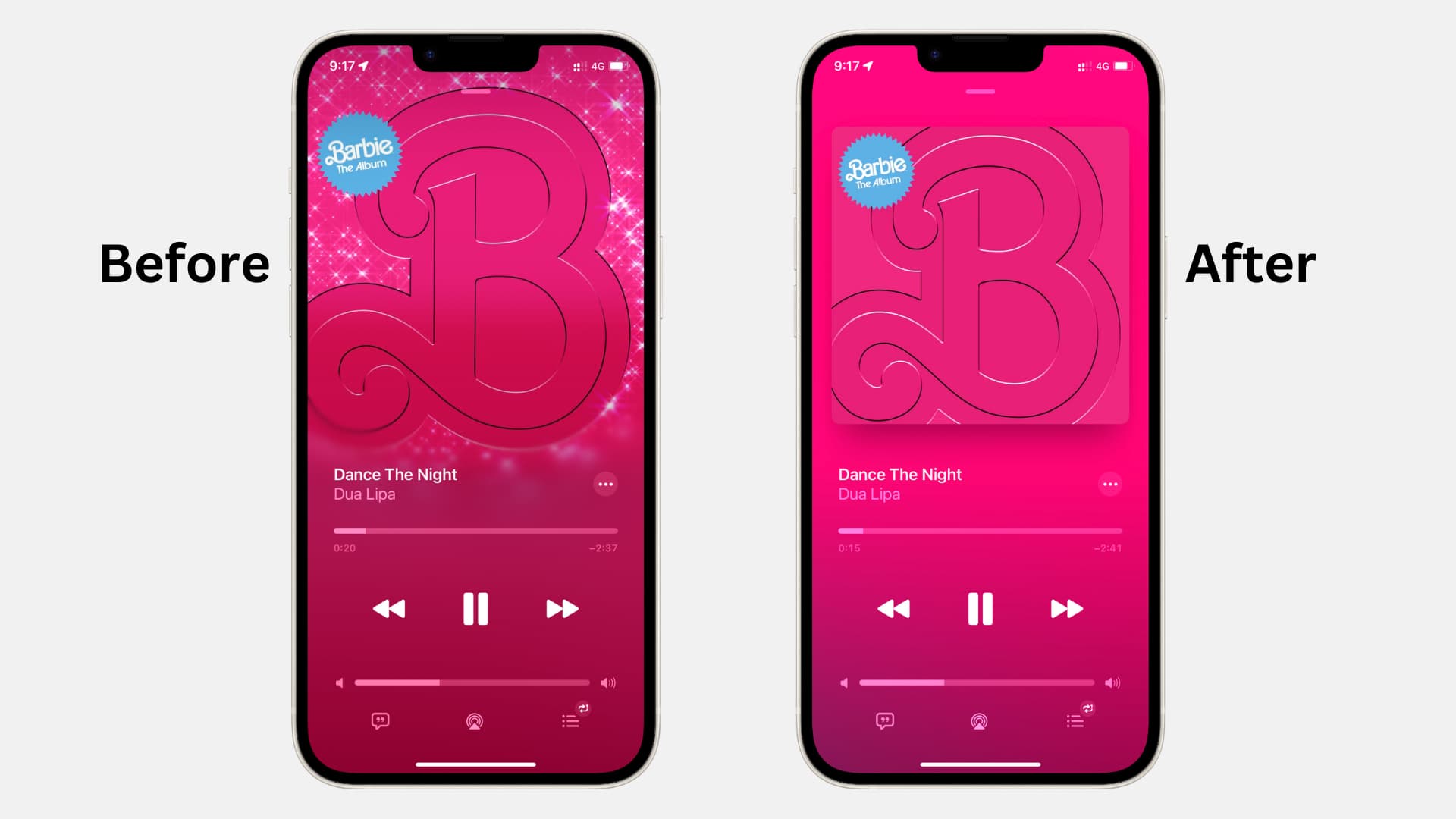
When you play songs in the iOS Music app (like this track by Dua Lipa), you may notice that the album art animates or merges beautifully with the player background.

If you’re uncomfortable with motion, you may want to turn off this visual effect. Similarly, album motion art can be turned off to ensure your device uses a tad bit less battery and consumes less cellular data.
While the feature is nice, it’s not for everyone. If you’d like to disable motion artwork for songs and playlists in the Music app, here’s how.
Turn off motion artwork in Apple Music
- Open the Settings app on your iPhone or iPad.
- Scroll down and tap Apps at the bottom, then select Music from the list of applications.
- Tap Animated Art or Motion.
- Select Off.

Note: You’ll also see a Wi-Fi Only option, which is useful if you enjoy the animated artwork but want to avoid data consumption. And, of course, you can pop back to this section in your Settings later if you decide to give the motion artwork another try.
Extra info: Instead of using the dedicated option to disable animated album art, you can also turn off motion and all animations in your iPhone’s accessibility settings, which will ensure album covers don’t animate in the Music app.
If you’re on an Android phone
- Open Apple Music and tap the three-dot icon at the top, followed by Settings.
- Scroll down and tap Motion.
- Enable Reduce Now Playing Motion to turn off animated album art on the Now Playing screen. You can also turn off Animated Art.

It’s small enhancements like this that can make a difference. It’s not a game-changer, but it might add a bit more enjoyment to your experience with the Music app.
What’s your take on the motion artwork for Apple Music playlists?
Also, check out: How to automatically pause animated images when browsing the web on iPhone, iPad, and Mac