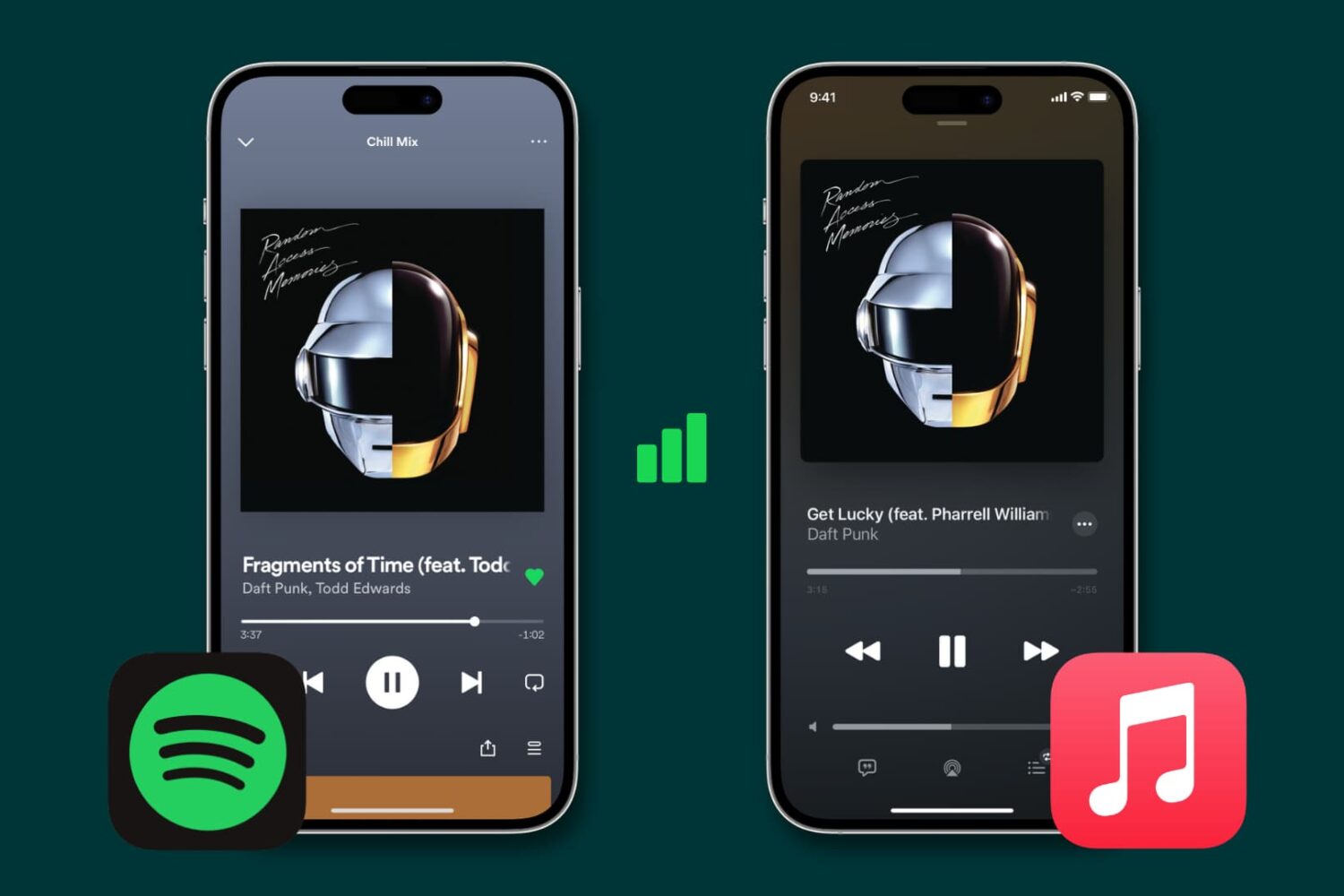
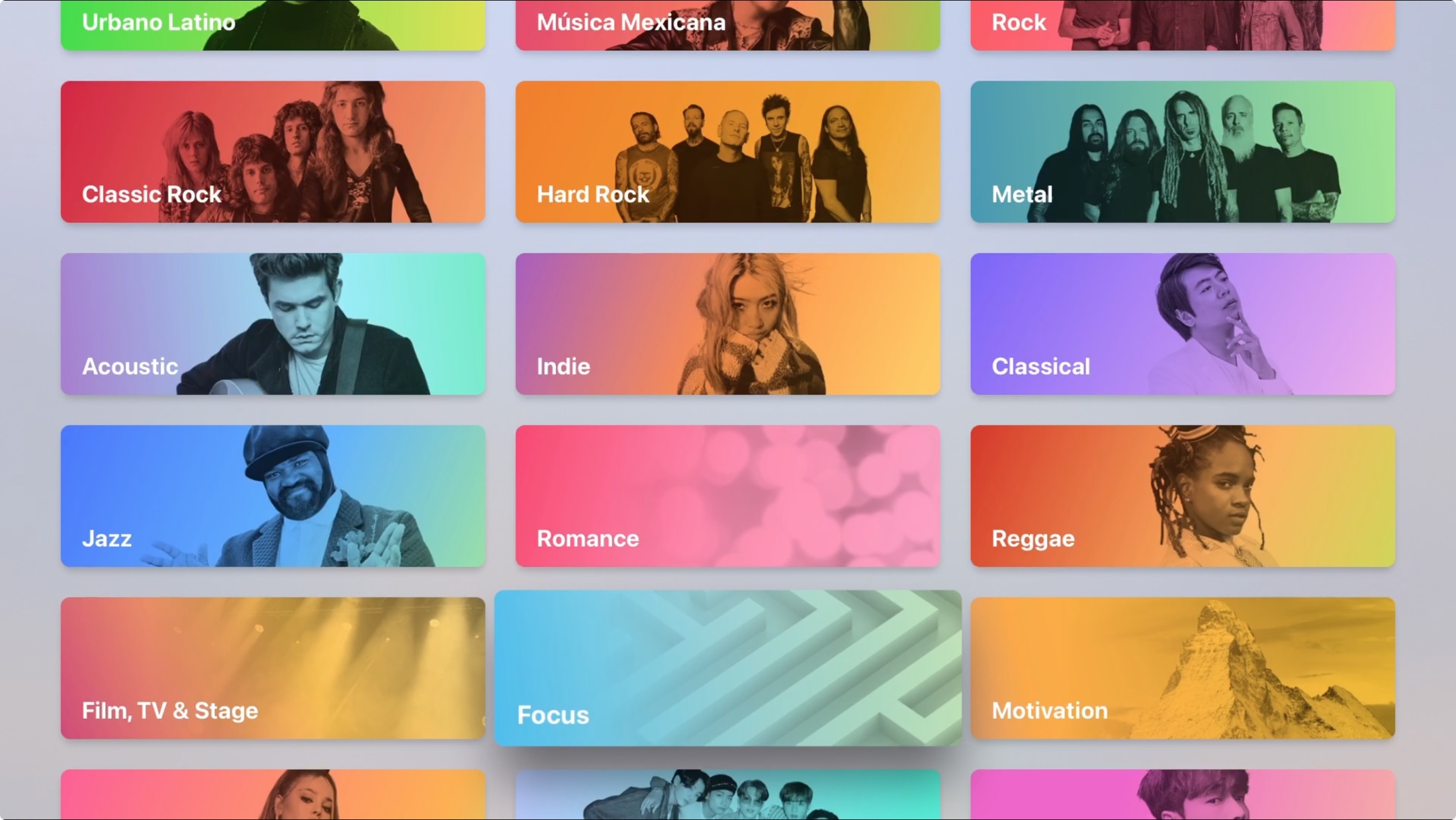
Learn how to stop Spotify, Apple Music and similar apps from gobbling up cellular data on your iPhone and instead restrict them to Wi-Fi connectivity.
How to stop Spotify and Apple Music from using your iPhone cellular data
Learn how to stop Spotify, Apple Music and similar apps from gobbling up cellular data on your iPhone and instead restrict them to Wi-Fi connectivity.
These Apple Music tips and tricks unearth the secret features of the built-in Music app on your iPhone, iPad, Mac and other devices that everyone should be using.
Access your Apple Music Replay 2022 playlist with your most played songs for the year and stats such as your most streamed albums and artists, hours listened and more.
Learn how to enjoy Apple Music songs in lossless quality on your iPhone, iPad, Mac, HomePod, Apple TV, Apple Vision Pro, Android phone, and Windows PC, to hear every fine detail of the audio and elevate your media experience.
Learn how to listen to Apple Music songs in Dolby Atmos on your iPhone, iPad, Mac, Apple TV, HomePod, Vision Pro, and Android phone to enjoy an immersive, three-dimensional audio experience.
Learn how to share the lyrics of a song from Apple Music as an Instagram Story from your iPhone, iPad, or Android phone.
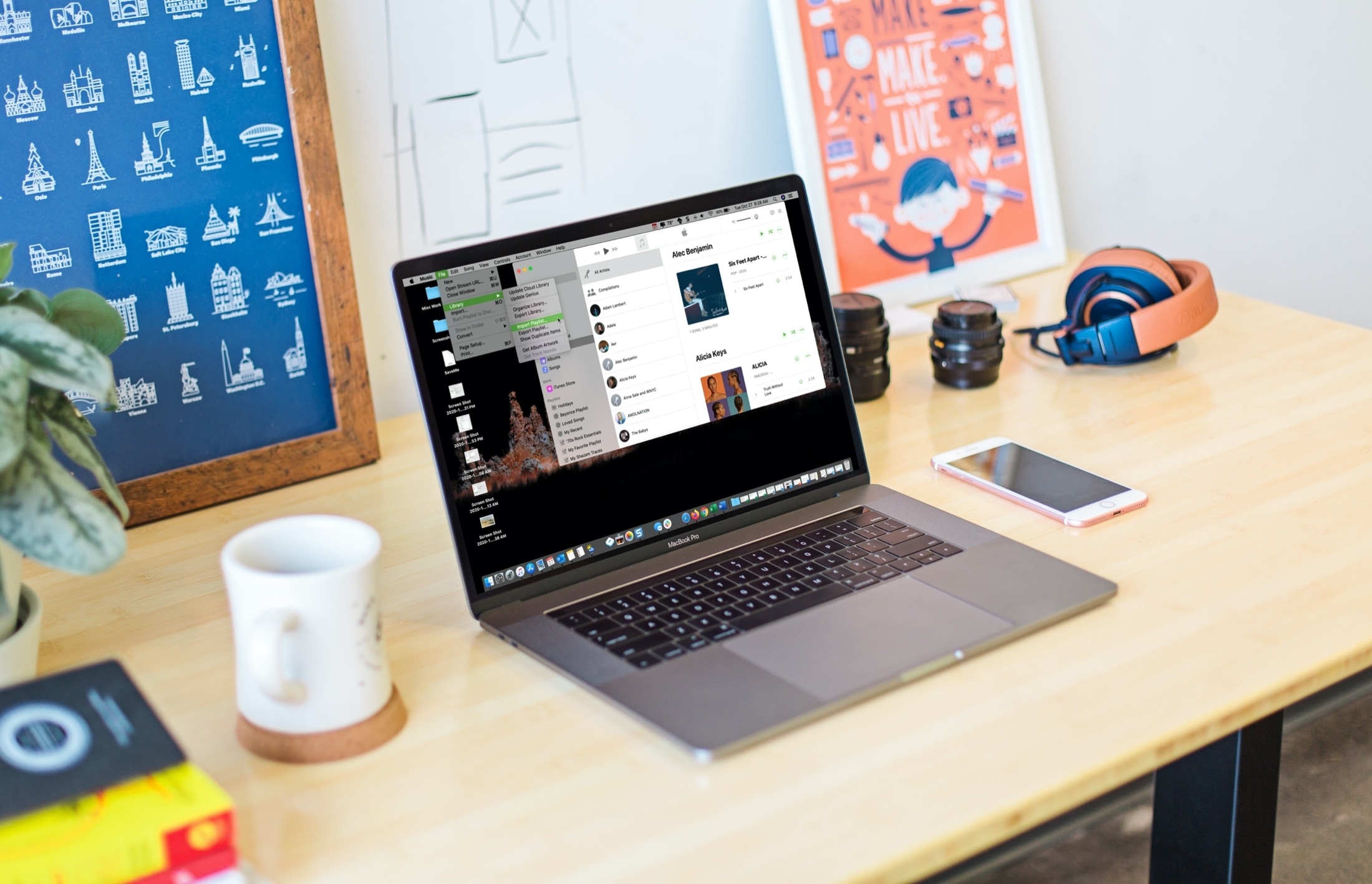
Learn how to import an Apple Music playlist from another service or export one as a backup or for use in another app.
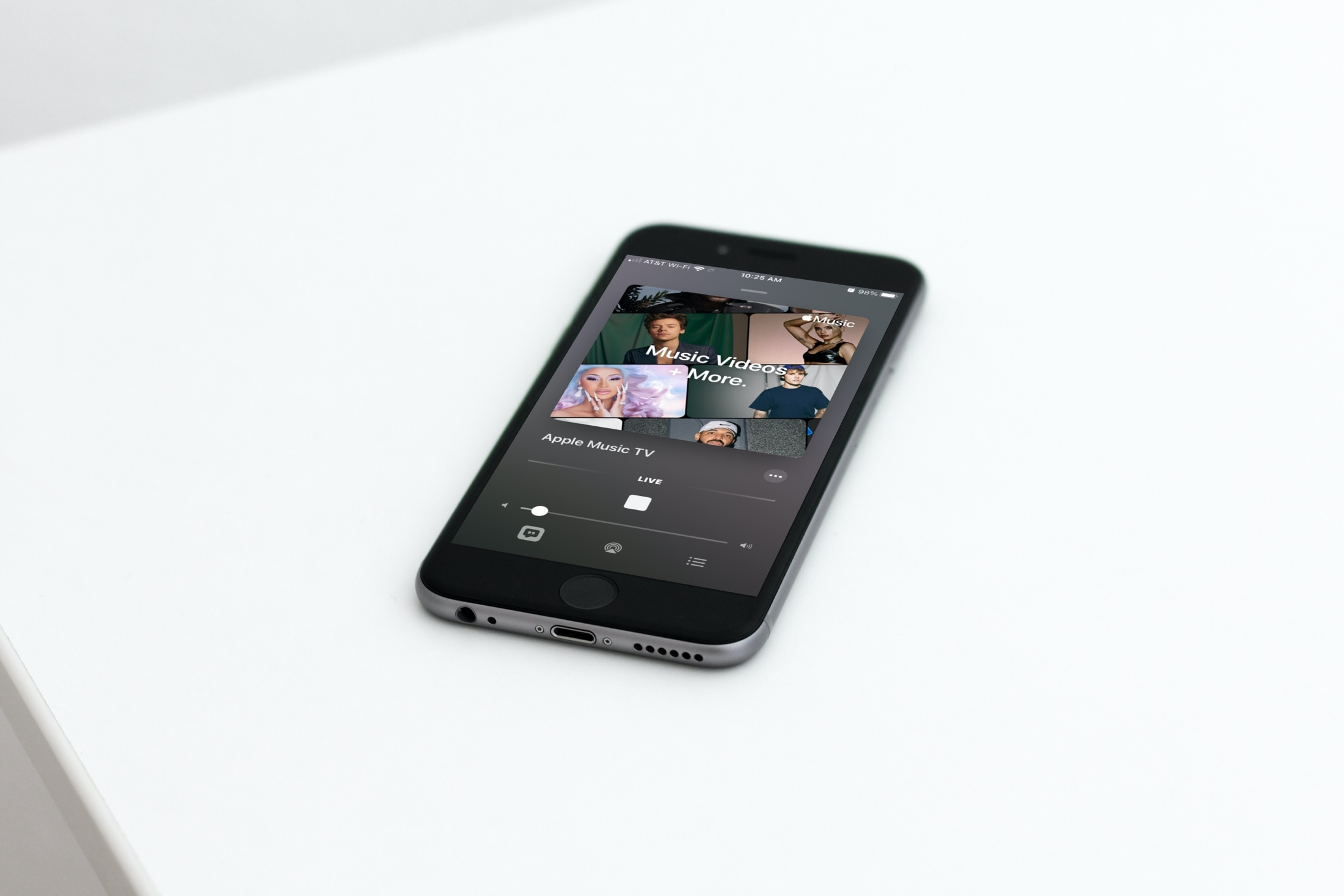
In this tutorial, we will show you how to find and watch Apple Music TV for free on your iPhone, iPad, Mac, TV, and other supported devices.
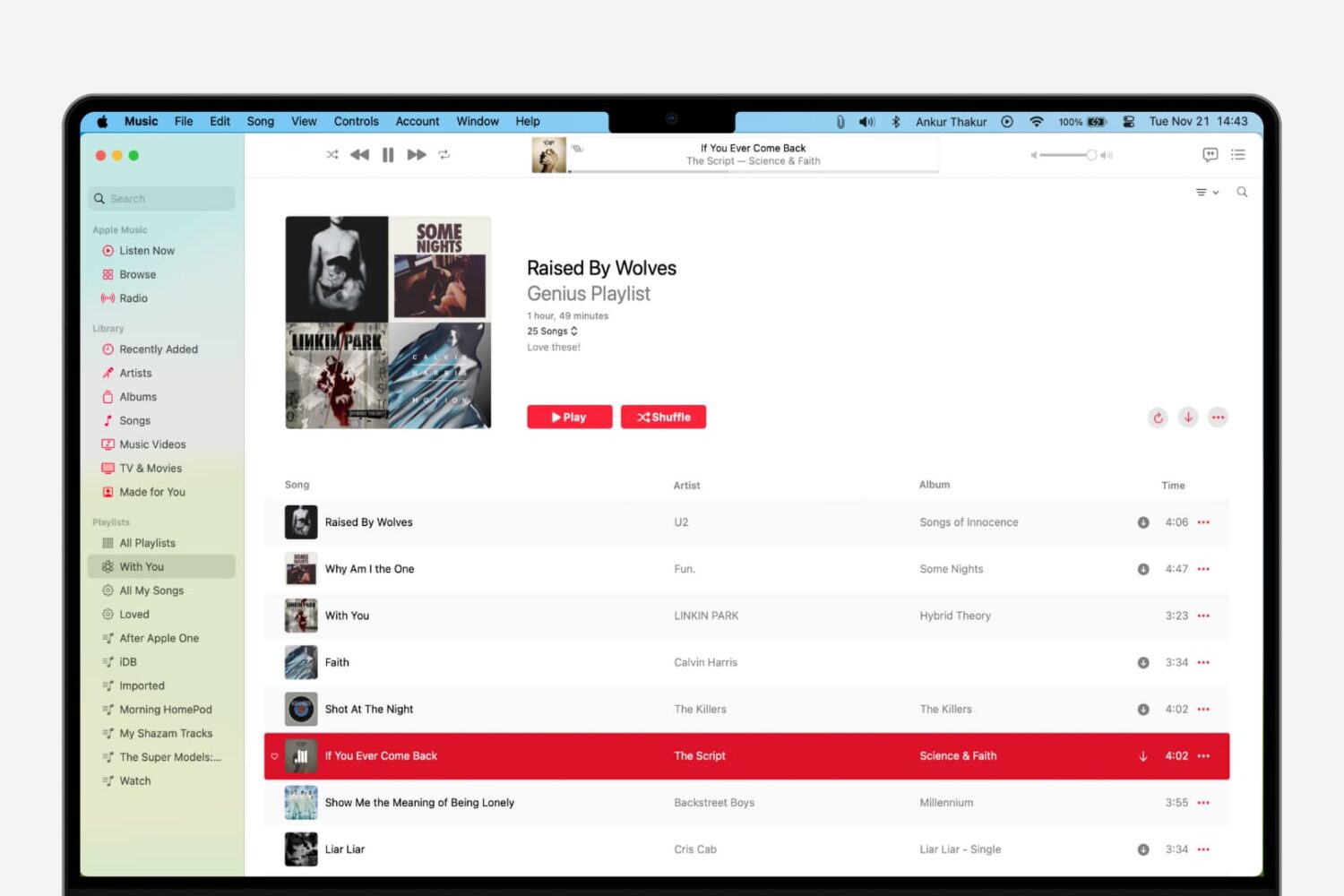
Learn how to use the Genius Playlist and Shuffle features in the Music app on Mac for a nice and easy mix of tunes that sound great together.
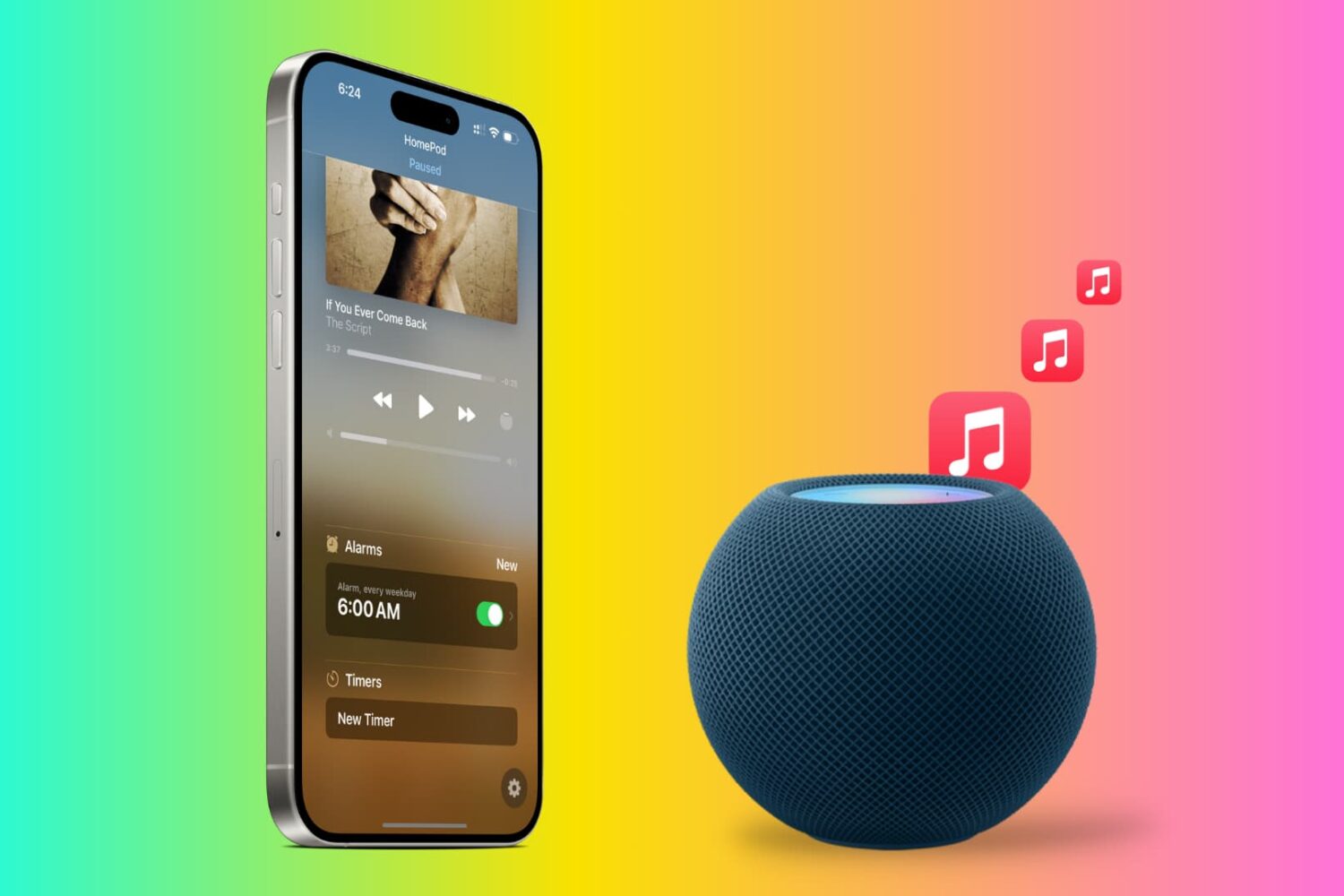
Tired of the default HomePod alarm tone? In this tutorial, we will show you how to use songs from Apple Music as an alarm sound on your HomePod so you can wake up to your favorite track and start the morning gleefully.
Maybe you just bought your first Apple TV or perhaps you’ve only used it for shows and games. The Music app on Apple TV works very much like it does on your other devices. You can discover something new, manage your library, and search for a particular song, album, or artist.
Don’t take the Apple Music app on your Apple TV for granted. Use it for background music as you work or pump up the volume for a get-together with this guide to using Music on Apple TV.
Learn a few useful tips to filter your Music library and find the songs, albums, or artists you want quicker than ever on your iPhone and iPad.