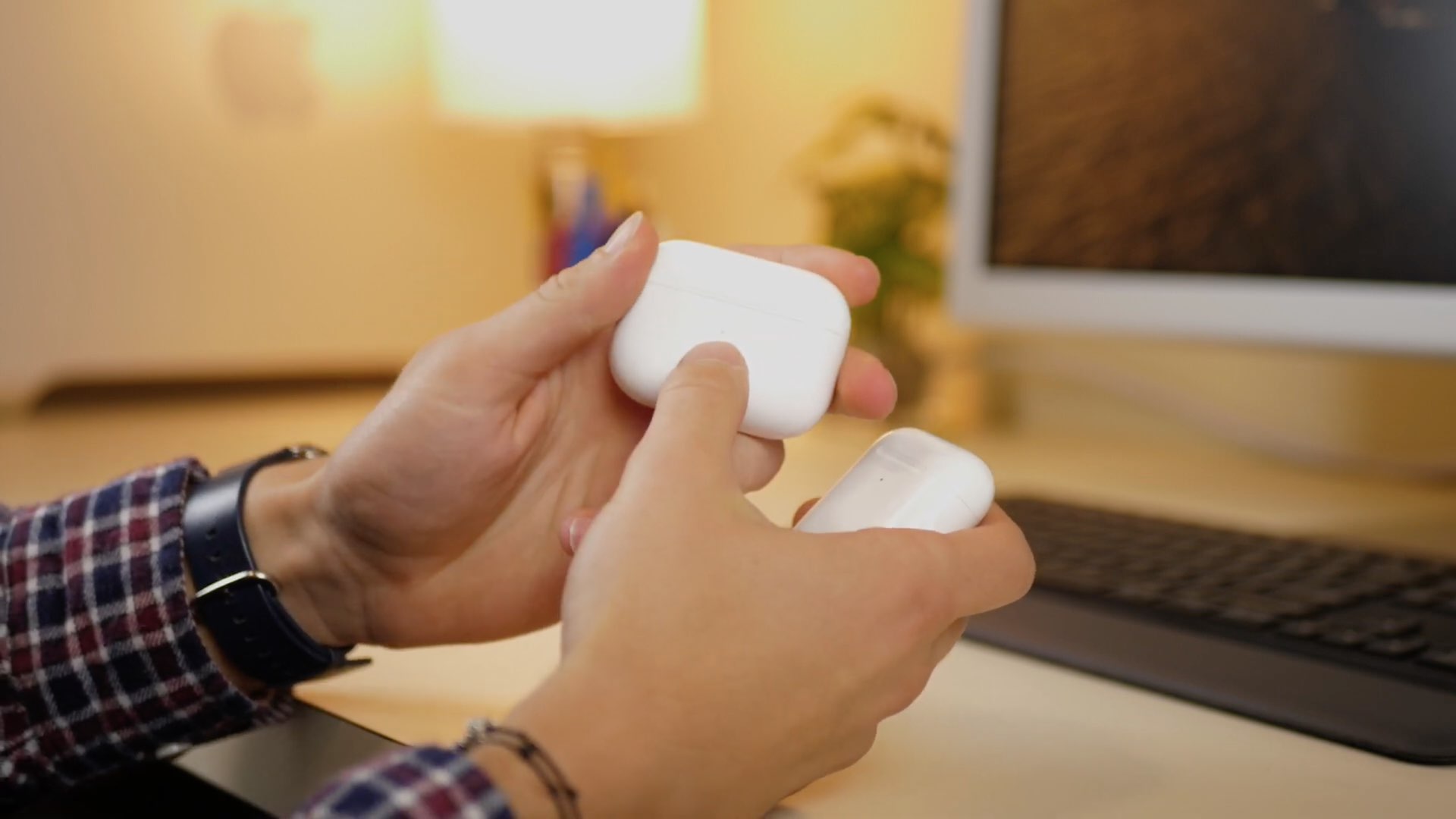
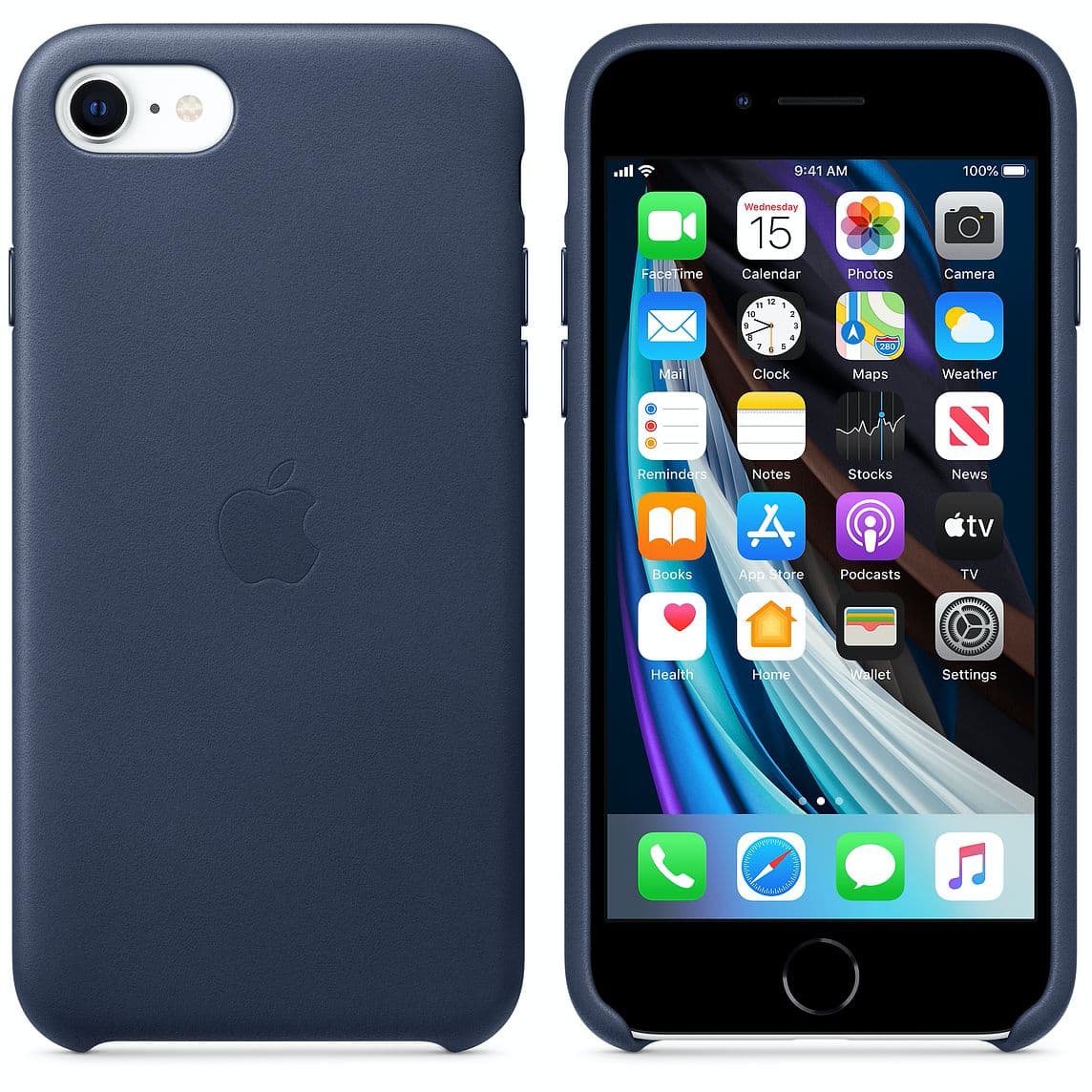
If you’ve ever paired a set of AirPods or Beats-branded headphones with your iPhone before, then you should be vividly familiar with the unique Bluetooth pairing experience that you’re presented with when you bring these devices close to your iPhone for the first time. Apple describes the experience as magical, and that’s no lie.
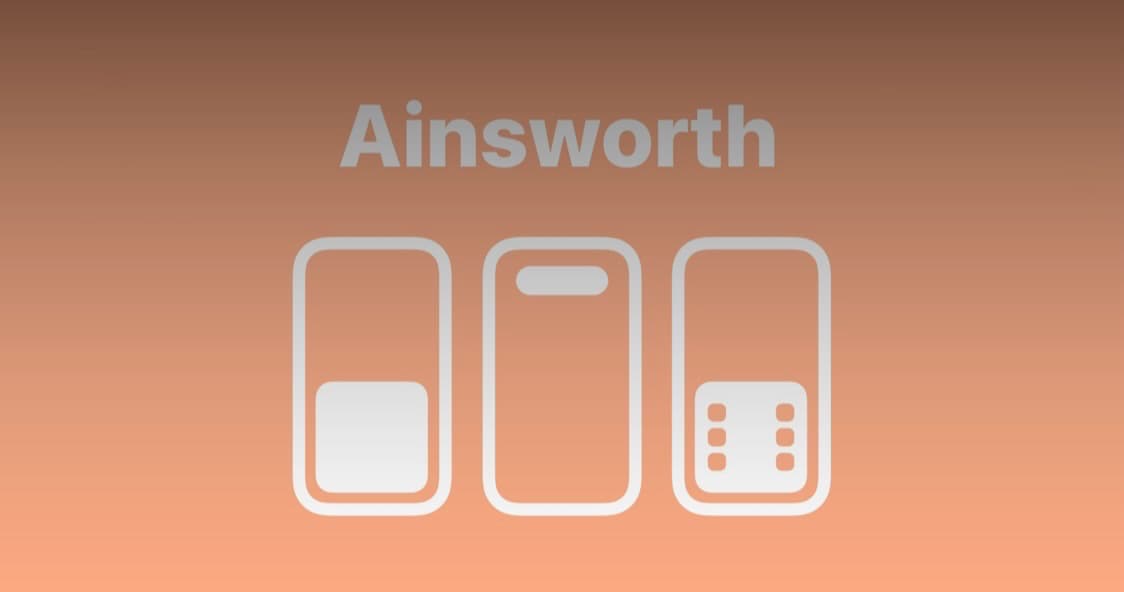
But if you’re pairing any other brand of device with your iPhone, be it a pair of headphones or perhaps a speaker for that matter, you’ll find that the pairing experience isn’t quite as magical. Apple does this on purpose to make its products stand out, but if you want a similar pairing experience for your third-party accessories, then you can take advantage of a newly released jailbreak tweak dubbed Ainsworth by iOS developer Dave van Wijk to do just that.