Accessibility

Safari Electro 2 brings improved web browsing and Safari theming to iOS

Apple’s Safari web browser is perhaps one of the best ways to explore the internet on your iPhone or iPad, but that doesn’t mean it’s perfect. In fact, we can think of a number of ways that it could be improved, such as importing many of the iPad’s web browsing features to the smaller iPhone.

But whether you’re looking for functionality upgrades or the ability to theme your Safari web browser from top to bottom, we’ve got a gut feeling that a newly released jailbreak tweak called Safari Electro 2 by iOS developer Minazuki could be right up your alley.

Omega breathes new life into iOS’ power down menu

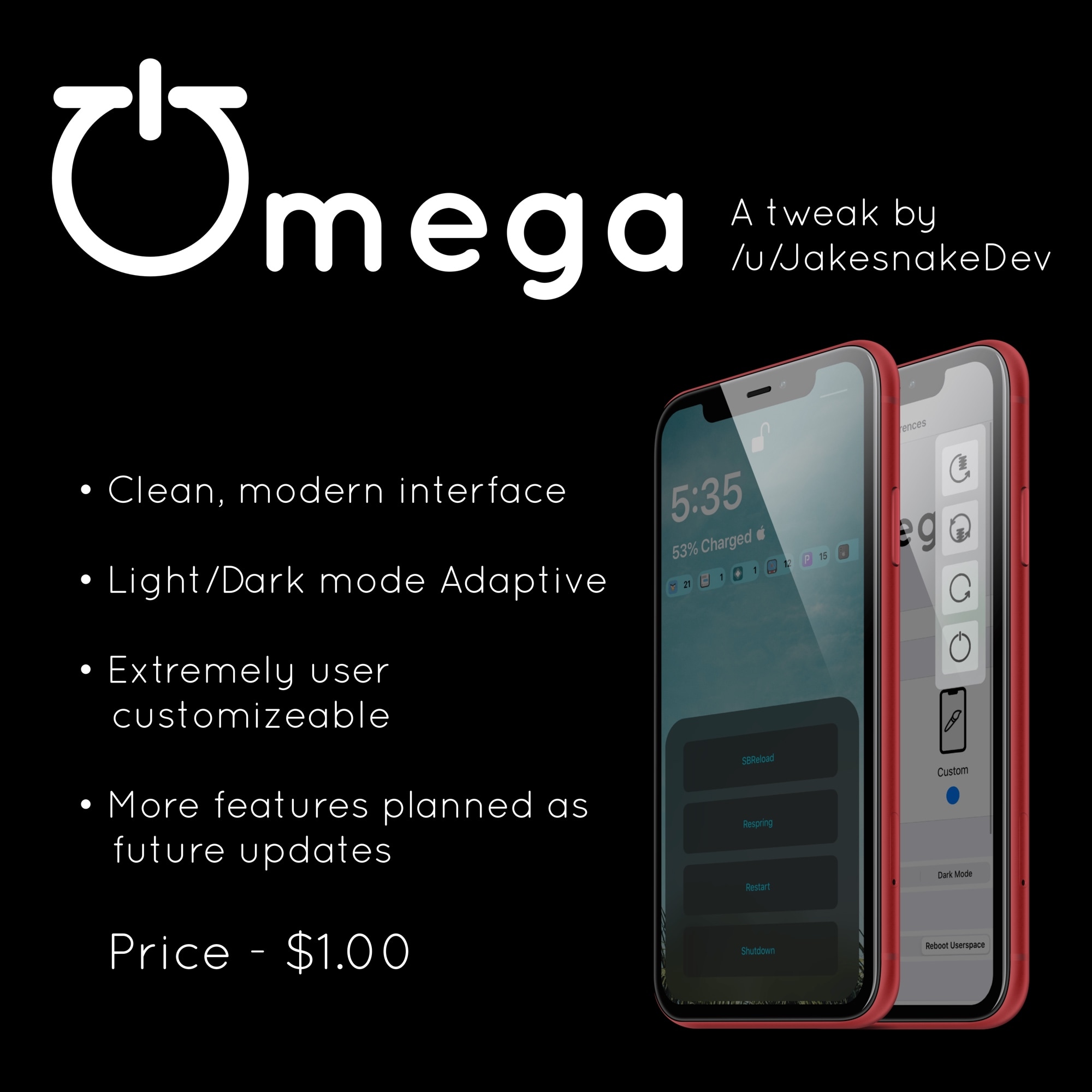
There’ve been literally so many different jailbreak tweaks made available for customizing the iOS power down menu that we can hardly even keep count of them all anymore. That aside, we still like to showcase those that we think look promising, and a new release called Omega by iOS developer JakeSnake certainly appears to fit the bill.

In the screenshot examples above, you’ll notice that Omega provides users with several different power down interfaces to choose from. Furthermore, if the basic iOS power down menu just doesn’t cut it for you, especially since jailbreakers hardly ever turn their device(s) off, then perhaps you’ll enjoy the tweak’s suite of alternative booting controls instead.

InstaLauncher 2 makes it easy to access any app from anywhere

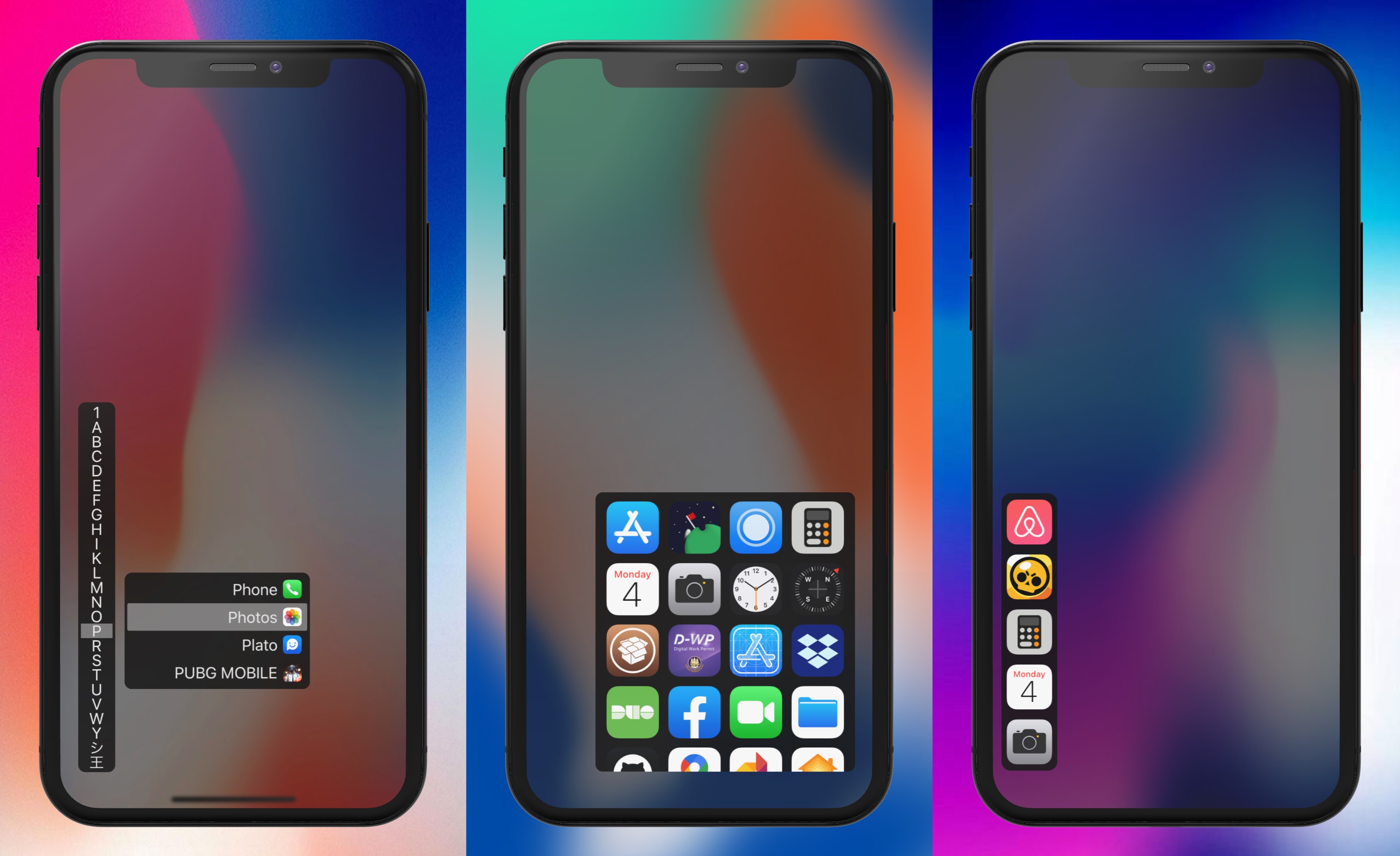
The iPhone’s Home screen is simple and effortless to navigate by nature, but if you have a lot of apps installed, then it can quickly start to seem like you’re playing a game of ‘I Spy’ every time you attempt to locate certain apps. That’s one reason why we’re fans of the plethora of third-party application launchers that the jailbreak community has brought to the table over the years.

One of the more popular options that comes to mind was InstaLauncher by iOS developer Jonathan Winger Lang, and as of this week, InstaLauncher 2 is now available with full support for iOS 10 and later (including iOS 13).

How to enable and customize Switch Control on Mac

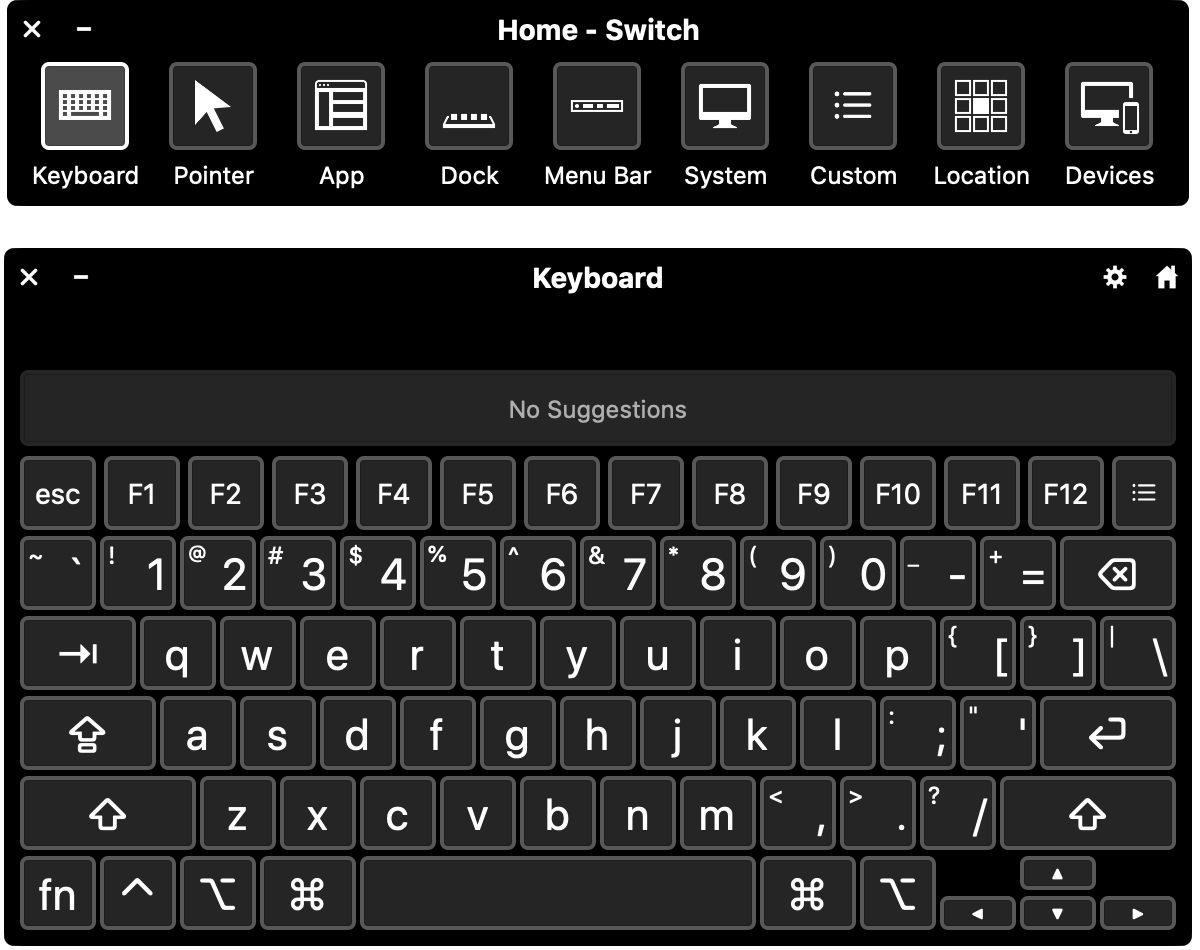
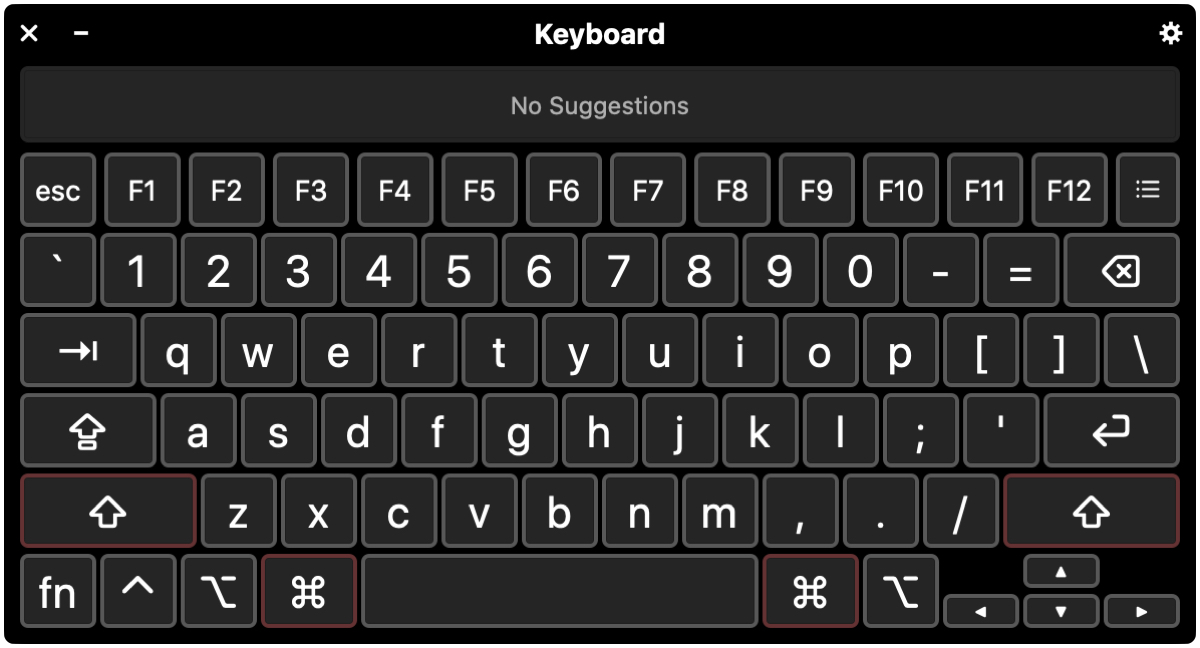
Switch Control and Keyboard Mac

Switch Control is a helpful accessibility feature on Mac. It lets you connect an adaptive device and then interact by entering text, selecting items, and controlling your Mac.

If you want to use Switch Control for you or someone you share your computer with, this tutorial shows you how to enable and customize Switch Control on Mac.

Upgrade your iPhone’s native keyboard with DockX

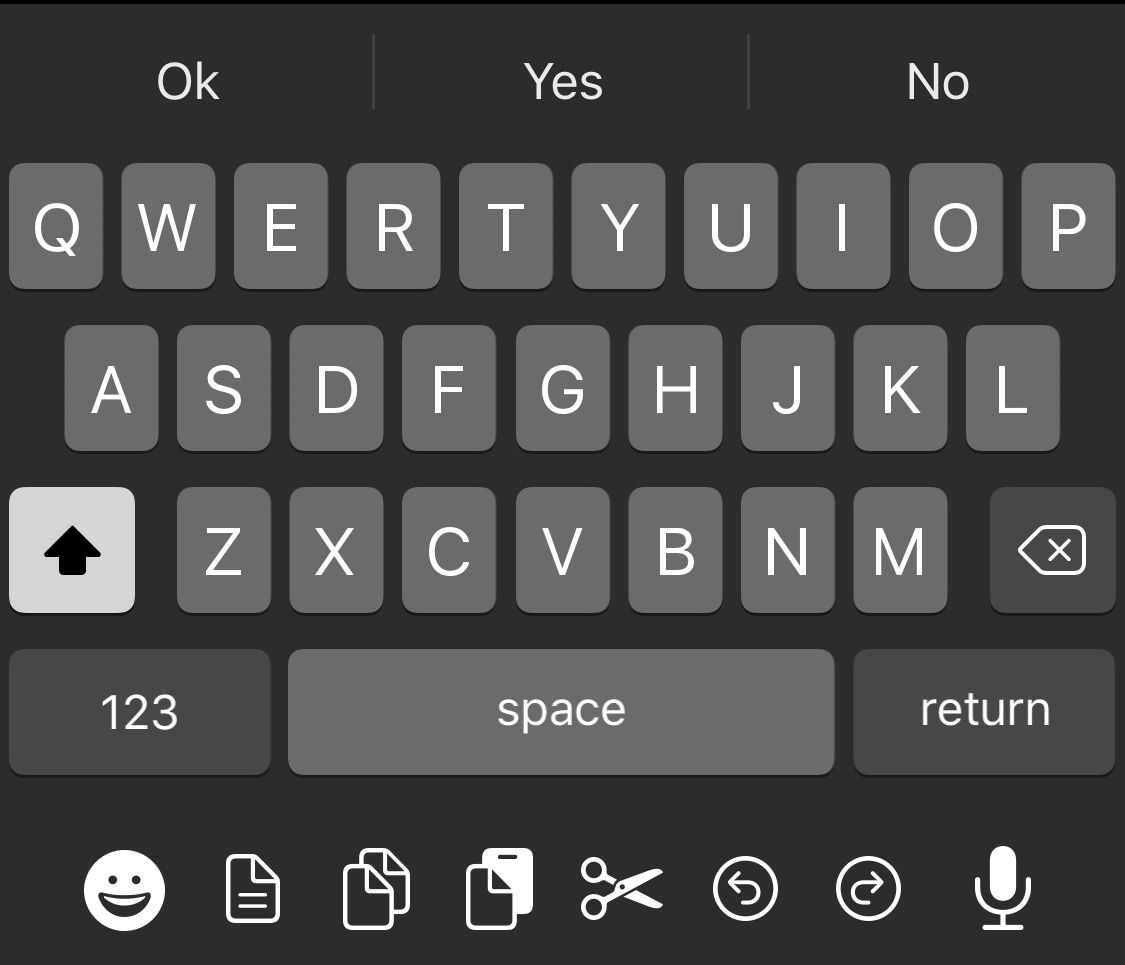
Apple took great care to ensure that iOS would have one of the most enjoyable typing experiences in the modern smartphone market. While it certainly is one of the best, it can still be argued that the iOS keyboard could be better with a few minor improvements.

One such example is the likes of a newly released and free jailbreak tweak called DockX by iOS developer udevs, a simple add-on that brings a full-fledged pasteboard shortcut dock to the bottom of the iPhone’s native keyboard interface.

Dusky enables use of iOS’ Reduce Transparency mode on a per-interface basis

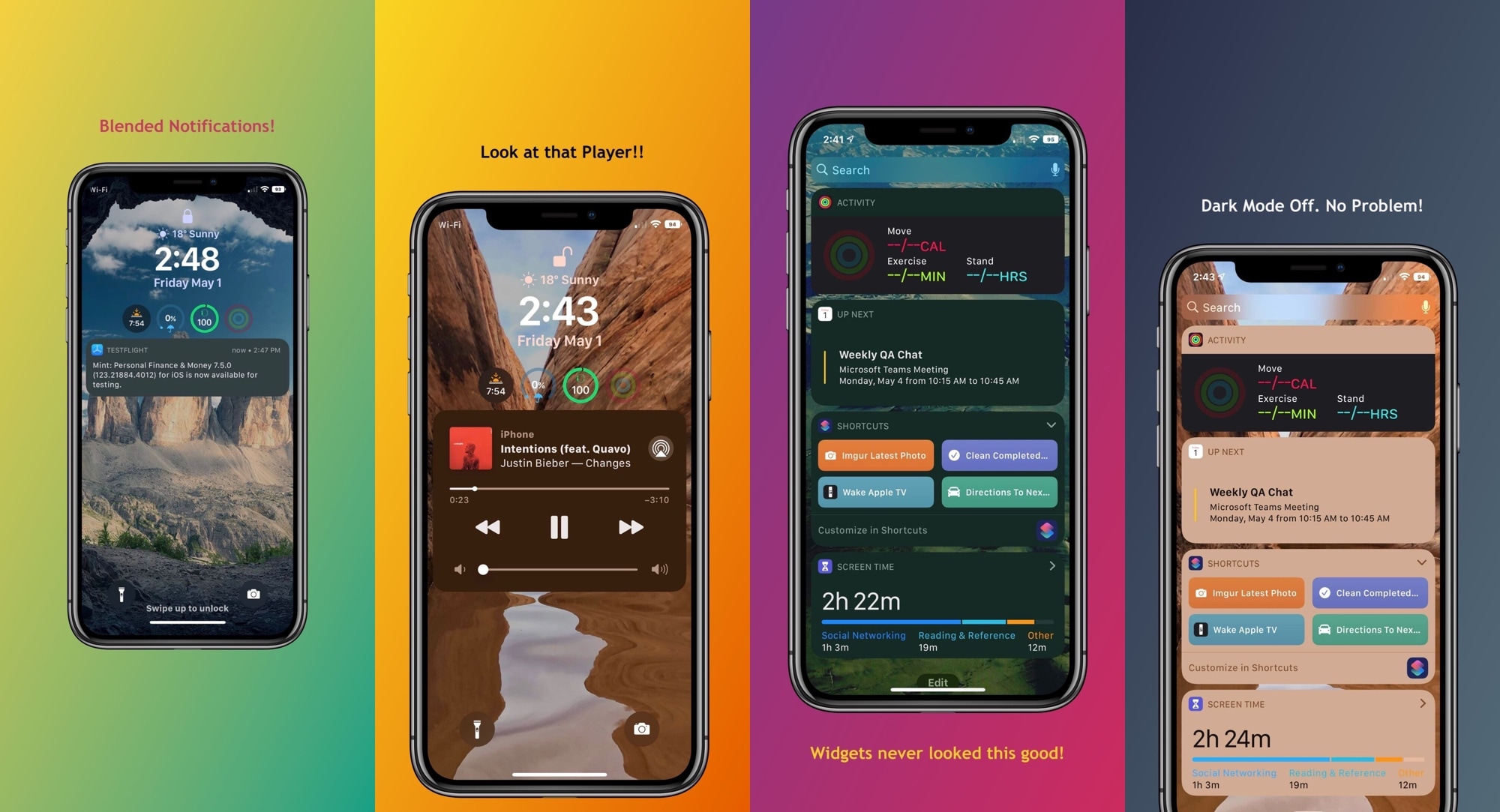
Any stock installation of iOS or iPadOS includes a native Accessibility option called Reduce Transparency that, as the name suggests, reduces transparency in several interfaces found throughout the platform. Some of these interfaces include Today widgets, notification banners, and the Now Playing media player, to name a few.

Some people like using the Reduce Transparency option for the aesthetics alone; unfortunately, toggling this option applies to every aspect of iOS, which may not be preferred in all instances. Those looking for more fine-grained control over this feature may want to turn their attention to a newly released and free jailbreak tweak called Dusky by iOS developer P2KDev.

Why settle for an ordinary iPhone Dock when you can use Multipla?

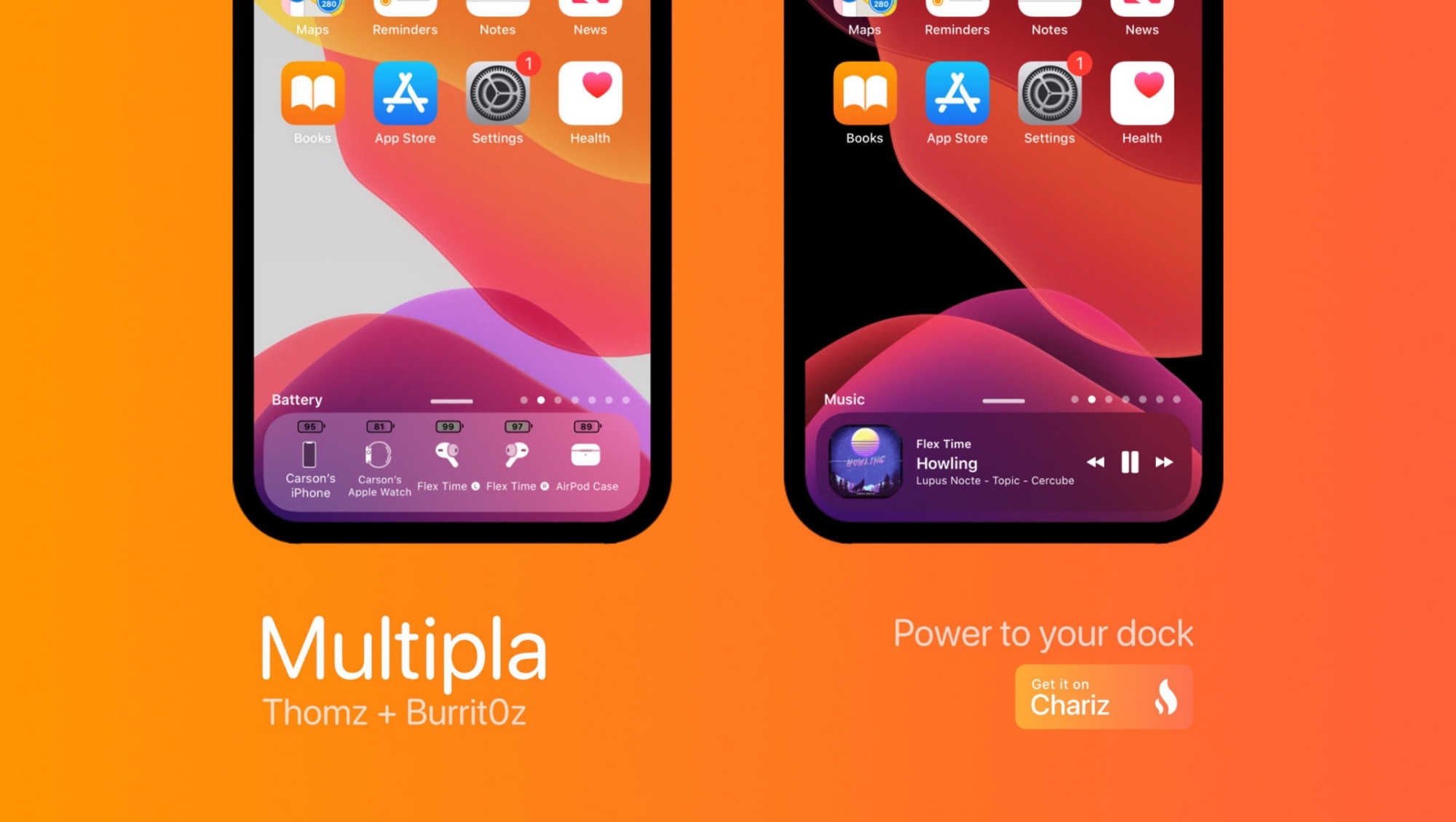
The Dock gives iPhone users quick access to their favorite apps from anywhere on the Home screen, but that’s just about the extent of it on stock handsets. If you’re jailbroken and looking for a more enticing experience, then you’ll probably like what a newly released jailbreak tweak called Multipla by iOS developers burrit0z and Thomz brings to the table.

As depicted in the screenshot examples above and below, Multipla expands upon the Dock’s existing functionality by unlocking additional features that simply wouldn’t be possible on a stock handset. Among those are adding more apps, viewing informative widgets, and much more.

AlbumPref lets you choose a favorite photo album for iMessage sharing

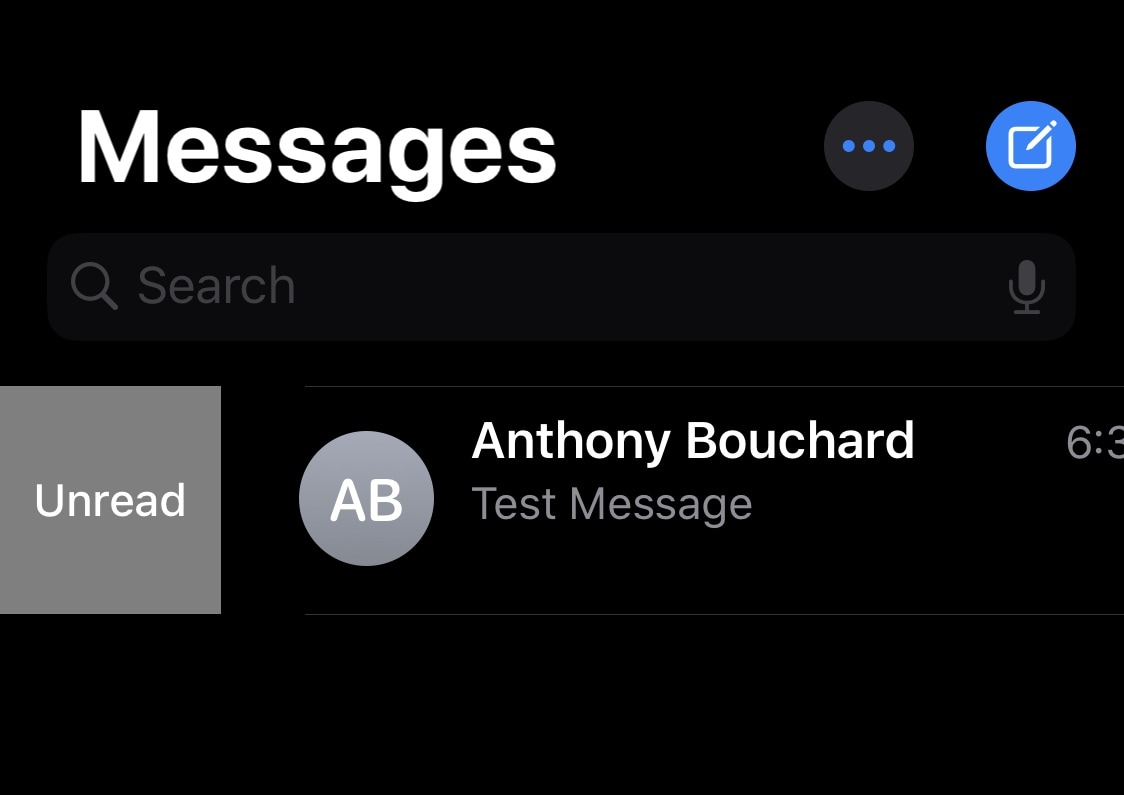
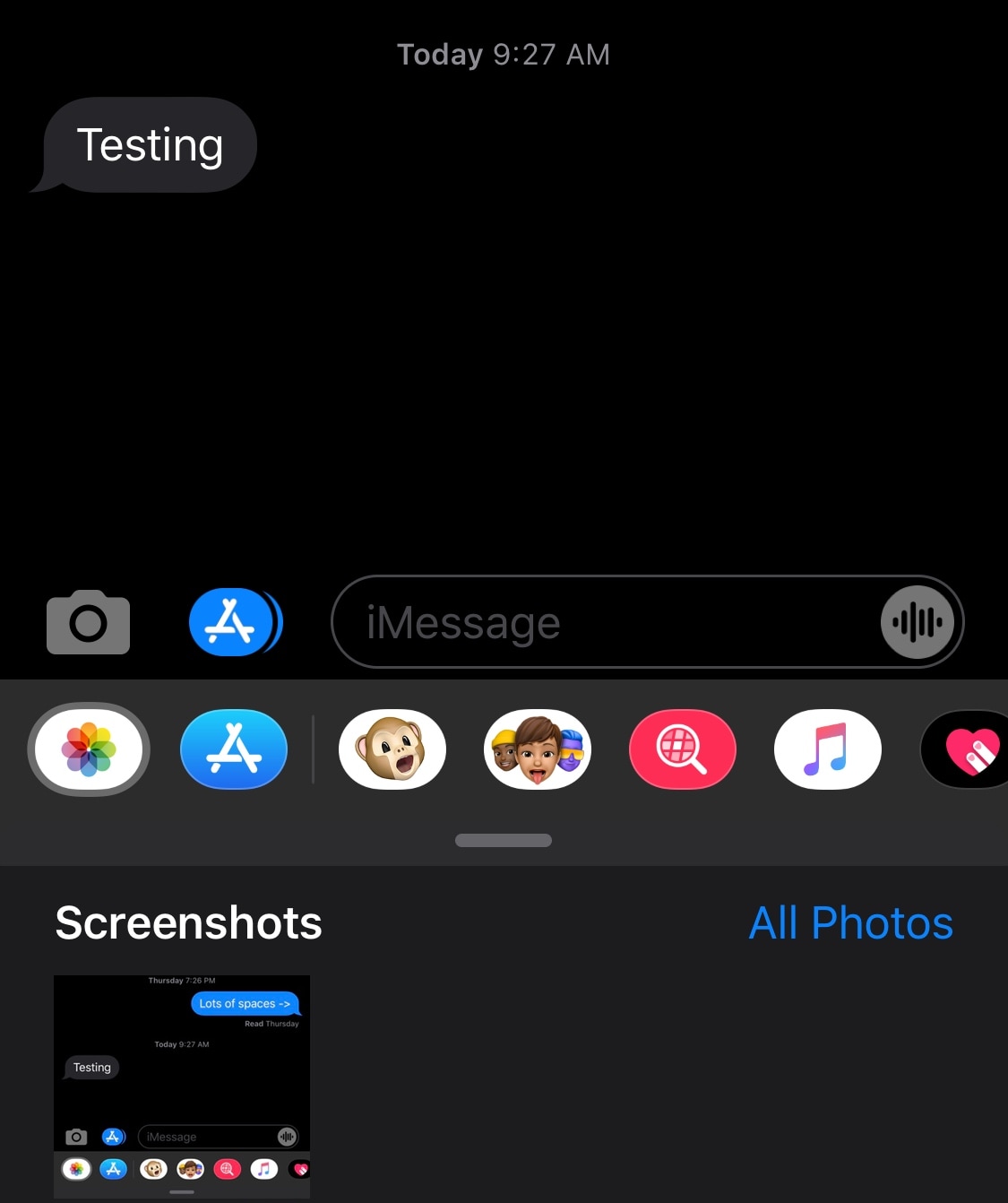
If you’ve ever tried to send somebody an image from your Photo Library via iMessage before, then you’ve probably noticed how it always defaults to the Recent Photos album. This tends to be convenient if you plan to send someone a recent photograph, but not so much if you’re trying to look back on older images.

Here to address this problem is a newly released and free jailbreak tweak called AlbumPref by iOS developer Julio Verne. Just as the name implies, AlbumPref lets users choose a preferred album that will appear when attempting to access the Photo Library browser in the native Messages app.

This tweak brings iPad-style tabbed web browsing to the iPhone

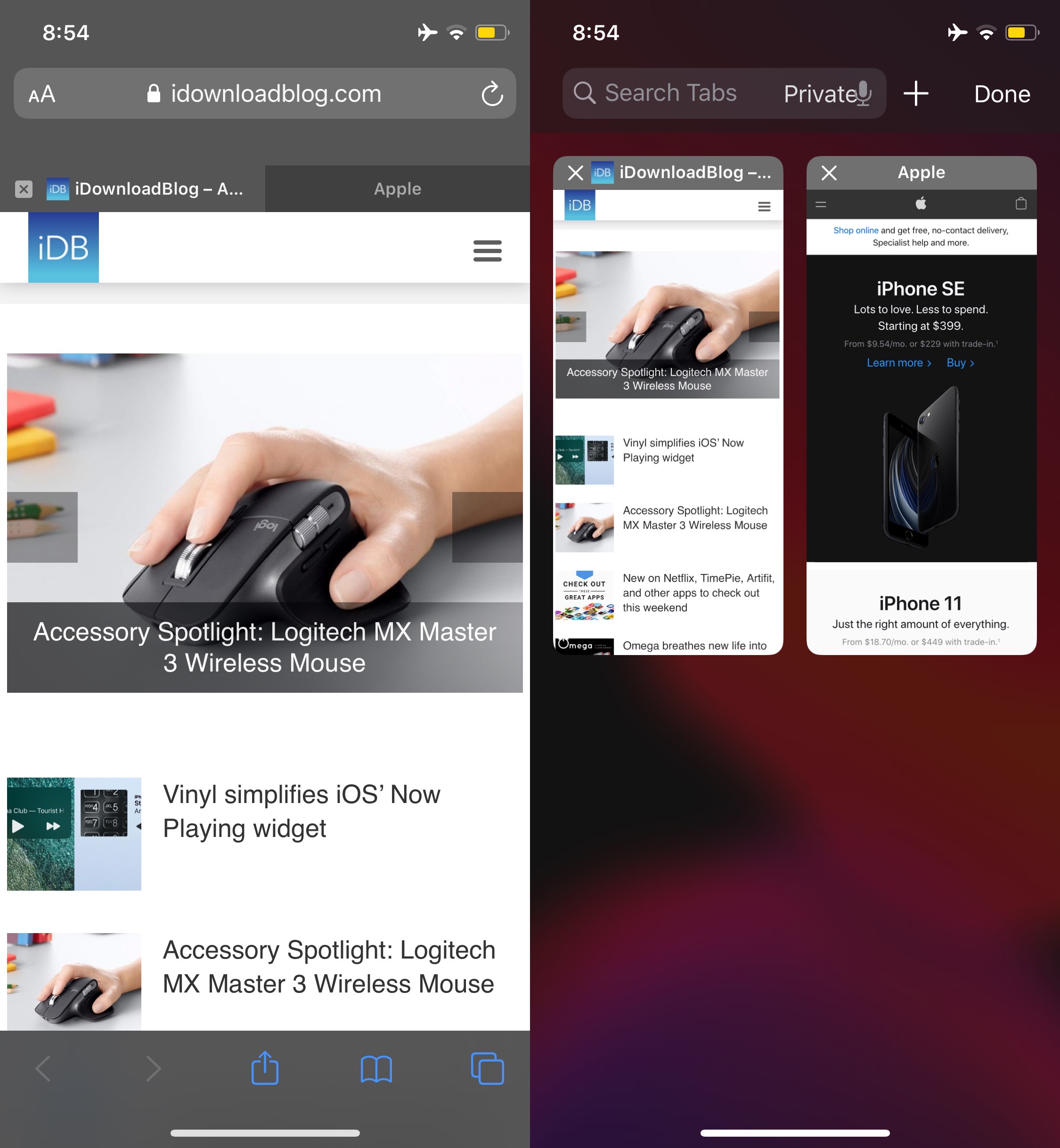
One of my favorite parts of browsing the internet on my iPad is having a near-desktop-class web browser at my fingertips. Unfortunately, many of the features that make the iPad version of Safari so convenient to use aren’t present in the iPhone version, such as tabbed browsing.

While you can certainly have more than one web page open at once on the iPhone, switching among them isn’t quite as satisfying as it is on the iPad. Fortunately, a newly released and free jailbreak tweak dubbed Safari Features by iOS developer HurouofTech brings the iPad’s incredible tabbed browsing experience to jailbroken iPhones and iPod touches.

Veza is an aesthetically pleasing Lock screen toggle and shortcut interface

Upon refreshing your sources in your pwned handset’s package manager, you should be able to feast your eyes on a newly released jailbreak tweak dubbed Veza by ApexTweaks in your Changes tab.

Veza makes it easier to interact with your device by adding a myriad of handy Control Center-inspired shortcuts and toggles directly to your Lock screen. In the screenshot examples embedded above, you’ll notice that the tweak is as aesthetically pleasing as it is customizable.