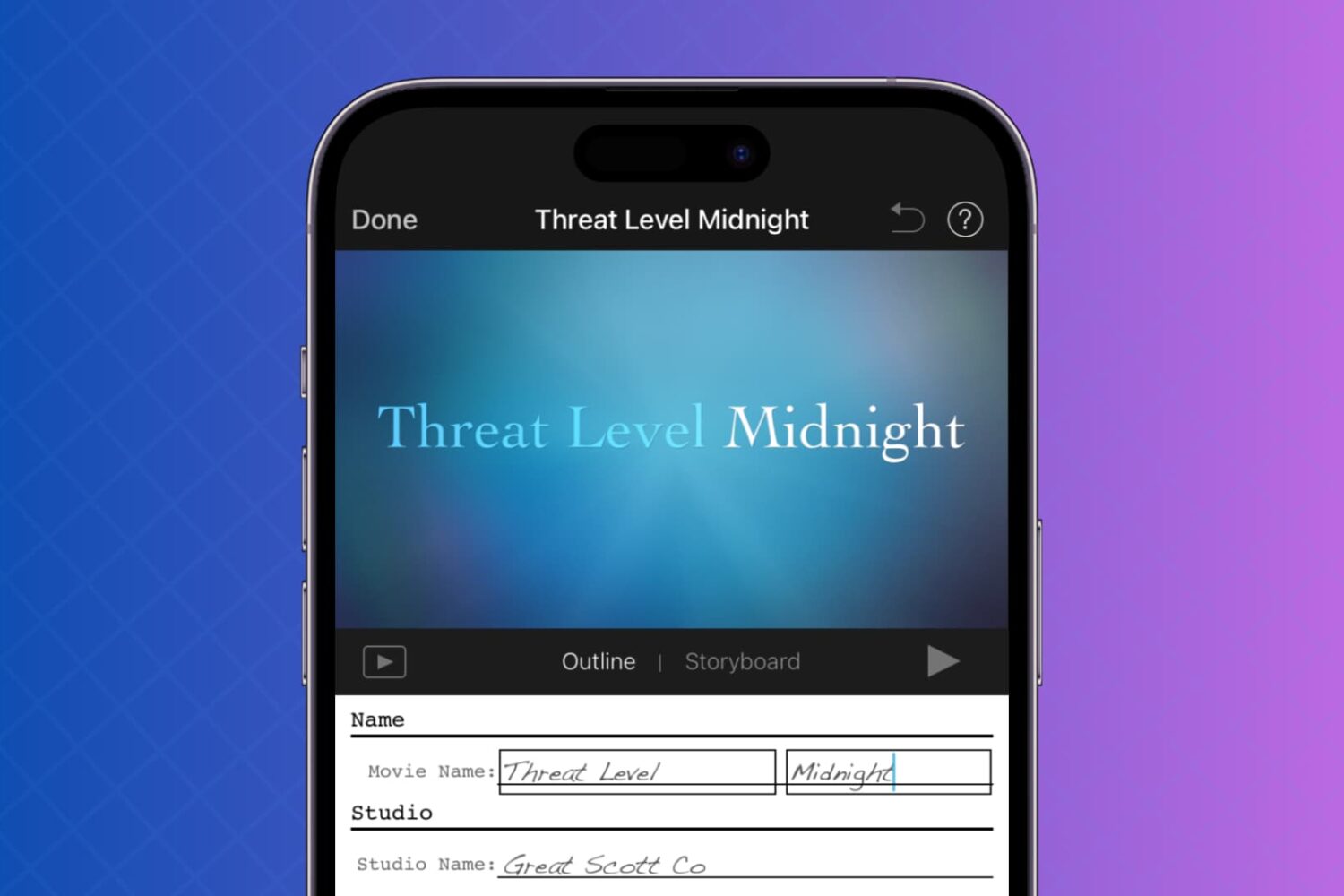
This tutorial will show you how to use your photos and videos to make trailers in iMovie on Mac, iPad, and iPhone.
How to make trailers in iMovie on Mac, iPhone, and iPad
Learn how to master your Apple devices with our comprehensive tutorials. From iPhone and iPad to Mac, Apple Watch, AirPods, and more, our expert guides will help you unlock the full potential of your Apple products. Discover new features, tips, and tricks each day to enhance your user experience.
This tutorial will show you how to use your photos and videos to make trailers in iMovie on Mac, iPad, and iPhone.
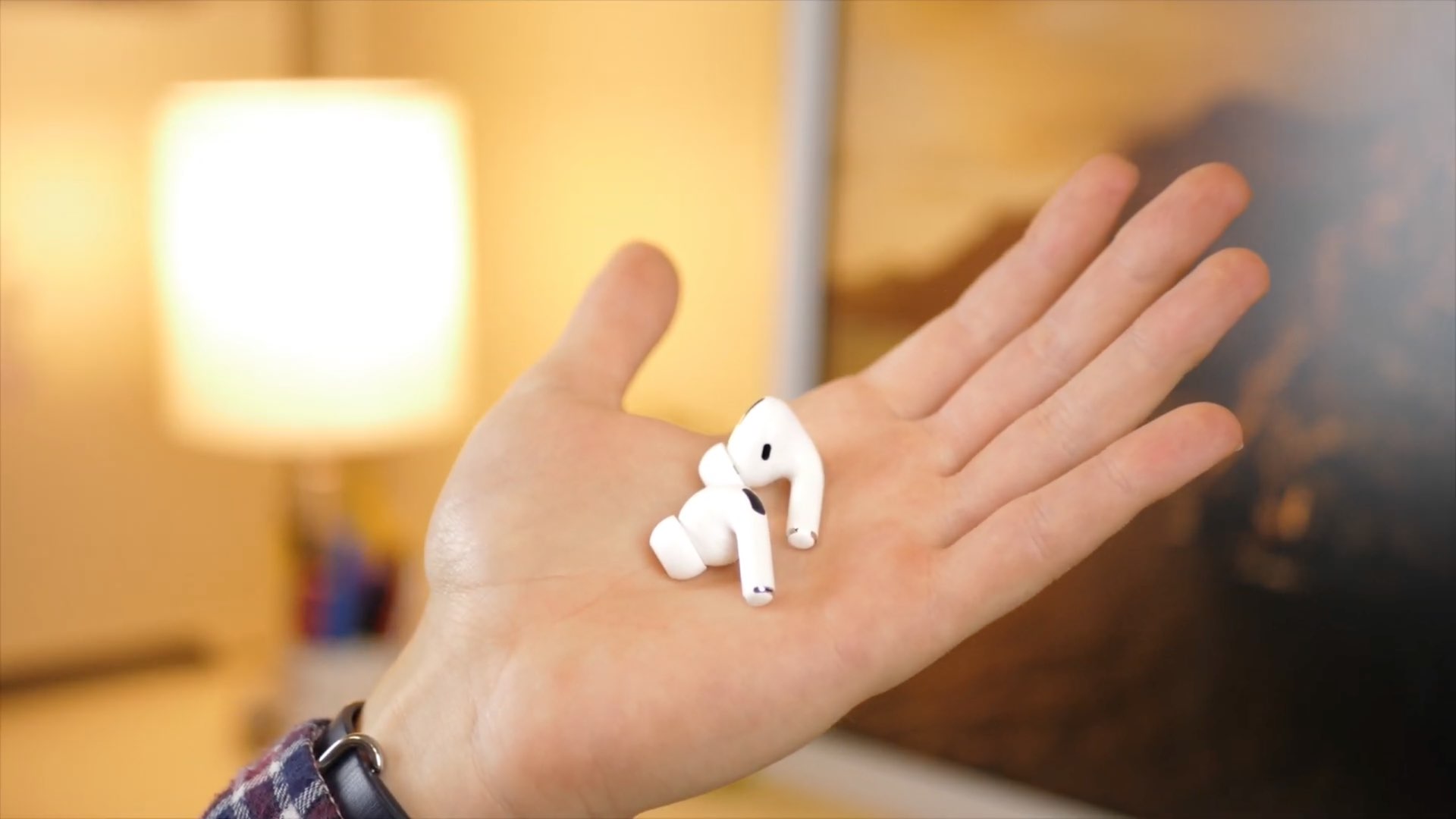
Learn how to perform an Acoustic Seal test (formerly called Ear Tip Fit Test) to choose the right silicone tip size for your AirPods Pro and ensure the best possible sound and improved noise cancellation.

Just like your other devices, you need to clean your AirPods and AirPods Pro every now and then. From the ear tips to the case, cleaning up the gunk that accumulates over time will keep them sparkling and working like new.
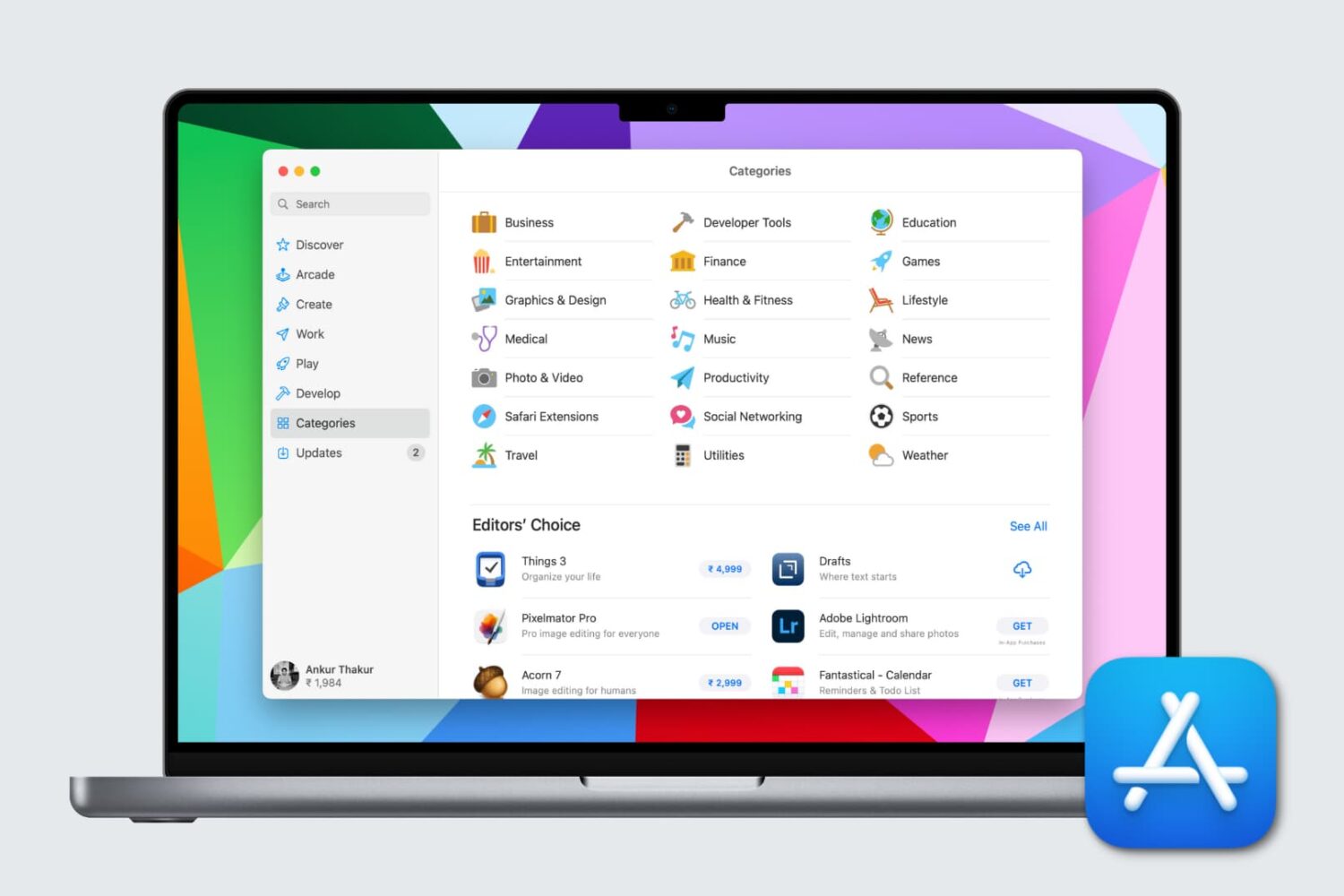
If you’re new to Mac, getting to know these Mac App Store basics is the first step towards downloading and managing the apps you want. We’ll show you everything you need to get started.

One cool movie idea that you can create in iMovie is for your travels. You can include photos or videos from a vacation, honeymoon, or road trip adventure. And to go along with this nifty project, iMovie offers animated map backgrounds.
With these backgrounds, you can show the moving route for your trip on a map in your movie. This can add something a little extra to your already memorable trip and movie.
Here’s how to add and adjust the animated travel map backgrounds in iMovie on Mac.

The Apple TV+ streaming service is a good option for unique originals if you’re looking for something different to watch. But it’s not for everyone. Maybe you’re not thrilled with the selection of shows, maybe you don’t like the subscription price, or you just don’t like its video player. Whatever the case, here’s how to cancel your Apple TV+ subscription or free trial.
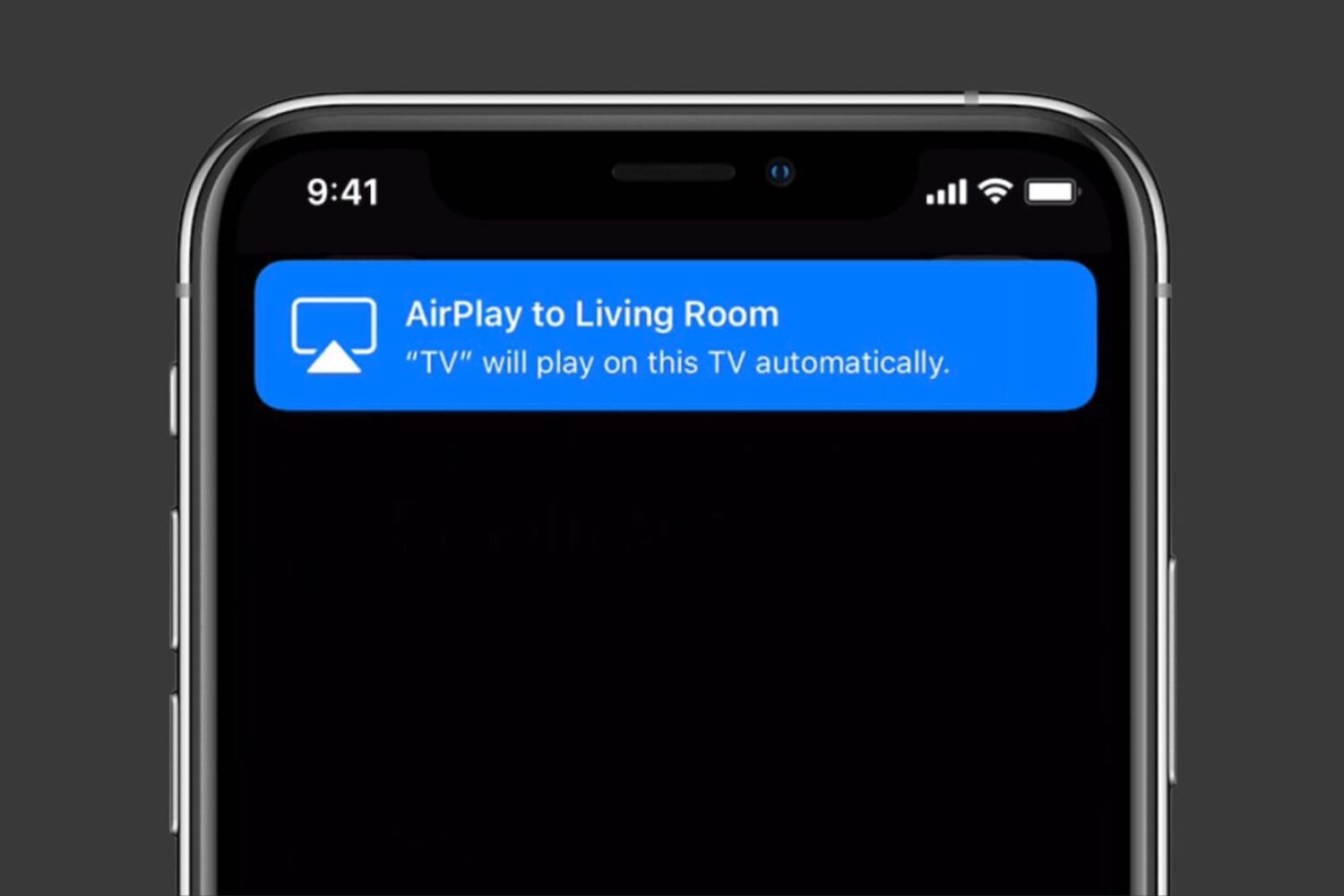
In this quick tutorial, we’ll show you how to stop video apps on your iPhone or iPad from automatically connecting to AirPlay TVs that you frequently use.
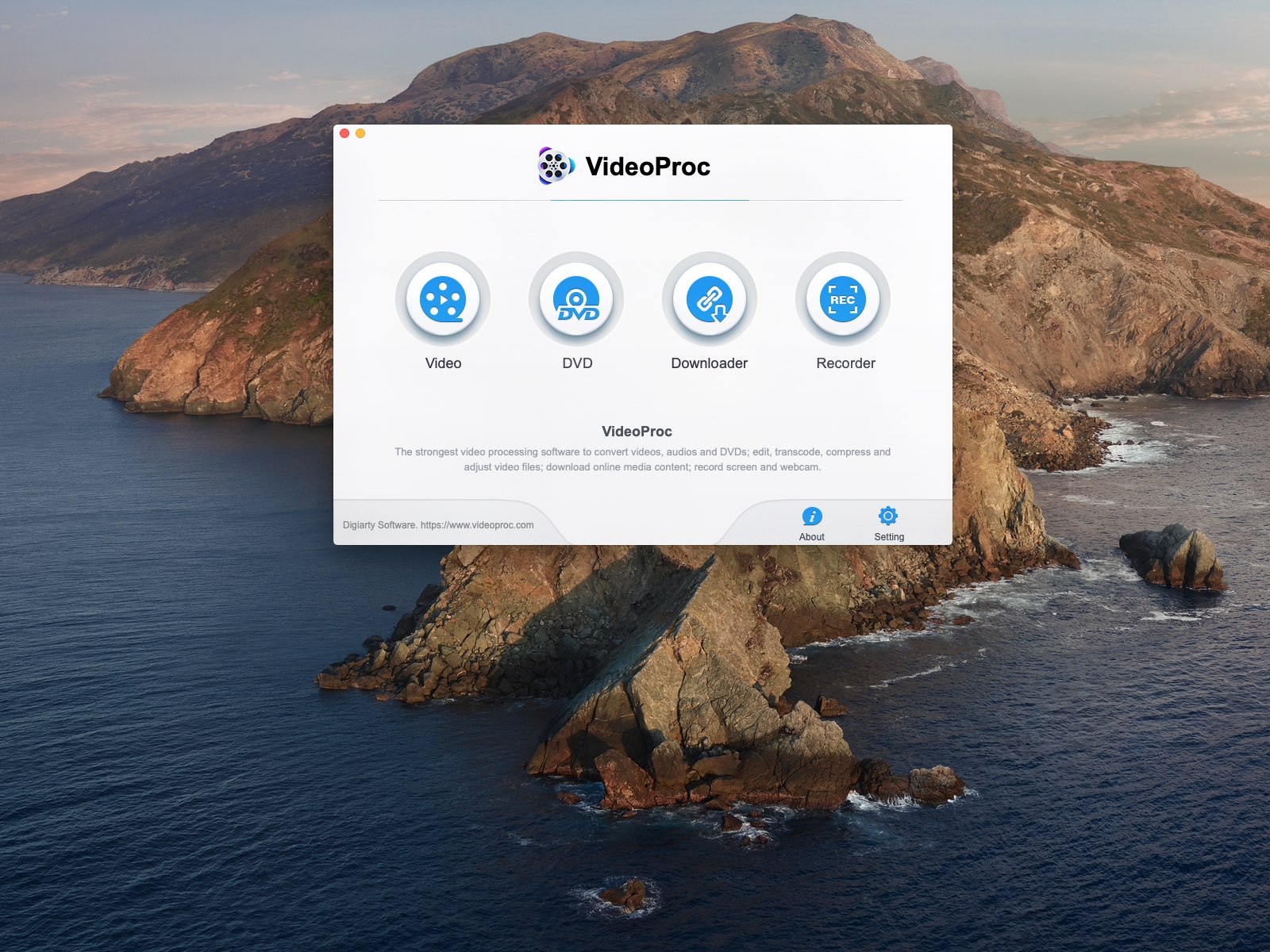
VideoProc is a powerful 4K video editor and converter for Mac and Windows that packs in a speedy GPU-accelerated engine and supports a a bunch of media formats. In this step-by-step tutorial, we’ll cover doing MKV to MP4 video conversions with VideoProv for those times when you want to enjoy native playback of ripped DVDs and other MKV-encoded video in an Apple-friendly format on your iPhone, iPad, iPod touch, Mac and Apple TV devices.
Learn to set an audio sleep timer on your HomePod to drift off to your favorite music, soothing sounds, or a podcast without worrying about leaving it on all night.

Learn how to switch between available iPhone video resolution modes and frame rates directly in the Camera interface or from the Settings app.
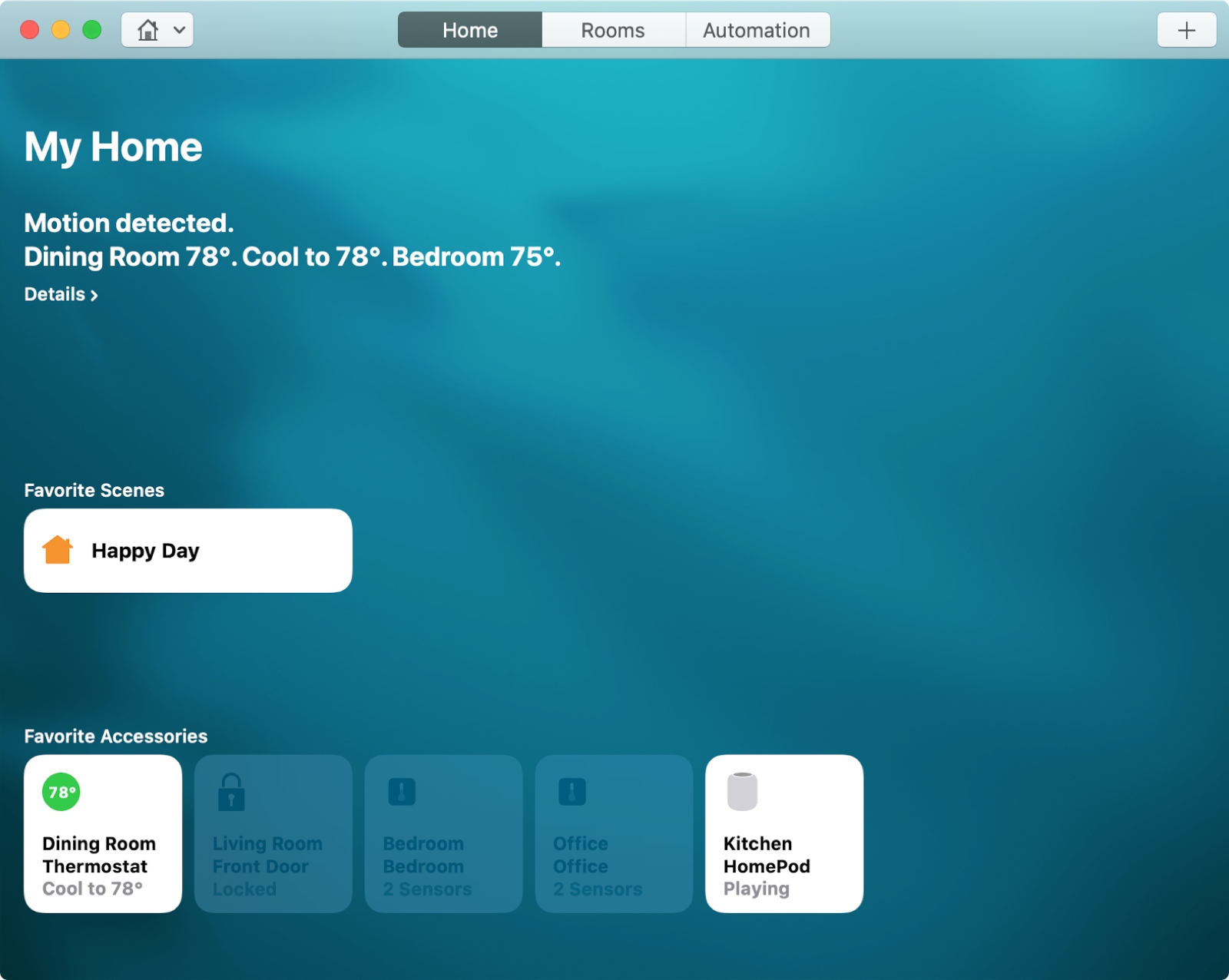
For the perfect atmosphere when arriving home after a long day at work or starting your day with something upbeat, you can set up scenes with HomeKit.
Scenes let you control multiple accessories that you connect in the Home app at one time. You can create scenes based on your leaving, arriving, or a custom setting. Then, the automated scene takes over with the settings you choose.
Here’s how to create scenes with HomeKit on both Mac and iOS.
Find out how to record a video or take a photo directly in iMovie, streamlining your video-creating process on iPhone, iPad, and Mac for easier and quicker results.