Siri

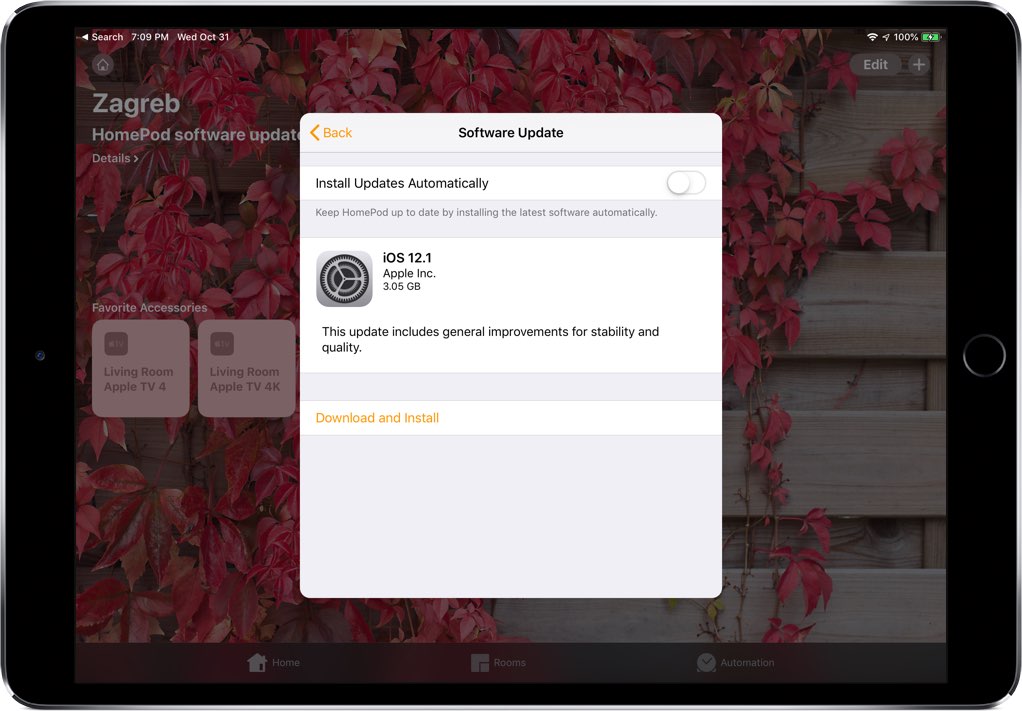
How to change which HomePod listens to your commands when using paired HomePods

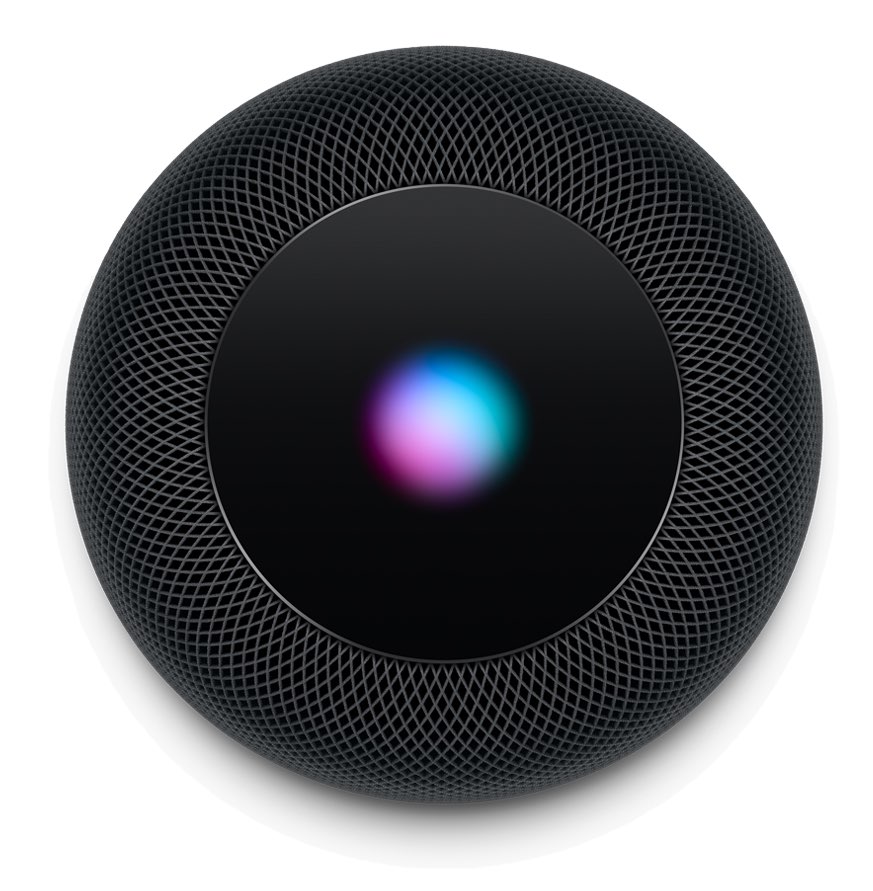
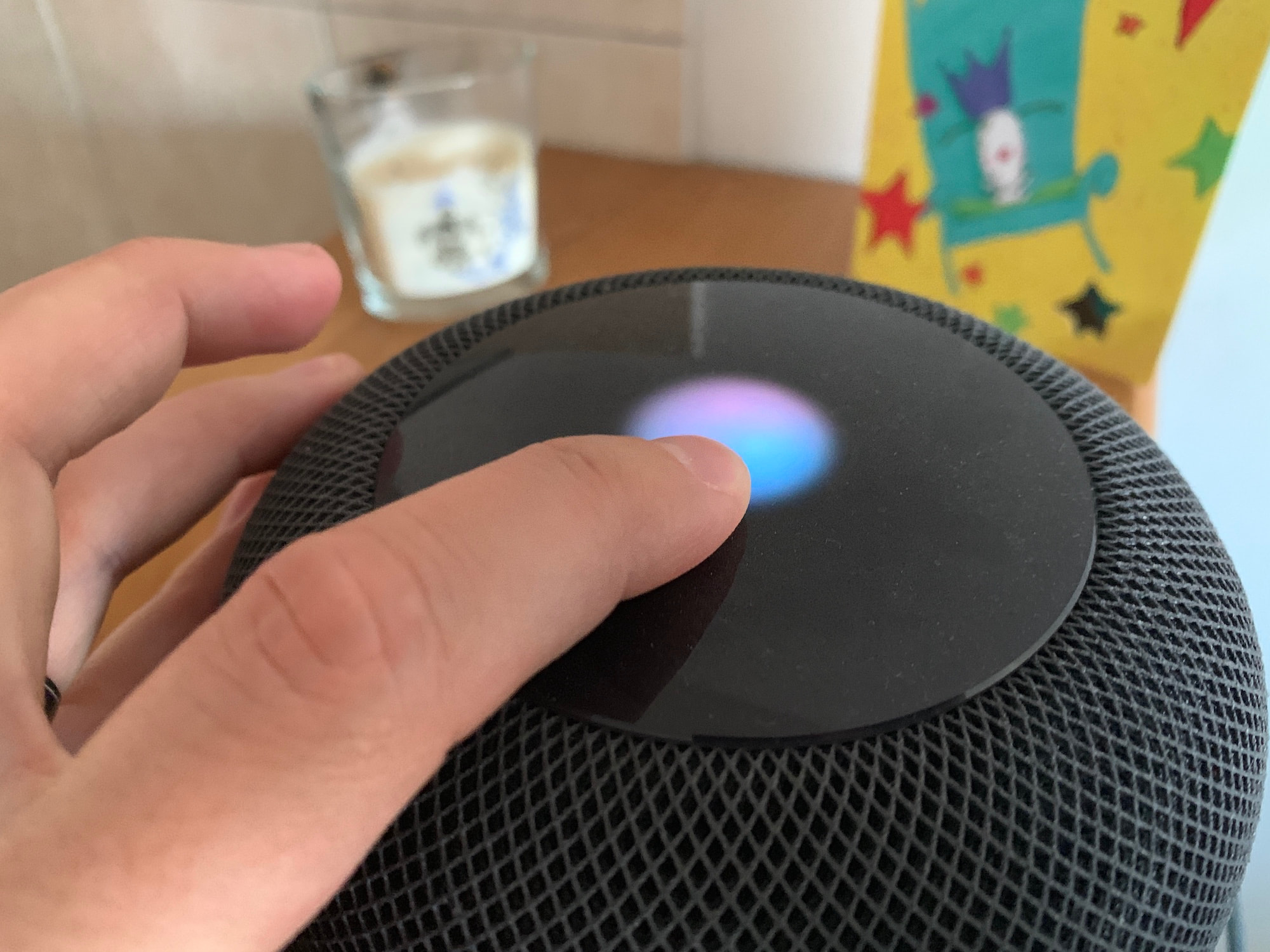
A photo showing a finger resting on the HomePod top with the Siri orb animation

If you have two HomePods that are paired to create a stereo setup, only one of these HomePods will be used to listen to your voice queries. When saying a command such as "Hey Siri, what time is it in London?", only that HomePod will be listening to you although the other HomePod might be physically closer to you.

As far as I can tell, there is no way to manually select what HomePod is the dominant one during the initial pairing process, but there is a way to swap which one will actively listen to you once the stereo pair has been created.

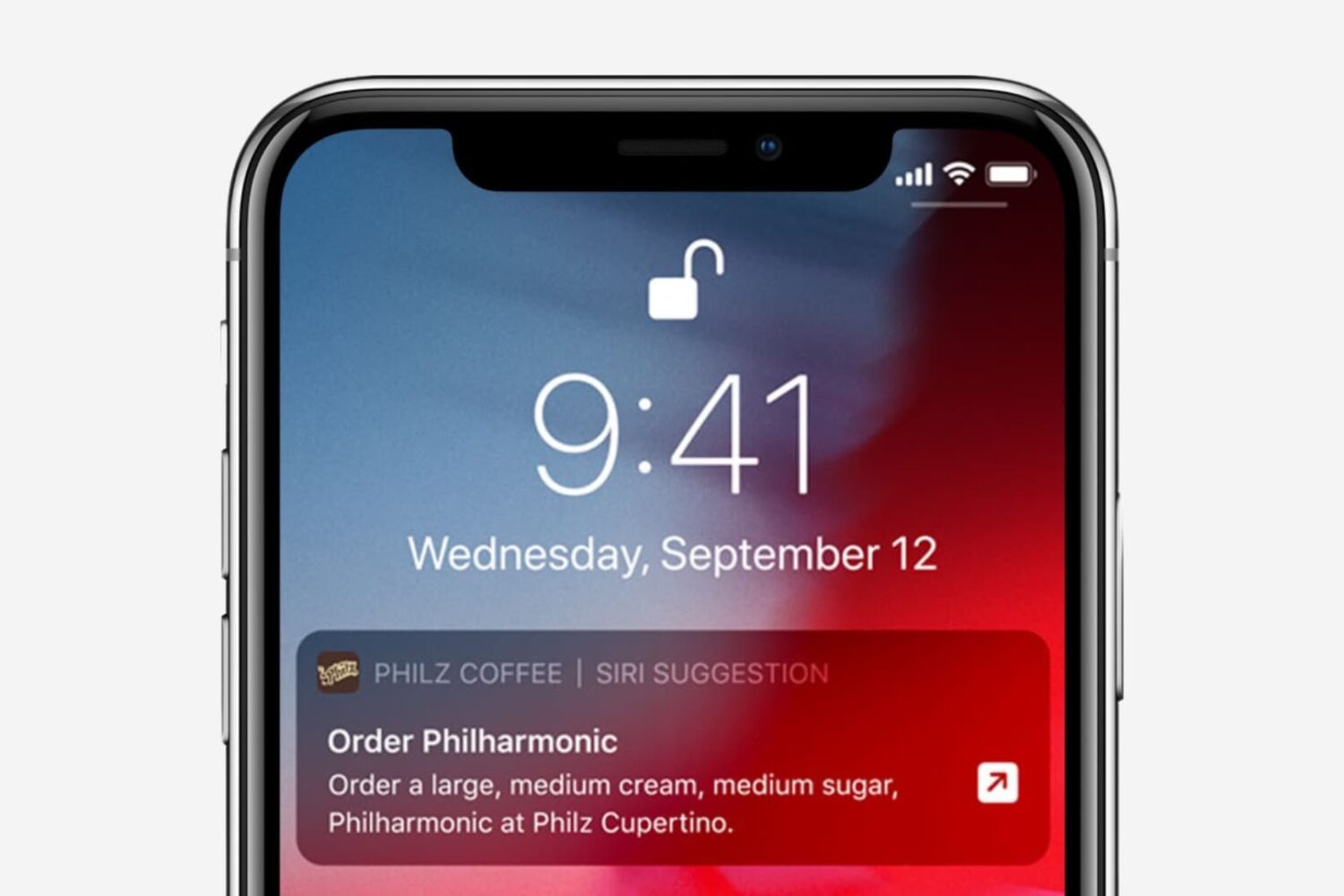
10 apps with useful Siri Shortcuts implementations

Siri Shortcuts implementations

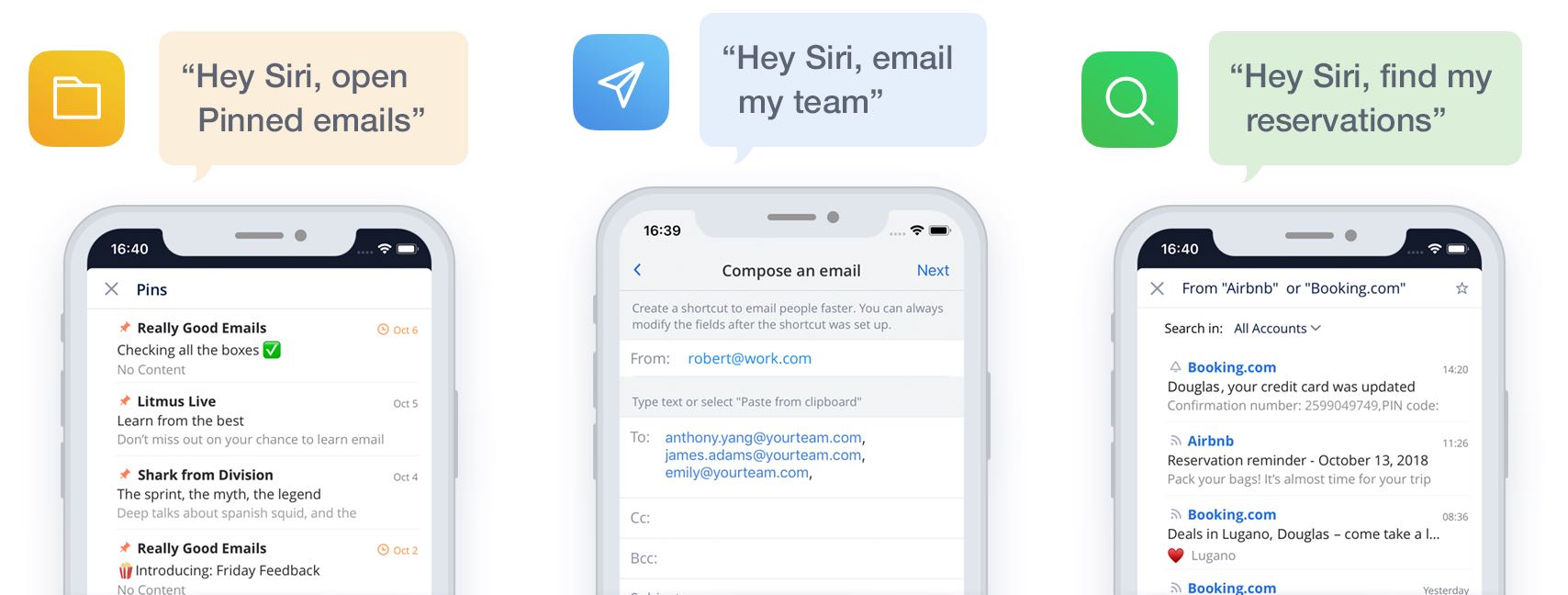
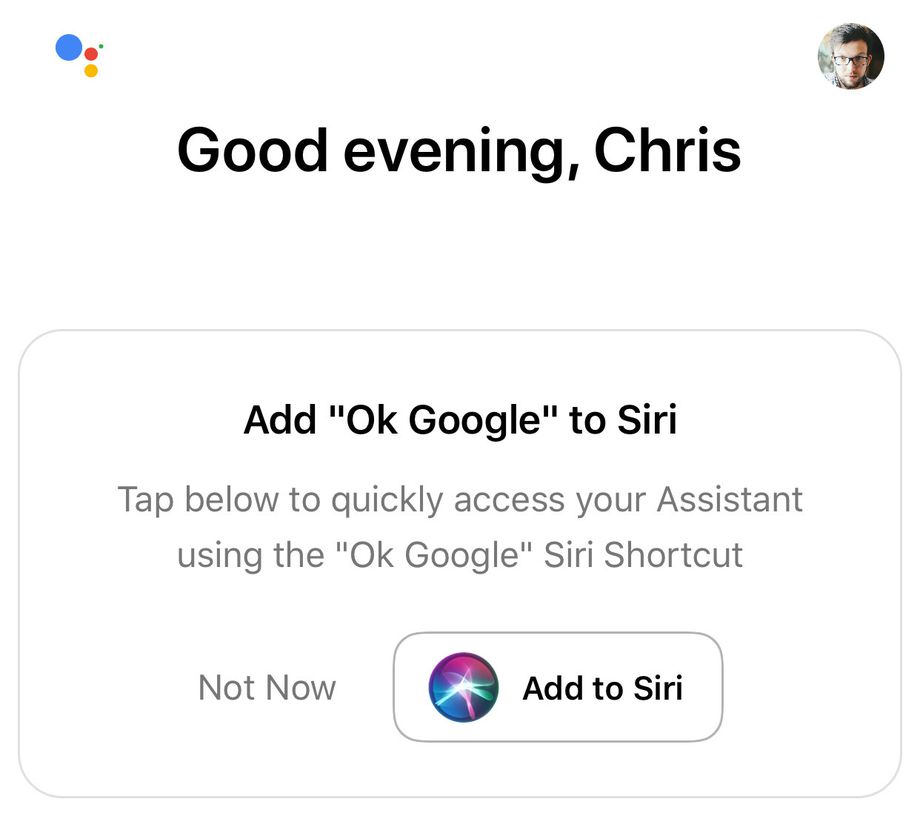
Here’s a look at some of the best Siri Shortcuts implementations available for iOS. With the Siri Shortcuts feature in iOS, you can execute a trigger with a voice command. Not all apps support Siri Shortcuts. Luckily, those that do ship with their own shortcuts that you can use with ease.

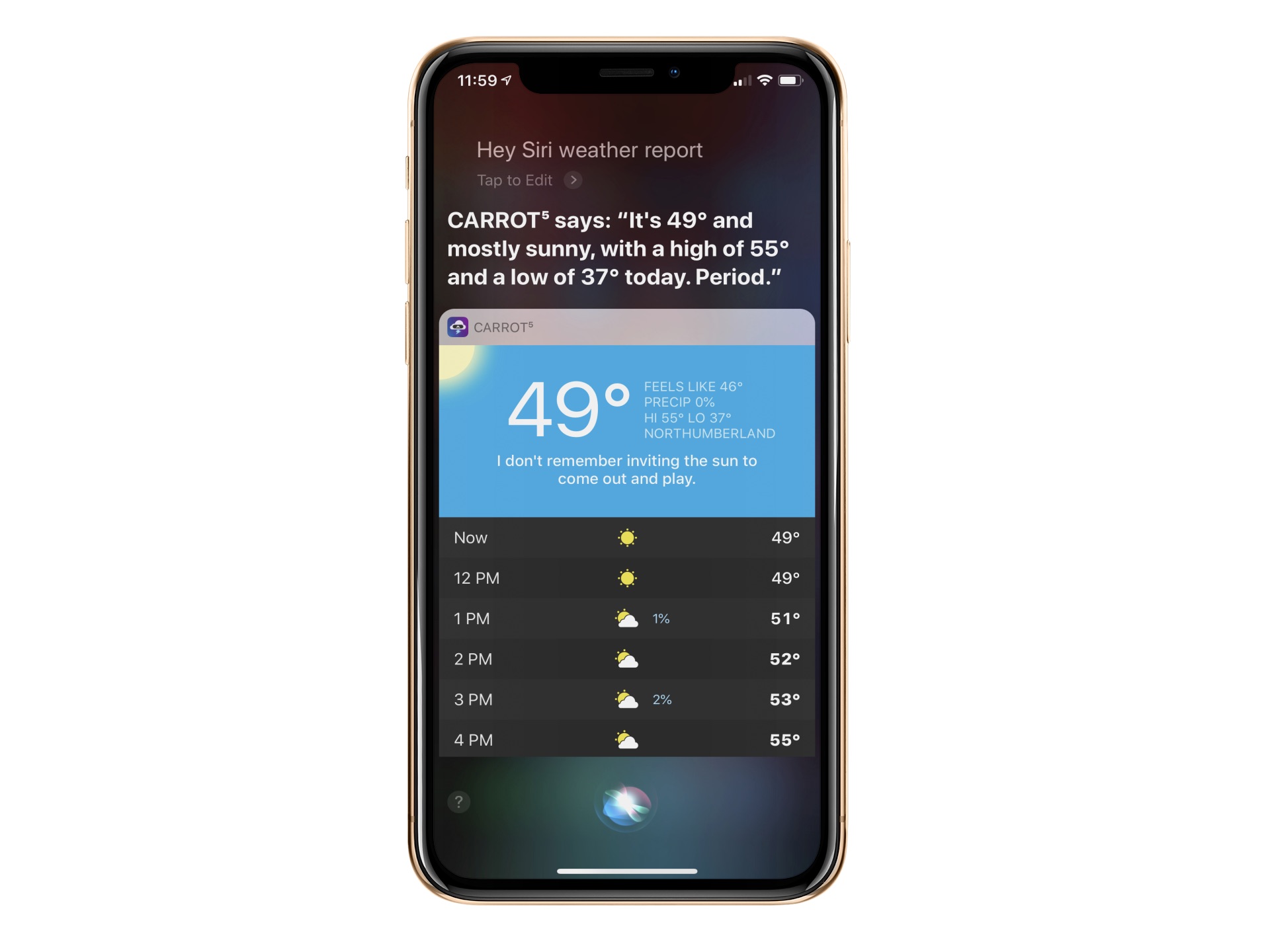
How to adjust Siri voice feedback on Apple Watch

Mute Siri voice response on Apple Watch

Tired of Siri talking back every time you ask for something on your Apple Watch? While it’s very thoughtful of Siri to acknowledge your request, you may not want to hear it. For example, just because you ask Siri to set a timer for 10 minutes doesn’t mean you want to hear a confirmation that the countdown has begun.

You may not be able to disable Siri’s feedback, but you can tweak the settings to quiet Siri down a bit. Here’s how to customize Siri voice feedback on your Apple Watch to lower the volume or completely turn off spoken responses.