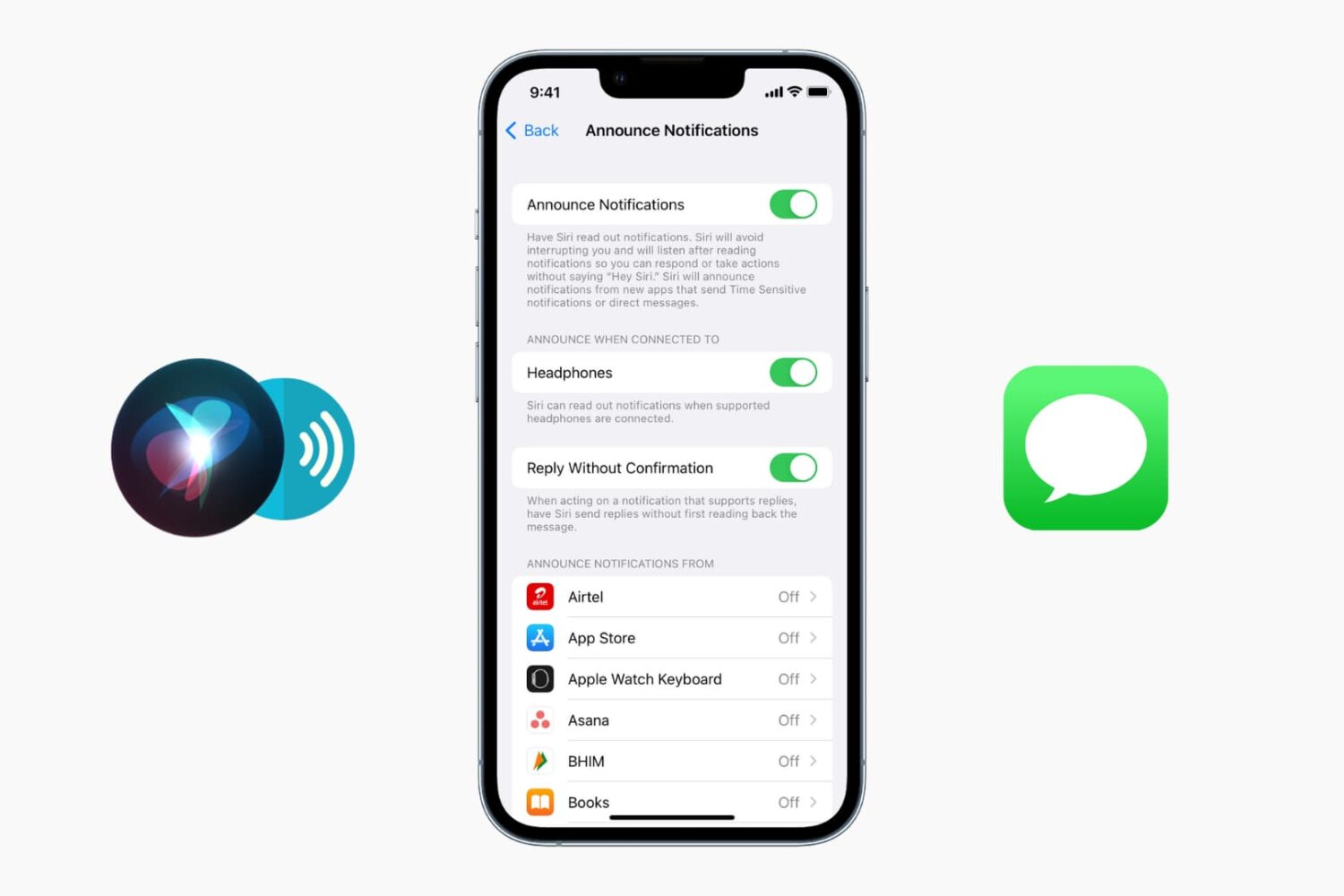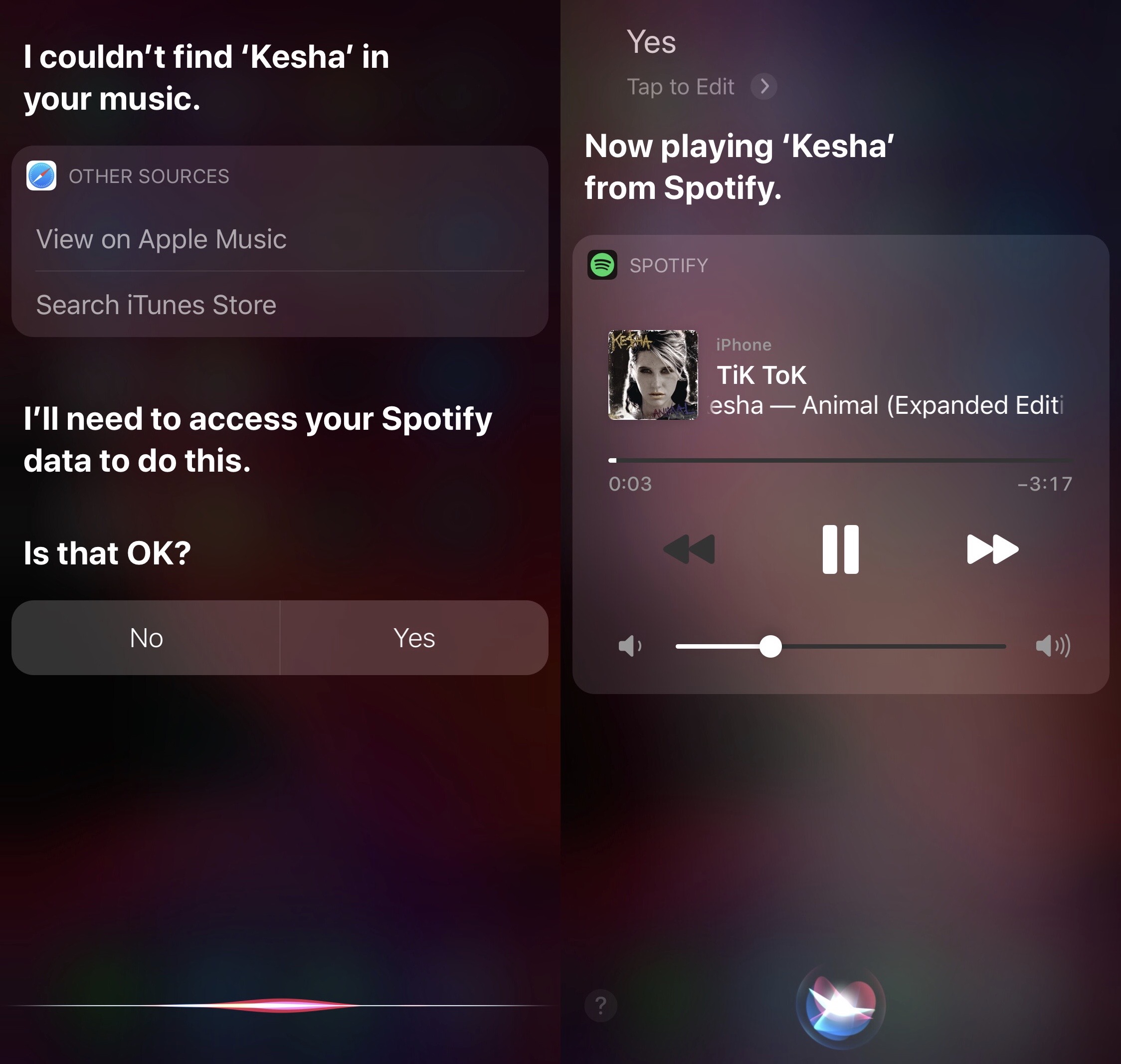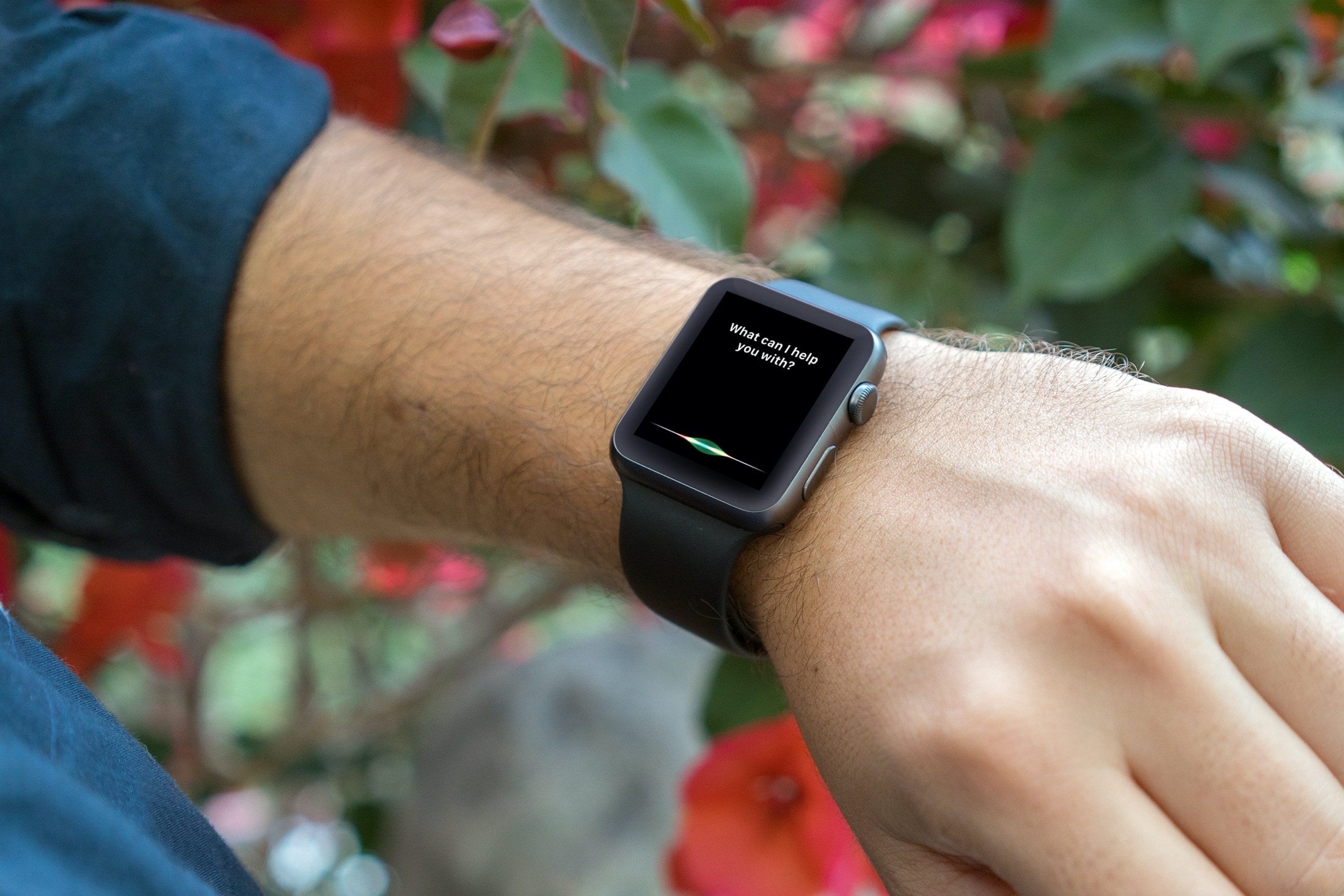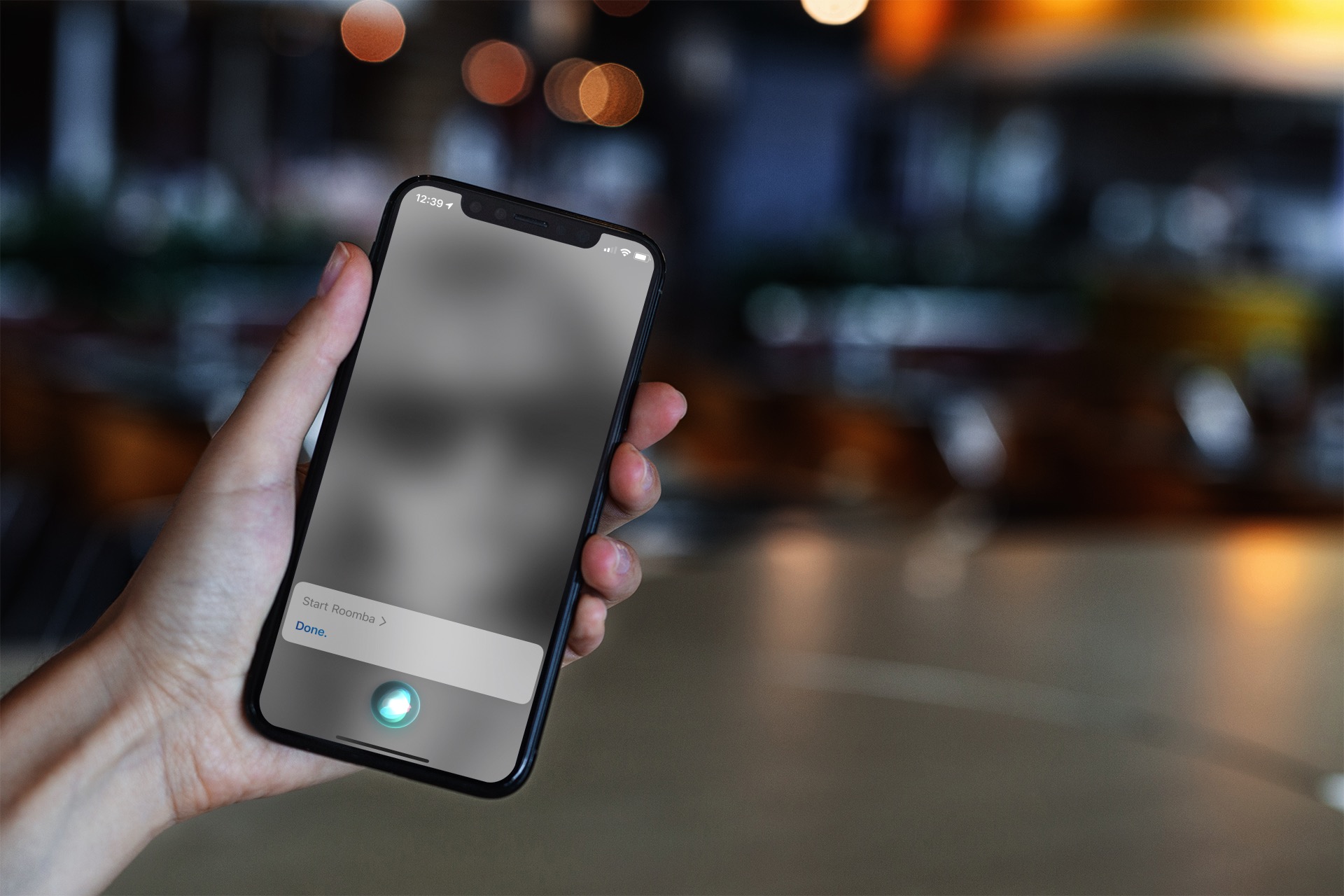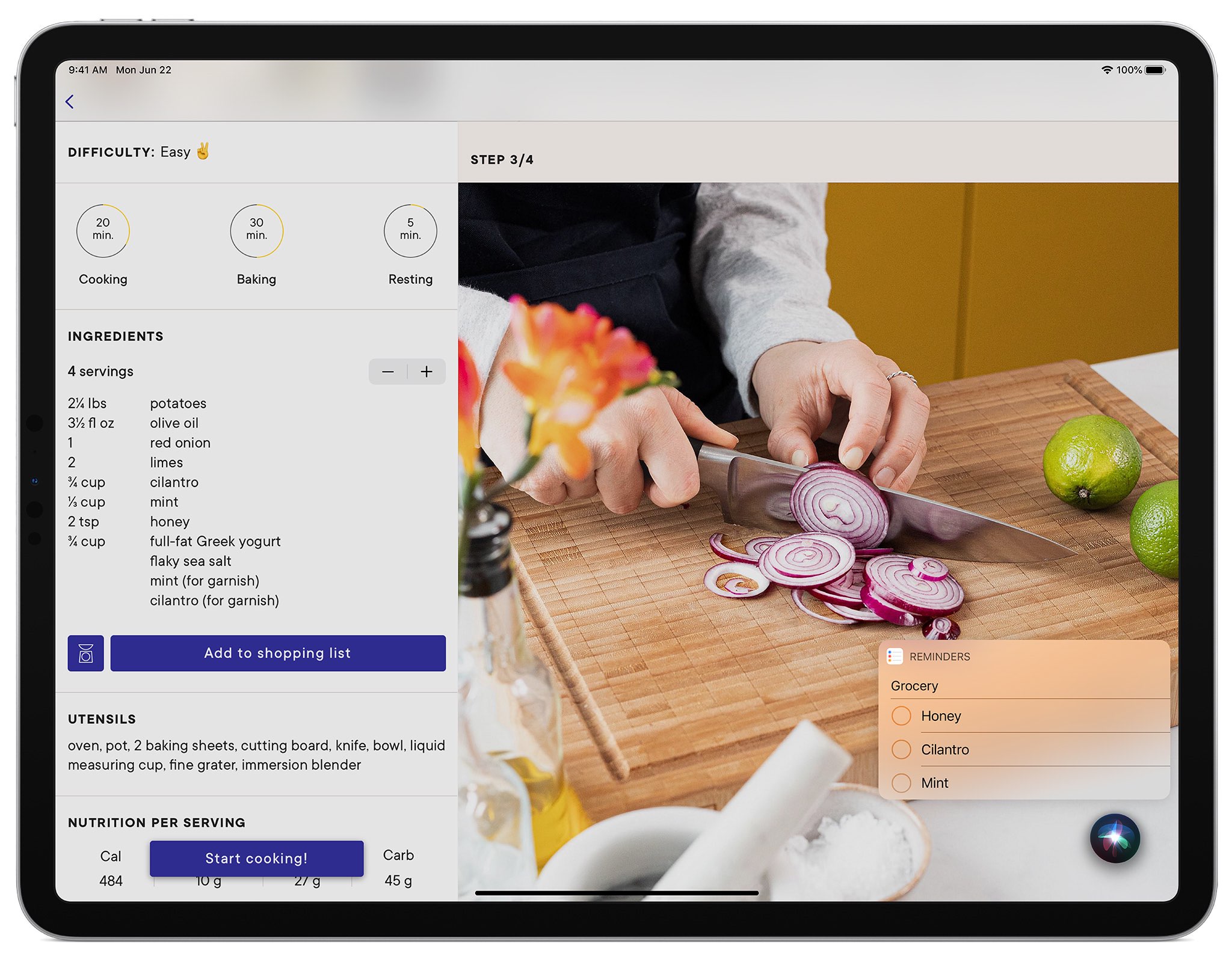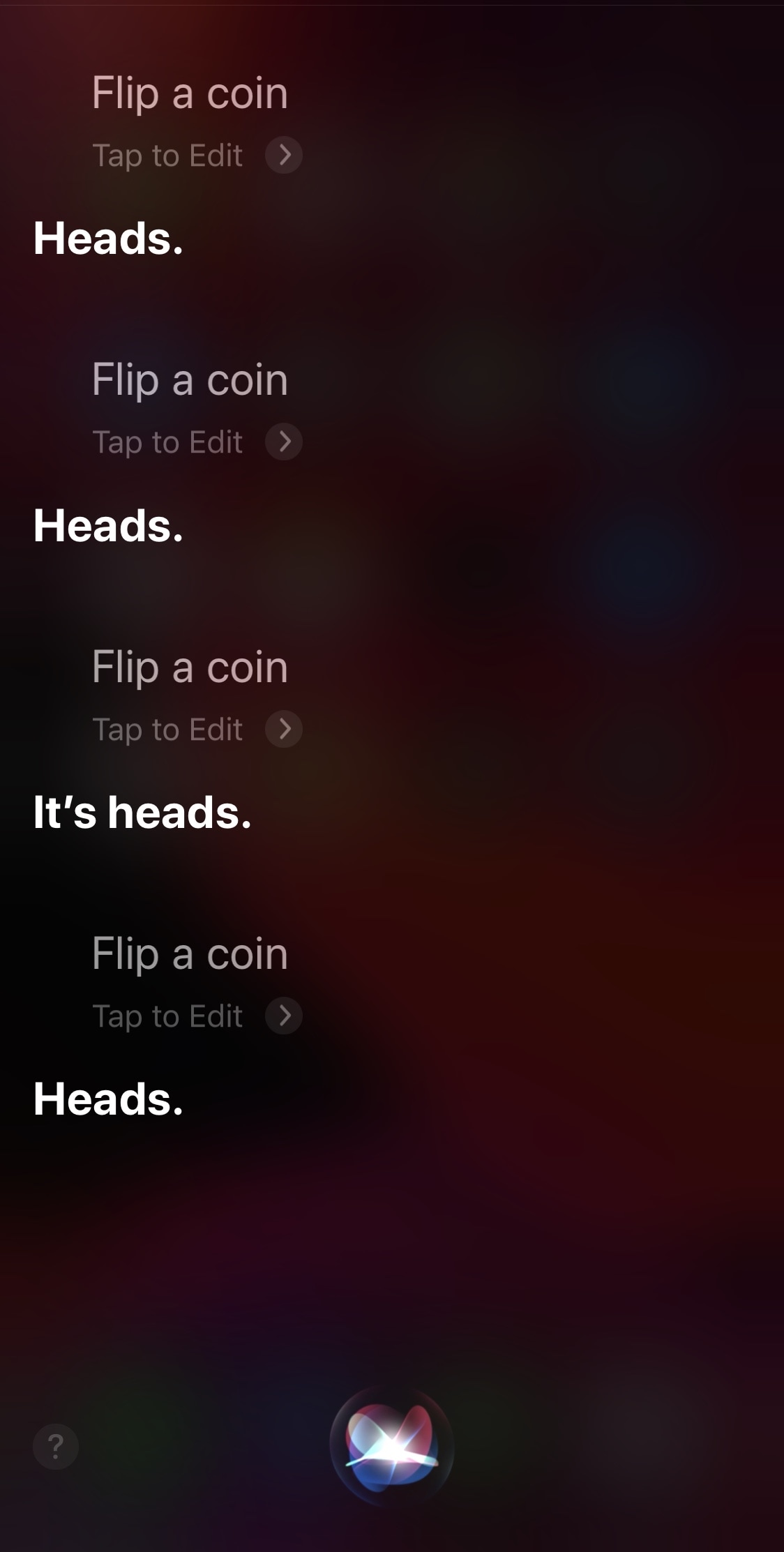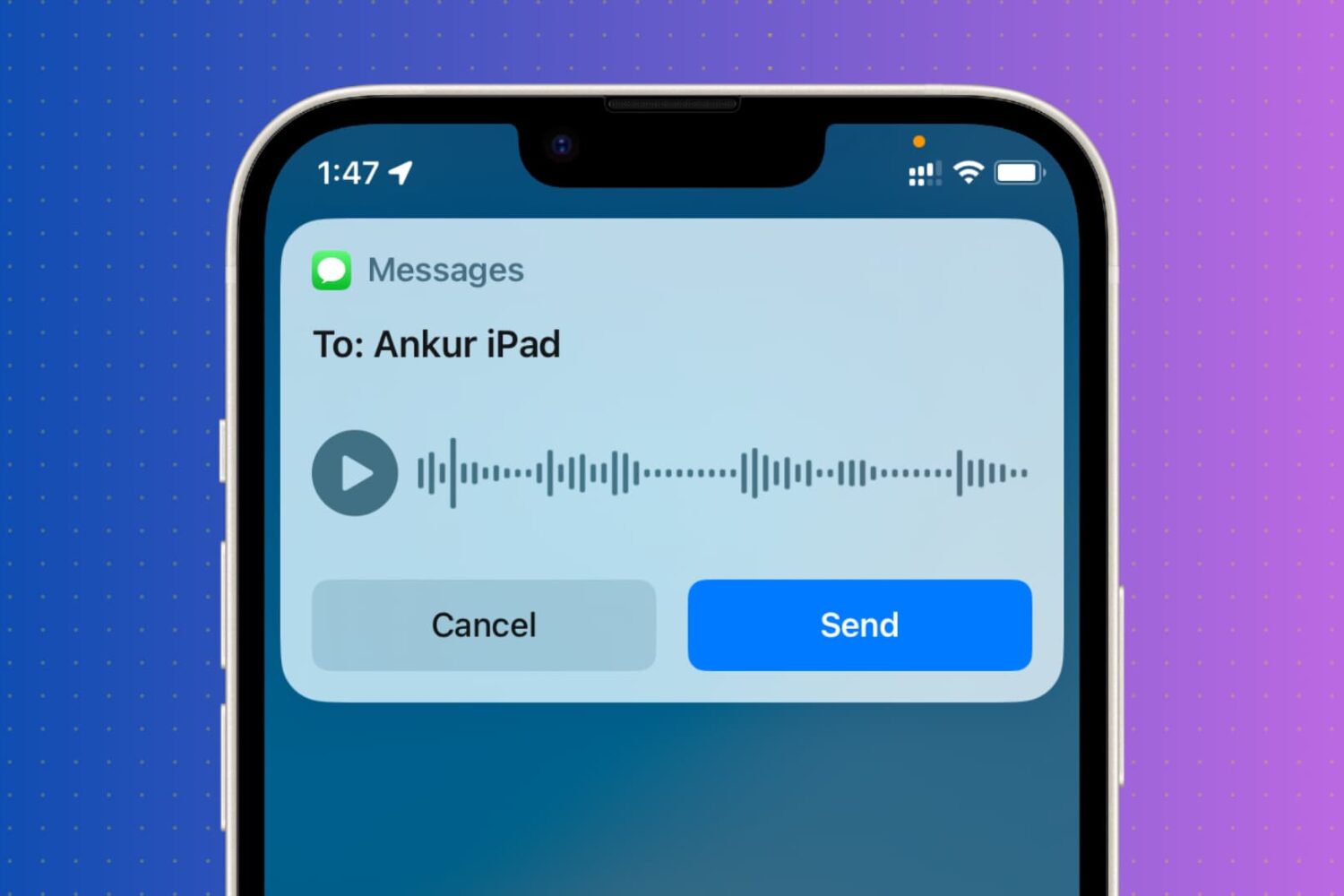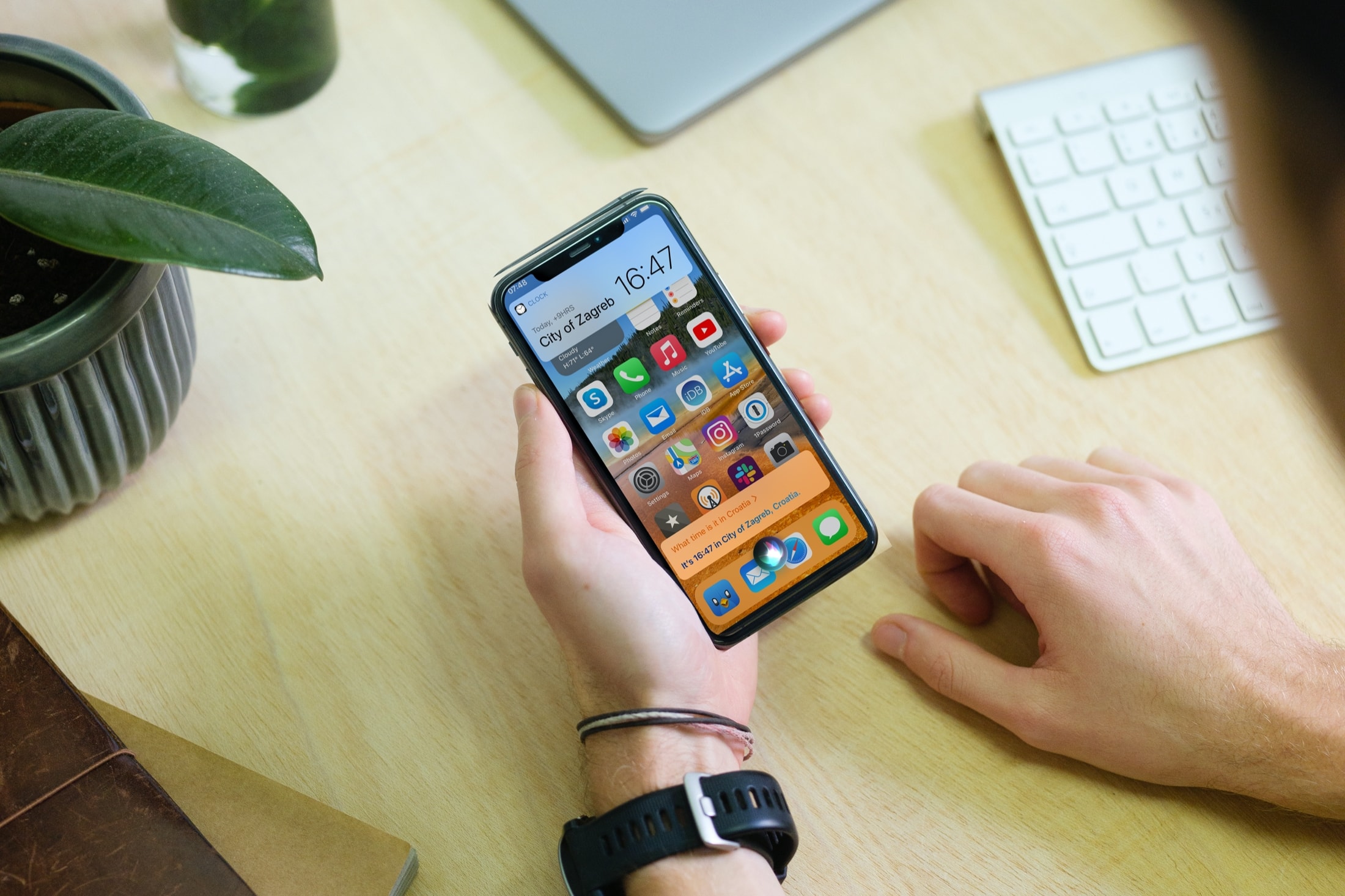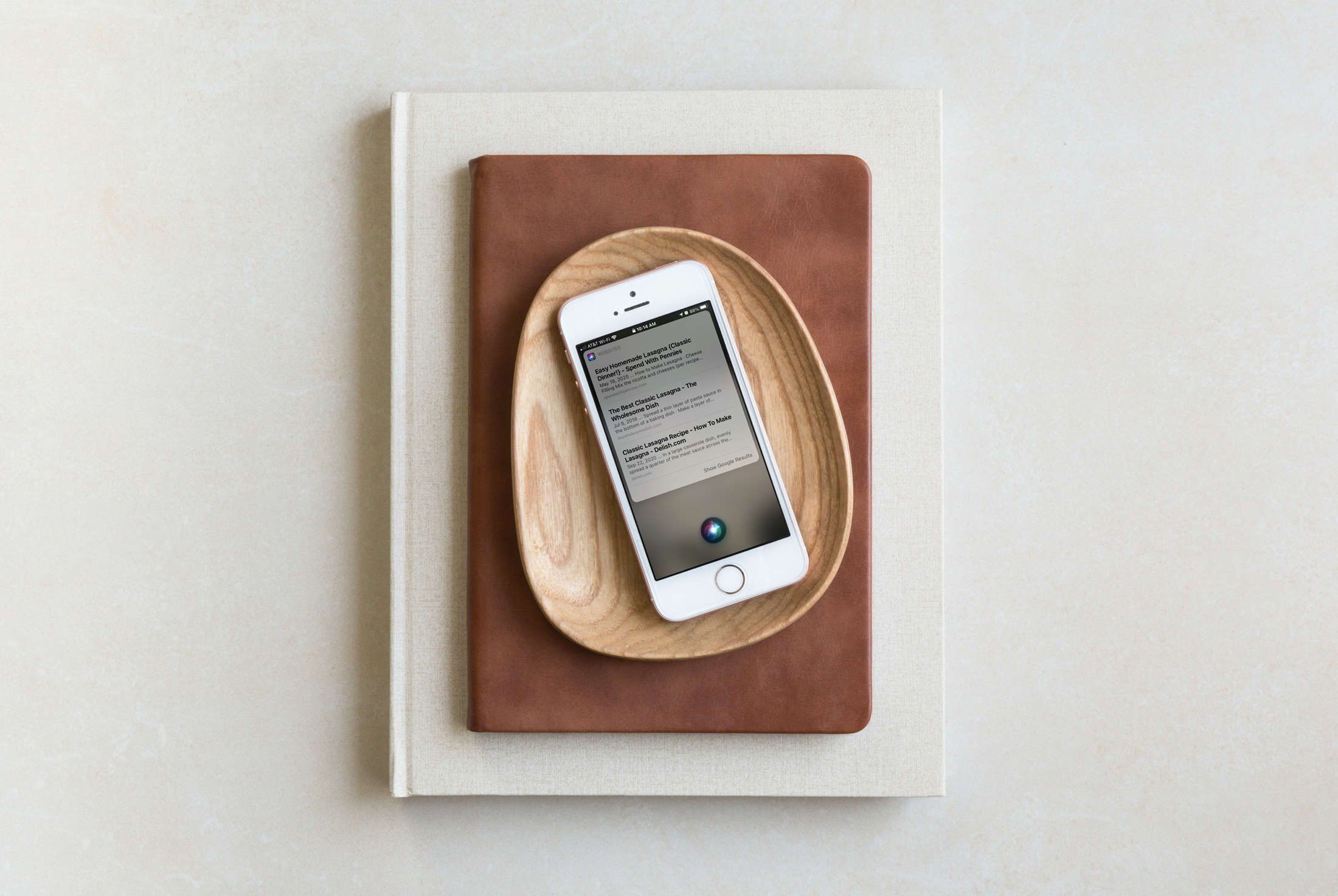
In this tutorial, we'll show you how to display anything Siri says to you on the screen of your iPhone, iPad, Apple Watch, and Mac.
How to display whatever Siri says as text on the screen of your iPhone, iPad, Apple Watch, or Mac
In this tutorial, we'll show you how to display anything Siri says to you on the screen of your iPhone, iPad, Apple Watch, and Mac.
Learn how to view a transcription of the voice commands you give Siri on your iPhone, iPad, Mac, Apple Watch, and Vision Pro so you can verify that the device is interpreting spoken commands accurately.
As companies were jumping on the digital assistant bandwagon, Microsoft launched its own alternative: Cortana. It proved to be plenty helpful, but Google's and Amazon's dominance in this regard (across platforms, and Siri on iOS) forced Microsoft to make some tough decisions.
Accessibility is one of the primary goals for Apple and the products it releases, aiming to democratize the most powerful technology and make it usable by the broadest scope of individuals.
The European Union has decided that yet another investigatory probe is required into consumer-facing products, and Apple is included in this net, too.
Siri's traditional interface is fairly Apple-esque with its darkened, yet blurred background that overshadows any app or interface that you summon the virtual assistant over the top of. But what if you could give Siri just a small touch of additional personality?
Thanks to a newly released and free jailbreak tweak called CustomSiriBG13 by iOS developer TylerD3v, now you can. If the tweak’s name wasn’t self-evident enough, CustomSiriBG13 lets jailbreakers replace the Siri interface background with virtually any image they want.
This guide shares some helpful tips about using Siri on your Apple TV so you can watch shows, play specific songs, check the weather, open apps, and do other things with your voice on the big TV screen.
Love it or hate it, Siri is the virtual assistant that Apple installs on your iPhone and iPad to answer your every request on demand. In some cases, it may not be your demand, but rather someone randomly saying “Hey Siri” from the other side of the room and mistakenly triggering your virtual assistant instead of their own.
On Monday, June 22, Apple is going to kick off this year's Worldwide Developers Conference, and now the company has revealed just how busy this event is going to be.
Learn how to use Siri suggestions in the Mail app on your iPhone, iPad, and Mac to add events to your Calendar or people to your Contacts, streamlining your email experience and saving time.
Siri can be a useful way of accessing information both on-device and via the internet, but one thing that Apple could have made better is the virtual assistant’s user interface, which at the time of this writing, takes up the entire real estate of your iPhone’s display.
A newly released jailbreak tweak dubbed Ares by iOS developer Phoenix Dev aims to make the Siri interface substantially more compact by compressing its contents into a floating view tantamount to the size of the AirPods pairing interface.