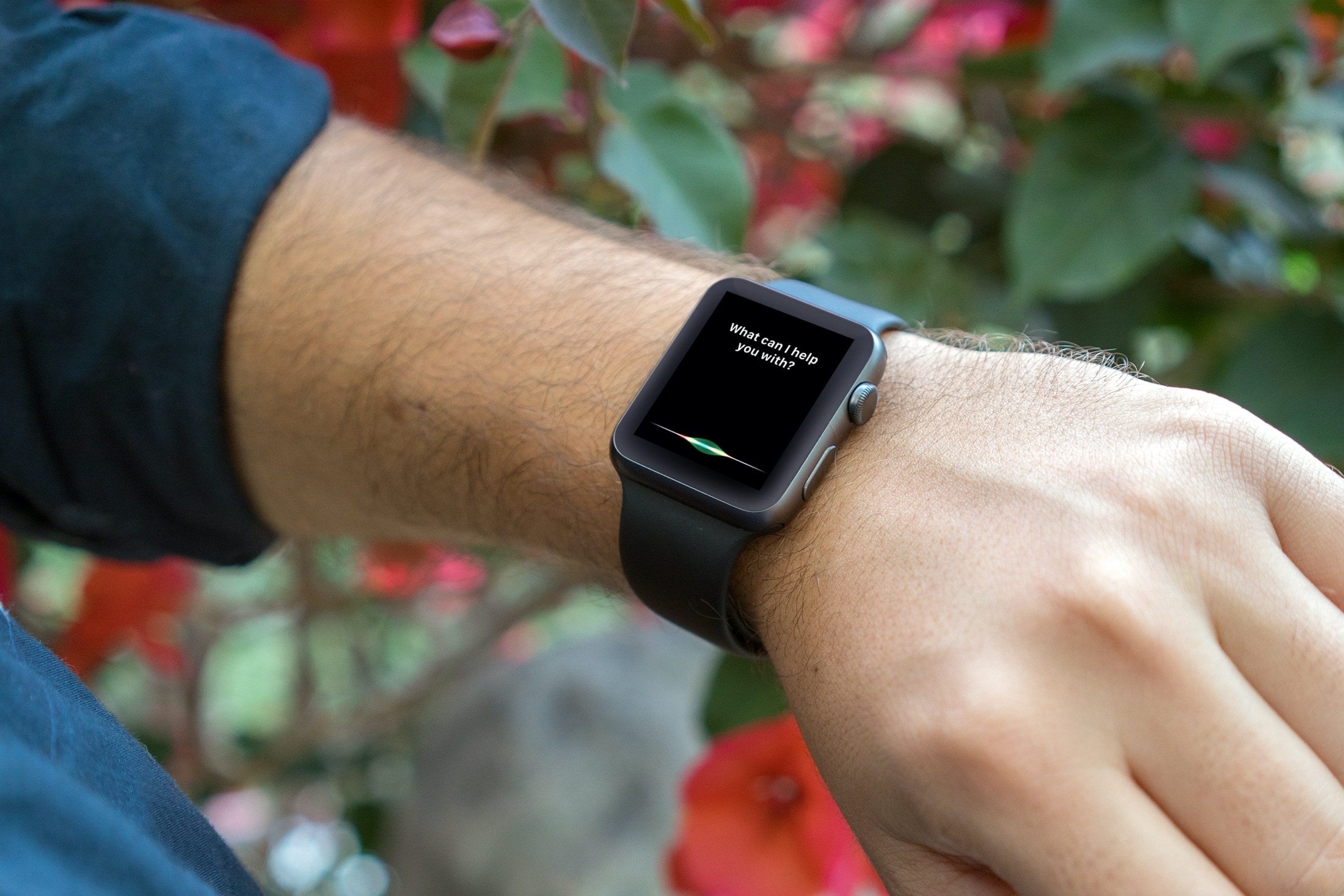
From looking for apps on the App Store to creating reminders and identifying unknown songs, this tutorial shares expert tips for using Siri on your Apple Watch to the fullest.
How to use Siri on your Apple Watch like a pro
From looking for apps on the App Store to creating reminders and identifying unknown songs, this tutorial shares expert tips for using Siri on your Apple Watch to the fullest.
Learn how to control your iRobot Roomba with Siri and command your smart vacuum from anywhere using your iPhone, iPad, or HomePod.
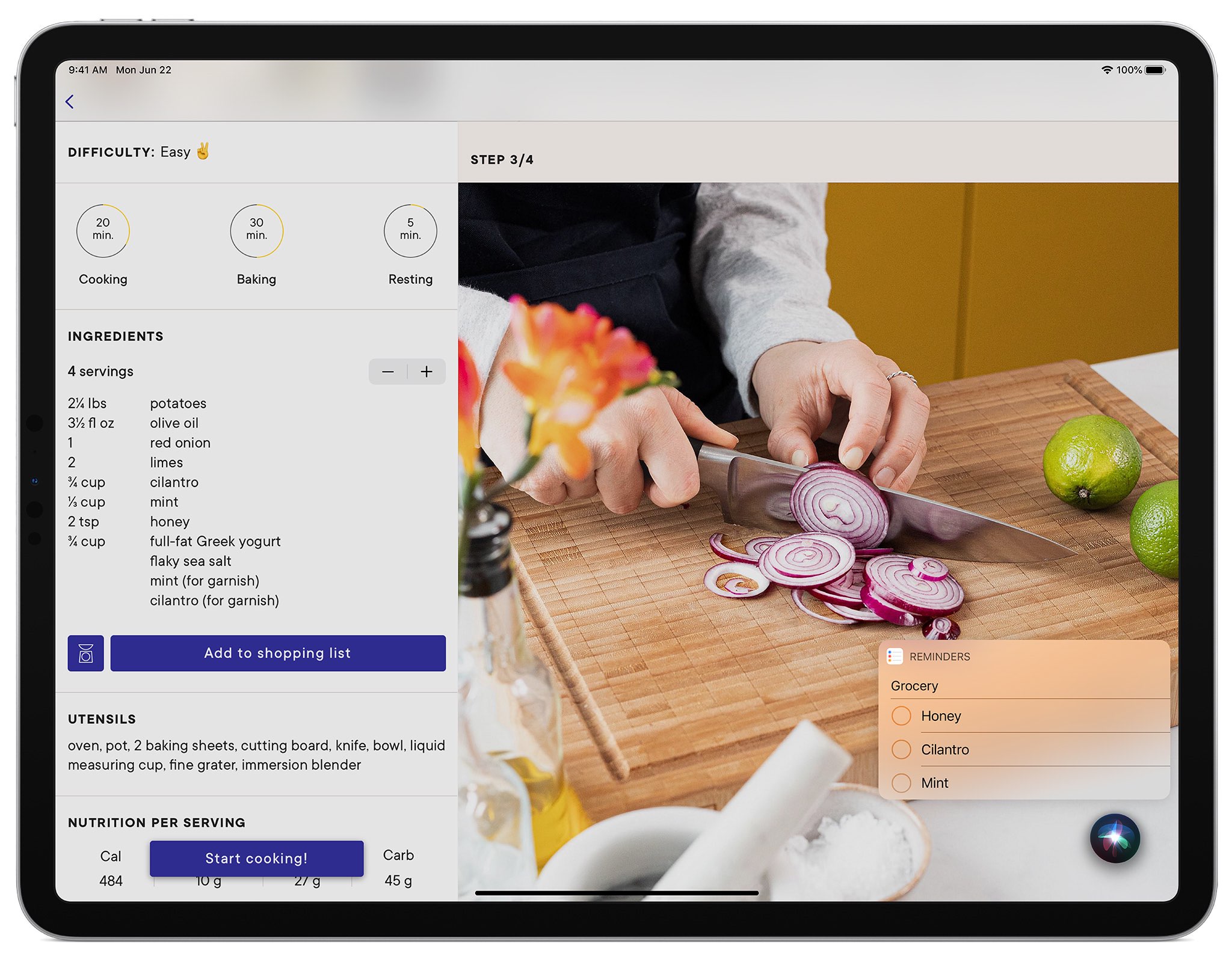
The sixth beta of iPadOS 14 has addressed complaints from beta testers about not being able to multitask on your iPad while the compact Siri interface is up.
Finding photos of people, places, or things can become increasingly difficult as you snap more pictures. And if you don’t take the time to add keywords or descriptions, it can be even harder. In this tutorial, we’ll share some tips to help you find what you need inside the macOS Photos app.
Adjust the sound level of Siri responses on your iPhone, iPad, Mac, Apple Watch, HomePod, and CarPlay, so it’s easy to hear Siri’s answer, or tone it down when you’re in a quiet place.
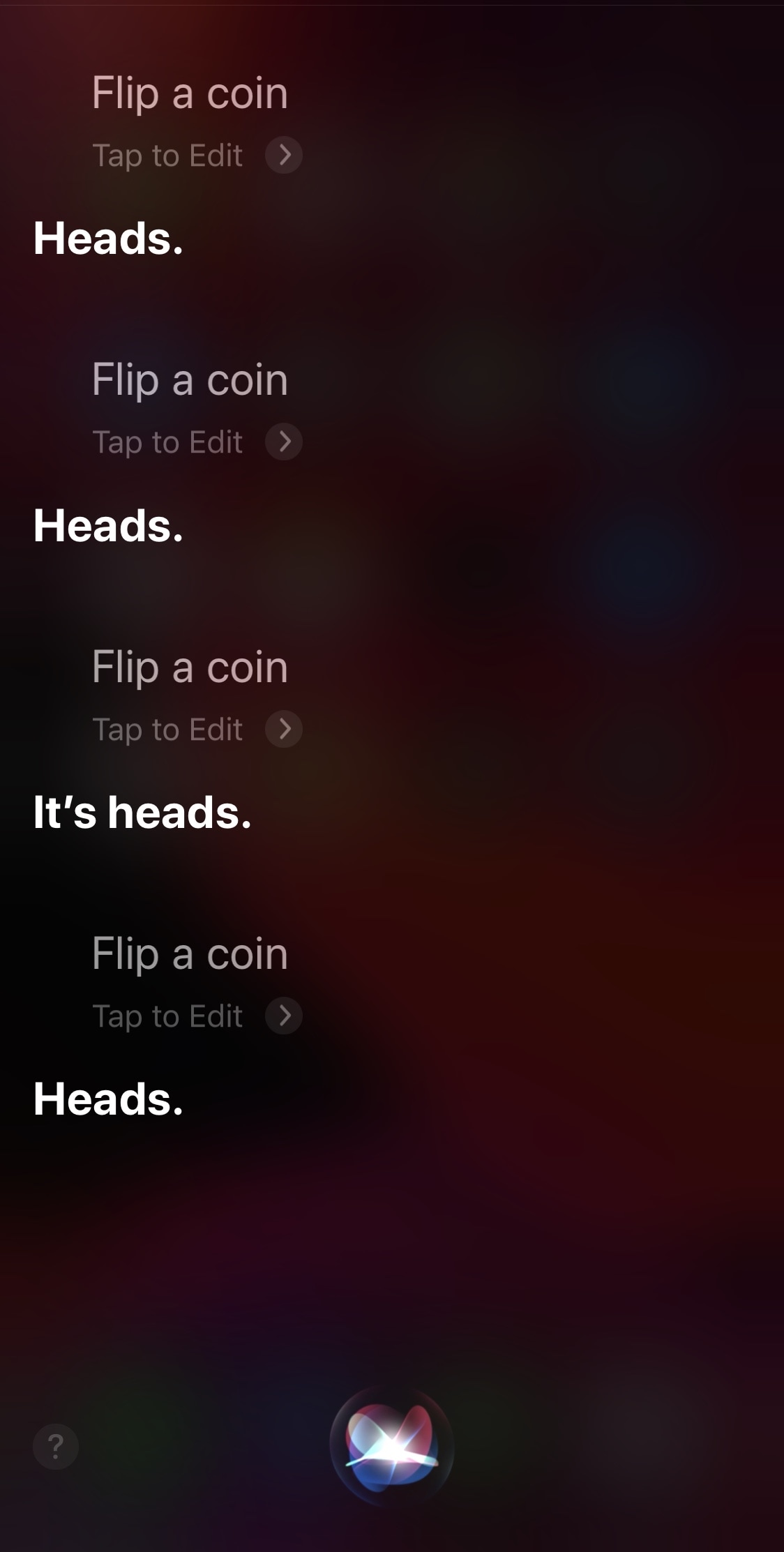
Not that we condone cheating in any way shape or form, especially when it would involve a reward, but it can sometimes be exciting to prank your friends with rigged coin flips and the likes. With that in mind, we think some pranksters might have a lot of fun with a newly released and free jailbreak tweak called SiriCoinControl by iOS developer Wes.
Just as the name implies, SiriCoinControl lets users control the outcome of coin flips performed by the Siri voice assistant on pwned iPhones and iPads. If you don’t have any two-headed coins laying around, then this tweak lets you backpedal on your virtual assistant while still being able to force a heads or tails outcome on demand.
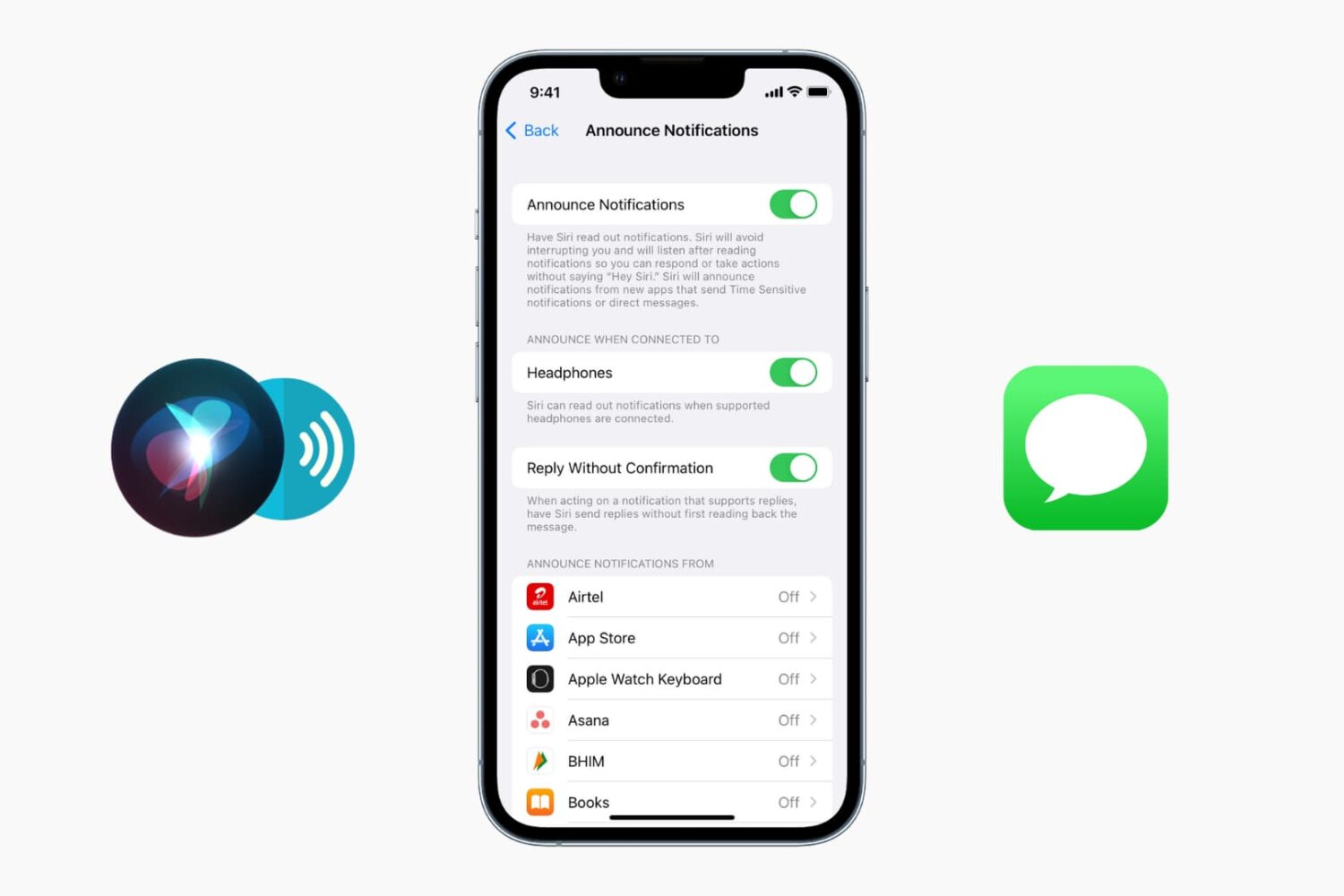
By default, Siri appears in a compact view on your iPhone and iPad. In this tutorial, we'll show you how to use that compact view or go the old way and have Siri take the entire screen.
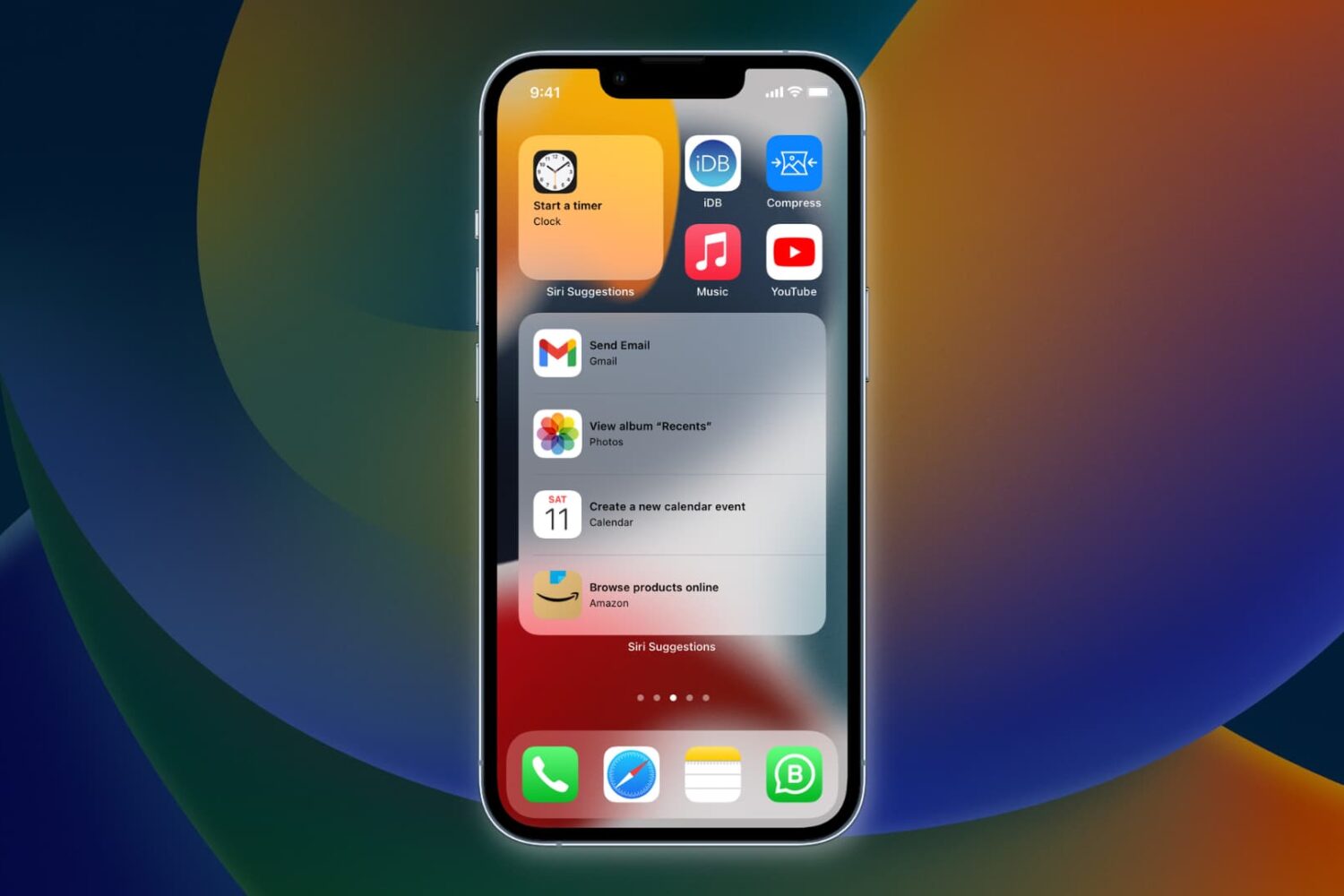
Learn how to have Siri intelligence dynamically curate your apps and show suggested actions right on your iPhone Home Screen in the Siri Suggestions widget.
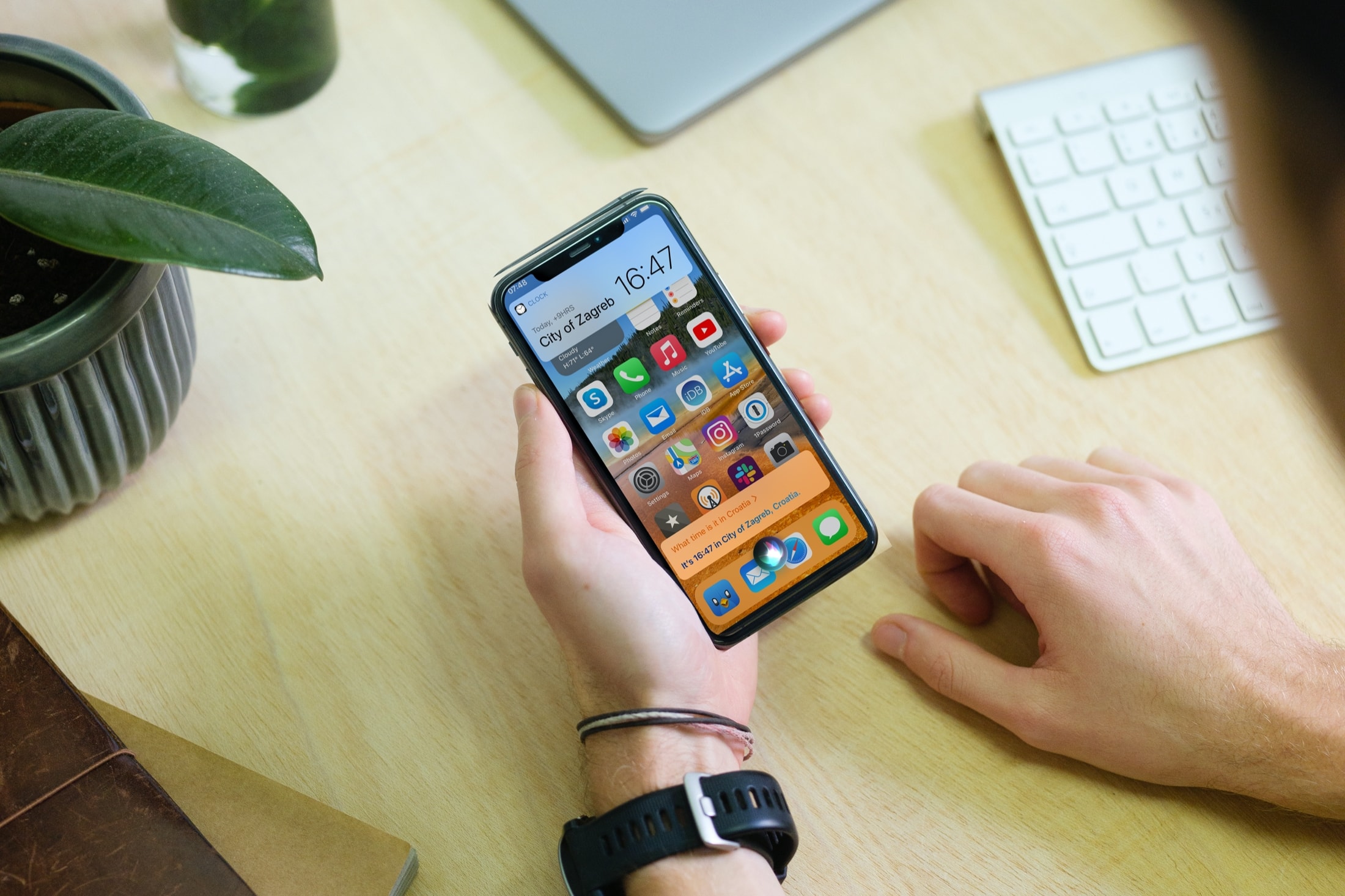
In this tutorial, we'll show you how to display anything Siri says to you on the screen of your iPhone, iPad, Apple Watch, and Mac.
Learn how to view a transcription of the voice commands you give Siri on your iPhone, iPad, Mac, Apple Watch, and Vision Pro so you can verify that the device is interpreting spoken commands accurately.
As companies were jumping on the digital assistant bandwagon, Microsoft launched its own alternative: Cortana. It proved to be plenty helpful, but Google's and Amazon's dominance in this regard (across platforms, and Siri on iOS) forced Microsoft to make some tough decisions.