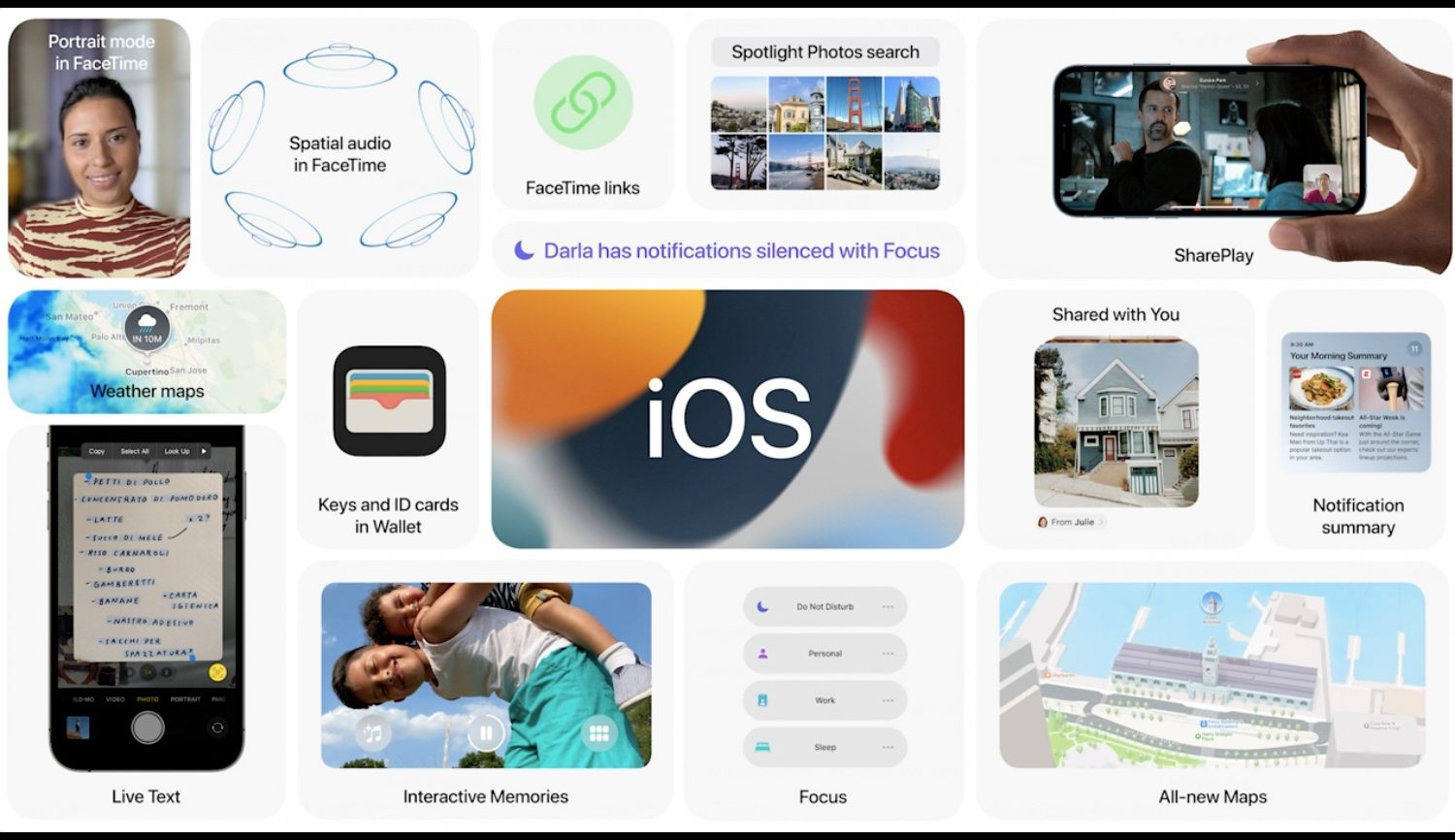
iOS 15 kicked things off for this year's WWDC keynote. It's not the biggest update for the mobile operating system to date, but it has quite a few noteworthy new additions.
12 of the most exciting new features in iOS 15
With iOS 15, you can approve personal Siri requests on your iPhone, such as accessing your contacts, by wearing your Apple Watch without having to use Face/Touch ID or your passcode.
With iOS 15, Apple is advancing Siri with on-device processing which makes the digital assistant faster and more powerful than before—even without an internet connection.

Apple is bringing Siri to third-party devices, but it's not what you think. Rather than let Android smartphone owners use its digital assistant, Apple is bringing Siri to smart home devices.
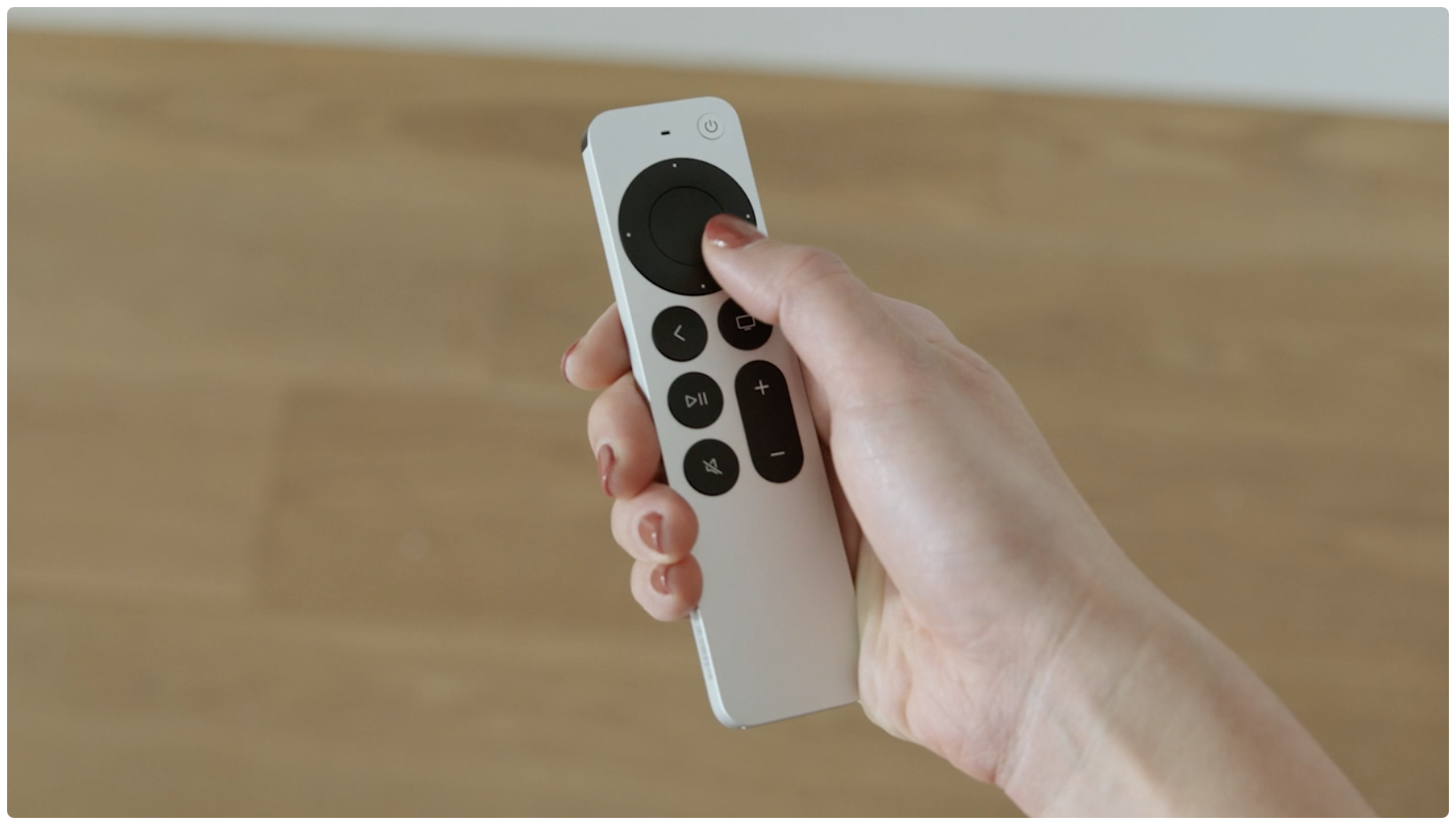
There's been confusion regarding video scrubbing on an Apple TV using the revamped Siri Remote so here's a nice little video explainer showing you how to use Apple's new jog control.
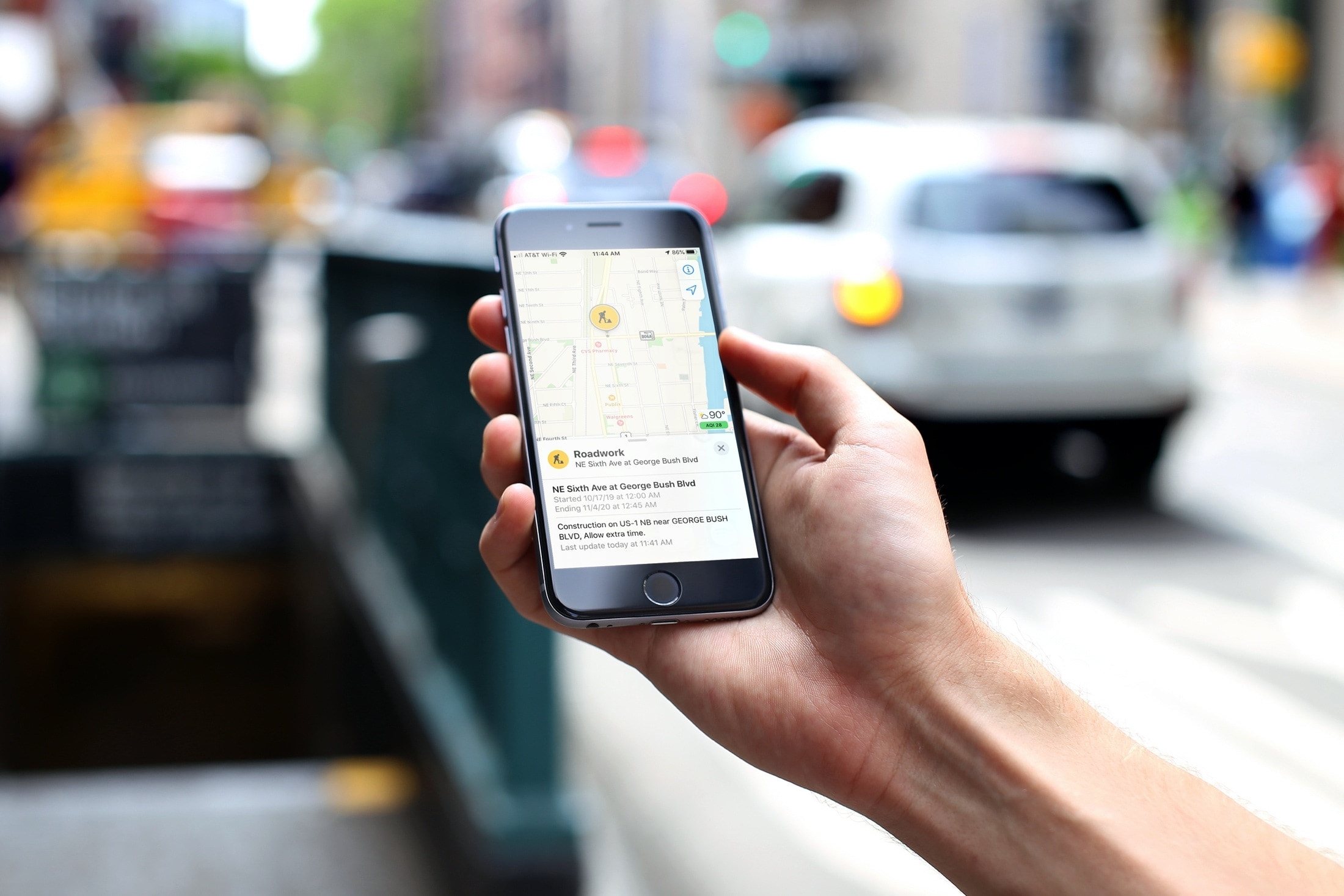
Learn how to report traffic incidents like speed checks and roadworks on Apple Maps on iPhone and CarPlay so other drivers can avoid them.

If there’s one thing jailbreakers see a lot of, it’s the little animated loading circle that appears following a respring.
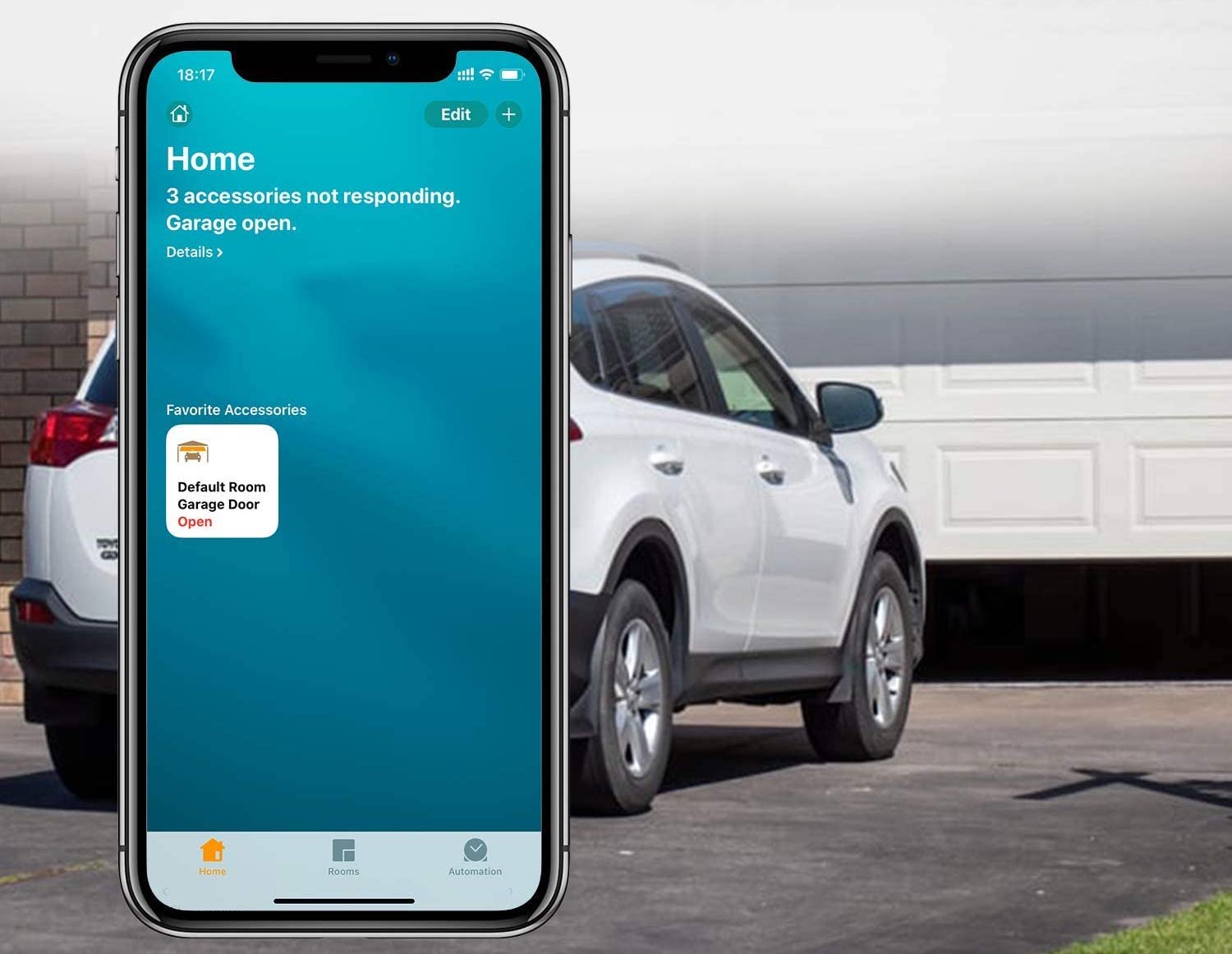
Learn how to make any garage door HomeKit compatible and control that garage door with your iPhone, Apple Watch, or Siri.
If you fire up the Siri virtual assistant on your iPhone, iPad, Mac, Apple TV, HomePod or Apple Watch right now and ask when the next Apple event is taking place, you'll get a straight answer.

One of the complaints regarding the Apple TV is its remote. It's not well-received by a lot of people out there in the wild, and it's typically one of the only negative marks given to Apple's set-top box. But the company may be looking to right that ship with the remote's upcoming redesign.
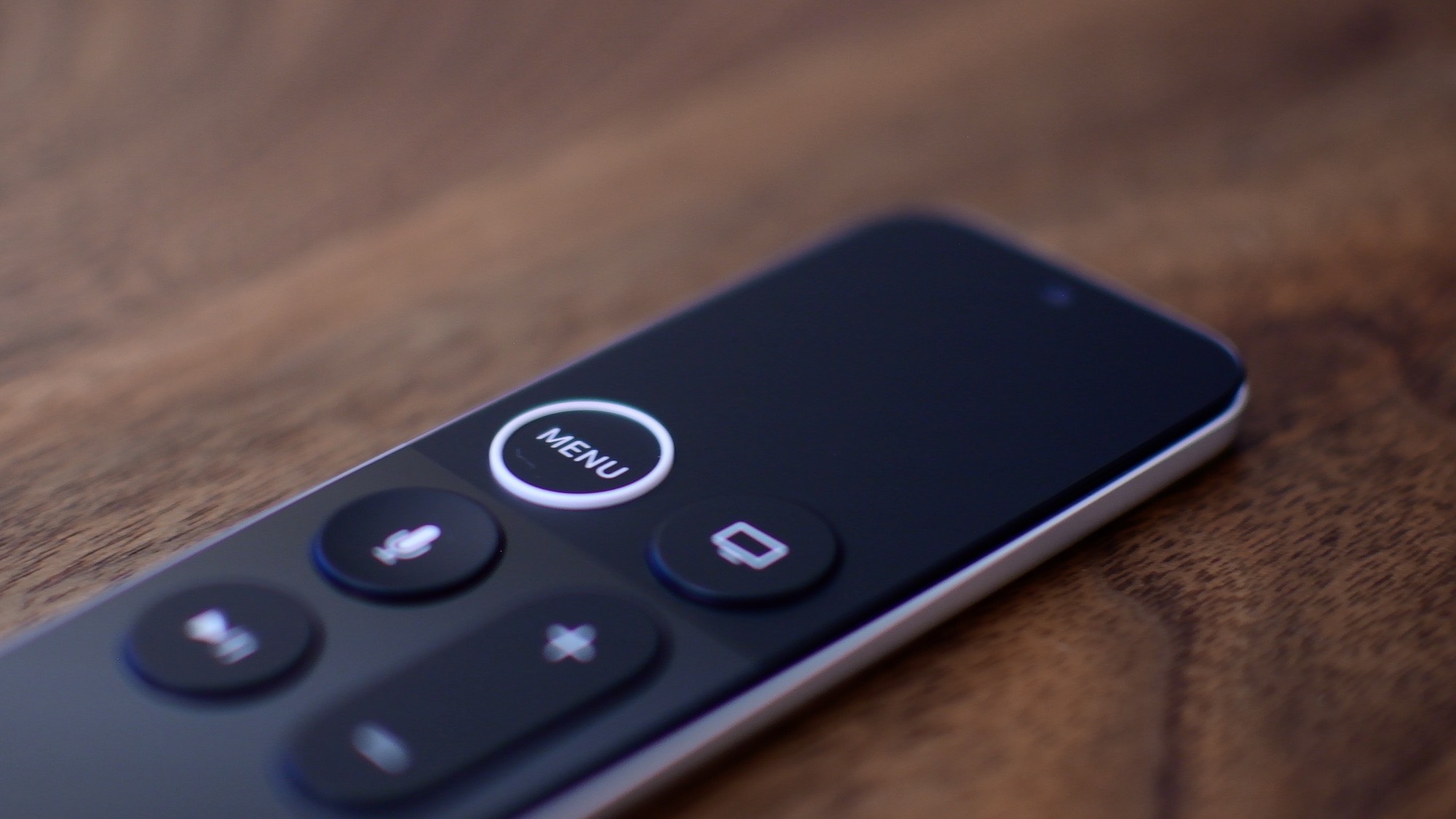
Along with rumors swirling around that Apple is planning on introducing a new Apple TV set-top box, a new remote is expected to come along with it. And now tvOS is popping in to throw a reference our way to that potential future, too.
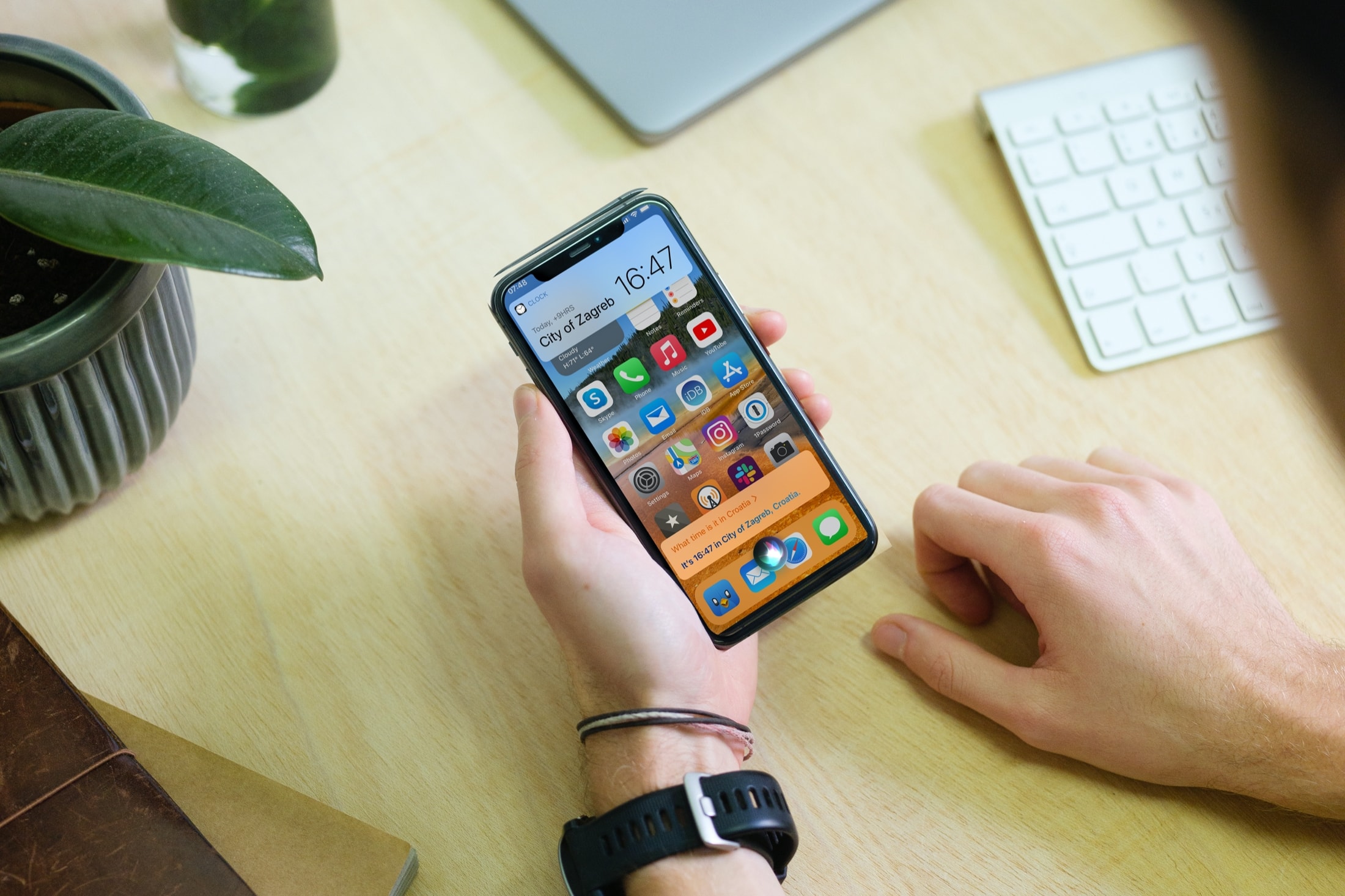
Apple is currently working on releasing the latest major update to iOS 14. The company just seeded the sixth beta of iOS 14.5 earlier today. And it turns out the upcoming new software will feature a pretty big change for Siri.