Learn how to get a notification when the battery of your iPhone or iPad has reached 100% and is fully charged.
How to get notified when your iPhone or iPad is fully charged
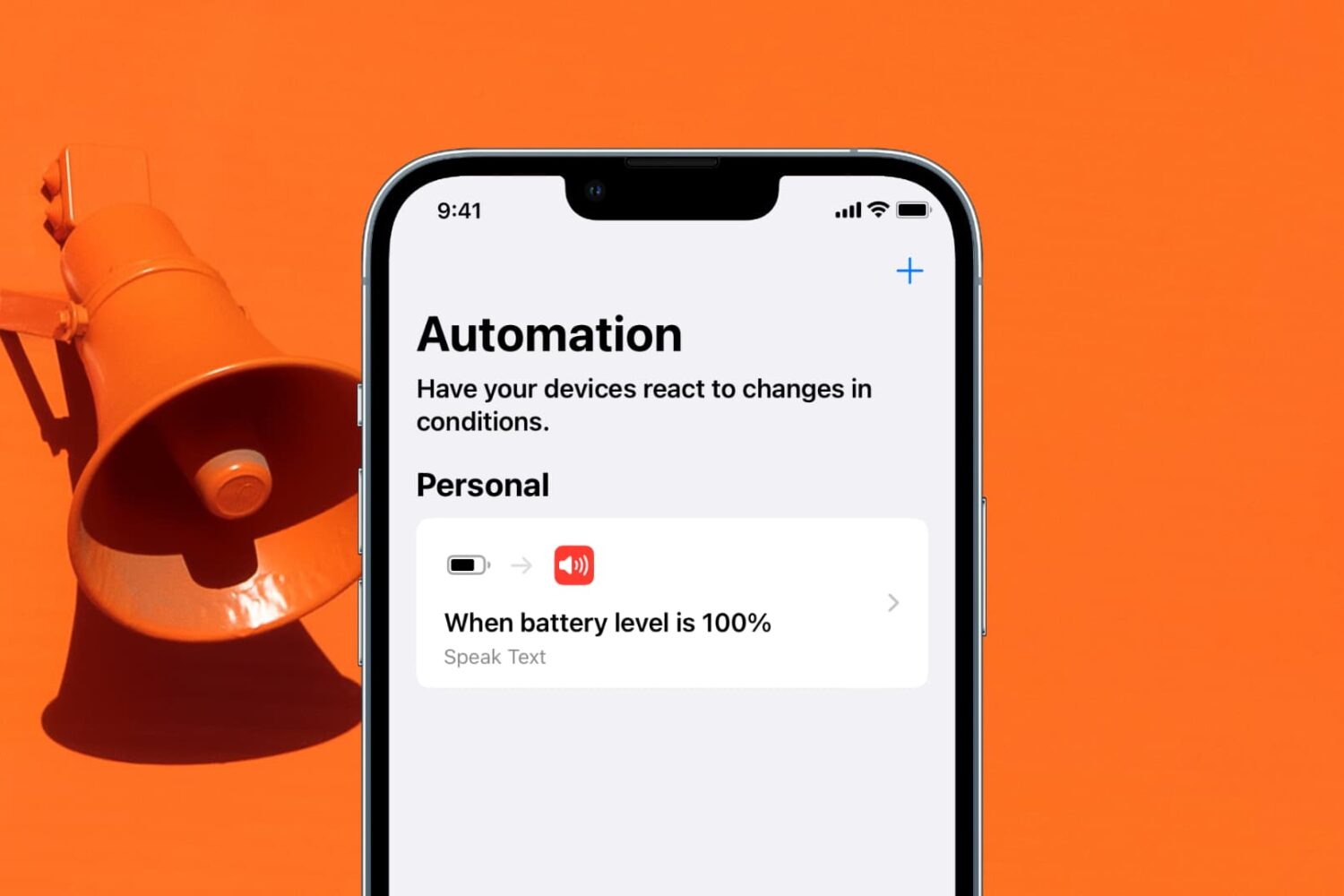
Learn how to get a notification when the battery of your iPhone or iPad has reached 100% and is fully charged.
Have you accidentally dropped your iPhone in water and found that the sound coming out of the speakers is all muffled? In this guide, we’ll show you how to get rid of the liquid stuck inside the speaker grill.
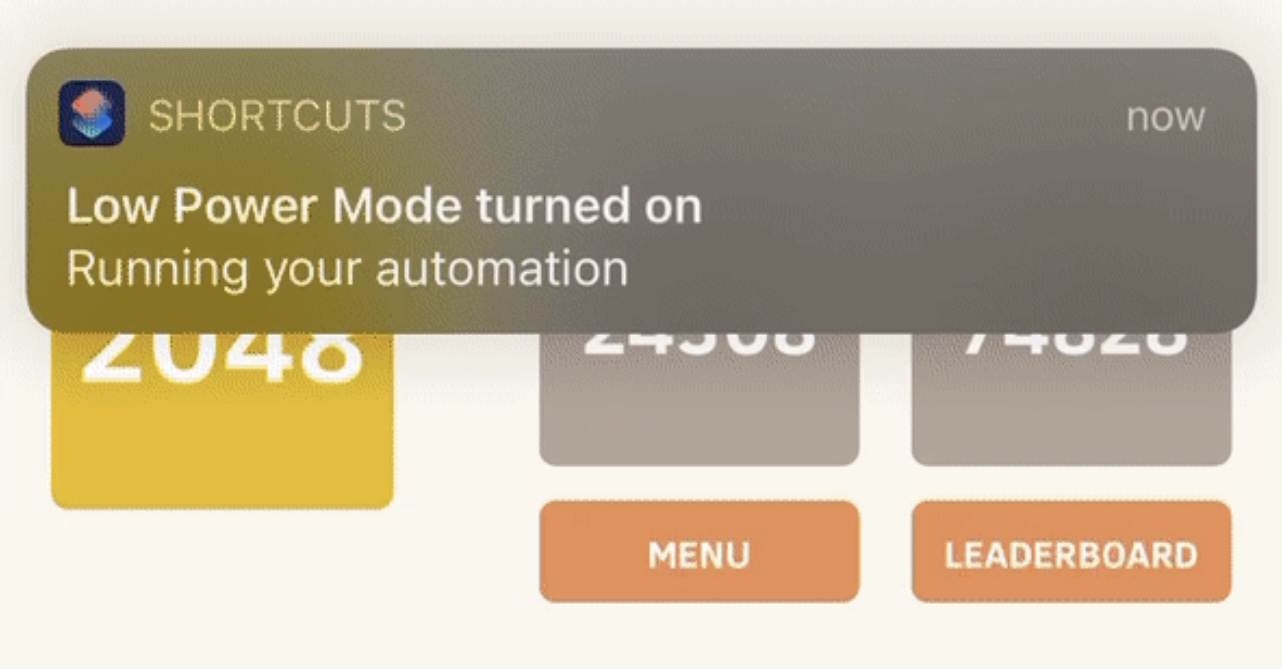
Anyone who takes advantage of the Shortcuts app to perform automations would be familiar with the notification banner that manliest itself after the automation completes.
Apple intended for this notification to let the user know when the automation finishes running, but if you’re already familiar with what your automation is supposed to do, then sometimes it can come off as redundant information.

That was a quick turnaround. Which is a good thing, as Apple was able to fix an apparent issue causing problems with sharing older Shortcuts links.
Following recent news that older iCloud links used by iOS automation fans to share their Shortcuts workflows with others have stopped working, Apple has now promised a fix.
It appears that iCloud links meant to share Shortcuts have a limited amount of time before they become invalidated. At least, that's the latest discovery by folks trying to share some Shortcuts that are a week old or older.
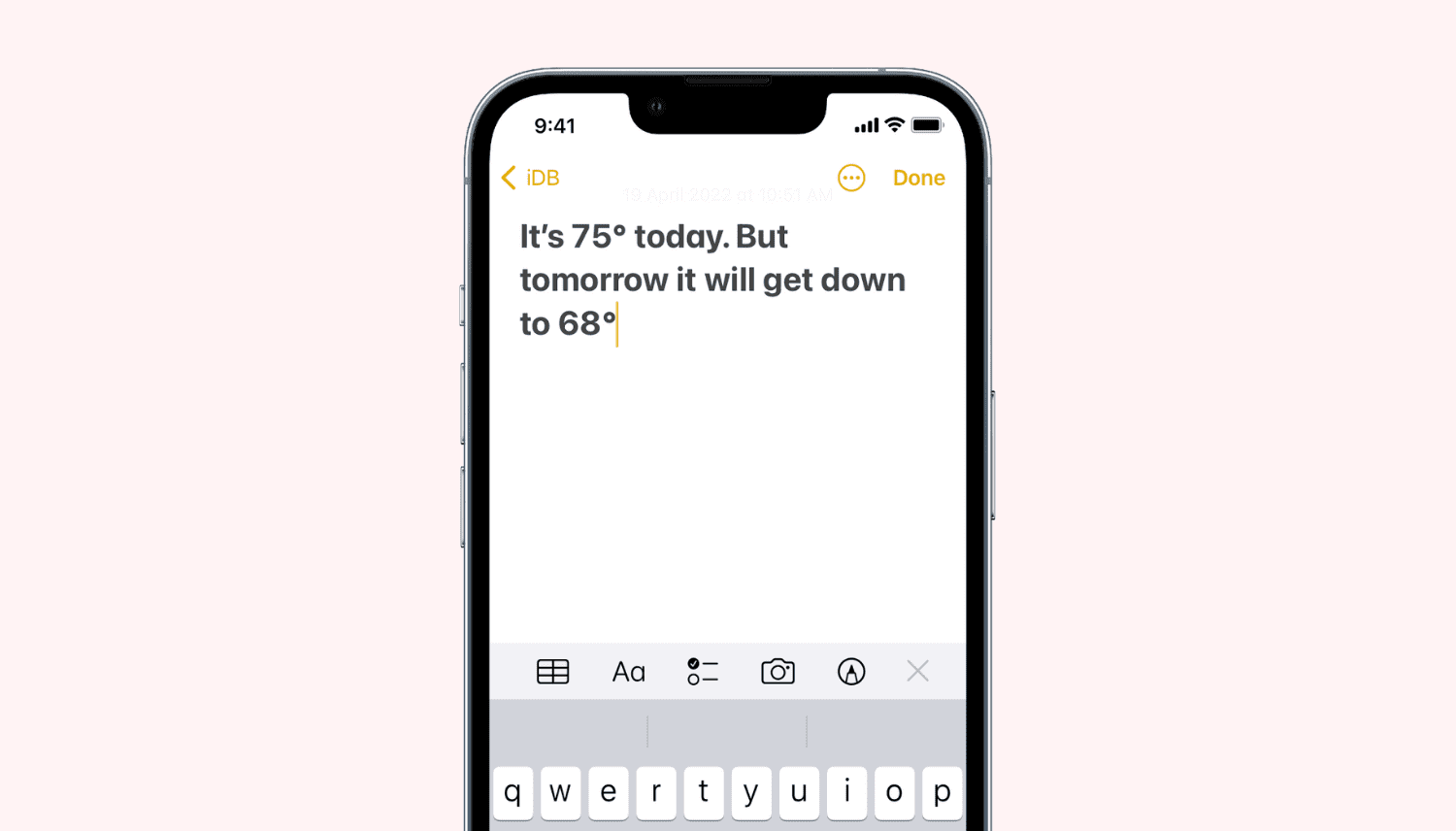
In this quick tutorial, we’ll show you how to insert the degree symbol (°) anywhere on your iPhone, iPad, and Mac without copying & pasting it off the internet. You don’t even have to use a third-party app!
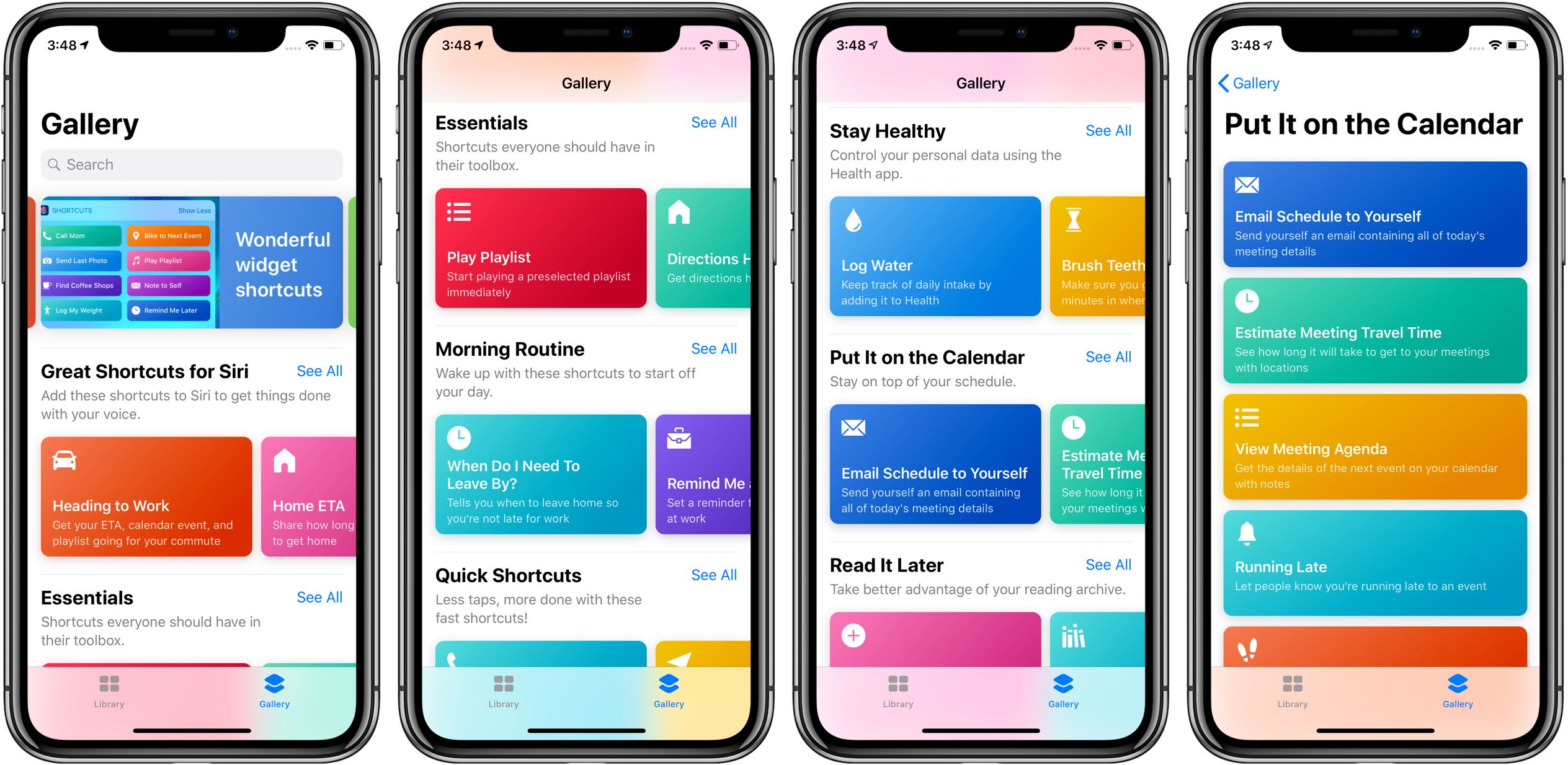
Aside from unlocking your iPhone with an Apple Watch, changing the default music player for Siri requests and other perks, iOS 14.5 adds several handy new actions to the Shortcuts app.
Perform actions and tasks faster with these keyboard shortcuts for the Script Editor app on your Mac.
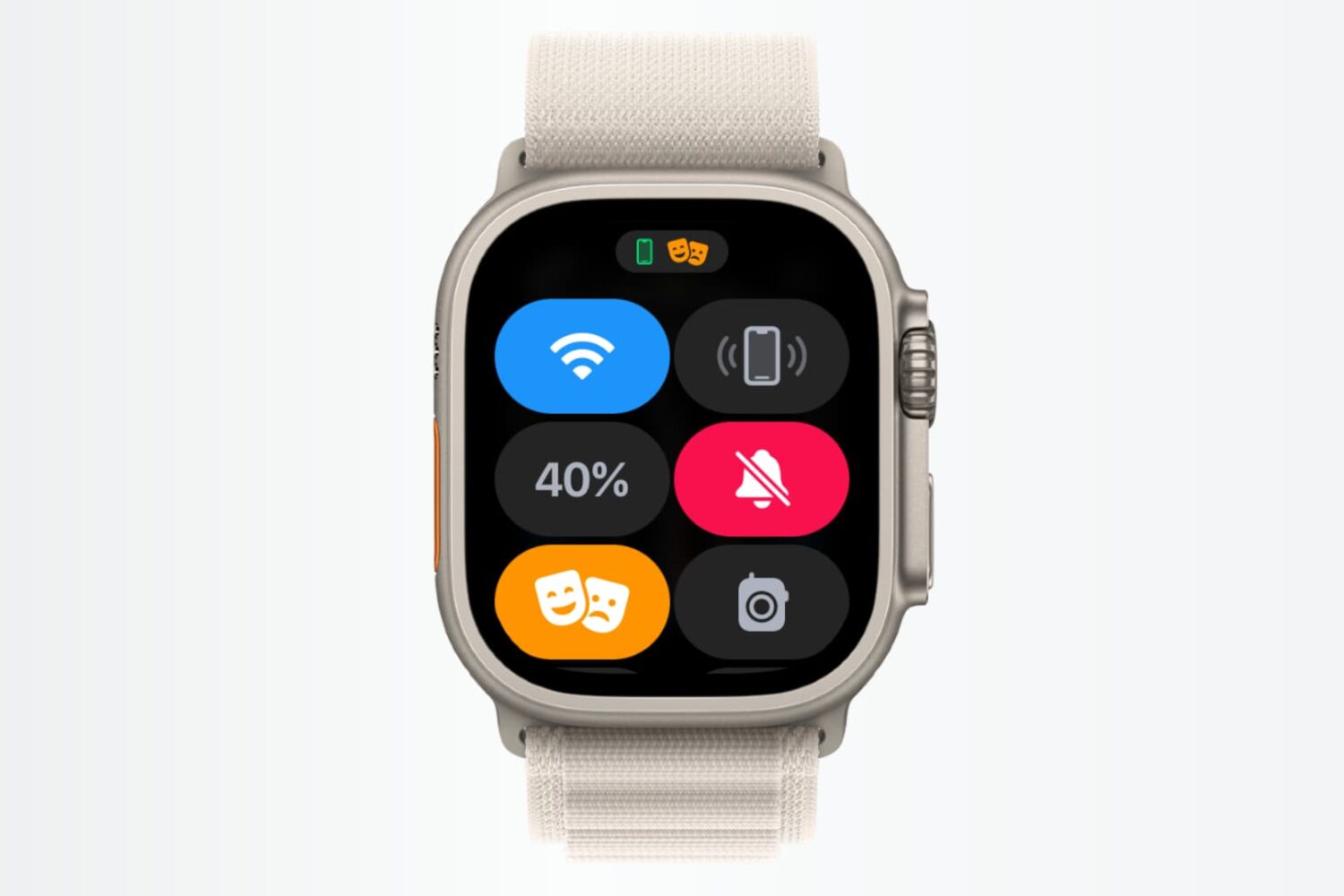
In this tutorial, we’ll show you how to use shortcuts and automations to silence your Apple Watch automatically based on where you are.
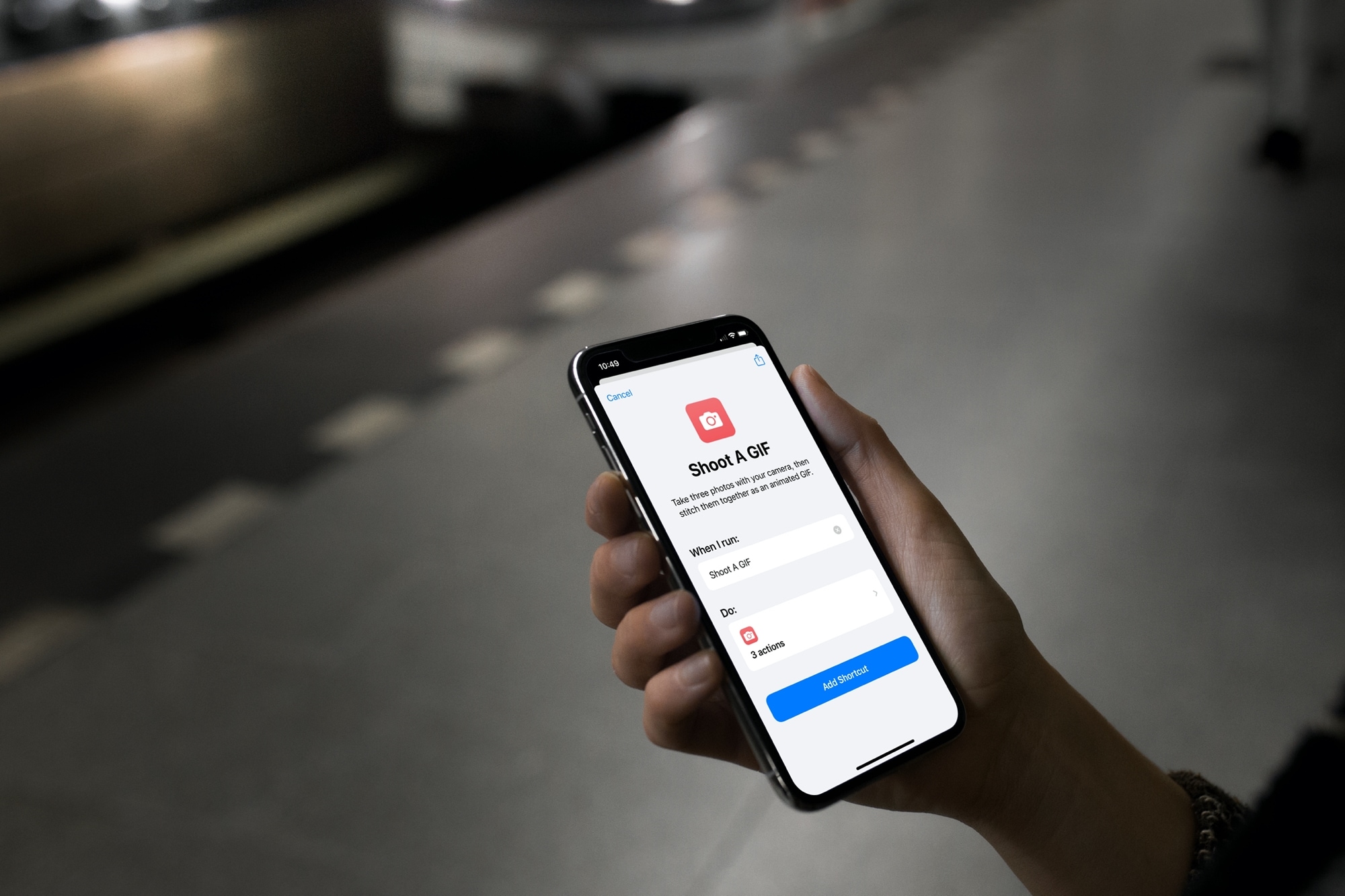
Check out this list of handy Shortcuts for creating GIFs, sharing your last photo, mapping a picture’s location, and more on your iPhone or iPad.
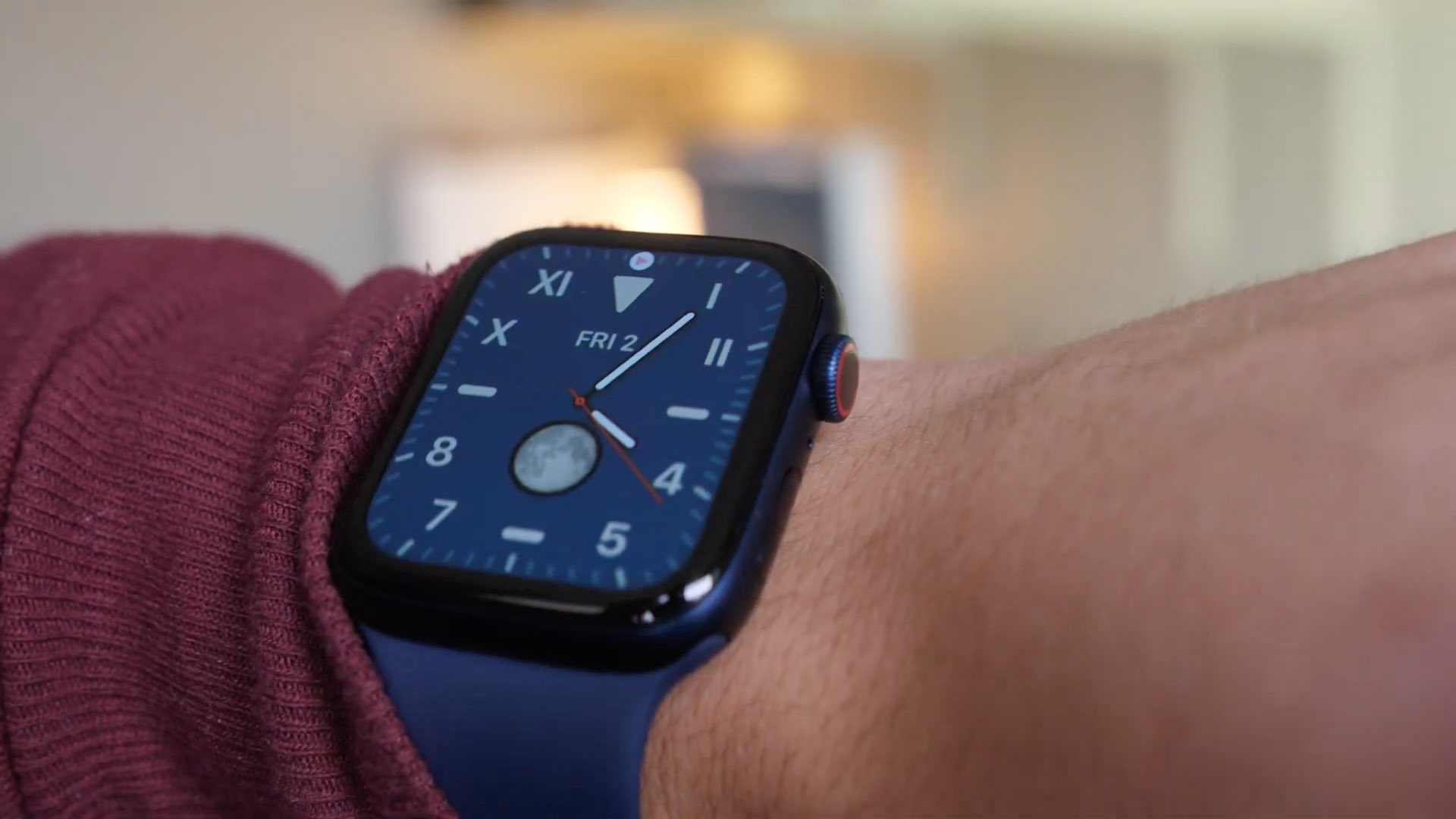
Learn how to use the power of shortcuts and automation to change your Apple Watch face automatically based on sunrise, sunset, chosen custom time of the day, or your location.