Review

Review: RIF6 Cube Projector – a great iPhone companion?

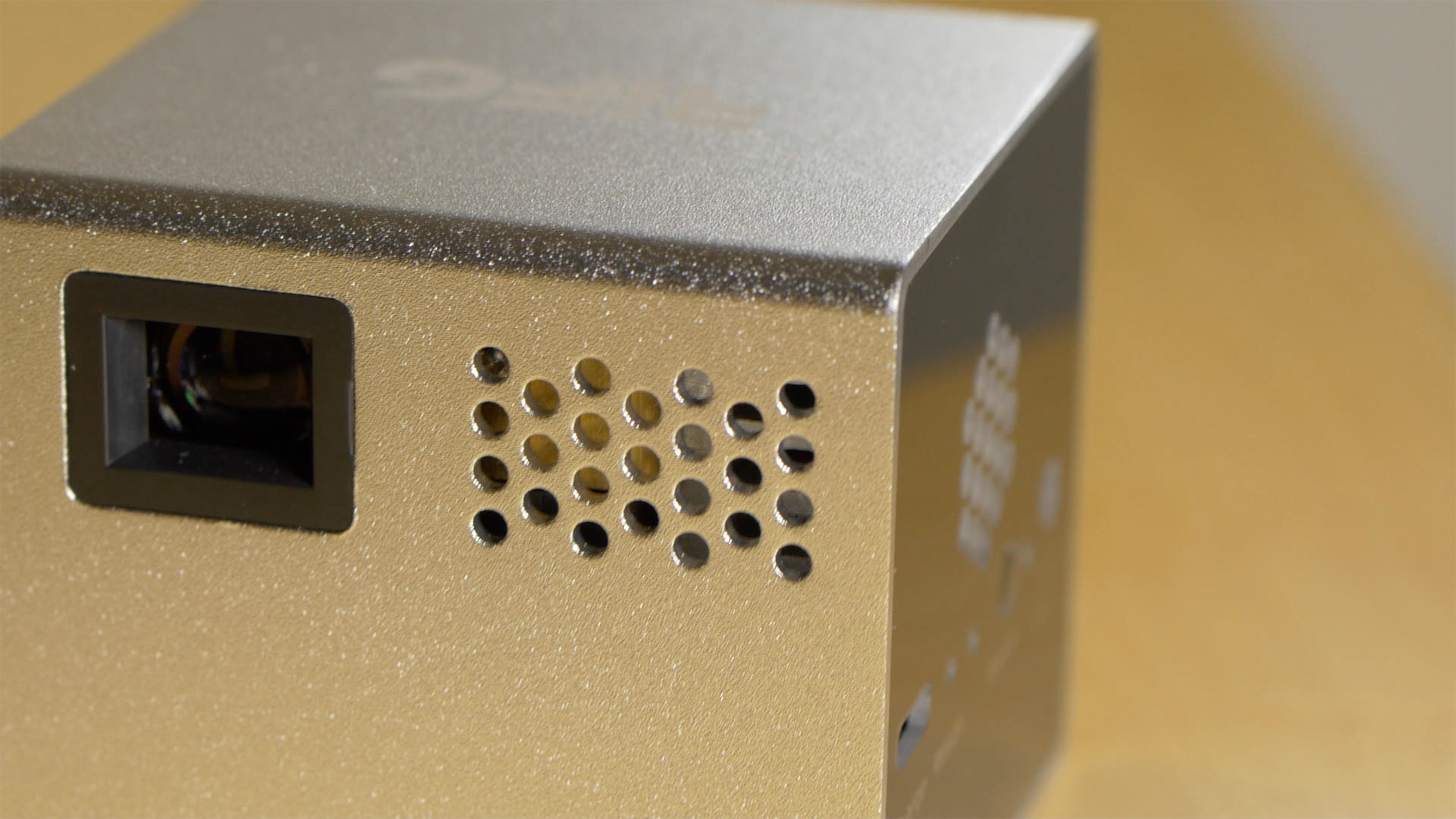
The RIF6 Cube ($269 on Amazon) is a portable DLP projector that’s super-small at only 2”x 2”. You can literally fit this projector in your pocket and then use it to project an image from your iPhone’s screen up to 120”.

The main thing that the RIF6 has going for it is its size, or lack thereof. It’s so incredibly tiny, that it’s hard to believe that it can project anything, let alone a 120” picture.

The small size, though, is both a blessing and a curse for the RIF6. Due to its small size, it’s sub-HD at an 854x480 resolution. It also packs a speaker that features barely audible sound quality.

But I’ve decided that both of these downsides are things that most people will be able to live with, because you’re buying this projector for the incredible sense of portability and flexibility that it brings, not because it packs the latest and greatest features in projector technology.

Watch our video review inside as I highlight the unboxing of the RIF6 Cube, and showcase the basic setup and display capabilities that this svelte little device possesses.
Nomad Stand for Apple Watch review

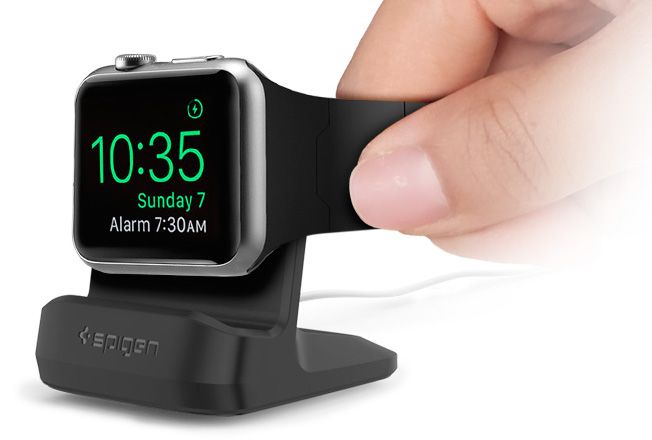
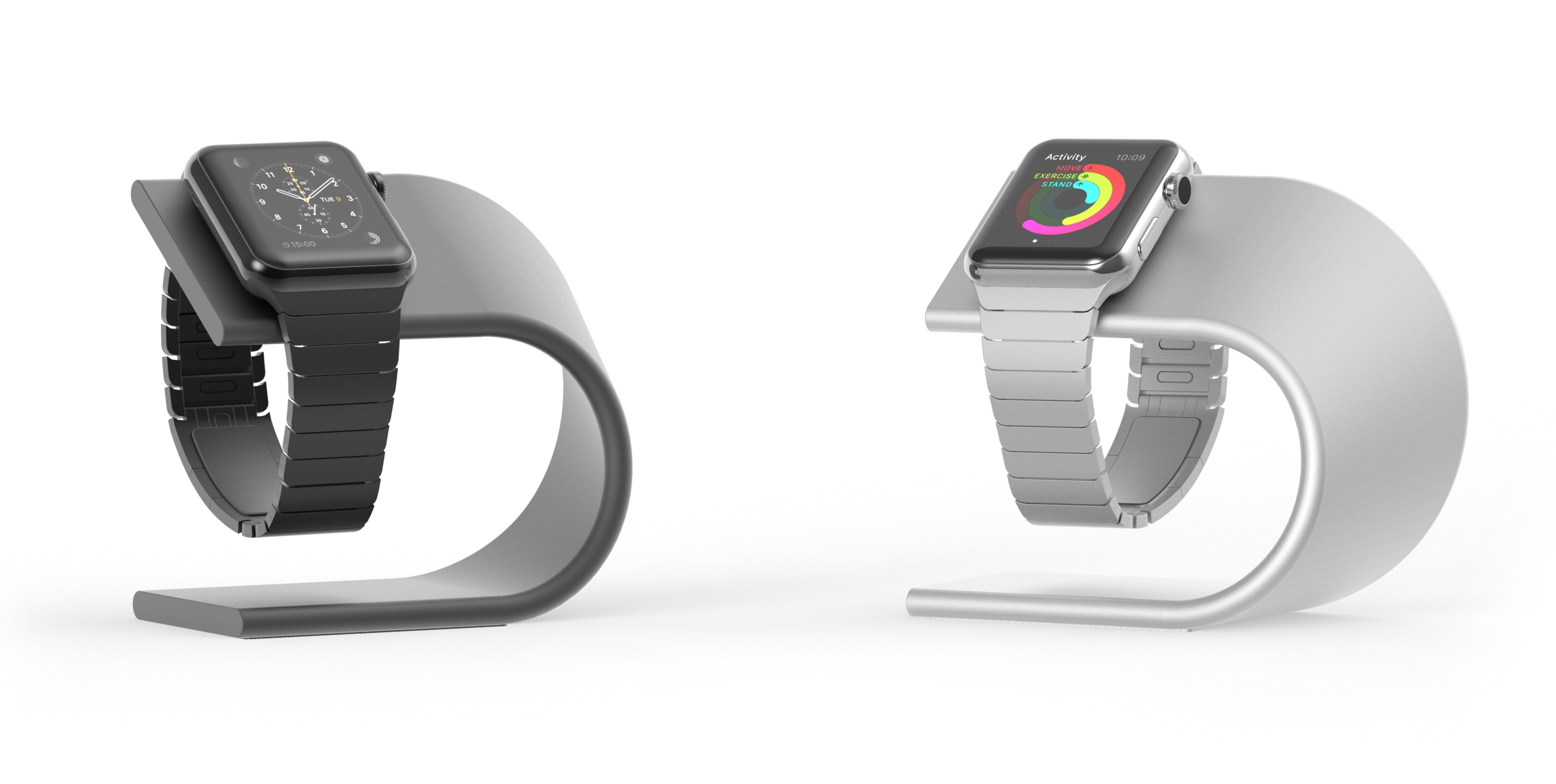
In my apparently endless search for the perfect Apple Watch dock, I have come across the Nomad Stand. Its simple design is what caught my eye at first, but after using it for a few days, I can say there is more to it than meet the eyes.

Most of the stands for Apple Watch I've seen so far seem to take the wrong approach. They appear to try too hard to design something that in many cases doesn't compliment the design of the Apple Watch itself, but actually works against it.

Nomad Stand succeeds where many others have failed.

Review: Skiva PowerFlow 7 Port StandCharger + Giveaway

Chances are that if you’re reading this review, you have more than one portable device that charges via USB. Maybe you have two—a tablet and a phone—or maybe you have multiple phones.

Admittedly, someone like me is a bit of anomaly, as I review phones and cover them on a daily basis. Hence, it’s not out of the ordinary for me to have multiple smartphones at any given time. This has especially become true as I get acquainted with more Android devices.

One of the main caveats of having this many portable devices is keeping them charged. I can’t tell you how many times I’ve picked up a phone or a tablet that I haven’t touched in a while, only to find it dead—the dreaded "dead phone syndrome".

The problem really is two-fold: a). I don’t have enough wall outlets and chargers in convenient places to keep the devices topped off, and b). my devices are usually scattered all over the place.

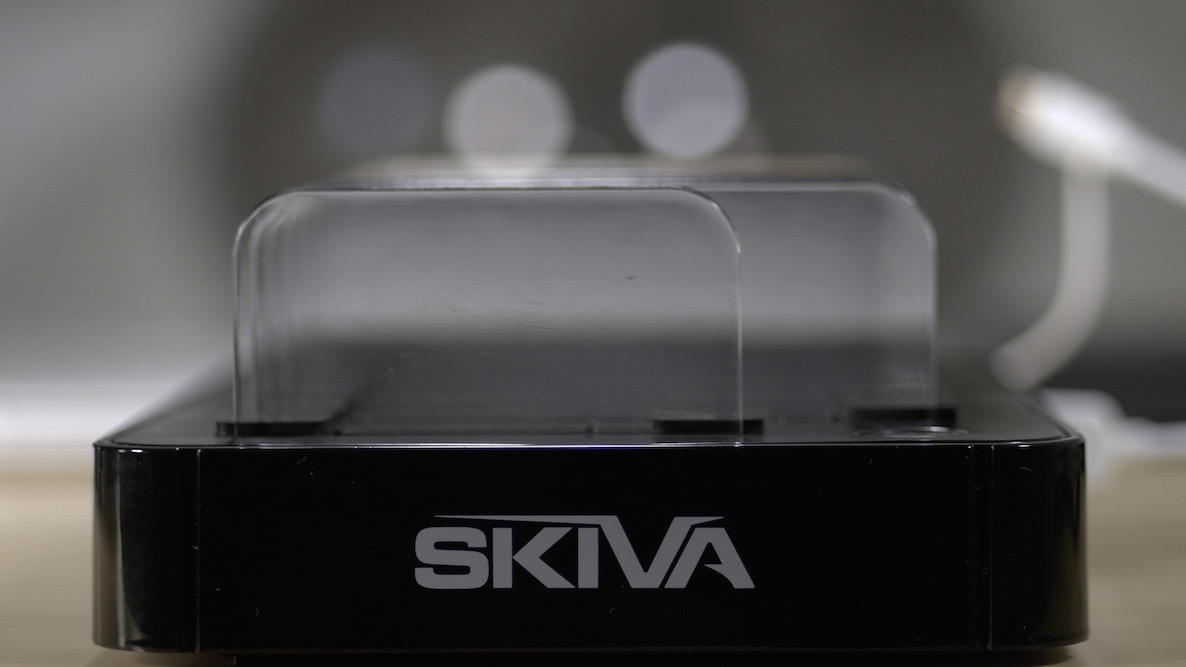
Skiva’s new PowerFlow StandCharger 7-Port USB Charging Station aims to eliminate both problems. It can charge all of your devices at the same time via the seven 2.4 Amp USB ports, and it also houses each device in a organized manner.

But does the Skiva do enough to warrant a serious look? Is this $59.99 device truly better than your current system of charging your device? Check out our video walkthrough and thoughts inside.

I’ve become addicted to this game, and so will you

I'm not much of a gamer, but every once in a while, I come across a little gem that gets me hooked for a short period of time. Circlestances is one of those games.

The concept of the game is pretty simple. Two circles are moving in random directions on your screen. Your goal is to tap the screen every time they overlap. The more they overlap, the more you score. Sounds too simple? 

Review: Sennheiser ClipMic digital and Apogee MetaRecorder

As many of you guys know, I’m fairly involved in audio and video when it comes to producing content for iDownloadBlog. As someone who co-produces multiple podcasts each week, I’m especially fond of audio, and any new product that surfaces that could possibly give my audio game a boost is on my radar.

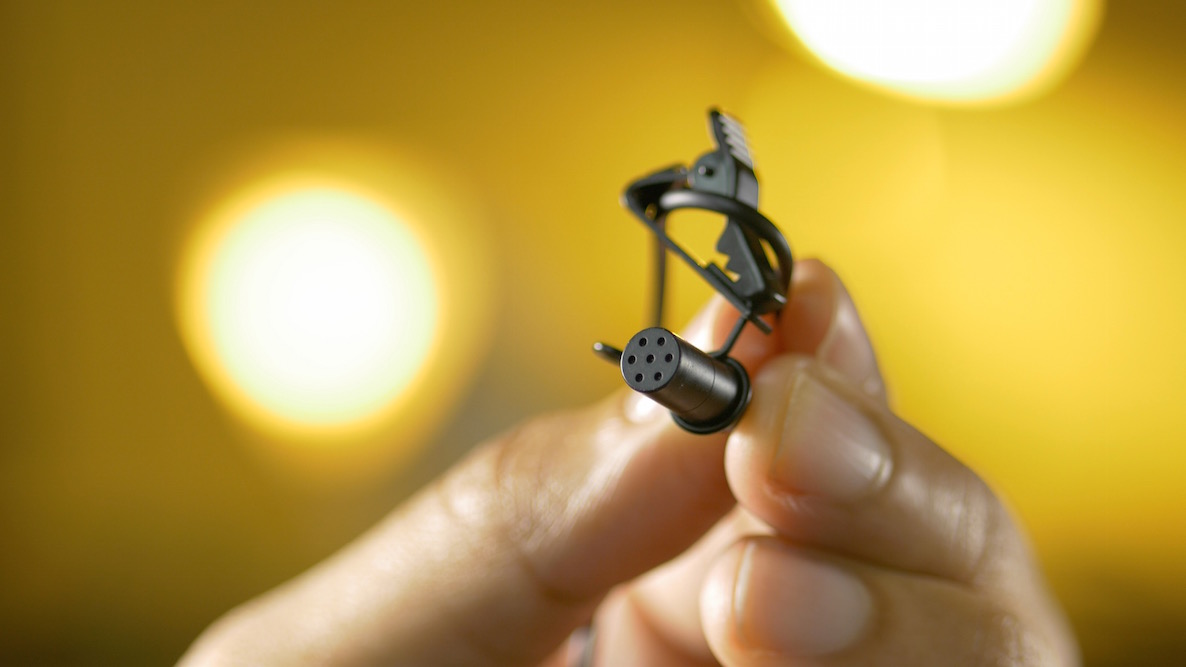
One such product is Sennheiser’s new ClipMic digital ($199 on Amazon). It’s a lavalier mic that connects directly to the iPhone via its MFi certified Lightning connector. With the ClipMic digital, you can basically transform your iPhone into a high quality audio recorder...

Review: BatteryBox – a good charging solution for your MacBook?

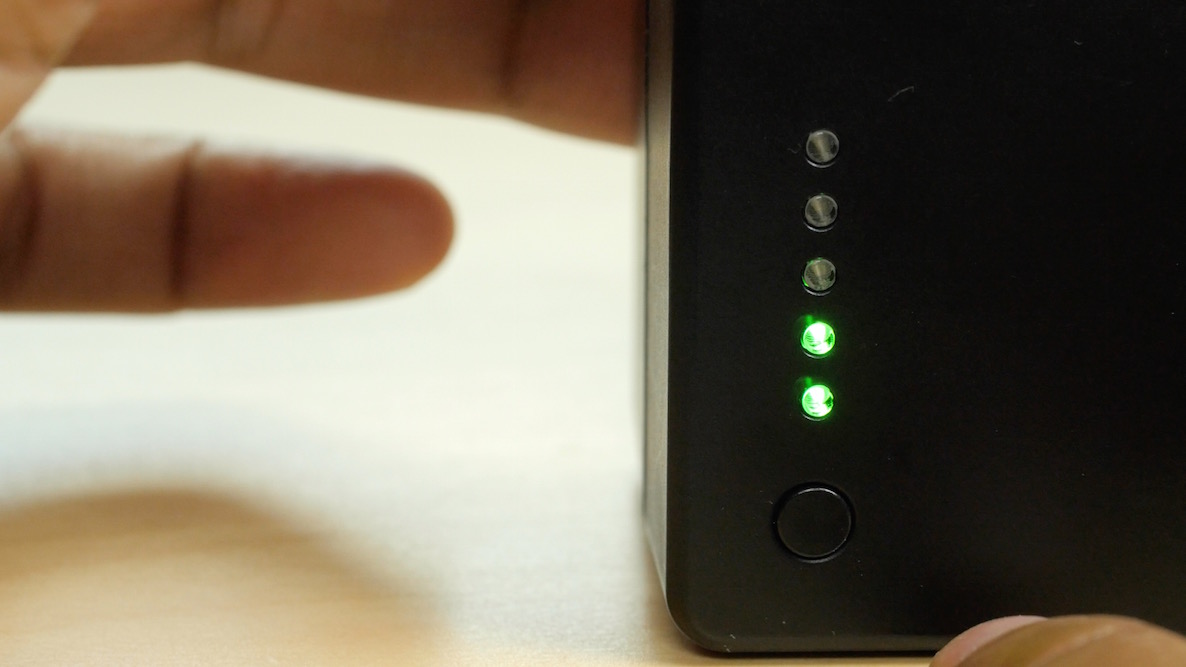
I’ve been using Gbatteries’ BatteryBox ($219 on Amazon) portable MacBook-enabled battery charger for several months, and now I’d like to share my thoughts on the device.

The BatteryBox is a dense, yet small compact box that’s almost exactly as wide as of pack of playing cards, and about as tall as two and a half packs of playing cards.

Needless to say it’s a very small device, but it’s also extremely dense and a little awkward to travel with. It’s essentially like carrying around a power brick from your favorite game console in the mid-90’s.

The BatteryBox is dense because it packs in a whopping 60 Wh rechargeable li-ion battery. That’s a lot of juice, and as such, it can power a MacBook Air for 13 hours straight. As a user of a MacBook Pro, the amount of time I get from the BatteryBox is obviously reduced, but I still came away fairly impressed with the results.

The BatteryBox can also charge other items, like iPhone and iPads, via a standard USB connection. In fact, it can fully recharge an iPhone up to 11 times, which makes it great for traveling where you power outlet access may be limited.

But what makes the BatteryBox stand out is the fact that it can connect directly to a MacBook’s charging port via a specially designed connector. Since Apple owns the patents to MagSafe connectors, Gbatteries had to come up with a different method for connecting to the MacBook. The BatteryBox is the result of its efforts, and it works well from my experience.

If you’re a MacBook user who’s often on the go, should you consider supplementing your MacBook’s battery with a BatteryBox? Find out inside…

Spider: Rite of the Shrouded Moon review: spin a web of mystery and death

In practically every image of an abandoned building, especially an old house, there are dozens of spider webs spread out everywhere. You might wonder what it is those spiders are doing with their days and nights, free to roam around without fear of human interactions.

Spider: Rite of the Shrouded Moon gives you a glimpse into what it might be like as a spider, wandering the rooms of an abandoned estate, looking for food, and discovering much more. Check out our full game review of Spider: Rite of the Shrouded Moon below.

Operation Dracula review: a relentless vertical shoot-em-up from a 1980s dreams

As far as arcade shooters go, some of the most action-packed are the ones where you are being bombarded by a massive onslaught of firepower that you can't seem to get away from. Some call it the "bullet hell" genre.

Operation Dracula is a vertical shoot-em-up that can be considered a bullet hell game because your entire screen is filled with firepower coming at you from every angle. We've got a full game review of Operation Dracula for you today.

How to add ratings to Cydia tweaks

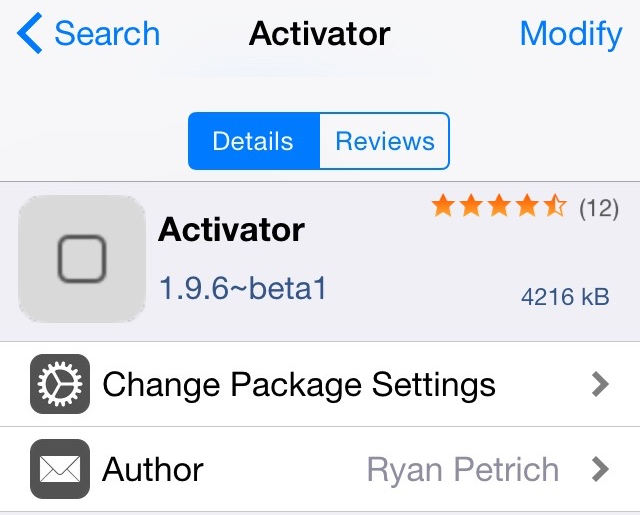
Cydia Ratings is an awesome new beta jailbreak tweak that brings an App Store-inspired ratings interface to all of your favorite Cydia tweaks.

Ever since Cydia debuted, there's never been a real way to go about rating the tweaks housed inside. Users are thus made to either take the plunge on a tweak without knowing how good it is, or wait for a review from iDB. Now, with Cydia Reviews, users will have a legitimate way of reviewing and reading reviews for all of the tweaks available on Cydia.

Prune review: yard work has never been so beautiful

There truly is an art form in pruning. Trees of all shapes and sizes act differently based on the way you manipulate their growth. The art of the Bonsai is the perfect example of how a perfectly trimmed tree can become whatever you want it to be.

Prune is a game about trees. In it, players trim branches to grow their foliage until they reach the sun. We've got a hands-on game review of Prune for you today.

Create colorful keyboards that match your mood in an instant with Photokeys

Photokeys by developer Appyfurious was released in the App Store last evening. This quite interesting application makes it easy and fun to create your own colorful keyboards in seconds, from any photo in your library.

Just take or import a picture, adjust color themes as you like and your keyboard is ready for use in any application.

If you're unhappy with the results, refine your custom designs with manual controls to mix and match your own colors and achieve the keyboard nirvana. But wait, there's much more to Photokeys, a 99-cent download from the App Store, than meets the eye.