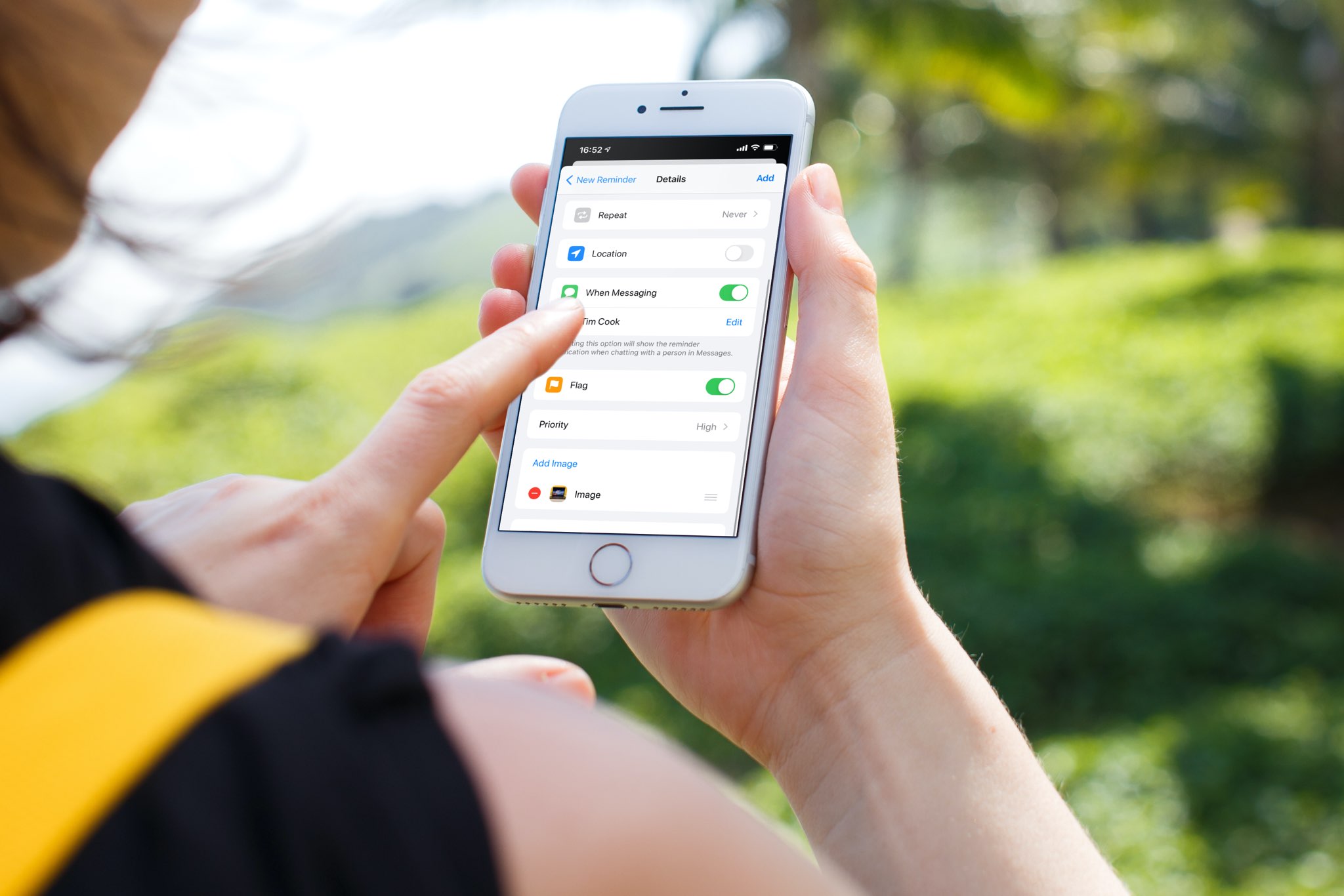
Learn how to sort your to-dos in the stock Reminders app by the due date, creation date, priority, or title on iPhone, iPad, and Mac.
How to sort tasks in Apple Reminders by date, priority, or title
Learn how to sort your to-dos in the stock Reminders app by the due date, creation date, priority, or title on iPhone, iPad, and Mac.
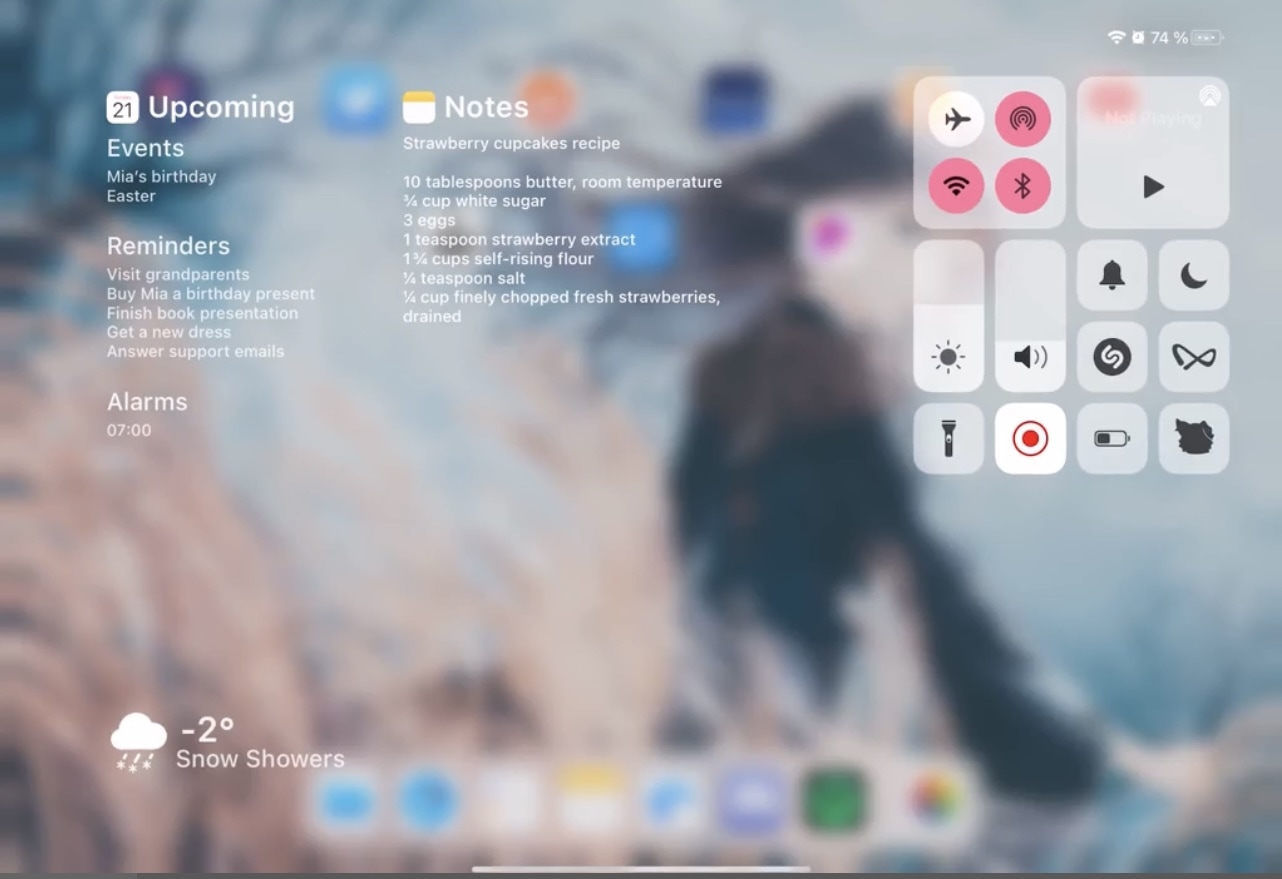
The iPad offers the same useful Control Center interface that the iPhone and iPod touch do, and while that’s great, it’s also the biggest problem.
While Control Center’s features are both convenient and useful, the issue I take with the interface on the iPad is that it leaves so much screen real estate unused. In fact, it’s literally an iPhone’s Control Center interface crammed at the edge of the iPad’s large display.
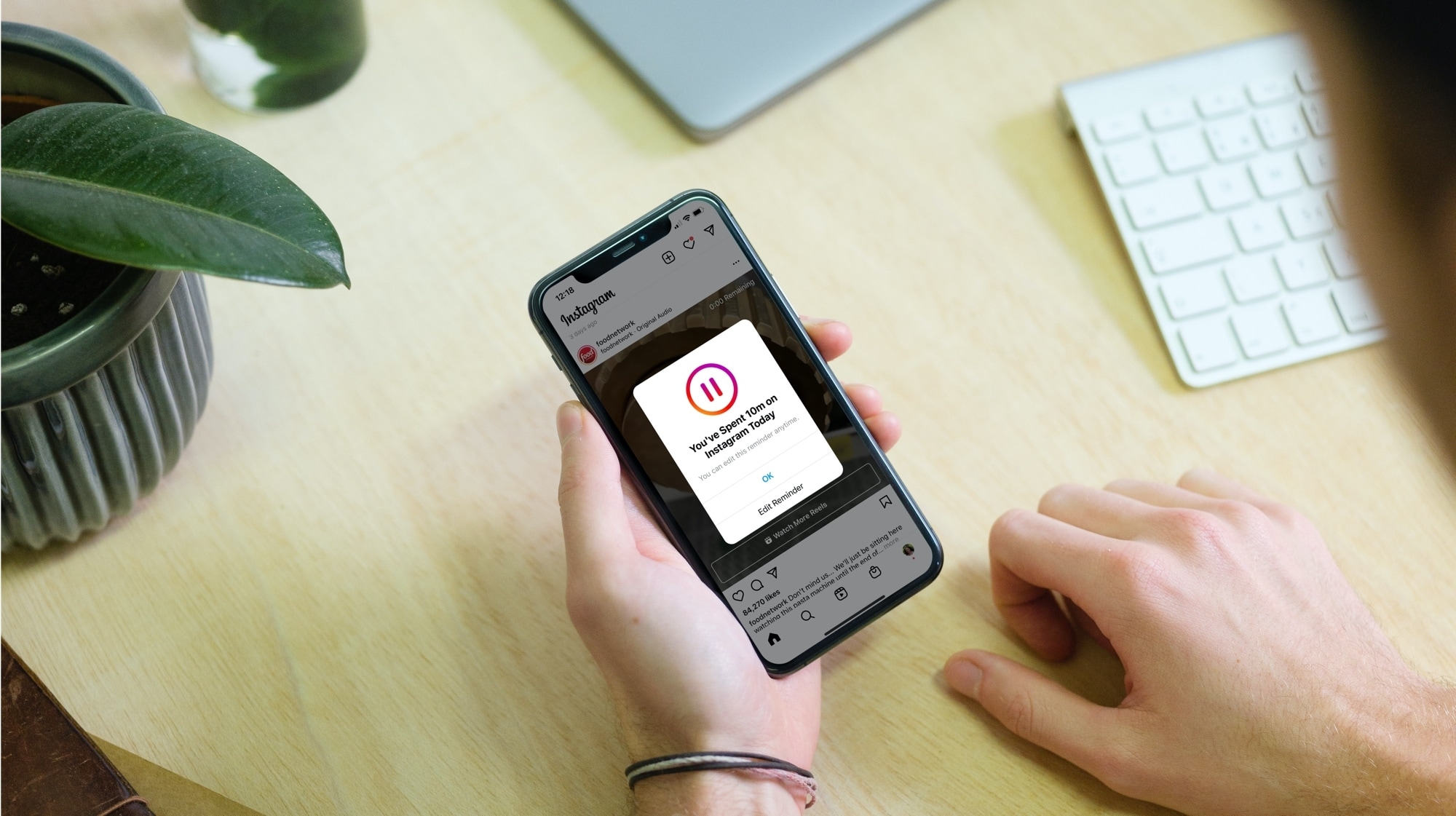
Learn how to reduce the amount of time you spend on Instagram by seeing your daily usage and setting a daily time limit. Once you cross that limit, the app will remind you to close it.
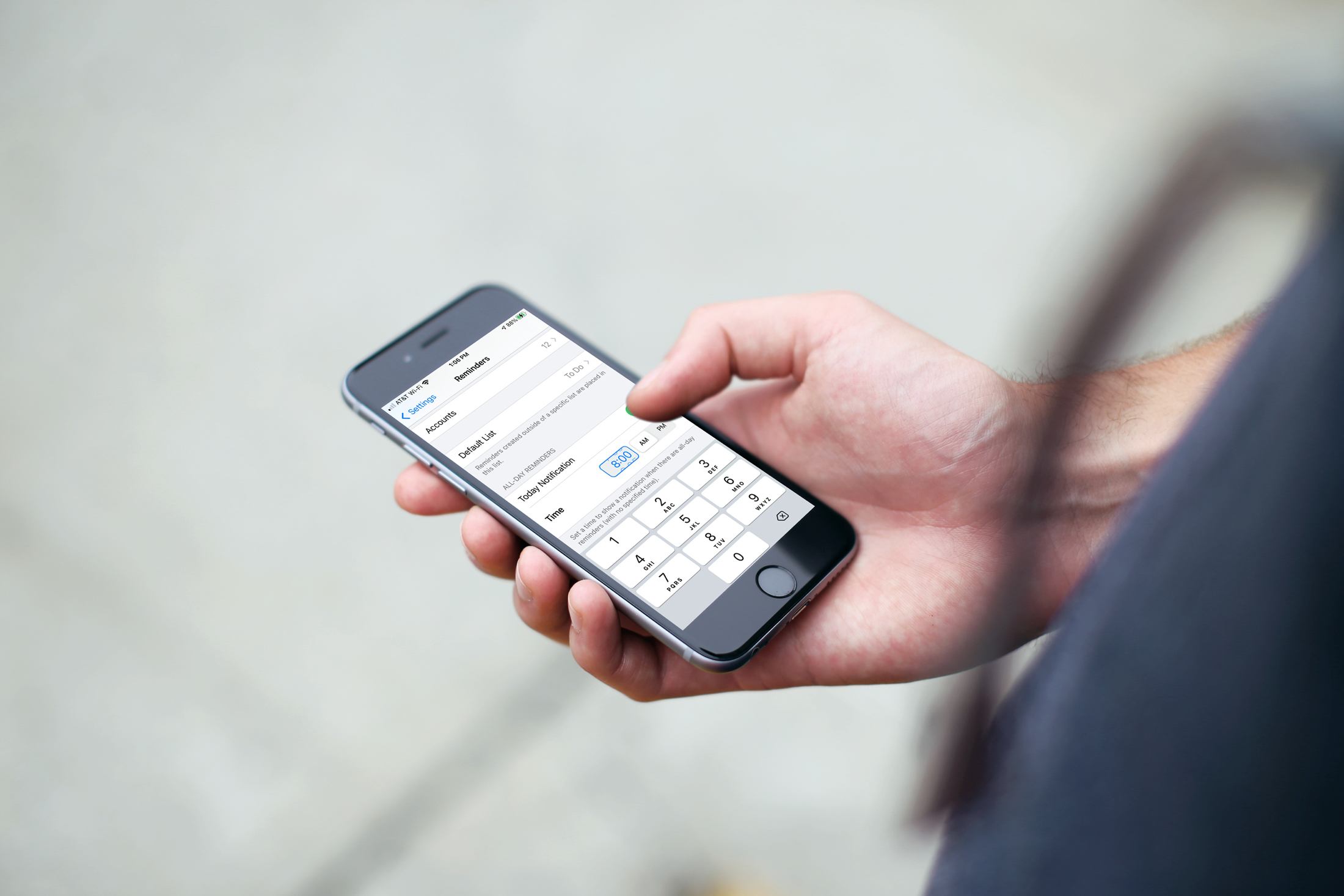
Learn how to set a default alert time for all-day Reminders on iPhone, iPad, and Mac, so you still receive notifications even if you forget to set a time.
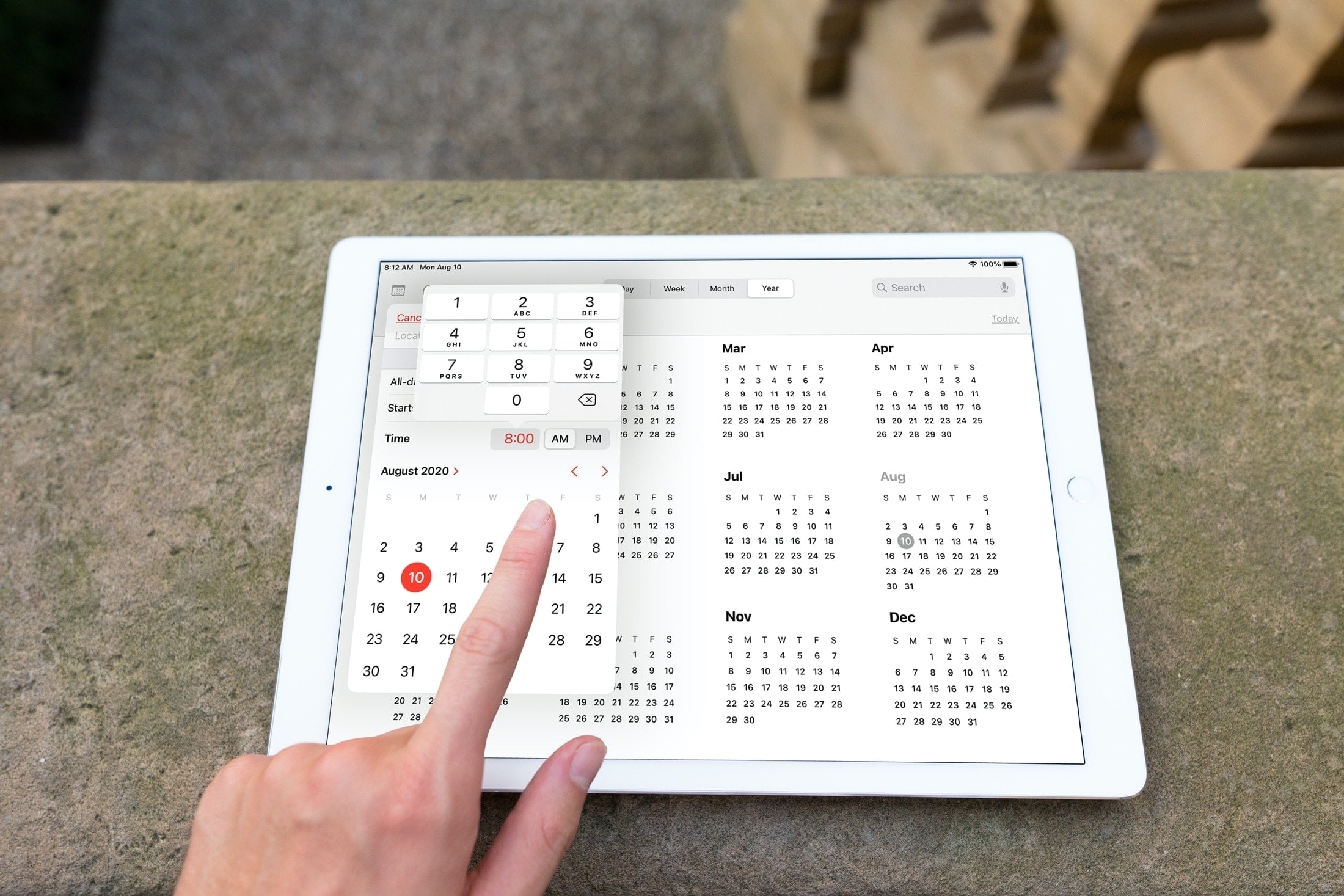
Sometimes it’s those small improvements that make a big difference. With iOS 14 and iPadOS 14, Apple updated the date (calendar) picker that you use in apps like Reminders and Calendar. No longer do you have to spin the wheel to choose your date and time.
This enhancement lets you select the exact date and time much quicker with a clearer view and simpler method of selection. Here, we’ll show you what’s new with and how to use the redesigned date picker on iPhone and iPad.
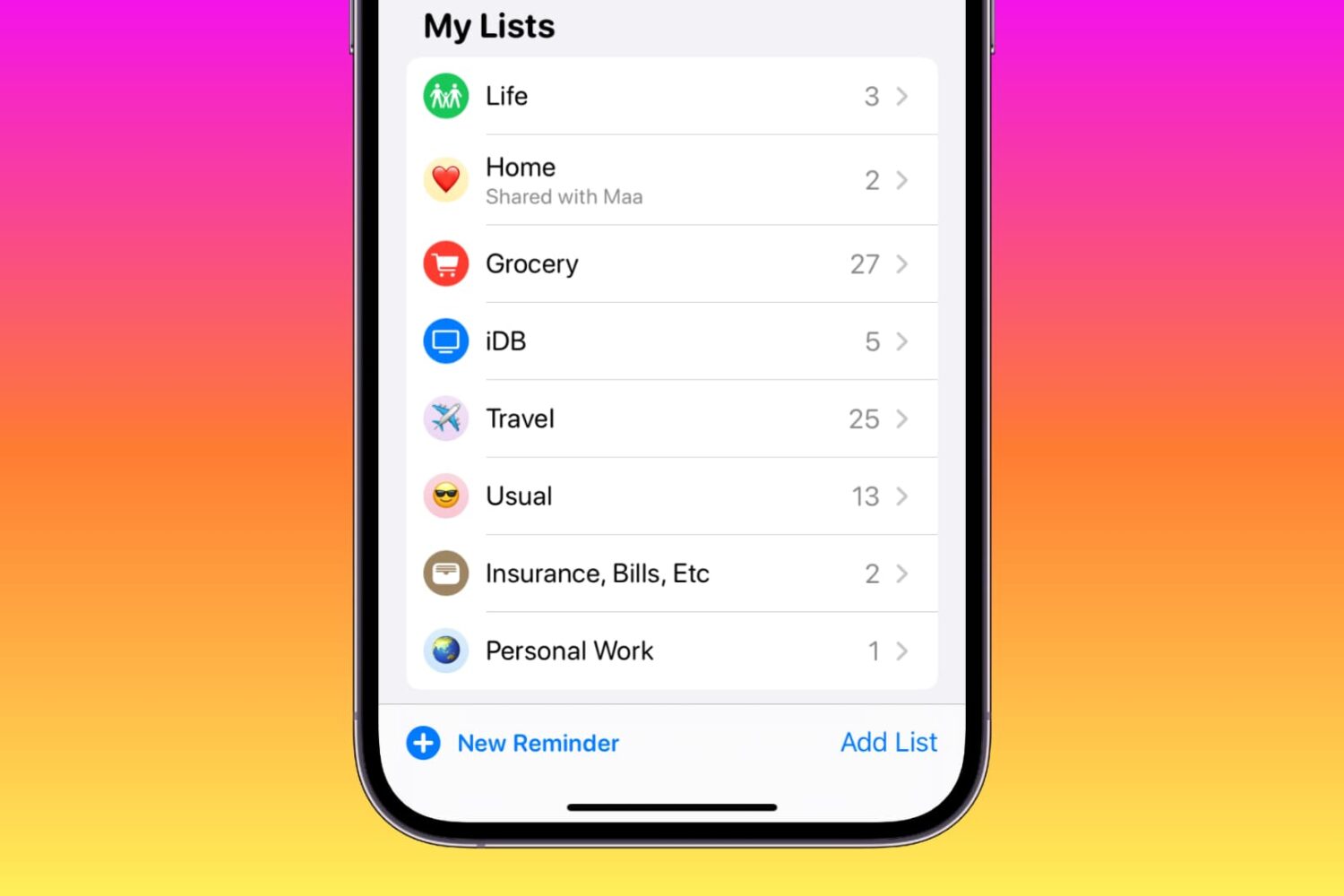
Learn how to customize your reminder lists on iPhone, iPad, and Mac using colors, emojis, and symbols to enhance usability or add a touch of style.
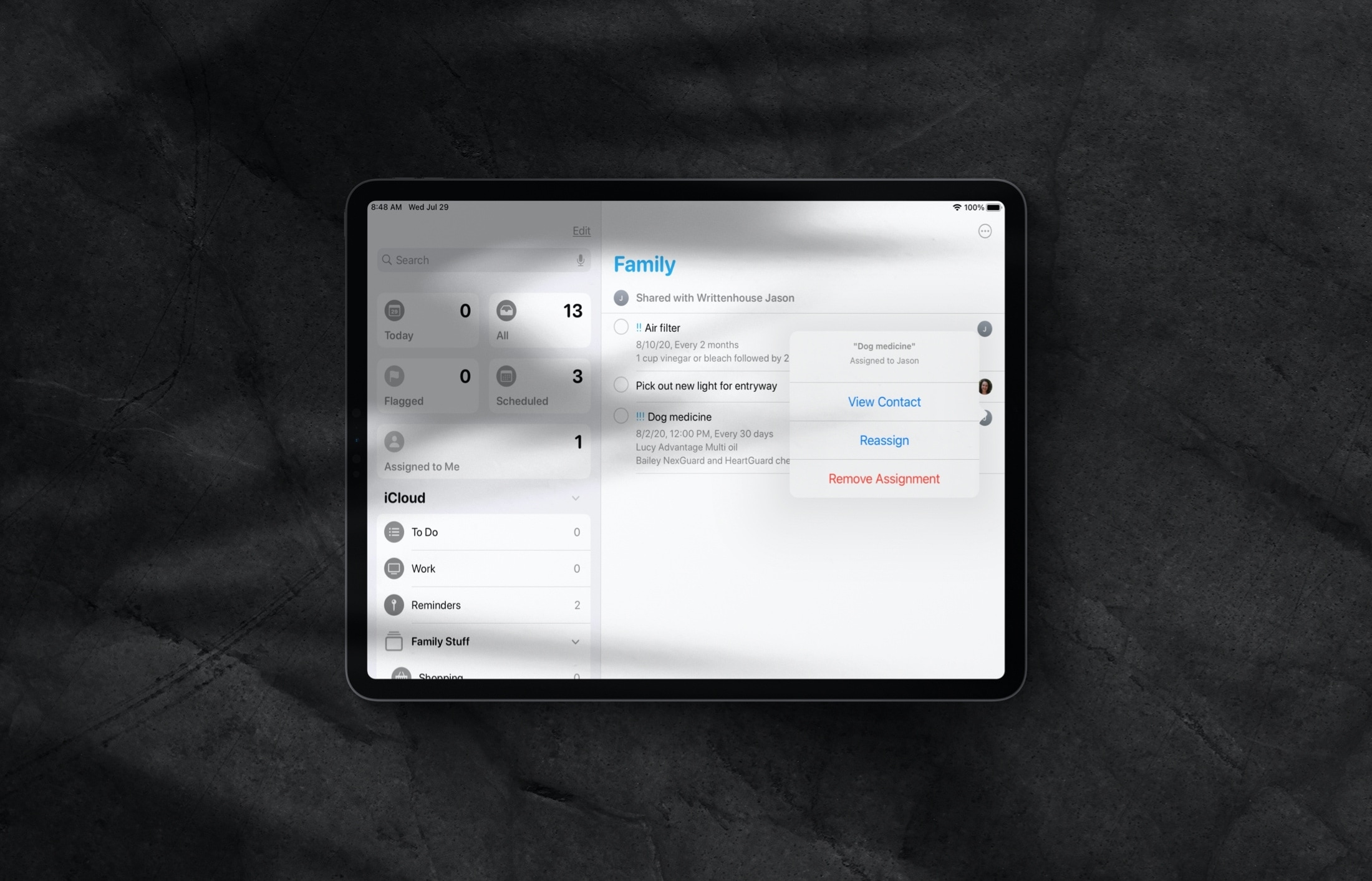
Learn how to assign reminders to different people in a shared Reminders list on iPhone and iPad so everything gets done on time by the right individuals.
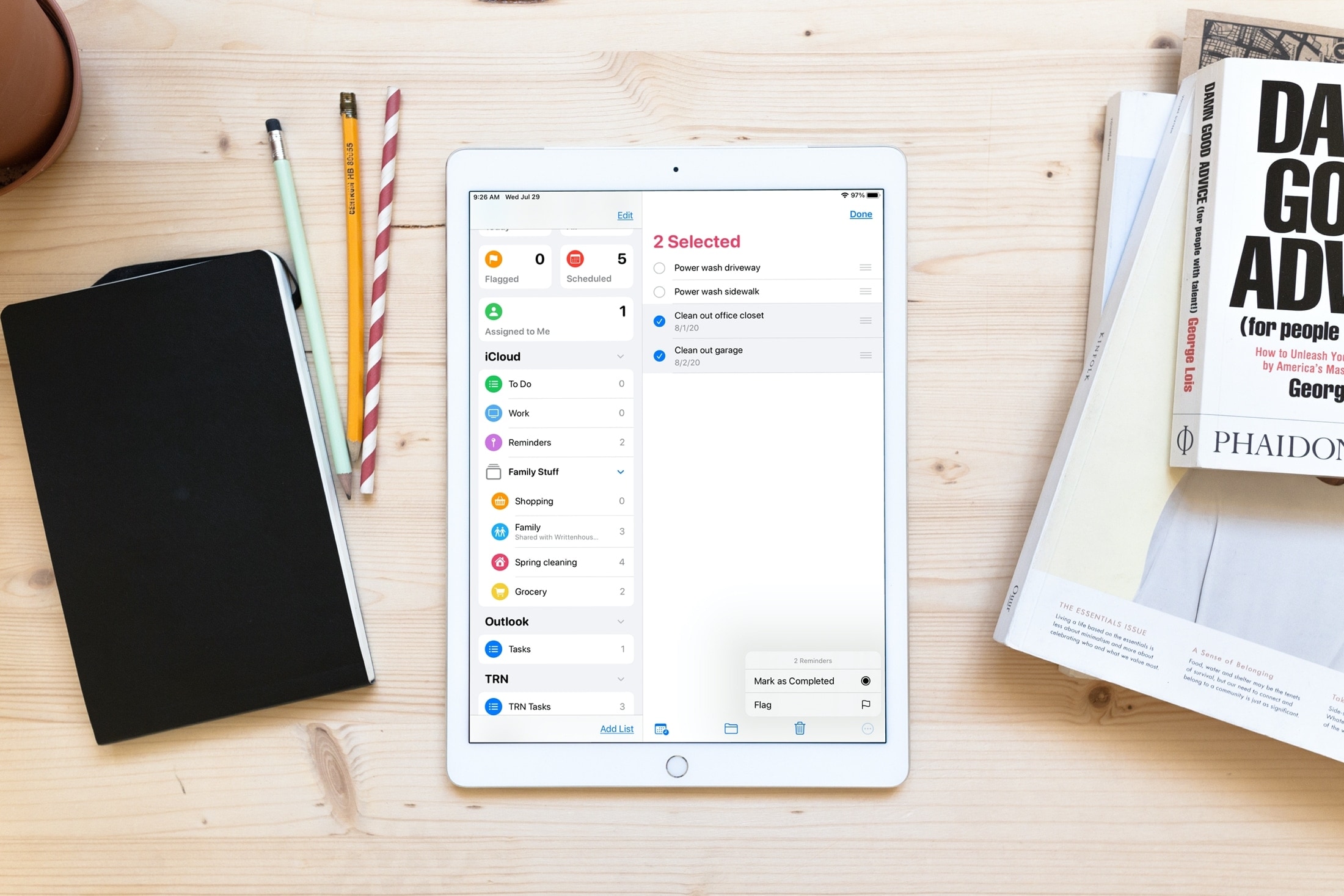
Save time and increase productivity by editing multiple reminders at once, including marking them as done or revising their due date.
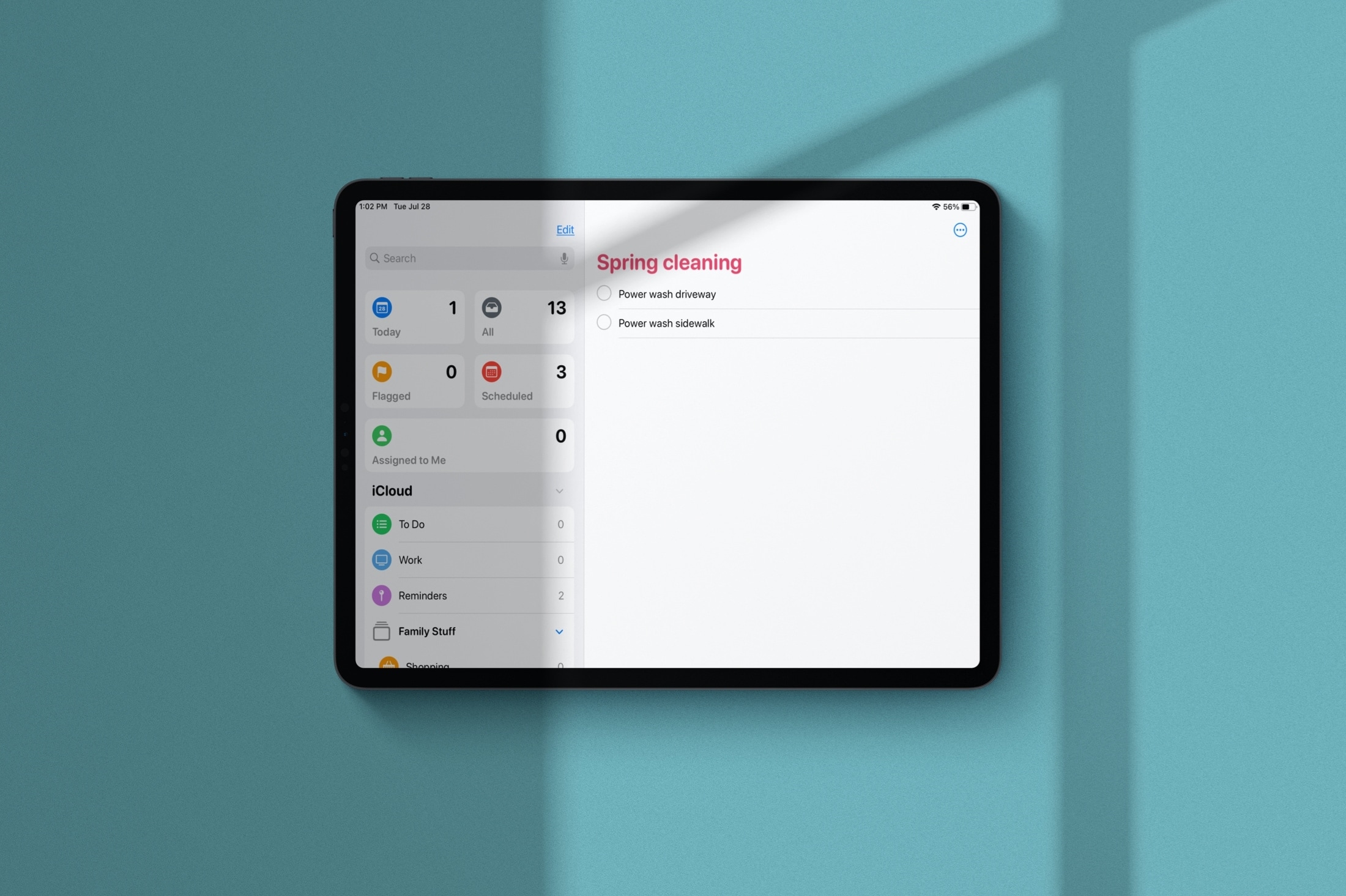
Learn how to manage Smart Lists in the Apple Reminders app and rearrange their order or hide the ones you never use.
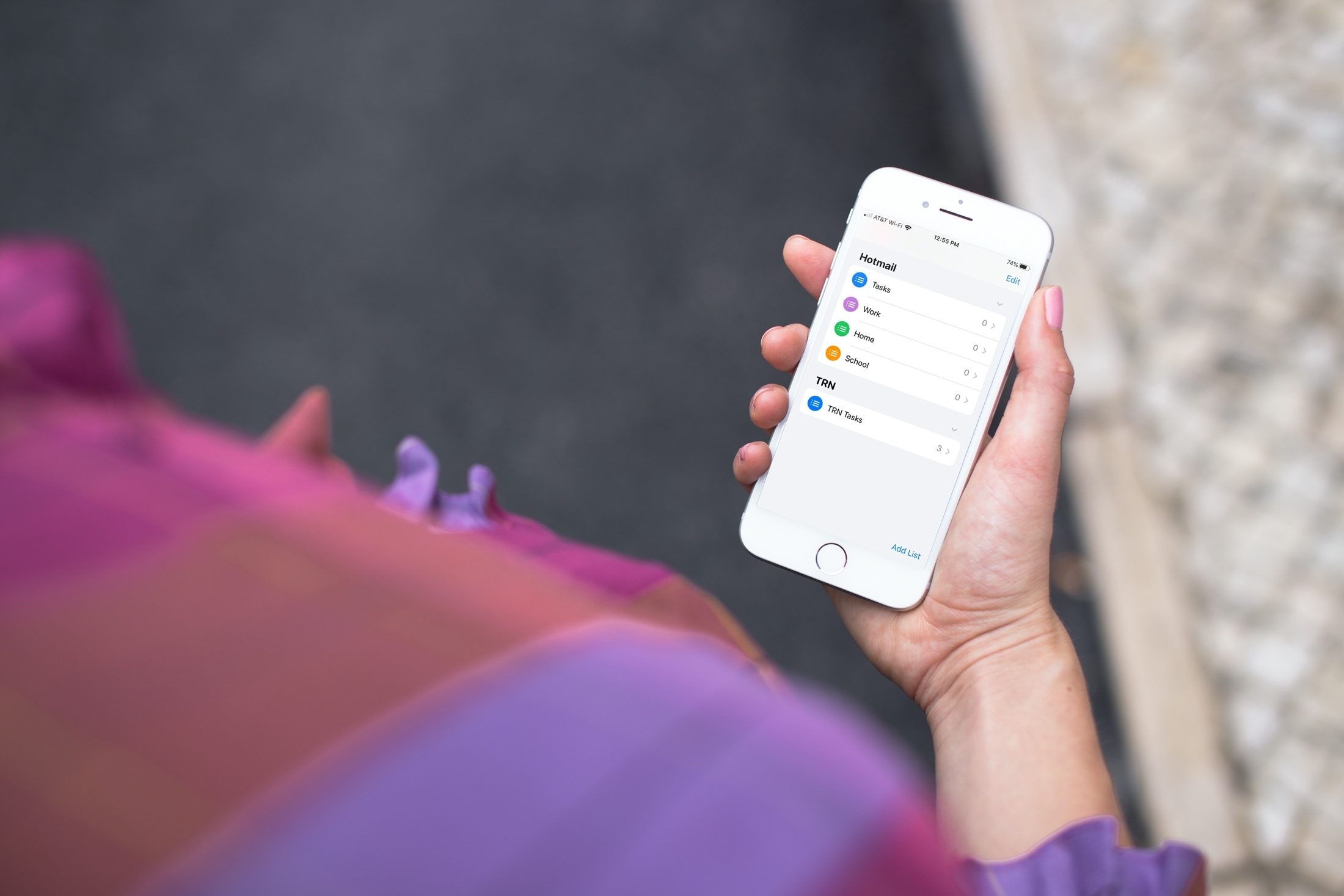
Learn how to add or remove accounts in the Apple Reminders app on your iPhone, iPad, or Mac to save your to-dos in your preferred online service.
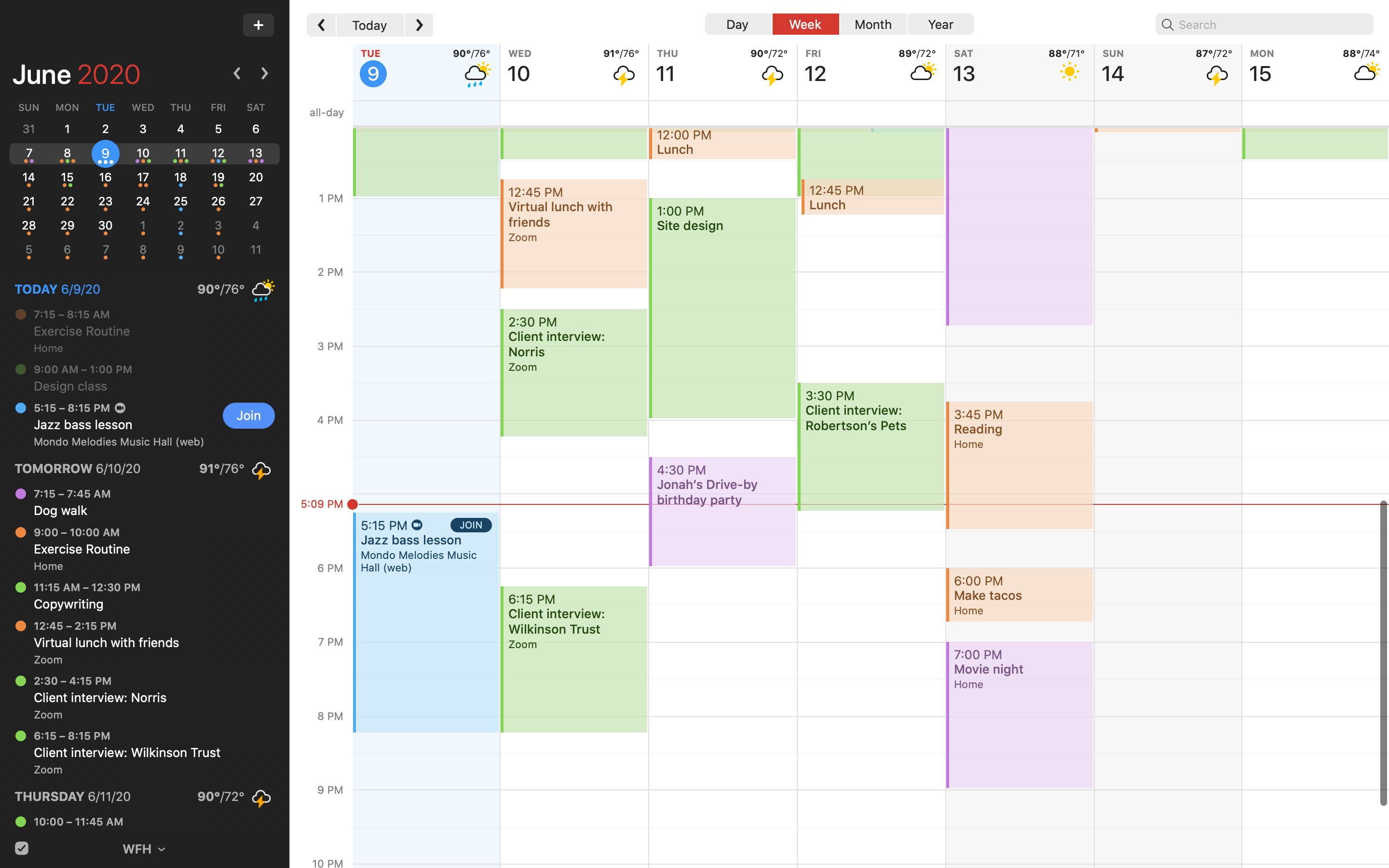
Fantastical, the award-winning calendar app for the iPhone, iPad, Apple Watch and Mac by developer Flexibits, was bumped to version 3.1 on the App Store this morning.