Learn how to manage Smart Lists in the Apple Reminders app and rearrange their order or hide the ones you never use.
How to organize Smart Lists in the Reminders app on iPhone, iPad, and Mac
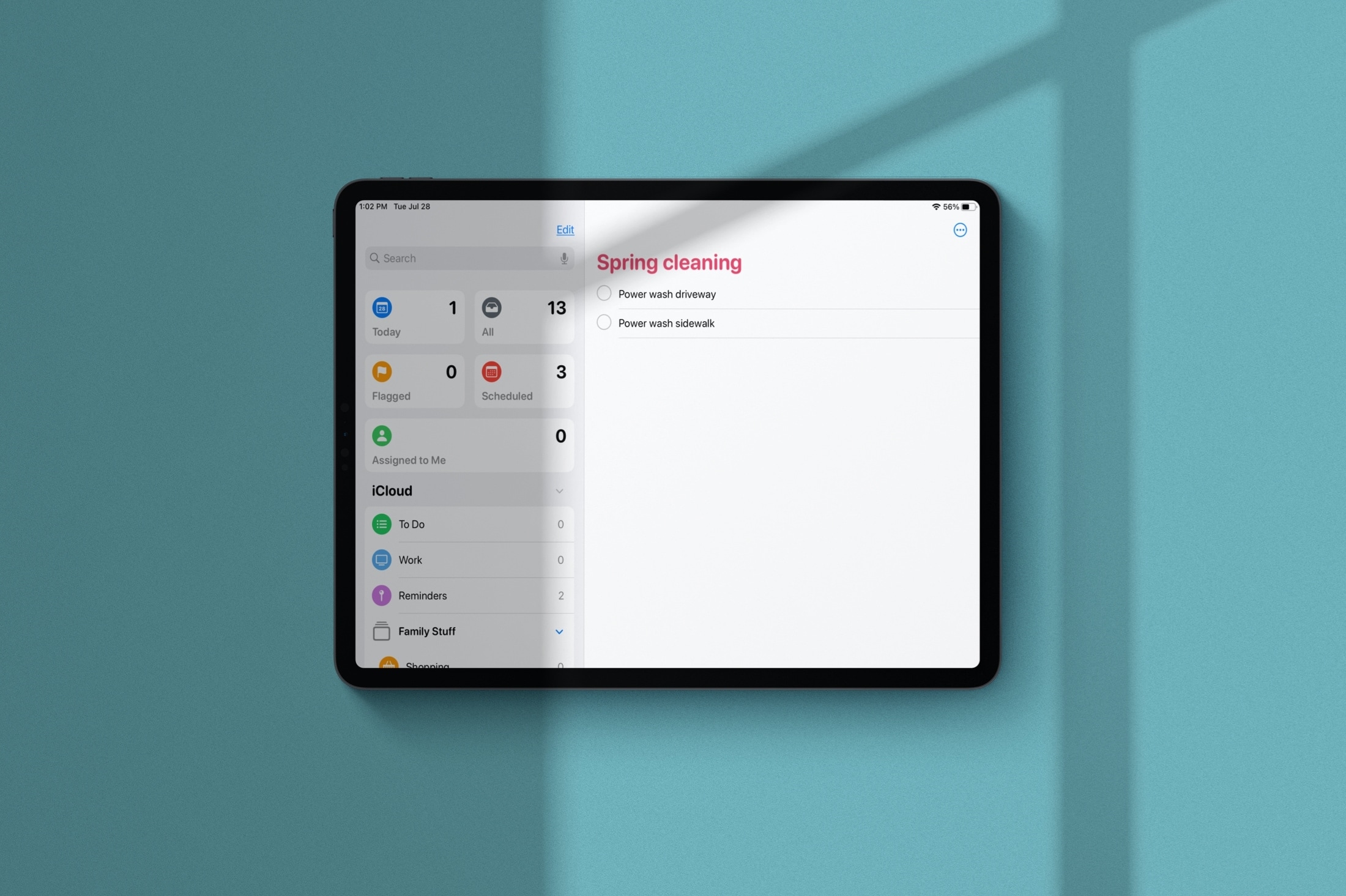
Learn how to manage Smart Lists in the Apple Reminders app and rearrange their order or hide the ones you never use.
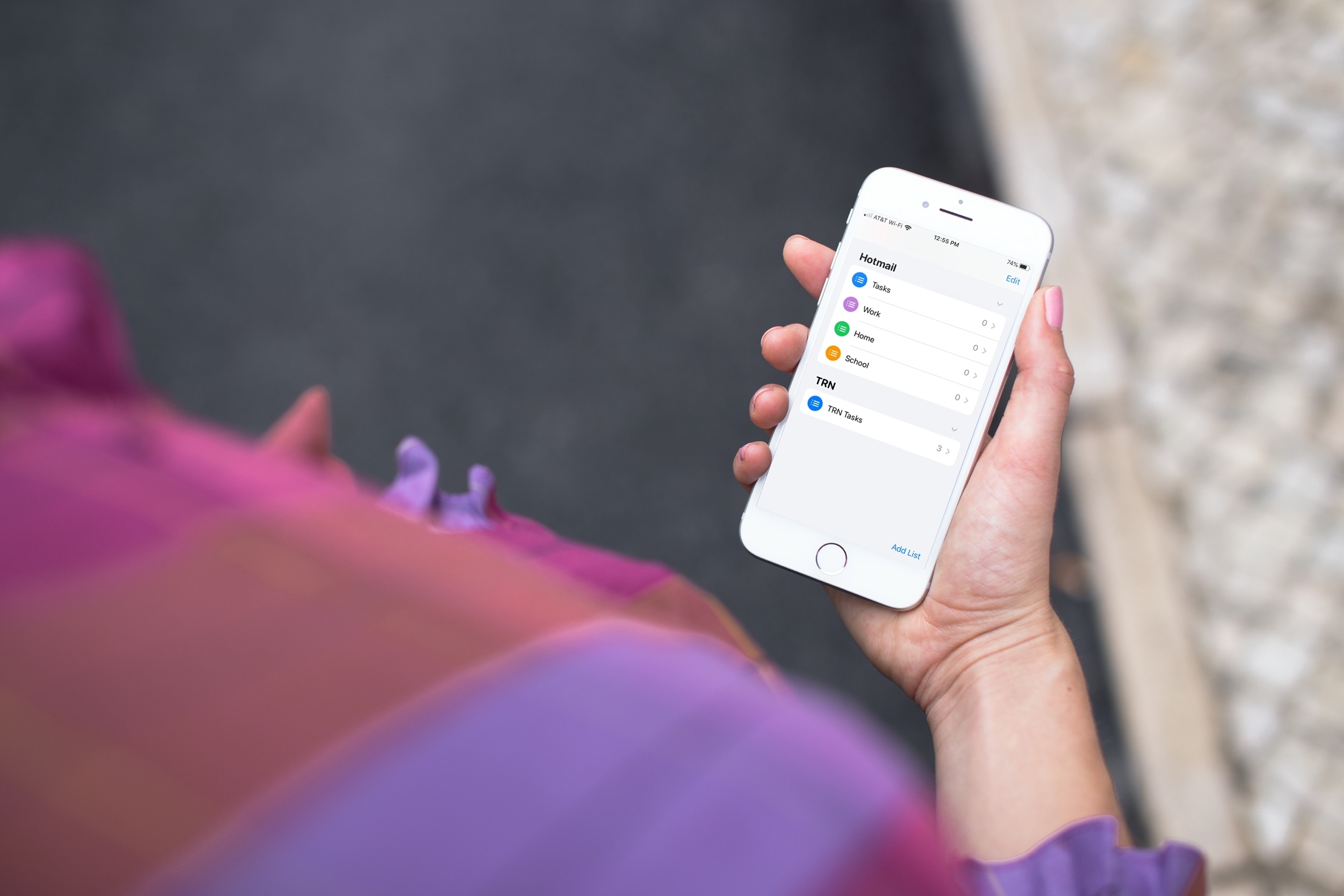
Learn how to add or remove accounts in the Apple Reminders app on your iPhone, iPad, or Mac to save your to-dos in your preferred online service.
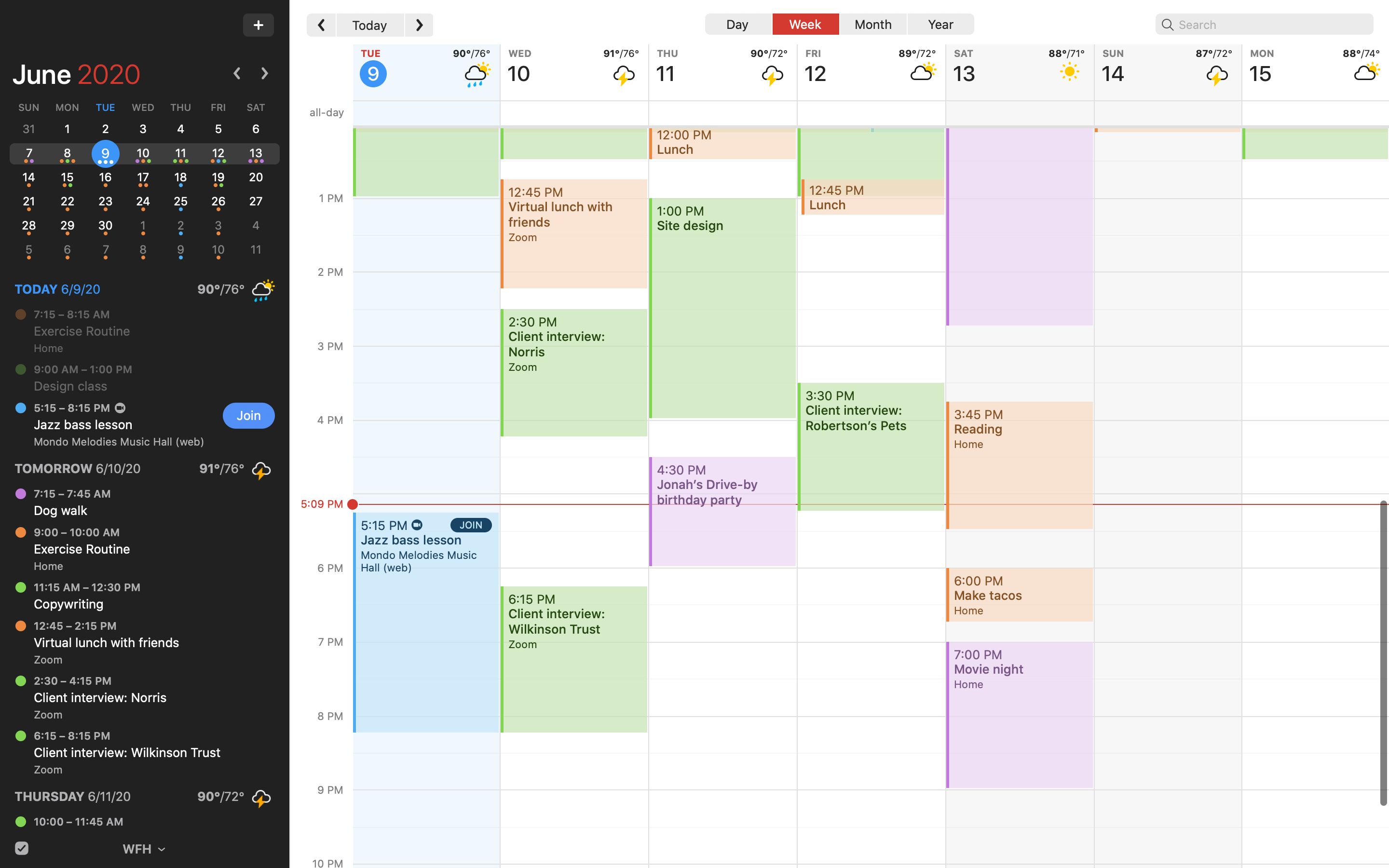
Fantastical, the award-winning calendar app for the iPhone, iPad, Apple Watch and Mac by developer Flexibits, was bumped to version 3.1 on the App Store this morning.

Learn how to use the Alexa app to set alarms, reminders, and timers on your iPhone or your Amazon smart speakers, such as the Echo Dot.
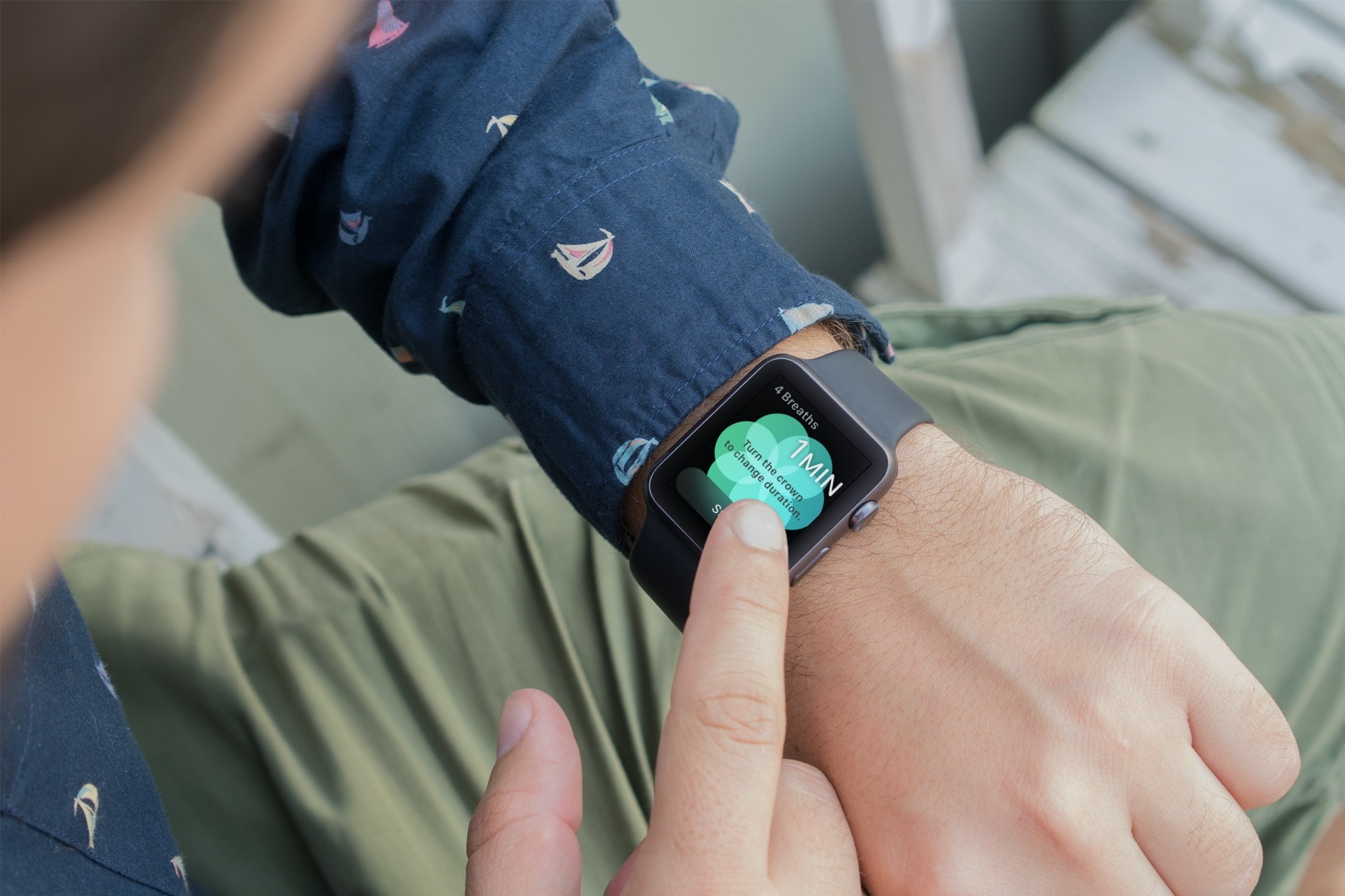
You might not realize it, but if you wear an Apple Watch, that handy wearable can help you a lot throughout your workday. Sure, you might use it to check emails, view your appointments, and even answer calls if your iPhone isn’t nearby. But with some of the built-in apps and features, your Apple Watch can be a helpful tool for getting through a stressful day of work.
In this tutorial, we will show you how to work with notifications in the Reminders app on your Mac so that you never miss a task, list, or to-do.
Use these handy keyboard shortcuts to move around Reminders for Mac, add new to-dos, create reminder lists, and more.
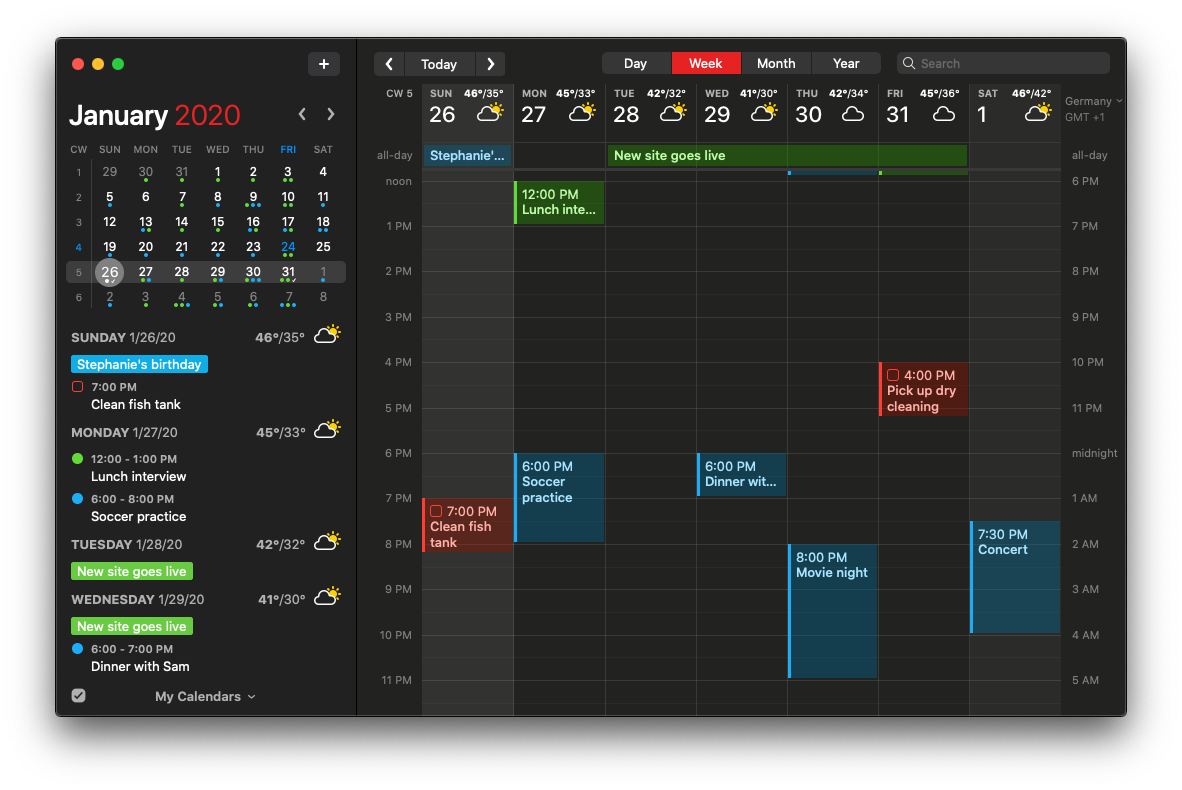
Flexibits created their award-winning Fantastical calendar/to-do app ten years ago. Now they've bumped it to version 3.0 with a plethora of new features available across platforms.

Developer Flexibits is teasing the upcoming new Fantastical app on its website.
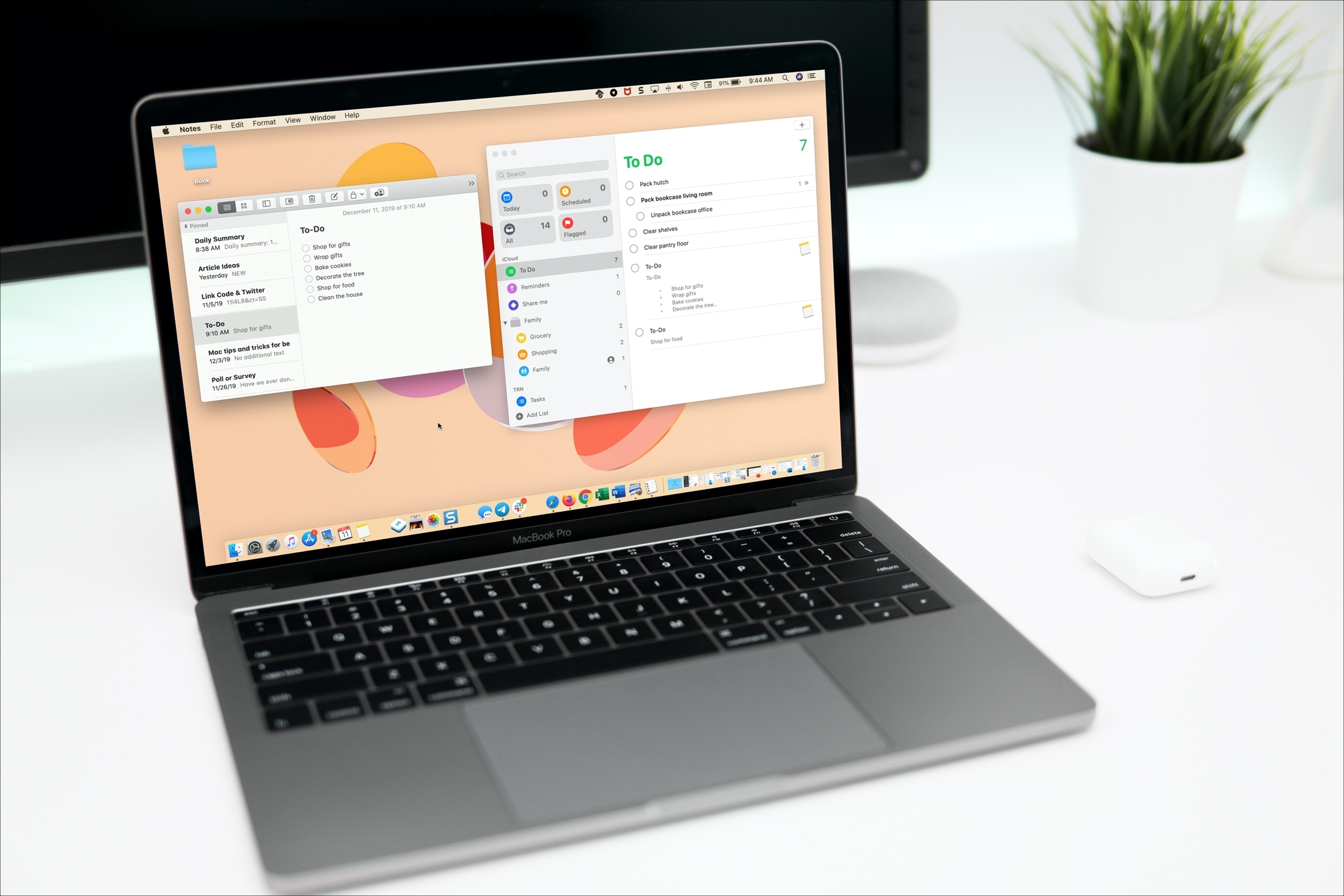
Learn how to turn an entire note or just its selected portion into a reminder so you can receive timely alerts to complete the task saved in the Notes app.
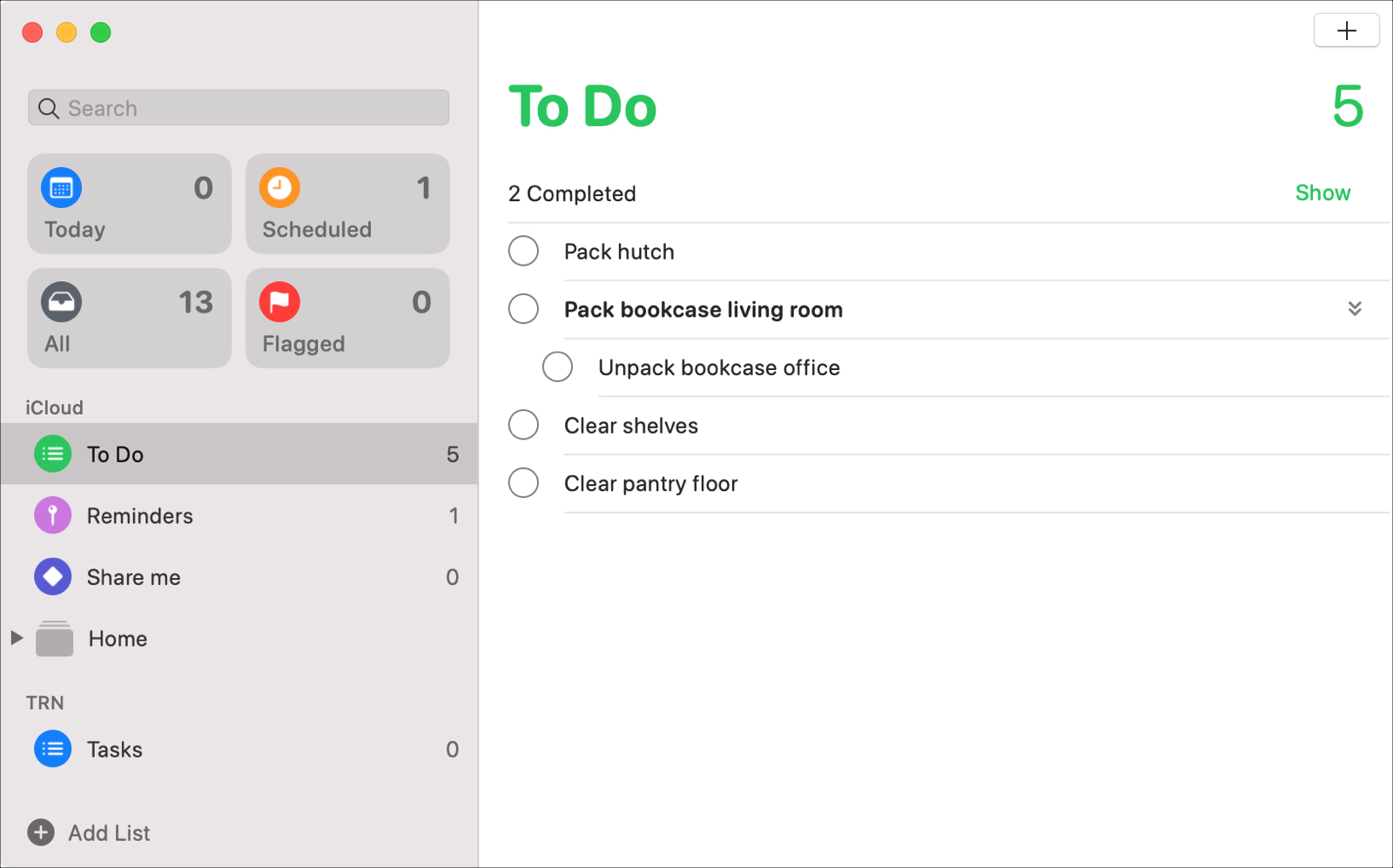
With the macOS Catalina update, users received new apps like Music, TV, and Podcasts along with updates to others like Notes and Mail. The Reminders app also got an update to its appearance and functionality that many have been waiting for.
Enhancements like subtasks and Messages integration, that can increase your productivity both at work and at home, are now part of the package.
Let’s take a look at all of the new features and how to use them in the redesigned Reminders app on Mac.
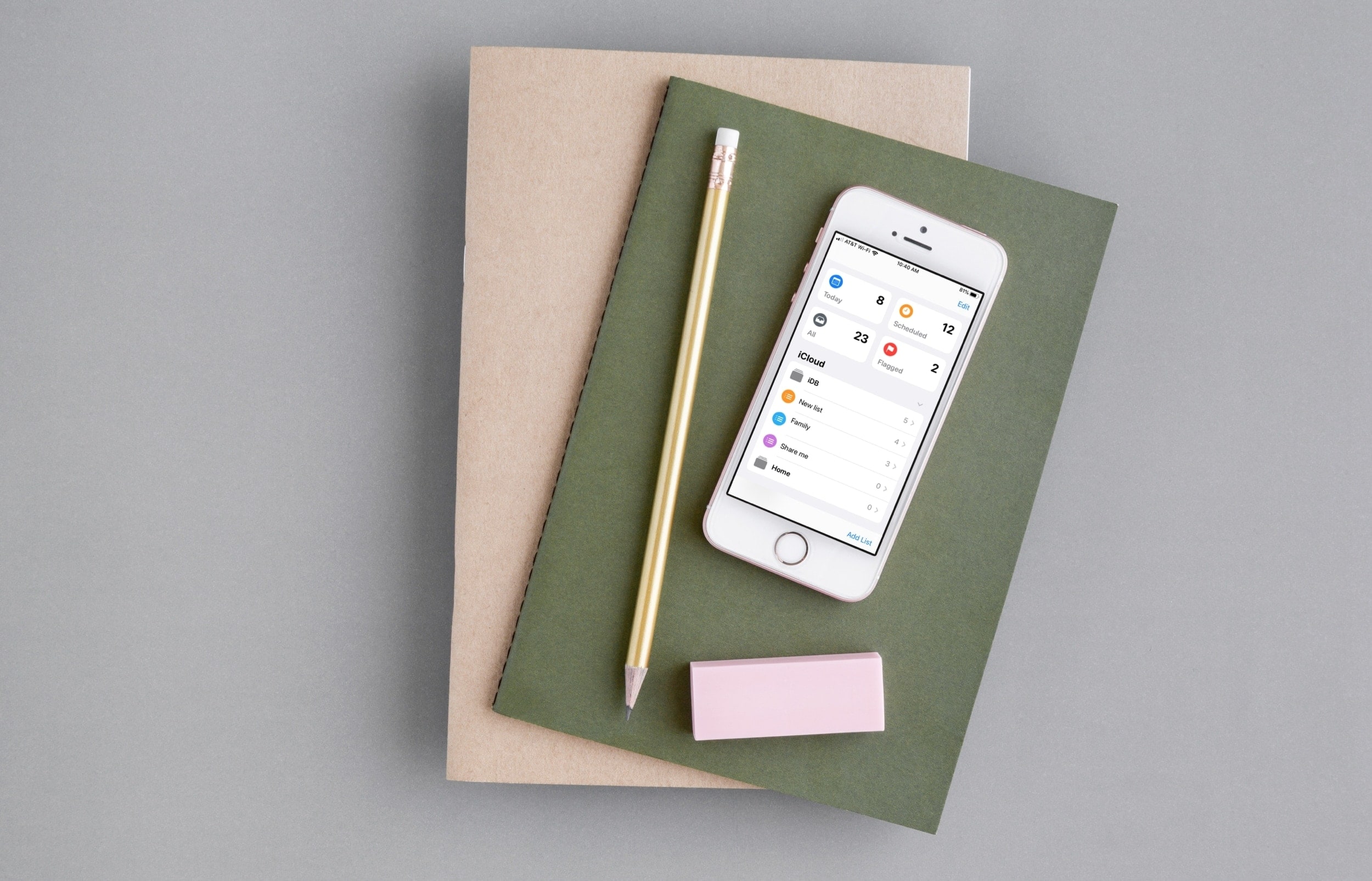
Discover some of the best features of the Reminders app on your iPhone and iPad to organize your to-do lists, and increase your productivity.