Learn how to monitor your child’s communications via texts and iMessages on iPhone or iPad to protect them from online threats and inappropriate content.
How to monitor text messages on your child’s iPhone
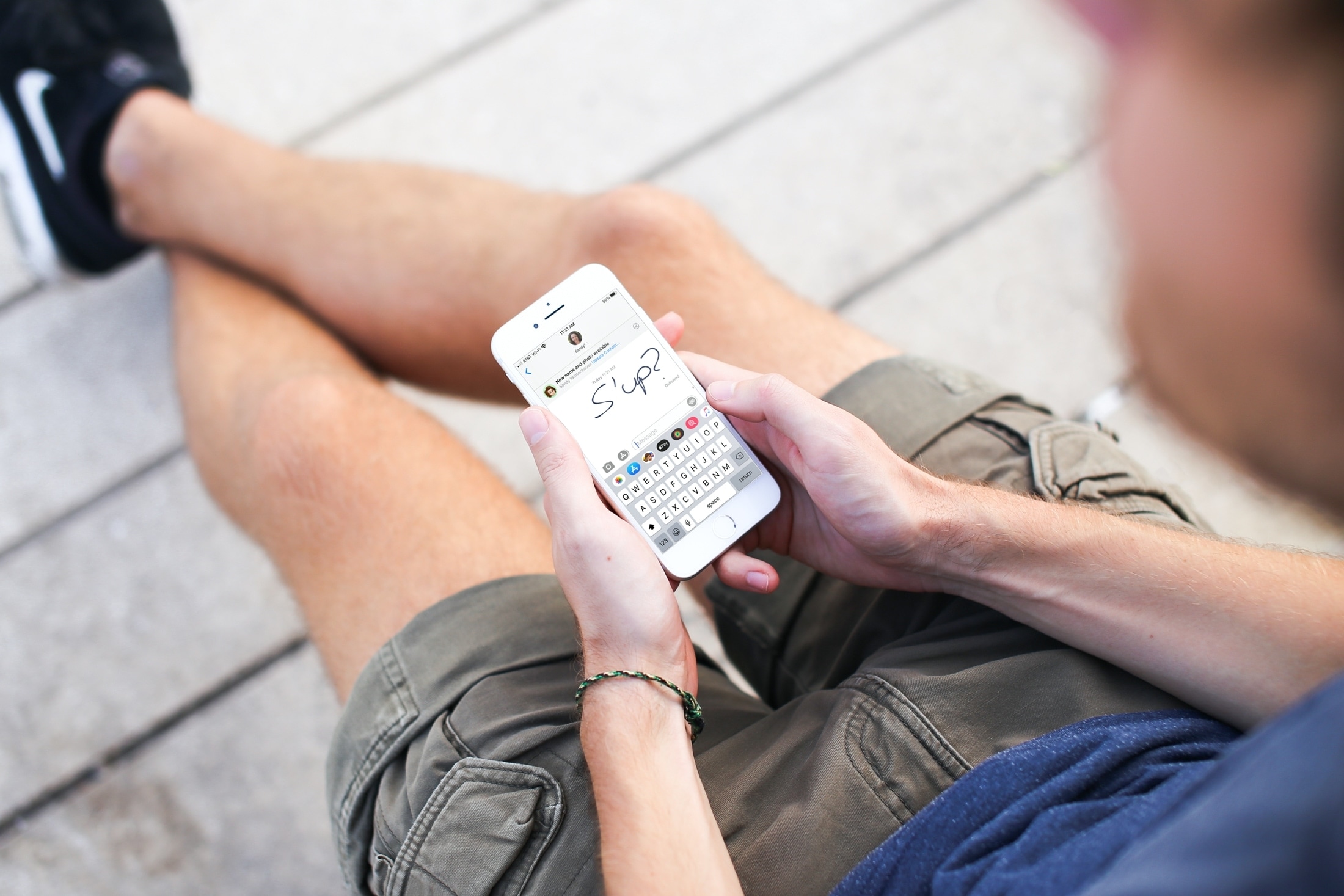
Learn how to monitor your child’s communications via texts and iMessages on iPhone or iPad to protect them from online threats and inappropriate content.
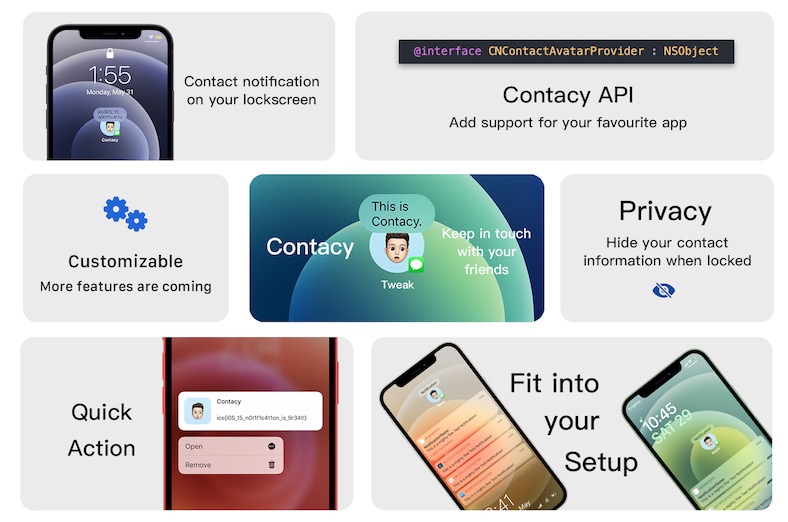
The notification system on the iOS & iPadOS platforms hasn’t changed much in recent years. The stale interface is certainly due for an upgrade, and with iOS & iPadOS 15’s announcement just around the corner, there’s still no telling whether it will receive any changes in the next update.
Fortunately for jailbreakers, sitting around and waiting for Apple to change stuff like this isn’t the only option. That’s because Contacy is a newly released jailbreak tweak by iOS developer XCXiao that brings a popular iOS & iPadOS notification concept originally seen on Reddit to fruition.
Jailbreakers are continuously trying to tweak their devices to make them easier to use and/or more capable than they would be right out of the retail box. Fortunately, there’s no shortage of jailbreak tweaks that make this possible.
Given just how popular iMessage and SMS are for iPhone and iPad users (jailbroken and non-jailbroken alike), we’ve decided to make this piece to recap on a few different jailbreak tweaks that can upgrade the Messages app on iOS 14.
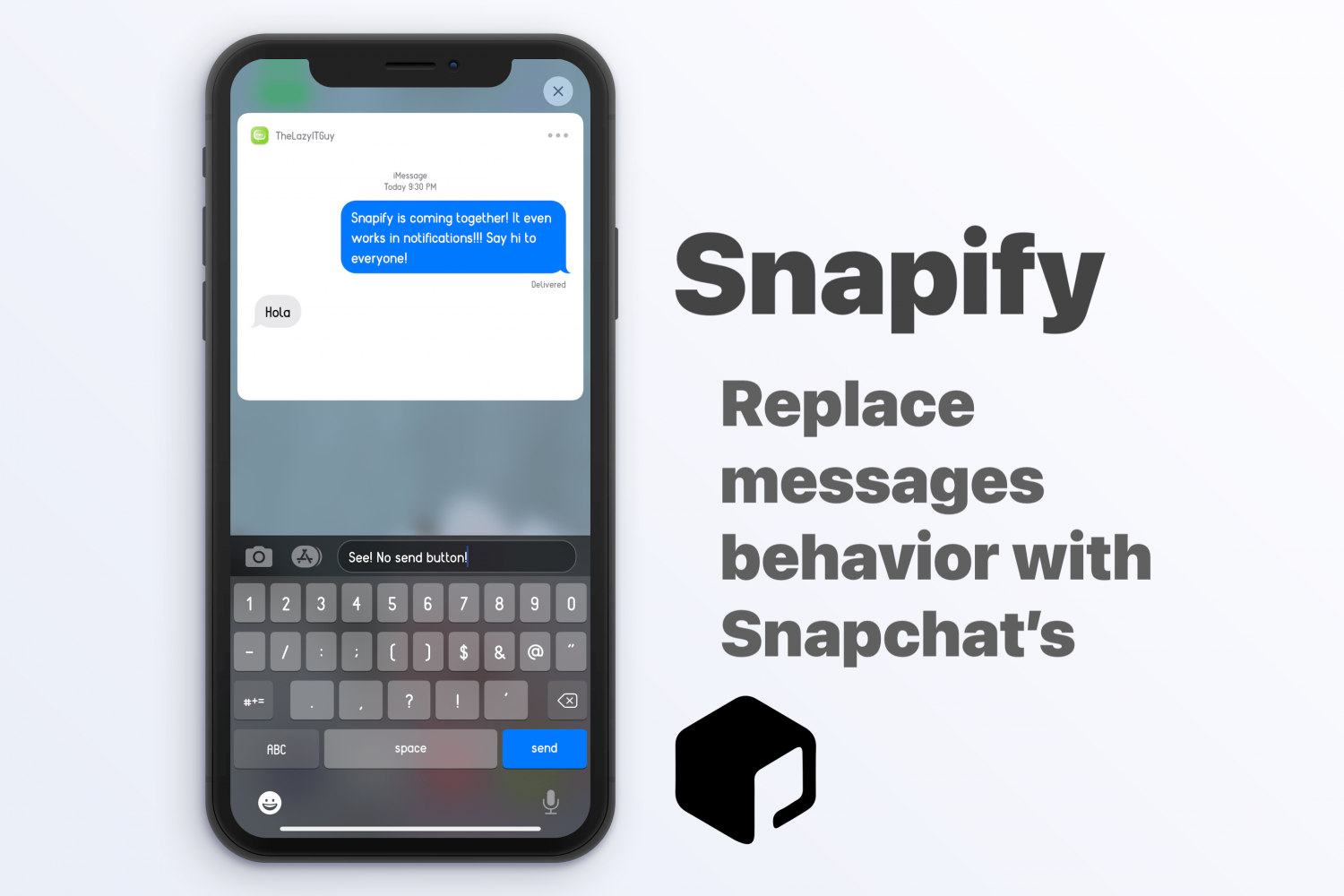
Heavy Snapchat users will recognize one particular workflow difference between messaging via the Snapchat app and messaging via Apple’s Messages app, be it iMessage or SMS; more specifically, it’s the lack of a Send button in the text field where you compose your message.
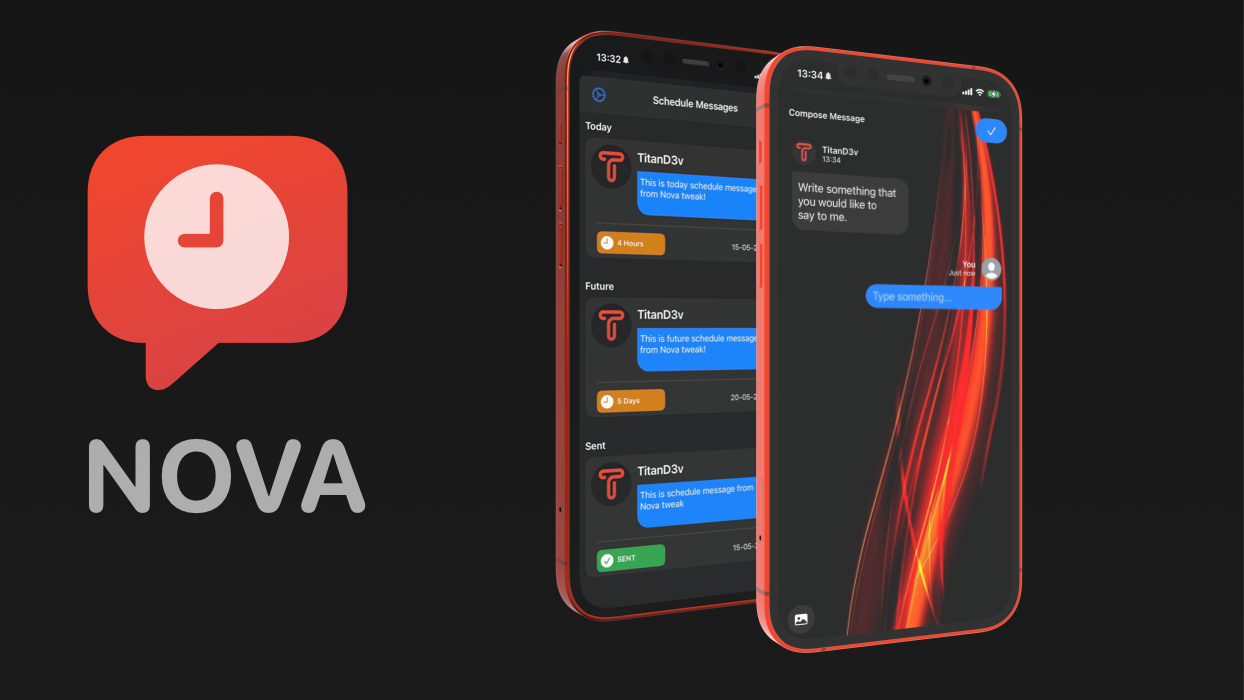
One of the things I’ve long wished to be able to do is schedule messages to be sent at a future date. Fast-forward many years later, and this still isn’t a native feature on the iPhone – not even for Apple’s feature-rich iMessage platform.
On a bone stock iPhone, the Messages app sports a plain background — either black when using dark mode or white when using light mode. If you’ve ever craved something with a bit more pizzazz than that, then you’d be out of luck.
Fortunately for jailbreakers, running a bone-stock setup isn’t necessary, and a newly released and free jailbreak tweak named ChatWall by iOS developer Chr1s offers an effective way to change the Messages app’s background to virtually anything you want.
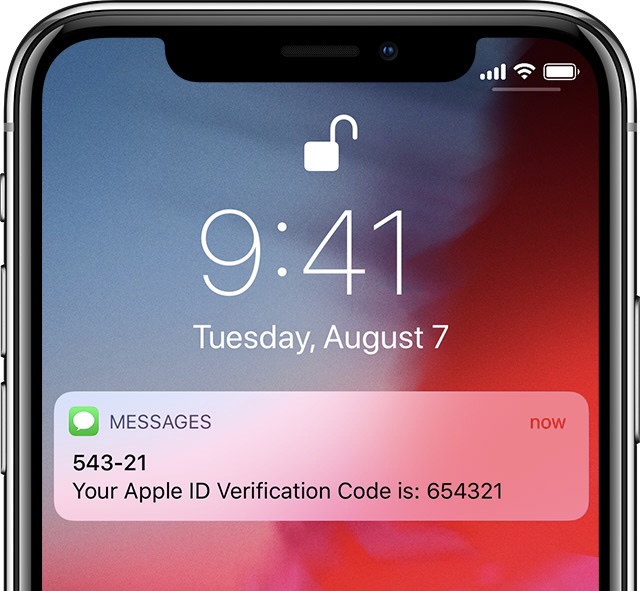
More and more frequently, iPhone and iPad users are being pushed by Apple or third parties to take advantage of two-factor authentication or text-messaged short codes to confirm their identity when logging in to apps and services.
These messages can add up over time, especially if you use many apps and services that you log in or out of frequently, resulting in excessive conversation buildup in the Messages app.
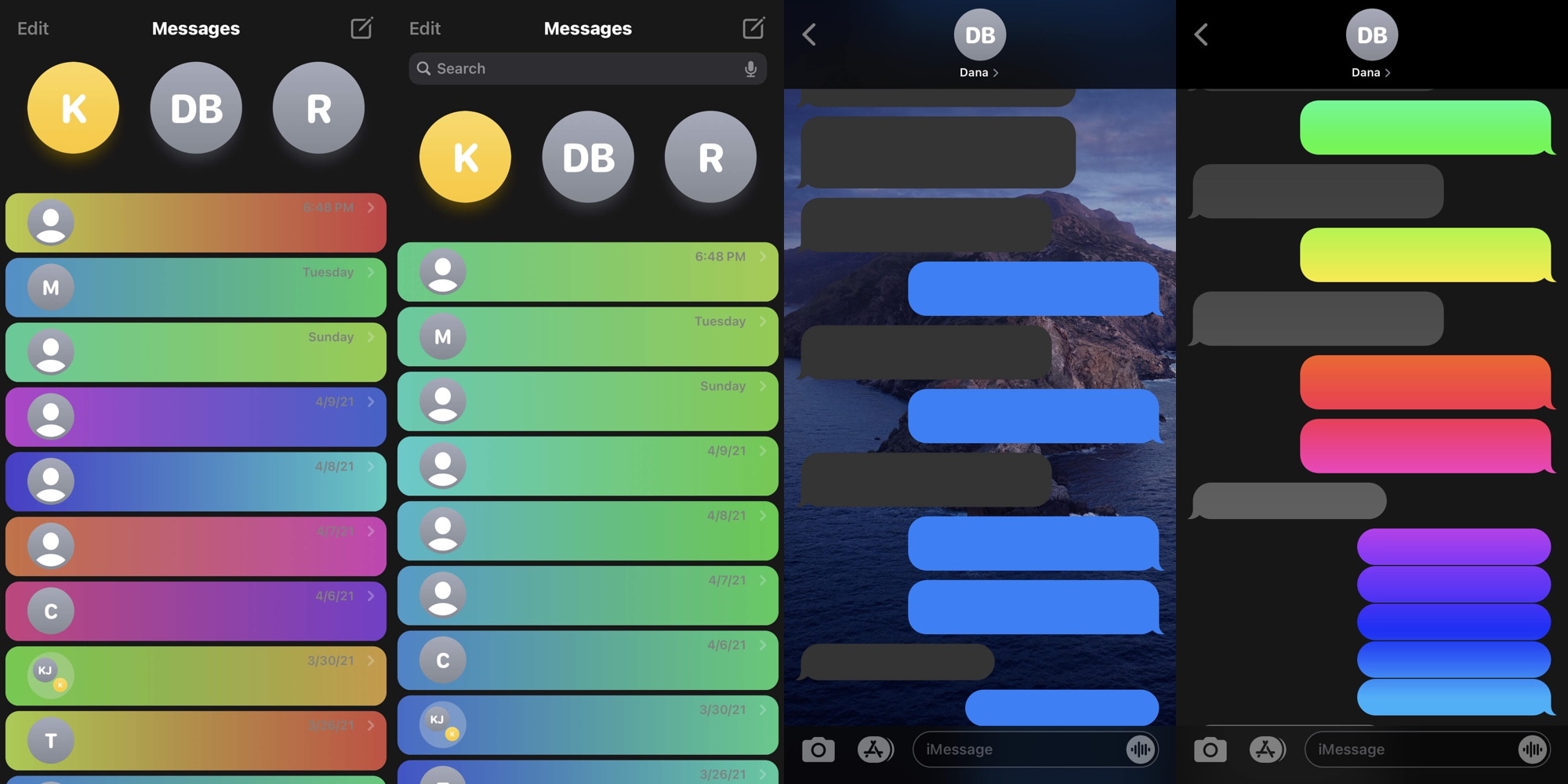
Many iPhone users spend absorbent amounts of their time in the Messages app, and that’s not surprising given just how explosively popular text messaging has become over the years. Given that fact, it’s easy to see why someone might desire more customization options with respect to an app they use all the time.
Fortunately for jailbreakers, iOS developer CreatureSurvive is out with a new and free jailbreak tweak dubbed ChatUI that offers a smorgasbord of seemingly limitless customization for the native Messages app that comes pre-installed on iPhones and iPads alike.

In this tutorial, we'll show you how to send an email or text to event participants right from the Calendar app on Mac, and save time when you need to contact your invitees.

There's no doubt that Apple's been leveraging iMessage to keep customers from switching over to Android, using the proprietary messaging protocol as a powerful lock-in mechanism.
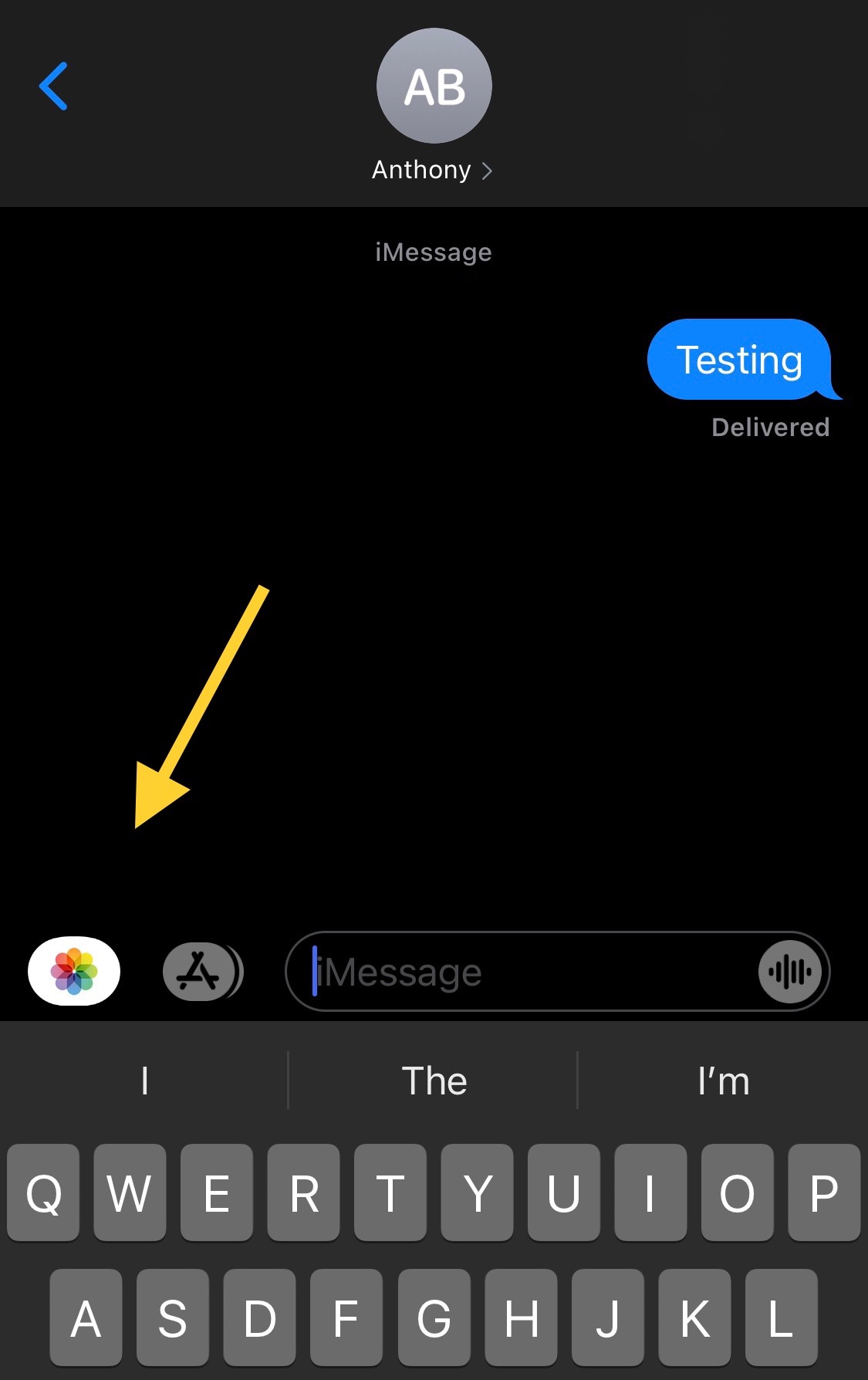
One of my biggest pet peeves when using Apple’s Messages app to send Photos to contacts via iMessage or MMS is that you have to jump through hoops just to open the Photo Library picker.
Users will either tap on the Camera shortcut and then launch their Photo Library from the ensuing Camera viewfinder interface, or they’ll tap on the App Store button to view installed iMessage extensions and visit the Photo Library via the dedicated Photos button.
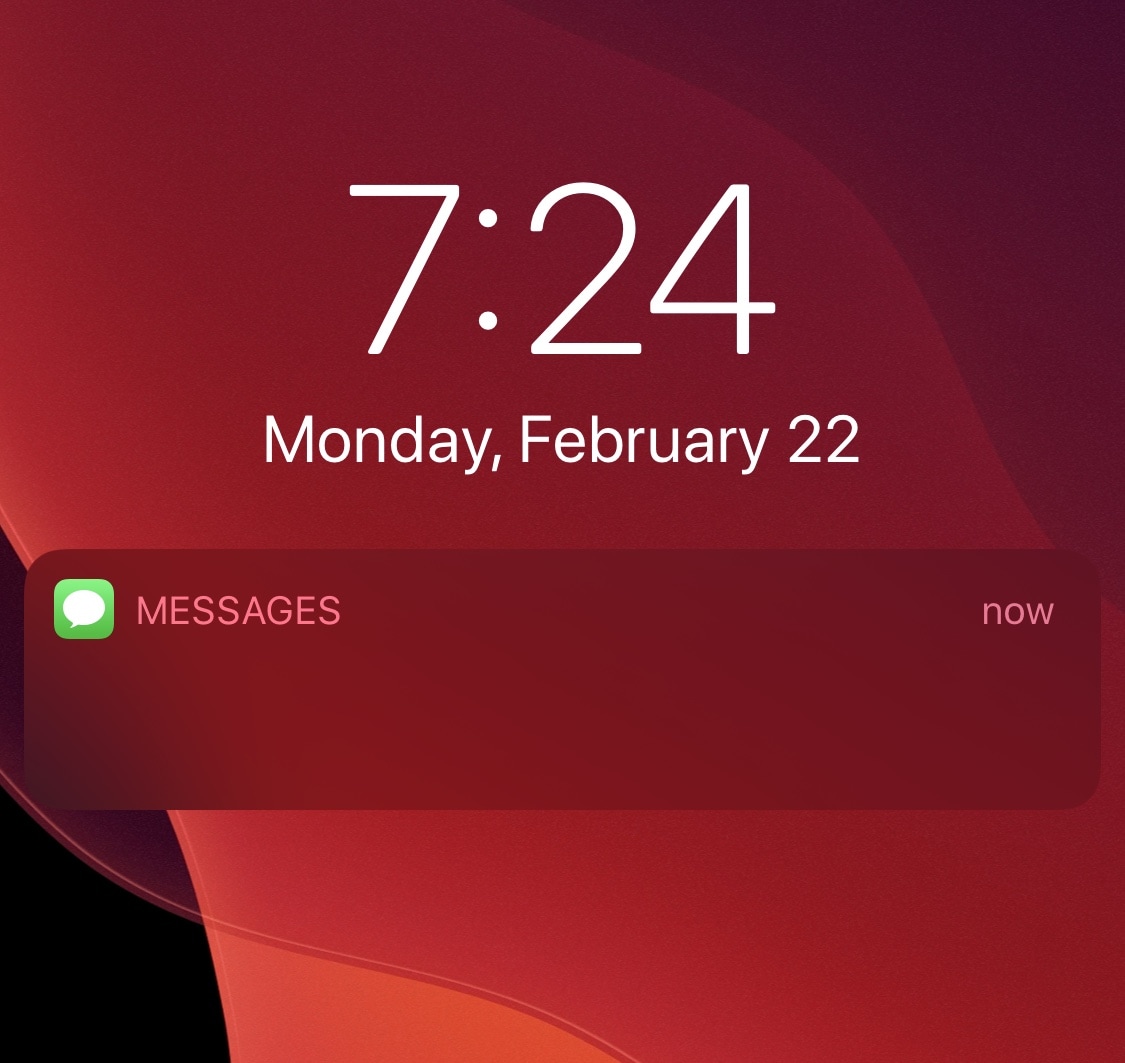
It’s not uncommon for nosy onlookers to peer at your phone screen from over your shoulder as you enjoy a text message-based conversation with one of your friends or loved ones. Albeit creepy, such is life.
Apple’s iOS mobile operating system takes this fact into account, offering a handy feature in the Messages app’s notification settings that can hide message contents from your Lock Screen’s notification banners under various circumstances. But if that’s still not enough privacy for you, then a newly released jailbreak tweak dubbed LeaveMeOff Pro by iOS developer Plat-Ykor could be worth checking out.