Home screen

Aeternum Hives: an upcoming jailbreak SpringBoard replacement inspired by Apple Watch

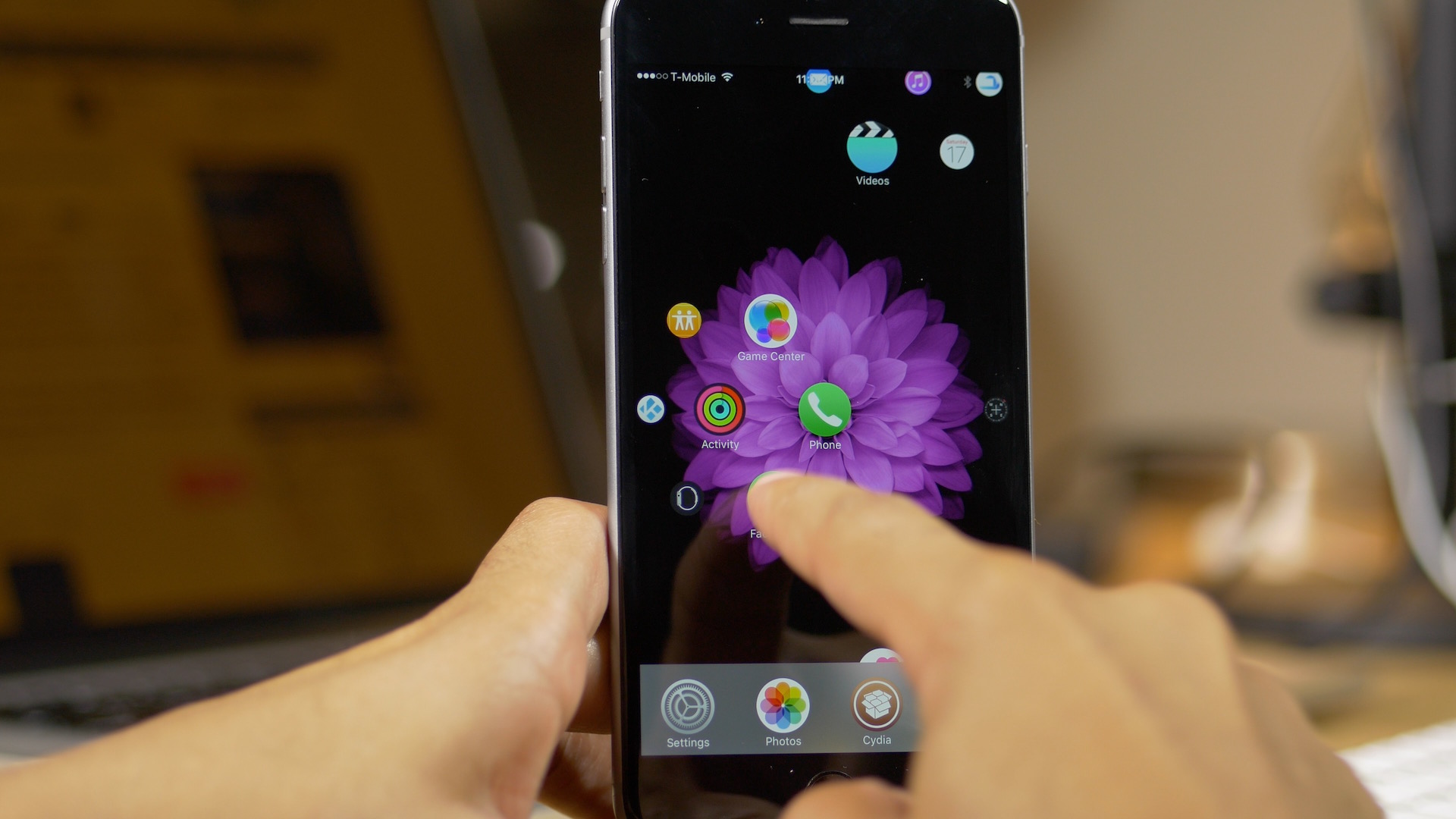
Aeternum is a jailbreak tweak that debuted last year, which brought an Apple Watch-inspired interface to the iPhone. Aeternum Hives is a new tweak based on Aeternum that takes the idea to the next level.

If you've dreamed of a folder-less Home screen setup with easy to view and easy to launch apps, then Aeternum Hives is going to be right up your alley. I was able to snag an early preview copy of the tweak, and I'd like to show it off to you via our hands-on video walkthrough.

WeatherPeek will bring quick weather highlights to the Home screen

WeatherPeek, an upcoming jailbreak tweak from the AtomDevTeam, does something pretty cool—it allows you to use a simple "peek" gesture while on the first Home screen page to see current and upcoming weather info for a designated area. The peek gesture is basically a swipe and hold gesture that reveals the weather information hidden off screen. Watch our video inside to see what I mean.

RippleBoard: add ripple effects to the iOS Home screen

RippleBoard is a new tweak that brings tap indicators to the iOS Home screen. Whenever you tap the screen, or launch an app, you get a cool little ripple effect on the Home screen.

But RippleBoard isn't just limited to on screen taps. As you'll see from the tweak's preferences, there are other things that you can do with RippleBoard, including customizing the range and duration of the ripple effects.

2 ways to rearrange apps on Apple Watch Home Screen

Apps screen on Apple Watch Ultra

The Apple Watch features a Home Screen that significantly differs from the Home Screen on your iPhone or iPad. The icon layout is a big departure from what you’re used to on your iPhone, and while some may like it, others may think it looks a bit messy. Thankfully, apps can be rearranged per your liking, and we’ll show you how.

The Apple Watch Home screen is a beautiful mess

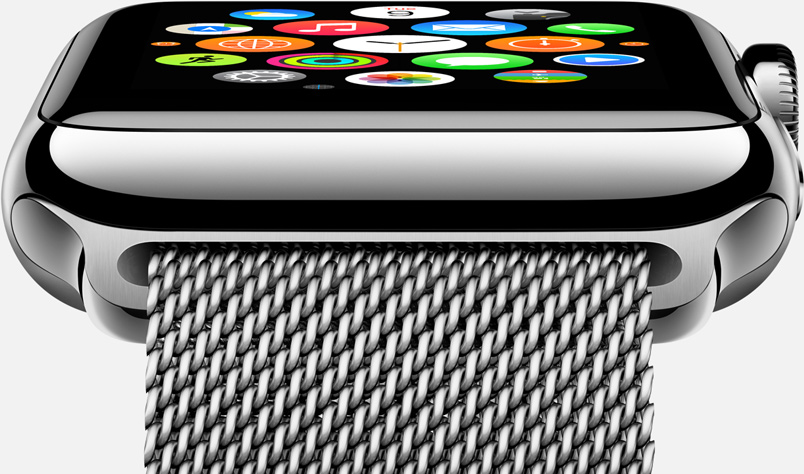
With the Apple Watch Home screen, Apple introduced a new layout and design that is a departure from what we have all been accustomed to with iPhone and iPad. Instead of favoring rows and columns of square-ish icons, Apple had to rethink the user interface and introduced us to an infinite and honeycomb-like fluid grid of apps devoid of pages, folders, or dock.

One could argue this design paradigm modernizes the Home screen as we know it, but beyond the new and refreshing look, I've had a hard time getting used to it and actually find it useful. As a matter of fact, I don't find it useful at all. It is absolutely gorgeous to look at, but it is also a terrible mess to use. Organizing apps, looking for apps, and being able to accurately tap on their icons is something that I have had a difficult time with.

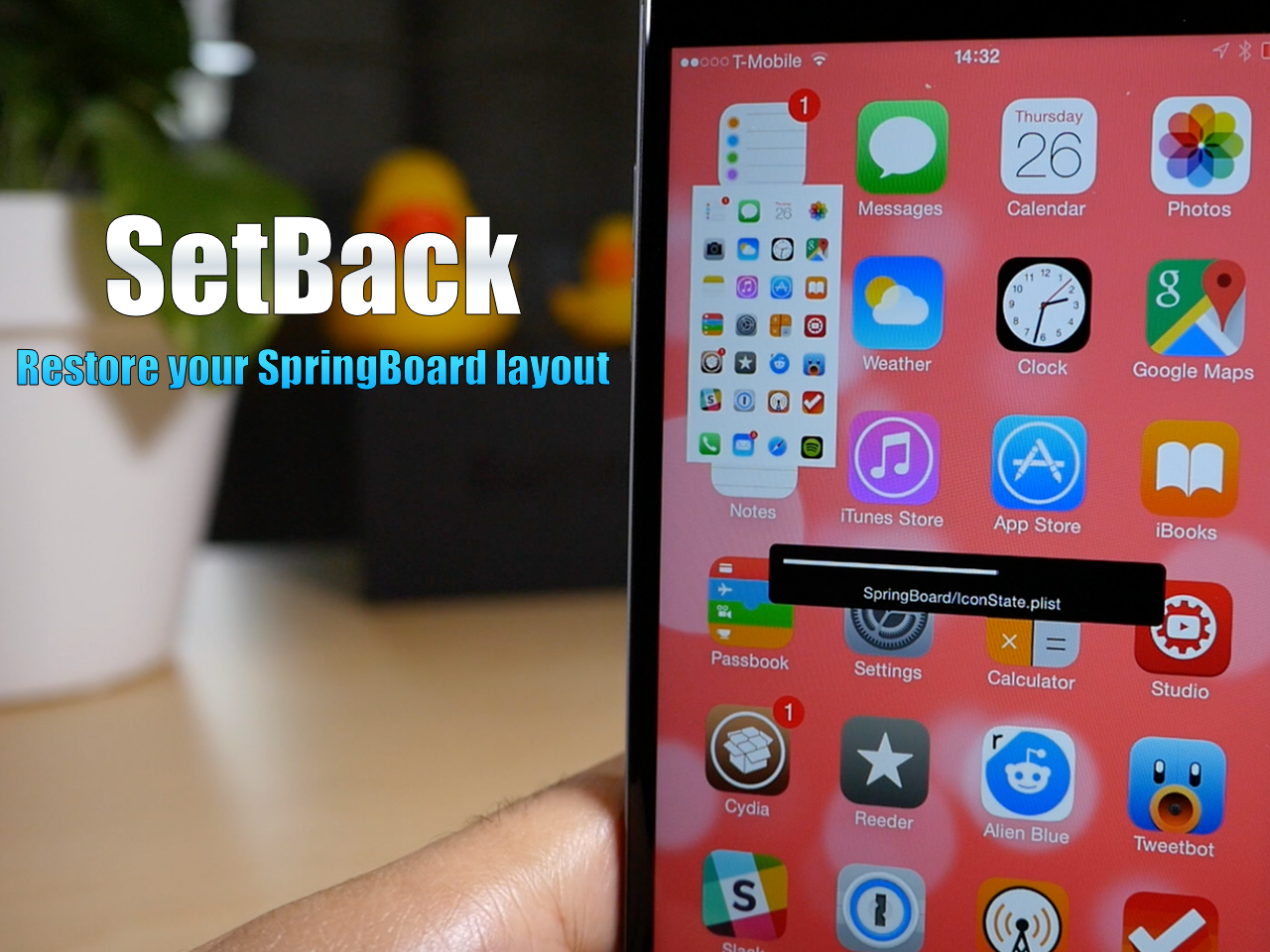
SetBack is a great way to revert to a preferred Home screen layout

One of the reasons why I've never been heavily into theme reviews is because of the time it takes to set up the theme and revert my Home screen configuration after testing. Many themes only support certain apps and app icons, hence, it requires a lot of app icon rearranging to aptly show off the theme in question.

I can't remember where I read the comment, but an iDB commenter mentioned SetBack as a possible solution to my problems. It claims to allow you to restore your SpringBoard layout with ease. Yesterday, I tried SetBack for the first time, and he was right, it is the solution that I needed, and you might like it too.

Anchor lets you place spaces between Home screen app icons

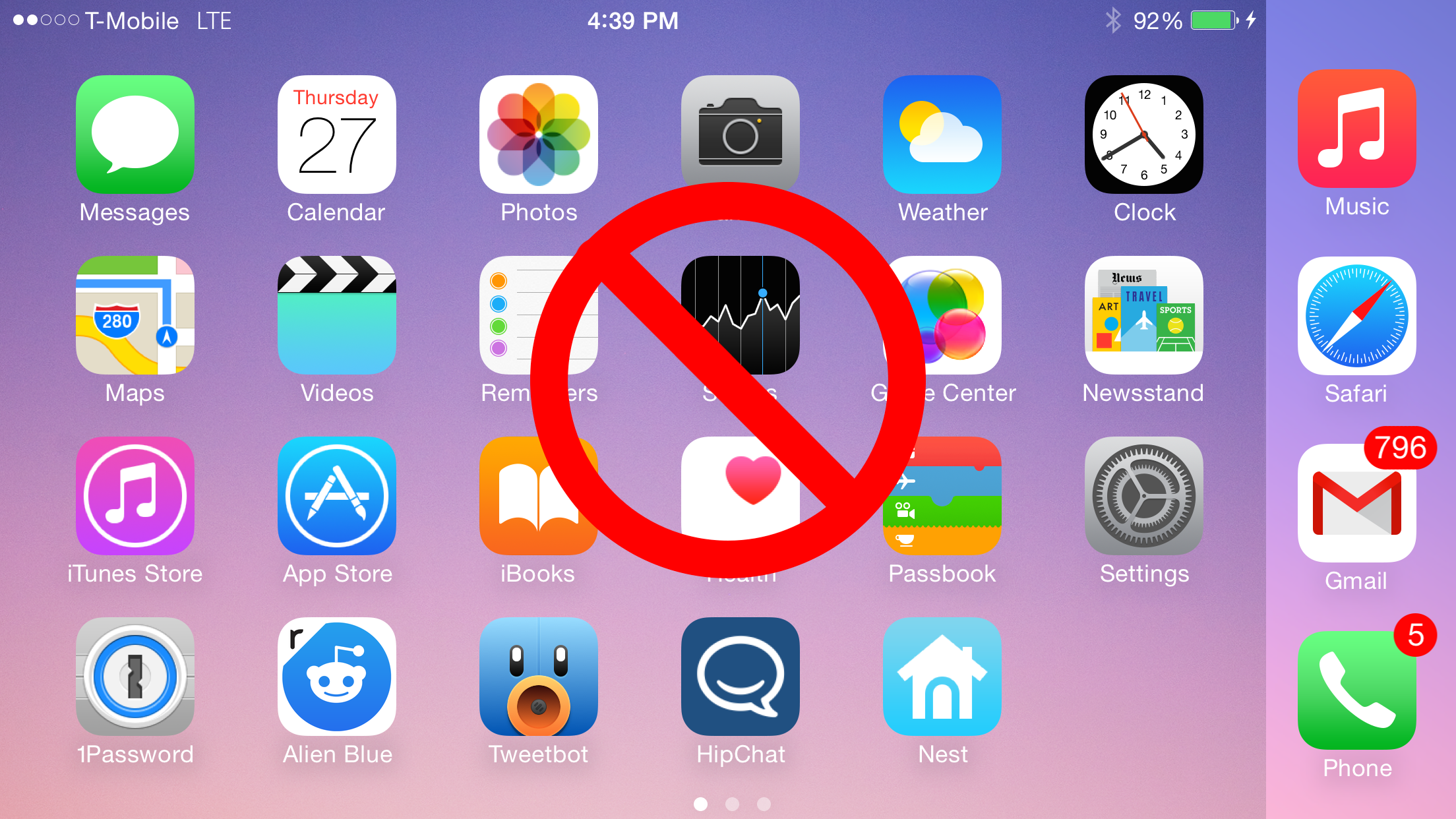
If you've been around jailbreaking for any decent amount of time, then you're no doubt familiar with Gridlock—a jailbreak tweak that allowed you to arrange Home screen icons with spaces in between them. Anchor, a new jailbreak tweak that just recently appeared on Cydia, takes this basic premise and brings it to iOS 8.

Wallmart allows you to cycle through wallpaper on iOS 8

Wallmart is a newly released jailbreak tweak that allows you to cycle through your favorite wallpaper on iOS 8. After installing the tweak, which is downloadable free of charge via Cydia's BigBoss repo, you can set it up to automatically cycle through each wallpaper after a specific interval of time, or cycle with every unlock.

How to disable SpringBoard rotation on the iPhone 6 Plus

One of the big advantages of the iPhone 6 Plus when compared to the iPhone 6 is the 6 Plus' ability to rotate into landscape mode while on the SpringBoard. Home screen rotation also works with smaller devices that use upscaling tweaks like LittleBrother or Upscale.

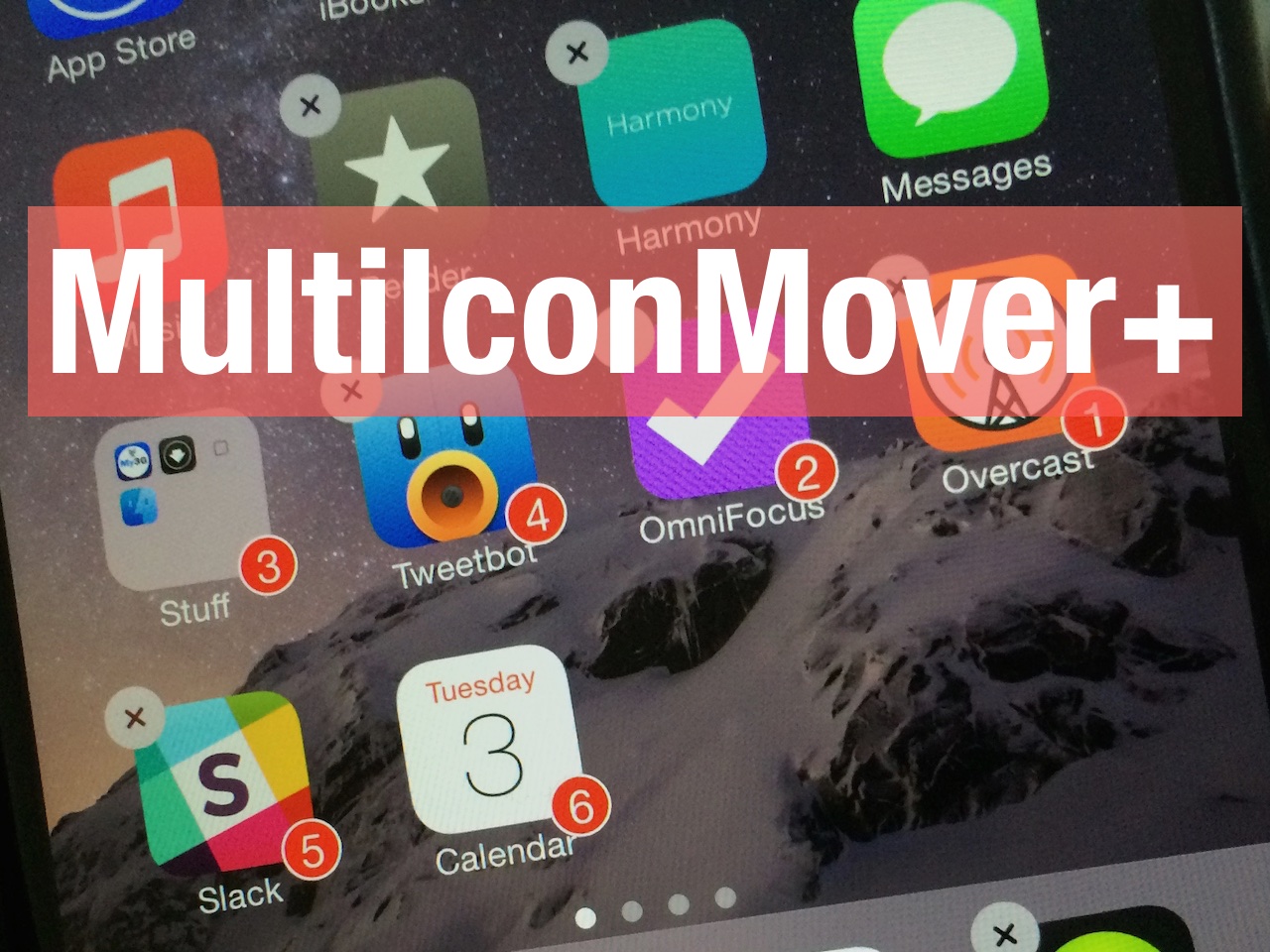
If you're someone who find the Home screen rotation to be annoying, then you may be interested in disabling the rotation outright. Notate is a brand new jailbreak tweak that allows you to do just that. Have a look inside for all of the details.

New ‘Homescreen’ app shares your iPhone Home screen with others

Betaworks, the team behind the popular game Dots, and later versions of Digg and Instapaper, has released a new app today called #Homescreen. The goal of the app, as its name suggests, is to allow users to share screenshots of their iPhone Home screens.

This in and of itself is a rather interesting concept, as people seem to be genuinely intrigued with others' Home screens—I've caught myself on more than one occasion peering at stranger's devices—but Betaworks takes it a step further with app identification.