Home screen

iOS 9.3 lets your boss lock apps to the Home screen and impose other restrictions

Apple's upcoming iOS 9.3 software update will allow employers to lock apps to the Home screen of company-issued devices, preventing them from being moved around, as first discovered by Irish developer Steven Troughton-Smith.

Buried within Apple's documentation for developers, the Home Screen Layout Payload, which defines a layout of apps, folders and web clips for the Home screen, is supported on iOS 9.3 and later.

Temporarily clear app icon badges with BadgeCleaner

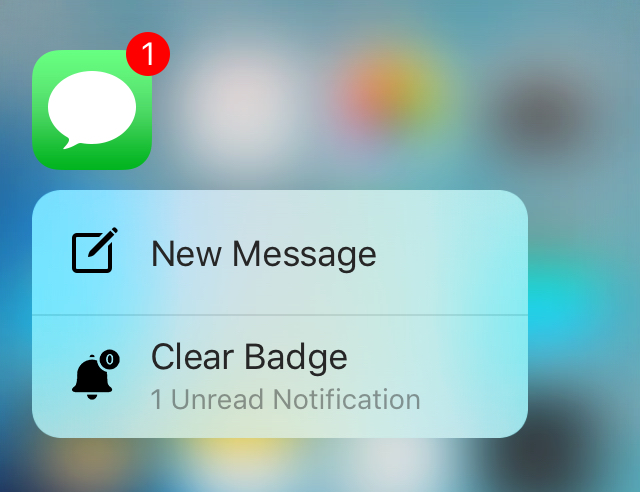
If you're like me, then you probably get several notification badges on your Home screen app icons all the time because people want to talk to you or because apps want to share stuff with you.

Unfortunately, if you launch the app just to get rid of the badge, the notification is gone for good and you might forget to look at it later.

Available now to solve this problem is a new free jailbreak tweak called BadgeCleaner, which can be had from Cydia's BigBoss repository. This tweak lets you easily clear app badges without dismissing the notifications the app might have waiting for you.

AppSort: quickly sort your Home screen apps based on various criteria

If you've got a lot of apps on your Home screen and hate looking through them all, then check out a new free jailbreak tweak called AppSort, which just hit Cydia, and will let you sort your Home screen app icons with ease.

AppSort is a jailbreak tweak that offers users a quicker way to sort the apps on your Home screen so you don't have to spend any of your time sorting them for yourself. The tweak lets you use Activator to reveal a menu full of options; the options allow you you to choose a criteria for how your apps will be sorted on the Home screen.

12 great 3D Touch jailbreak tweaks you should try

3D Touch is the flagship new feature of Apple's iPhone 6s handset. It's a part of the display that is capable of capturing forceful touches and performing actions based on how firmly you're pressing, and Apple has done a great job creating a range of features throughout iOS that take advantage of this display technology.

But for those that feel iOS leaves a lot to be desired, the jailbreak community has come up with a variety of new uses for 3D Touch, whether your iPhone supports 3D Touch or not. And in this roundup, we're going to show you a number of tweaks that we think really help compliment the 3D Touch experience on a jailbroken iPhone.

This tweak displays Siri suggestions in all iOS Spotlight interfaces

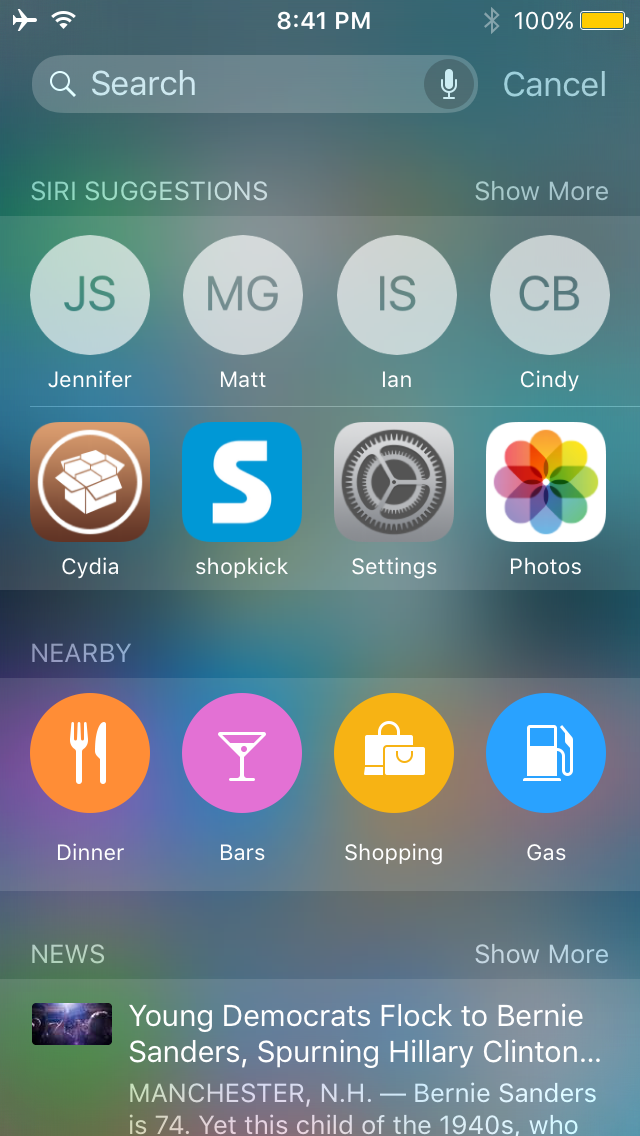
Starting in iOS 9, Apple introduced Siri Suggestions in the updated Spotlight interface, which is accessed to the left of the first Home screen page.

Interestingly, despite the new Spotlight interface, Apple kept the original Spotlight interface that you can access by pulling down from the top of the screen, and as you might imagine, it doesn't have all the new bells and whistles the new Spotlight interface does.

A new jailbreak tweak called NearbyNews is now available in Cydia's BigBoss repository for $0.99 that will let you bring these features to the original Spotlight interface in iOS 9.

Gravitation: a jailbreak tweak that adds gravity to your Home screen

Gravitation is a brand new tweak that adds gravity to your Home screen app icons. If you've been around jailbreaking for some time, then it may remind you of 2010's Graviboard, by Conrad Kramer, now of Workflow fame. Activated by means of an Activator gesture or a shake of your iPhone, Gravitation adds fun to an otherwise mundane and regular iOS Home screen experience.

As expected, Gravitation, a $1.99 jailbreak tweak available on Cydia's BigBoss repo, features several settings for adjusting the way the tweak looks and behaves. Watch our video demonstration to see how it works in action.

Fingal brings your app icons to life

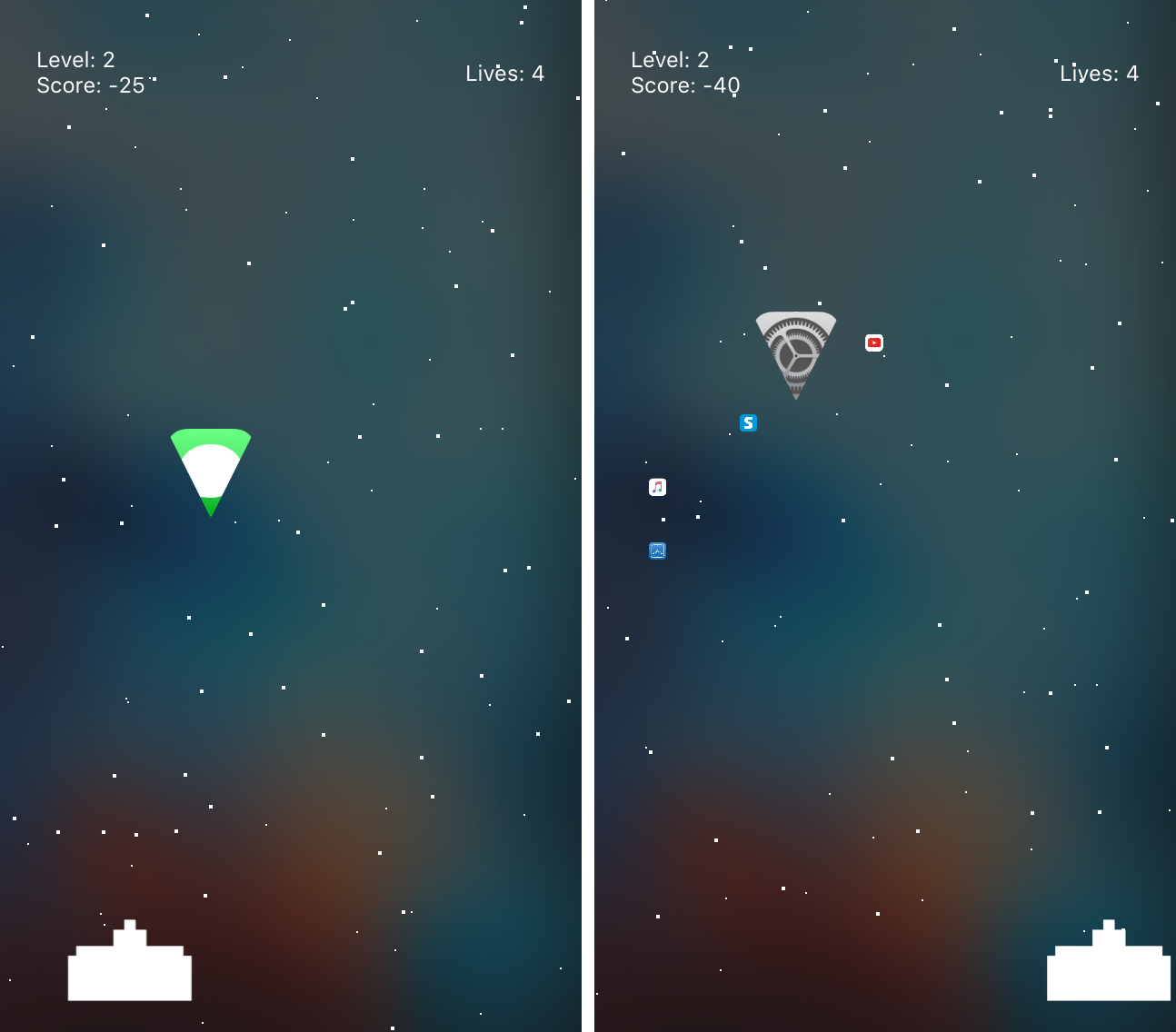
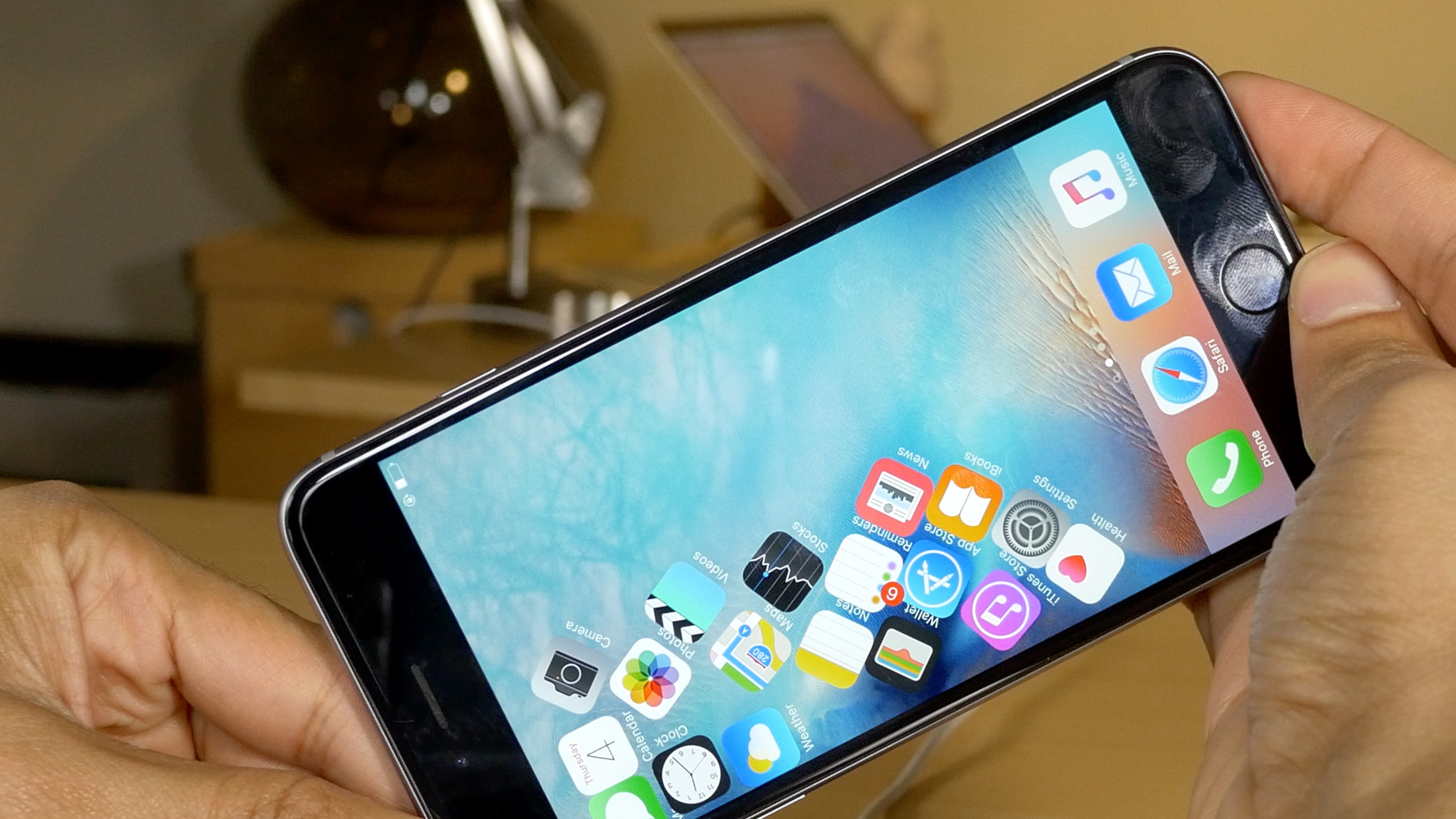
Take a moment to look at the Home screen on your iPhone, iPod touch, or iPad; what do you see? Some things that come to my mind are: stillness, simplicity, and boredom.

With a promising new jailbreak tweak release dubbed Fingal, which is now available as a free download in Cydia's ModMyi repository, you can add a touch of motion and liveliness to your Home screen.

How to disable Home screen rotation on the iPhone 6s Plus [jailbreak]

I appreciate my iPhone 6s Plus' ability to display the Home screen in landscape mode, but in practice I rarely use it or even want it. With a stock iPhone 6s Plus, there's no way to prevent the Home screen from rotating without turning off rotation altogether. But a new jailbreak tweak called Nuus will allow you to isolate rotation locking to just the Home screen.