Home screen

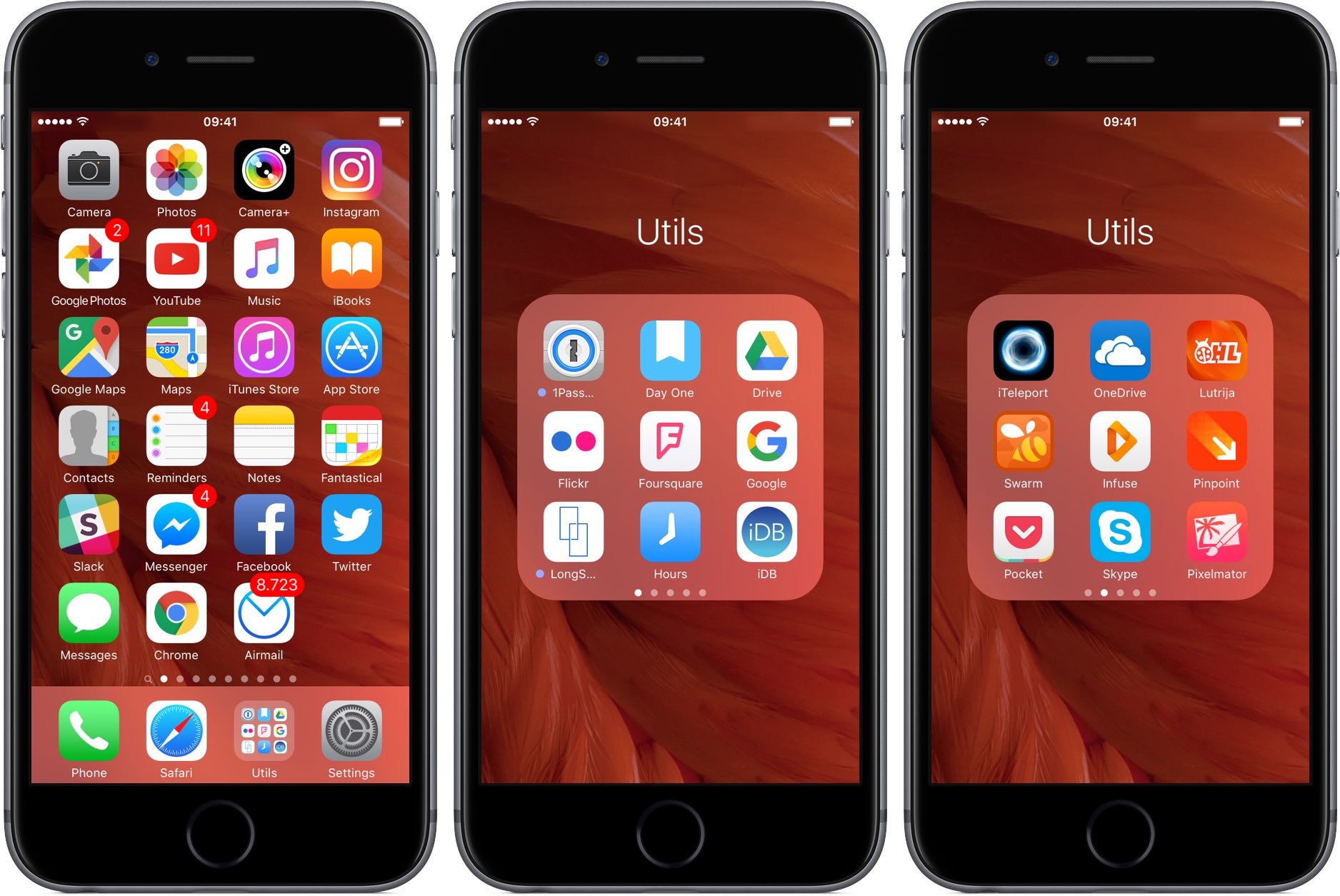
What’s on your Home screen: Anthony Bouchard

Opinions are like Home screens; everyone has one.

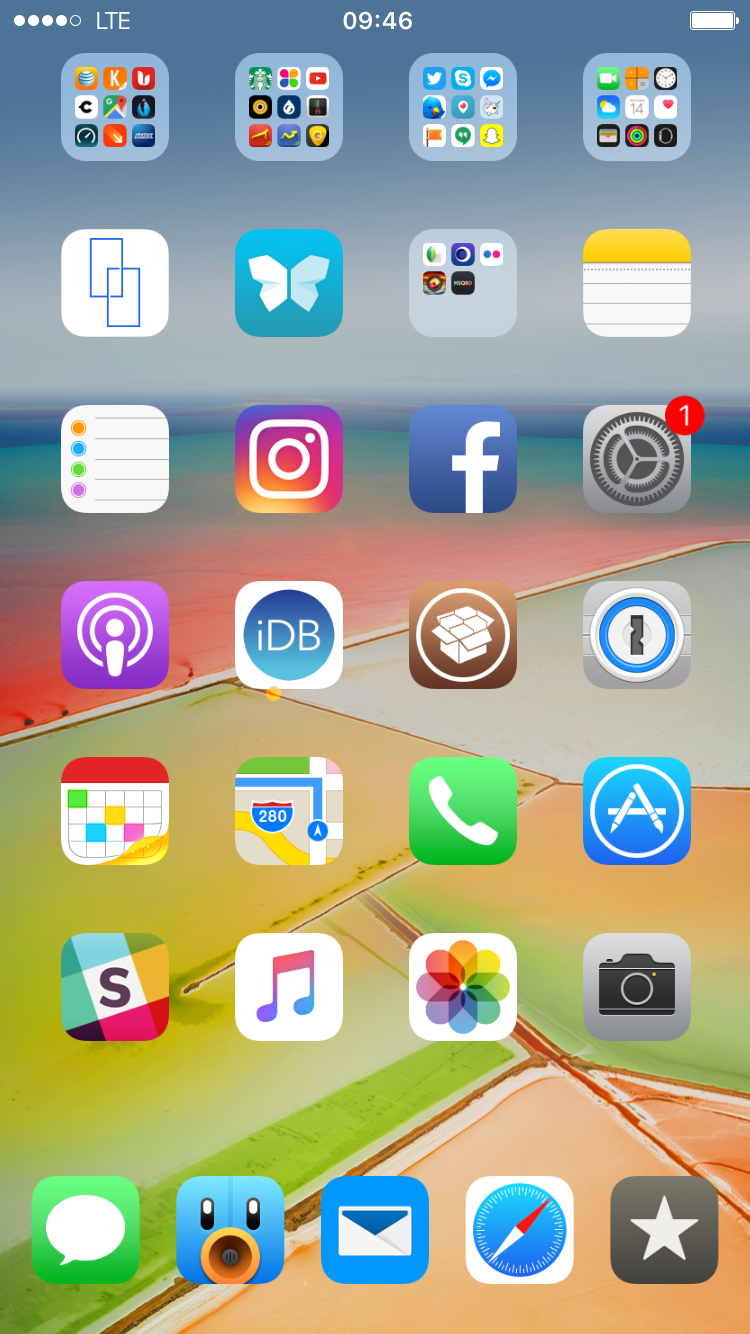
Because the Home screen is one of the most-used parts of any iPhone, and because people are always in search of cool new apps to download, it seemed appropriate for me to share what I have on the first page of my Home screen and talk about why I use what I use.

Following suit with my other colleagues here at iDB, I'll be sharing mine as well.

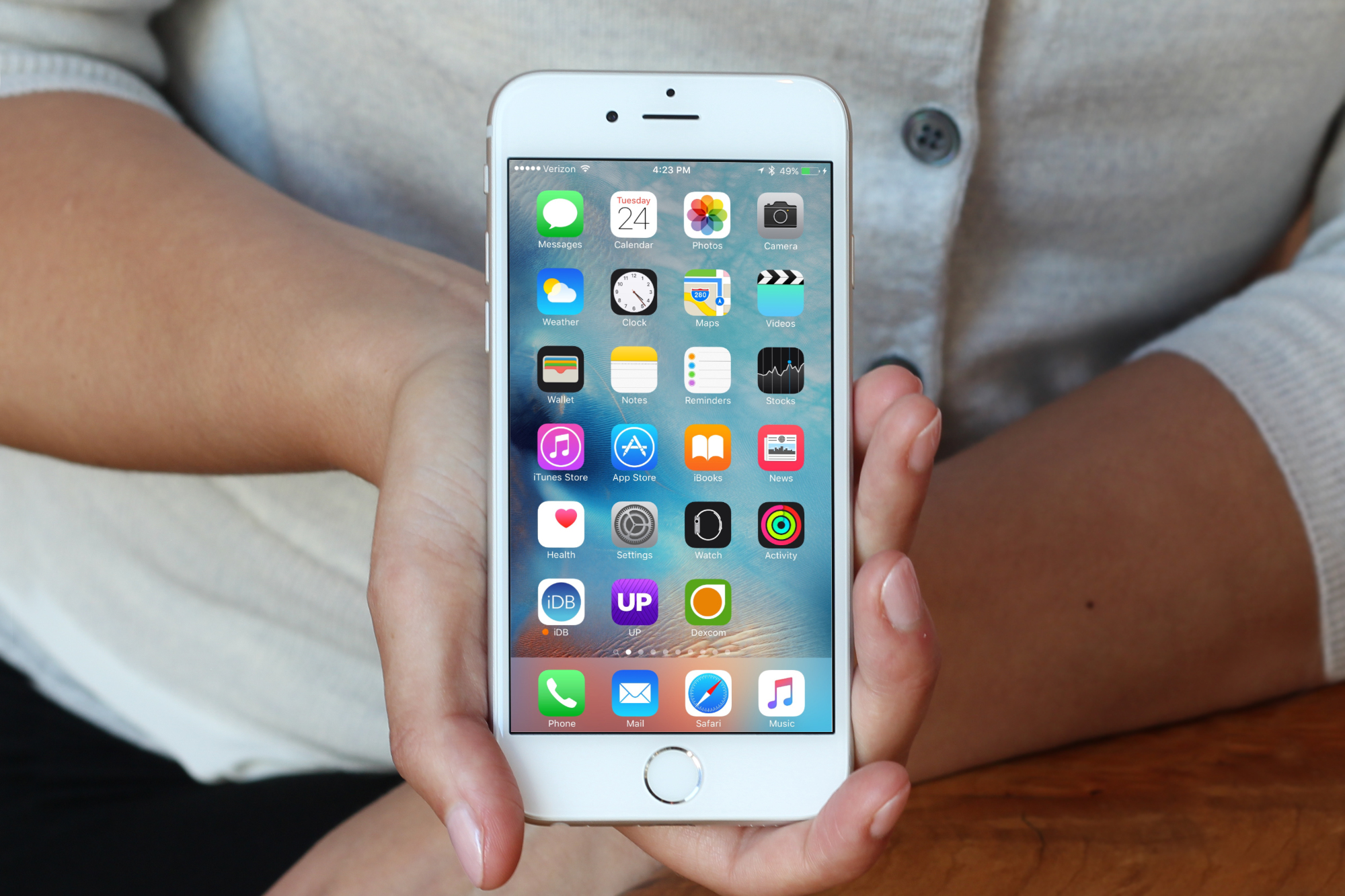
What’s on your Home screen: Andrew O’Hara

I'll say this right out of the gate. I know my Home screen is boring. Seriously. If you notice, the screenshot of my Home screen looks nearly identical to an Apple marketing image. That's because aside from 3 apps down on the last row, I keep my Home screen stock. I'm unsure if I can justify my reasoning to you, but I'm going to try.

Tip: create empty spaces between apps on the Home screen, no jailbreak needed

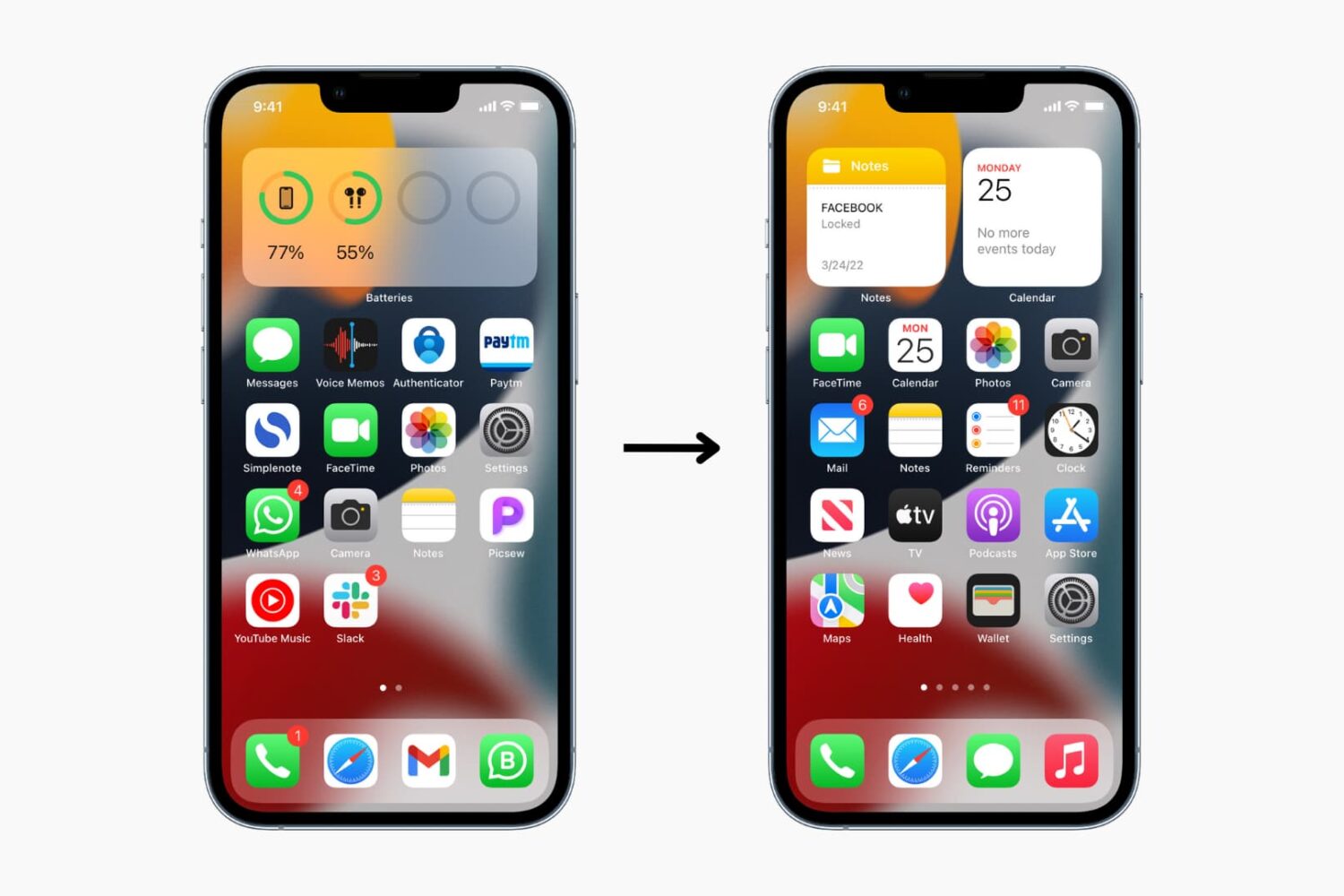
One of the top things that those without jailbreaks wish they could do is put blank spaces between app icons on the Home screen.

Whether it's to help with your creative organization technique, or to simply add a personal touch or pattern to your Home screen, you may be excited to hear that it's possible to create blank spaces between your app icons on a completely stock, non-jailbroken iOS device.

In this tutorial, we'll talk about how you can generate blank spaces between your app icons on the Home screen, as shown above, without having a jailbreak.

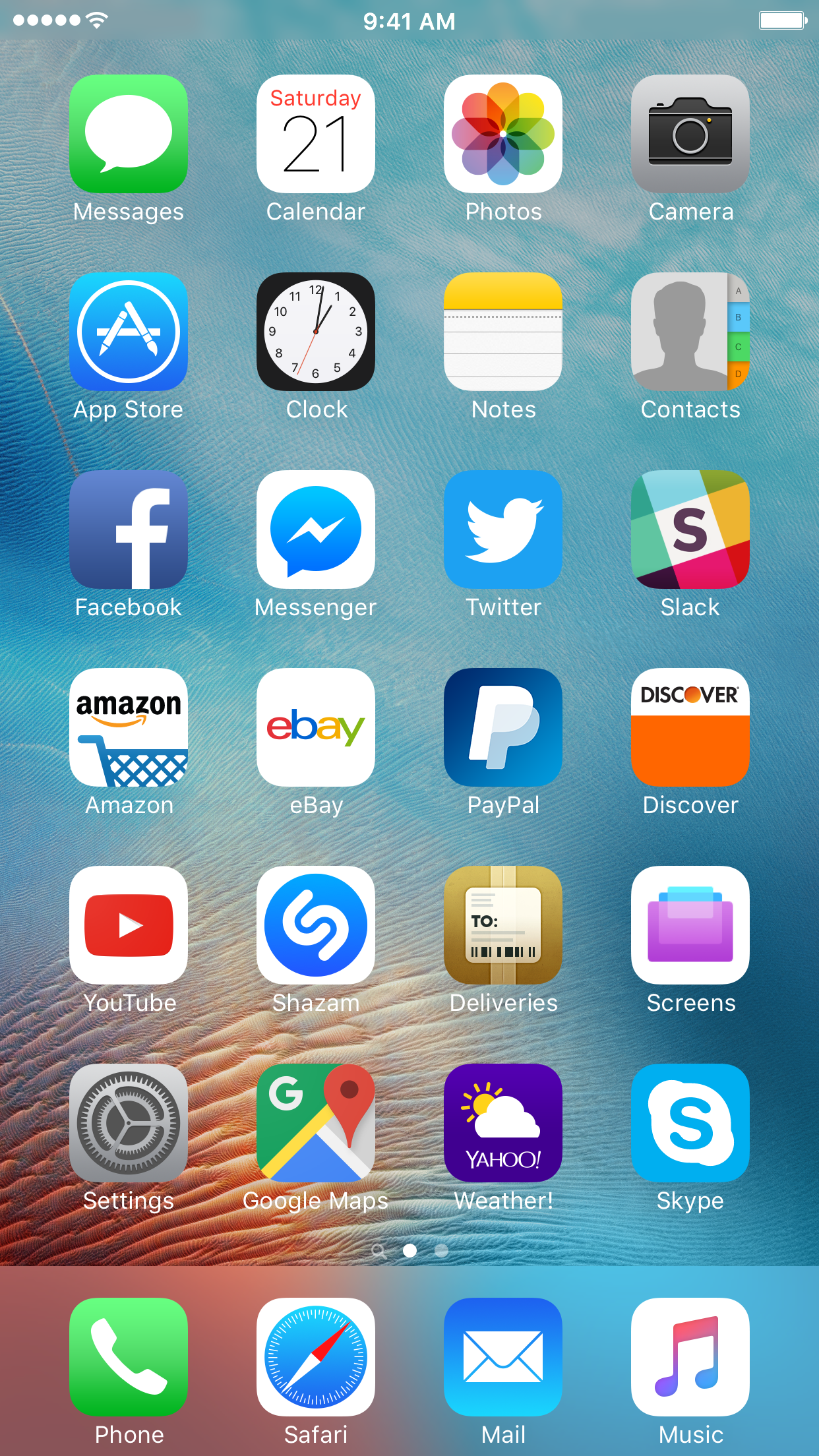
What’s on your Home screen: Christian Zibreg

Sebastien tries to keep all his apps and folders on only one screen. I'm like Sebastien, with one difference: I never have more than one folder on the first Home screen. But just because I'm not jailbroken doesn't mean my Home screen is a mess, quite the contrary! As a big believer in efficient organization, I take pride in my Home screen layout.

There's logic behind every app choice and a story to be told behind every icon placement. Without further ado, here's what's on my Home screen, and why.

Installing themes on your iPhone without a jailbreak

Theming your iPhone, iPod touch, or iPad has been a long time primary reason of jailbreaking. Unfortunately, as the wait for a new jailbreak becomes ever so longer in between iOS releases, the jailbreak scene is becoming less reliable for getting the features you want on the latest version of iOS.

For those who are tired of waiting, iSkin is a new platform that can be used directly from your Safari web browser to install themes on your iOS device without a jailbreak, and we'll show you how it's used in this tutorial.

What’s on your Home screen: Sebastien Page

"Show me your Home screen and I'll tell you who you are."

Indeed, the Home screen is a very personal place that reflects who we are and how we use our devices. The way we organize apps and folders can tell a whole lot about our personality, and so does our specific choice of apps.

I've been asked twice this week to share a screenshot of my Home screen set up, so I figured I might as well share with all of you and explain the rational behind the placement of icons and the overall layout, and of course, the specific apps I use.

Marquee lets you have long, scrolling folder names in iOS

If you've ever had a folder name that was too long for iOS to display, then you probably had an atrocious-looking folder title like the one above; cut off, and ended with an ellipsis.

Unfortunately, the way stock iOS handles longer folder names makes it nearly impossible to tell what the entire folder title is.

That's why a new free jailbreak tweak called Marquee is going to appeal to those of you with the desire to have longer folder names on your Home screen.

Lautus is a tweak that lets you clear app caches using 3D Touch

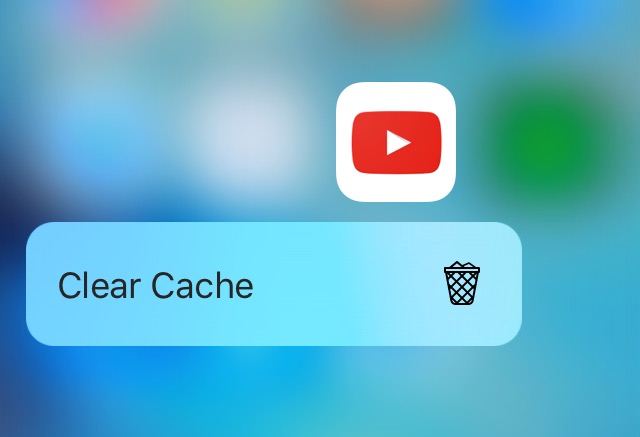
Over time, apps accumulate cache files that will take up valuable space on your device. Since iOS devices don't have upgradeable storage, users of devices with smaller storage capacities have to be careful and closely monitor the amount of storage space their apps are using.

Lautus is a new free jailbreak tweak that empowers users with clearing app caches as they grow over time and it utilizes 3D Touch for use. In this review, we'll walk you through how the tweak works and talk about what it does.

Exsto gives iOS folders a radial launching interface

Folders are a great way to conserve space on your iPhone's Home screen, but the animation for opening folders and the folder interface itself are so boring; c'mon Apple, you can do better than that!

Fortunately, a new jailbreak tweak called Exsto is now available in Cydia for just $0.99 and it transforms your folder experience in iOS. In this review, we'll be talking all about Exsto and showing you how it works.

This tweak lets you copy the Bundle ID of apps with 3D Touch

Those that are into theming or other jailbreak-based device modifications that may require knowledge of app bundle IDs may find a new use for a jailbreak tweak dubbed CopyBundleID.

With this tweak, getting the bundle ID of an app has never been easier. We'll walk you through the tweak and show you how it works all in this short review.

tvOS 9.2 is here: Dictation, folders, Live Photos, wireless keyboards, iCloud Photo Library & more

tvOS 9.2, a new update for the operating system which powers the fourth-generation Apple TV, is now available for public consumption. The new firmware, released alongside iOS 9.3, OS X El Capitan 10.11.4 and watchOS 2.2, is a very interesting update for the cool new features it brings to the table.

tvOS 9.2 enables several features missing from the initial tvOS release, including long-awaited support for wireless keyboards, dictation, Siri support for App Store searches, app folders on the Home screen, a revamped app switcher, Siri Remote improvements, support for Live Photos and iCloud Photo Library and more.