Home screen

Iconizer: the ultimate Home screen app icon effects tweak?

For some people, adding a touch of personality to their Home screen is one way that they set themselves apart from the stock iOS community. Of course, a touch isn't always enough. If you're looking for something a little more in-depth, then try a new jailbreak tweak dubbed Iconizer.

With Iconizer, you can not only tinker with Home screen app icon animations, but you can also add some catchy-looking effects to your app icons. All of the effects are 100% customizable, and we'll show you what this tweak is all about in this review.

Set up a custom Home screen layout with Genous

For some people, adding a personal touch to everything they can on their jailbroken iOS device is what makes their device their own.

With a new jailbreak tweak dubbed Genous, you will be able to control how many rows and columns of apps you have on each of your individual Home screen pages.

AppDelete prevents you from accidentally deleting iOS apps

Those of you who are familiar with the new iOS 9.3.3 jailbreak that was just recently patched by Apple in the iOS 9.3.4 release know that the jailbreak installs an app on your Home screen that is easily deleted if you're not careful.

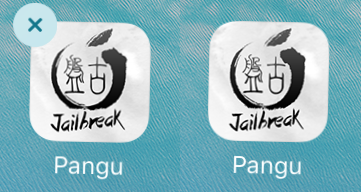
A new free jailbreak tweak called AppDelete helps prevent you from accidentally deleting apps from your Home screen, including but not limited to the Pangu app.

Depthicons by Ryan Petrich & Surenix brings parallax effects to your app icons

Every once in a while, a jailbreak tweak hits Cydia that offers a fun new aesthetic to your iOS device(s). Some end up becoming hits, while others slowly disappear into the archive of Cydia's ever-expanding jailbreak tweak library.

Depthicons on the other hand, a new jailbreak tweak release created jointly between developer Ryan Petrich and designer Surenix, may just end up being the next hit, and we'll show you why in this review.

Anilaunch brings interactive animations to your Home screen app icons

The Home screen is one one with few animations or any real liveliness. This has been one of the greatest complaints of iOS since its inception. Nevertheless, the jailbreak community has always, and continues to this day, to attempt to improve the liveliness of the Home screen in iOS.

With a new jailbreak tweak called Anilaunch, you can have your Home screen's application icons animate in various ways from doing various things. In this review, we'll touch on what the tweak is capable of.

What’s on your Home screen: Cody Lee

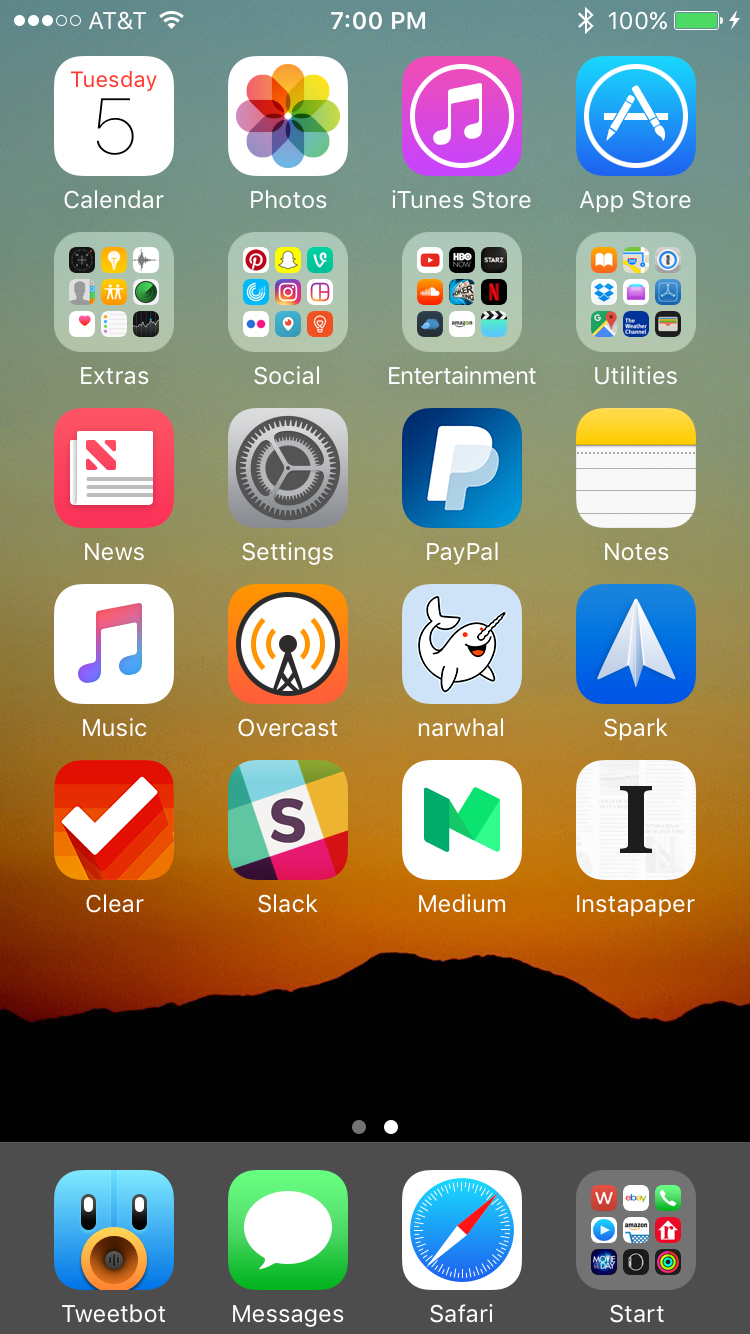
I’m a little late to the party, but I wanted to join the rest of my colleagues in sharing my iPhone Home screen. I love looking at others’ setups, and getting inspiration from their apps and wallpapers, so I’m happy to post mine in the same vein.

I’ll start off by saying that my Home screen changes fairly frequently. I’m always installing beta versions of iOS, jailbreaking, and doing other things to my iPhone that prompt complete restores, so I don’t get to enjoy any particular setup for very long. And that’s ok with me, as I like rebuilding my Home screen—it’s like rearranging furniture in a room to find a more optimal layout. It’s sort of cathartic.

My current setup I’ve had for a little over a month now. Knowing that the first iOS 10 beta was coming, I decided to get rid of my jailbreak and update to iOS 9.3.2. Not being jailbroken definitely affects how my Home screen looks—I use tweaks like Springtomize to customize the status bar, remove icon labels and make other small, but noticeable changes—but I don’t regret moving on to iOS 10. It’s been a joy to use thus far.
iOS 10 tidbit: unlocking iPhone and iPad without launching Home screen

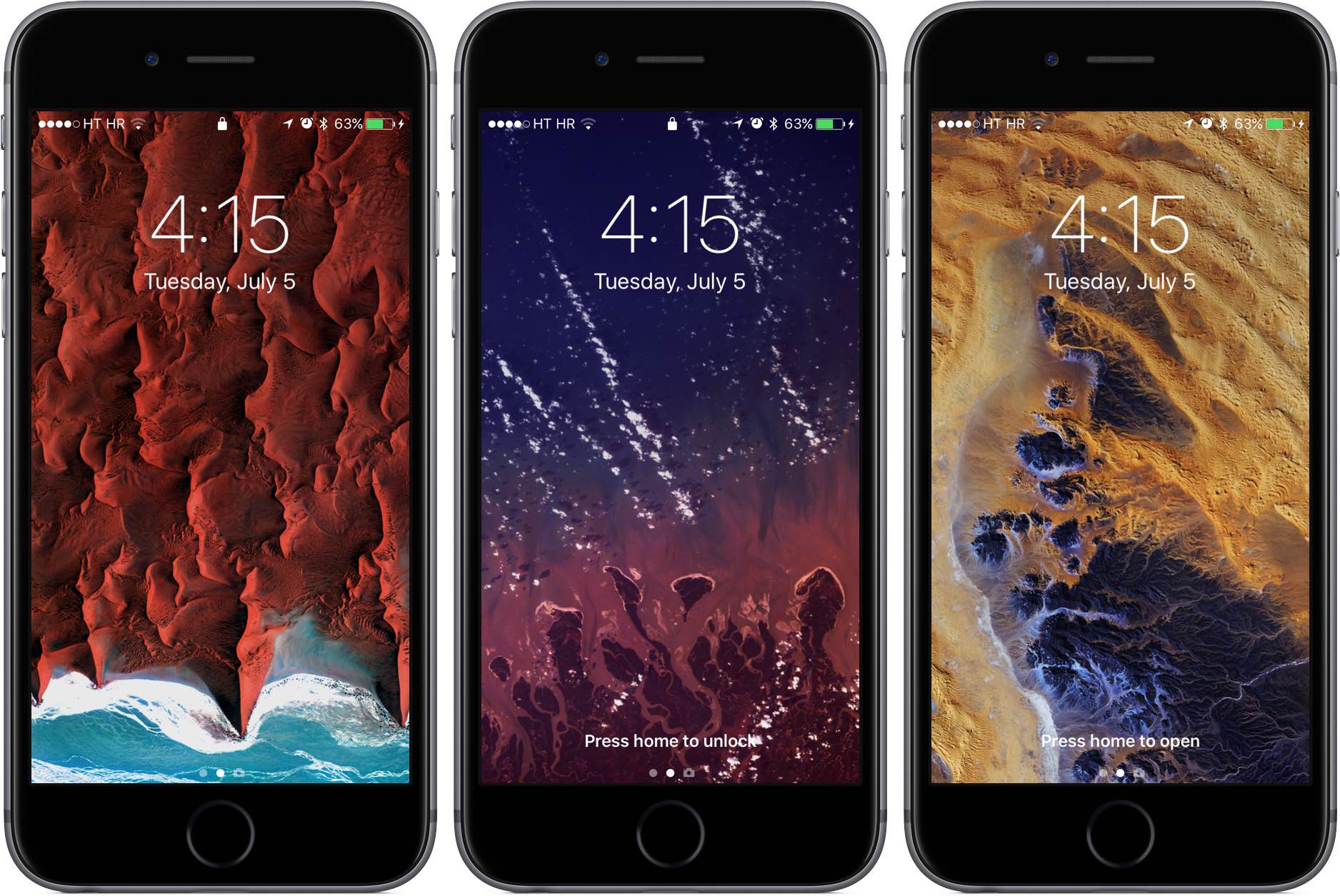
As we wrote before, iOS 10 changes the way unlocking your iPhone, iPad and iPod touch works. For starters, iOS 10 does away with the familiar slide-to-unlock gesture so instead of “Slide to Unlock”, which now takes you to a dedicated widgets screen, you get to see a new “Press Home to unlock” message on the Lock screen.

As a result, unlocking a Touch ID-outfitted iOS device now requires you to press the Home button rather than rest your finger on it, like in prior editions of the software. But as it turns out, iOS 10 gives users another, previously unavailable option for unlocking their device without automatically launching the Home screen.

Emulate the CarPlay experience on your iPhone or iPad with CarPlay iOS 2.0

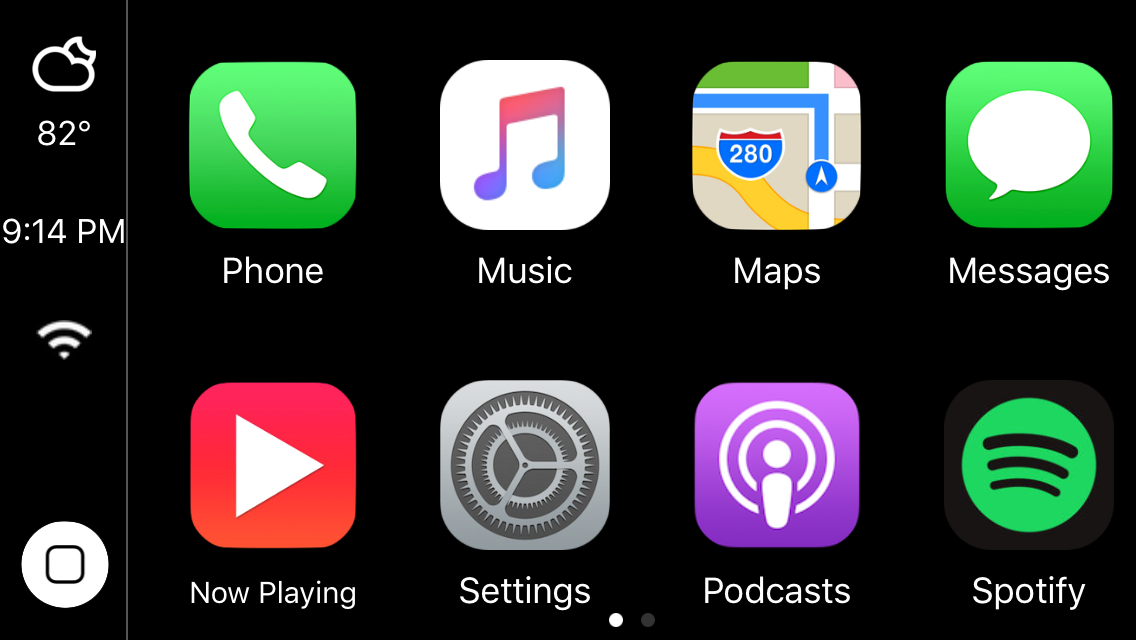
Two years ago, we showed you a jailbreak tweak called CarPlay iOS, which allowed you to emulate the CarPlay head unit user interface directly on your jailbroken iPhone or iPad.

Although the tweak was limited due the nature of the features that come bundled in the CarPlay interface, the developer has been working on a treat for those who liked playing with the original tweak; CarPlay iOS 2.0 is now available in Cydia.

What’s on your Home screen: Timothy Reavis

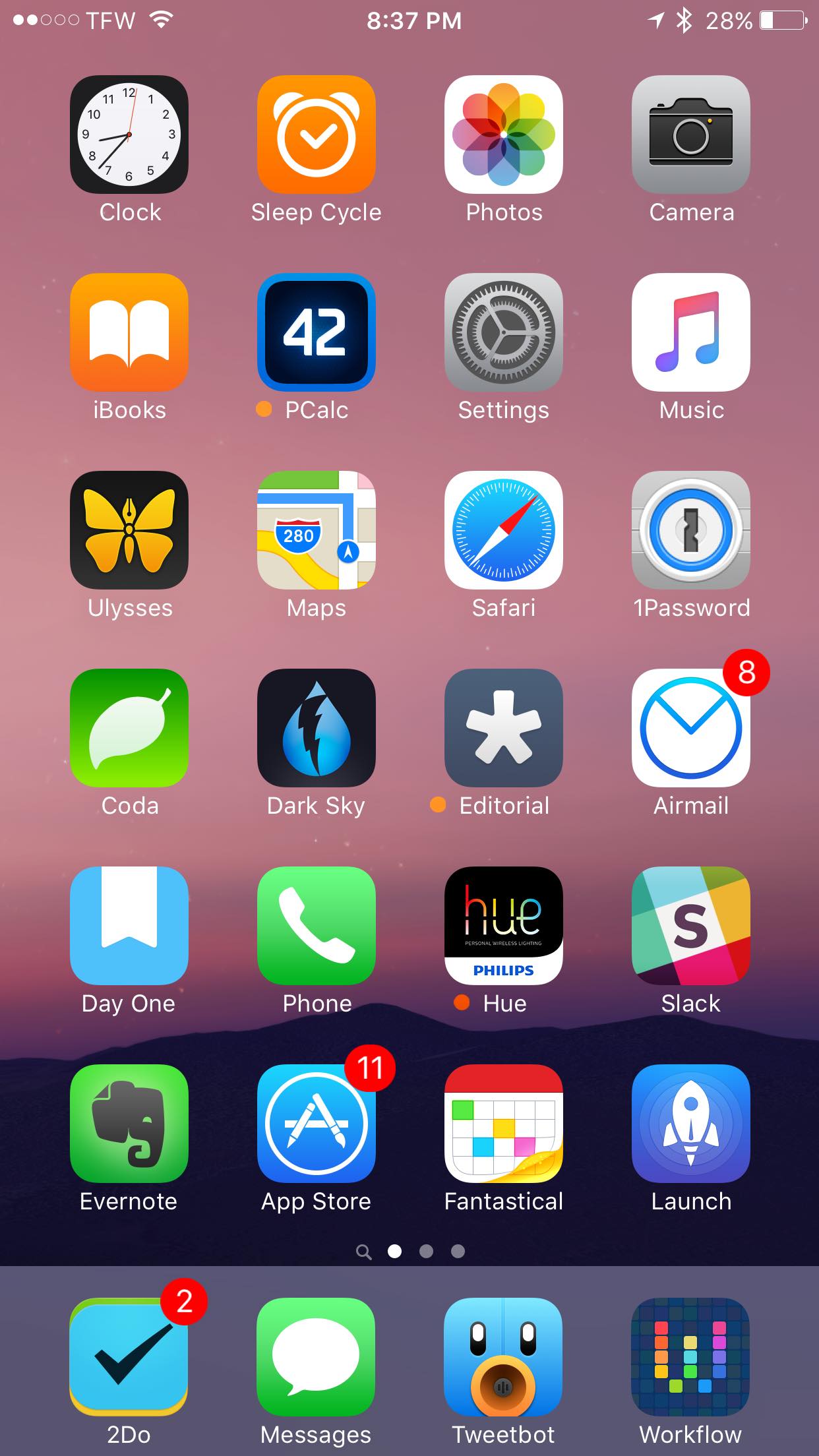
One of the things I see the most every single day is most certainly the Home screen of my iPhone. Because my phone is with me wherever I go, and because it's the device from which I consume the majority of content, the first page of my Home screen is at the forefront of my digital life. Naturally, then, the apps that reside on this page are to be chosen rather carefully to maximize efficiency throughout the day.

App Store to gain Categories tab and easier app sharing with 3D Touch

Aside from a pair of major developer-facing enhancements that are coming to the App Store this fall—Search Ads and Subscription improvements—Apple appears adamant to fix some of the longstanding pain points with store navigation and app discovery.

For instance, the Featured tab will no longer show apps a user has installed on their device.

Apple also said that it'll be bringing back the Categories tab for the store and let you share apps on social media right from the Home screen with 3D Touch.