Home screen

MultiActions lets you move and delete apps in bulk

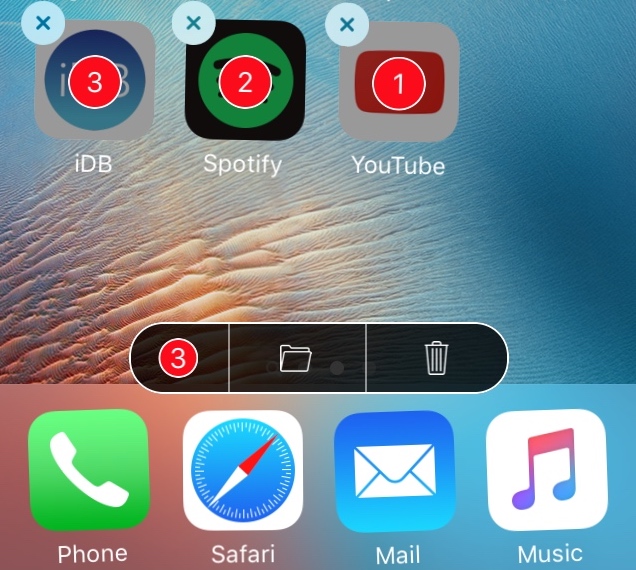
One of the major shortcomings for those with iPhones and iPads, especially those with lots of apps installed on them, is the fact that you have to move or delete your apps one at a time. This becomes cumbersome when you want to put a number of your apps in or out of folders or delete multiple apps at once.

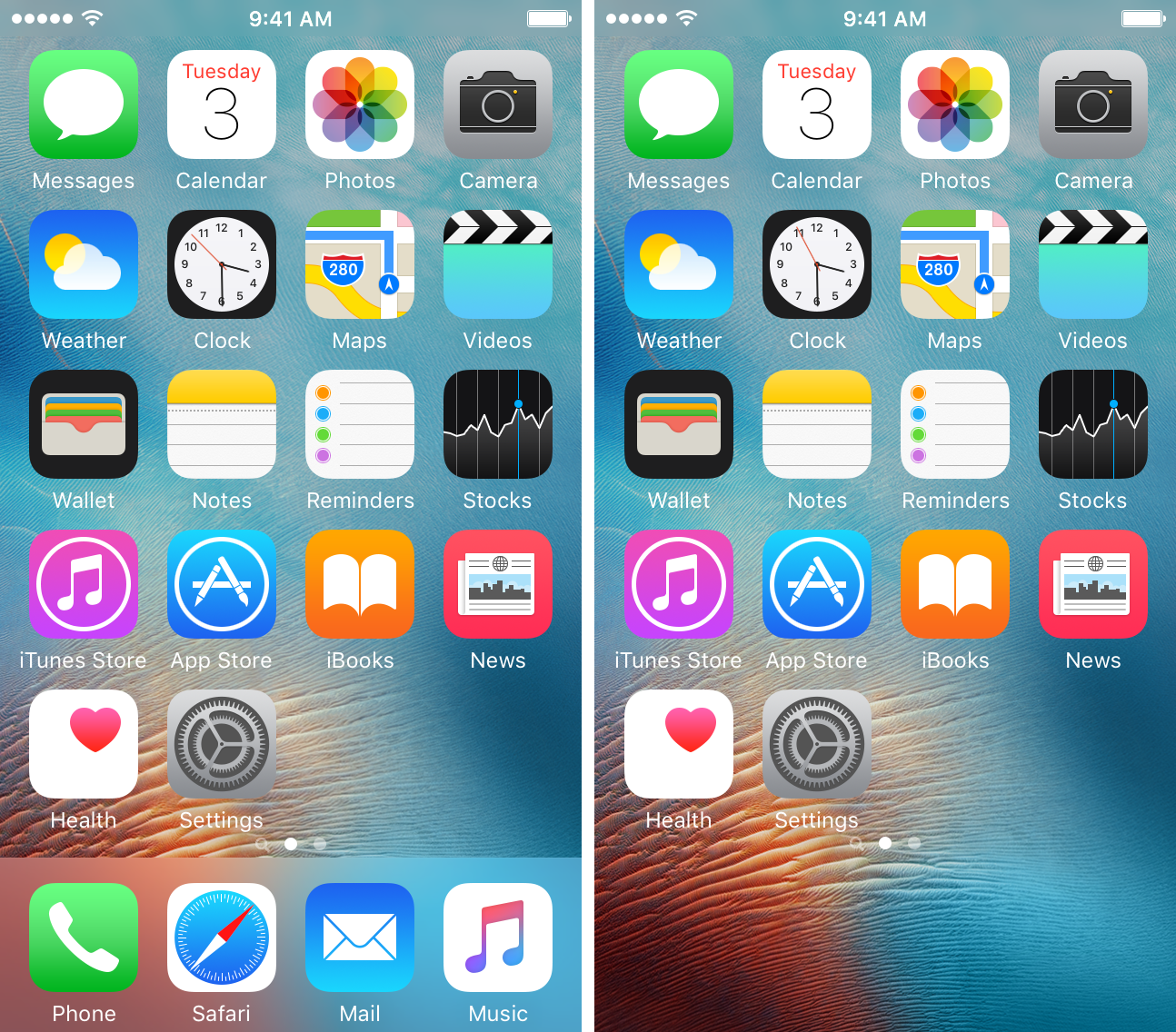
A new jailbreak tweak called MultiActions, on the other hand, will exclude your device from these shortcomings, as it allows you to move or delete multiple apps in bulk without having to do things one at a time.

NoTodayView disables the Spotlight widget page on the Home and Lock screens

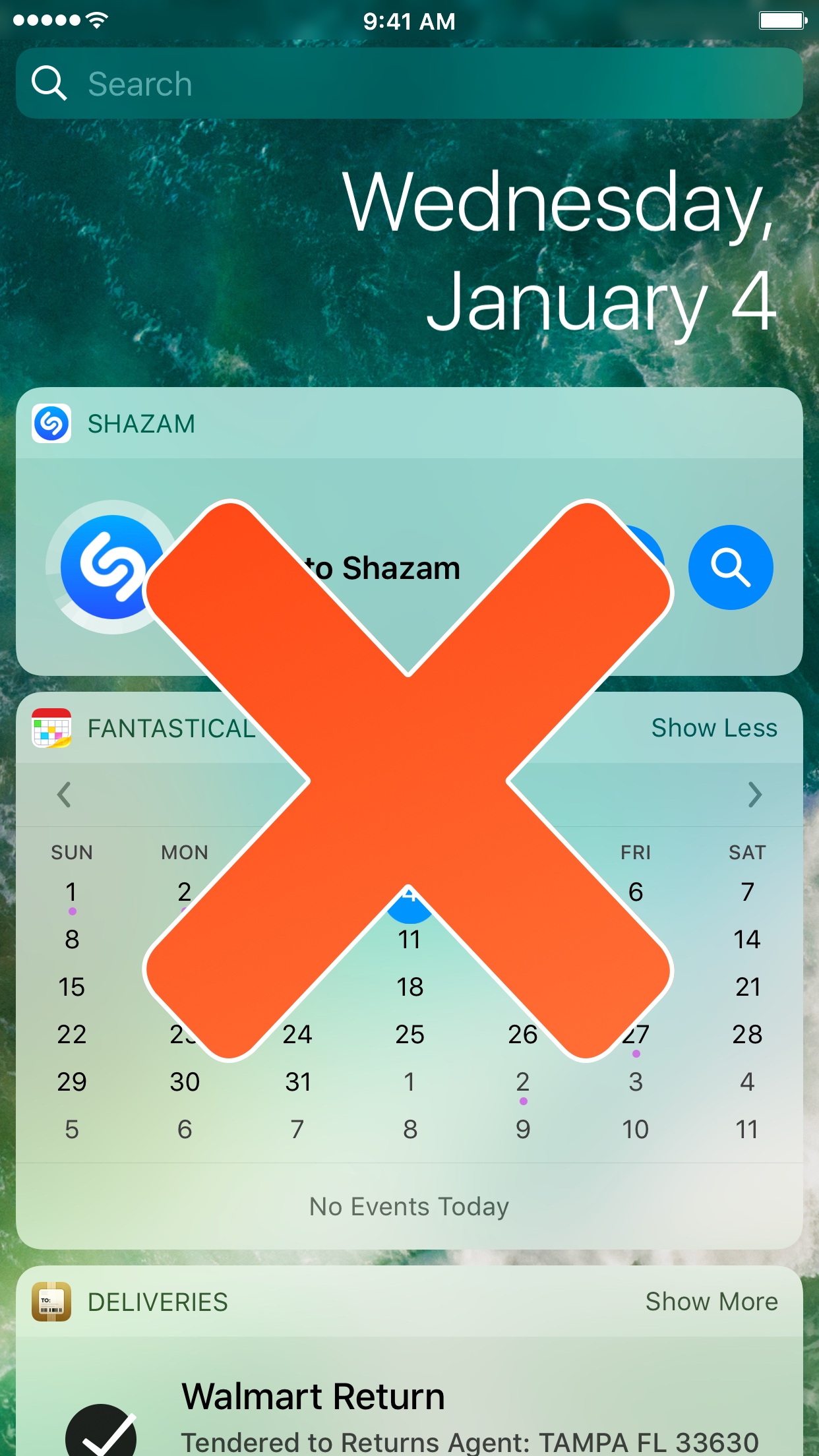
NoTodayView is a new free jailbreak tweak for iOS 10 devices that can disable the Spotlight widget page on both the Home screen and Lock screen, which depending on how you use your device, can be very useful.

While most people like to use the Spotlight and widget page system that comes stock, it gets in the way when you try to use some other Home screen-modifying jailbreak tweaks like Mobius, which allow you to scroll infinitely through all of your Home screen pages and folders without coming to any dead-ends.

Hide or show your Home screen dock on demand with ShyDock

In macOS, you can configure your application dock to hide away and only appear when you need it, so wouldn’t it be nice to bring that kind of functionality over to your iPhone or iPad as well?

With a new free jailbreak tweak dubbed ShyDock, you can hide or show your app dock on demand with a simple Activator action.

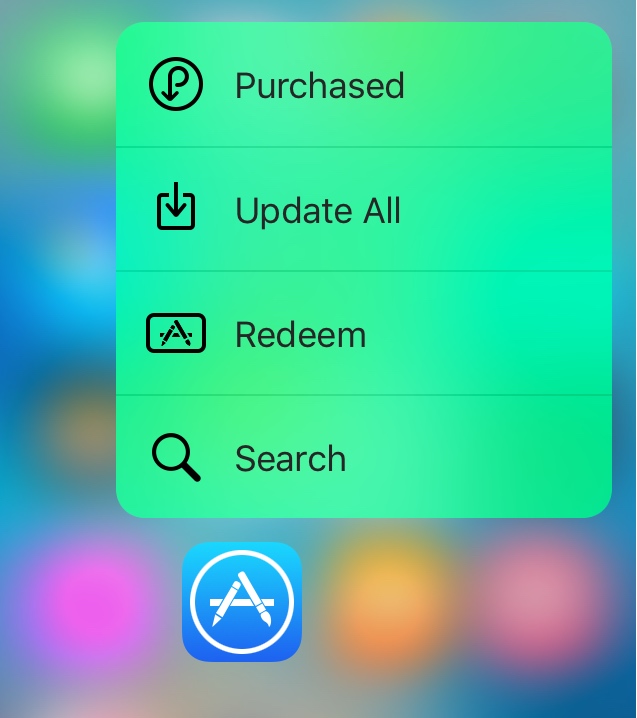
Cuttlefish tints 3D Touch menu backgrounds on the Home screen to match the app color

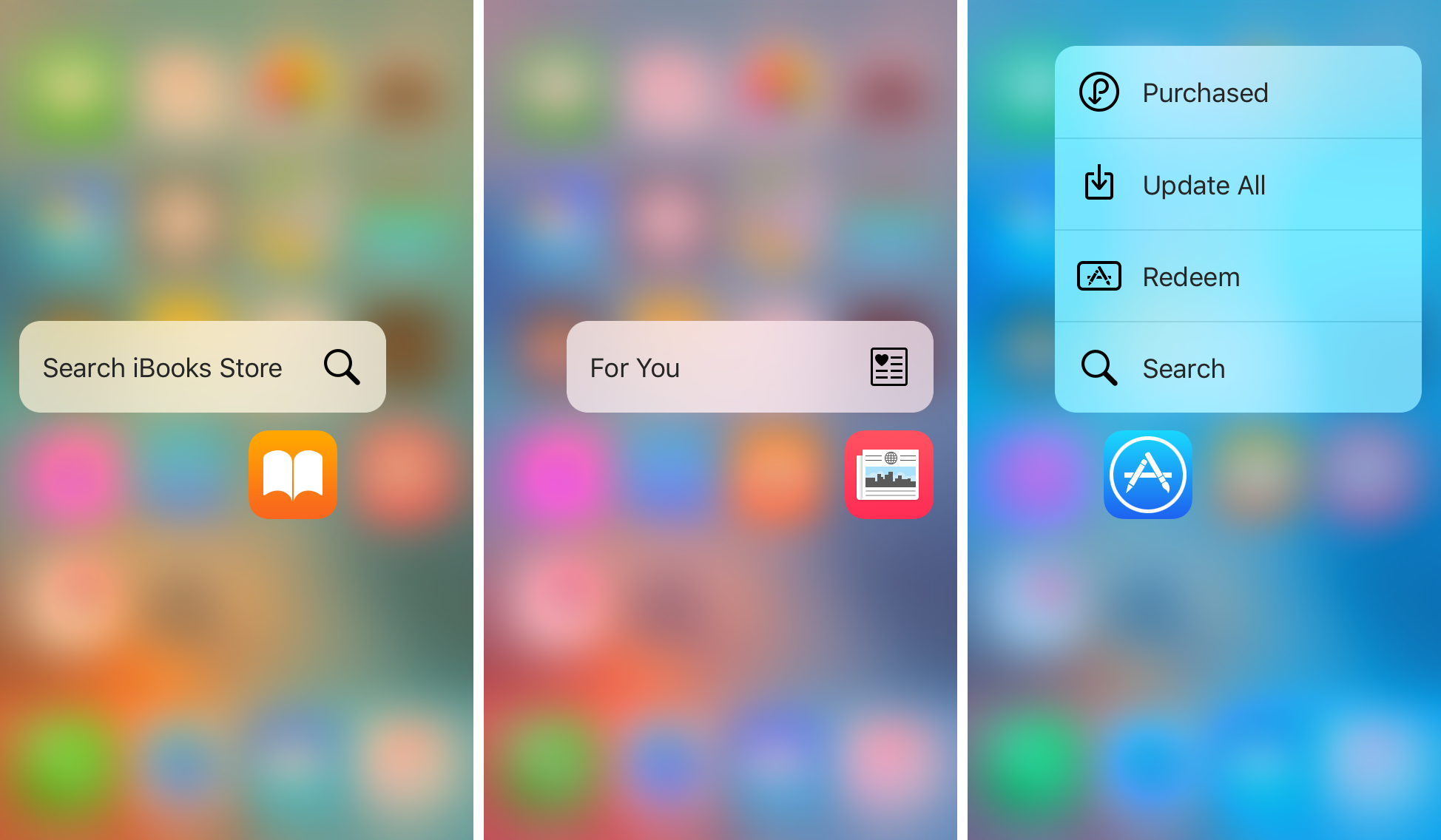
Those who use 3D Touch to access the Home screen menu shortcuts from application icons know its usefulness for getting to specific app actions quickly. On the other hand, all of the 3D Touch Home screen menus are pretty bland, and no matter what app you use the 3D Touch gesture on, the menu is always the same color.

A new free jailbreak tweak called Cuttlefish aims to change that by dynamically colorizing the menu background blur to match the dominant color of the application icon you’re using the 3D Touch gesture on.

Force Delete lets you delete or hide apps with a 3D Touch gesture

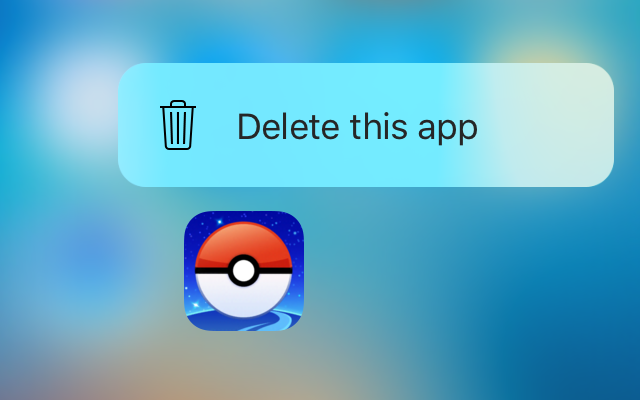
Force Delete is a new free jailbreak tweak in Cydia that lets you utilize your 3D Touch display to delete apps from your device.

While the tweak is designed primarily for the purpose of letting you delete the apps you’ve downloaded from the App Store, the tweak can even hide system apps from your Home screen if you wanted to do that instead.

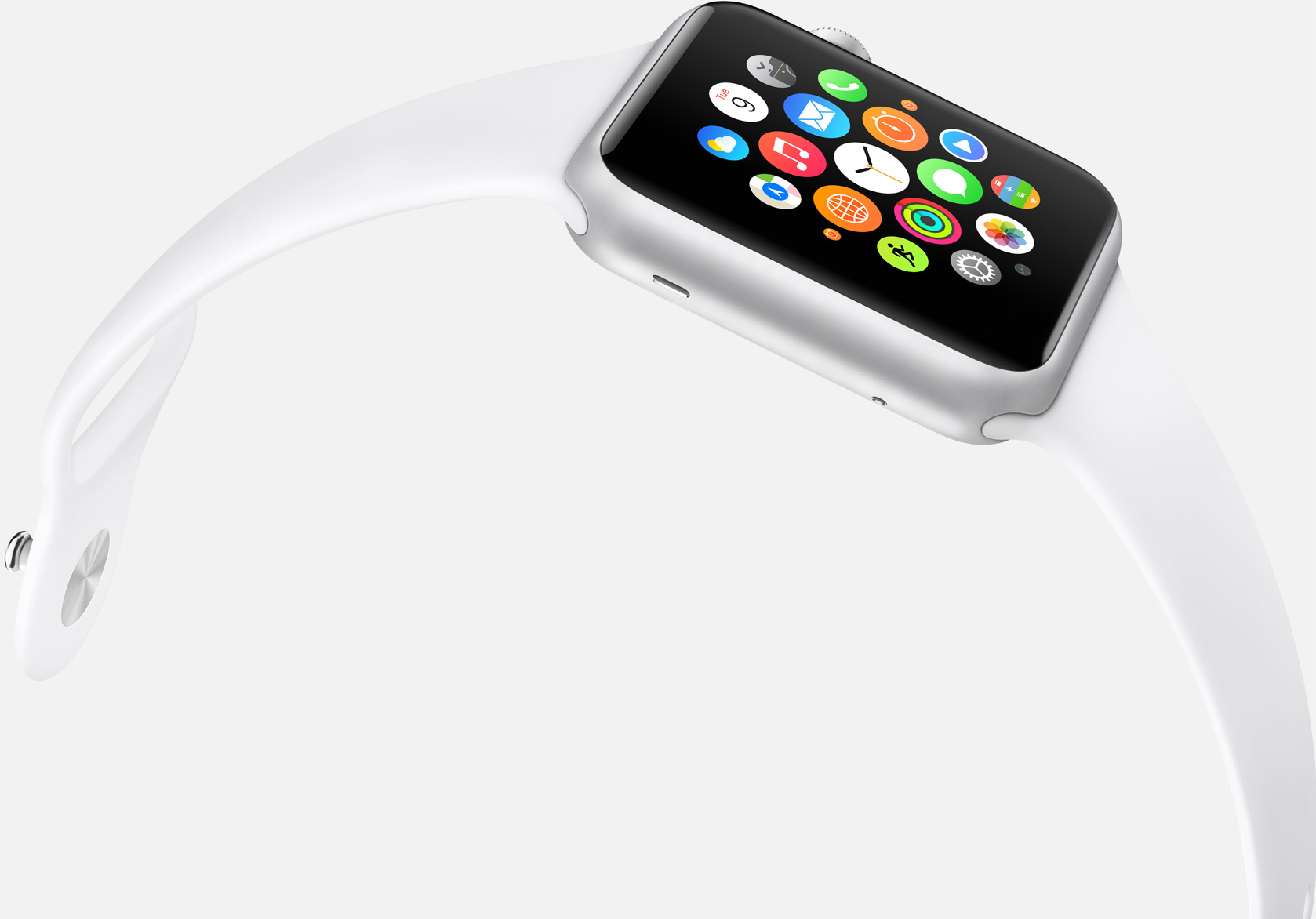
Is watchOS 4 finally going to get the Home screen right?

Much was made of Apple’s third major software overhaul for watchOS this year with Control Center and the Dock seeing the light of day, finally making for a much beefier experience on our wrists. The one other central interface of Apple Watch received no love though, meaning users are still embroiled in a love-hate relationship with their watch’s Home screen. It is easy to let patience wear thin with respect to Apple not pushing the Home screen on Watch forward, then again it took Apple more than a couple of years to refine the iPhone’s Home screen, just to put matters into perspective.

Regardless of the pace at which Apple is planning to shape up the screen accessed by pressing the crown, design and functionality changes are eventually going to take place. It’s a highly emotive topic and any watch owner will be able to raise one or two aspects they either dislike about the Home screen or wished to be fundamentally different. Personally, with the arrival of my snappier Series 2 watch, the Home screen is about the only qualm I still have with Apple's youngest product line. So there, let me add my voice to what the Home screen in watchOS 4 needs to implement in order to catch up with the rest of the operating system.

10+ new features in iOS 10.2 beta 1

Apple yesterday issued beta 1 of the forthcoming iOS 10.2 software update for the iPhone, iPad and iPod touch. For starters, iOS 10.2 beta 1 includes three new wallpapers, provides a bunch of new emoji as part of the Unicode 9.0 standard and gives Camera the optional ability to remember filter, Live Photo and mode settings.

Star ratings are back in the Music app and Videos has its own widget. Oh, and you can now annoy friends with a brand new animation in Messages.

Without further ado, here's our video hands-on with iOS 10.2 beta 1 accompanied by a detailed description of all the new features and enhancements.

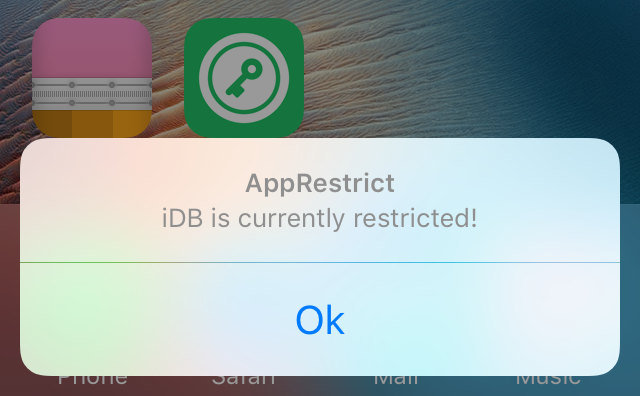
AppRestrict lets you stay productive by putting time limits on your apps

I have a pretty bad problem with procrastination, which is made worse by all the distractions I deal with, and it seems like a mutual issue for a lot of people who own smartphones because notifications always go off left and right.

Fortunately, a new jailbreak tweak called AppRestrict offers a way to stay more productive with your life by setting time frames for which certain apps on your iPhone or iPad will be locked to keep you from getting distracted.

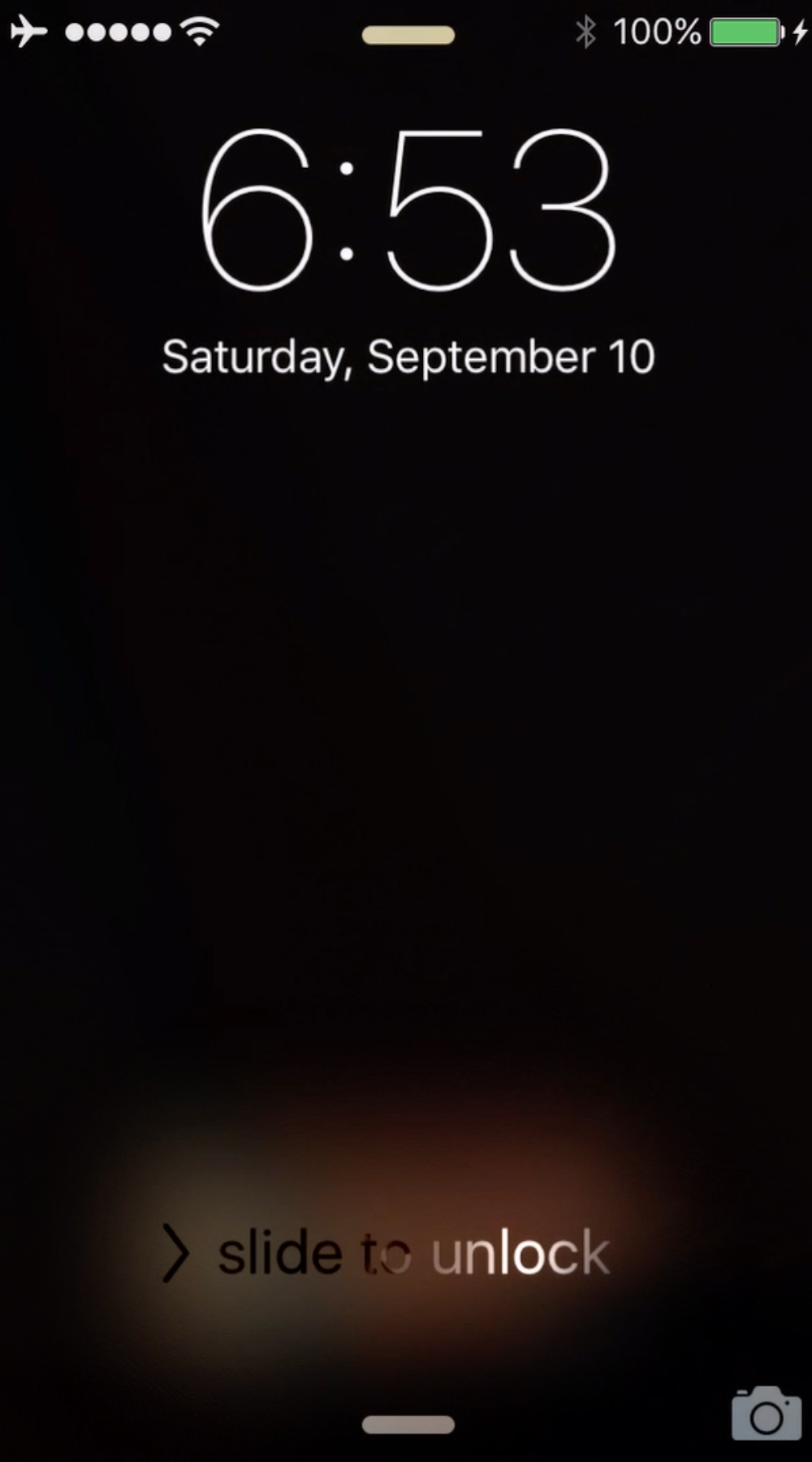
NoBlackFlicker fixes a graphical nuisance with the wallpaper when unlocking your iPhone

If you have a wallpaper on your Lock screen that doesn't match the one on your Home screen, you might have noticed a rather unsightly black frame effect that occurs in between the switch from one wallpaper to another as you unlock your iPhone or iPad.

NoBlackFlicker is a new free jailbreak tweak that fixes this unsightly black effect and makes the transition more appealing.