Home screen

FolderUsage: see how much storage space is being used by apps within folders

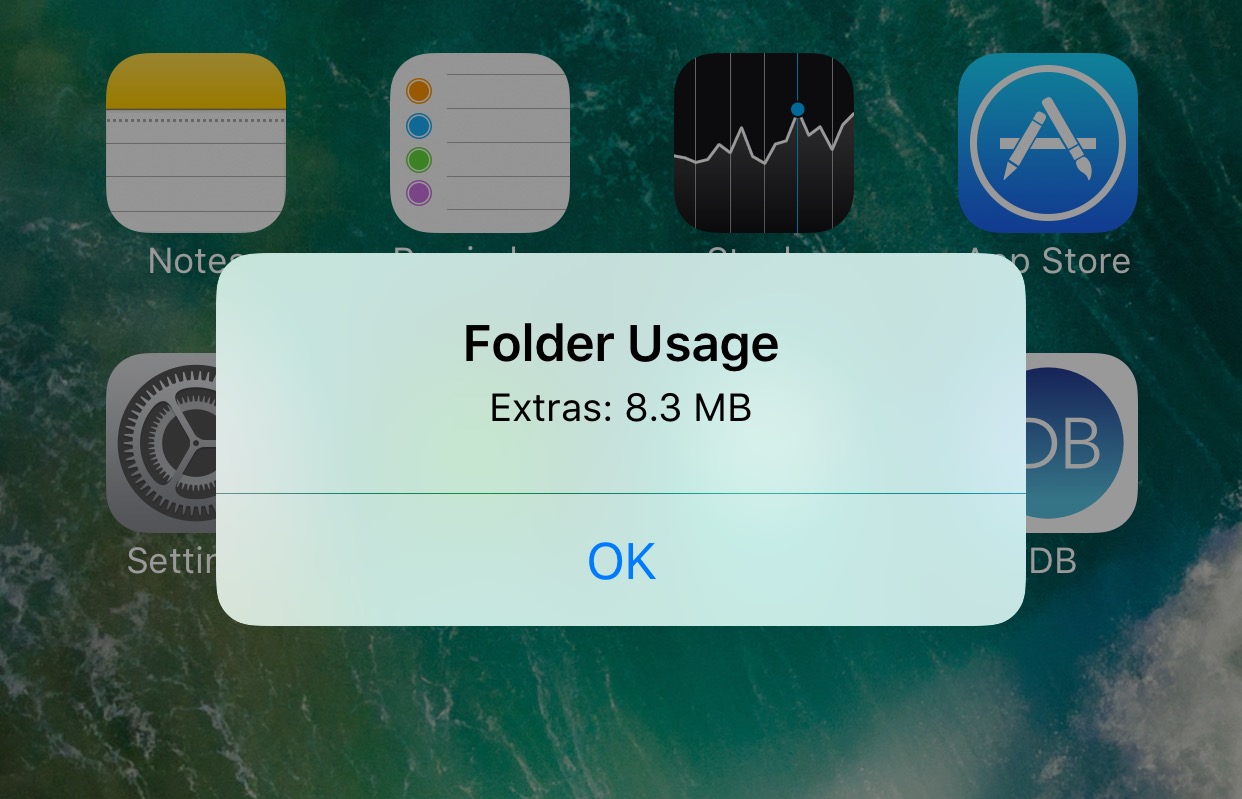
Have you ever wondered how much storage space the apps inside of a particular folder on your Home screen are using? If so, you might be interested in a new free jailbreak tweak called FolderUsage by midey.

With this tweak installed, you can use a simple swipe-up gesture on any of your folder icons and this invokes a pop-up that displays the storage space being occupied by all of the apps contained within it.

This tweak brings a touch of Android Nougat to your iPhone

It seems almost like releasing jailbreak tweaks to make iOS look more like Android Nougat are becoming a trend.

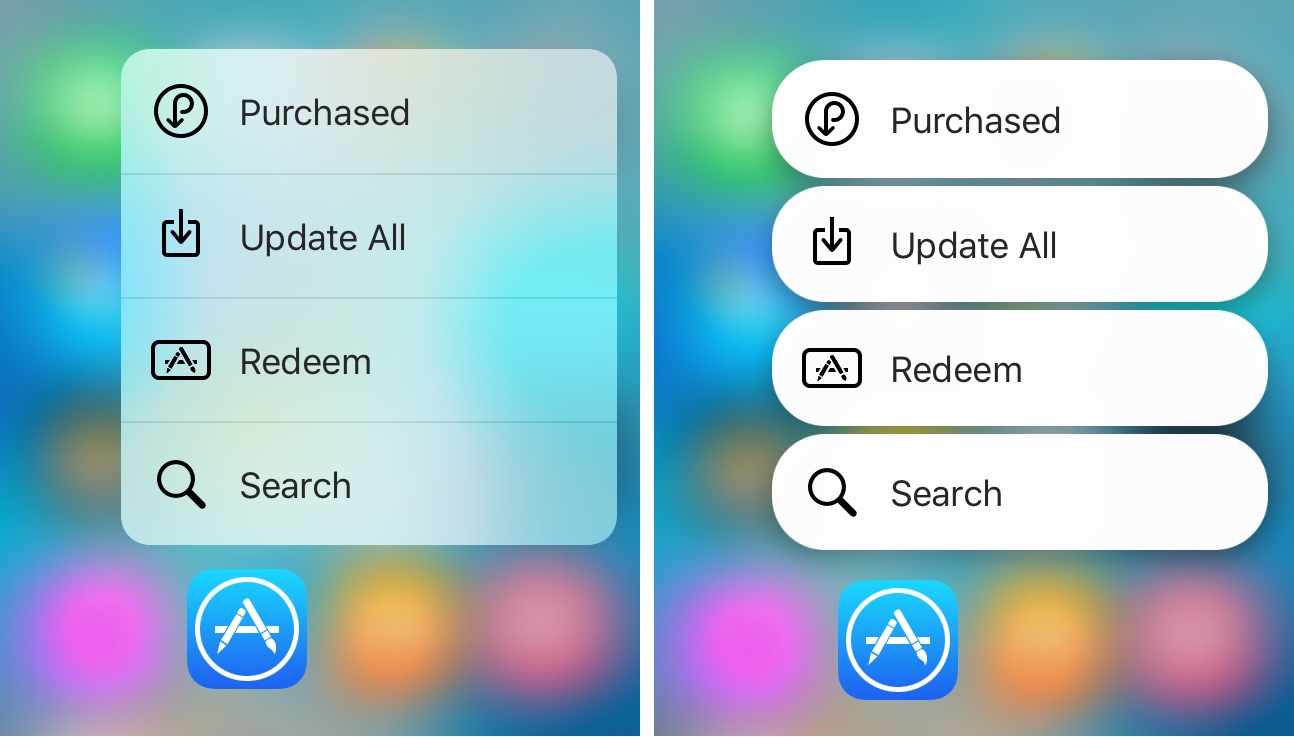
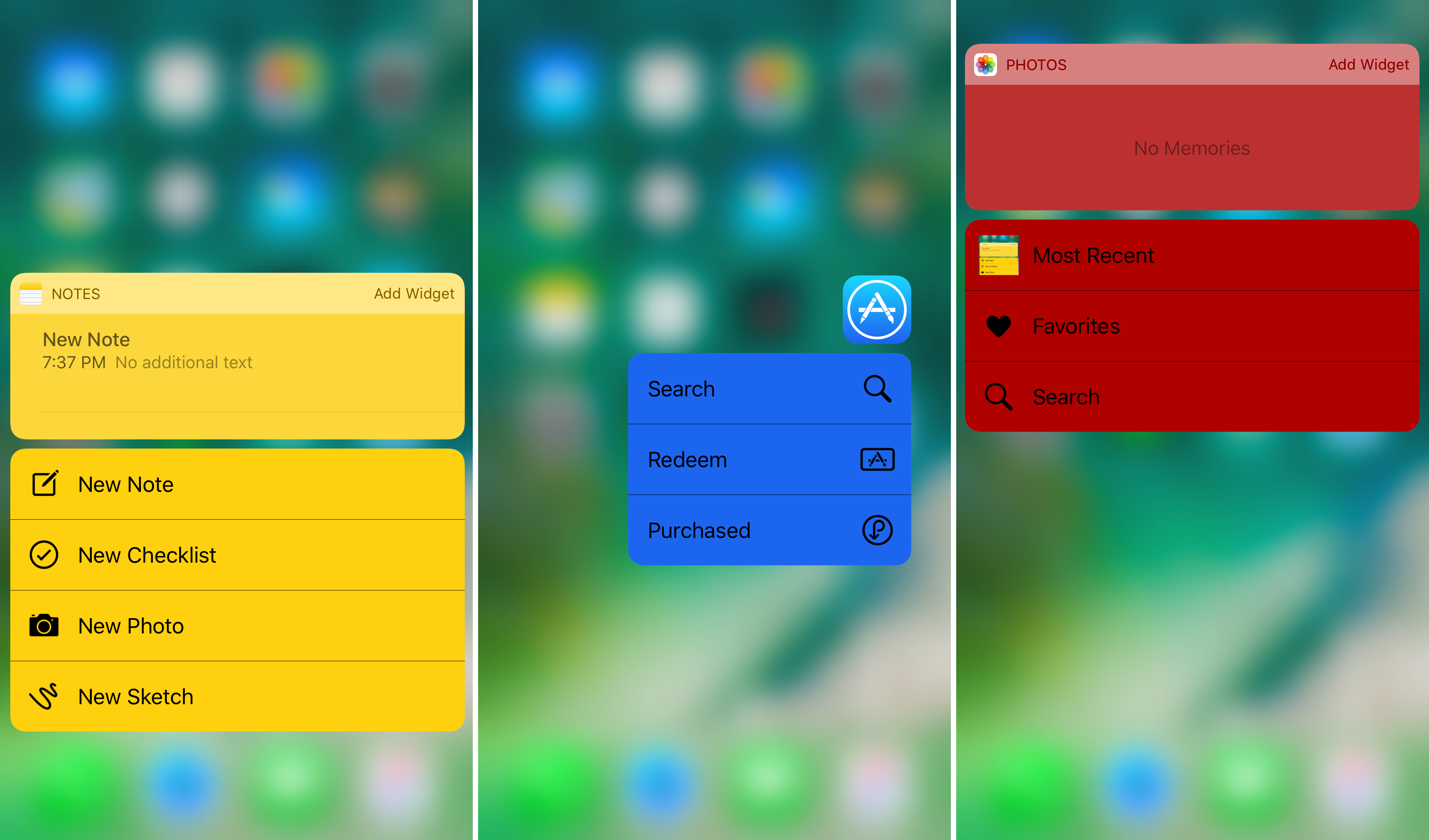
It was just around a week ago we showed you a tweak that could make Home screen folders look more like those from Android Nougat, and now another release called NougatShortcuts by Ben Giannis makes 3D Touch menus on the Home screen look more like menu options from Android Nougat.

HideMeX: an all-inclusive SpringBoard customization tweak for iOS 10

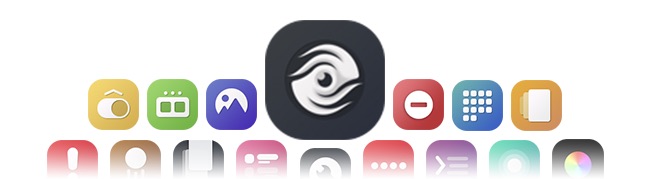
HideMeX by CPDigitalDarkroom is an all-inclusive SpringBoard customization jailbreak tweak for iOS 10 that lets you customize a number of things on your iPhone or iPad.

For anyone who’s familiar with Springtomize, this tweak is very similar in a myriad of ways, however as we continue to wait for the release of Springtomize for iOS 10, HideMeX offers a viable alternative with a lot of similar configuration options.

This tweak lets you use a 3D Touch gesture to clear app icons badges

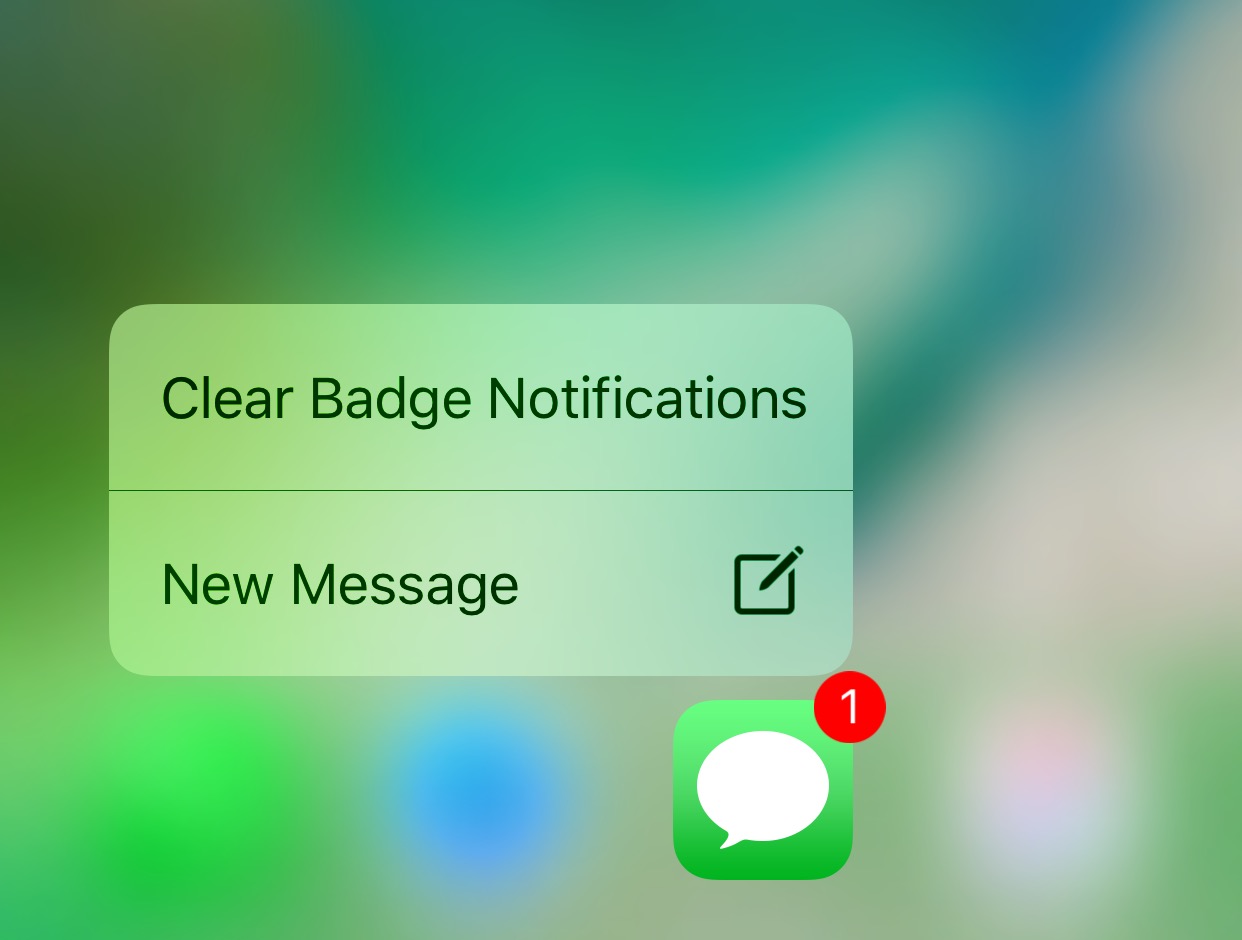
Anyone looking for a quicker way of dismissing unwanted notification badges from their app icons without having to open the app in question might want to turn their attention to a new free jailbreak tweak release called ClearBadges3DTouch10 by HiDaN.

As the self-explanatory name implies, this tweak is intended to give you a way to remove notification badges from your apps with a 3D Touch gesture.

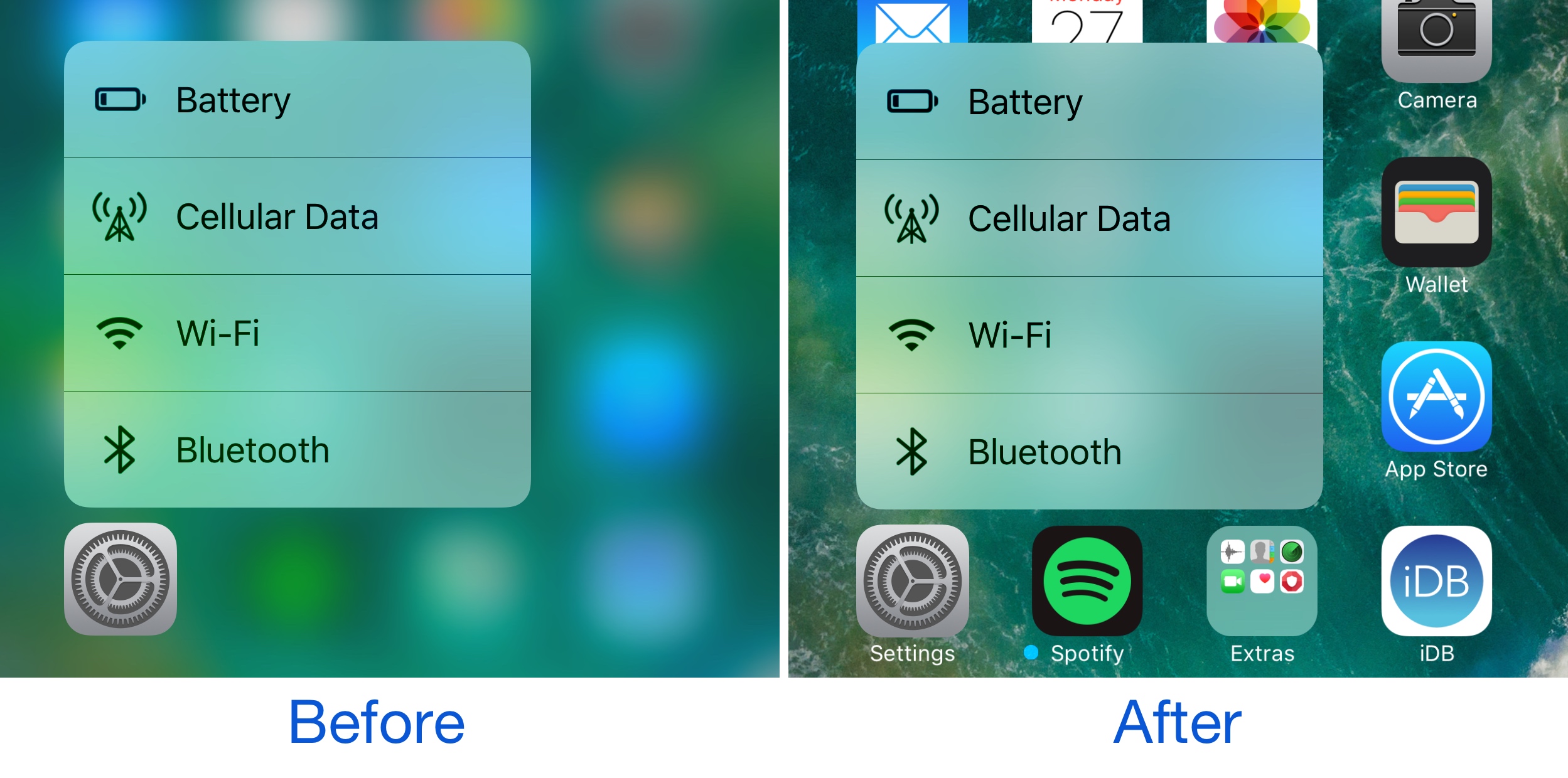
BlurTouchClean removes the blur from your Home screen’s 3D Touch menu backgrounds

Anyone with a 3D Touch-enabled device is likely familiar with the bevy of menu options that can be revealed by imposing a simple 3D Touch gesture on apps from the Home screen.

Whenever one of these 3D Touch menus is revealed, iOS blurs the background to draw your focus to the menu, but a new free jailbreak tweak called BlurTouchClean by CydiaGeek can remove the blur effect so you can continue to see everything residing behind the menu.

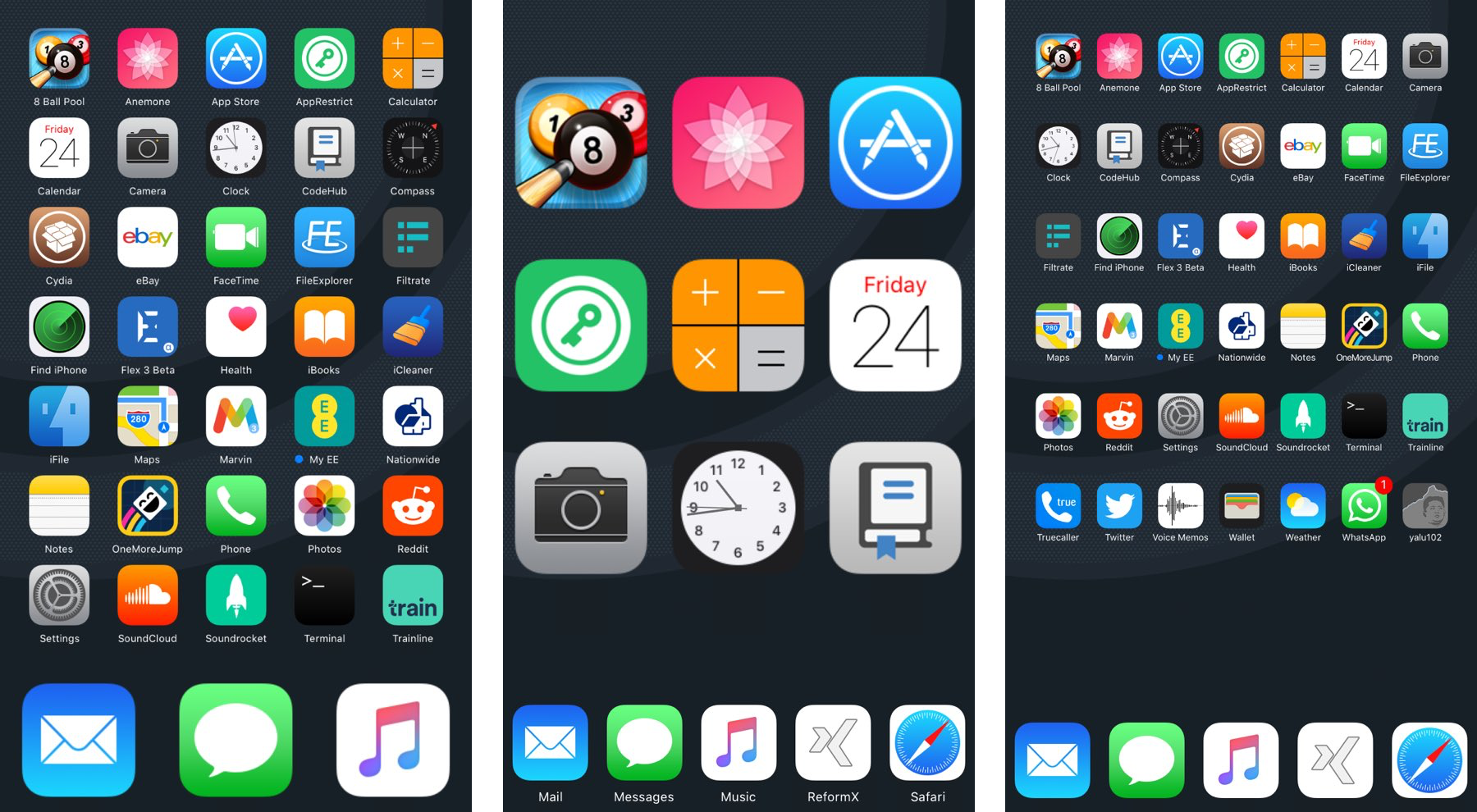
ReformX: customize your Home screen layout and more

A number of large springboard customization jailbreak tweaks are paid, and expensive at that, but for those who want a budget option, a new free jailbreak tweak called ReformX by zEstLabs could be just the one you’ve been waiting for.

This tweak provides you all kinds of options for tricking out your Home screen, ranging from the layout of your Home screen icons, to the style of your dock, to the appearance of your folders; the list goes on.

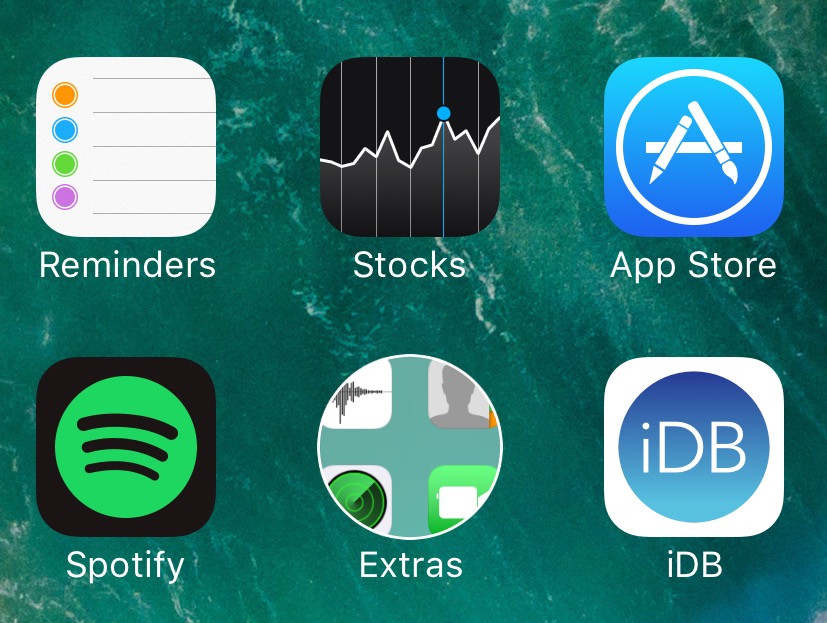
Get Android Nougat-like folder icons with this tweak

If you’re looking for something you can do to change the appearance of your Home screen on your jailbroken device without going overboard, then you should look into a new free jailbreak tweak called NougatFolder by Elton Goci.

Essentially, this tweak transforms your Home screen’s folder icons to look more like those on an Android Nougat handset.

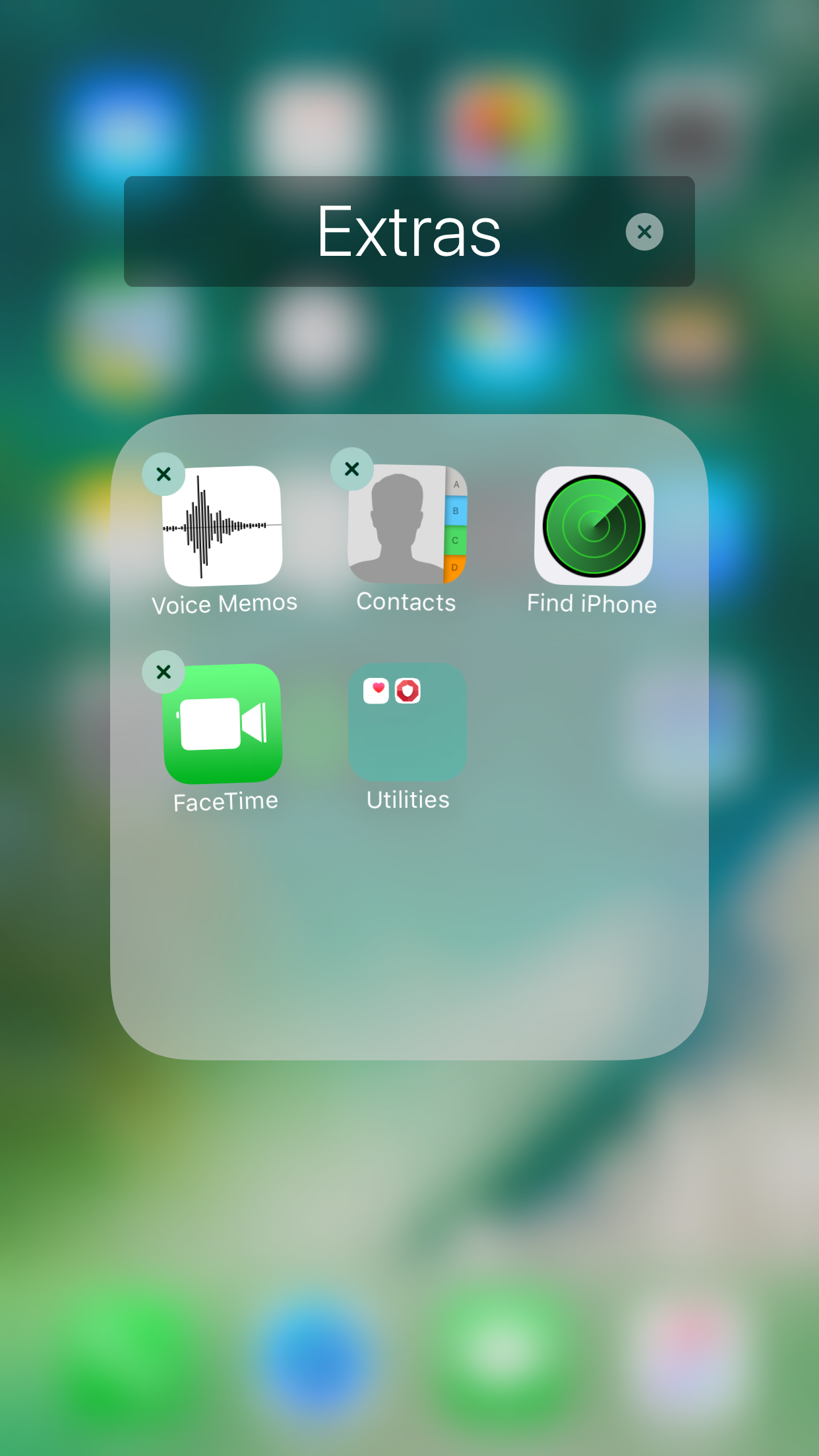
Nest10 lets you have folders within folders in iOS 10

There are those who like to stay organized, and then there are those who take organization to an extreme level that most people would recognize as some kind of OCD.

Anyone who considers themselves as a part of the latter group and goes to extreme lengths to stay organized might be able to benefit from a jailbreak tweak called Nest10 by Tony Kraft, which enables you to have nested folders (folder inside of folders) on your iOS 10 device.

ColorMeBaddge can be used to colorize your Home screen’s notification badges

On any stock installation of iOS, every one of your notification badges are going to be red and contain white-colored text that usually indicates the number of missed notifications in the app. To me, that seems a little boring, and a developer named midey seems to agree, as he’s just released a new free jailbreak tweak called ColorMeBaddge.

With this tweak, you can colorize all of your Home screen’s notification badges in pretty much any way you choose, but the best feature is being able to automatically colorize your notification badges based on the dominant color of the application icon in question.

AppCon lets you change your Home screen icons with images from your Photo Library

Anyone who might have a creative nature at heart will probably have a lot of fun with a new jailbreak tweak release by merdok called AppCon.

This tweak lets you customize your Home screen app icons with anything you want from your Photo Library, and more importantly, you can customize each app icon on a per-app basis, or you can make a complete picture out of the entire grid of app icons on a page.

This tweak removes the “Share This App” option from 3D Touch app shortcuts

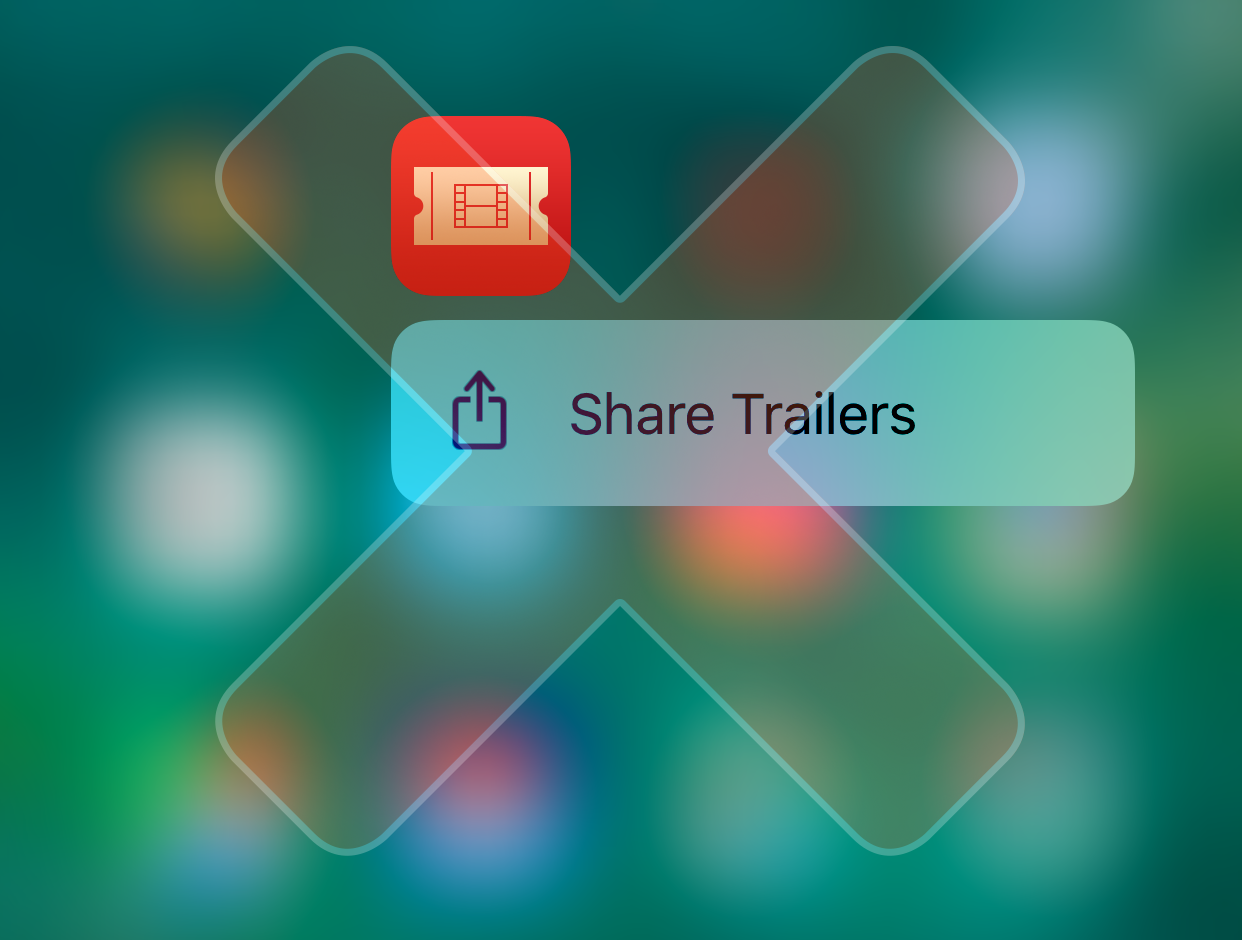
When Apple initially started adding support for 3D Touch to apps on the Home screen in iOS 9, there were some that supported the feature, and some that didn’t. Then came iOS 10, where Apple attempted to make the feature more 'useful' for apps that didn't utilize 3D Touch in creative ways by adding the “Share This App” menu option to those apps.

Because a lot of people don’t need or want to share their apps, and because it feels like unnecessary clutter to even have this menu option there in the first place, a new free jailbreak tweak called NoSharePlz by Olxios&Nico is now available in Cydia to remove it once and for all.