Home screen

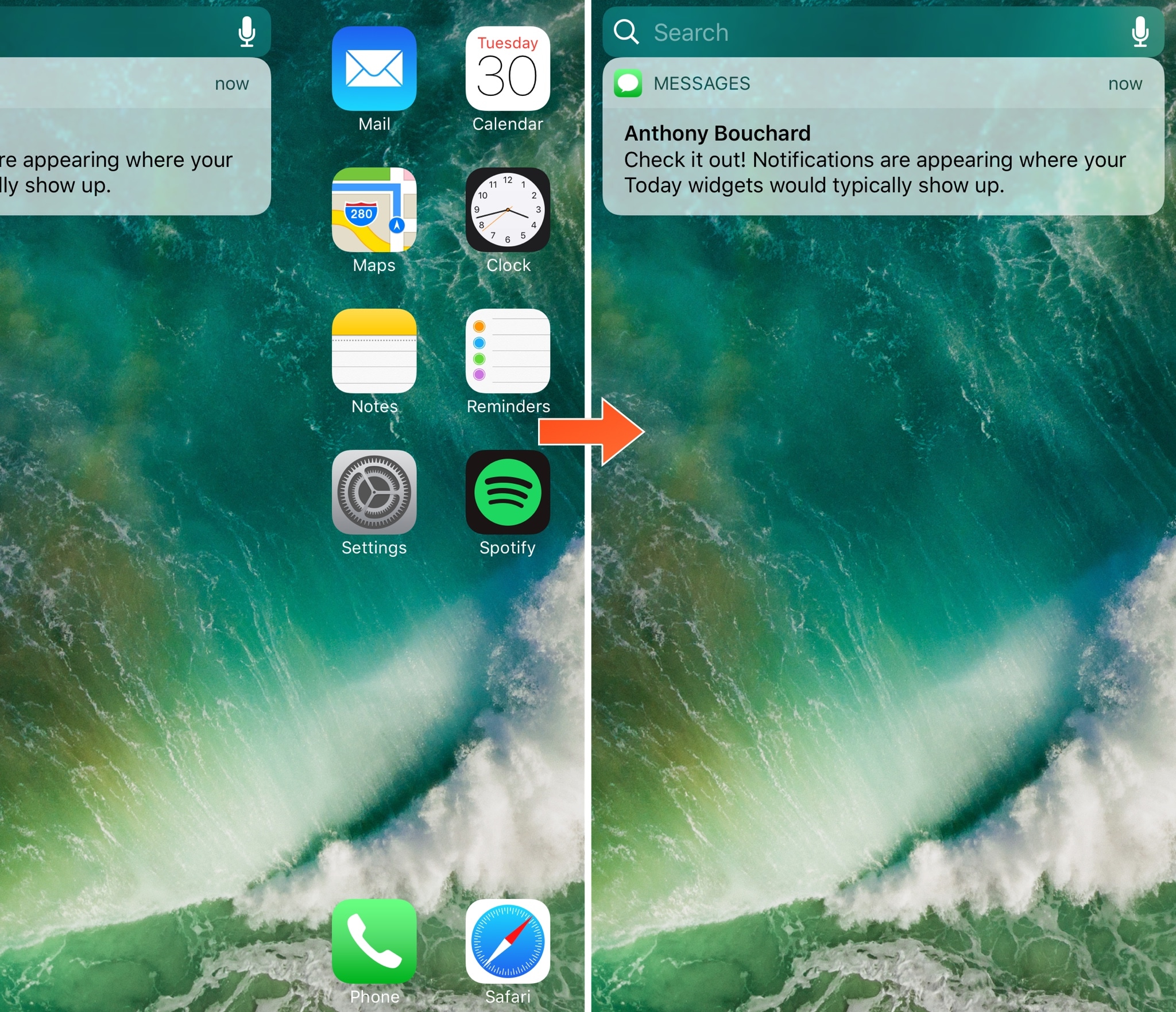
Toka replaces Home screen’s Today widgets with missed notifications

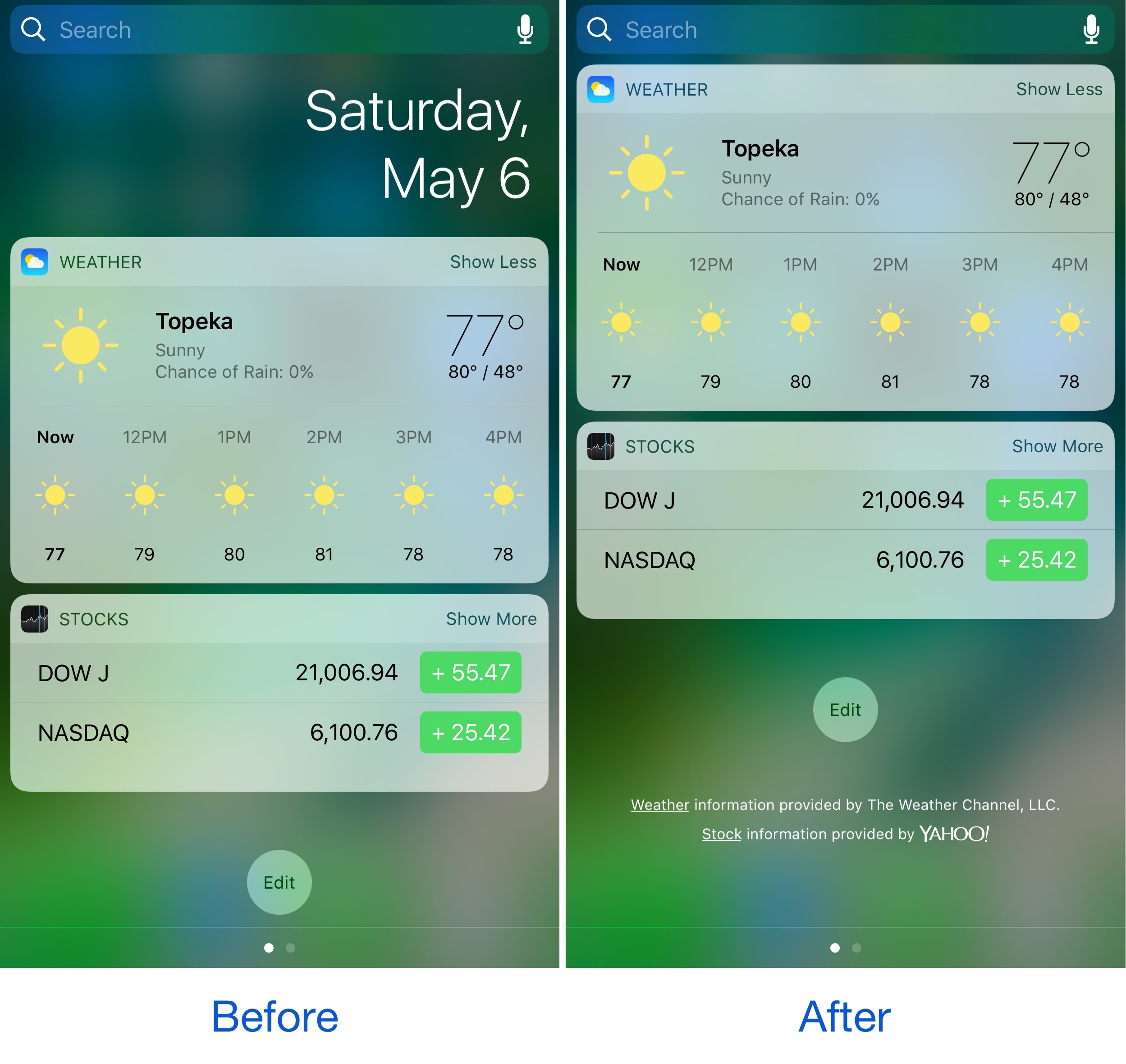
Today widgets appear on the Home screen when you swipe all the way to the left, beyond the first page of your app icons. For those who don't like to use the Today widgets, this page is a significant waste of space.

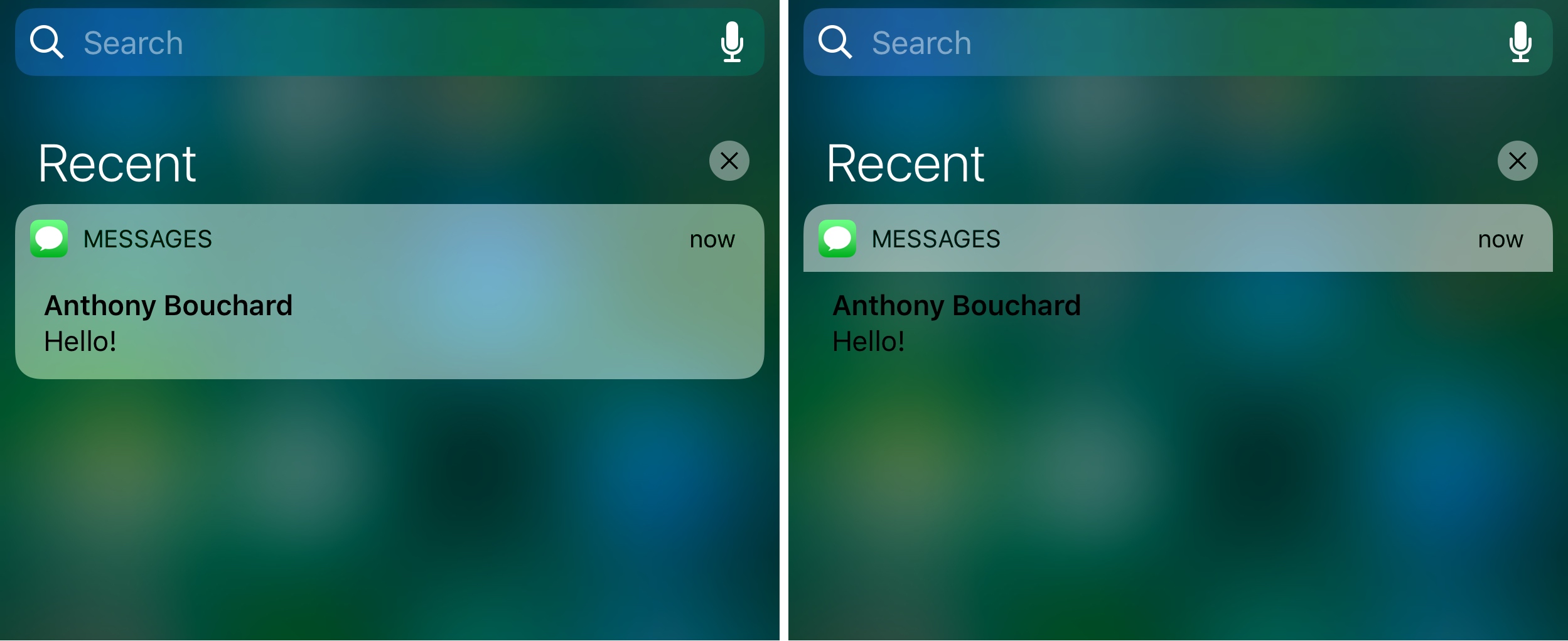
A new free jailbreak tweak release called Toka by iOS developer maximehip is now available for those who would prefer to see something other than Today widgets when swiping to the left, as it replaces them with your missed notifications instead.

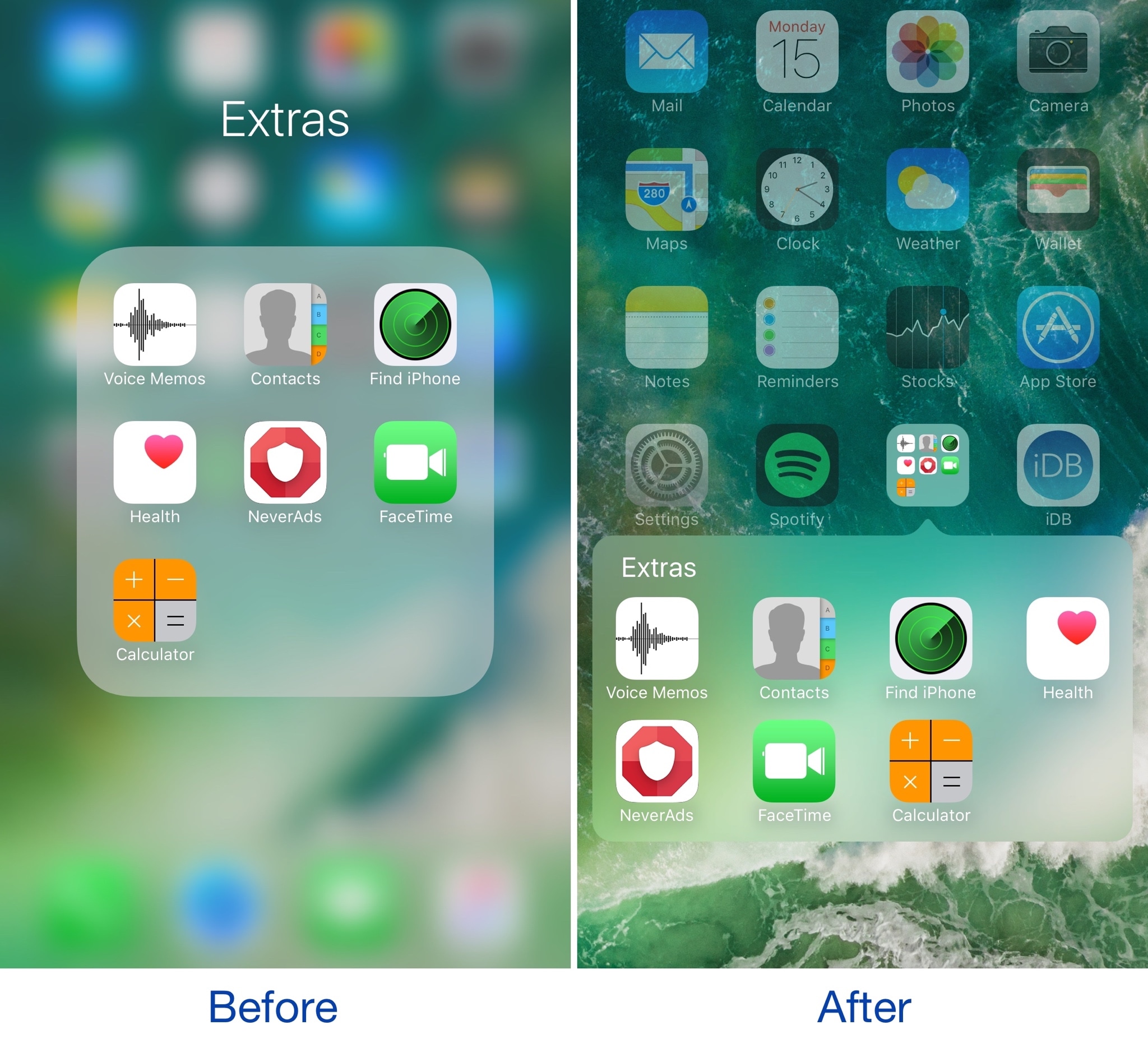
Make your folders look the way they did in iOS 6 with ClassicFolders 2

If you’ve got nostalgia for older skeuomorphic versions of iOS, or you’re just looking for a different look and feel for your device altogether, then a new jailbreak tweak called ClassicFolders 2 just might tickle your fancy.

This tweak gives your folders a throwback to the days of iOS 6 and earlier by giving them a page break-style instead of the full-screen effect that's been around since iOS 7.

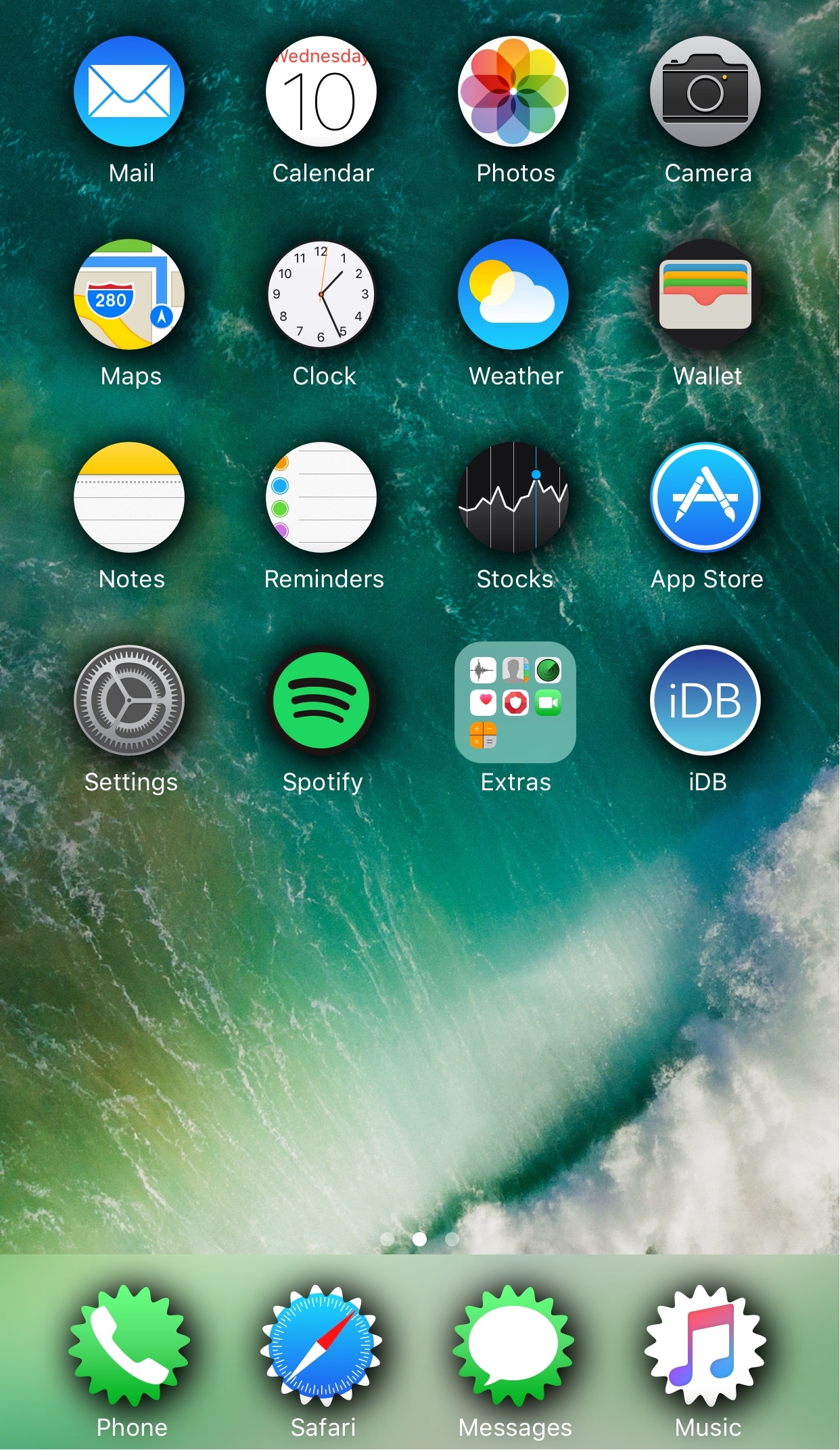
Change the shape of your app icons with SpringToolz

Looking to spice up your Home screen a little bit more? A new free jailbreak tweak called SpringToolz by iOS developer Stoyan Stoyanov lets you change the shape of your Home screen icons, add drop shadows, and much more.

The tweak comes loaded with a vast number of shape options to choose from and can give your device that distinct appearance you’re looking for to make it stand out from the rest.

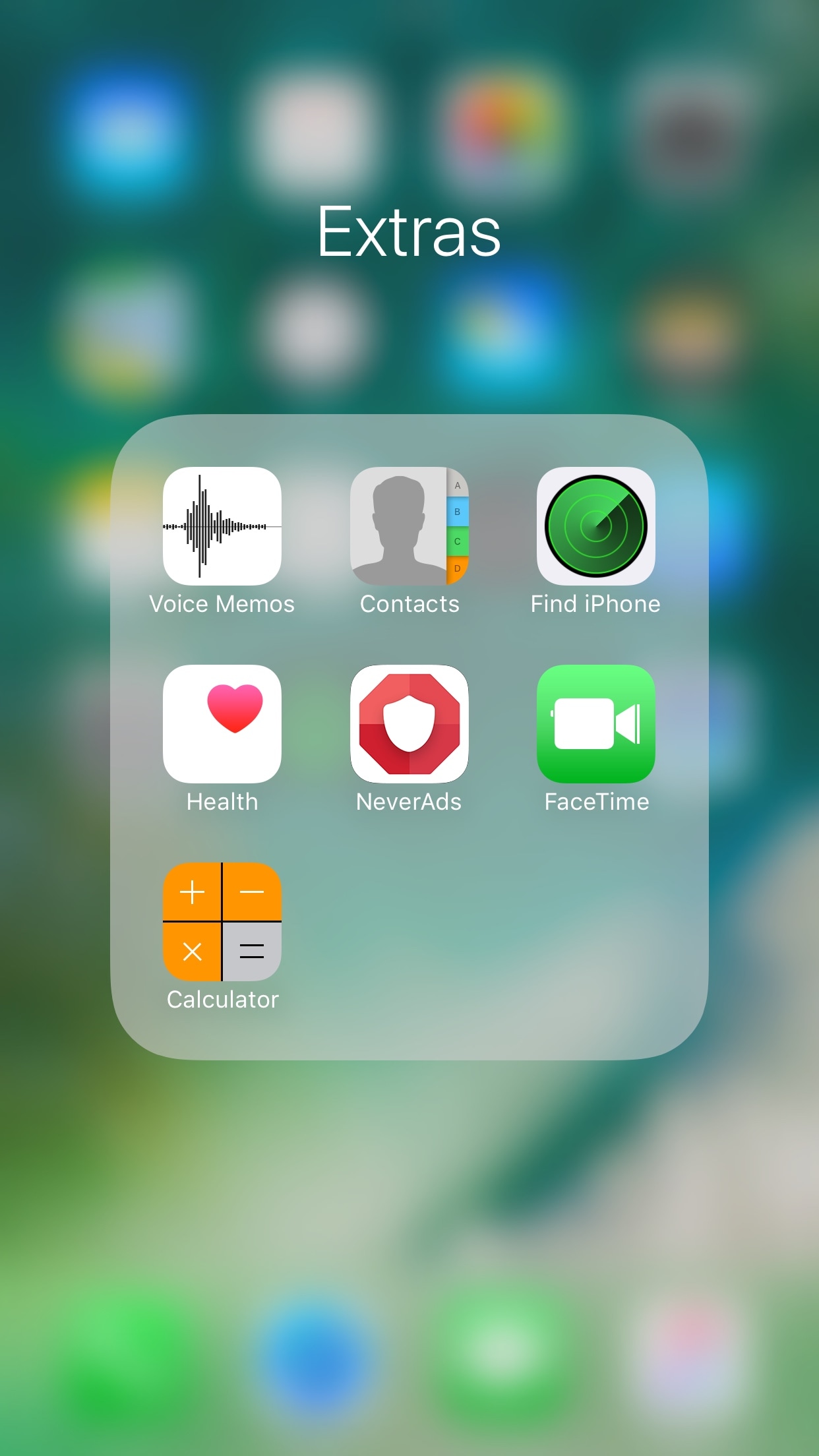
FolderAutoClose 10 automatically closes folders after launching apps from them

Any time you open a folder to launch a containing app, and then you close it, you find yourself back inside the folder where you originally launched that app rather than on the main Home screen.

A new free jailbreak tweak dubbed FolderAutoClose 10 by iOS developer yuripeyamashita is now available that automatically closes folders in the background when launching apps from them.

Hide the date from the Today page with No Date Today

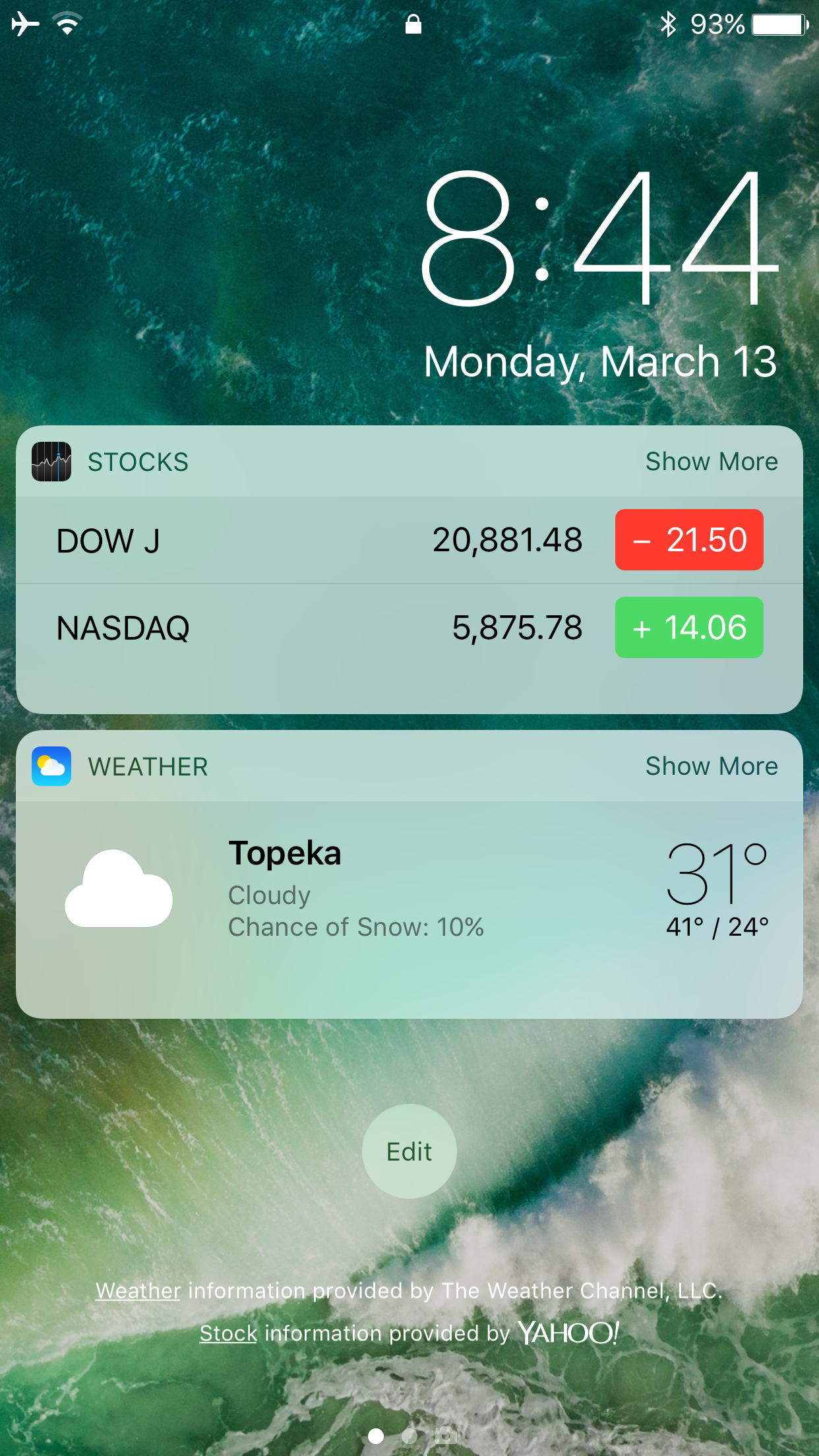
Some might consider the date information in the Today page unnecessary because the date appears in several other places on your devices. If you agree, then a new free jailbreak tweak called No Date Today by TheComputerWhisperer could be useful to you.

This tweak removes the double-line date from the Today page and makes more vertical room for cramming additional Today widgets into a single screen; the benefit being that you won't have to scroll down as much to see their information.

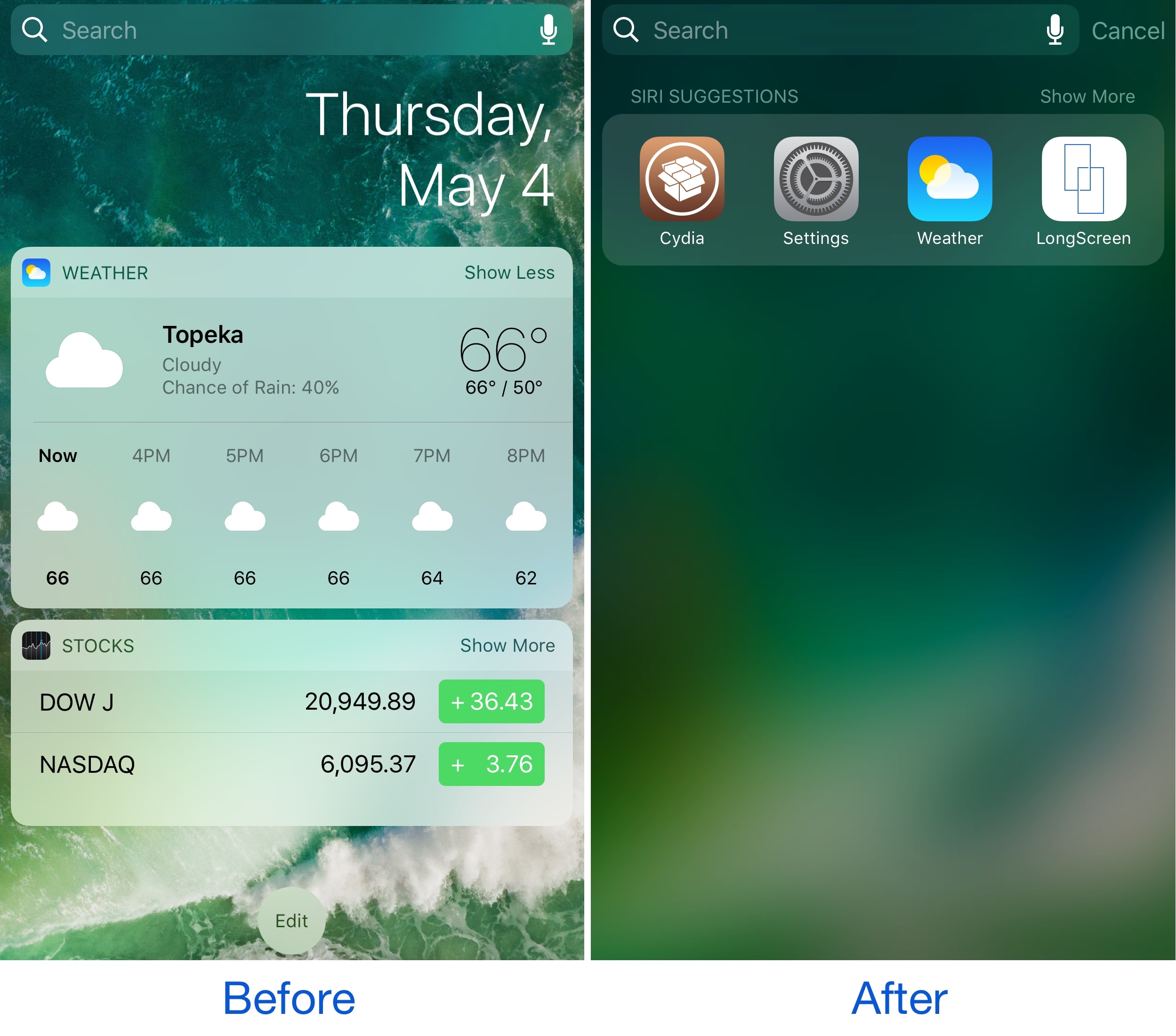
Spotlife hides Today widgets, brings back the iOS 9-style Spotlight page

While some people like using the Today page on the Home Screen, Lock screen, and in Notification Center, others don’t. It really comes down to whether or not you actually use any of your Today widgets.

If you find yourself missing the simplicity of the iOS 9 Spotlight page because you don’t use any Today widgets, then a new free jailbreak tweak called Spotlife by iOS developer pxcex could be a beneficial addition to your device.

WidgeficationX lets you tinker with the transparency of your banners and widgets

WidgeficationX is a new free jailbreak tweak by Justin Petkovic that lets you customize the look of your widgets and notification banners by modifying their transparency values.

The tweak has a system-wide effect on your device, so you’ll see the changes throughout your many iPhone or iPad interfaces, whether you’re on the Lock screen, Home screen, or viewing Notification Center.

BorderIcon+ adds colorized borders to various parts of your Home screen

For the folks who like tinkering with the way their iPhone looks and feels, a new free jailbreak tweak release called BorderIcon+ by Pax Cex lets you deck out various parts of your Home screen with customizable borders.

The tweak is fully configurable and can be applied to a number of things including: app icons, notification badges, folder backgrounds, and even 3D Touch menus.

NoSpot10 removes Spotlight search from your iPhone

If you never really use Spotlight, and it always ends up in your face when you don’t want it to be, then you might want to take a look a new free jailbreak tweak called NoSpot10 by CydiaGeek.

Installing this tweak lets you disable Spotlight in a system-wide manner, leaving you with simpler widget pages on the Home screen, Lock screen, and Notification Center.

This tweak removes the dots from the iOS UI

All across iOS, from the Home screen, to the Lock screen, to Control Center and so on, dots of all kinds appear whether to indicate a page in a page-driven UI, or to let you know something's new on your device.

While some people don’t mind them, there are a number of people that hate seeing dots across their operating system, and a new free jailbreak tweak called NoDots10 by harrywantstodev lets you erase the various dots from all over iOS.

This tweak is jam-packed with colorization options for your 3D Touch menus

One of the things Apple included on devices with the 3D Touch display is the ability to use a firm press gesture on an app icon to reveal a bevy of app shortcuts right from the Home screen. While this is useful, the menus have always looked pretty bland.

A jailbreak tweak called 3DColorChanger10 by gilsharhar7 fixes this problem by offering a myriad of comprehensive customization options that dwarf any tweak in its department.