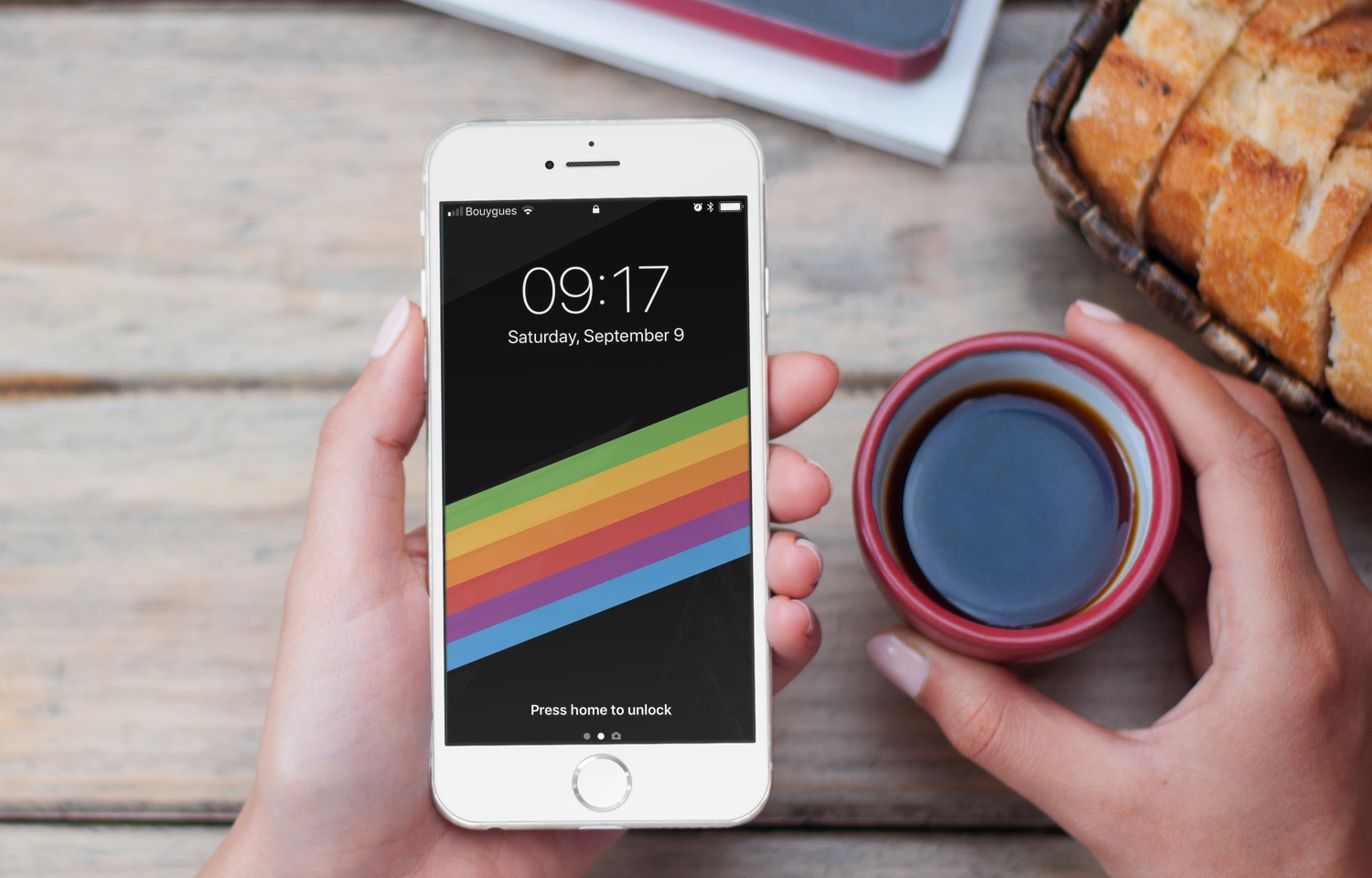
Although we've already written a lot about iPhone X there are still some aspects to it that we haven't explored in detail, especially its Lock screen and Home screen experiences.
iPhone X tidbits: Lock screen shortcuts, Dock, Control Center & more
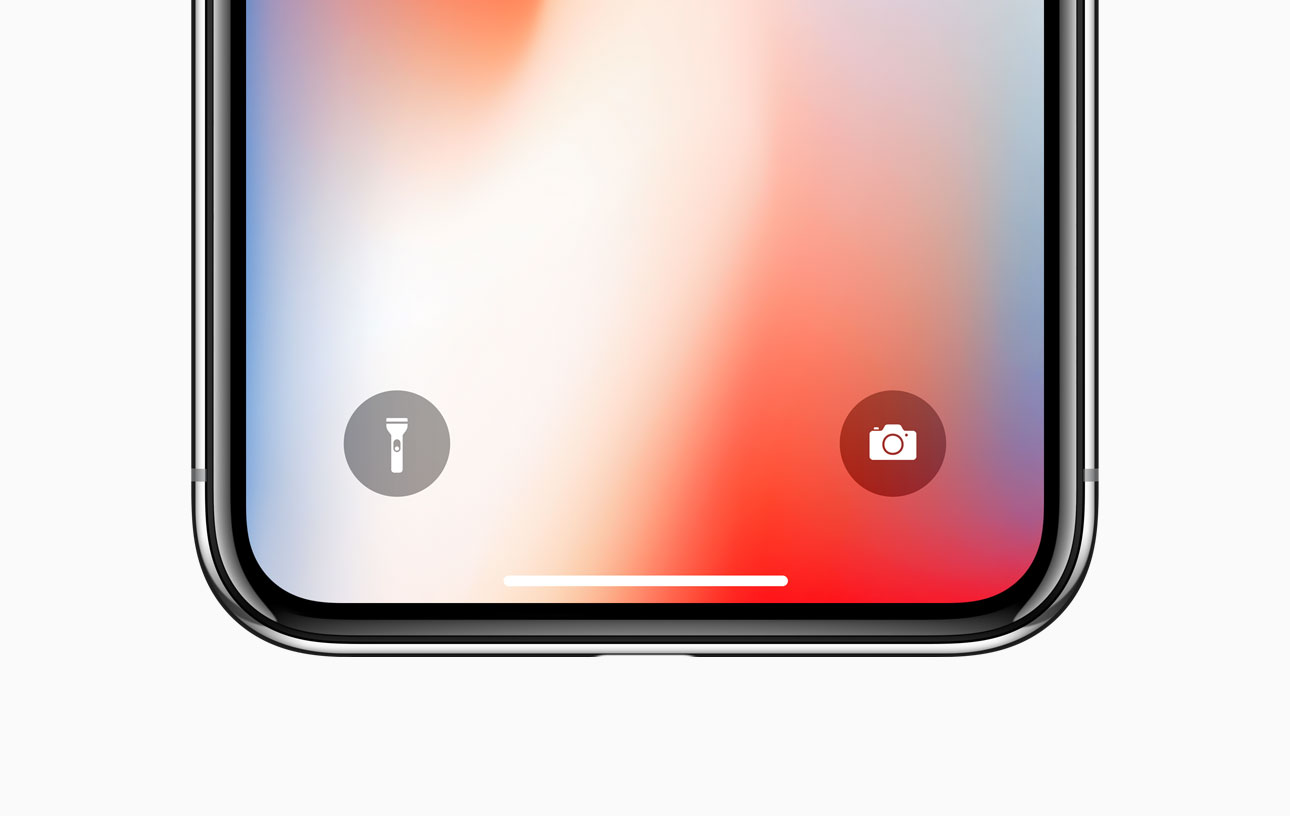
Although we've already written a lot about iPhone X there are still some aspects to it that we haven't explored in detail, especially its Lock screen and Home screen experiences.
Learn how to synchronize your Home Screen layout and installed apps on the Apple TV across multiple boxes for a unified media experience.
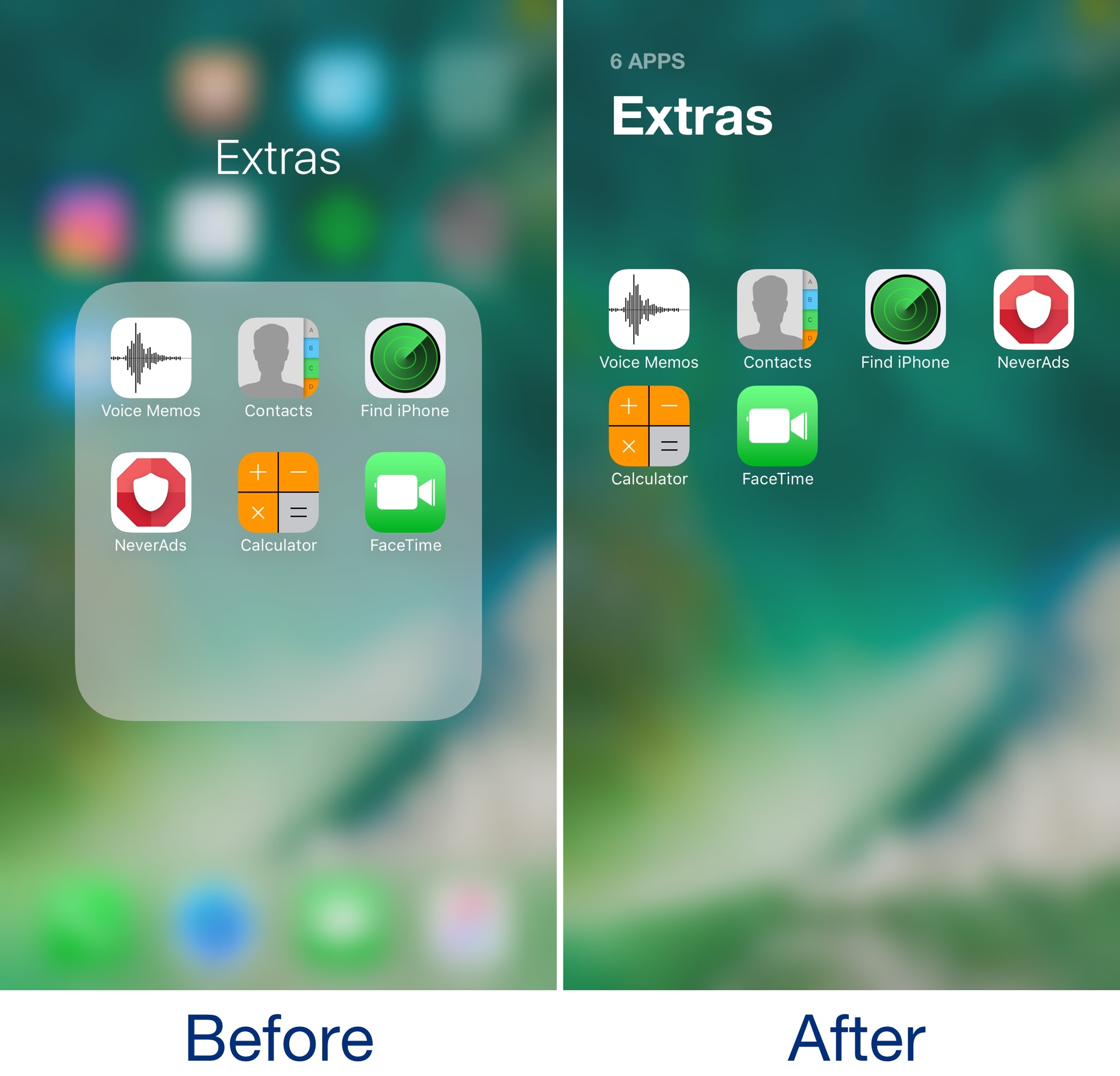
Admittedly, I’ve never really liked the way folders looked in some of the latest iterations of iOS. They take up the whole screen, but only utilize a fraction of it for a functional purpose. In my opinion, Apple is wasting so much space with the current setup.
A new free jailbreak tweak called Bolders by iOS developer candoizo helps fix some of these shortcomings by transforming iOS folders into actual full-screen works of art.
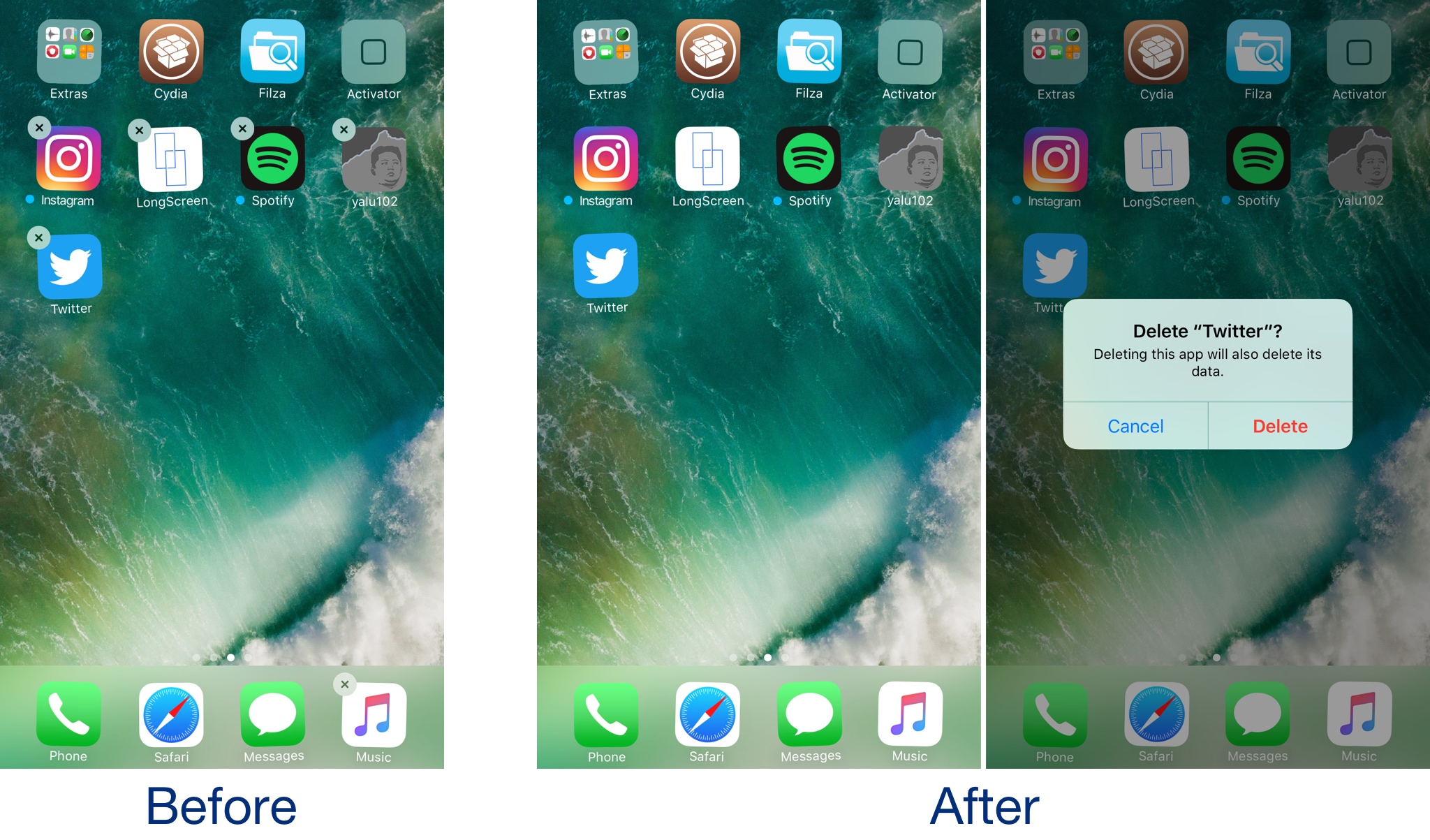
If you share your iPhone or iPad with multiple people, then new apps probably appear on the Home screen while old apps go missing all the time. iOS comes with restriction features to prevent app deletion, but enabling this solution will only get in your own way too.
A new free jailbreak tweak called HideDeleteBox by iOS developer NeinZedd9 takes a simpler approach; it makes the “x” button that typically appears after entering ‘jiggle’ mode on your iPhone or iPad invisible.
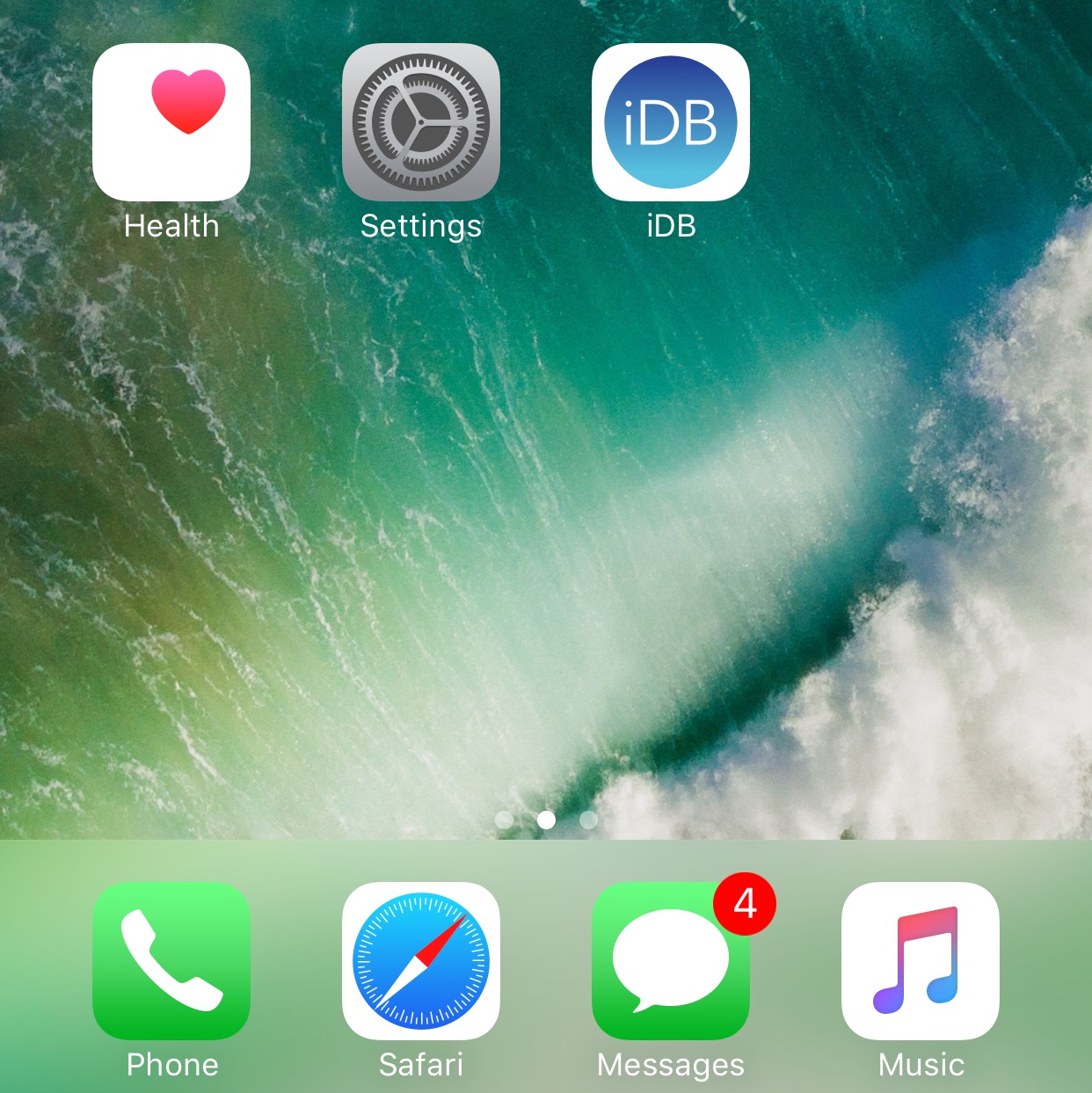
If you’re not gluing your eyes to your iPhone all day long, then chances are you unlock your device to a plethora of notification badges from time to time.
On a stock device, the badges sit there and do nothing until you open the app to ackowledge them, but with a new free jailbreak tweak called BlinkBadge by iOS developer NeinZedd9, you can animate them to make things more exciting.
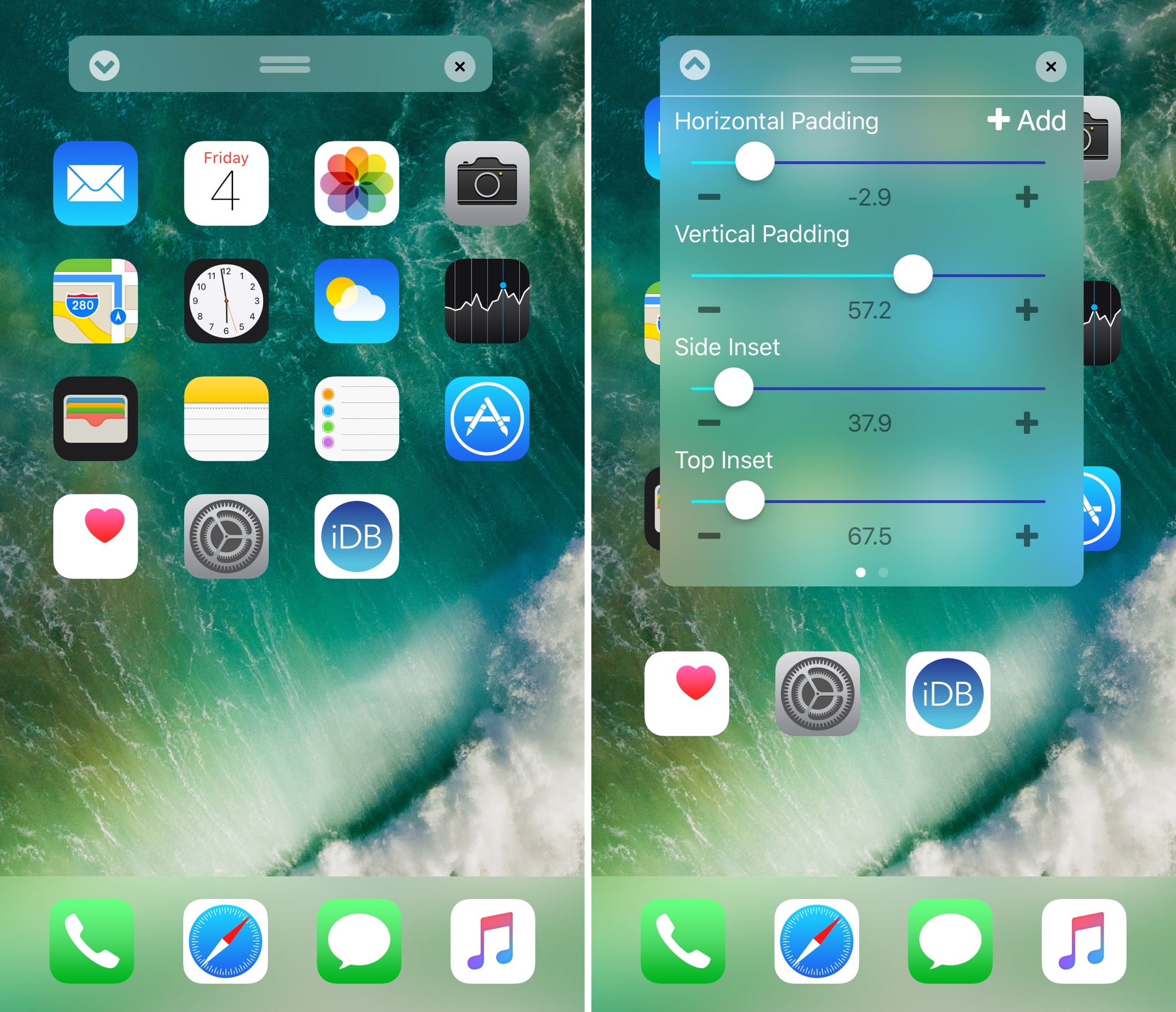
Perhaps one of the most popular things people do after jailbreaking their device is modify their Home screen app icon layout. Jailbreak tweaks of this nature have been released for almost every jailbreak iteration to date, and iOS 10 is no different.
With a new jailbreak tweak dubbed Boxy 3 by iOS developer William Vabrinskas, you'll have access to a whole host of Home screen app icon layout settings to your device.
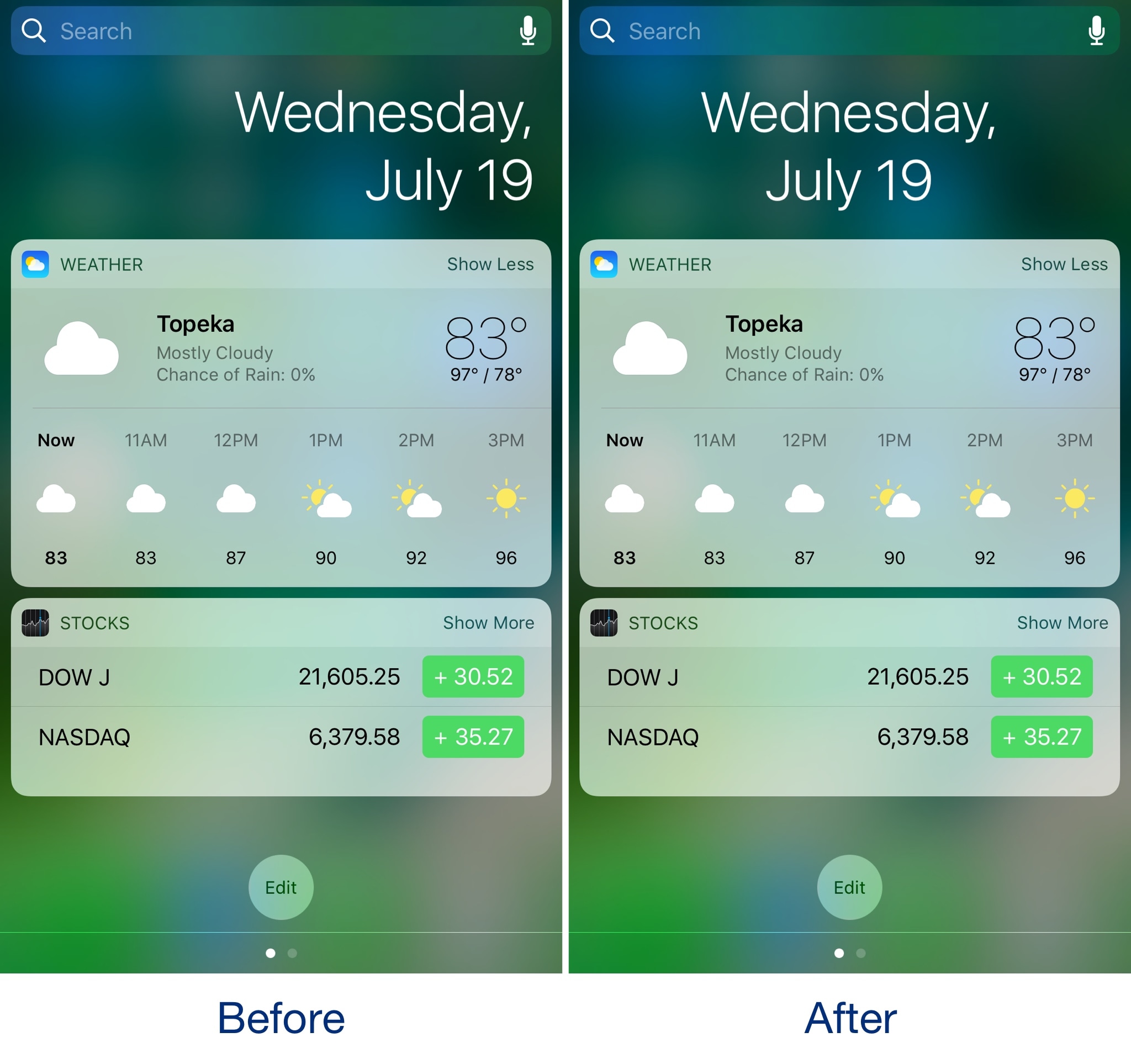
The Today page, accessible in both Notification Center and Spotlight, typically displays the date above all the widgets you've enabled. On stock devices, the date is aligned to the right.
While the right-aligned date doesn't look bad, having a centered date doesn't look too bad either, and with a new free jailbreak tweak called CenteredDate by iOS developer dahamtob, you can center Today page's date indicator for a more aesthetically-pleasing effect.
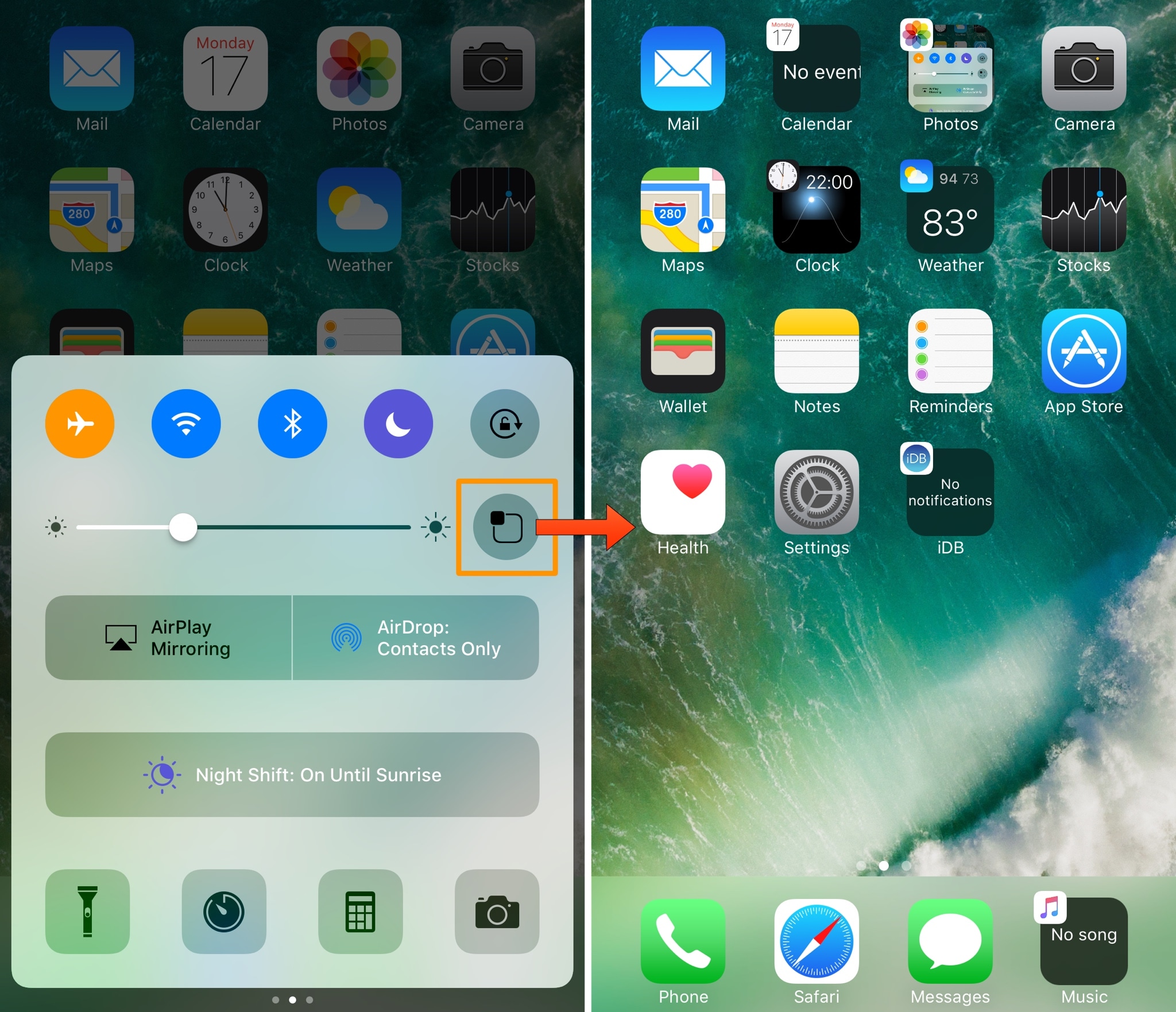
The iOS Home screen has always left a lot to be desired. Being nothing more than a wall of app icons, you really can’t get useful information on the Home screen without using a 3D Touch gesture or swiping over to the Today widget page.
A new jailbreak tweak called Vigor by the AtomDevTeam changes that by displaying useful information directly inside your app icons, making it easier to see at a glance.

Learn how to move several apps between Home Screen pages on your iPhone or iPad at once or add them all to a folder in one fell swoop, saving you time.

Learn how to change your Apple Watch's Home Screen from the honeycomb grid layout with app icons to list view that sorts your apps alphabetically.
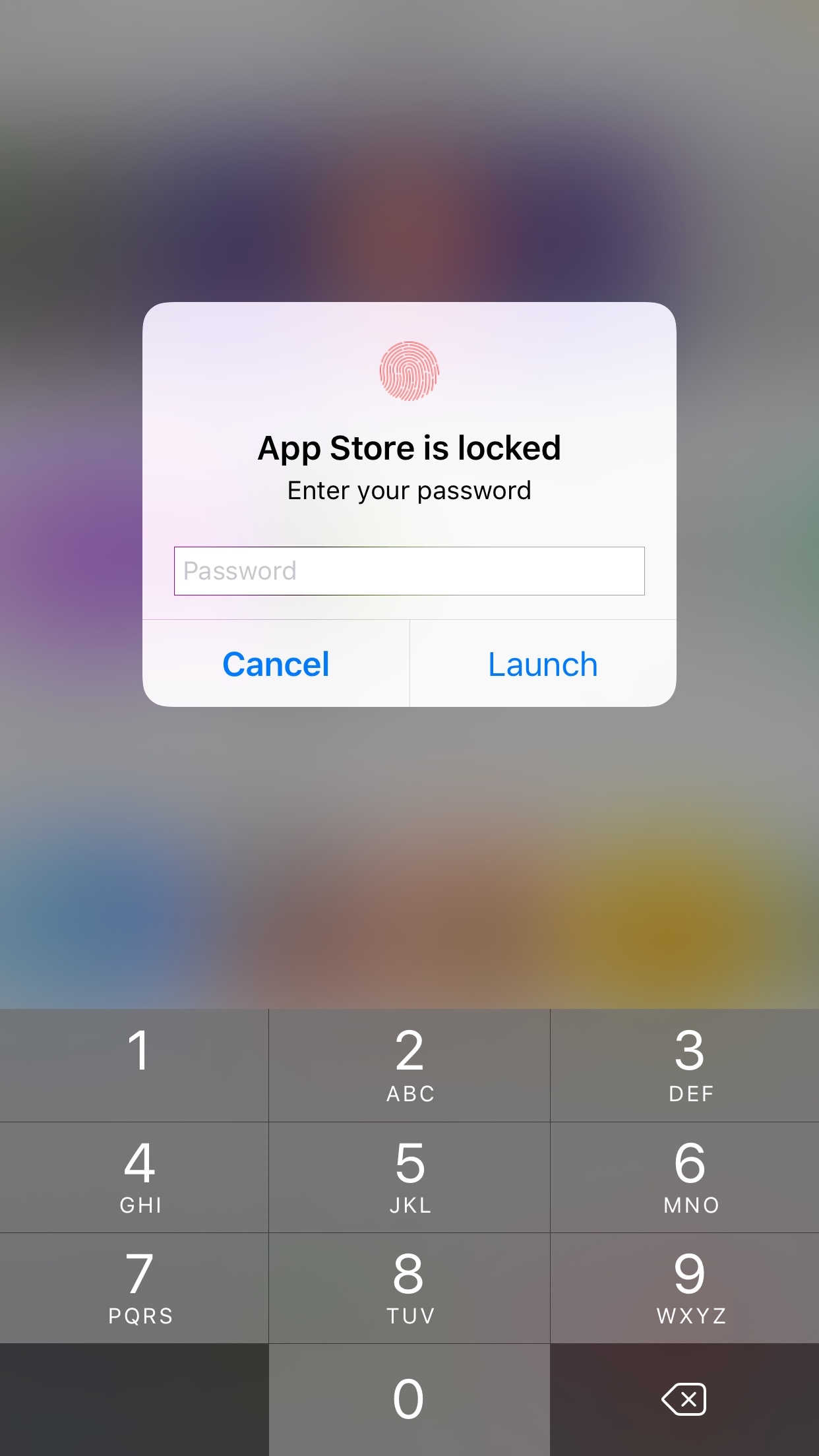
AppLocker by iOS developer Ori Kadosh, is one of the most popular app security jailbreak tweaks in Cydia, and it has been updated this week with full support for iOS 10.
AppLocker lets you create a password that you will use to access your apps; it's requested every time you launch an app, and if you can’t provide it, you can't use the app.