Learn how to synchronize your Home Screen layout and installed apps on the Apple TV across multiple boxes for a unified media experience.
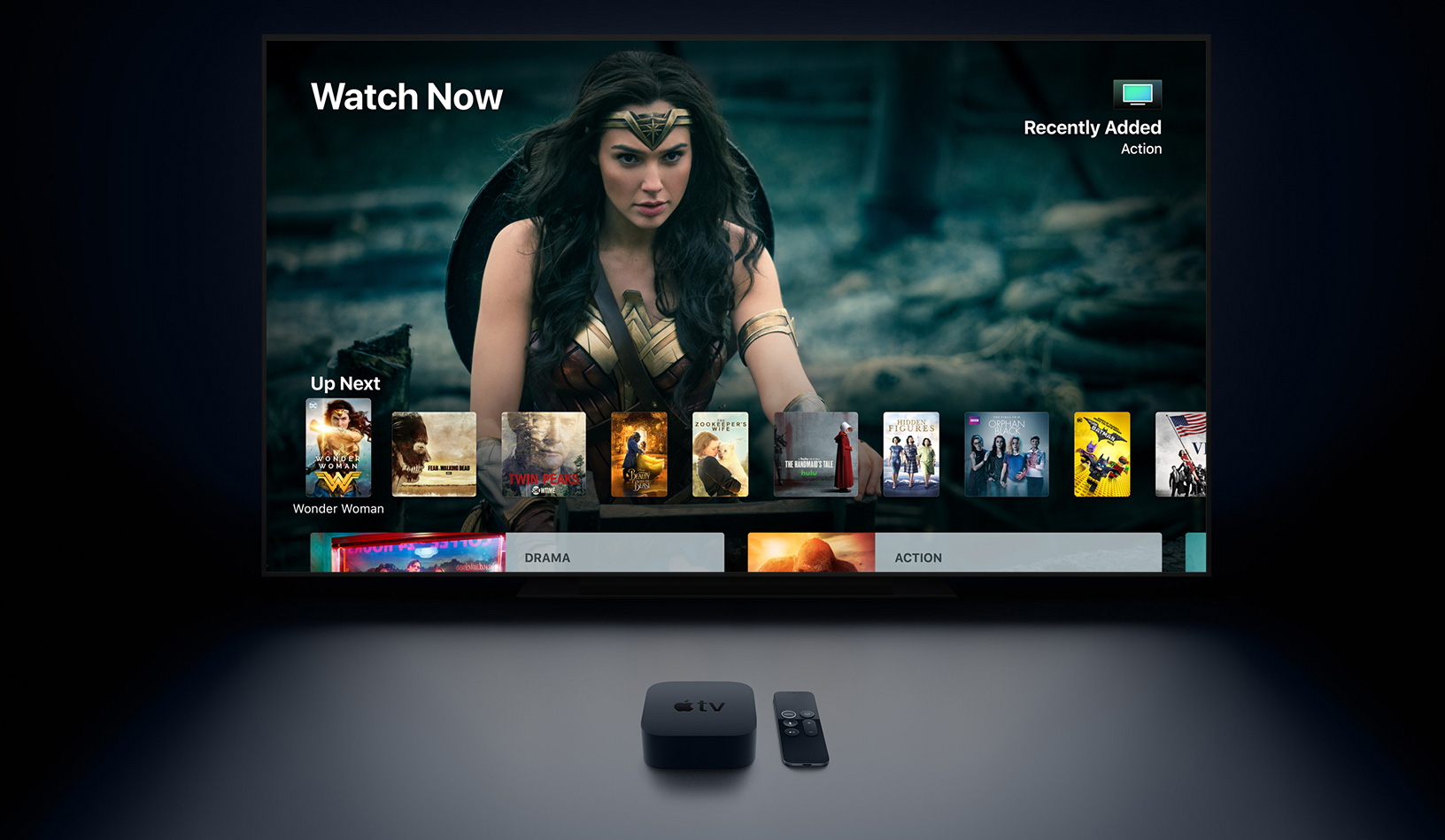
By default, each Apple TV you own has its own Home Screen layout and installed apps. But if your household owns multiple Apple TVs, you can have the same Home Screen organization and apps on each device.
Follow these steps to enable the One Home Screen option and automatically sync your Home Screen and apps across other Apple TVs using the same Apple Account.
One Home Screen on Apple TV
- Open the Settings app on your Apple TV.
- Select Profiles and Accounts.
- Select the user under the “Default” heading. In most cases, it will be your name.
- Turn on One Home Screen.

If your Apple TV is running an older version of tvOS:
- Open Settings.
- Navigate to Users & Accounts > iCloud.
- Toggle on the One Home Screen option.
- If there are multiple users on your Apple TV, go to Settings > Users & Accounts and select the Default User, then turn on the One Home Screen setting in their iCloud section.
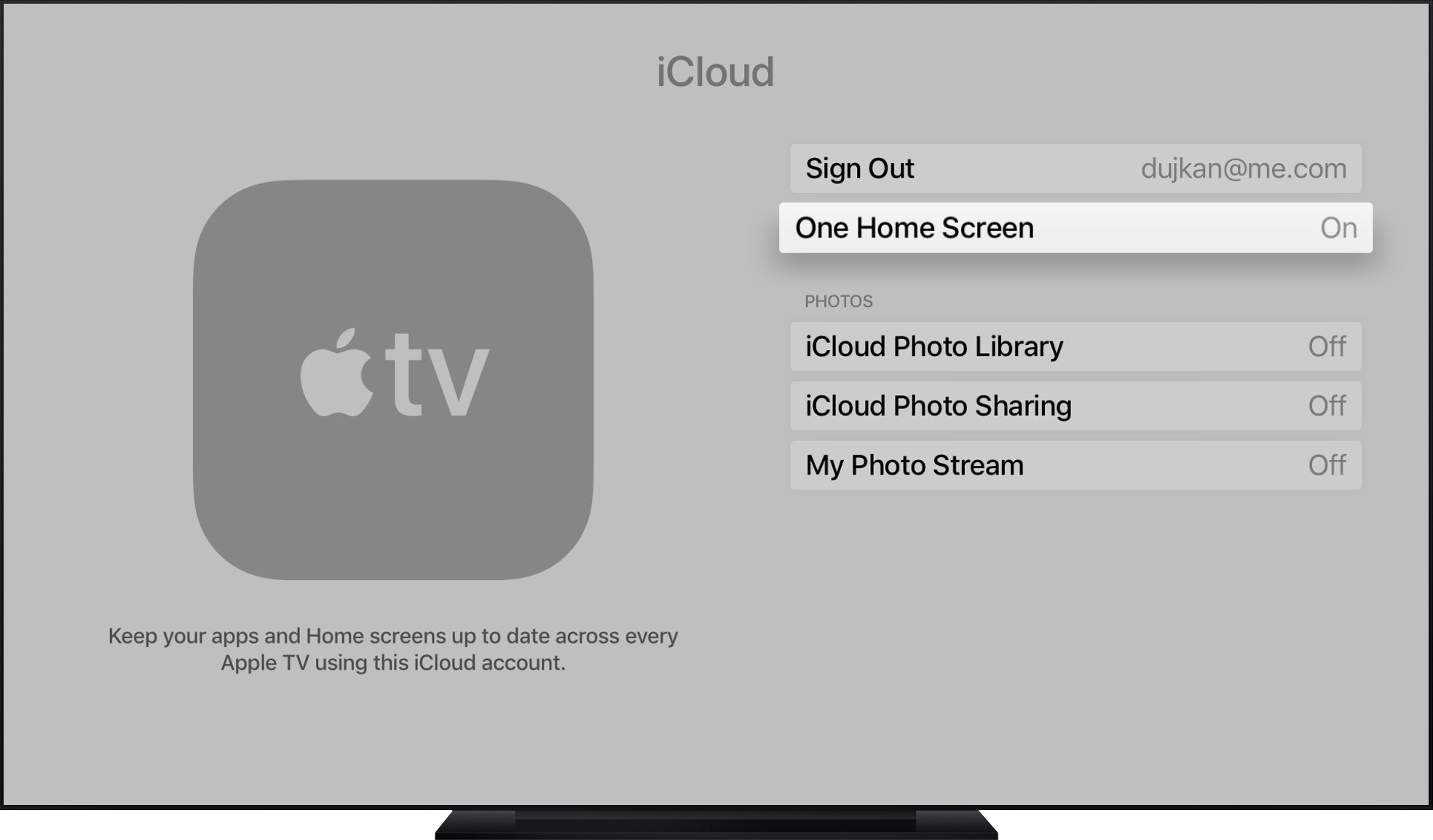
Repeat the steps above to enable One Home Screen on other Apple TVs you own, so you can keep the same Home Screen organization and installed apps across them. And when you add a new Apple TV to the household, simply turn on this option and tvOS will do the rest.
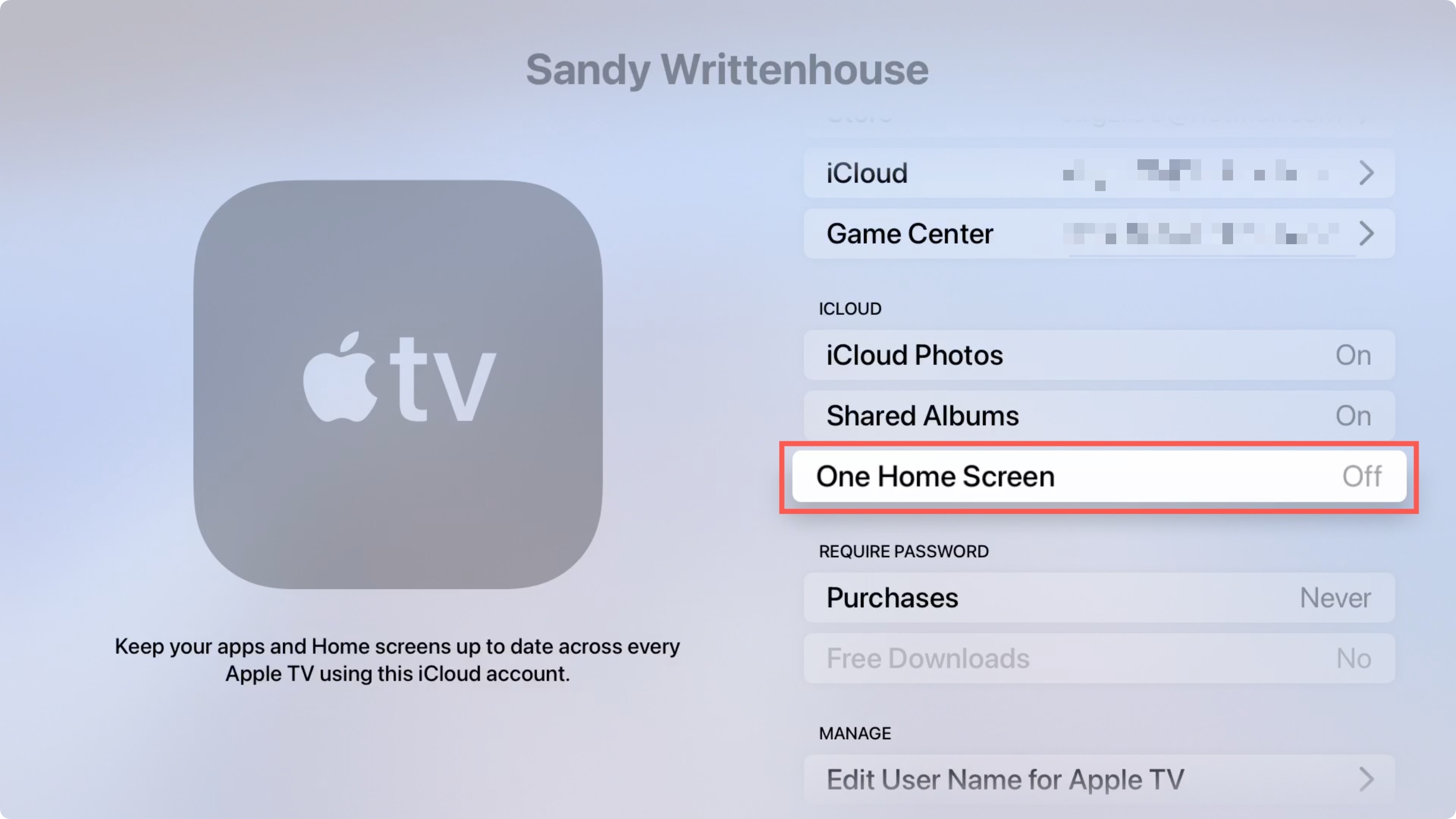
One Home Screen automatically syncs changes. For example, if you create a new folder on the living room Apple TV, it will also appear on other Apple TVs that use the same Apple account, and vice versa.
Issues with One Home Screen?
Check if every Apple TV you want to keep in sync is using the same Apple account in Settings > Profiles and Accounts > Default user > Apple Account. If one of the devices is out of sync, it probably uses a different Apple account. Also, be sure the device has network connectivity and that iCloud services aren’t offline.
A unified media experience across rooms
I like One Home Screen as it unifies the media experience across rooms. I can finally go back and forth between the Apple TV in my bedroom and the box in the living room. With all installed apps available across multiple Apple TVs in the same spots on the Home Screen, I don’t have to frantically look for the TV or YouTube icon on each device.
Other helpful Apple TV tips: