Home screen

Force3DAppShortcuts enables Quick Actions on unsupported devices

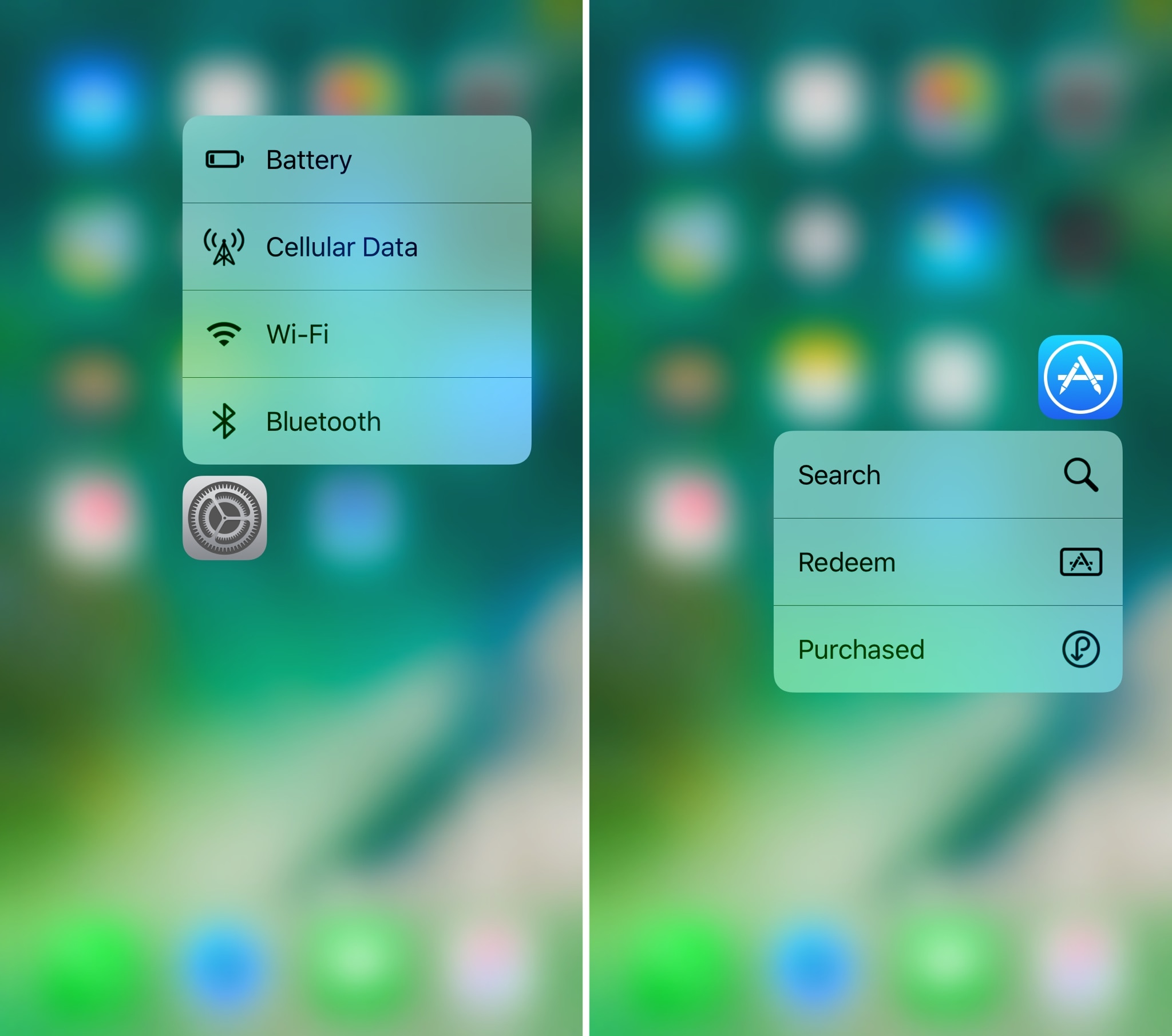
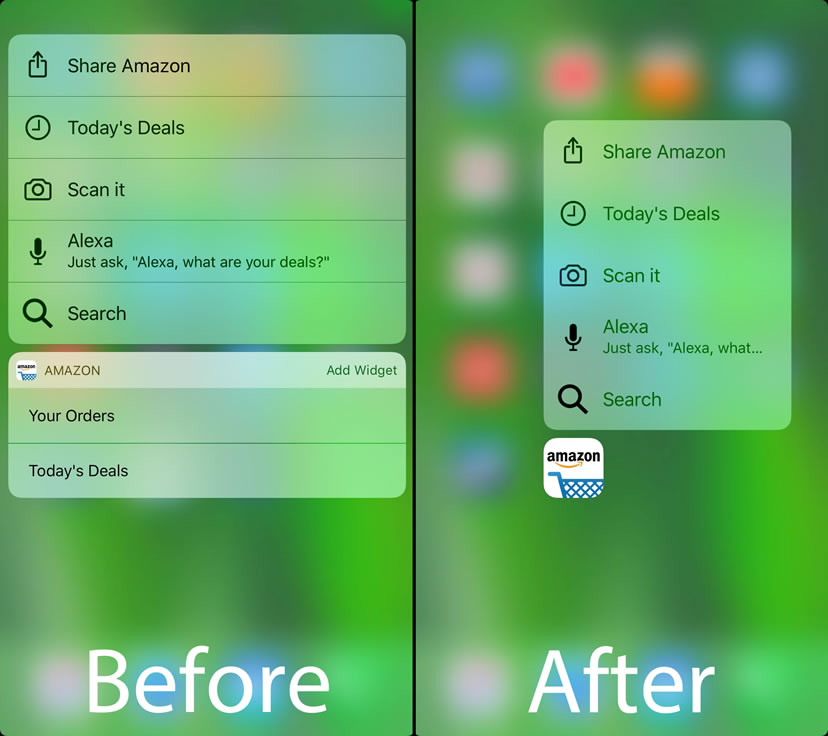
Anyone with an iPhone 6s or later can access handy 3D Touch-based app features directly from their Home screen without launching the said app, but those with older devices haven’t been as lucky (until now).

A new free jailbreak tweak called Force3DAppShortcuts by iOS developer DGh0st lets you access the same Home screen-based Quick Action menus that you could typically only access on a 3D Touch-enabled device.

AppColorBadges colorizes your notification badges to match your app icons

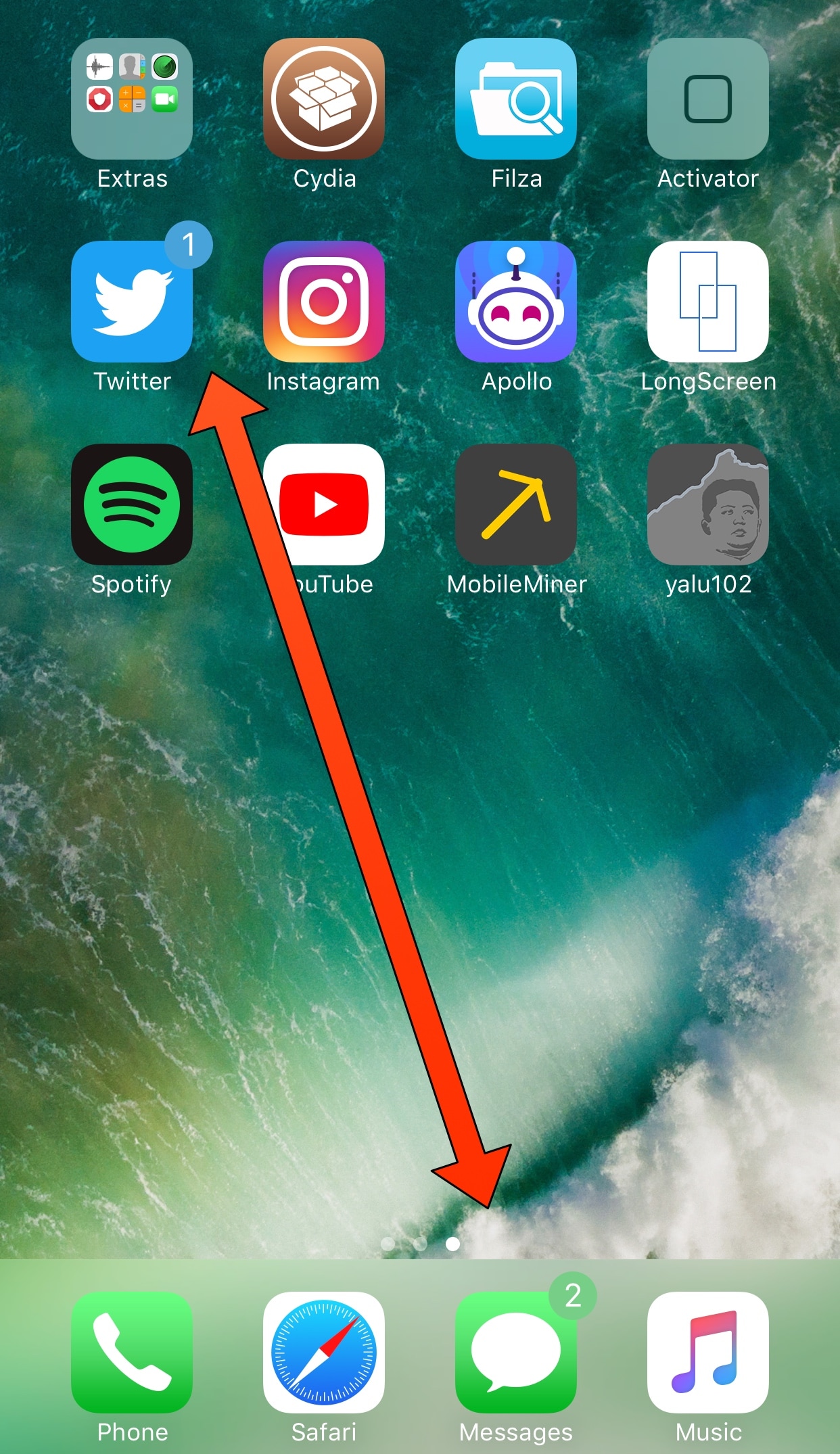
If you wake up every morning to several unread notifications, then you probably know what it’s like to have a Home screen littered with unsightly red notification badges. Over the years, I’ve seen people refer to the experience as having a bevy of little red eyes staring back at you, and it's not difficult to understand why.

Anyone looking for a subtler way to acknowledge their apps' unread notifications might enjoy new free jailbreak tweak dubbed AppColorBadges by iOS developer Cole Cabral. This tweak color-matches your badge notifications to the app icons they sit on top of.

Hid3x hides the semi-untethered jailbreak app when it isn’t needed

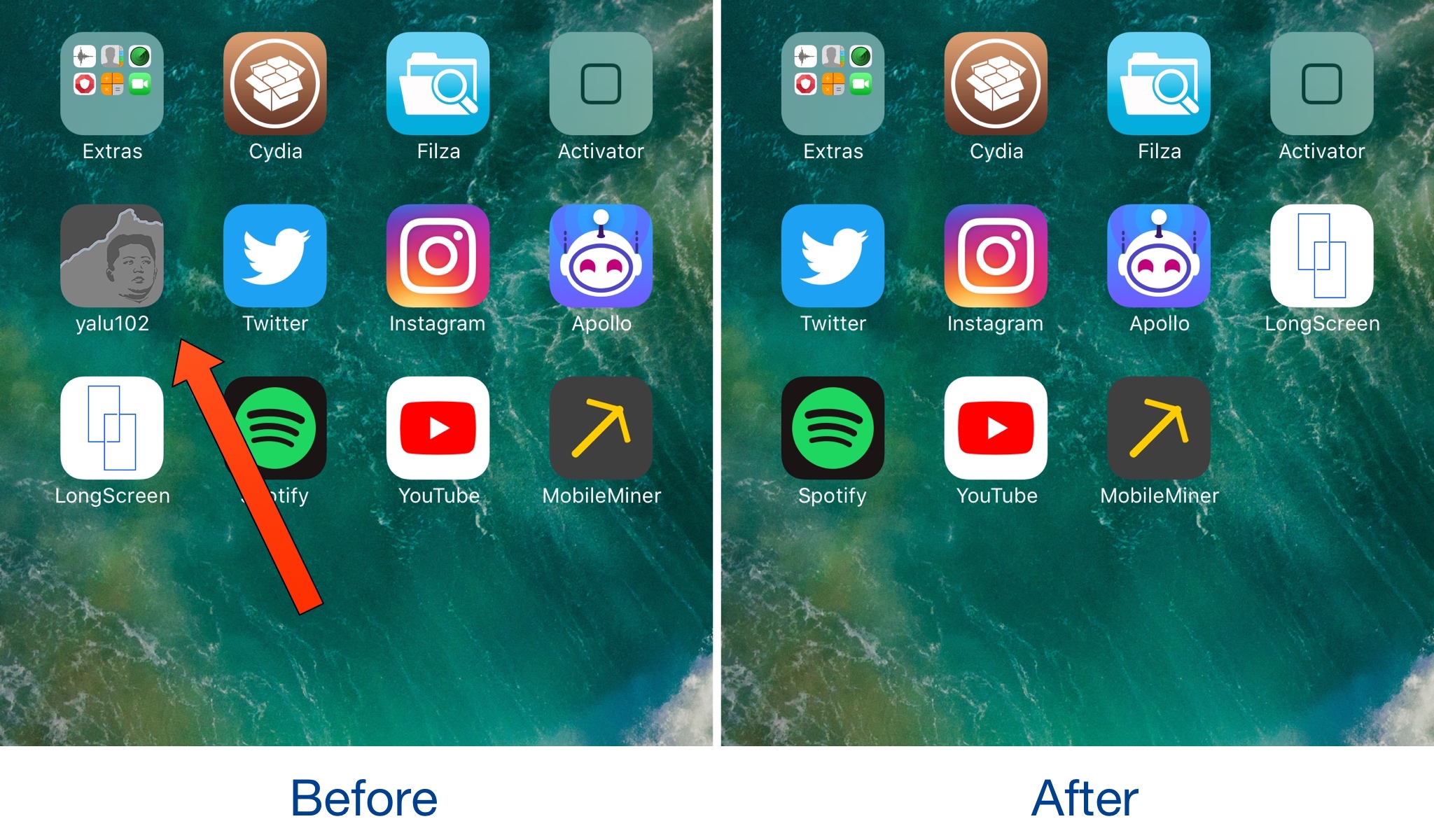
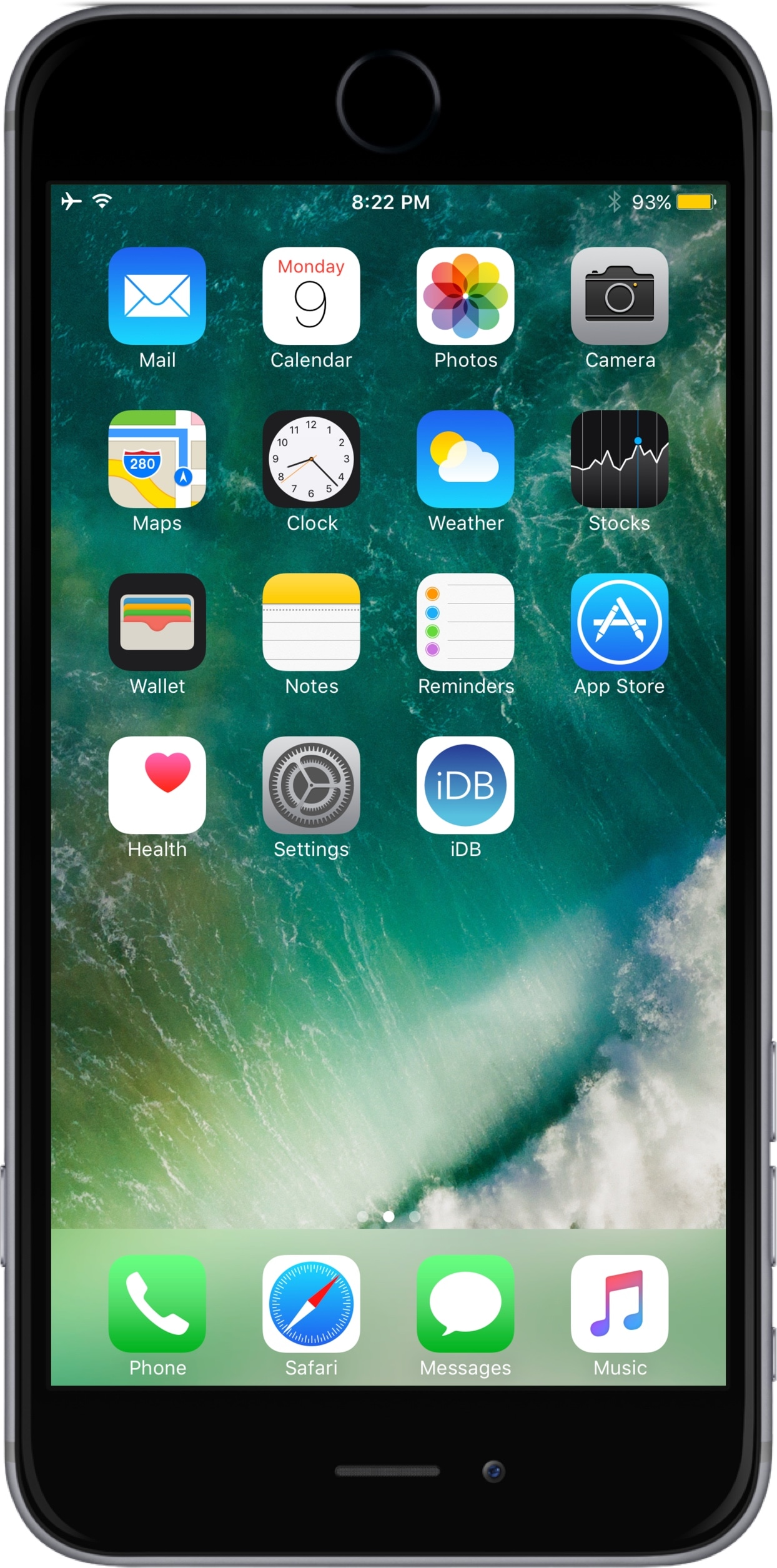
Semi-untethered jailbreaks like H3lix, Yalu102, Phœnix, and LiberIOS put an app icon on the Home screen so you can boot into a jailbroken state after your device restarts, but that’s really the only time you'll ever use these apps.

Whenever you’re in a jailbroken state already, these apps seem pointless to have on the Home screen. That said, a new free jailbreak tweak called Hid3x by iOS developer ipad_kid can hide these apps whenever you’re in a jailbroken state, as shown above.

iPhone 11 shortcut: jump to the last-used app

iPhone X has introduced a fair share of all-new gestural interactions for the commonly used iOS features that used to require Home button presses or taps. In addition, the handset provides some previously unavailable shortcuts, like instant jumping to your last-used app.

Randomize your iPhone’s wallpaper image on demand with UnsplashWalls

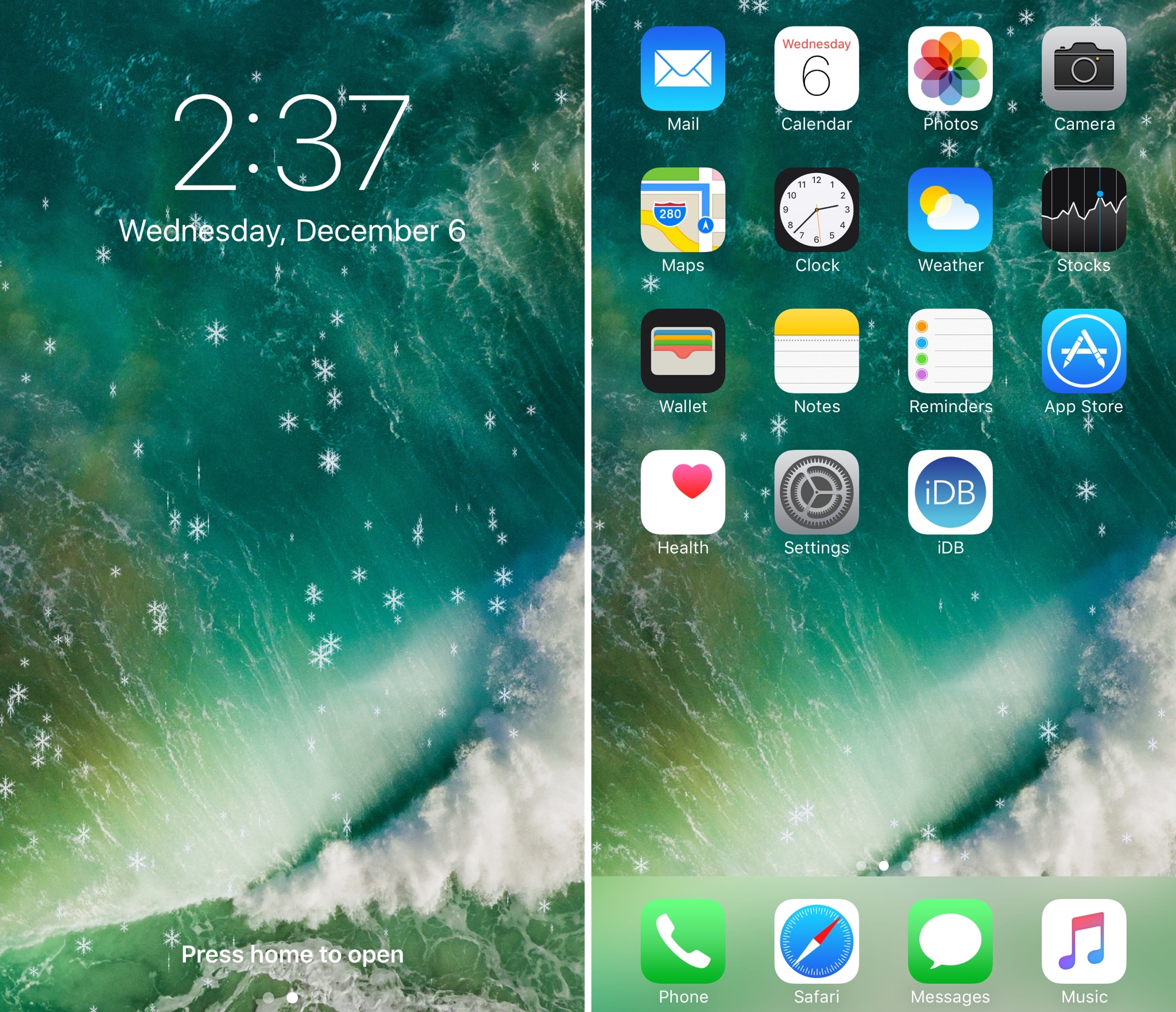
The wallpaper is one of the first things you notice every time you use your device, whether you're glancing at the Lock screen to view the time, or accessing the Home screen to launch an app. With that in mind, shouldn’t your wallpaper captivate your interest?

It can be challenging to choose a single wallpaper to use all the time, but with a new free jailbreak tweak called UnsplashWalls by iOS developer ipad_kid, you won't have to. It can keep things exciting by randomizing your iPhone's wallpaper on demand.

MicroPlayer is a snazzy new mini-player tweak for jailbroken devices

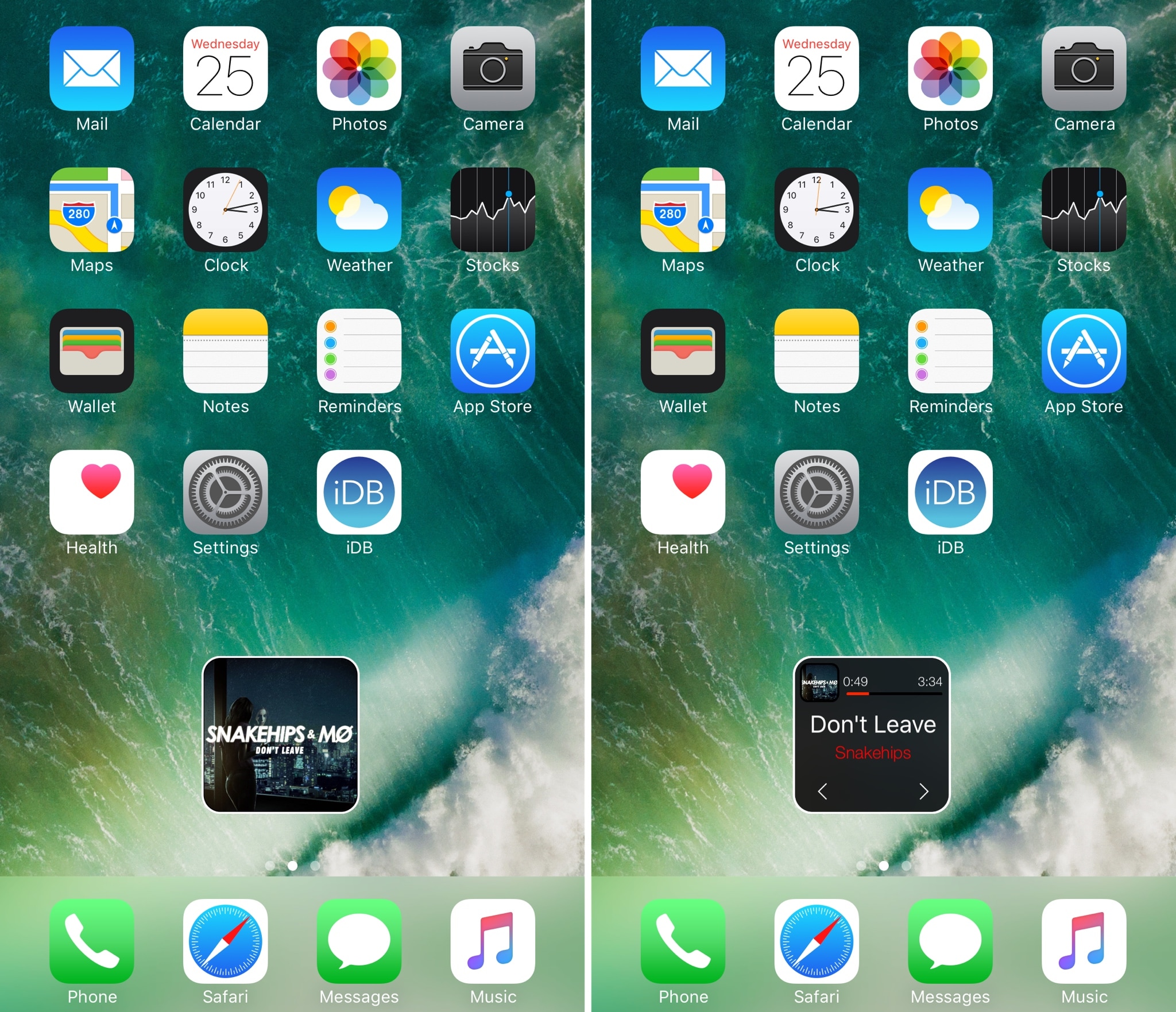
If one thing’s for sure, it’s that little music player interfaces are popular projects for jailbreak community developers. Continuing the long bloodline of these kinds of releases is a new jailbreak tweak called MicroPlayer by iOS developer IndieDevKB.

As the name implies, MicroPlayer is essentially a tiny music player interface that you can use to control your music whenever it’s playing.

Vision transforms your Home screen icons into moving 3D shapes

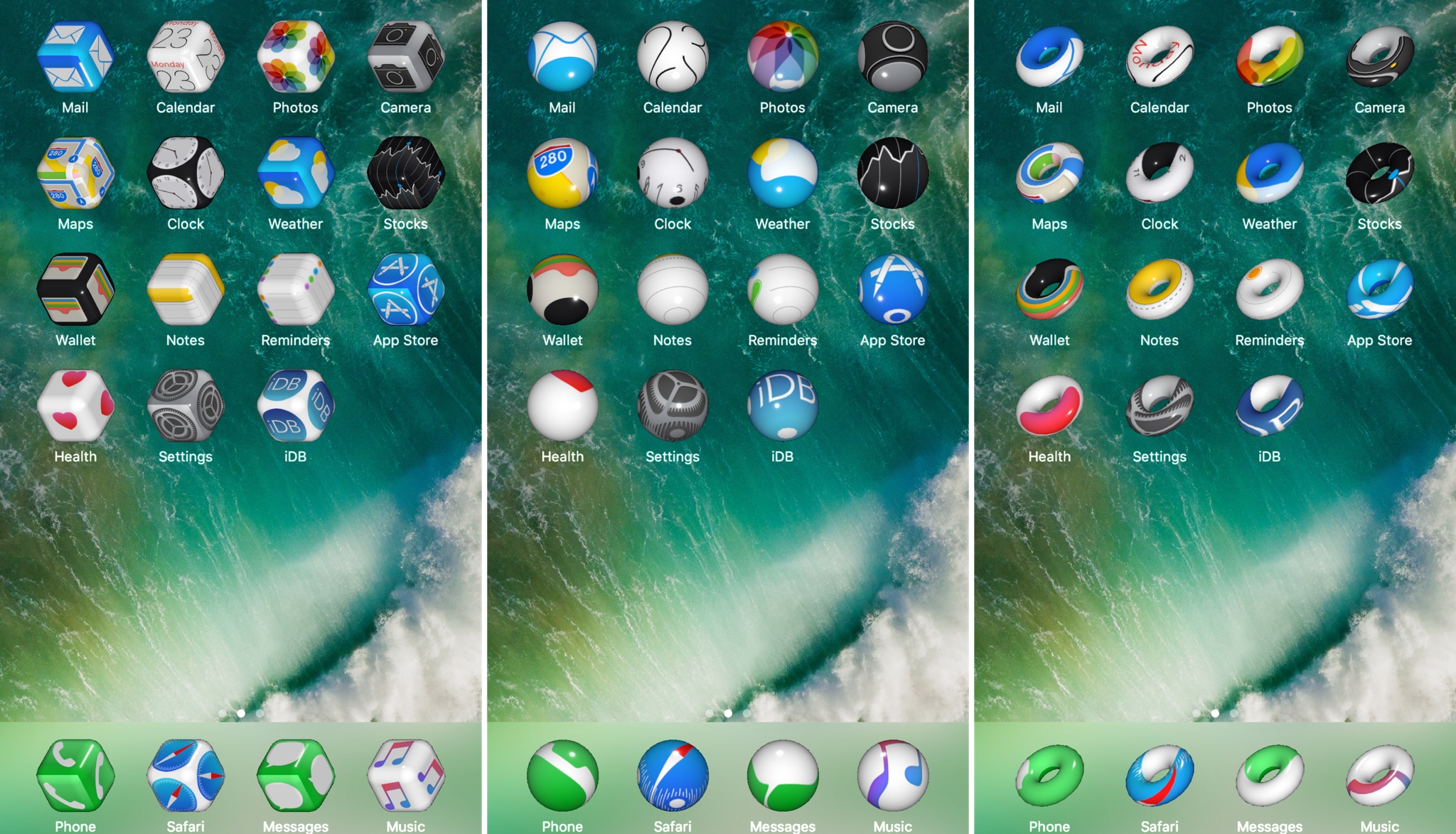
Looking for a unique way to spice up that jailbroken device of yours? Then look no further than a new jailbreak tweak called Vision by veteran iOS developer Elias Limneos.

Vision gives your Home screen icons a three-dimensional makeover and makes them responsive to movement. Best of all, the effects provided by the tweak are fully customizable.

UpsideBoard enables ‘upside-down’ orientation on your iPhone’s Home screen

One of the minor details that set Plus-sized iPhones apart from the rest of Apple's lineup is the extra support for landscape orientation throughout iOS, which extends to unexpected places like the Home screen.

The iPad offers similar Home screen orientations and undoubtedly served as inspiration for Plus-sized handsets, but Apple’s tablets also accommodate for upside-down viewing, while Plus-sized iPhones don't. A new free jailbreak tweak called UpsideBoard by iOS developer ipad_kid changes that.