Check out these lightning-fast methods to bookmark important folders on your Mac and open them instantly with just one or a few clicks.
5 ways to bookmark folders on Mac and open them instantly
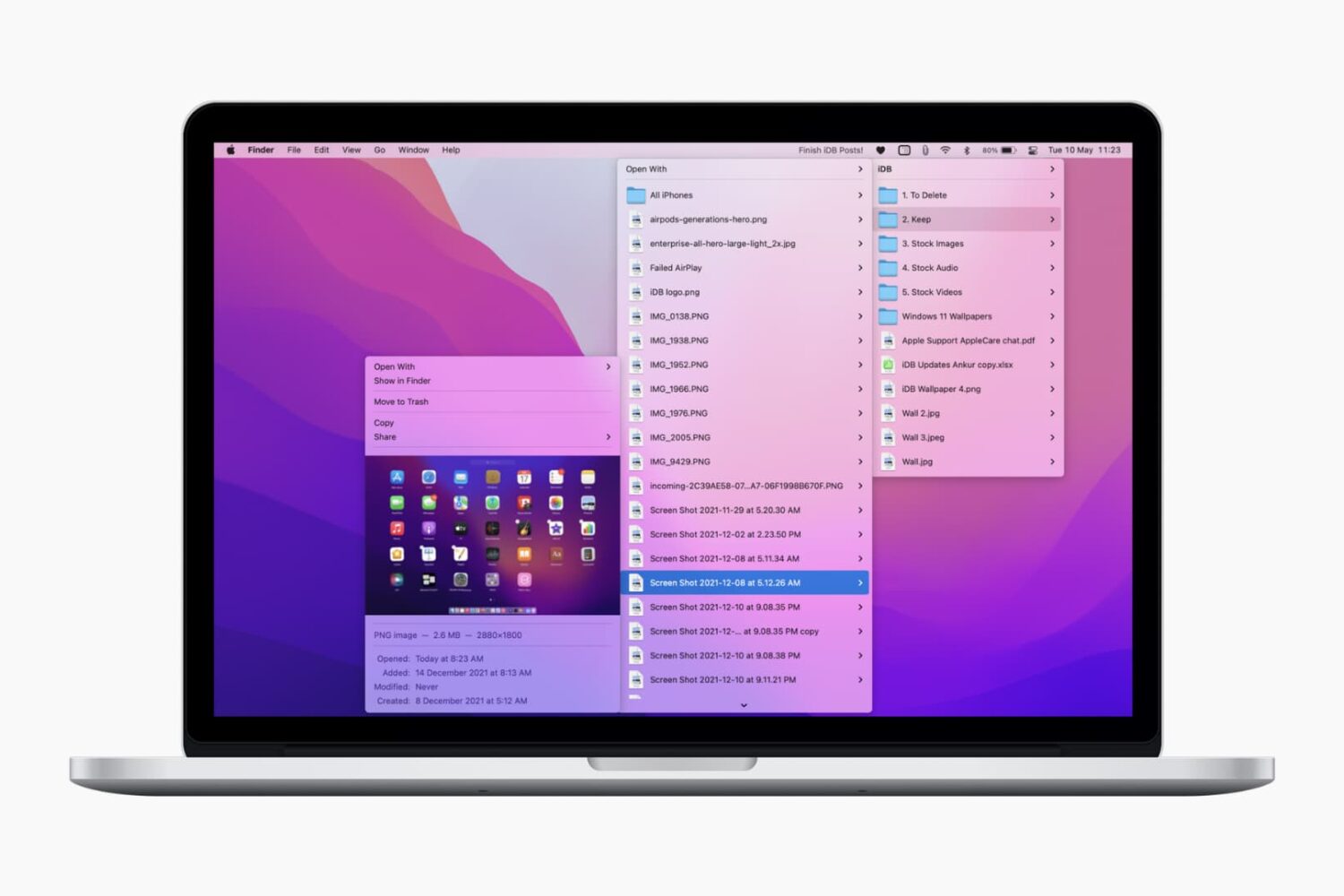
Check out these lightning-fast methods to bookmark important folders on your Mac and open them instantly with just one or a few clicks.
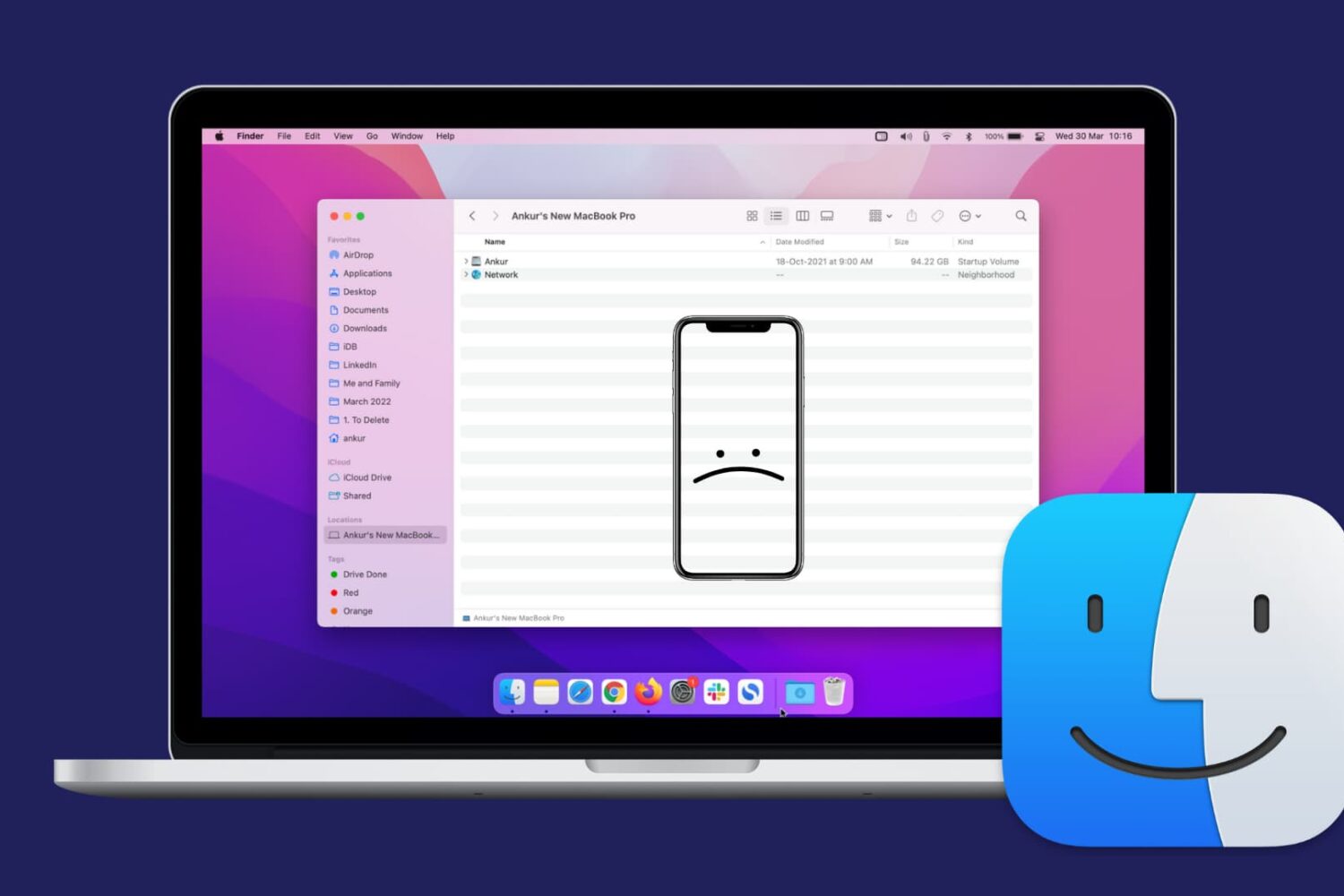
Check out this comprehensive guide on how to fix the issue of your iPhone or iPad not showing up in Finder on Mac.
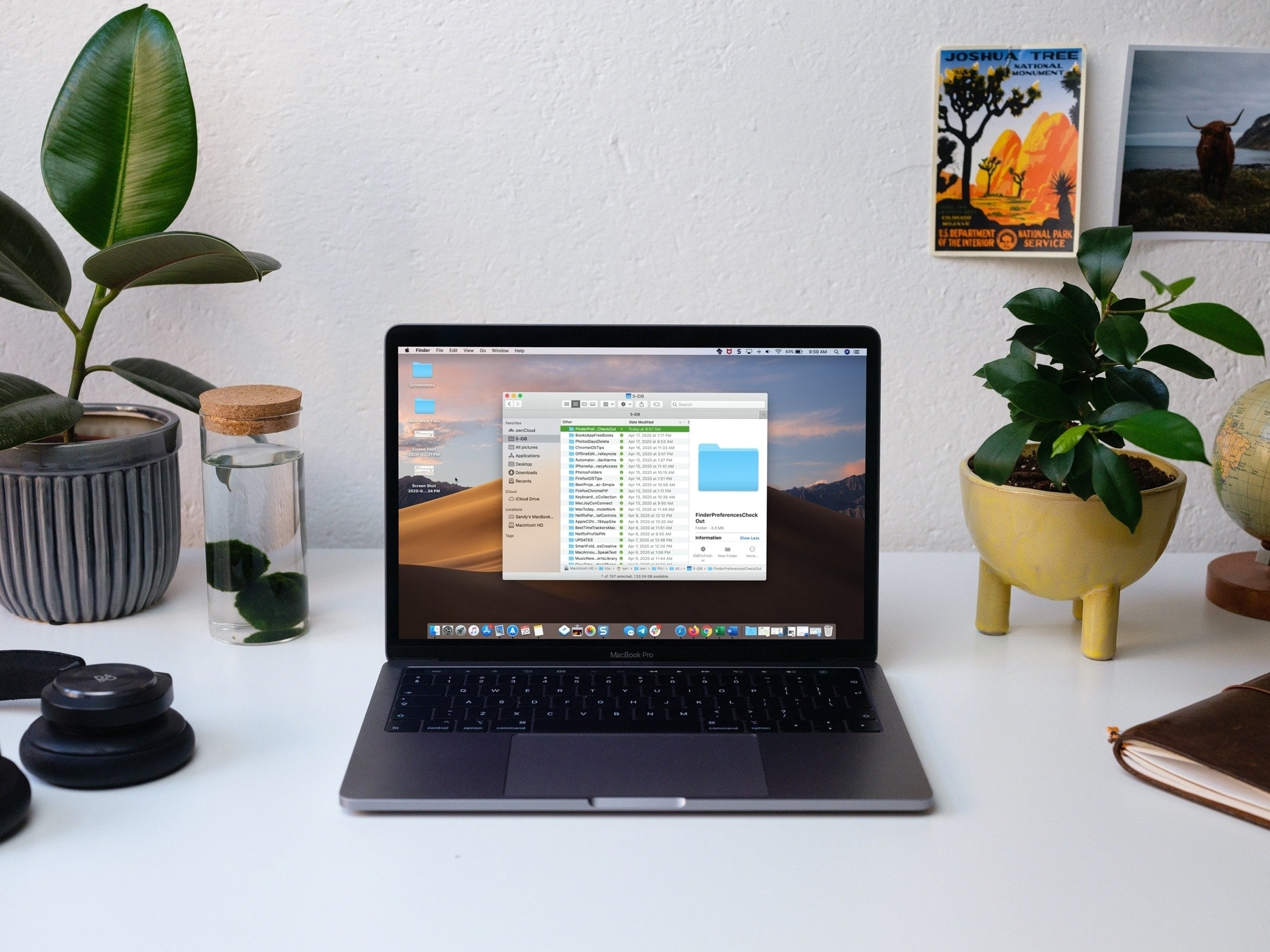
Learn what to do if Finder freezes or fails to respond on your Mac, preventing you from accessing your files and folders.
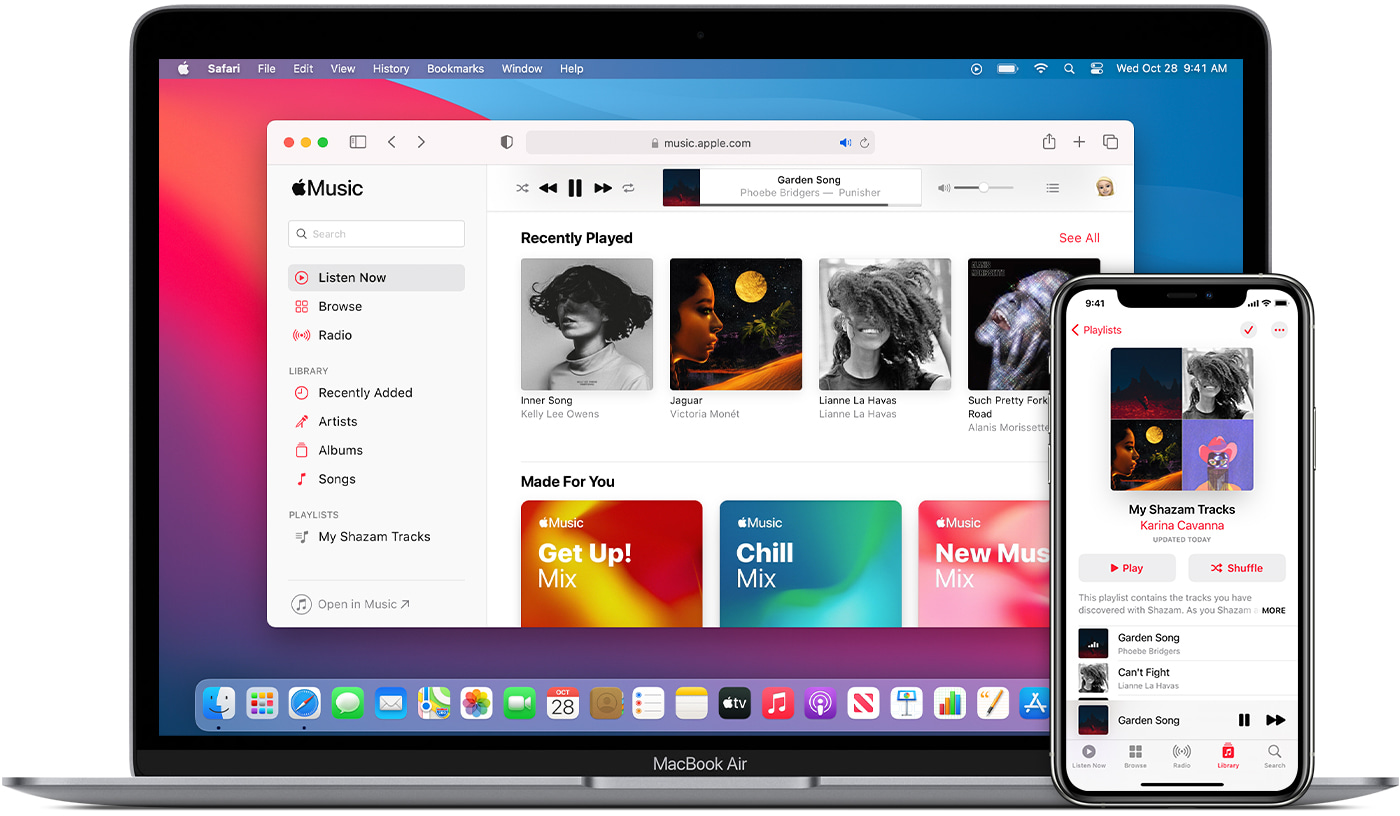
Check out these three easy ways to sync or transfer music, playlists, and videos from your Mac to iPhone or iPad.

Learn how to archive a backup of your iPhone or iPad on a Mac to keep it intact, rather than have it overwritten by future backups.

Check out two easy methods to turn off the warning pop-up you see when you change the extension of a file in Finder on Mac.
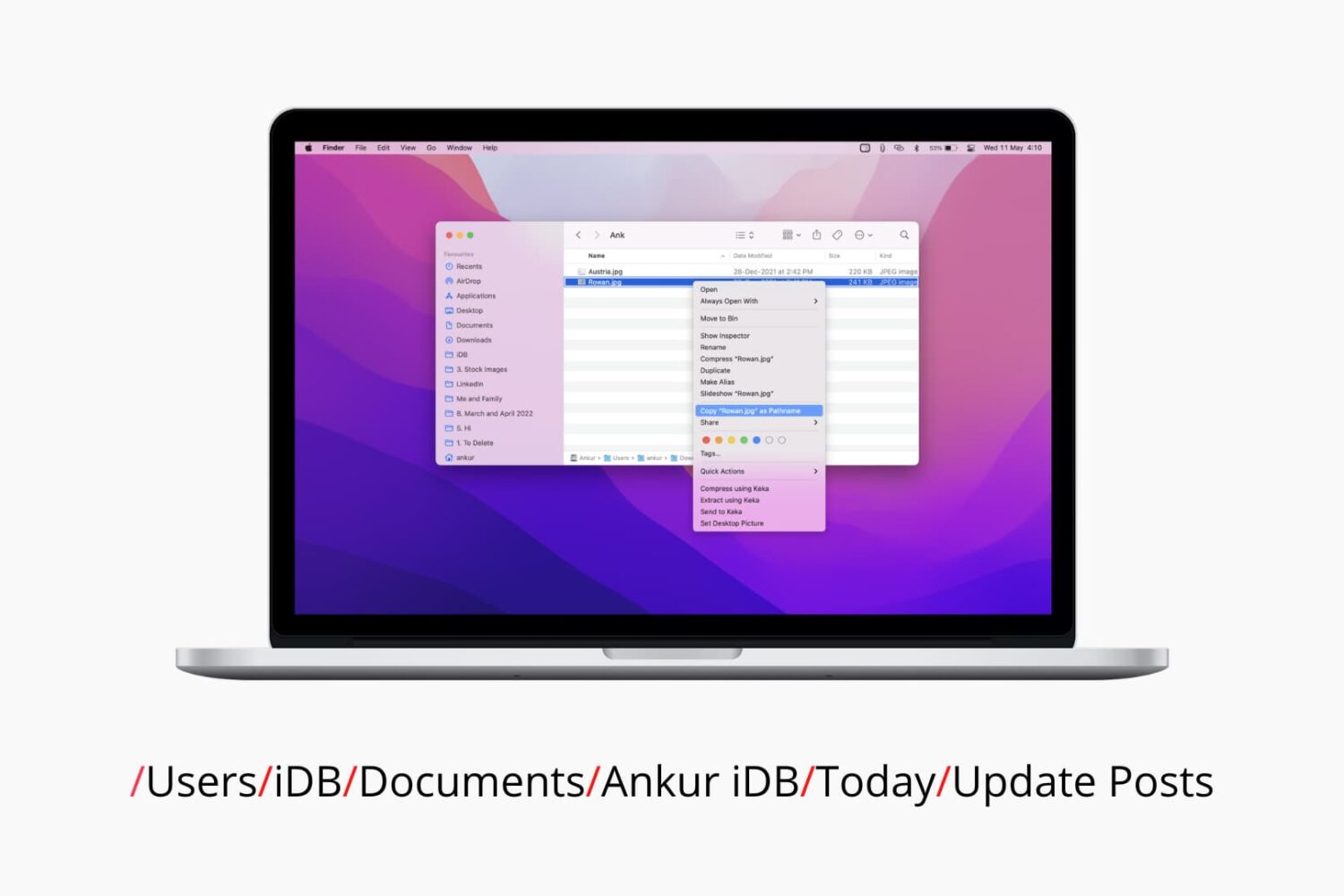
Check out six different ways to find the path or address of a file or folder on your Mac using Finder, Terminal, and more.
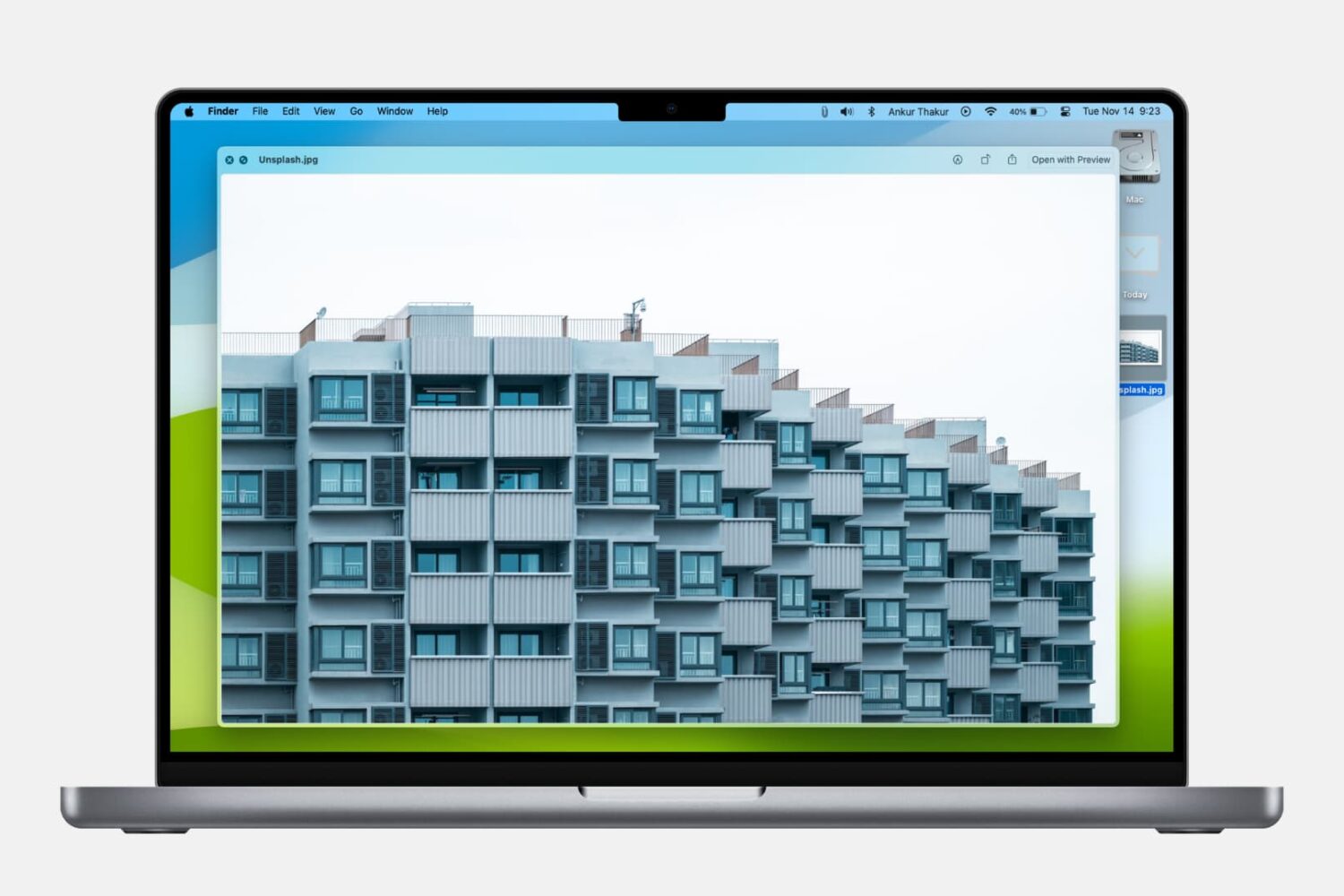
Learn how to use the built-in Quick Look feature in macOS to instantly preview one or more selected files, rotate an image, or trim a video file on your Mac.
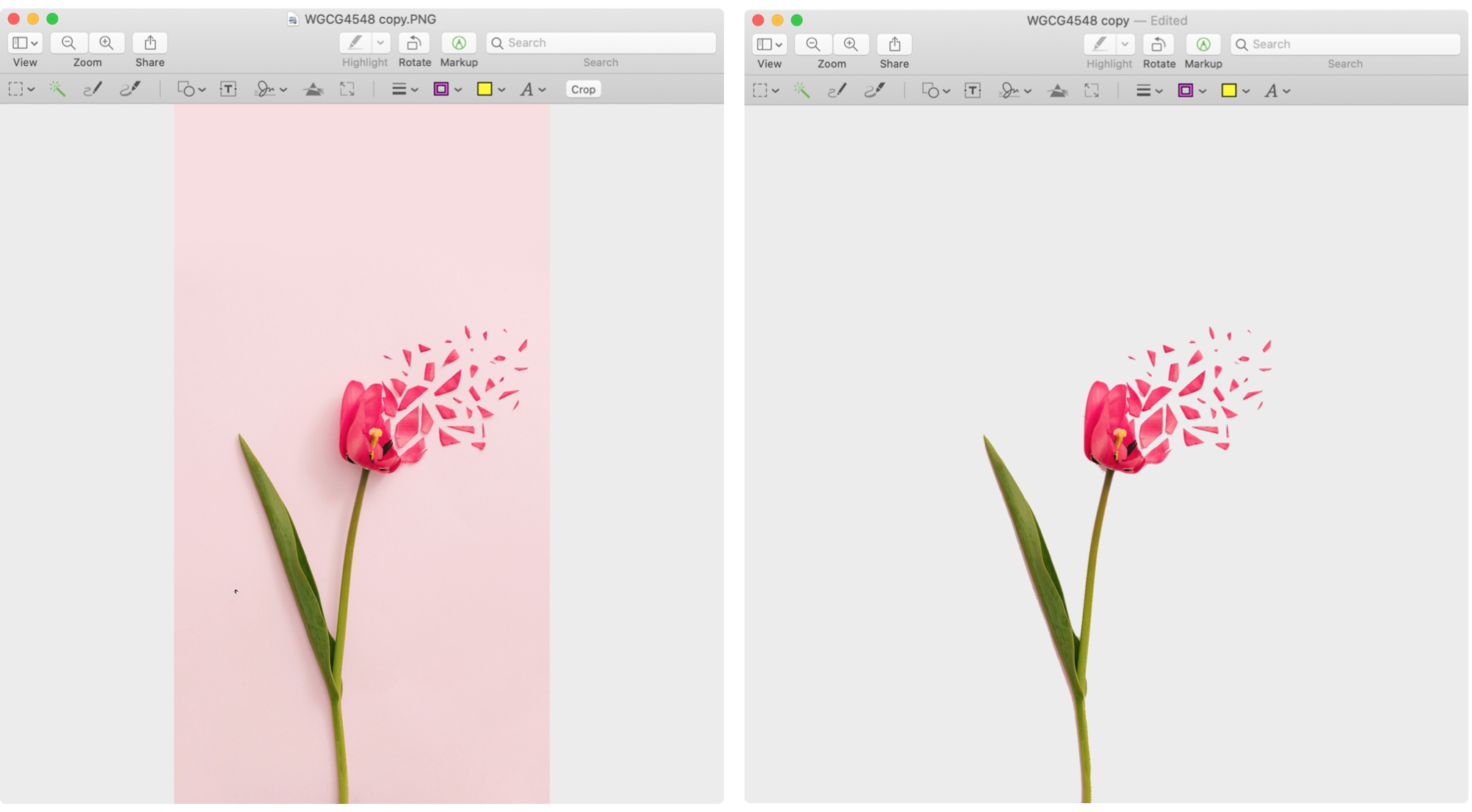
Learn about 3 simple, free techniques to remove the background of a photo on Mac and take your visual content to the next level.
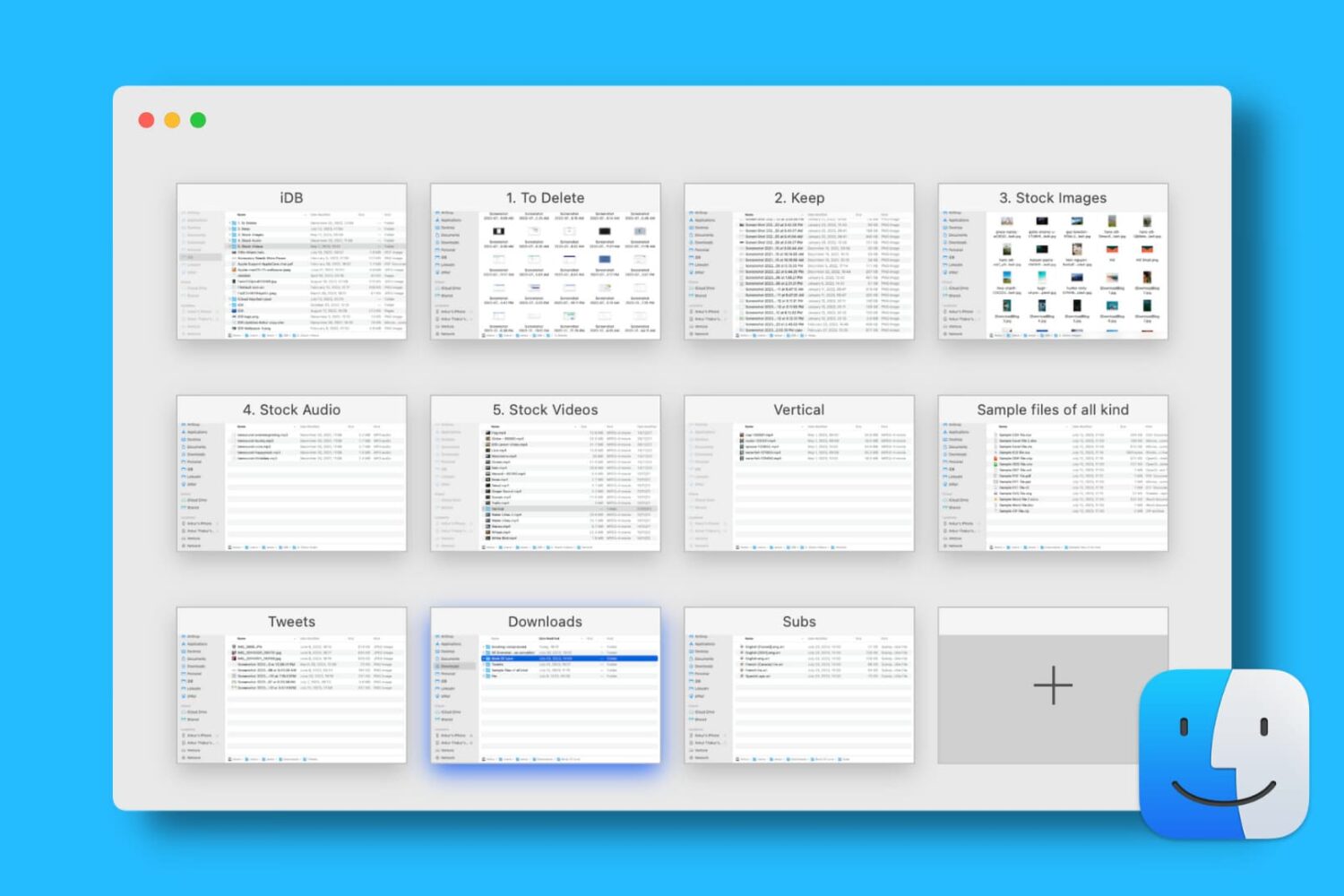
Find out how to open, use, navigate, rearrange, and close tabs in Finder on your Mac so you can work with multiple folders in just one window and keep your desktop uncluttered.
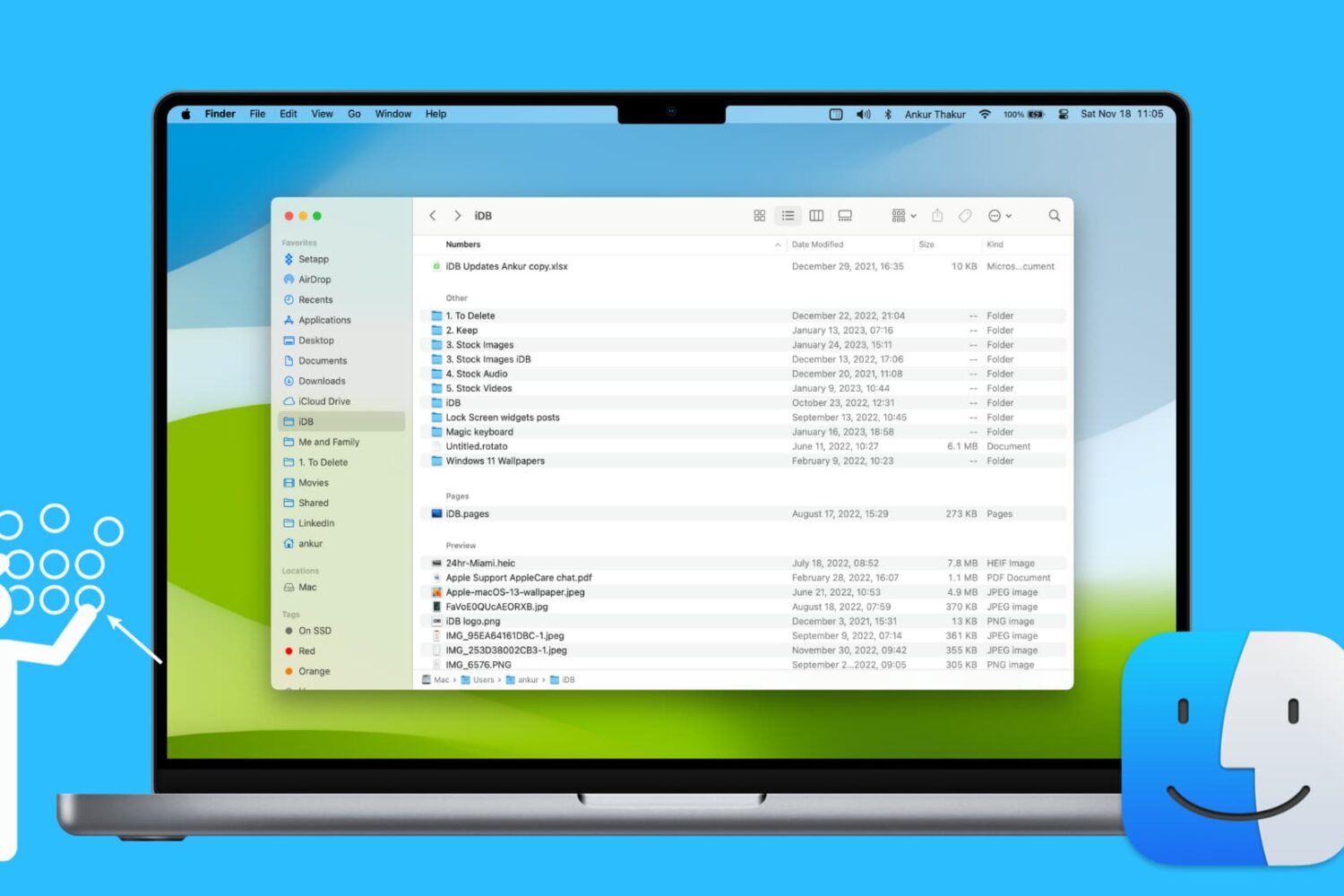
Learn how to use groups in Finder on your Mac to easily sort and manage files for a more streamlined and efficient experience.
Save time and be more productive by taking a moment to customize these useful Mac Finder preferences and settings.