Learn how to use the Finder’s file inspector to get a summary of multiple Mac items in a single floating window on macOS that dynamically refreshes as your selection changes.
How to use Mac’s Finder file inspector to see info of multiple items

Learn how to use the Finder’s file inspector to get a summary of multiple Mac items in a single floating window on macOS that dynamically refreshes as your selection changes.
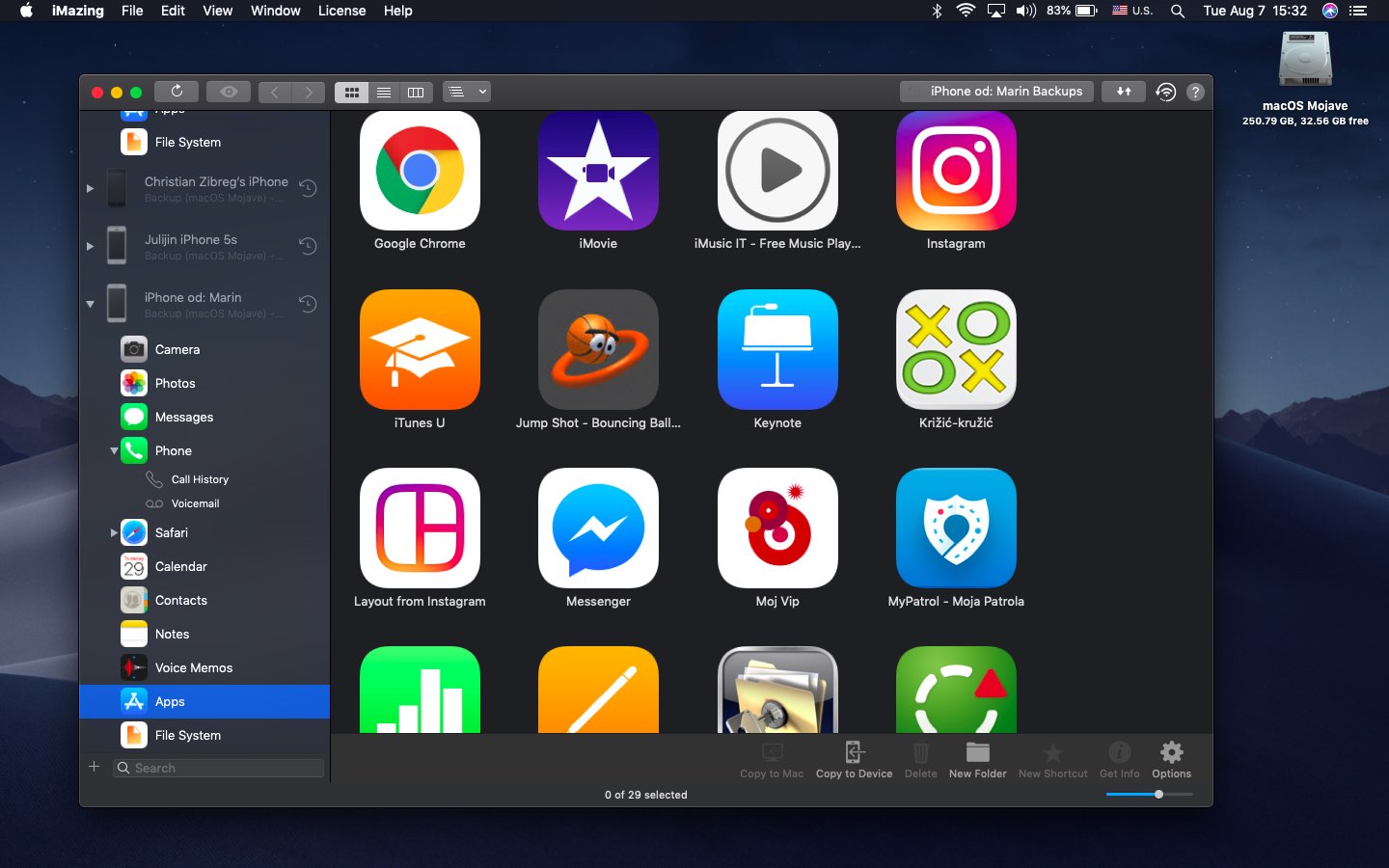
Following the revealing report by Joseph Menn for Reuters alleging that the FBI “about two years ago” pressured Apple not to encrypt iOS device backups in iCloud, many iPhone users seem unhappy with this news. As an alternative, backing up your iOS device locally using iTunes on a Mac or Windows PC (or the Finder in macOS 10.15 Catalina) lets you retain ownership over your data versus having the contents of your device uploaded to iCloud.
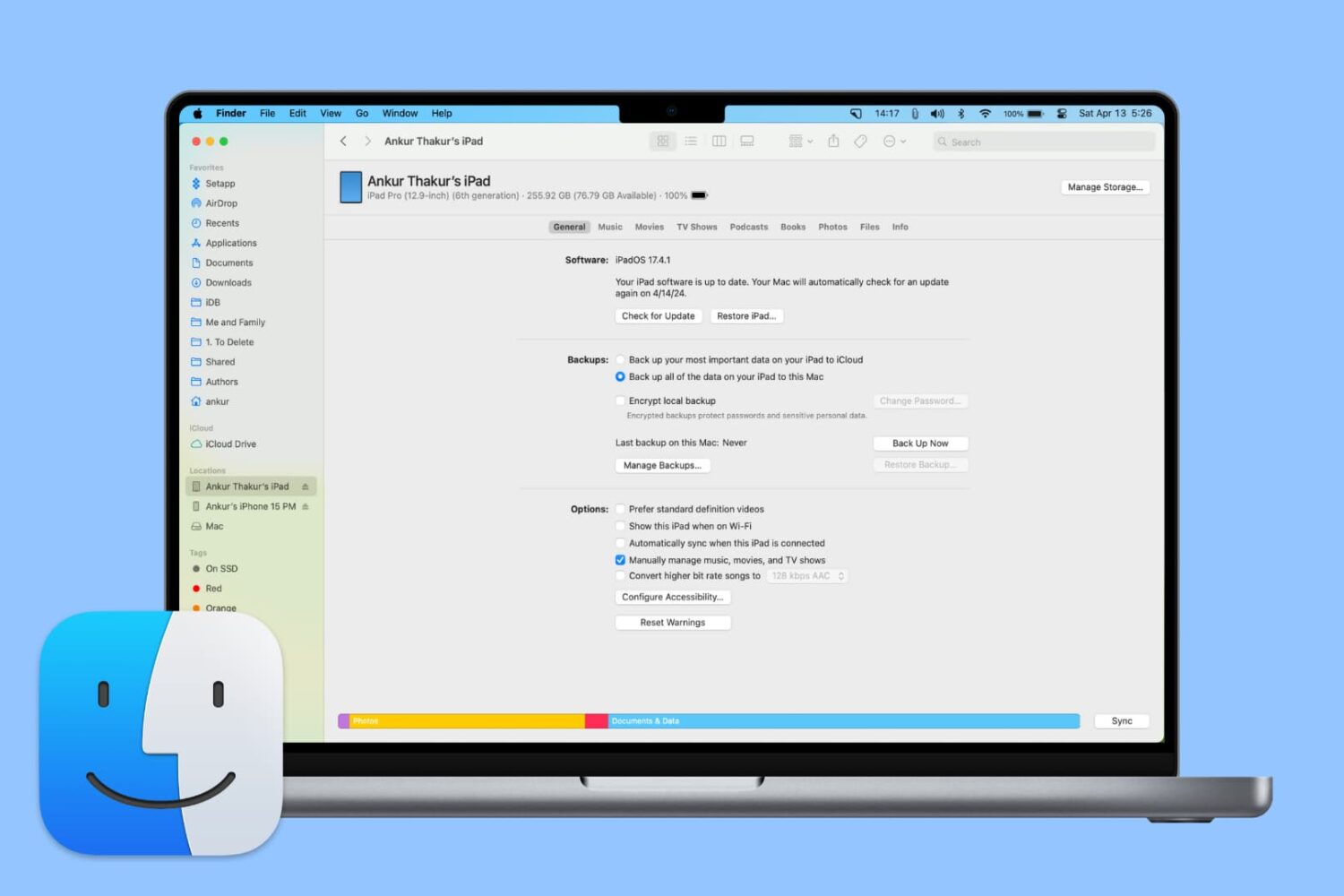
From adding music to updating or restoring devices, learn all the important things you can do on your iPhone or iPad using Finder on Mac.

From customizing views to organizing files, we’ll cover everything you need to know about using Finder on your Mac to streamline your workflow and get the most out of this essential tool.
Check out these handy tips for using the Search feature in Finder like a pro so you can save time and prevent frustration when looking for the right photos, videos, PDFs, and files on your Mac.
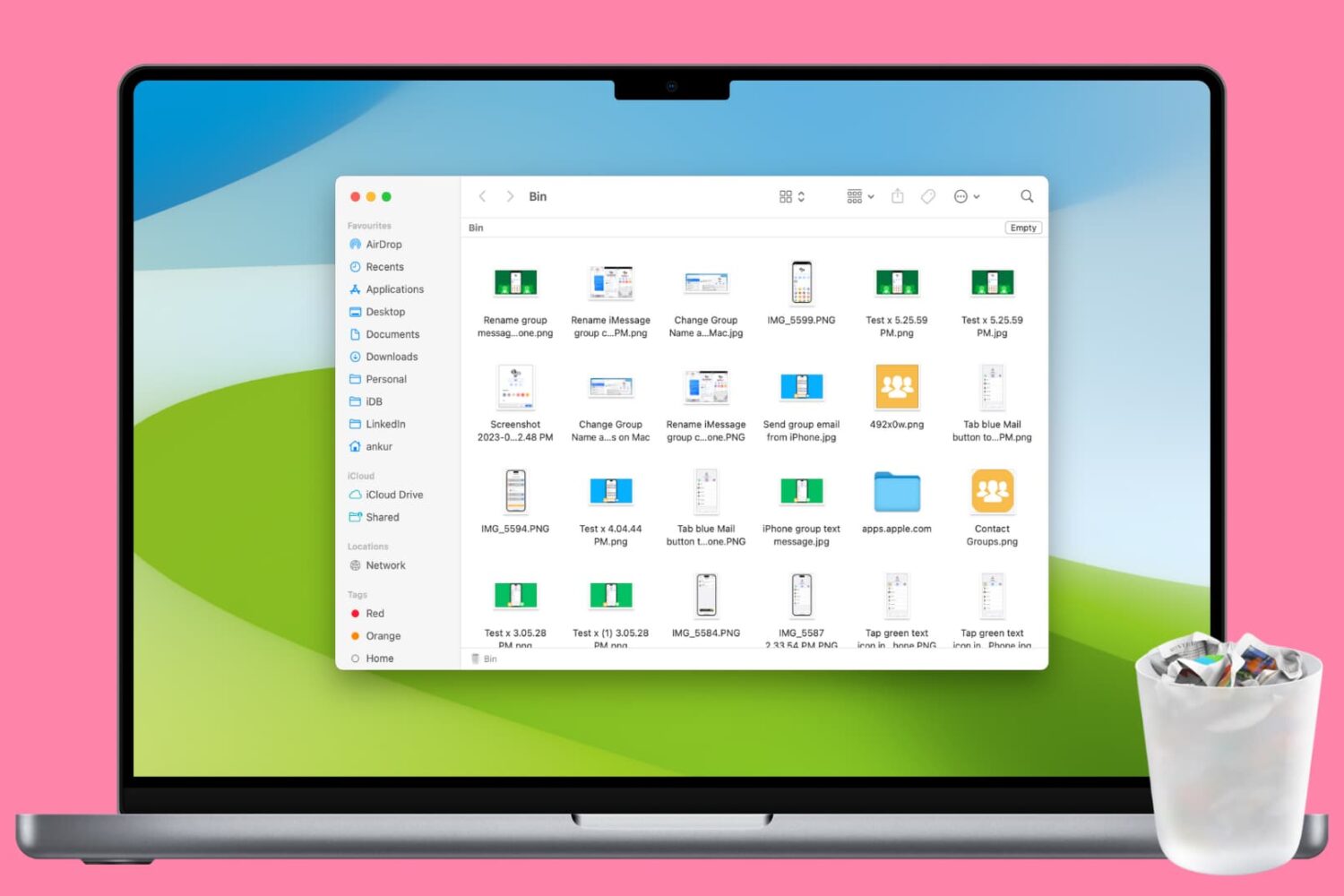
Clean up your Mac and regain valuable storage space by mastering these 10 ways to delete all or selected items from the Trash folder.
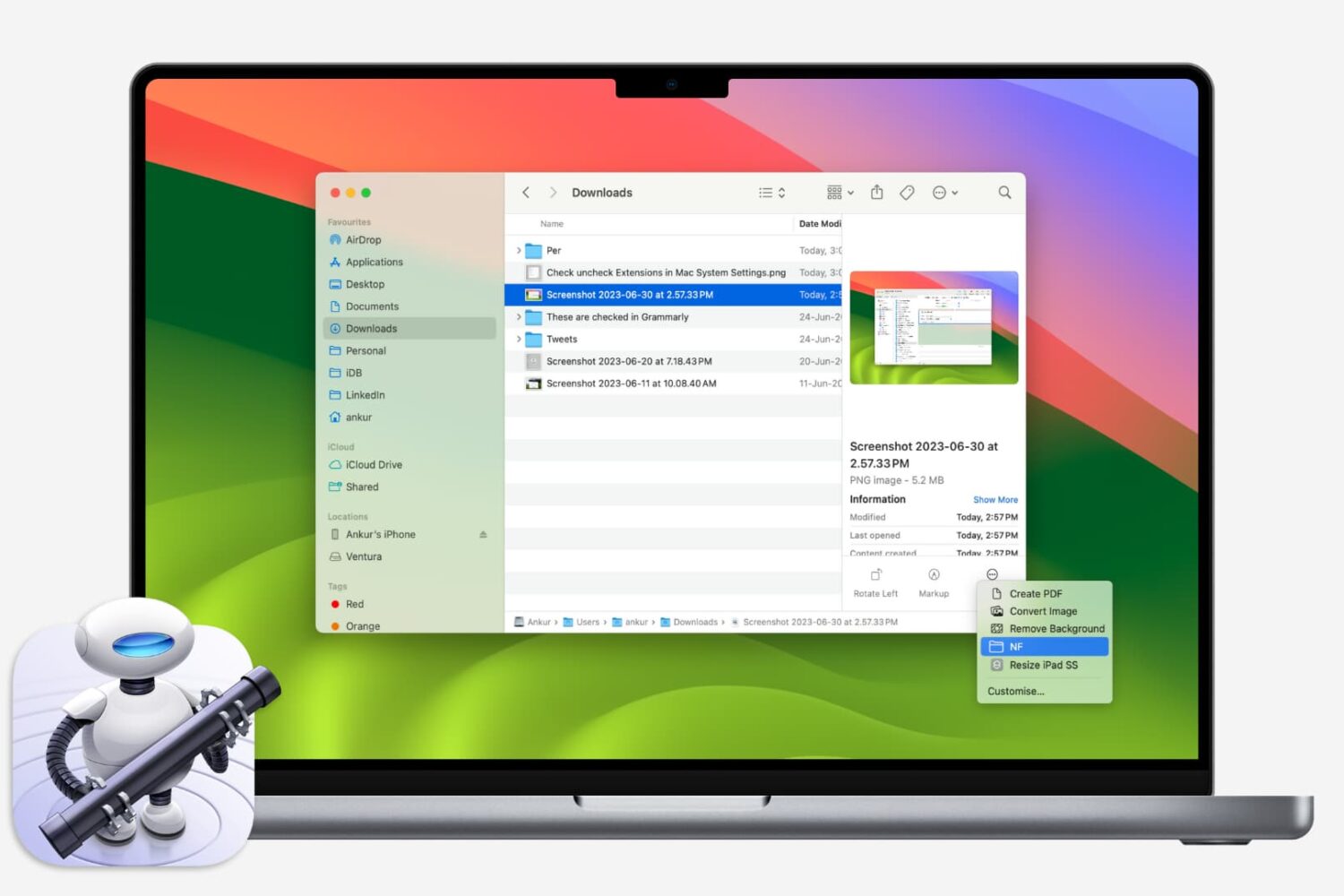
If you like using Quick Actions on your Mac to do things faster, why not make your own? This tutorial shows you how to create custom Quick Actions for Finder.
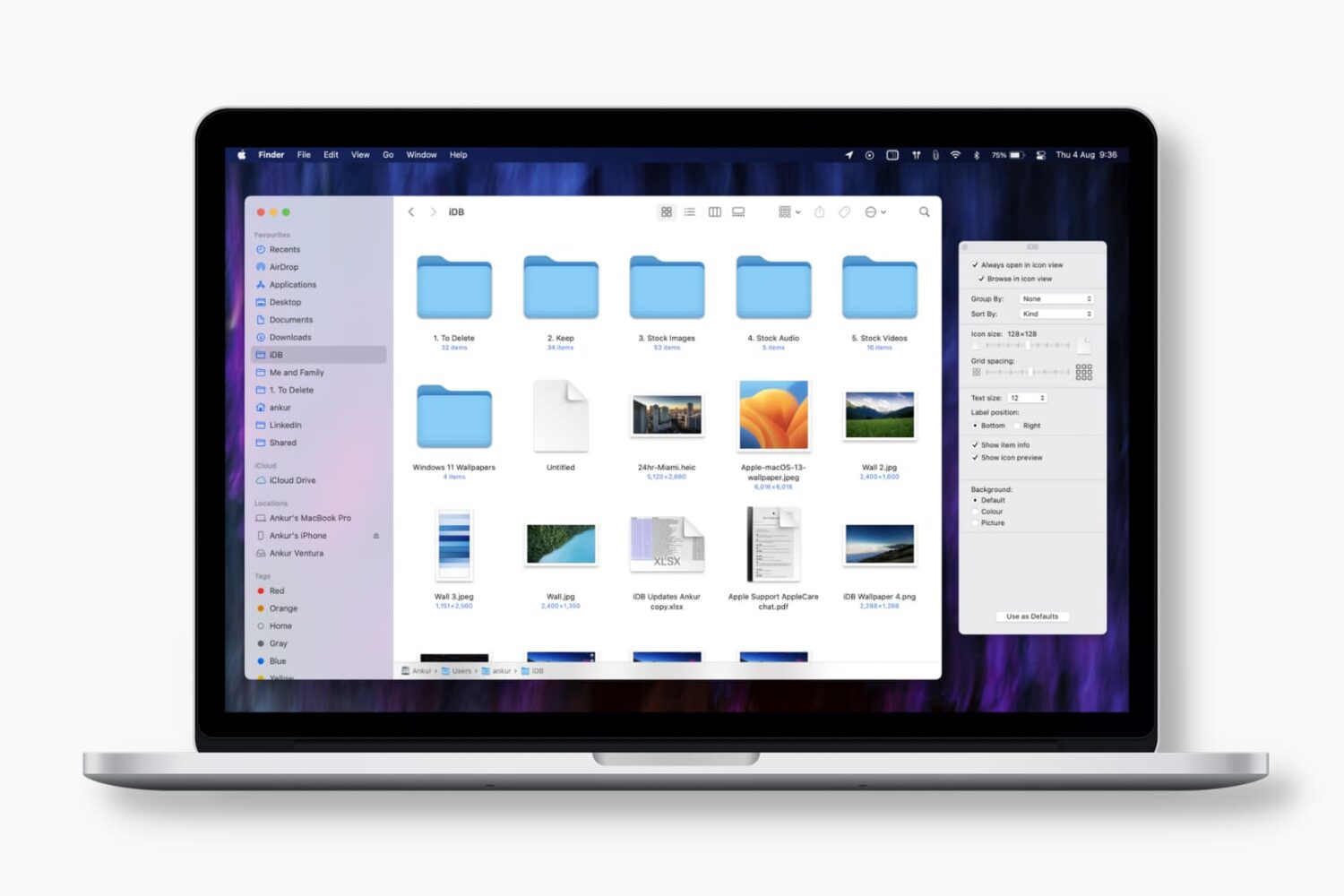
Learn how to set Finder on your Mac to always open a specific folder in your favorite view, with the files sorted and grouped in the order of your choosing.
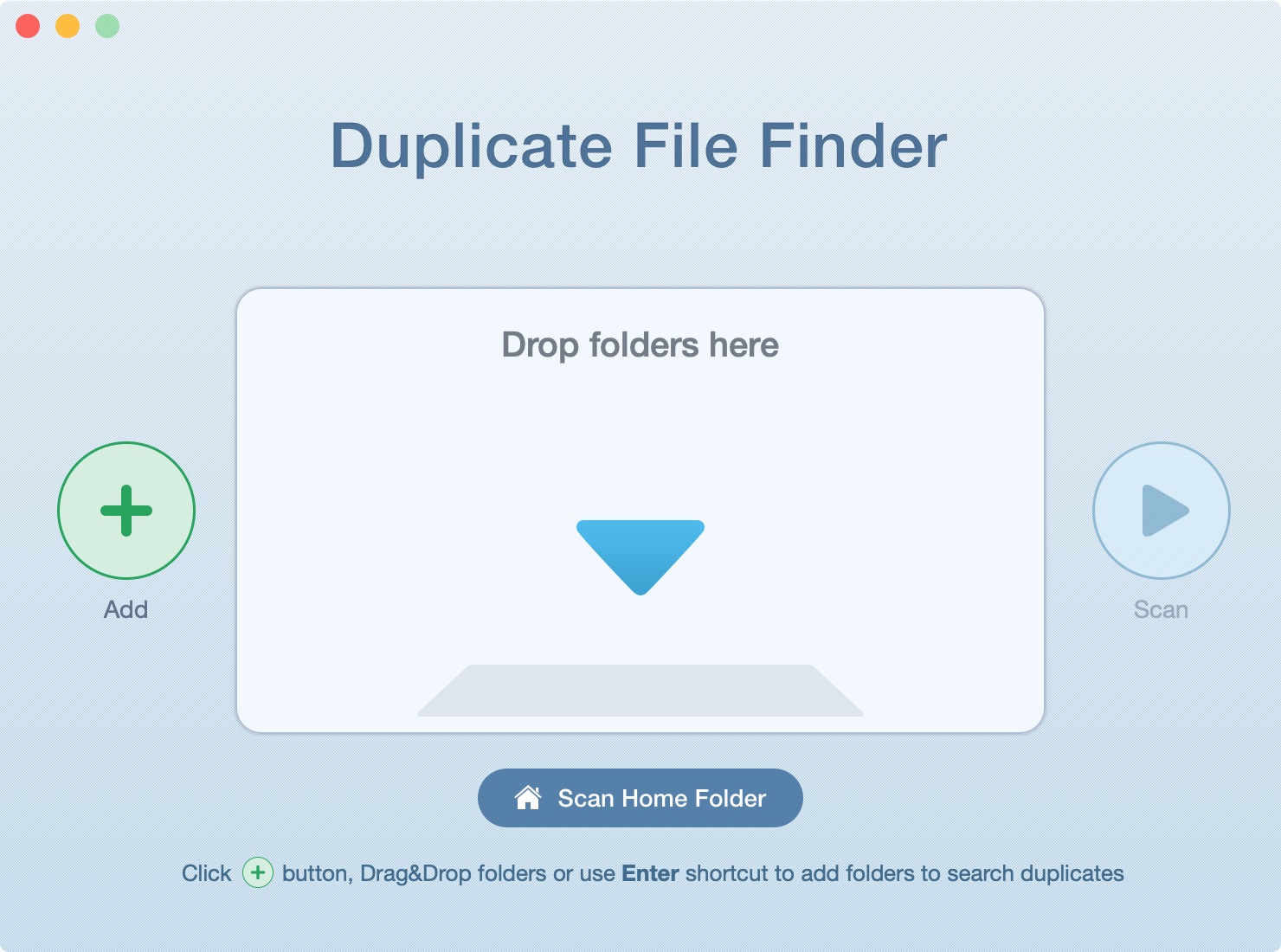
In this tutorial, we’ll show you how to scan your Mac’s drive to find and delete all duplicate files. This will help free up space and reduce clutter.
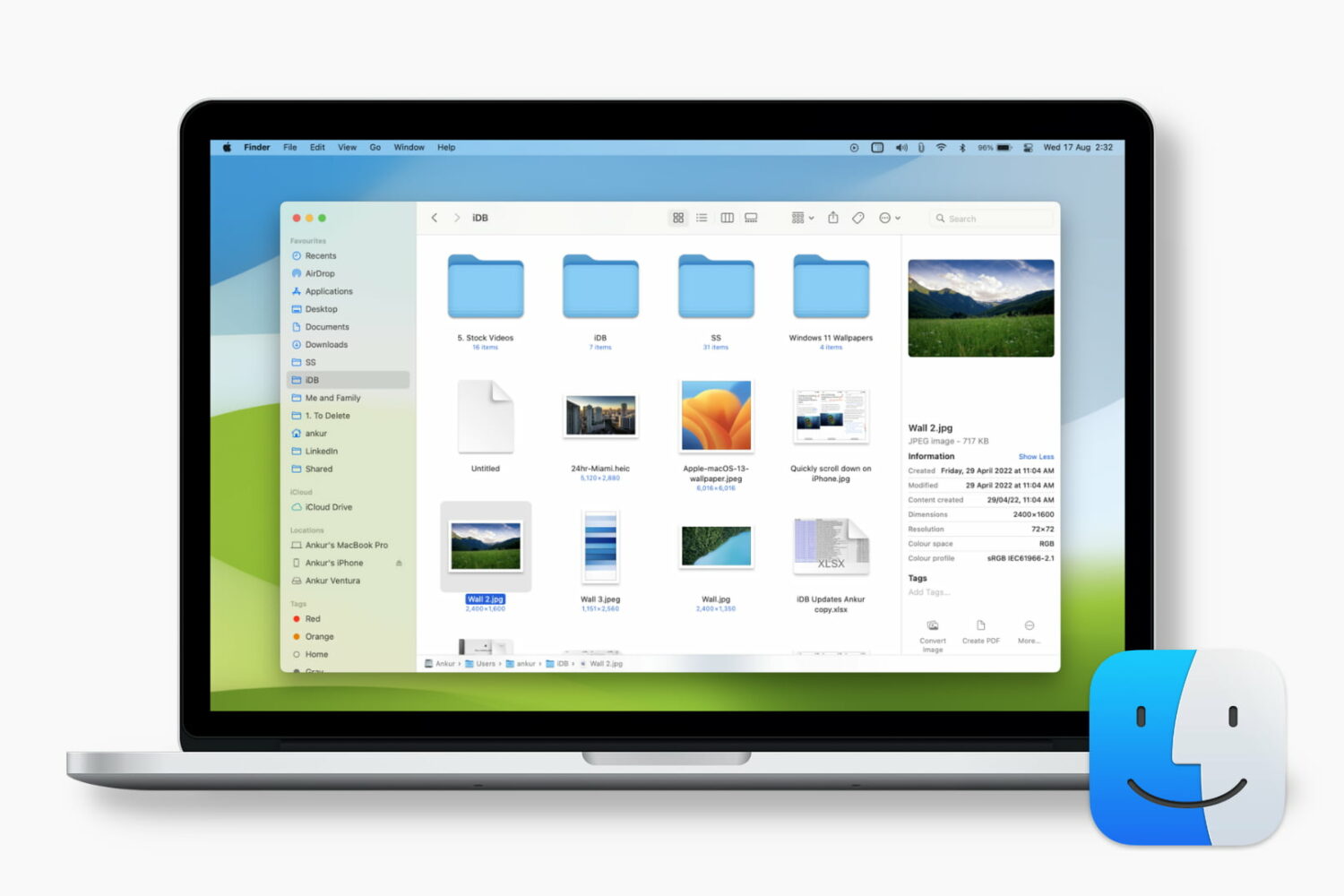
Learn how to customize the Finder preview pane by choosing specific glanceable details to show when browsing files on your Mac.
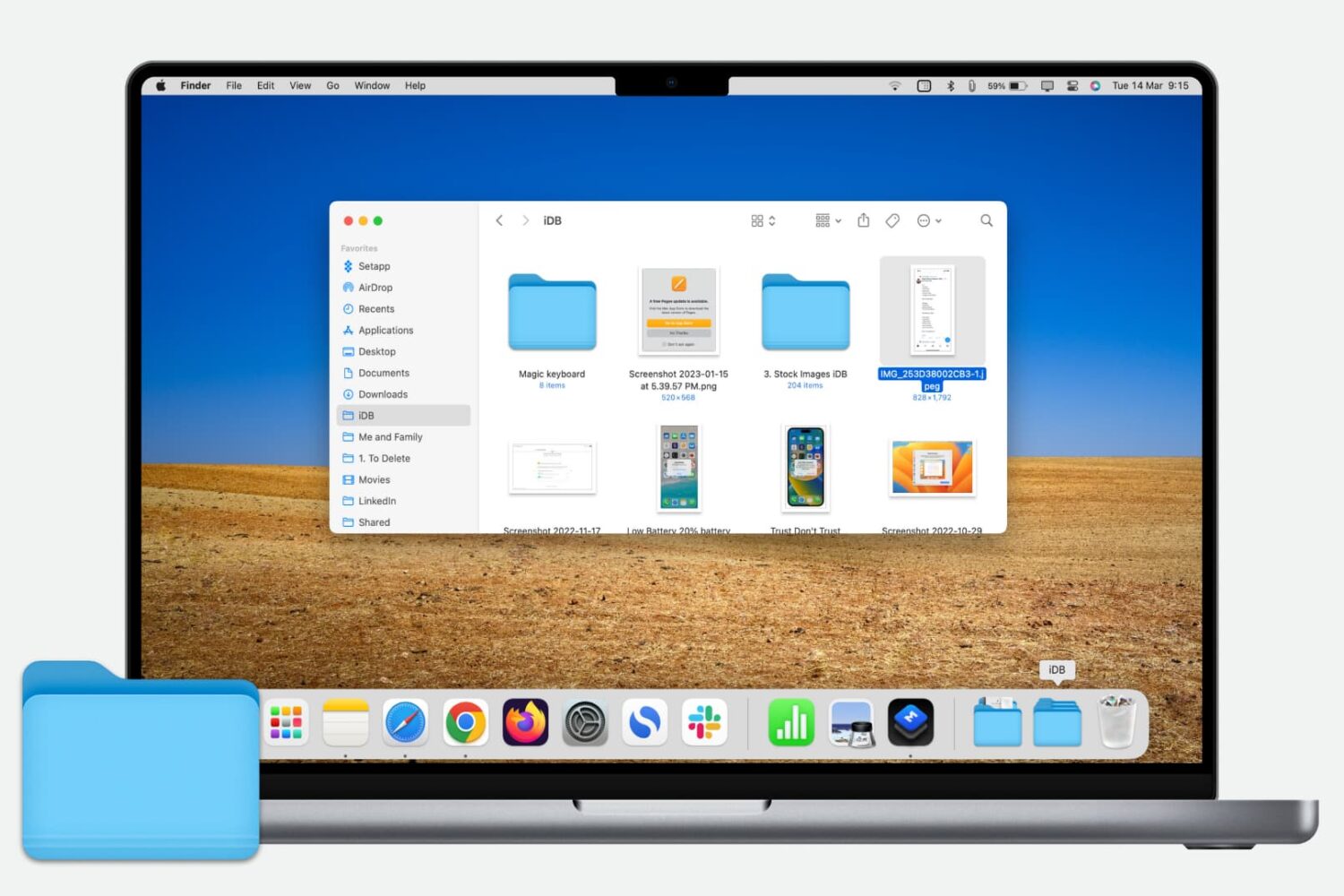
Learn how to quickly add a folder from your Finder’s Sidebar to the Dock on your Mac for even faster and easier access to those folder files.
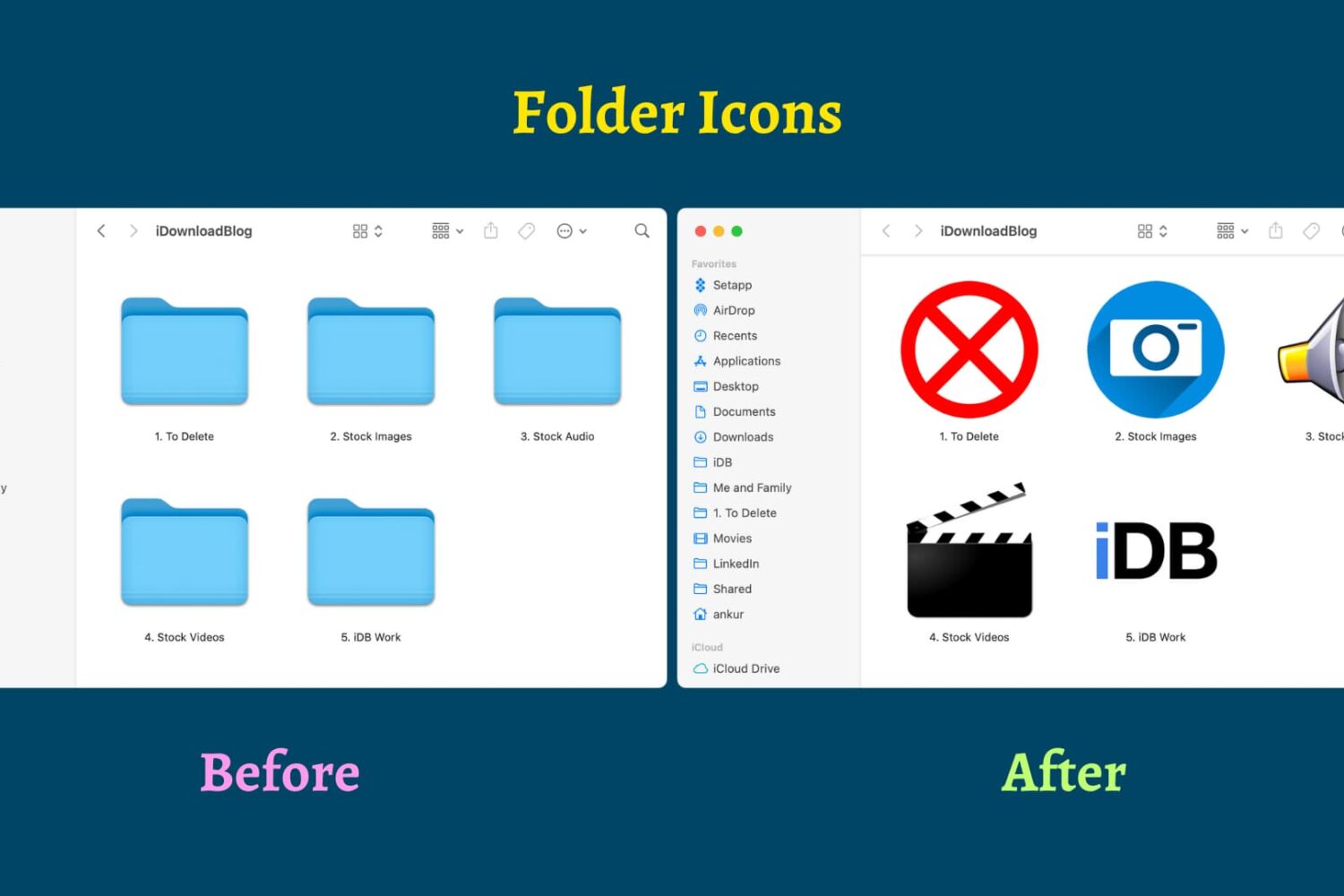
Find out how to replace the default folder icon with a custom photo or logo to personalize your Finder experience on Mac.