Camera

This tweak automatically toggles iOS’ Live Photos mode in the proper circumstances

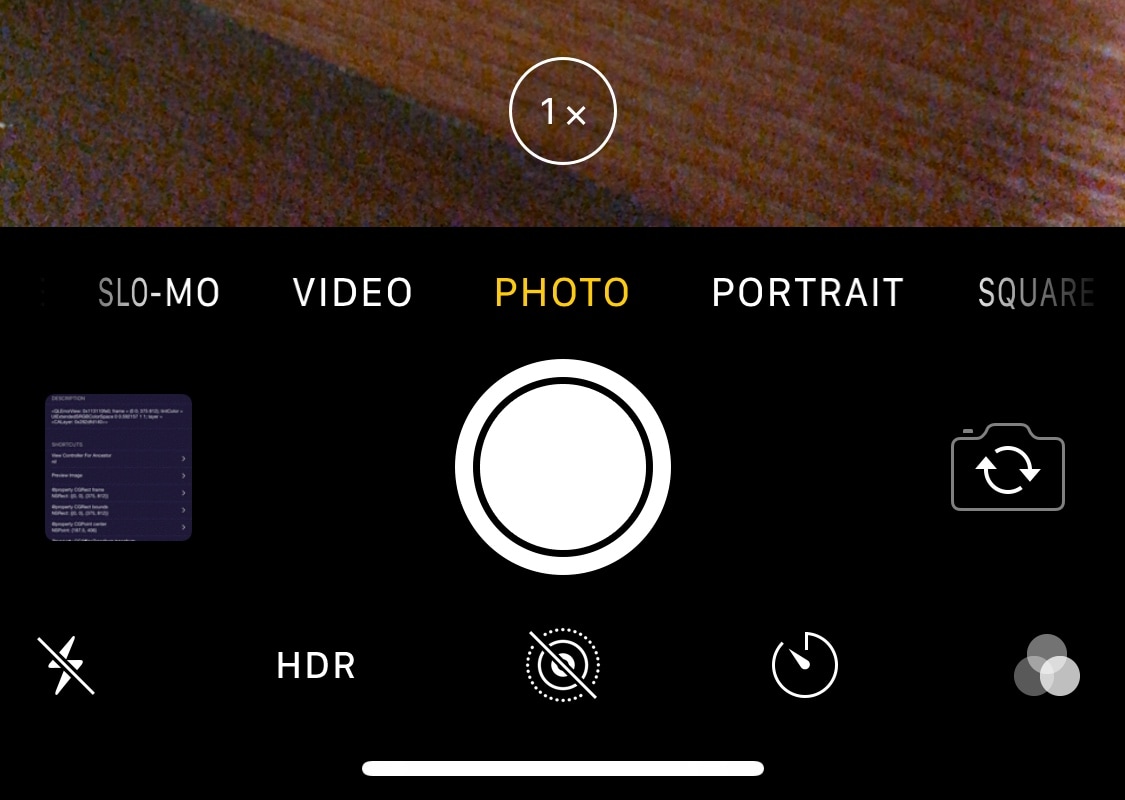
Love it or hate it, Live Photos is one of the unique features that comes bundled into iOS’ photo-taking experience. All devices come with Live Photos enabled by default, and users can opt to disable it any time afterward, but wouldn’t it be nice if iOS toggled it automatically depending on the circumstances?

If you’re in agreeance with the aforementioned notion, then you might take a liking to a newly-released and free jailbreak tweak called AutoLivePhotos by iOS developer Ben Giannis. This tweak attempts to toggle iOS’ Live Photos mode on or off automatically, depending on the photograph’s subject.

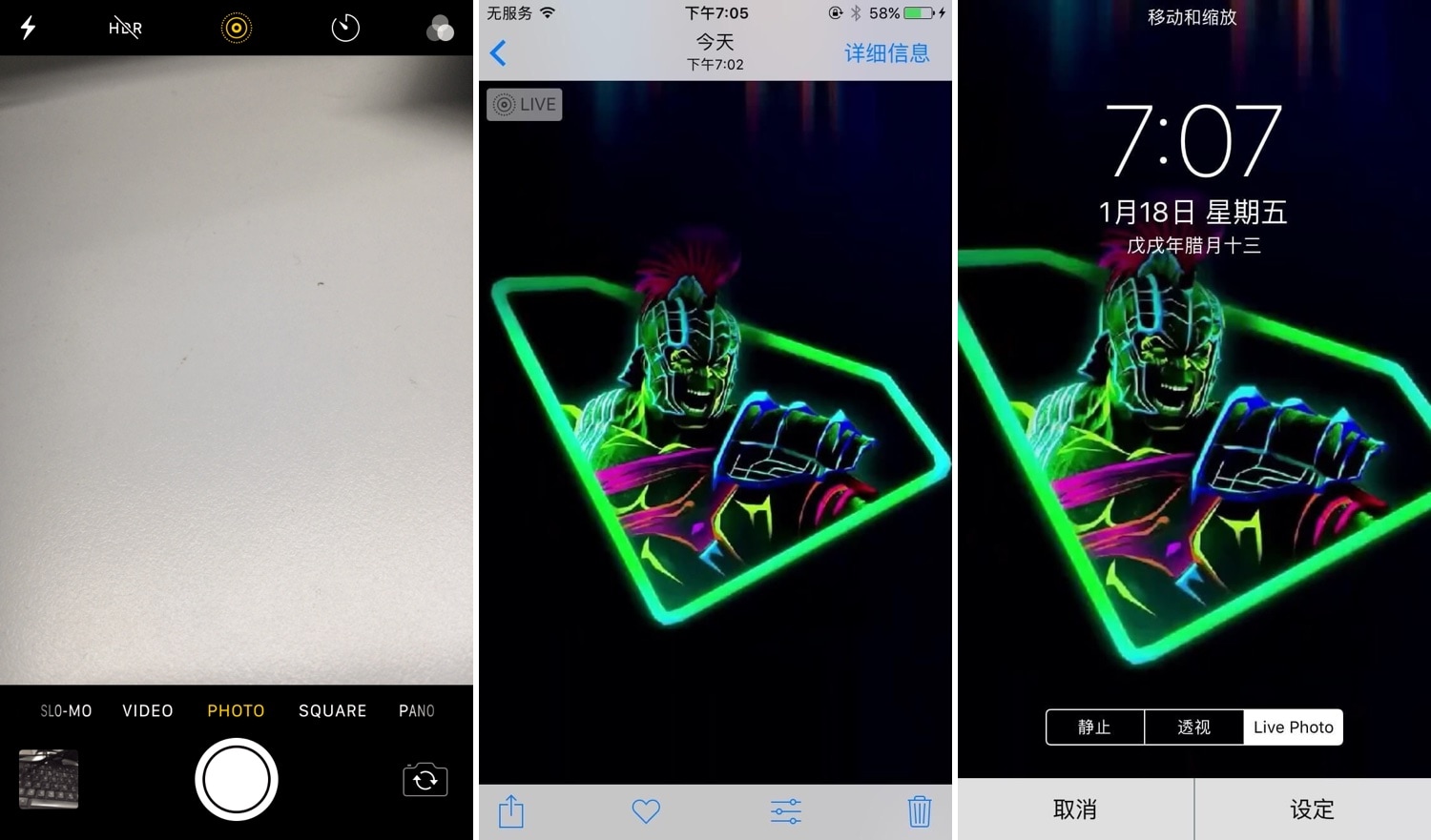
This tweak enables all Live Photos-centric features on unsupported handsets

Live Photos is one of iOS’ fun and quirky proprietary features that brings many of your photographs and wallpaper backgrounds to life. Unfortunately, Apple limits Live Photos functionality on many of its older handsets, such as the iPhone 6, 6 Plus, and SE, to name a few.

If you use any of the aforementioned handsets and you’re bummed about having a gimped Live Photos experience, then you might want to turn your attention to a newly-released jailbreak tweak called LivePhotoForNon3DTouch by iOS developer anima.

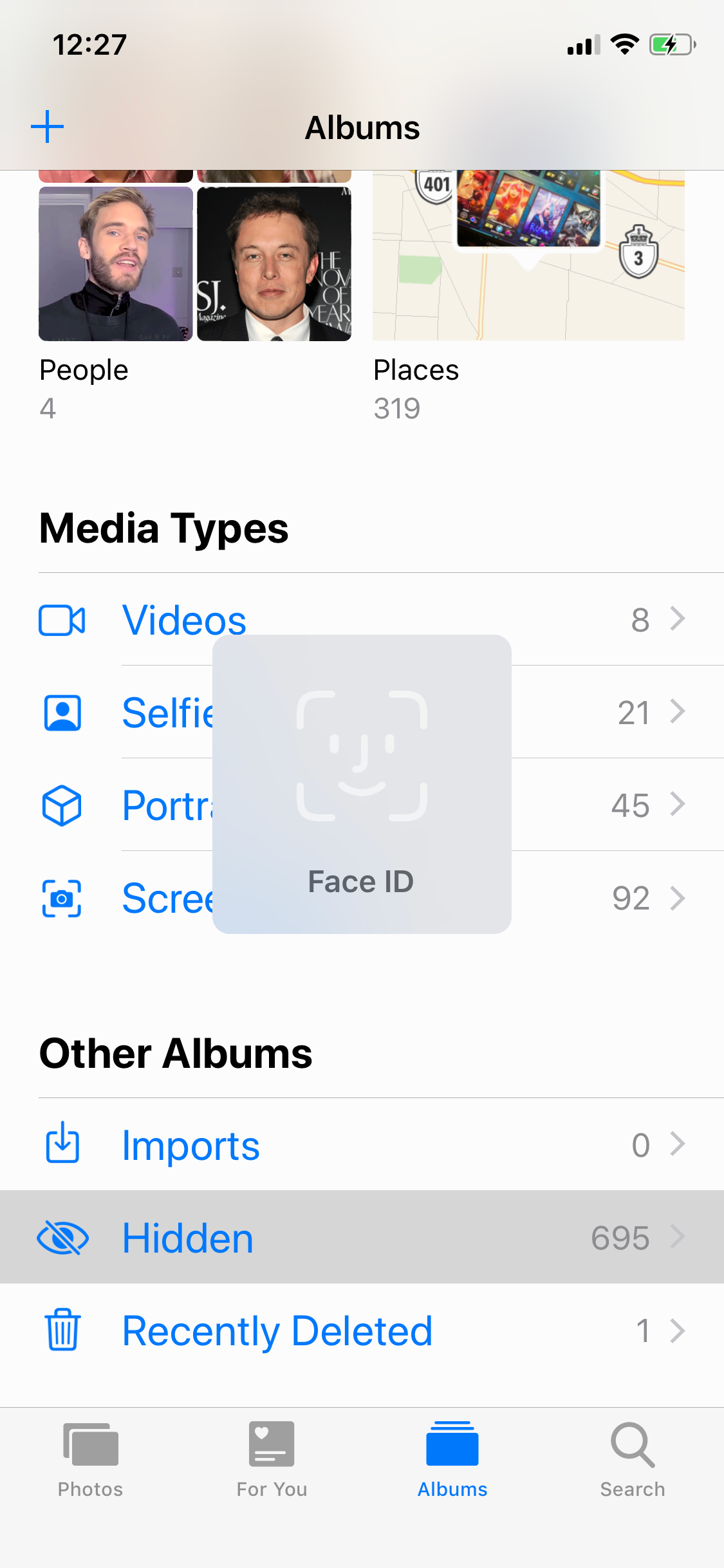
This tweak necessitates Face ID authentication to access the Photos app’s Hidden album

You can hide sensitive images from your Photos app’s Camera Roll by moving them to the app’s Hidden album, but it doesn’t take much for someone with access to your handset to find the Hidden album and start perusing through the images it contains.

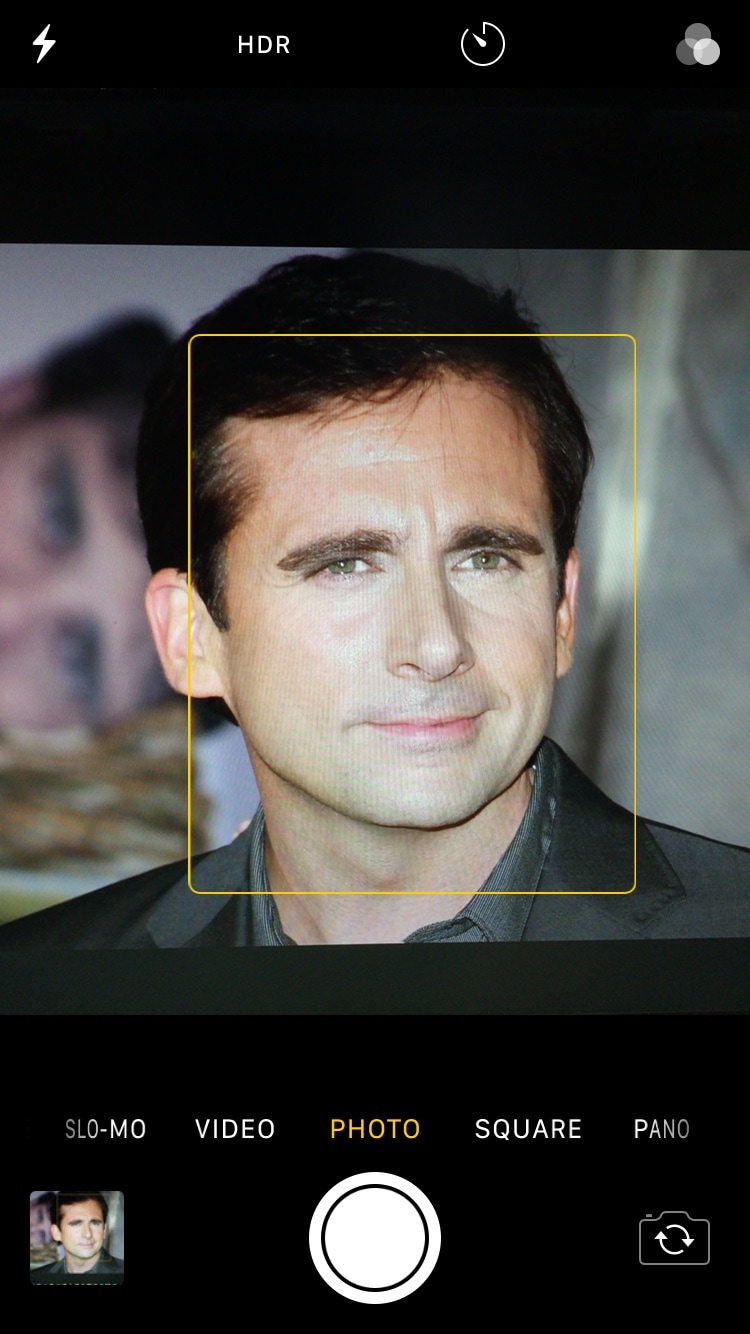
With this caveat in mind, iOS developer Menuska has released a new free jailbreak tweak called FaceID for Hidden Photos that adds a biometric authentication requirement to the Photos app’s Hidden album. With it, you’ll need to pass a Face ID authentication test to access the Hidden album’s contents, as shown in the screenshot example below:

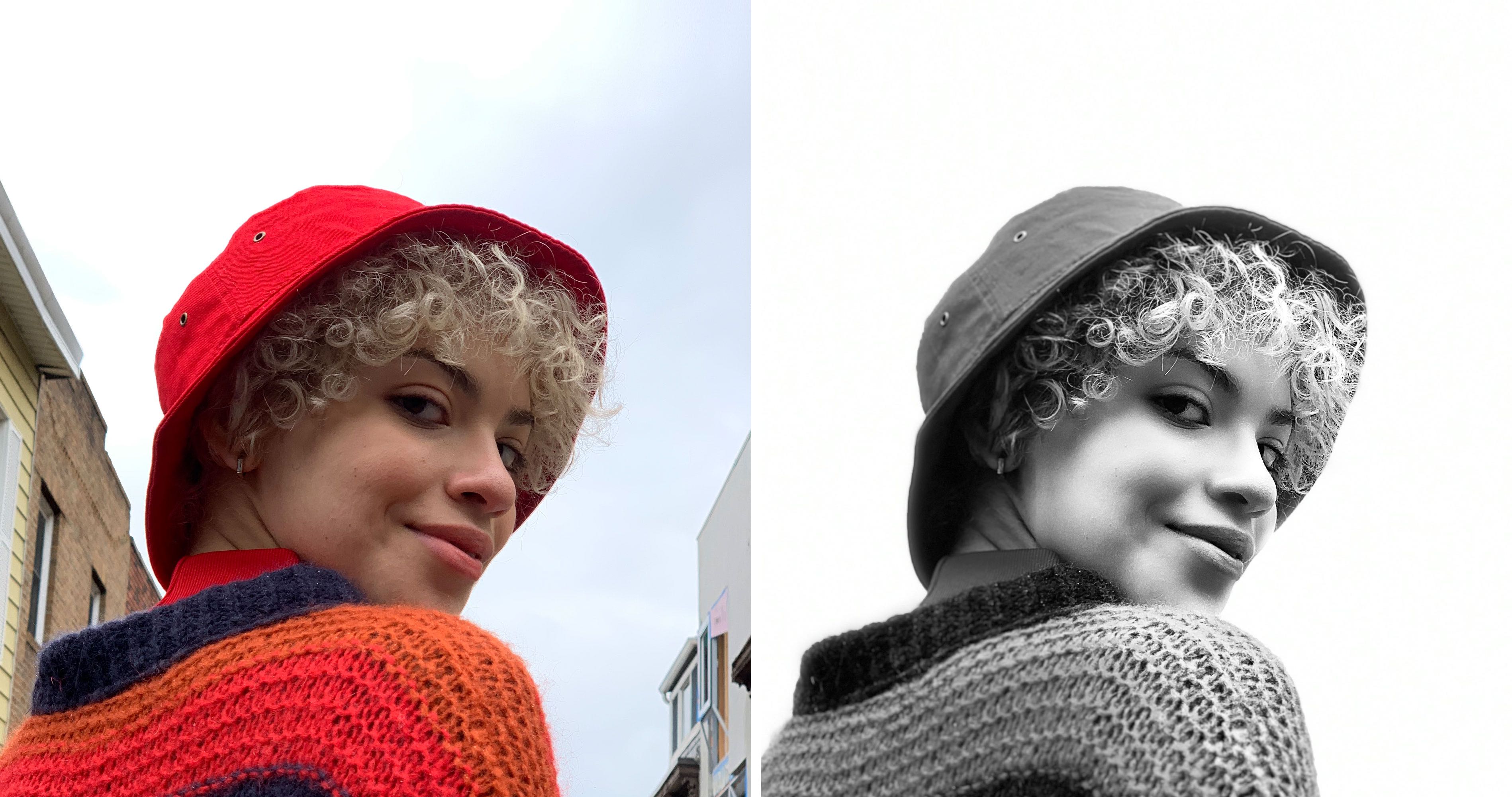
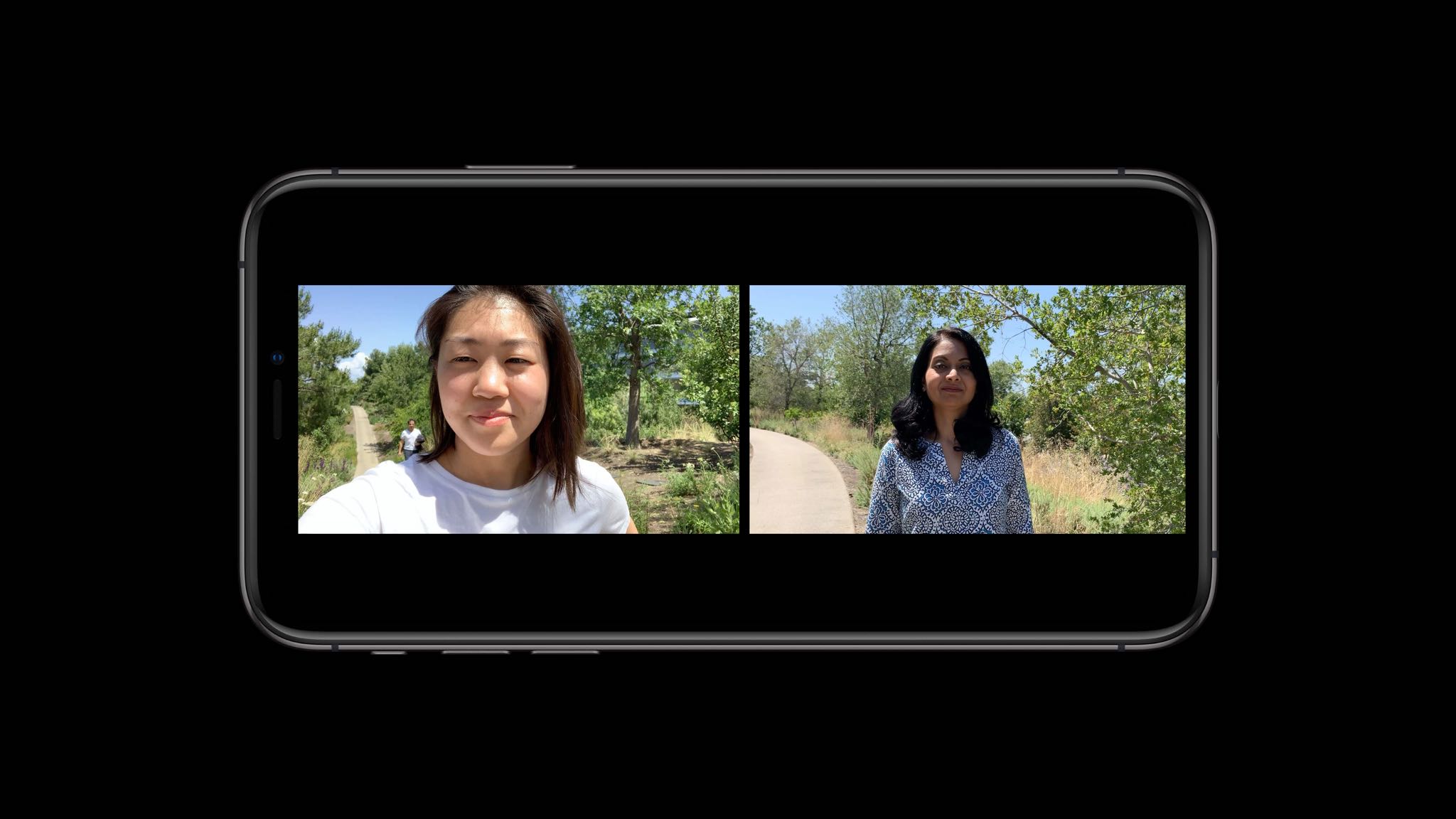
iOS 13 lets you adjust Portrait Lighting intensity and shoot classic monochromatic images

The Camera app in iOS 13 has received some love, too, although not as much as we've been hoping for. There are two main new user-facing enhancements. First, a new monochromatic image effect is available in-camera during capture, creating a classic look by setting a monochromatic subject agains an all-white background. The other new feature allows you to adjust the intensity of any Portrait Lighting shooting mode, while taking an image.

Make certain Camera controls easier to reach with CamControls X

Notched iPhones, including the iPhone X, XR, XS, and XS Max, sport incredibly tall displays when compared with traditional non-notched handsets. Perhaps unsurprisingly, this can make accessing some of the handset’s features slightly uncomfortable when they appear near the top of the screen.

Apple provides a feature called Reachability to help with this problem, but many people leave it disabled because it’s easy to invoke by accident. With that in mind, if you’d like to make using the Camera app easier on notched handsets, then you just might come to appreciate a new free jailbreak tweak called CamControls X by iOS developer FoxfortMobile.

Concept: a notch-less iPhone with a hole punch display and a minimal camera bump

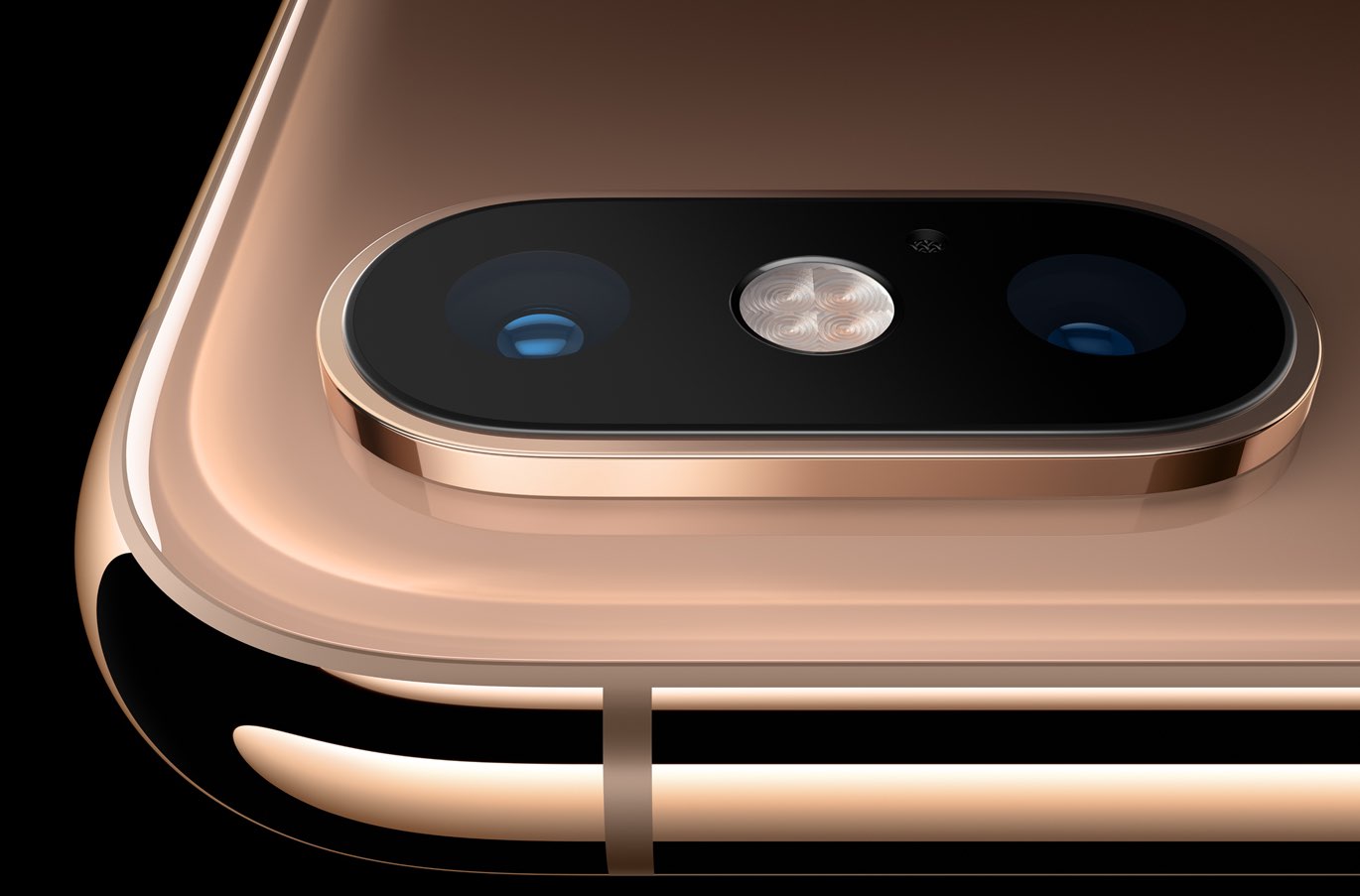
Apple is expected to release the iPhone XS, iPhone XS Max and iPhone XR successors in the fall and much of the debate has thus far focused on that massive rectangular-shaped camera bump that we saw on CAD renderings. One designer has put together some cool mockups imagining the next iPhone with a minimal camera bump and a notch-less appearance thanks to a hole-punch display like we saw on the Galaxy S10 range.