Apple Watch

Stay up-to-date on the latest Apple Watch news, and learn how to get the most out of your device with our comprehensive tutorials. From updates to features to troubleshooting tips, we’ve got you covered.

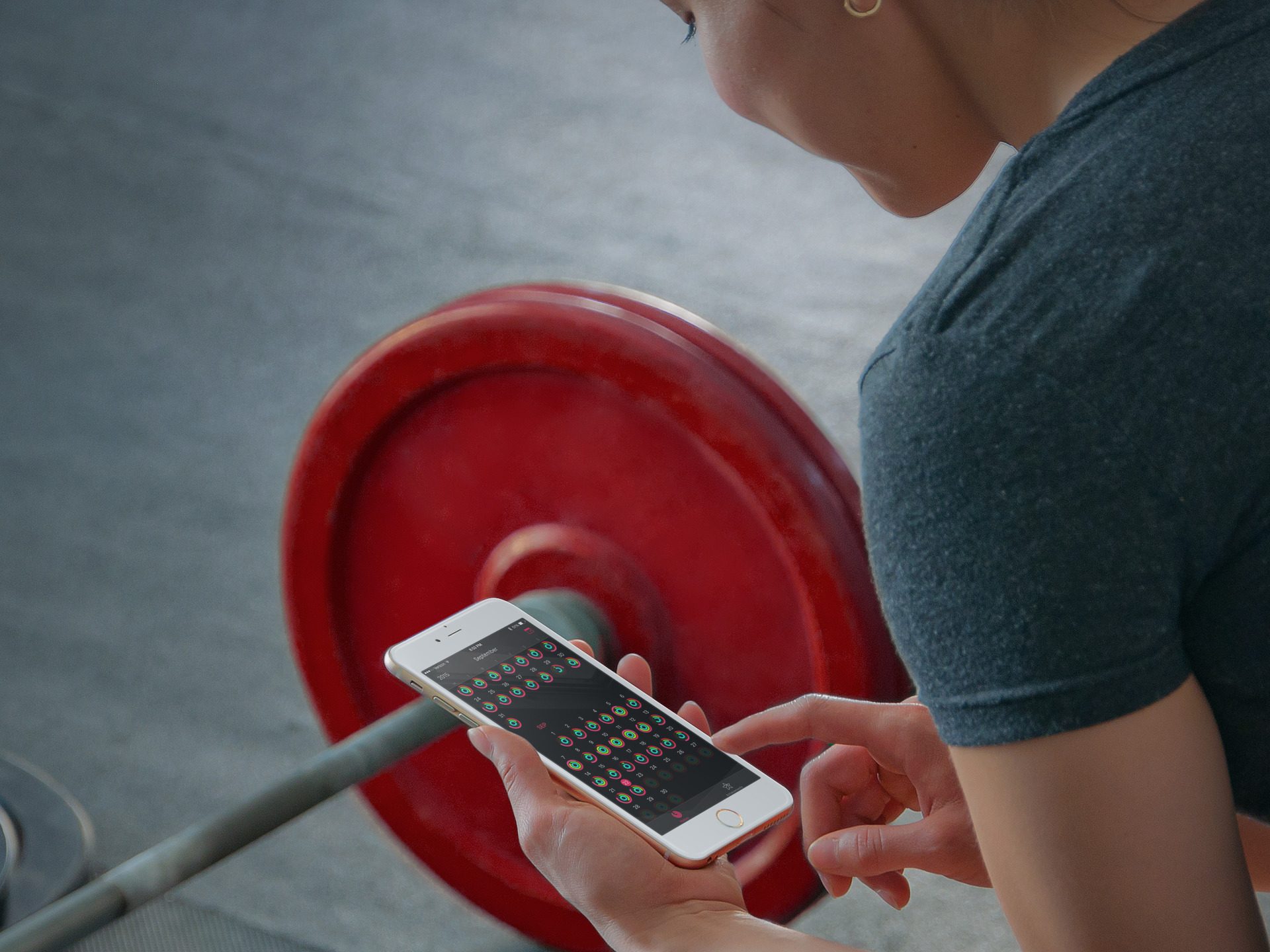
How to only transfer Activity and Health app data to a new iPhone

Transitioning to a new iPhone is made simple by iCloud backups, iTunes, and a few clicks or taps. Apple ensures it is easy to move from a fully loaded and setup device to a completely fresh iPhone with the same information, using their backup options. Most laypeople, almost always choose to restore new iPhones from their backups; however, more technically inclined concerned people tend to start with a fresh iPhone and do not restore from backup to prevent carrying over any unwanted information.

Earlier this week Christian highlighted two methods for upgrading to a new device and retaining your Activity and Health data. Method #1: use a third-party app to import your Health data, but it lacks Activity logs. Method #2: backing up your old device to iCloud or iTunes and restoring from backup, as I've described above.

But, what if you want both your Activity and Health data, but a fresh setup too? Step inside to learn how to install both, yet only, your previous device's Activity and Health data on your new iPhone. 

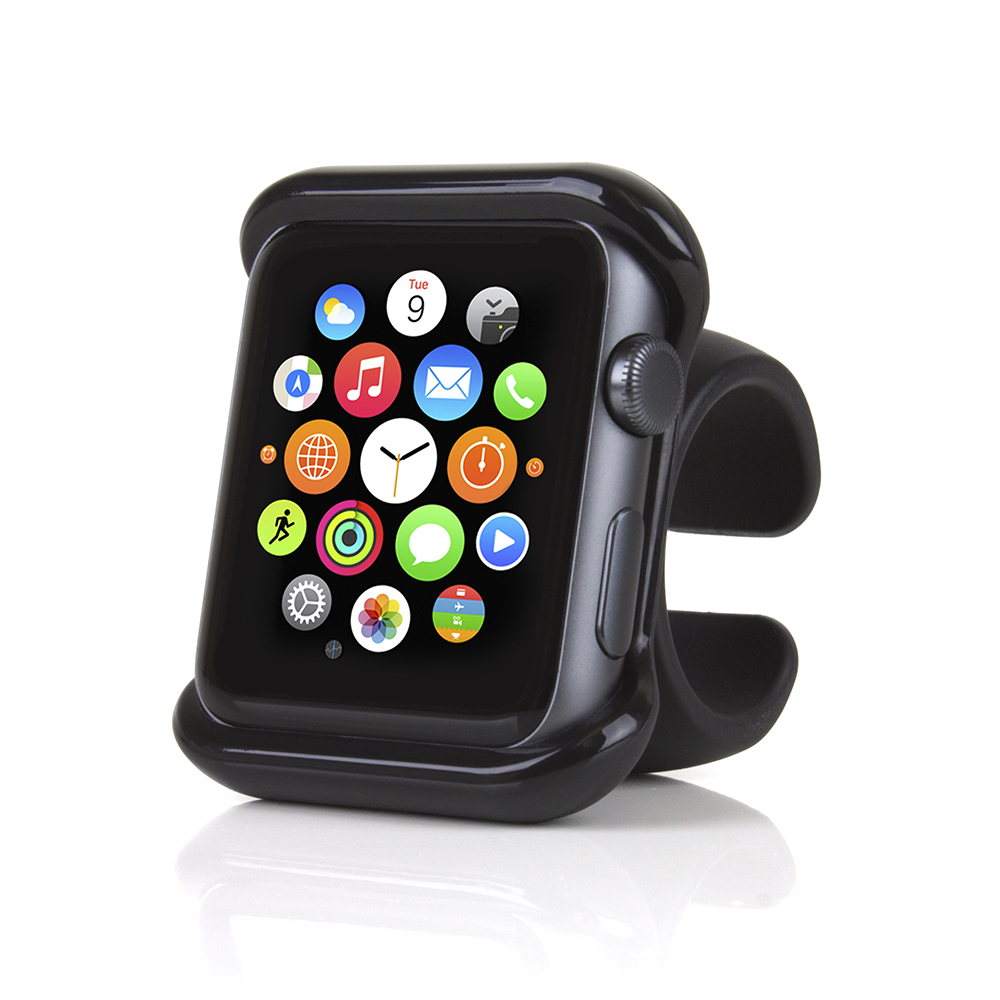
The Satechi Apple Watch Mount makes a great steering wheel companion

The Apple Watch offers great convenience as it gives you access to messages, phone calls, music controls, maps, and more, directly from your wrist, making your life that much easier in everything you do. If raising your wrist to look at your Apple Watch is a simple gesture, sometimes it can be a dangerous or distracting one, such as when you're driving or riding a motorcycle for instance. Enters the Satechi Apple Watch Mount.

New PCalc update takes advantage of the Taptic engine in Apple Watch

Well-regarded calculator app PCalc received an update today, which allows it to tap into the Apple Watch Taptic engine for subtle feedback on button presses. In watchOS 2, Apple opened up the hardware to developers, allowing them to take advantage of the Digital Crown, accelerometer, heath sensors, microphone, speaker, and Taptic engine.

Slowly but surely, more apps are beginning to trickle into the App Store that take advantage of these enhancements, and PCalc, already a wonderful app in its own regard, does an awesome job of using the Taptic engine to provide distinct feedback that feels different from anything else.

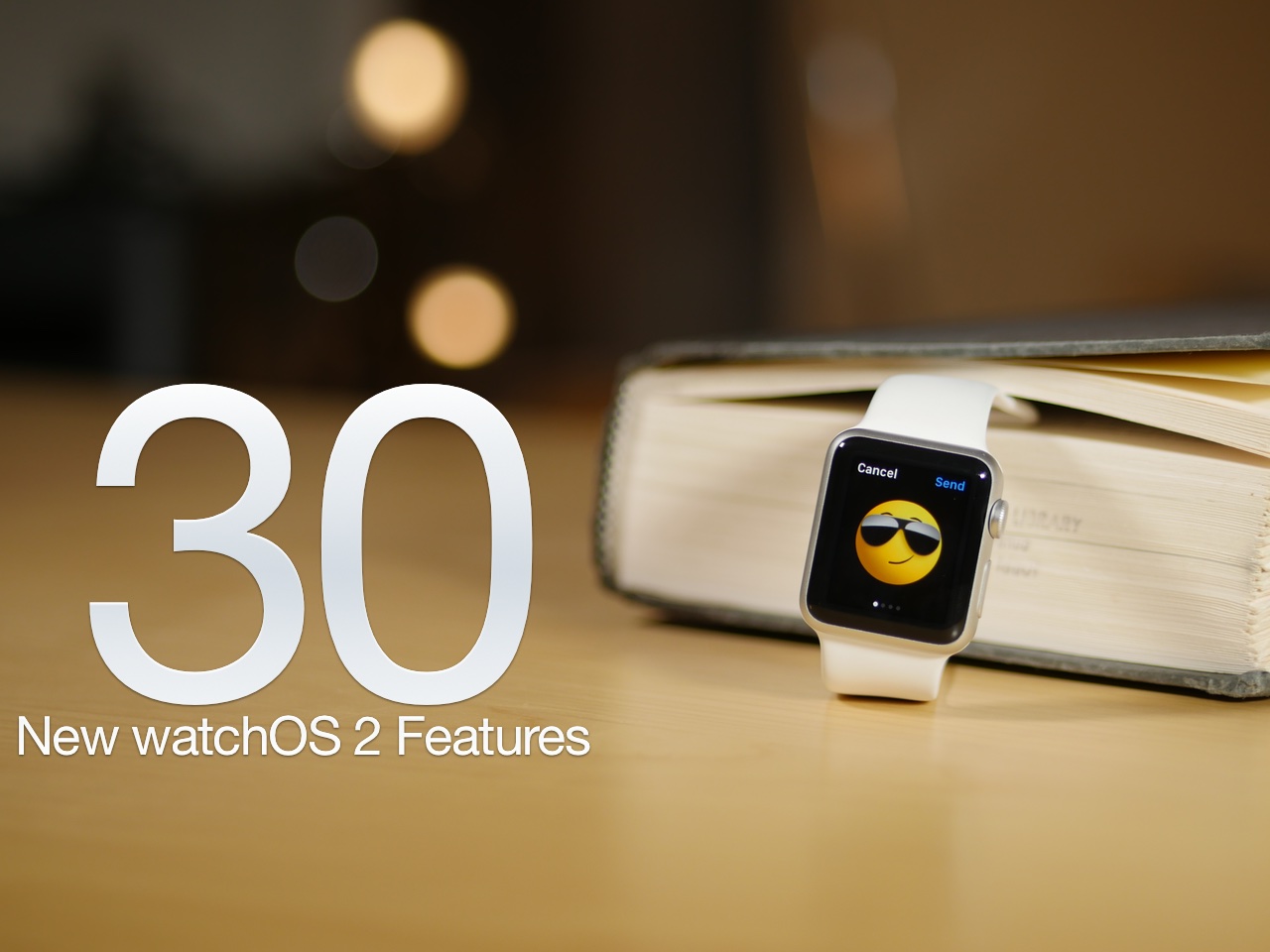
The 30 best watchOS 2 features [Video]

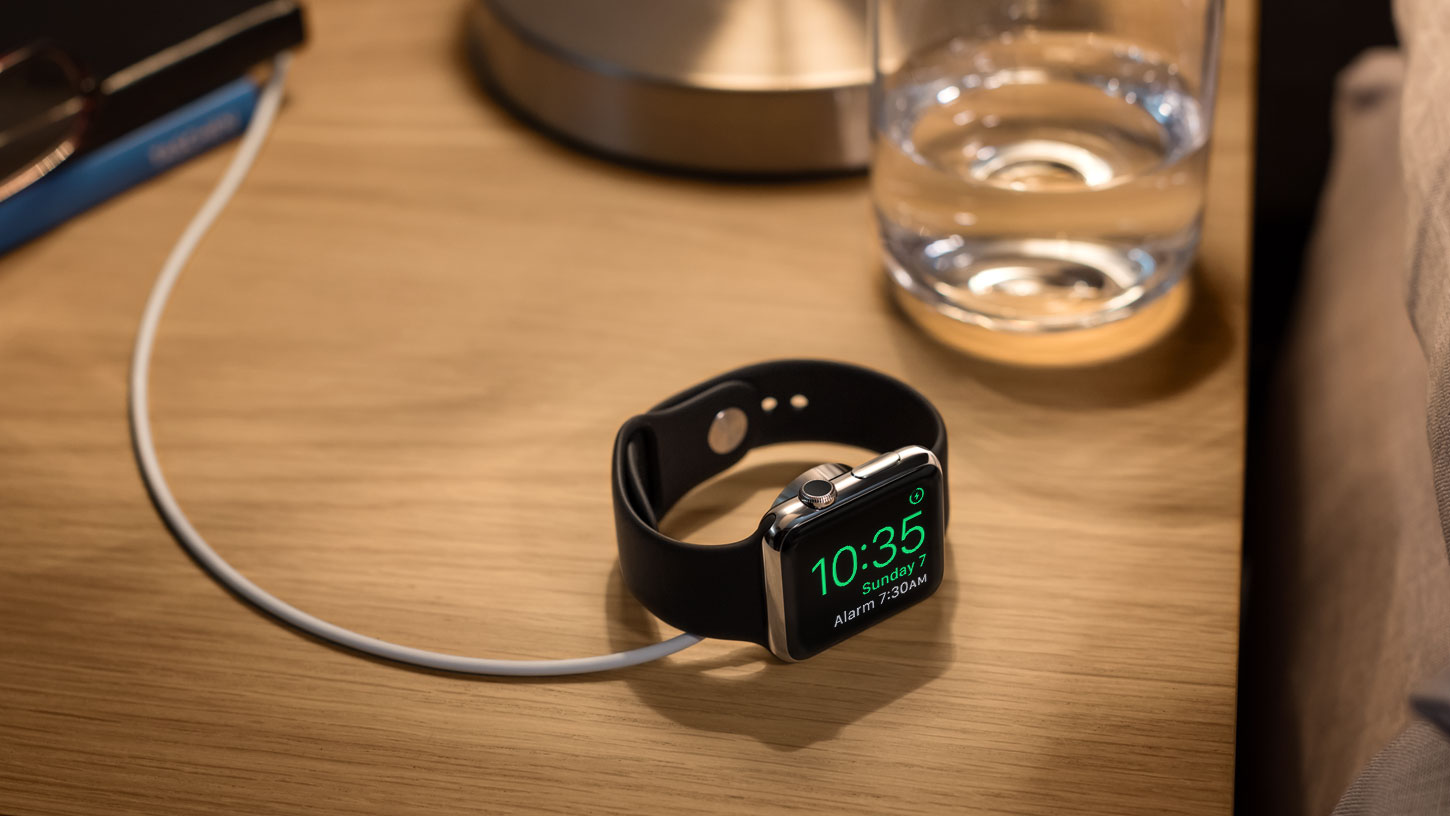
After a unscheduled delay, watchOS 2 was released on Monday for the Apple Watch. As we've noted in the past, watchOS 2 is a significant upgrade over the first version. It brings with it several big name features, including third-party complications, native apps, Nightstand mode, and a handful of all new watch faces.

No, watchOS 2 isn't as big as last week's release of iOS 9 in terms of features, but if you're an Apple Watch owner, it's something that you'll definitely want to update to without delay. Have a look at our video walkthrough to see many of the new features in action

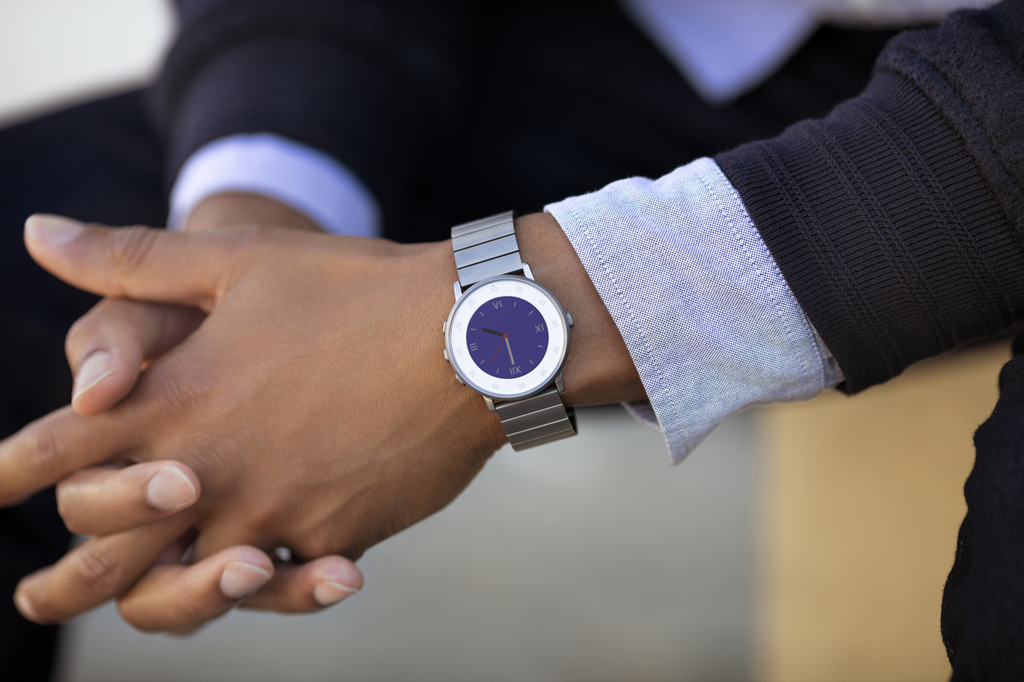
Pebble debuts ultra-thin Round smartwatch

Pebble on Wednesday announced a new addition to its smartwatch lineup called the Pebble Time Round. As the name suggests, the device sports a round face, and the company is billing it as "the world's lightest and thinnest smartwatch."

At 7.5mm thin, with a weight of just 28 grams, this may very well be true, but the size reduction comes at a steep cost: battery life. While Pebble watches are typically known for near-week-long battery life, the Round only lasts about 2 days.

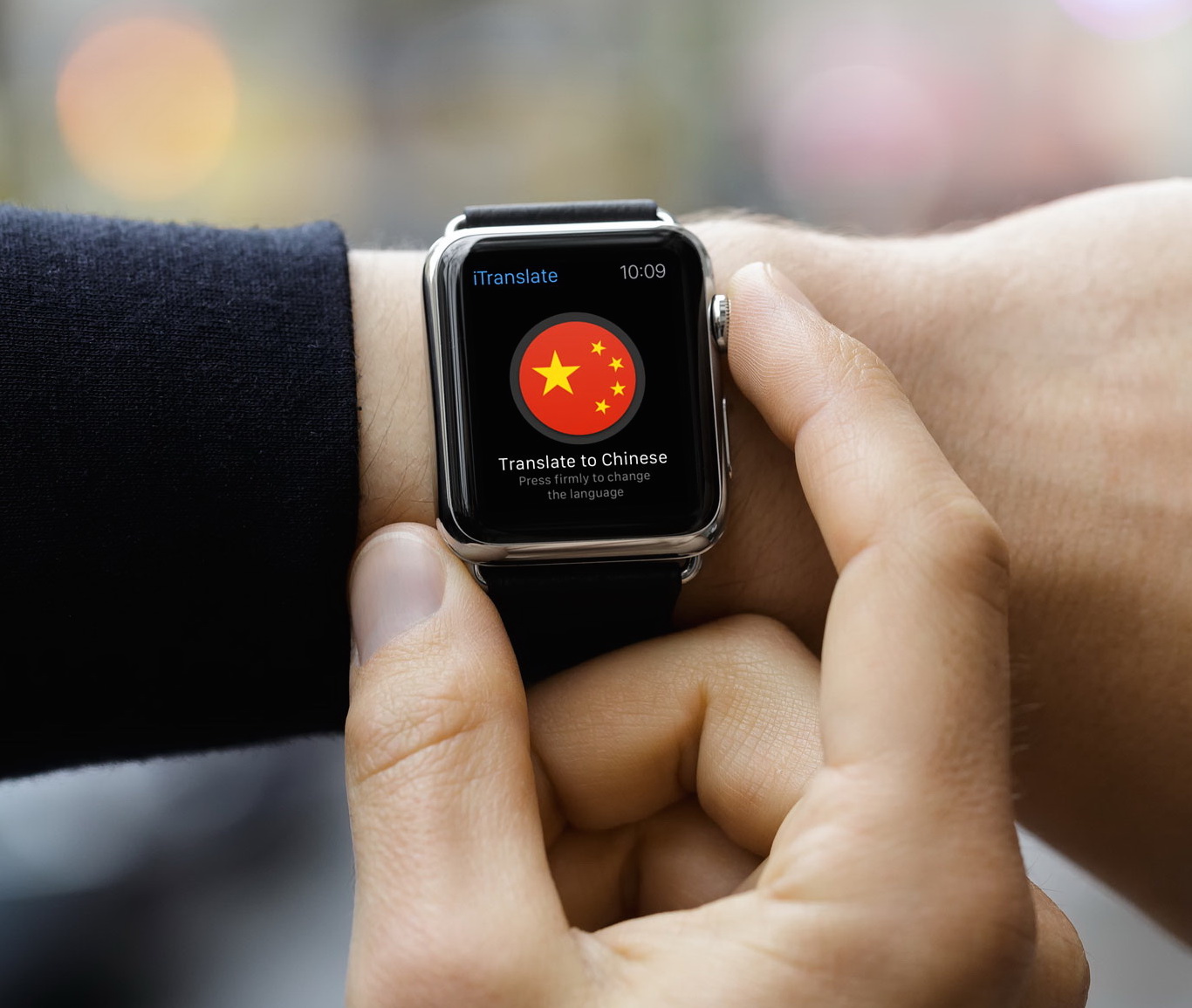
Review: iTranslate 9.0 is the closest thing yet to the killer Apple Watch app

Now that the watchOS 2 software update has released to the general public, a healthy debate is developing amongst my techie friends about the benefits that native apps are supposed to enable.

The long story short, native apps run directly on the device and talk to its underlying hardware and sensors so most tasks should feel faster and smoother than before.

For instance, apps can now play sounds through the Apple Watch's speakerphone and take voice input from its built-in mic. To test how this works in the real world, I've spent a few hours with iTranslate by Sonico Mobile GmbH, arguably the best translator app you can put on your wrist to overcome language barriers, Star Trek-style.

Hands on with Night Sky’s ISS Complication for Apple Watch

Complications in the watch making industry are added features to the movement of a watch beyond simply telling the hour and minutes. The Apple Watch, of course, features a selection of software-based Complications allowing you to put stuff like Activity rings, the weather, stocks, the latest sports scores and more right on your watch face.

With watchOS 2, Apple began permitting third-party complications on watch faces. To tell learn more about how third-party Complications work in watchOS 2, I took iCandi Apps' awesome stargazing app called Night Sky for a spin.

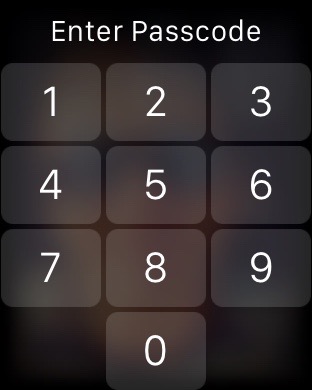
New in watchOS 2: a bigger, square keypad

Apple yesterday unleashed the free watchOS 2 software update for the Apple Watch and with it came tons of improvements, most of which our writers will be explaining in detail here on iDownloadBlog in the coming days and weeks,

One of the little things that I think many Apple Watch wearers will greet with a resounding 'at last!'  is a redesigned keypad for entering your passcode. Here's what it looks like and why it's better than the old Apple Watch keypad from a user experience standpoint.

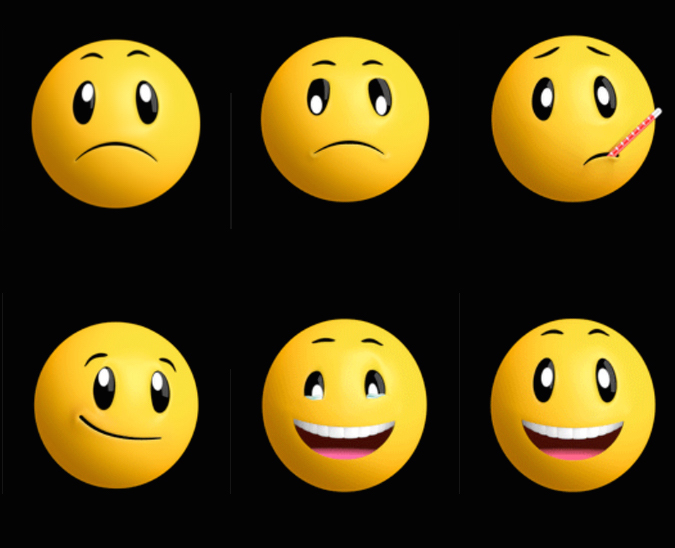
Check out new animated emoji in watchOS 2

WatchOS 2 expands availability of emoji on your Apple Watch with more than two-dozen newly added, fully animated hand symbols and smileys.

The new smileys and hands let you convey your feelings and express emotions more precisely than before. Some of the new emoji support changing colors between yellow and red by way of pressing firmly on the screen.

Here’s everything that’s new, improved and enhanced in watchOS 2

Following a slight delay in launching watchOS 2 due to a critical bug discovered at the last minute, Apple on Monday released the first major update to the operating system powering the Apple Watch.

In addition to executing your favorite apps directly on the device rather than on your iPhone, watchOS 2 lets native apps take advantage of hardware features such as built-in mic, the Digital Crown and the Taptic Engine.

For the full list of changes, check out Apple's official release notes further below detailing everything that’s new, improved and enhanced in watchOS 2.

How to update to watchOS 2

As of a few minutes ago, watchOS 2 is now available for download. If you own an Apple Watch, you can upgrade from watchOS 1 to watchOS 2 and enjoy many of the Apple Watch's new features. These features include native apps, third-party complications, and much, much more. In this post, we'll show you how to update your Apple Watch to the latest and greatest.

Apple releases watchOS 2

After a nearly week long delay, Apple has released watchOS 2 to the public. The update is a big one, and brings new features like custom complications, photo-based watch faces, and native apps to the Apple Watch. To update, simply head over to the Watch app on your paired iPhone running iOS 9, and check for new updates.