Apple could be on the hook for missing contractual purchasing obligations concerning OLED panels for iPhones due to lower-than-expected sales of the iPhone 12 mini.
STORY HIGHLIGHTS:
Apple couldn’t fulfill previously-contracted OLED orders.
This is blamed on sluggish iPhone 12 mini sales.
Another proof that folks want larger phones.
Apple could pay a penalty to Samsung
A report from The Korea Herald hints that Apple may be unable to fulfill its previously agreed-upon purchasing order volume for Samsung-built OLED panels. The report suggests that no middle ground could be found between Apple and its chief OLED supplier, suggesting the iPhone maker would need to compensate Samsung's display-making arm.
Samsung Display’s worldwide small OLED shipments in January dropped nine percent month-to-month to 45 million units, according to market researcher Omdia, which added that the decline is apparently prompted by sluggish sales of Apple’s iPhone 12 mini.
Recent reports claim Apple slashed its planned iPhone production targets for the first half of 2021 by twenty percent, with poor iPhone 12 mini responsible for the majority of the cuts.
Industry observers are now predicting that Apple may once again have to pay Samsung a hefty penalty for not meeting the minimum order quantity.
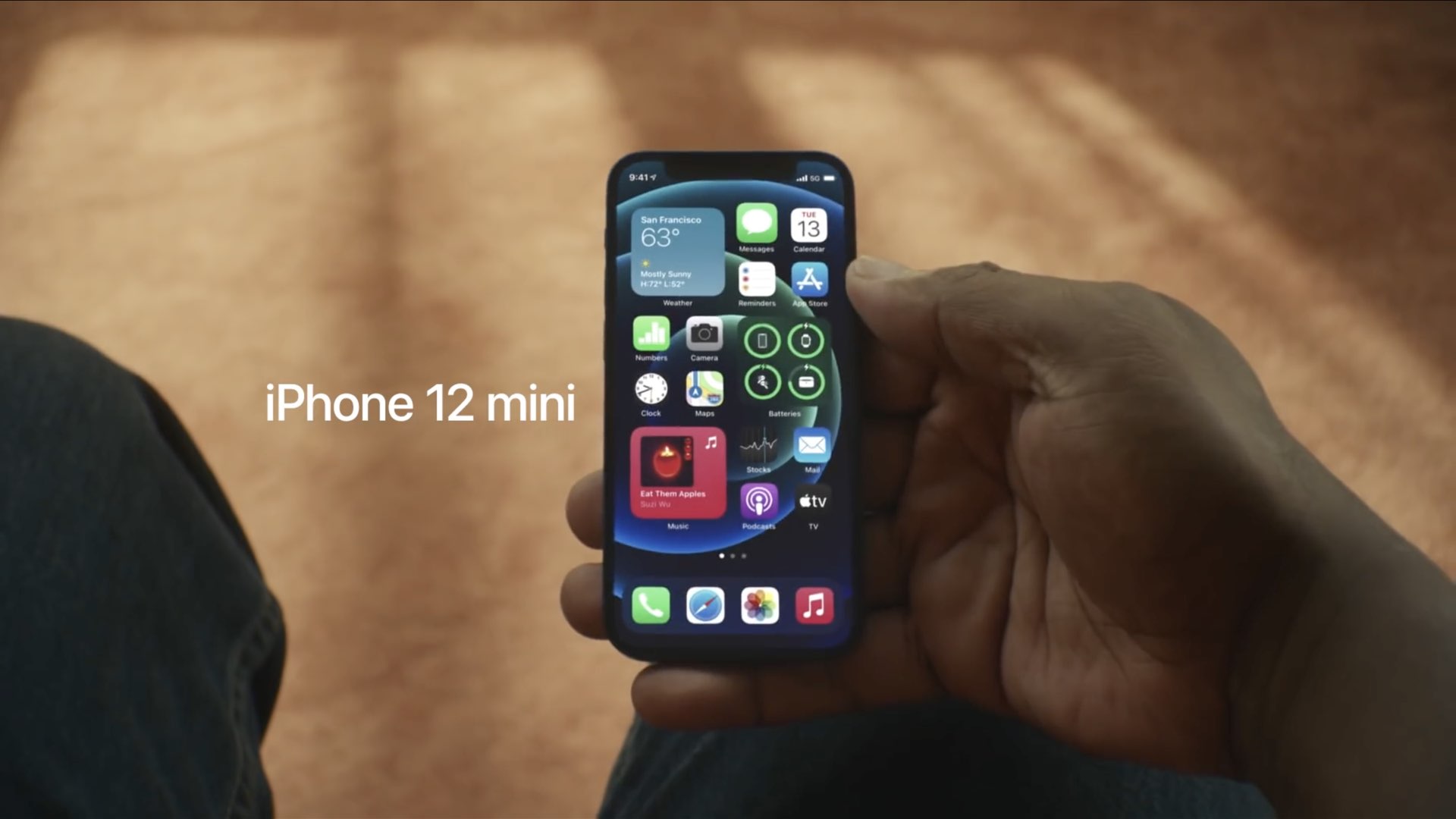
Samsung Display is the sole supplier of 5.4-inch OLED panels for the iPhone 12 mini.
Apple has ordered a certain number of 5.4-inch OLED panels for the iPhone 12 mini. It's no secret that the iPhone 12 mini hasn't met Apple's internal expectations in terms of sales, thereby prompting the company to order fewer OLED panels for the device from Samsung.
And as a result of that, Apple may now need to compensate its rival.
It wouldn't be the first time
This is hardly the first time the Cupertino tech giant has been punished financially for missing its previously-established component purchase targets.
Back in 2019, Samsung was paid a cool $638 million by Apple to compensate the Galaxy maker for lower-than-contracted orders for the iPhone's OLED panels. The following year, the Cupertino firm reportedly paid Samsung Display a whopping $950 million for failing to meet its OLED panel purchase targets. As Apple is a just-in-time operation, it's crucial that its leadership correctly estimates demand in order to avoid being punished by its suppliers like that.
https://www.youtube.com/watch?v=7L_vCxAFyOI
Subscribe to iDB on YouTube
OLED panels are notoriously difficult and expensive to produce in mass quantity. That's why OLED panel suppliers, of which Samsung Display is definitely the leader, define strict purchase order guarantees in their multi-year agreements with clients like Apple. It's no surprise that those agreements typically include clauses covering penalties for any unfulfilled orders.