iCloud Backup is a great convenience. But before you use this handy feature, be sure to learn about Apple's data retention policy in terms of keeping old backups.
Does Apple keep my old iPhone and iPad backups stored in iCloud forever?

iCloud Backup is a great convenience. But before you use this handy feature, be sure to learn about Apple's data retention policy in terms of keeping old backups.

Learn how to use the Scheduled Summary or Notification Summary features on your iPhone and iPad to eliminate distractions from apps that send you non-urgent notifications throughout the day.
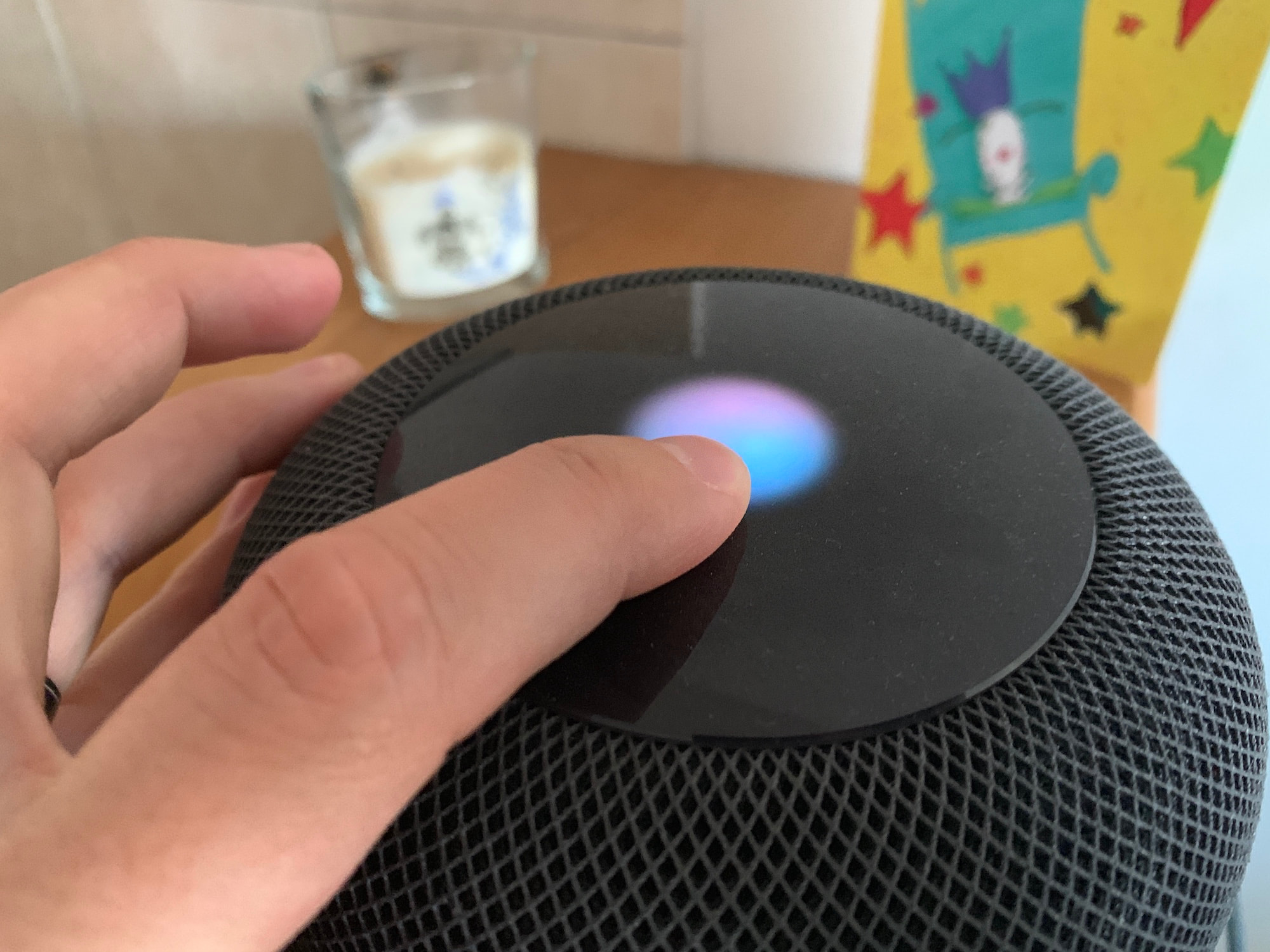
HomePod software version 14.6 is reportedly causing issues for some people like bricking the Siri-powered speaker. Apple's upcoming HomePod firmware version 15.0 is affected, too.
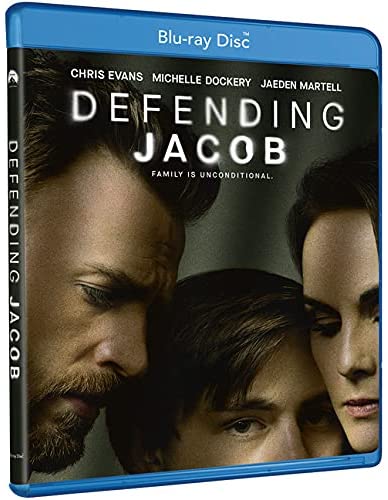
The Apple TV+ thriller series “Defending Jacob”, featuring “Captain America” star Chris Evans, is the first original title on the service to get its physical media release on Blu-ray and DVD.
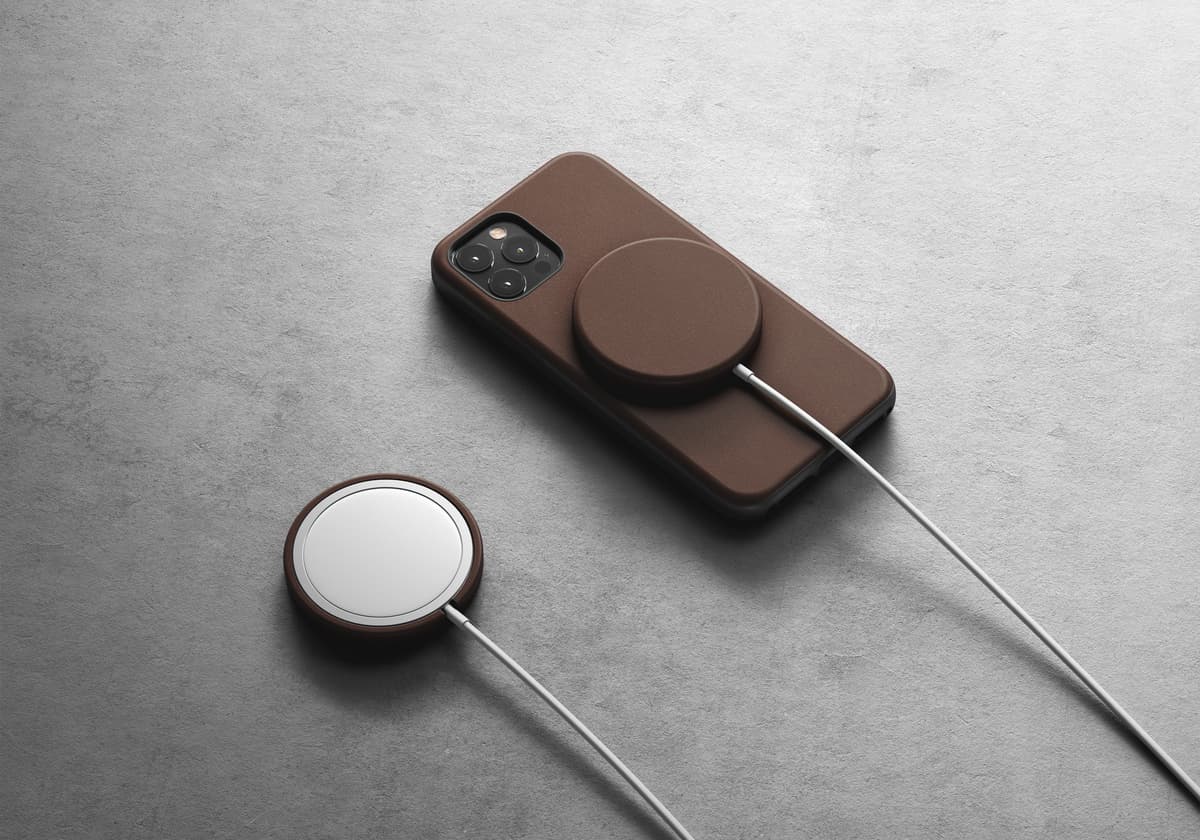
Do you have a MagSafe Charger that you don't like looking at because it's, well, boring? Have you thought about what it might be like to spruce up accessory with another accessory? Nomad is here to help you out with that.
There are a lot of apps out there. Whether you're browsing through Apple's App Store or Google Play, you can find an app for just about anything. In comparison, preinstalled apps aren't as numerous. But apparently they take up the lion's share of attention anyway.
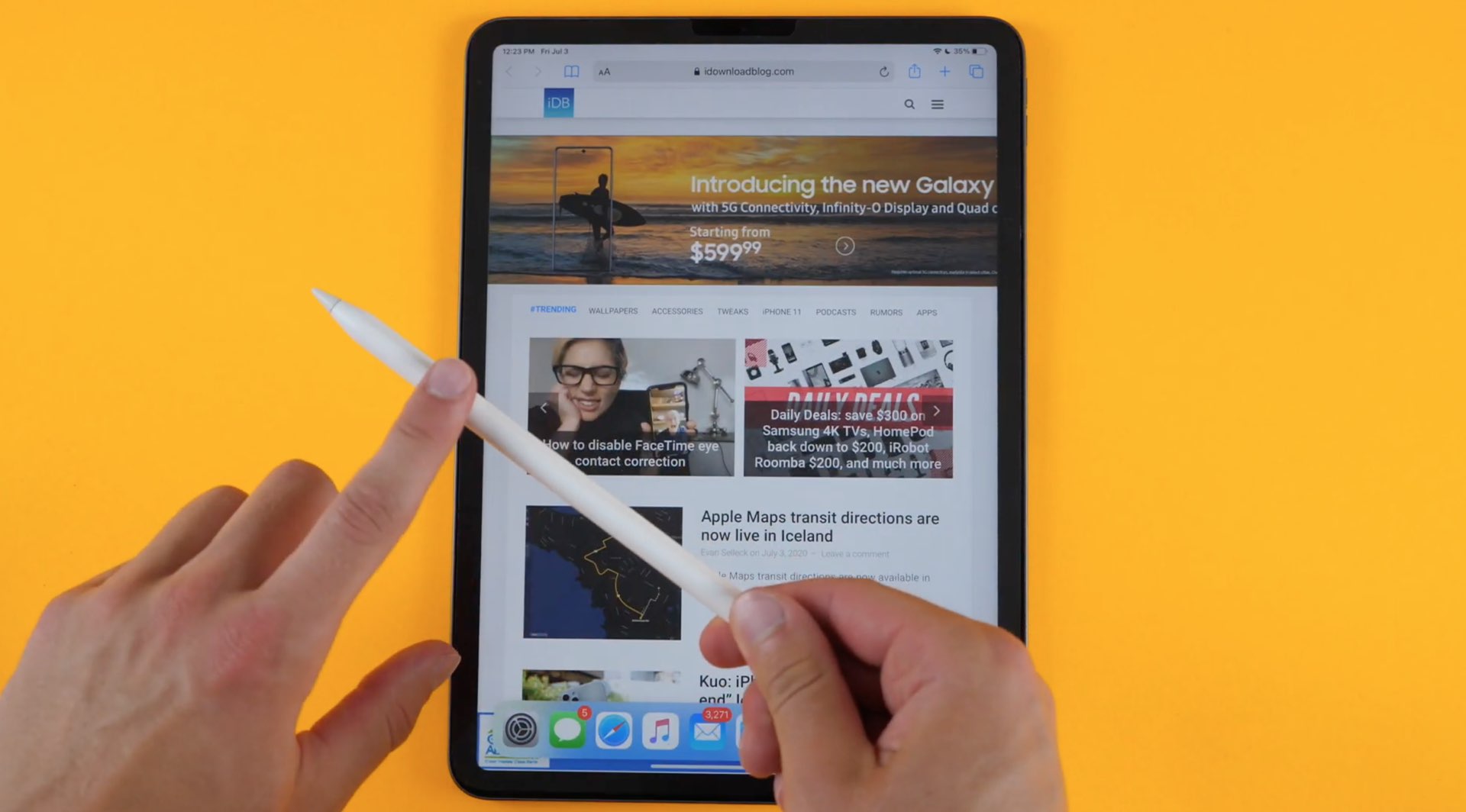
Apple Pencil features like turning your handwriting into typed text and interactive links with data detectors are now available more broadly with support for five new languages.
Jailbreakers are almost always looking for ways to gear up their pwned iPhones and iPads. Sadly, some of the best jailbreak tweaks tend to get lost in the proverbial memory hole with time, especially as newer releases drown them out. This can make tweak discovery a continuous challenge.
Fortunately, we’re here to help. Our mission to enhance visibility for the best jailbreak tweaks for certain elements of the iOS and iPadOS mobile operating systems hasn’t stopped. We’ve already taken deep dives into some of the best jailbreak tweaks for iOS 14’s Control Center, Home Screen, Keyboard, Messages app, Now Playing interface, and notification system. But this week, we’ll adjust our focus to iOS 14’s Lock Screen.
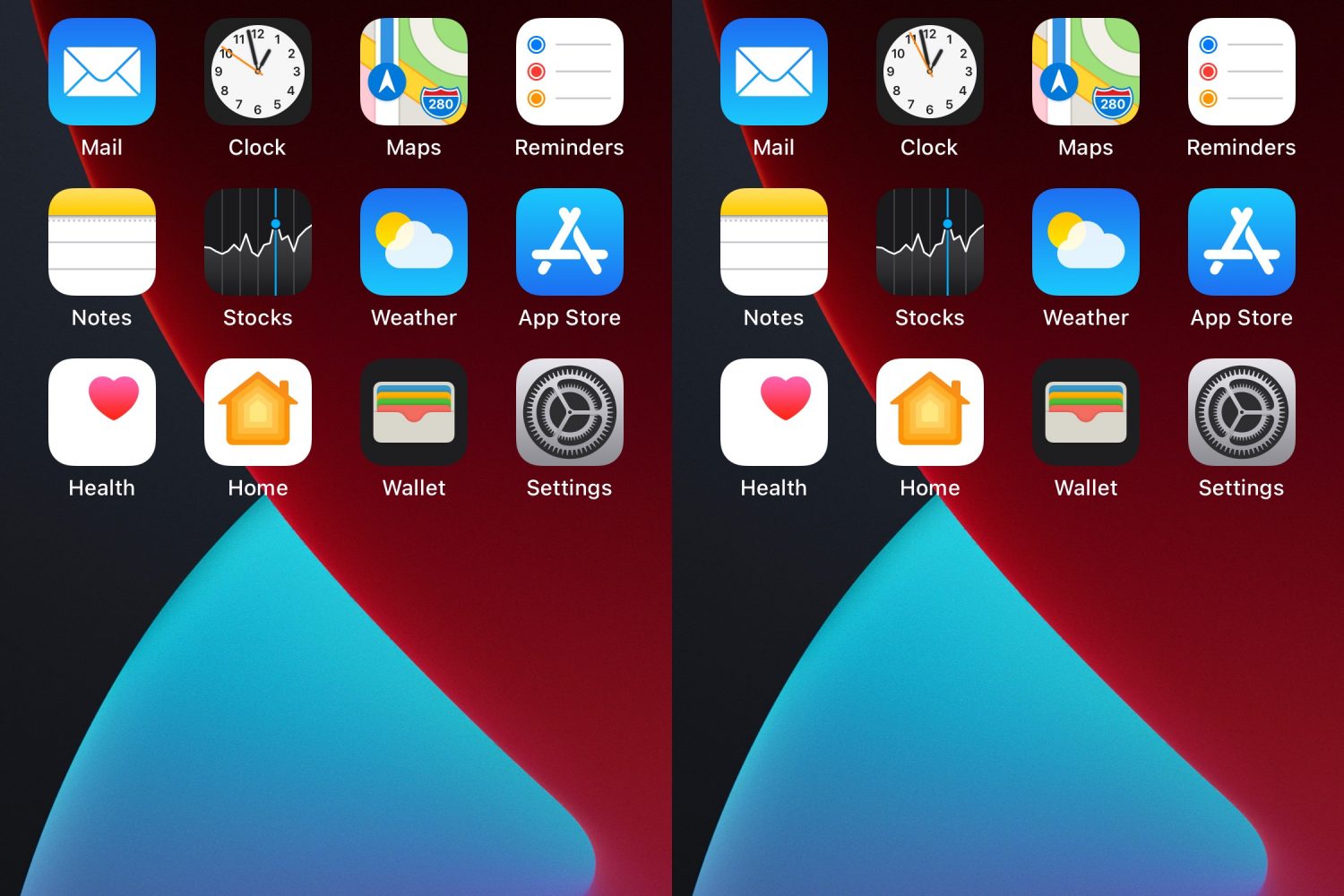
When your iPhone is locked, iOS will try to mask the contents of your Lock Screen’s incoming notification banners until you authenticate yourself so that onlookers who shouldn’t be snooping on your notifications won’t be able to in the first place.
This is a brilliant privacy feature on Apple’s part, and such a feature may also have uses when your iPhone is unlocked, such as when showing a friend or co-worker your iPhone’s screen to look at a photo or video and an unexpected notification banner pops up.
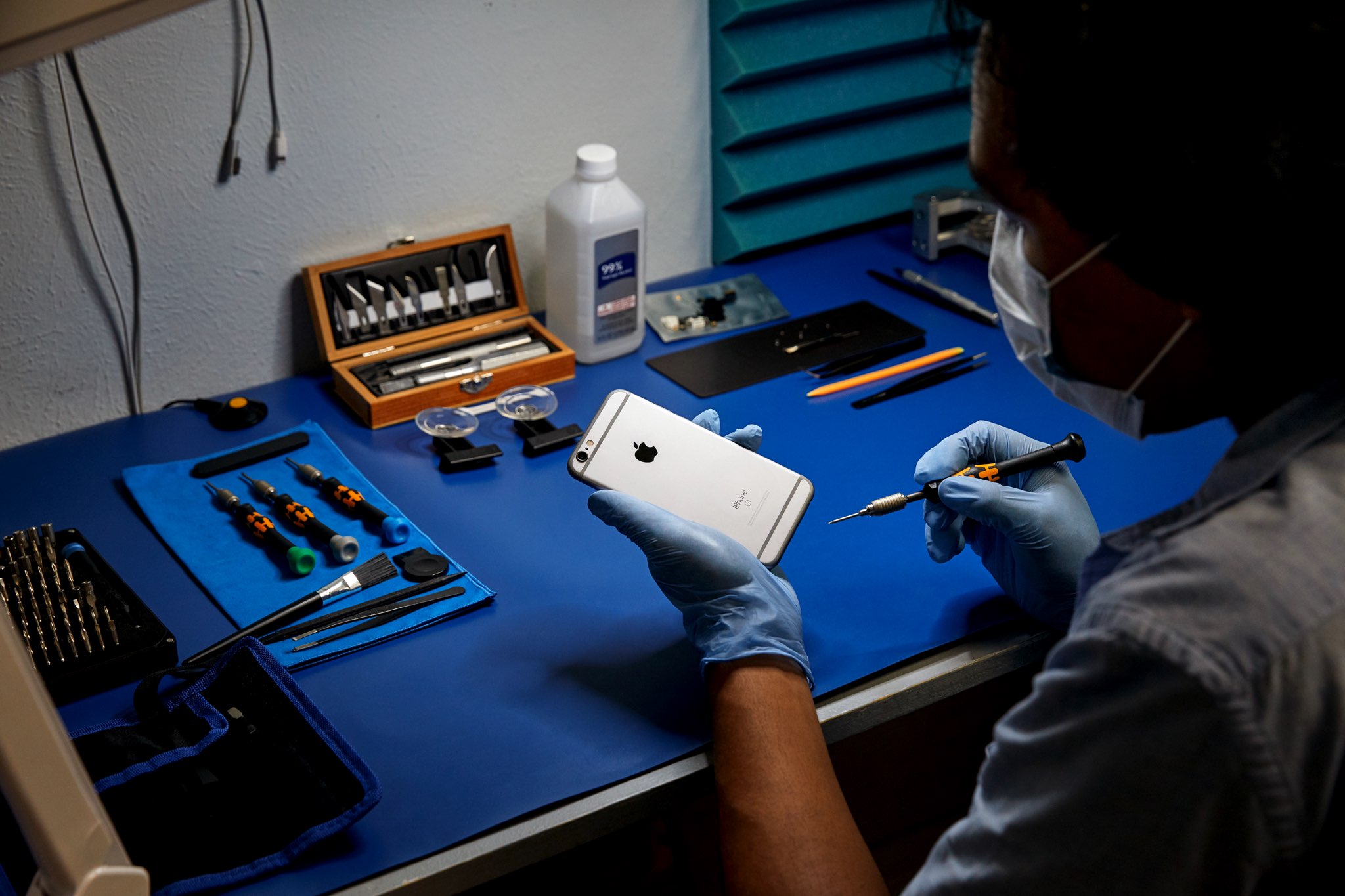
Apple, like many large tech companies, is not particularly fond of the idea of third-party repair offerings. Part of that comes from the fact that the company itself offers repair services. Some of it is a requirement for genuine parts (that might not always be available for third-party repair shops). And in the end, it means a lot of lobbying by Apple and those other companies to try and stop right to repair efforts across the globe.
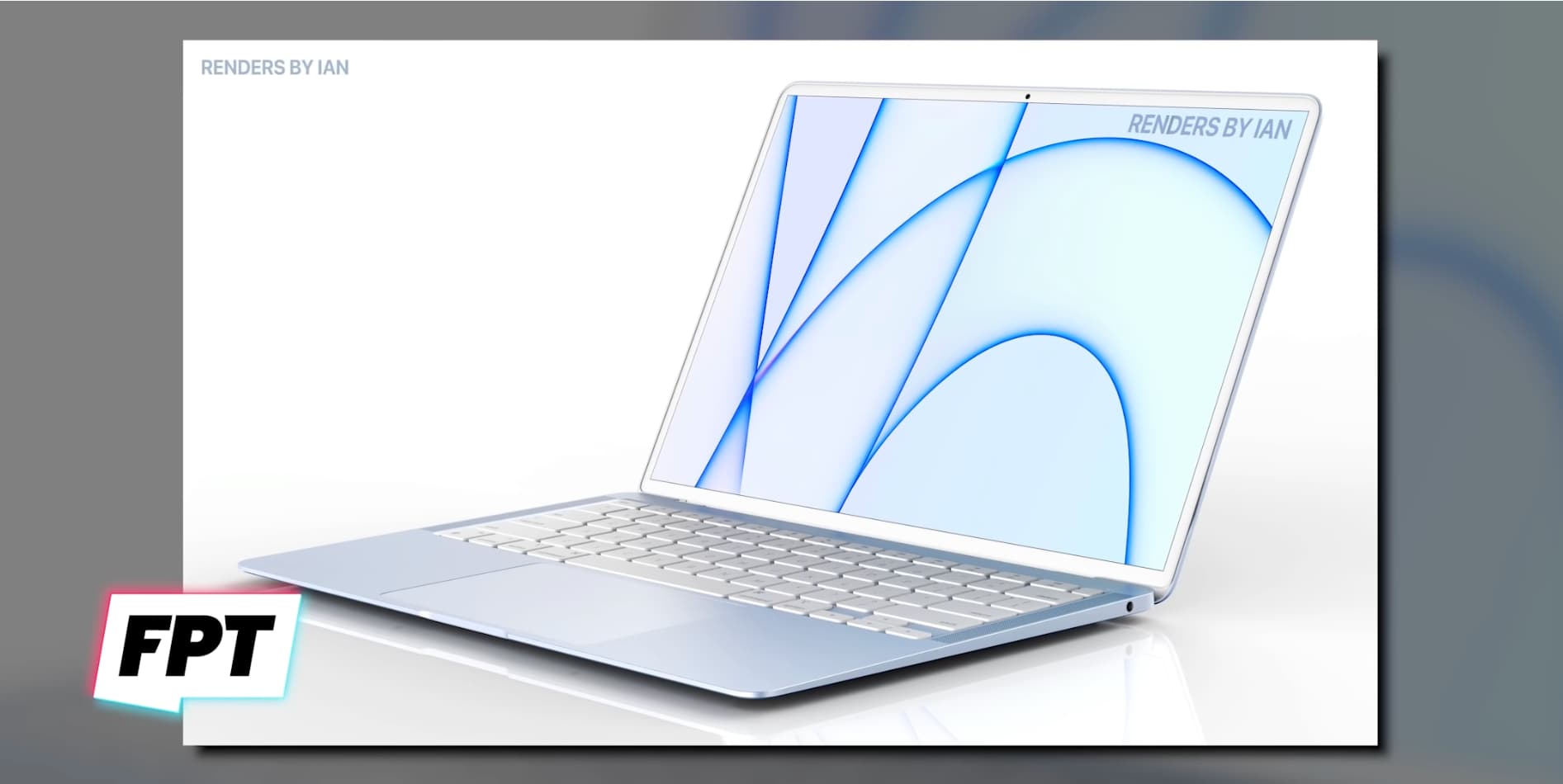
After introducing the M1 processor back in 2020, there has been plenty of attention turned to the oft-rumored M1X. That next-generation processor has yet to be announced, but now we're ready to start talking about the processor after that one. At least, that's what the rumor mill says.
Apple released the first public beta of macOS 12 Monterey last week, which means that anyone can now test out the latest macOS. The latest macOS 12 Monterey comes with several new features and improvements. If you've been wanting to try out the new software, then you can now install the macOS 12 public beta.