As many of you guys know, I have an interesting taste in music. I like old-school R&B, a smattering of rap, love some 90's alternative, and am really into EDM. I grew up listening to the likes of Phil Collins, Olivia Newton John, The Police, Michael Jackson, Oasis, Run DMC, The Cranberries, The Fat Boys, Nirvana, and many others. Needless to say, my taste in music can be pretty random at times.
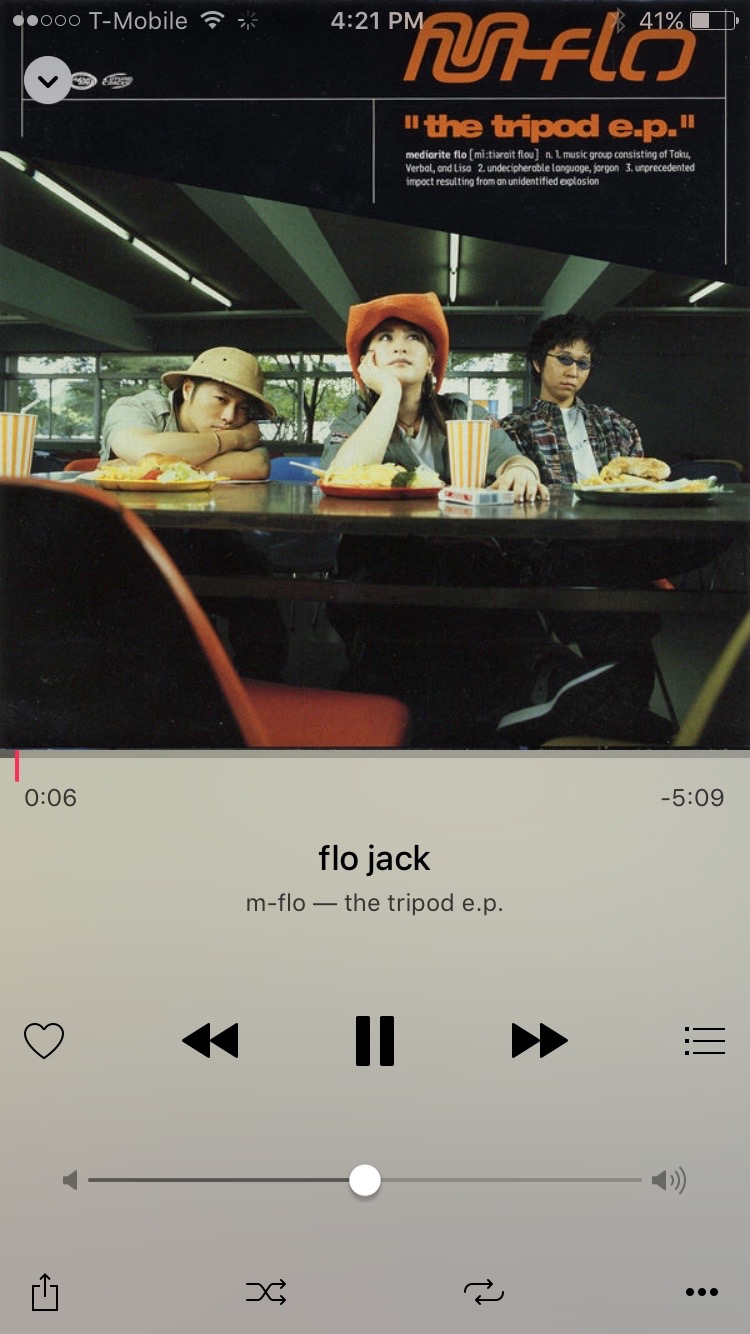
One of my guiltiest pleasures when it comes to music genres is without a doubt Japanese pop music. Actually, I no longer feel guilty about it at all, I downright love Japanese pop, or J-Pop as it's better known as. I've been listening to J-Pop since the late 90's, starting with the likes of Hikaru Utada, m-flo, Ayumi Hamasaki, and other, more obscure J-Pop artists.
One of the downsides to liking foreign music like J-Pop, is that it can be difficult to find. You'll find a smattering of it on services like Spotify, but it's usually music that has already been sold or localized for the States. Of course, one can always import a CD, but CDs are ridiculously expensive in Japan, so that's not really an option for me. Plus, who wants CDs nowadays anyway?
Streaming music is where it's at, and it presents the perfect opportunity for finding different types of music from other countries. I've found that Apple does a pretty good job with this already. I've been able to find music that I've never been able to find on other streaming services. That said, it's still painfully obvious that a large divide exists, and J-Pop and other foreign music is more or less hard to come by.
The thing is, the music is already there, it's just restricted to accounts for certain regions. But it is possible to get around these restrictions if you're willing to make some compromises...