Tweetbot gains 3D Touch Home screen shortcuts, Peek and Pop support in the timeline

Following its launch of the major Tweetbot 4 update, now a universal app for the iPhone, iPod touch and iPad, developer Tapbots today issued a timely update focused on 3D Touch.

If you own an iPhone 6s or iPhone 6s Plus, you can now press Tweetbot's icon on the Home screen firmly to access the following handy shortcuts: Show Activity, Tweet Last Photo and Tweet.

If you have unread notifications sitting in Tweetbot, this menu will provide additional options to reply to a mention or reply via a Direct Message. In addition, Tweetbot now supports Peek and Pop gestures in the timeline.
New iMacs and the RAM situation…

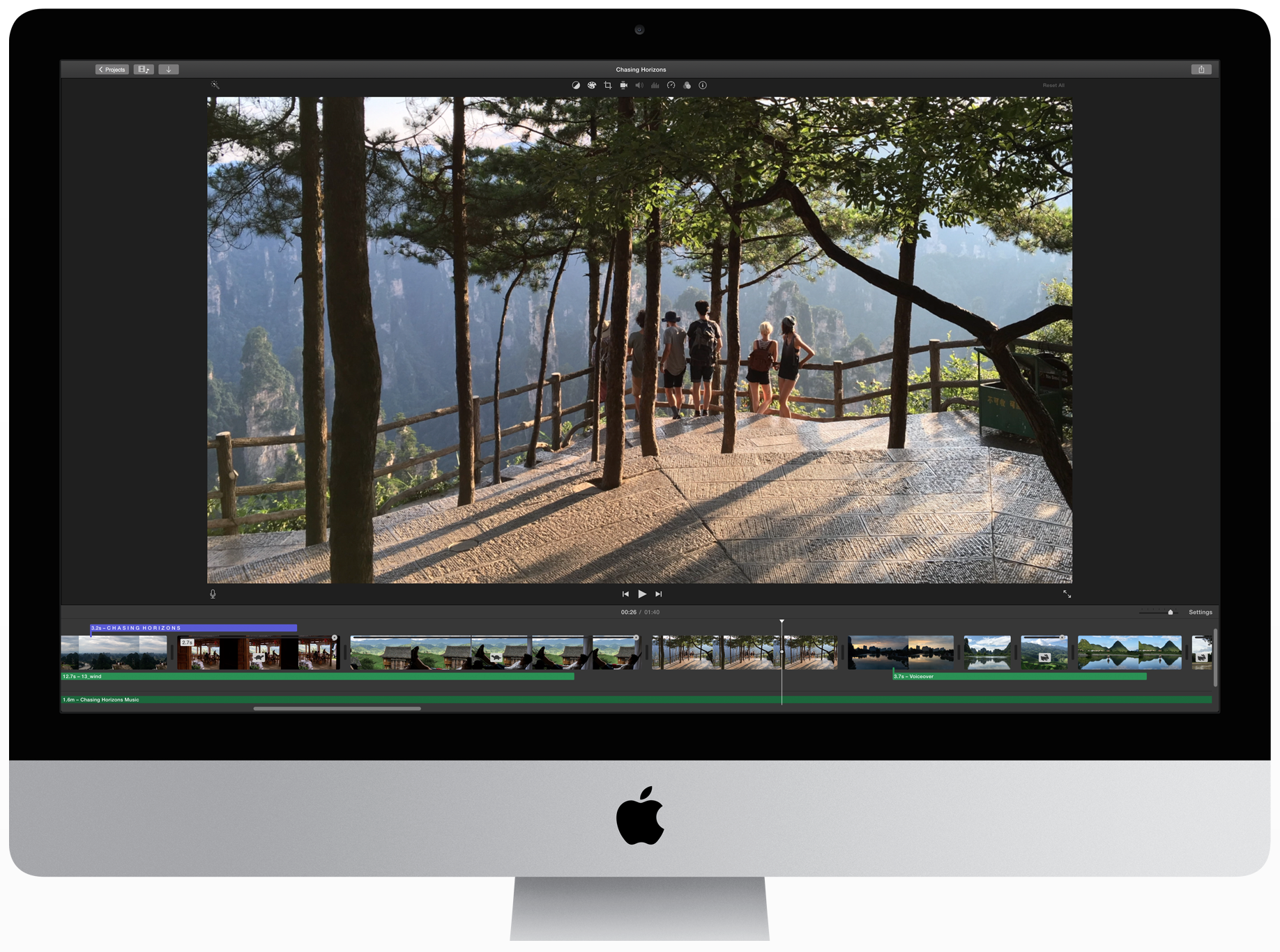
Apple's refreshed 27-inch Retina iMacs can be configured with up to 32 gigabytes of RAM via the Apple Online Store.

Thankfully, these machines have changeable RAM slots due to the larger form factor, permitting users to double the RAM to 64 gigabytes total after the purchase with third-party RAM upgrades.

On the other hand, the new 21.5-inch iMac with Retina 4K display uses soldered memory chips so you'll have to configure it with either 8GB or 16GB of RAM at the time of your purchase.

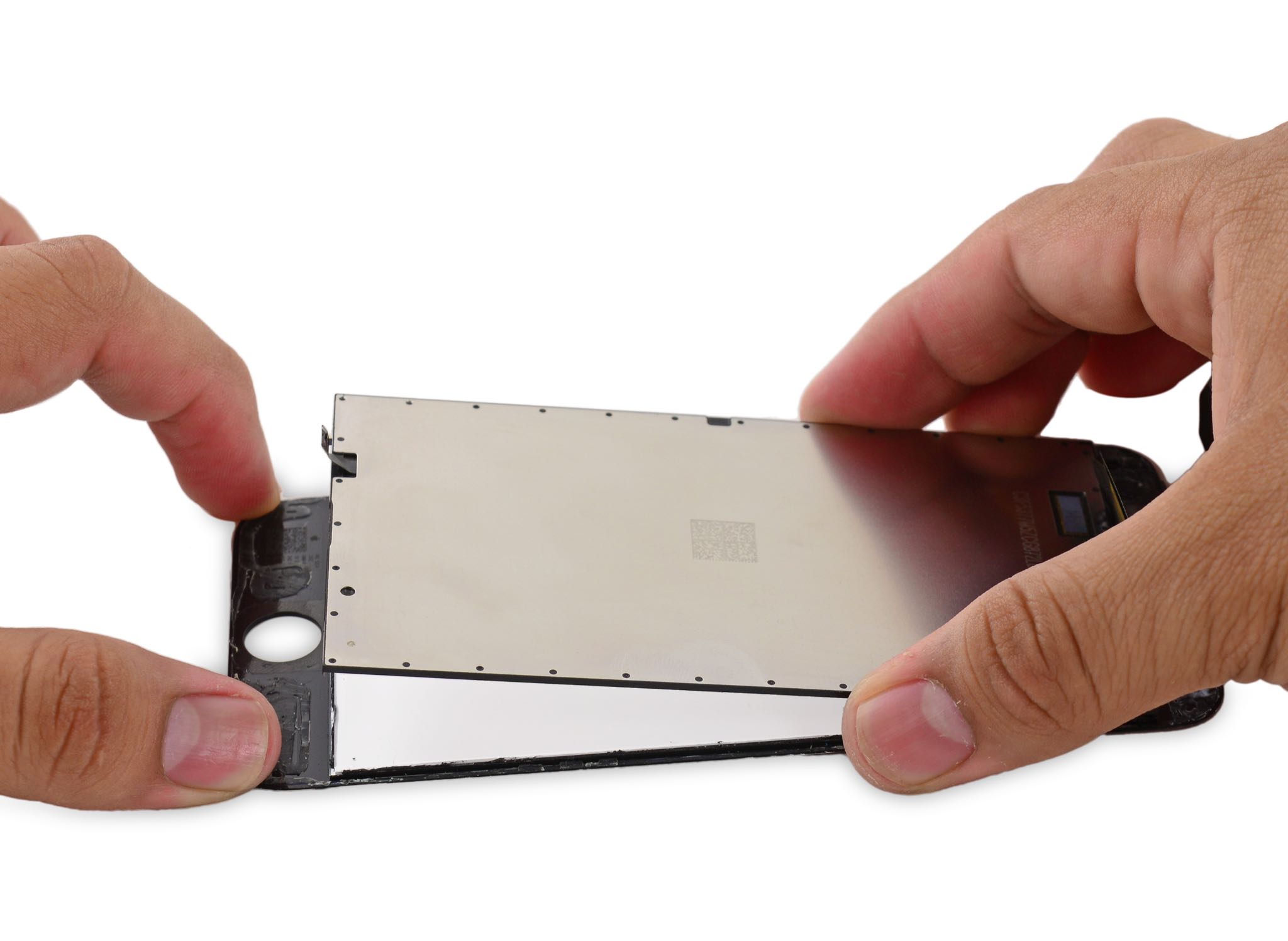
Examining iPhone 6s’s 3D Touch panel in detail

The new iPhones have a pressure-sensitive screen that provides quick access to app-specific shortcuts from the Home screen while enabling a pair of new gestures within apps: Peek and Pop.

Teardown experts over at iFixit have now taken a closer look at how 3D Touch has been implemented on the new devices, here are your key takeaways.

Let’s Talk Jailbreak 129: The next best thing

Episode 129: Can sideloading replace jailbreaking? How to add a f.lux-like effect to your iOS 9 device. How to put folders within folders on iOS 9. Two new jailbreak tweak reviews.

Subscribe via RSS

Support Let’s Talk Jailbreak

Visit RedHat.com to find out how Red had is redefining enterprise technology.

Cydia Substrate has been updated for iOS 9, but many jailbreak tweaks still won’t work yet

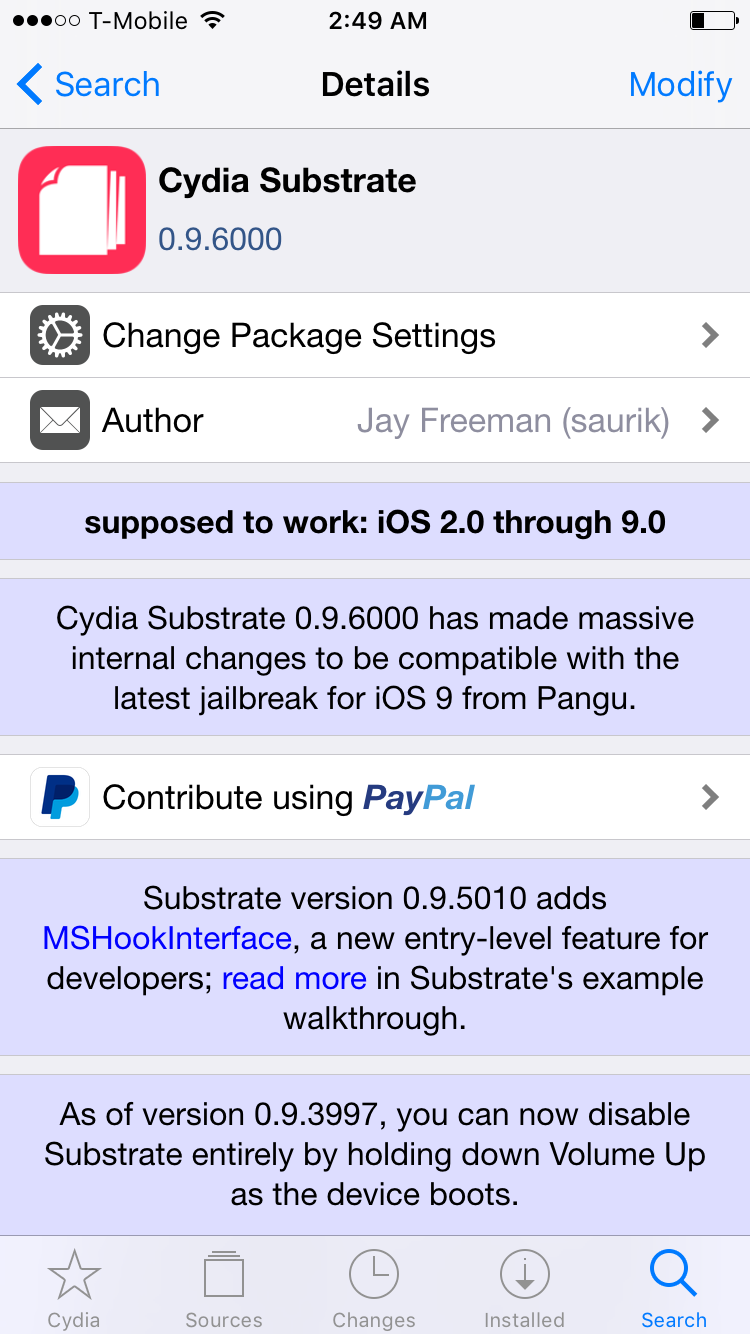
It looks like saurik must have been in the know about the iOS 9 jailbreak, because it comes updated to work with iOS 9 post-jailbreak. As saurik states in the Cydia Substrate change log, version 0.9.6000 brings about significant changes to the package to make it play nice with iOS 9.

The fact that Cydia has been updated immediately is great news for jailbreakers. It means that you don't have to jump through any hoops in order to get Cydia working on your device right after the jailbreak.

With that established, some of you may still deem it best to hold off for a while. That's because there simply aren't many tweaks available that work with iOS 9 yet...

How to jailbreak iOS 9 with Pangu

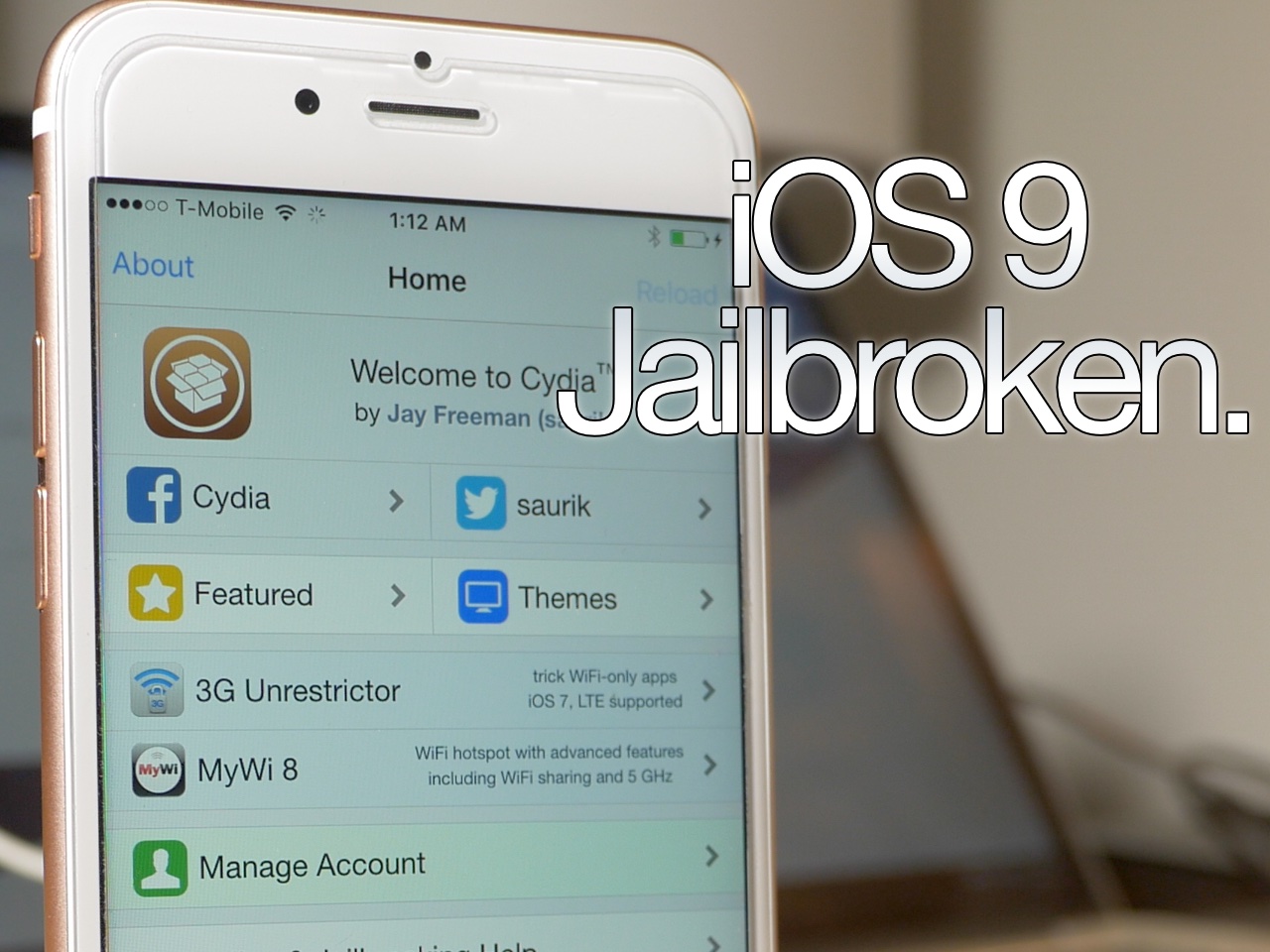
As we told you, the Pangu Jailbreak tool for iOS 9 was just released a few minutes ago. We've taken the liberty to test it out, and can vouch for its legitimacy as far as jailbreaking the iPhone goes. We tested it out with our iPhone 6s and were able to jailbreak and load Cydia successfully. In this post, we'll show you how to do the same.

iOS 9 jailbreak released by Pangu

Surprise! The iOS 9 jailbreak that we just talked about appears to be legit, and there is now a download link available. The tool is only available for Windows users at this time. The Pangu tool for iOS 9 works with iOS 9.0, iOS 9.0.1, and iOS 9.0.2. There's no word on whether it works with the beta releases at this time.

Pangu teases iOS 9 jailbreak

Update: Pangu jailbreak for iOS 9 released!

Surprise. The iOS 9 jailbreak that we just talked about appears to be legit, and there is now a download link available. The tool is only available for Windows users at this time. The Pangu tool for iOS 9 works with iOS 9, iOS 9.0.1, and iOS 9.0.2. There's no word on whether it works with the beta releases at this time.

Magic Mouse 2 review: rechargeable and sturdier, but is it worth the upgrade?

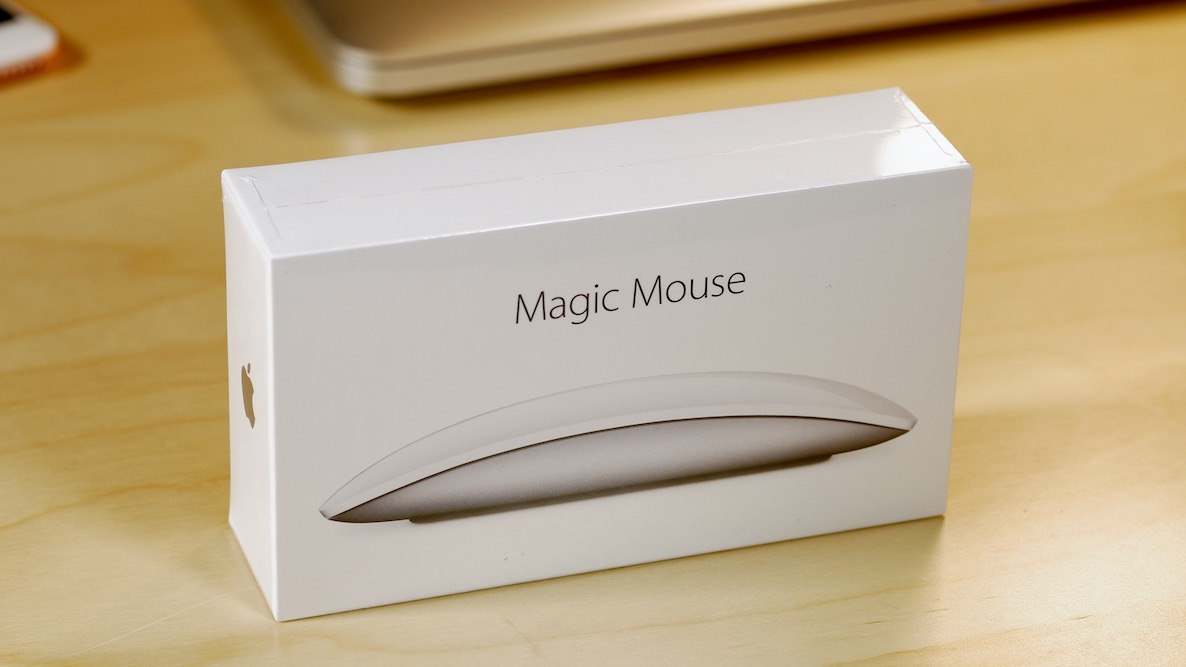
I've been a huge proponent of the Magic Mouse ever since it first debuted. I use this mouse almost daily, even though I have a MacBook with a trackpad.

When editing video in Final Cut Pro X, a mouse is pretty much a necessity due to the precision required. With this in mind, the Magic Mouse is one of my most cherished companions when it comes to my daily workflow.

As you know, Apple just updated its Magic Mouse with several new features. The headlining feature of the new Magic Mouse is its built-in rechargeable battery. The new mouse is also lighter with a sturdier build and features an optimized foot design for better movement. But for existing Magic Mouse users, is it worth the upgrade?

Let’s Talk iOS 104: This is the future

Episode 104: Jeff buys an Apple Watch, hands-on with the Hermes Cuff band, Samsung vs TSMC chips, kids using social media, force-qutting apps and battery life, iPad Pro thoughts, opinions on Surface Book and the future of operating systems.

Subscribe on iTunes

How to reopen windows and tabs from your last browsing session in Safari for Mac

If you've ever accidentally closed a Safari window loaded with dozens of tabs, you know how daunting a task recreating them from your browsing history can be. Like many people, I used to be a huge fan of Google's Chrome before I eventually made a switch to Safari.

One of Chrome's simple yet tremendously useful features that I've always valued is a switch in settings telling the app to open with all the windows from your last browsing session.

Apple's desktop Safari, too, has had that feature for a while now but did you know of a hidden option for reopening all windows from the last session?

Why I switched to the smaller iPhone

As many of you readers know, I’ve been in the midst of a serious mental debate involving the new iPhones.

As an iPhone 6 Plus user for the last year, I'm intimately familiar with all of the things that make the larger-sized iPhones so desirable. This generation, however, I decided to forgo the added luxury brought on by the Plus model, and rolled with the "regular" sized iPhone instead.

This decision, as you can probably imagine, didn’t come easy to me. If you’ve followed any of my recent blog posts or tuned into our recent podcasts, then you know how much I’ve waffled on this subject.

Why did I end up going with the iPhone 6s, when I was initially set on re-upping with the iPhone 6s Plus? In the end, it all boiled down to one particular reason...