How to disable Location History on Facebook to extend iPhone battery life

Yesterday, Facebook issued an update to its main iOS client to help extend your iPhone's battery life by preventing it from playing audio silently in the background.

File the move under the 'too little, too late' drawer: if history is anything to go by, waiting for Facebook engineers to deliver a fully battery-friendly iOS app might be a fool's errand.

The biggest contributor to Facebook's infamous battery drain has got to be the app's continuous monitoring of your location, which continues after leaving the app. In this tutorial, we'll teach you how to prevent this by disabling a feature called Location History, thereby helping reclaim some of the juice lost to the battery-hogging app.
Decoding iPhone 7 chip architecture…

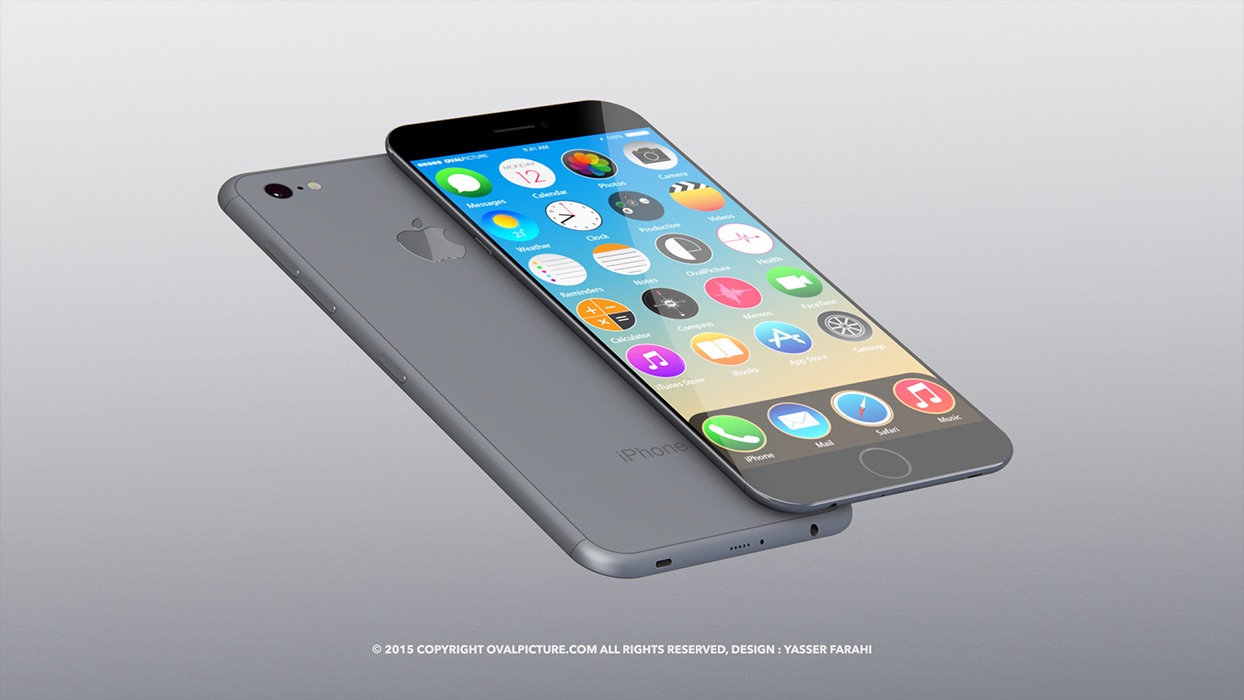
Apple is thought to become the first customer that will take advantage of Taiwan Semiconductor Manufacturing Company's (TSMC) InFO chip manufacturing process in building in-house designed A10 chips for 2016 iOS devices, potentially allowing it to trim some fat off the next iPhone model.

Taking a step back to take a look at the bigger picture, we analyze Apple's chip efforts thus far and make educated guesses as to what advances in terms of silicon design and integration the next iPhone might allow.

We'll also reflect on how having the foresight to take its chip destiny into its own hands more than five years ago has helped Apple differentiate itself from competition.

How to downgrade iOS 9.1 to iOS 9.0.2

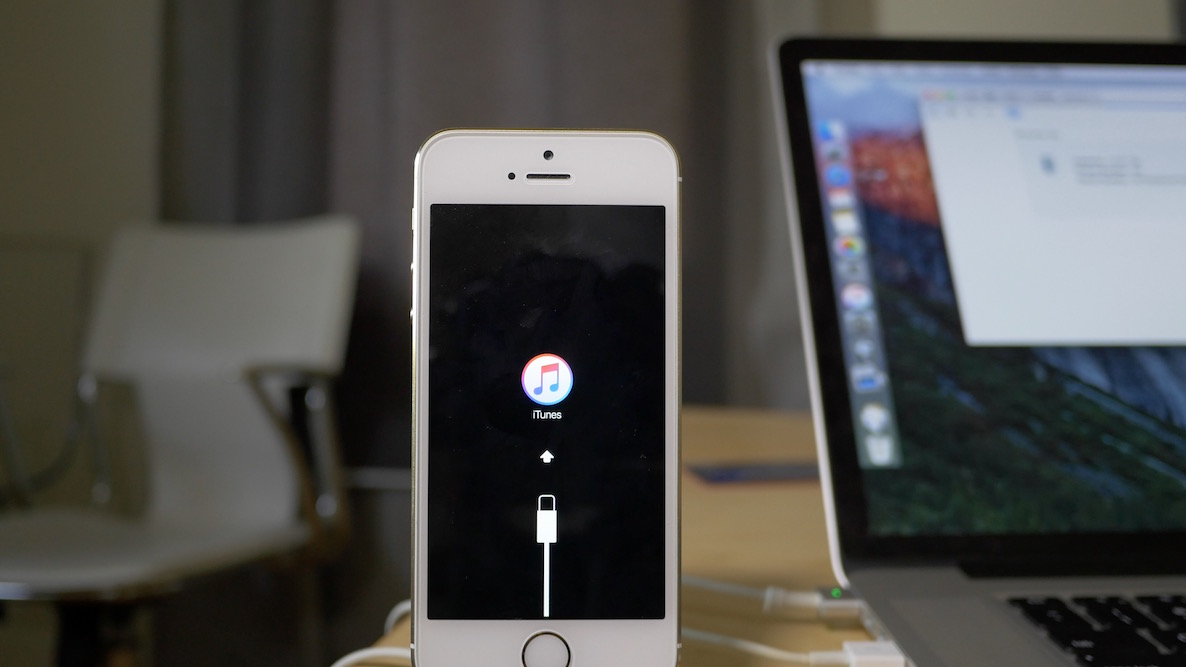
Maybe it was the new emoji that tempted you? Or maybe you just made a mistake? Whatever the reason, you've found yourself on iOS 9.1, but wish to go back to iOS 9.0.2—the last jailbreakable firmware that's currently available for iOS 9. Fortunately, you still have time to downgrade back to iOS 9.0.2.

In this video tutorial, we'll show you how easy it is to downgrade from iOS 9.1 to iOS 9.0.2. But act quickly, this tutorial certainly has an expiration date, which will occur when Apple closes the 9.0.2 signing window.

App Store starts experimenting with landscape screenshots and videos

Apple has seemingly begun experimenting with landscape screenshots and video in the App Store. A handful of App Store apps now offer landscape screenshots, video posters in landscape or both.

Twitter users and SplitMetrics have also noticed the change recently, which impacts the iPhone and is also showing on iTunes. Before the change, landscape App Store screenshots would show in portrait mode, requiring users to turn their head.

Facebook search results now include public posts

Facebook announced yesterday it is now including public posts into search results while bringing personalized suggestions and highlighting popular stories with expanded search functions.

“Today, we’re updating Facebook Search so that in addition to friends and family, you can find out what the world is saying about topics that matter to you,” wrote the social networking firm.

Enhanced search features are currently available across Facebook for iPhone, Android and on the web, to US English users only.

iPhone 6s conserves power by disabling untethered ‘Hey Siri’ when face down or in your pocket

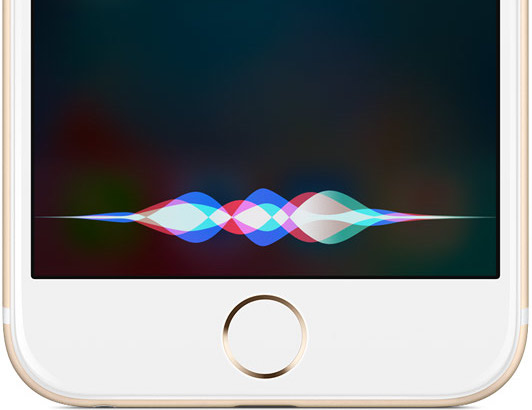
Apple's iPhone 6s has introduced an untethered 'Hey Siri' feature which allows for always-listening functionality even when the device isn't charging, by utilizing the power-efficient M9 motion coprocessor to always listen for voice commands.

But as AppleInsider finds out, the handset automatically switches off untethered 'Hey Siri' when it's in your pocket or face down on a table.

This is another trick in Apple's arsenal of technologies to extend battery life.

Did latest Facebook update fix battery drainage?

After publicly acknowledging that it was aware of reports which slammed its mobile application over excessive battery drain, Facebook yesterday issued an update to its App Store app which has apparently fixed the long-standing issue.

Facebook engineering manager Ari Grant took to Facebook to detail the issue and what they've done to prevent the mobile app from eating up your iPhone's battery.

Rivet Radio review: listen to news stories curated just for you

You've probably got a couple of apps in your stash that provides curated stories for you to read. But, what about an app that reports stories to you?

Rivet Radio is like listening to a version of NPR that only reports the stuff you are interested in. We've got a full app review of Rivet Radio for you right now.

Charge up to 10 devices at once with Sabrent’s rapid charger

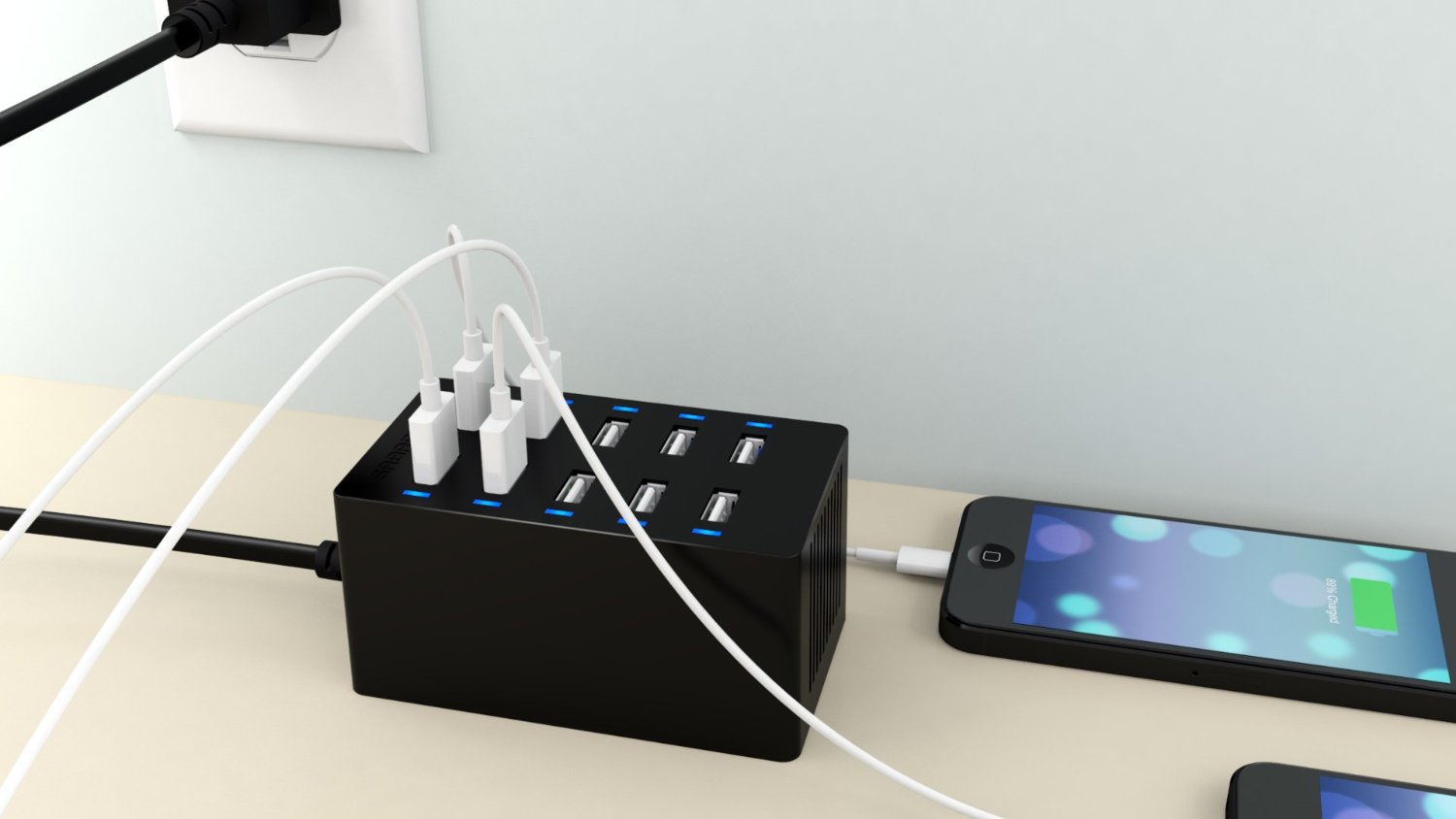
Take a moment right now to think about how many devices you have around the house that require charging via USB. Maybe you have a portable wireless speaker, a smartwatch, a couple of iPhones, some rechargeable toys, and an iPad. It starts to add up. You could probably come up with 10 devices in your household that charge via USB.

Sabrent makes a 10-port rapid charger that supplies enough juice to power up all 10 devices at the same time without getting overworked. Thanks to its smart charge technology, it can supply extra power to devices that need it, like the iPad Air 2, while restricting power to devices that don't need as much, like a first generation iPod touch.

Opinion: The Apple Watch is a fashion device first

As many of you may know, I’m now on my second Apple Watch. I got in the game on launch day with a 42mm Space Grey Sport, and after a month or so with the device, I quickly realized that it just wasn’t for me.

Not only was the functionality not quite there with watchOS 1, it was heavily lacking in the looks department. You may not agree with me, but I think the aluminum Apple Watch Sport looks pretty bad with anything other than sweatpants or basketball shorts. Don't feel bad if that's what you have or prefer; remember, it's just one person's personal opinion.

If you’re the type that uses your Apple Watch primarily as a fitness device, then fine, I can certainly see the appeal of the Apple Watch Sport, hence its name.

For me personally, however, the Apple Watch is a fashion device first. It’s pretty good on the technical side of the fence in several areas as well, but coming to terms with this reality has made the experience of wearing this watch so much better in my eyes.

iMovie now supports 4K video editing on the iPad Air 2

You know, I was literally just wondering what was preventing the iPad Air 2 from supporting 4K video editing in iMovie, and then bam! Apple releases an update with 4K video support in tow.

The iPhone 6s already supports 4K video editing in iMovie to go along with its 4K shooting capabilities, but no other publicly available device in the iOS lineup supported 4K editing in iMovie until today.