GMYLE iPhone 6s wallet case looks like a tiny vintage book

I'm a bit of a sucker for kitschy and novelty cases. You may recall my over-exuberance about a certain bottle opener/cigarette lighter case. If it looks like something it's not, or has features that don't belong on a case, I'm interested.

The GMYLE iPhone 6s wallet case could fit into the novelty category, but it looks so classy that you can't call it kitschy. It looks like you are holding a tiny leather-bound book.

How to put folders inside folders on iOS 9

Since folders first appeared on iOS, there have always been glitches that make it possible to place a folder within a folder. iOS 9 is no different, it too allows you to nest folders on your iPhone. To do so is extremely easy, and requires no quick movements, or ridiculous over the top finger cramping combinations methods.

The only downside about using this method to nest folders is that you'll have to do it all over again when you restart your iPhone. In this post and video, I'll show you how simple it is to nest folders on iOS 9 in just a few seconds.

How to add f.lux-like screen gamma settings to a non-jailbroken iPhone

Gamma Thingy is a new app available on GitHub from developer Thomas Finch. It allows non-jailbroken iPhone owners running iOS 9 to change their screen gamma values for f.lux-like functionality. What's remarkable about this little app is that you don't need to be jailbroken to run it, and it works system wide.

Lots of users like f.lux, because it makes viewing a backlit screen in less than ideal lighting conditions easier on the eyes. I use f.lux on my Mac, and it makes working at night more tolerable. I also use f.lux on my jailbroken devices from time to time.

Gamma Thingy can be installed on your iPhone running iOS 9 today via a simple sideloading process. Check out this post to learn what's required.

How to sideload apps on iOS 9

As you've likely heard, iOS 9 allows you to sideload apps on to your iPhone or iPad using Xcode 7. This means that you can find an open source app, load it into Xcode, and deploy it to your device, bypassing the App Store in the process. All of this can be done without a paid developer account.

This essentially amounts to Apple "opening up" iOS to all apps. All it takes is a little knowledge of Xcode 7, an iPhone or iPad running iOS 9, and a little bit of time. Of course, there are always variations and one-offs that appear from time to time, but for the most part, sideloading apps is easy. In this post, we'll show you how.

Mimoji tweak lets you establish favorite emojis and default skin color

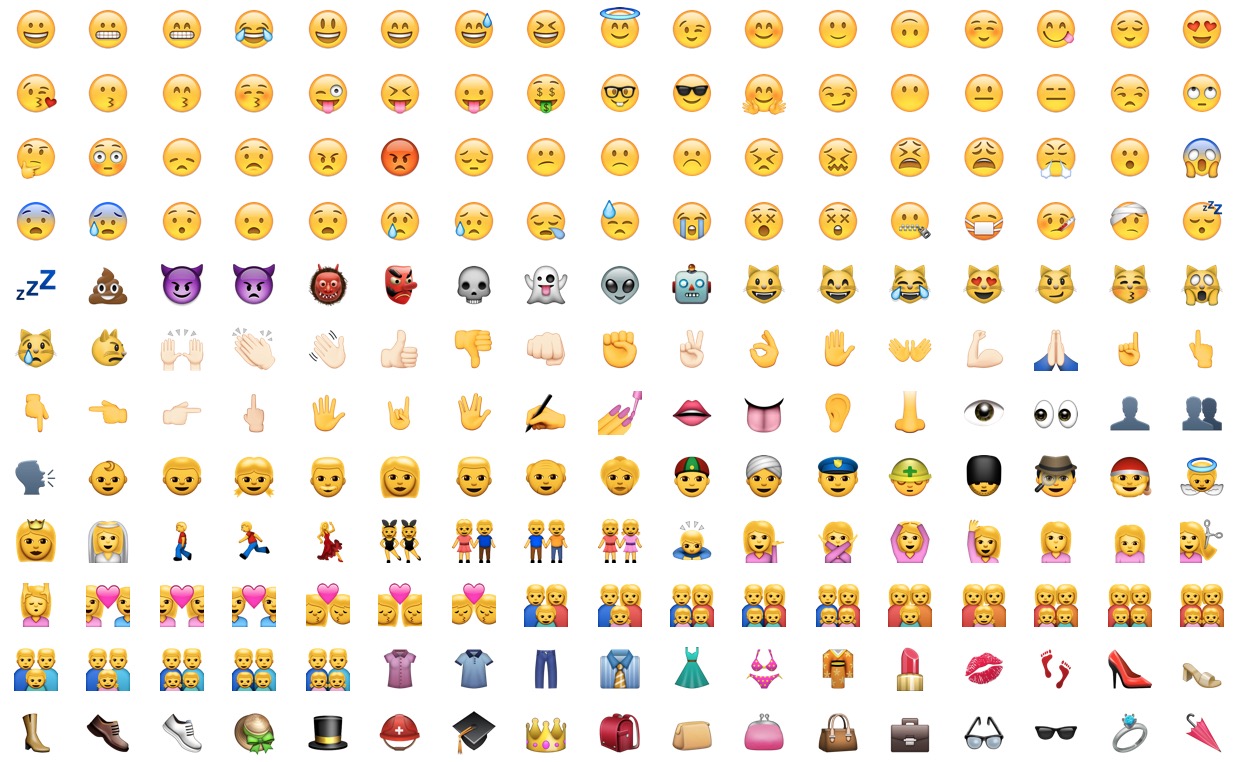
Mimoji is a well-designed jailbreak tweak that affords users several customization options related to emoji. First and foremost, users are allowed to establish favorite emoji, which can be selected from all available emoji. Secondly, Mimoji lets users select a default skin color for 'human' emojis. If you're a frequent emoji user and you happen to have a jailbroken iPhone, then Mimoji is certainly worth checking out.

How to change dictation language on Apple Watch

As part of the Apple Watch setup procedure, you're asked to select your preferred language that will be used system-wide in apps, the user interface and other places. Your choice also determines the language used for dictation.

For example, my watch is set to English even though my mother tongue is Croatian (I just find English user interfaces easier to use).

Unfortunately, this gives me headache if I want to dictate messages to my local buddies in Croatian, not English. But did you know that you can transcribe words spoken in languages other than your default one?

I sure as hell did not and am not ashamed to admit that I was totally oblivious to using multiple languages for the Apple Watch's dictation feature. In this post, I'm going to teach you real quick how to do just that with a few easy-to-follow steps.

Apple seeds iOS 9.1 beta 5 to developers

Less than a week following iOS 9.1 beta 4, Apple on Monday issued a brand new, fifth beta of what would become iOS 9's first major software update.

iOS 9.1 beta 5 (build 13B137) for the iPhone, iPod touch and iPad is available to both members of the Apple Developer Program and public beta testers.

In addition, the software is available as a standalone download through Apple's portal for developers.

Vimeo updated with iOS 9 Spotlight support, iPad multitasking, picture-in-picture & more

The popular video-sharing service Vimeo has refreshed its iPhone and iPad application in the App Store with full support for iOS 9 technologies. For starters, videos you upload to the service and other content can now be found through iOS 9's much improved Spotlight Search engine.

Moreover, the new Vimeo 5.6 for iPhone, iPod touch and iPad now lets you multitask like a boss on the iPad Air 2 and iPad mini 4 in side-by-side Split View and Slide Over modes while enjoying video in iOS 9's picture-in-picture mode.

Word, Excel and PowerPoint for iOS gain comment editing, file renaming, fonts and much more

Microsoft on Monday issued a refresh to its mobile office programs on the App Store: Word, Excel and PowerPoint. These productivity applications now feature on-the-go comment editing, file renaming, quickly jumping to a page and much more.

Last month, the Windows giant has rolled out matching updates to Word, Excel and PowerPoint with full support for iOS 9's new Slide Over and Split View multitasking modes on the iPad Air 2 and iPad mini 4. In addition, the apps have gained useful shortcuts on iPads with wireless keyboards, Vietnamese localization and other perks.

Facebook updates iOS app with 3D Touch support

Facebook's mobile iPhone and iPad application has received a quick update today, adding support for 3D Touch shortcuts on the iPhone 6s and iPhone 6s Plus, but not the Peek and Pop in-app features.

Still, you can now press firmly Facebook's icon on the Home screen for quick access to the following shortcuts: Take Photo/Video, Upload Photo/Video and Write Post.

BatteryIcon tweak brings a battery indicator icon to the Home screen

BatteryIcon is a recently released jailbreak tweak that brings a battery-level-displaying shortcut icon to the Home screen. The icon itself lends you an approximation of current battery life, and the shortcut links directly to the Battery Usage section of the Settings app.

Like the stock Clock app, BatteryIcon is a "live" icon in that it updates dynamically to show the current battery level via a battery glyph and the color (low battery shows a red color) of the icon itself. Due to this, you're able to quickly glance at the main portion of the Home screen for a quick indication of how your battery is doing.