Apple should unveil a new iMac at its upcoming virtual WWDC event that kicks off June 22.
New iMac rumor: iPad Pro design language, AMD Navi GPU, no Fusion drive and more
Apple should unveil a new iMac at its upcoming virtual WWDC event that kicks off June 22.
Back in March, Apple launched a couple of different resources to help people in light of the expanding coronavirus pandemic. Since then, the company has updated the app and website to be even more helpful.
Apple's for years been rumored to have been secretly developing its own desktop chips, based on iPhone and iPad processors, to ditch Intel from Macs. Bloomberg in a new report this morning claims that the tech giant is going to announce the first in-house designed main processors for Macs at the upcoming virtual WWDC event, which kicks off June 22.
Learn how to clear Apple Maps location history on your iPhone, iPad, and Mac to safeguard your privacy and enhance your security.
To celebrate the iPhone 4's 10th birthday, Cody and Sebastien take a trip down memory lane to recount the story of the iPhone 4, how it got lost, how it was found, the antennagate debacle, and the release of the white model 10 months after the device's official launch.
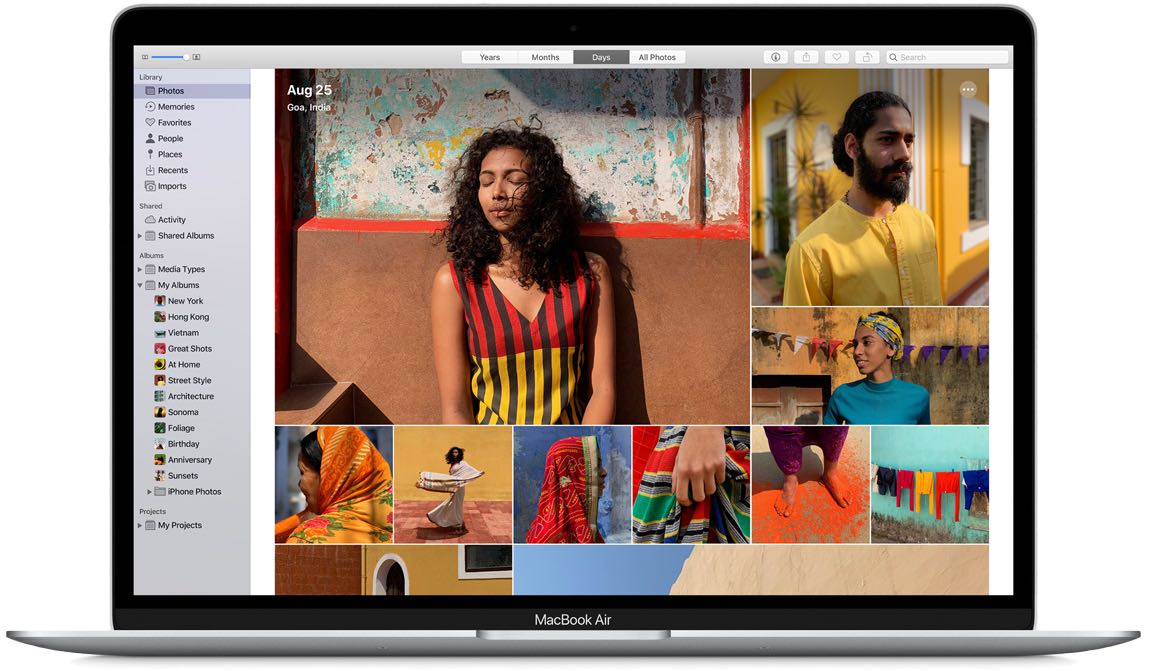
When you’re browsing through your pictures in the Photos app, you might notice that Live Photos and videos automatically play. And while this can be convenient if you’re just reliving some memories, it can be distracting if you’re looking for something in particular. If you’re someone with motion sickness, it can even cause extra discomfort. So, here’s how to deactivate the autoplay feature for videos and Live Photos in the Apple Photos app.
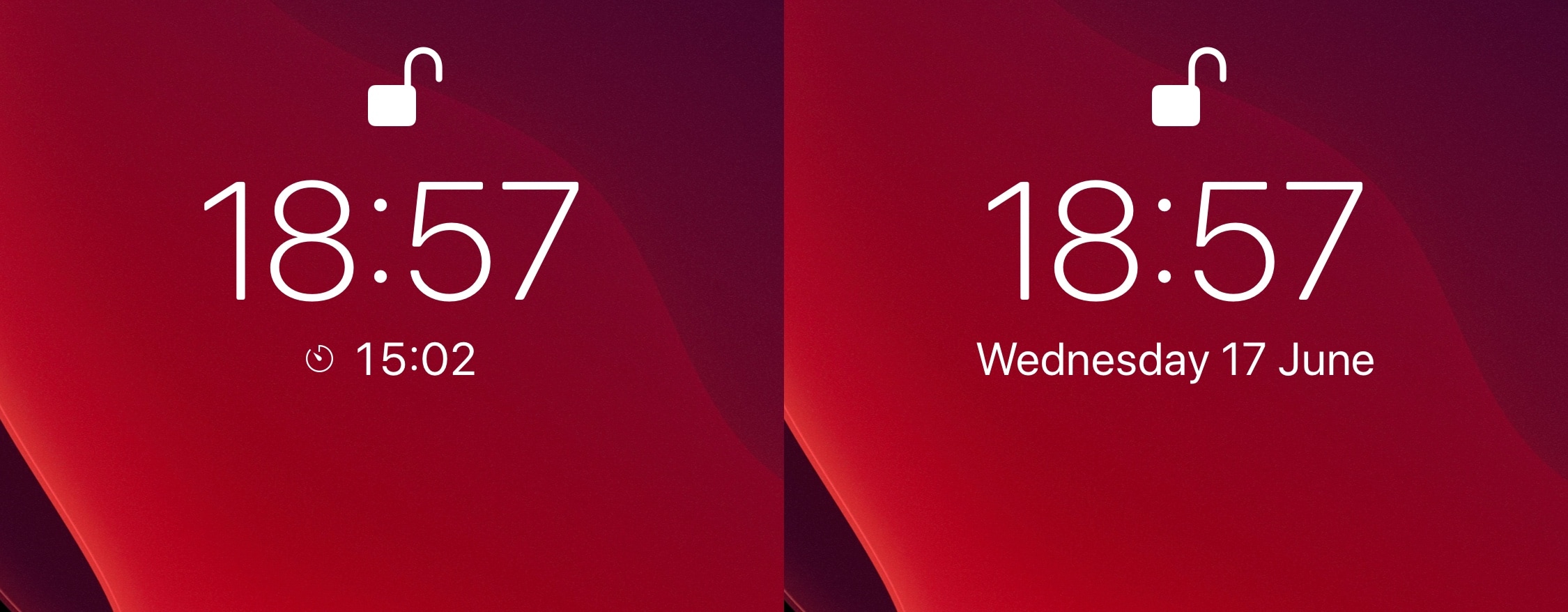
Just last week, we showed you a free jailbreak tweak dubbed WatchBuddy that would persistently display your Apple Watch’s battery level on your iPhone’s Lock screen. Albeit simple and effective, some users demanded more, and so a new release called Kai by iOS developer Burrit0z was conceived.
As shown in the screenshot examples above, Kai expands upon the WatchBuddy concept by persistently displaying your connected devices’ battery levels on the Lock screen. You’ll also notice that the indicators include, but aren’t limited to the iPhone itself, connected Apple Watches, and connected AirPods where applicable. Furthermore, the indicators are customizable whether you prefer smaller subtle solutions, or bigger and bolder ones.
If you’ve used the unc0ver jailbreak to liberate your iPhone or iPad recently, then you’re likely familiar with the AltStore platform, which quickly superseded Cydia Impactor and popular signing services to become the recommended means of side-loading the unc0ver jailbreak due to its long-term dependability and ease of use.
One major caveat to AltStore, however, is that using it would necessitate connecting to a computer to sign the unc0ver app – you’d need to do this the first time you installed unc0ver and every seven days after rebooting your device afterward. But that may not be the case for long…
For some developers outside of the United States, a lingering issue with the Apple Developer Program is preventing them from activating or renewing their subscription.
Apple this evening stopped signing iOS & iPadOS 13.5, a move on the Cupertino-based company’s behalf that essentially prevents iPhone and iPad users from installing this particular version of its firmware whether downgrading from a newer version of the mobile operating system or upgrading from an earlier version.
The move comes approximately one week after Apple released iOS & iPadOS 13.5.1 to the general public specifically with the intention of patching the 0-day kernel vulnerability that Pwn20wnd implemented into the unc0ver jailbreak to add support for iOS & iPadOS 13.5, the latest version of Apple’s mobile operating system at the time.
Later this month, Apple is going to unveil iOS 14 (along with other major updates to its popular platforms), but the rumor mill won't stop leaking potentially important new features coming to the mobile operating system before then.
The right-click on the iPad is pretty similar in concept and execution to the long-standing right-click on Mac. In this tutorial, we show you how to do that on iPad with your finger, mouse, or trackpad.