News

Podcast: Apple’s Big Mac event

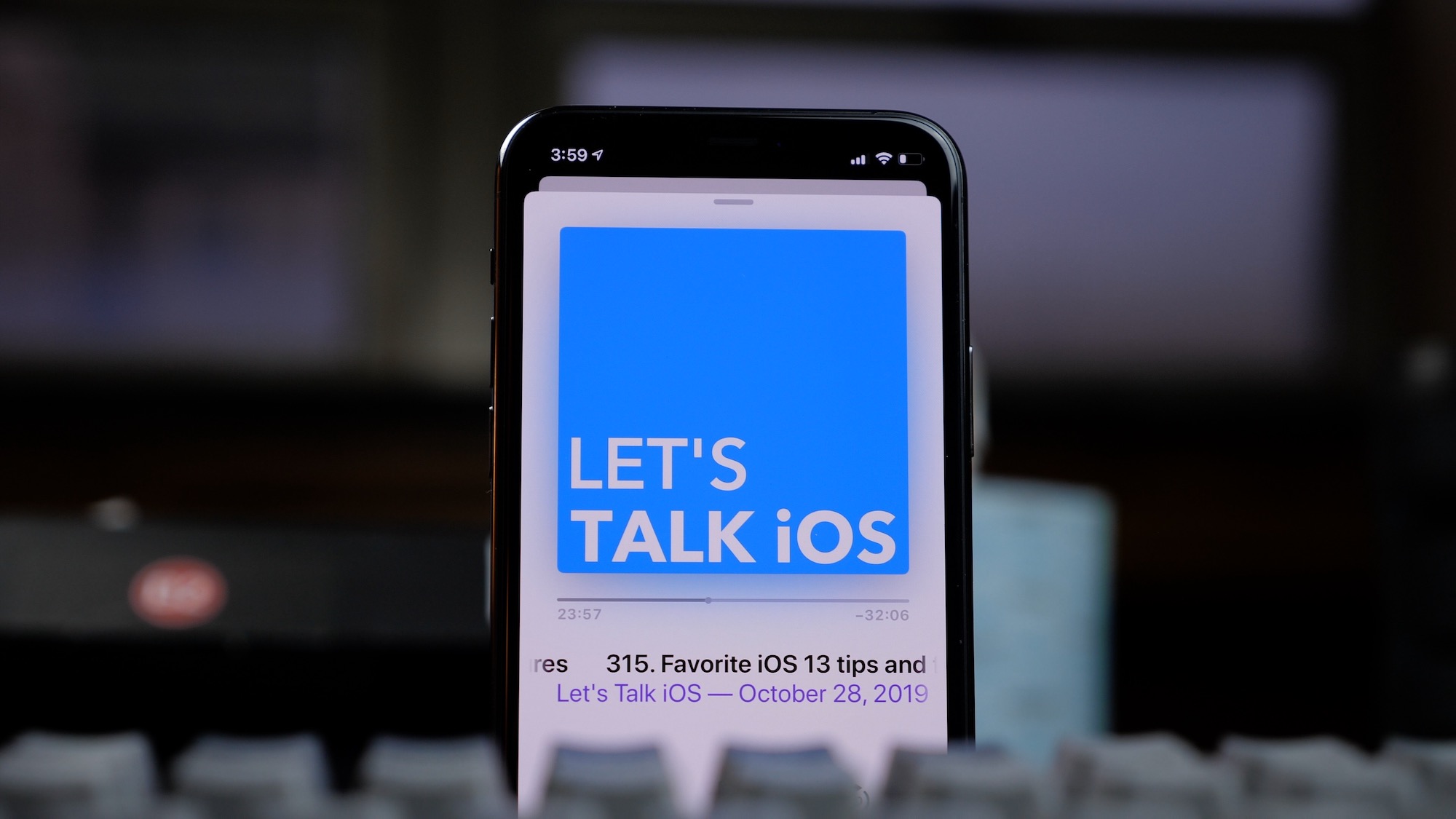
Let's Talk iOS propped up

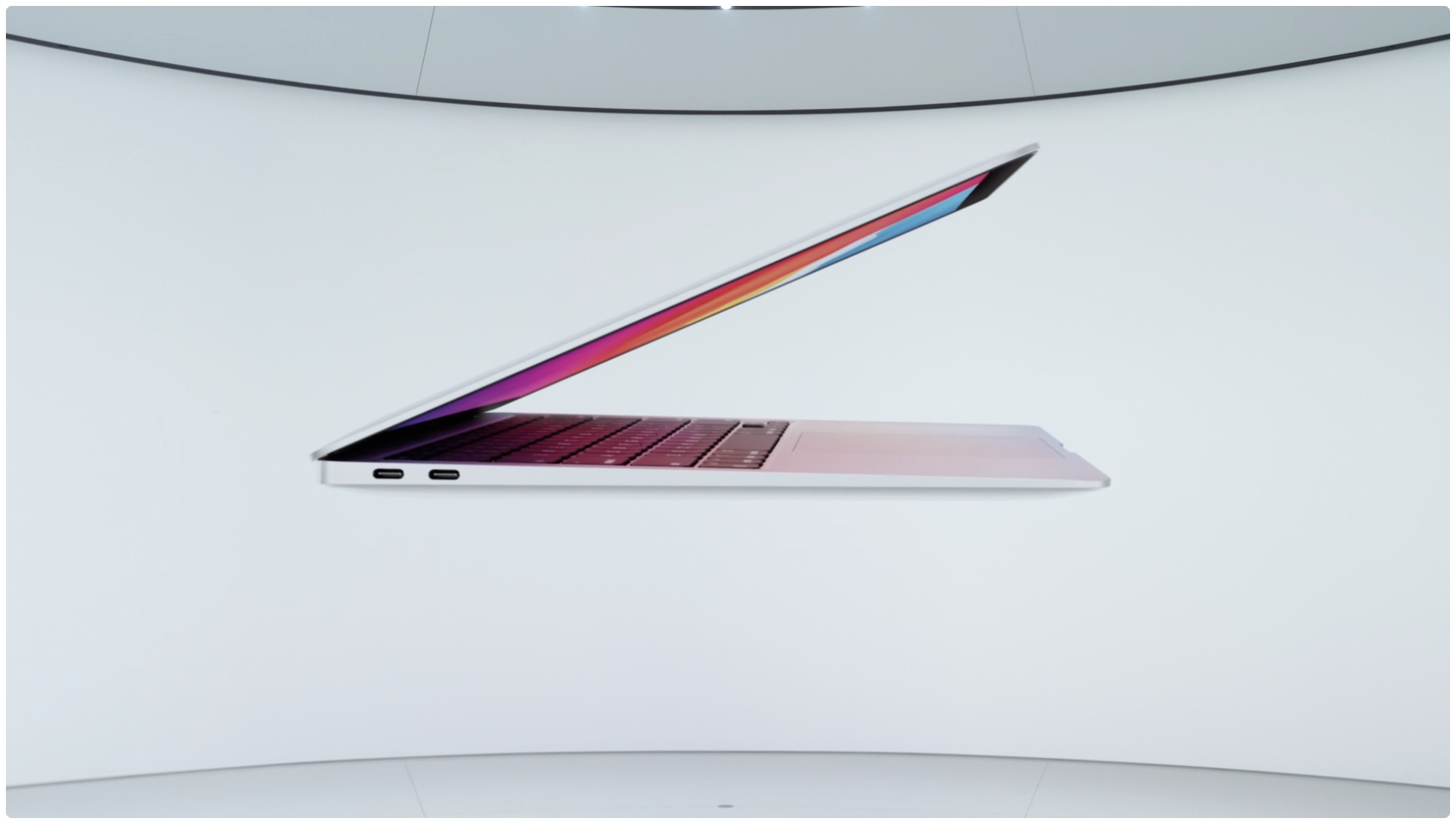
Apple’s Big Mac event is here, so Sebastien and Cody give their expert opinions on everything they expect to see unveiled. There’s also talk of the new iPhone 12 mini and Pro Max, and an update on Cody’s trade-in issues.

How to automatically upload burst photos to My Photo Stream

Settings Photos Upload Bursts to Photo Stream on iPhone

If you’re one who uses the My Photo Stream feature in Photos rather than iCloud, there’s a small setting you might not know about. The setting is to automatically upload burst photos to My Photo Stream and can be quite handy.

Burst photos are terrific for making sure you capture the perfect shot. So instead of just one photo, you can take several with a tap. You then review and keep those you want from the burst. And since you can see and save the images on any device with My Photo Stream, you may want the photos from the bursts there by default.

Here we’ll show you how to automatically upload burst photos to My Photo Stream so you can work with them on iPhone, iPad, or Mac.