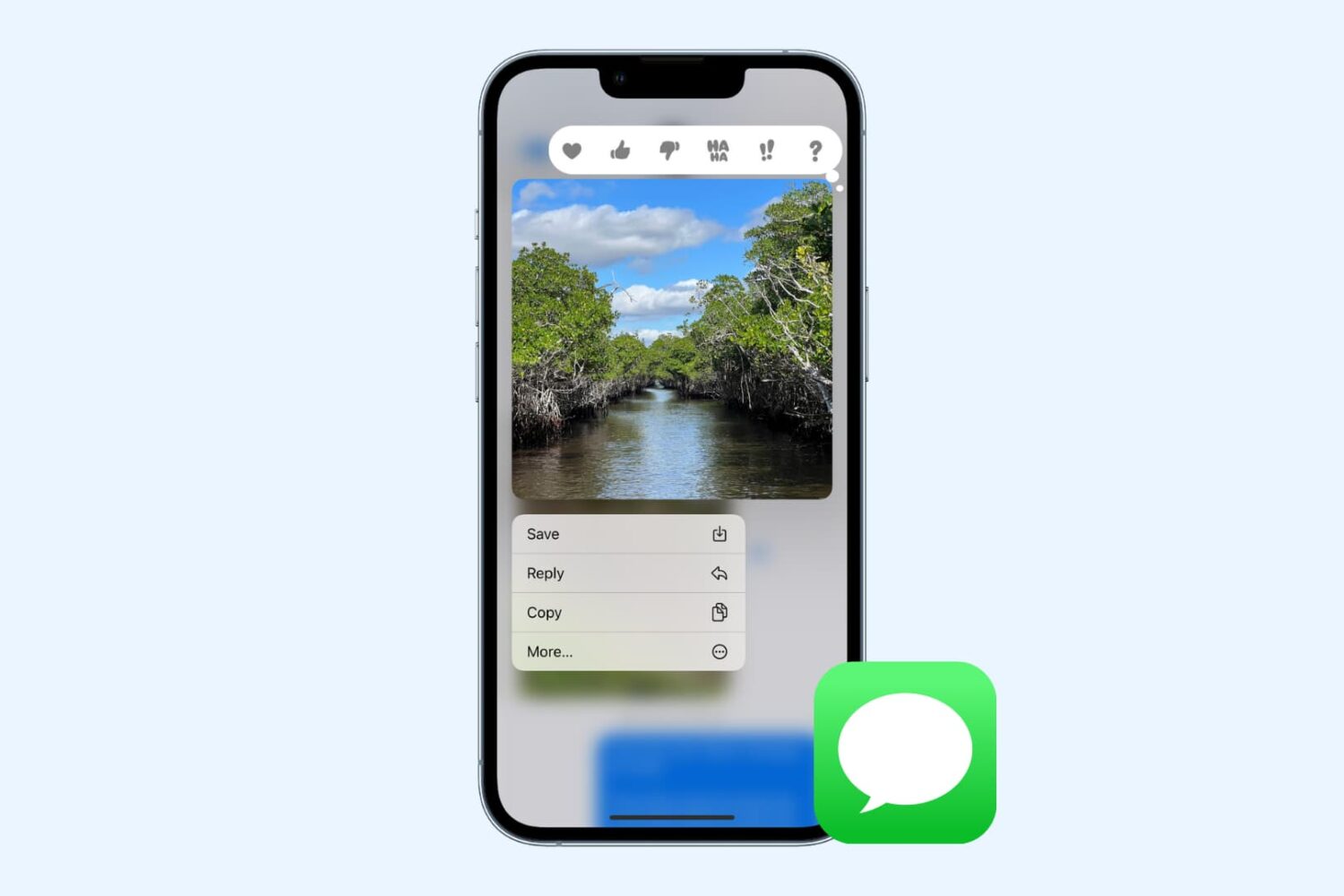
In this tutorial, we’ll show you how to use shortcuts and automations to silence your Apple Watch automatically based on where you are.
How to auto silence your Apple Watch based on location
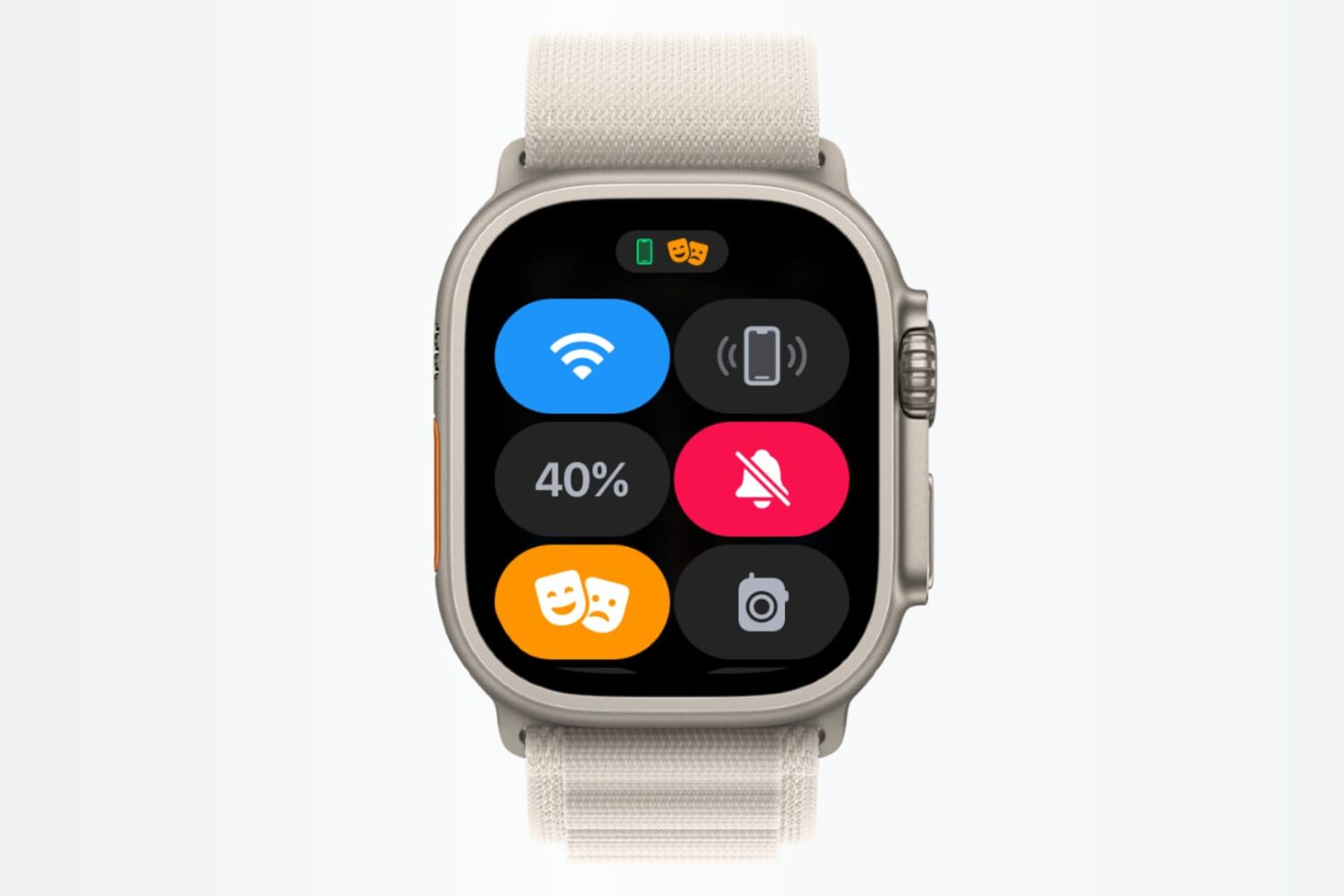
In this tutorial, we’ll show you how to use shortcuts and automations to silence your Apple Watch automatically based on where you are.

With Apple's ever-turning game of unsigning older firmware to prevent downgrades to jailbreakable firmware, jailbreakers are forever wondering what the best strategy is for their device.

Learn how to ask Apple to resend you the purchase receipt for your app, movies, TV shows, or service subscriptions from iPhone, iPad, or Mac.
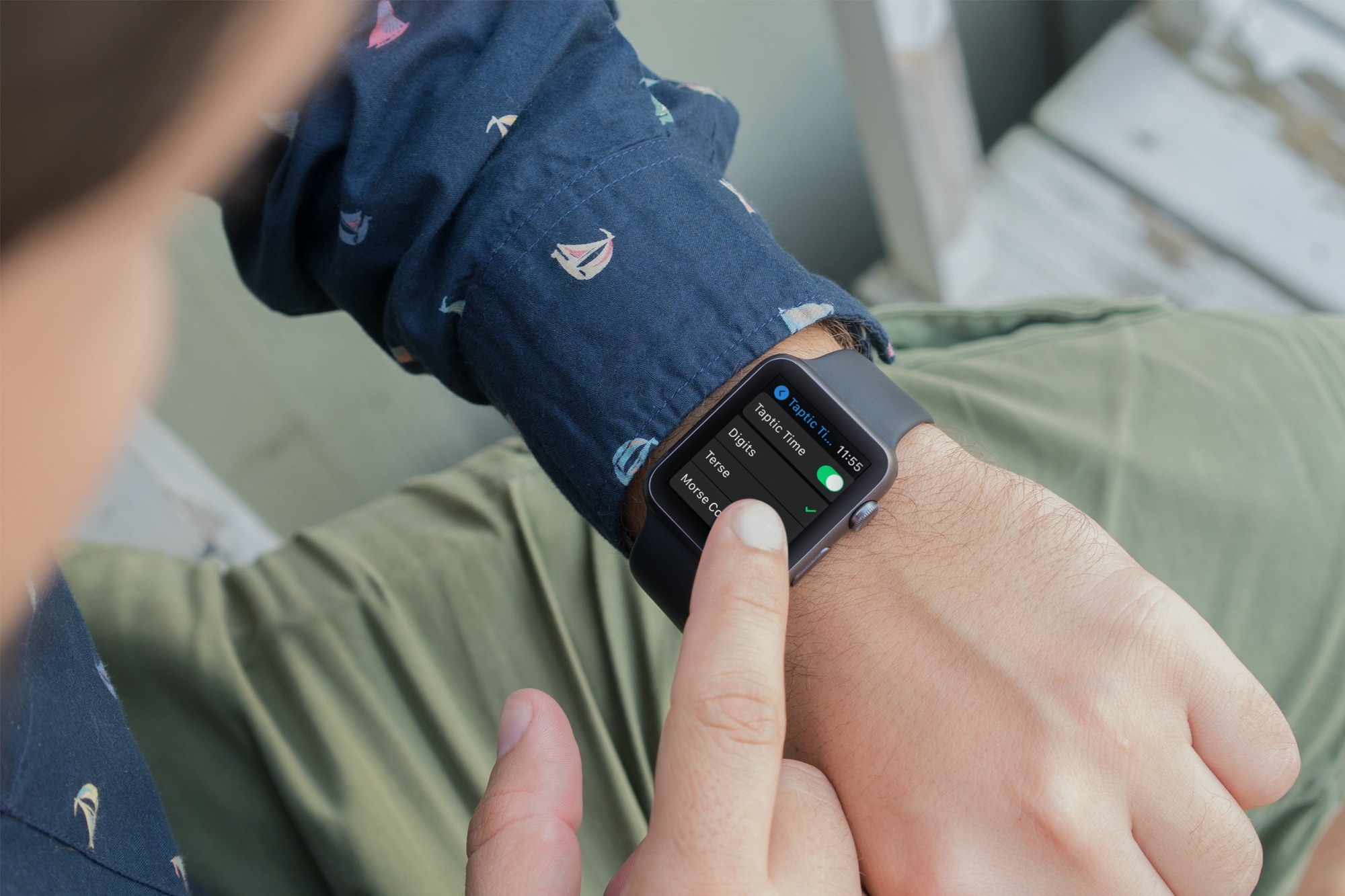
Learn about using important audio enhancements accessibility settings from Taptic Time to Haptic Alerts on your Apple Watch if you have difficulty hearing.

Learn what Apple can and cannot do to help your family take care of your Apple ID and iCloud account after your death.

Check out this list of handy Shortcuts for creating GIFs, sharing your last photo, mapping a picture’s location, and more on your iPhone or iPad.

Learn what to do if you’re unable to uninstall apps from your iPhone or iPad, as the option to ‘Delete App’ is missing when you touch and hold an app icon and tap Remove App.
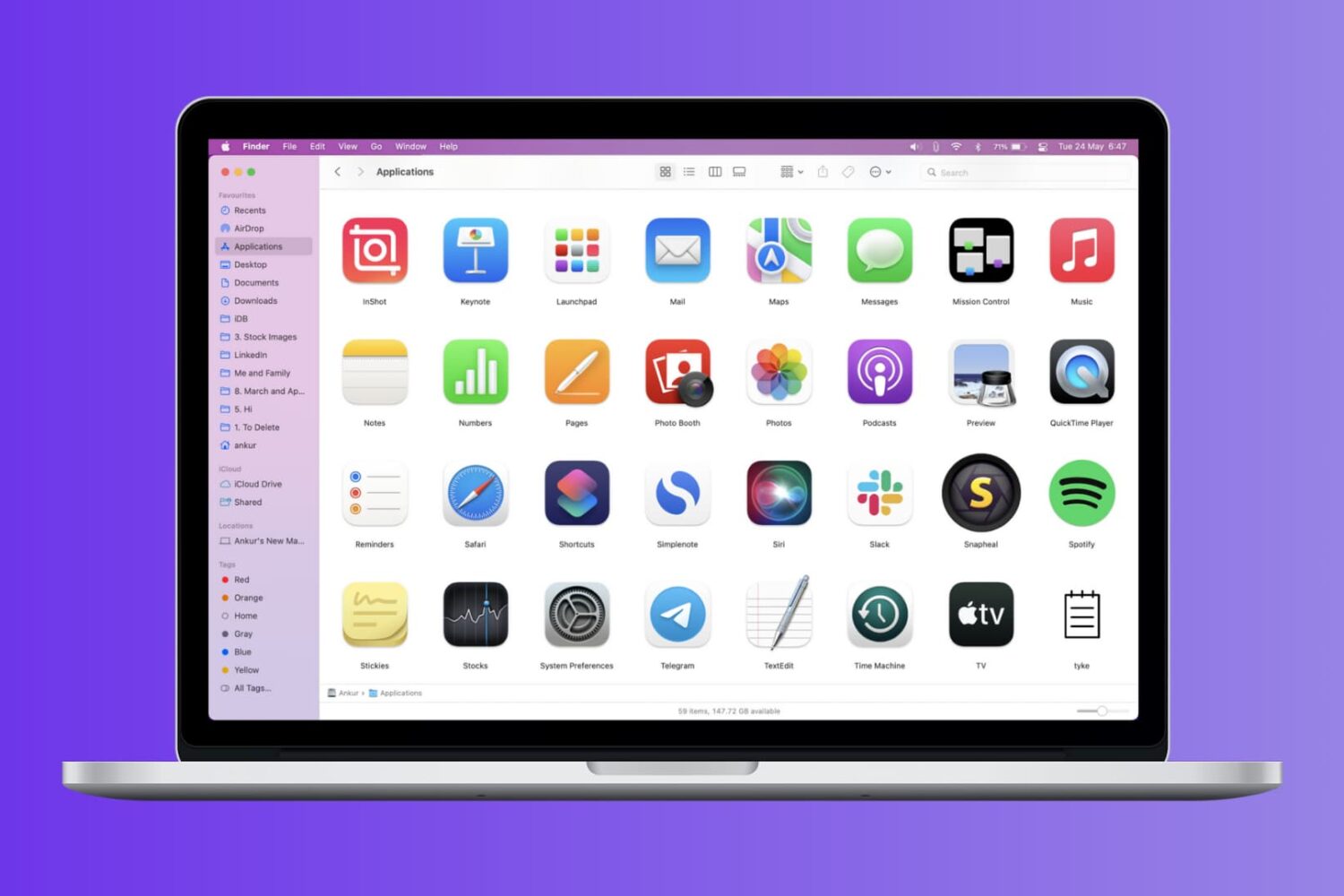
Check out these four easy ways to get a list of installed apps on your Mac and save or print that list.

Learn how to unlock your iPhone with your Apple Watch for times when you’re wearing a face mask, sunglasses, or ski goggles and can’t use Face ID.
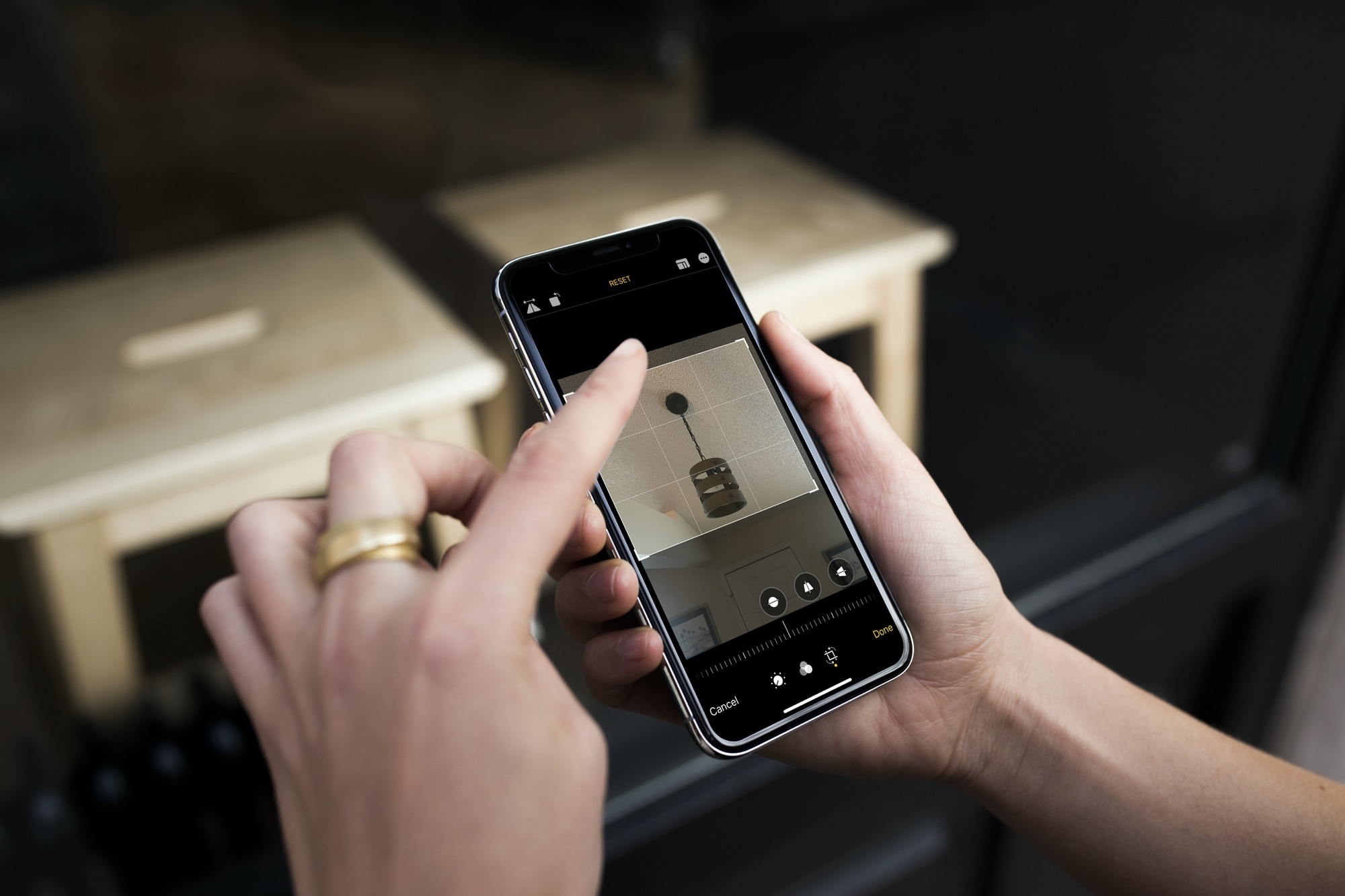
Learn how to crop one or multiple photos at once on your iPhone or iPad to enhance your composition and achieve the desired visual impact.

Luminar AI is an artificially intelligent photo-editing program for creatives of all levels. With Luminar for Mac, you don’t need to be a pro retoucher to easily make your selfies, portraits, or group photographs stand out. This app provides many handy tools for portrait retouching.