Learn how to hide photos and videos on your iPhone, iPad, and Mac if you’d like to keep them private or simply want to declutter your camera roll.
How to hide and unhide photos on iPhone, iPad, Mac

Learn how to hide photos and videos on your iPhone, iPad, and Mac if you’d like to keep them private or simply want to declutter your camera roll.

Learn how to quickly add the loop, bounce, or long exposure effect to your Live Photos on iPhone, iPad, or Mac to make these moving images even more fun!
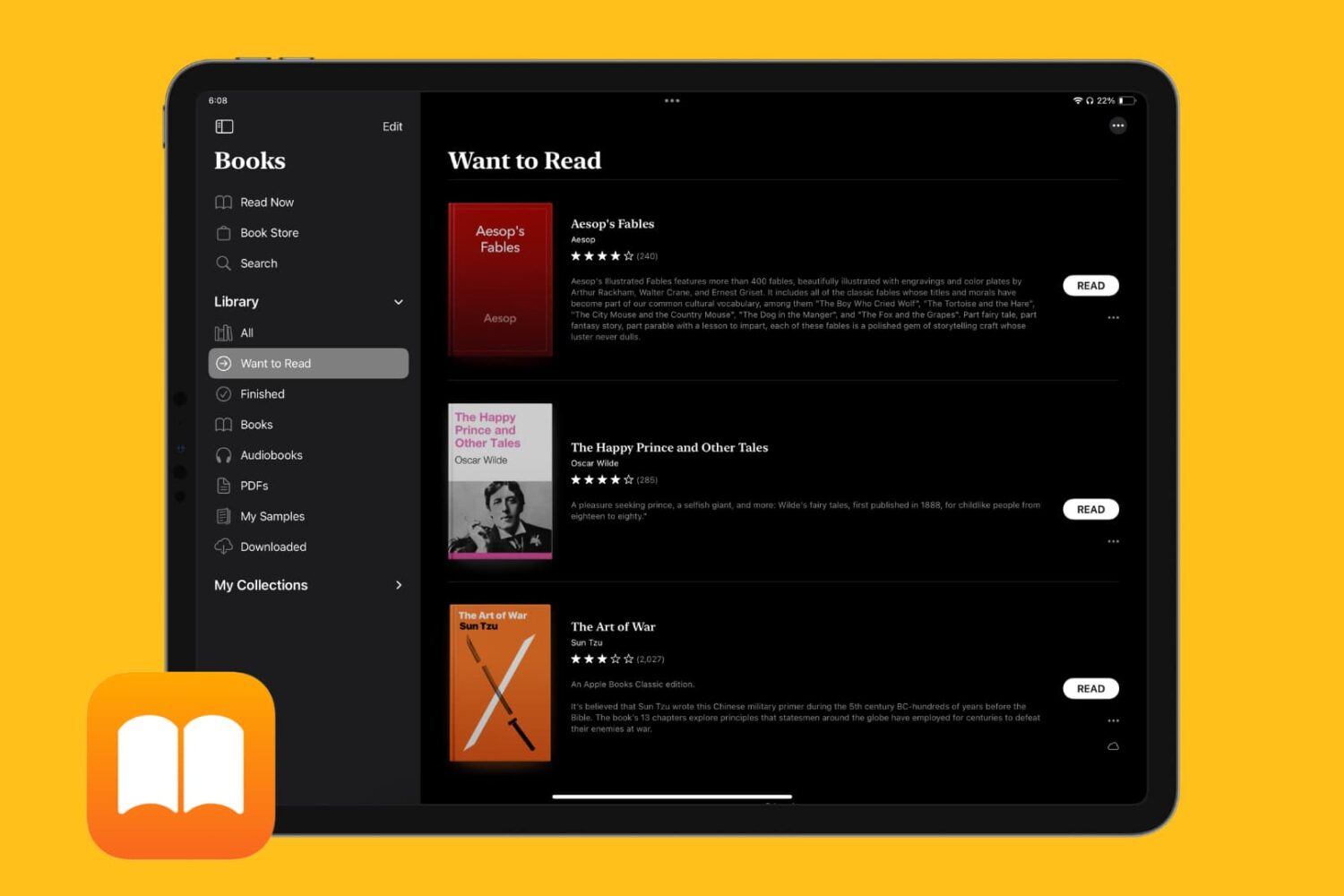
Learn how to keep track of all the books you want to read in the Apple Books app on your iPhone, iPad, and Mac so you can quickly find and start reading them whenever you like.
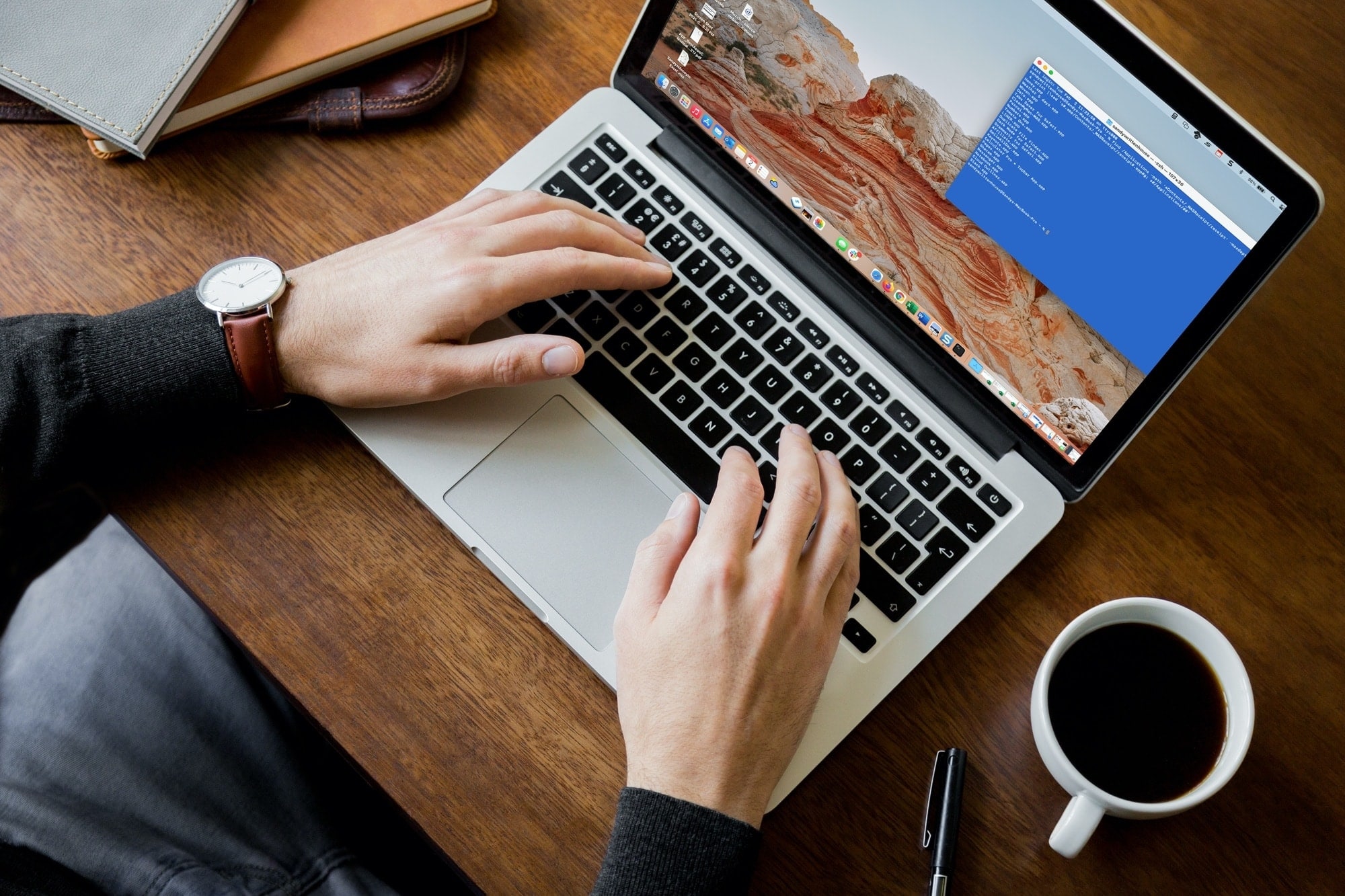
Whether it’s the results of a command, the command itself, or everything between the prompt marks, you can select what you need and print it easily from Terminal on your Mac.
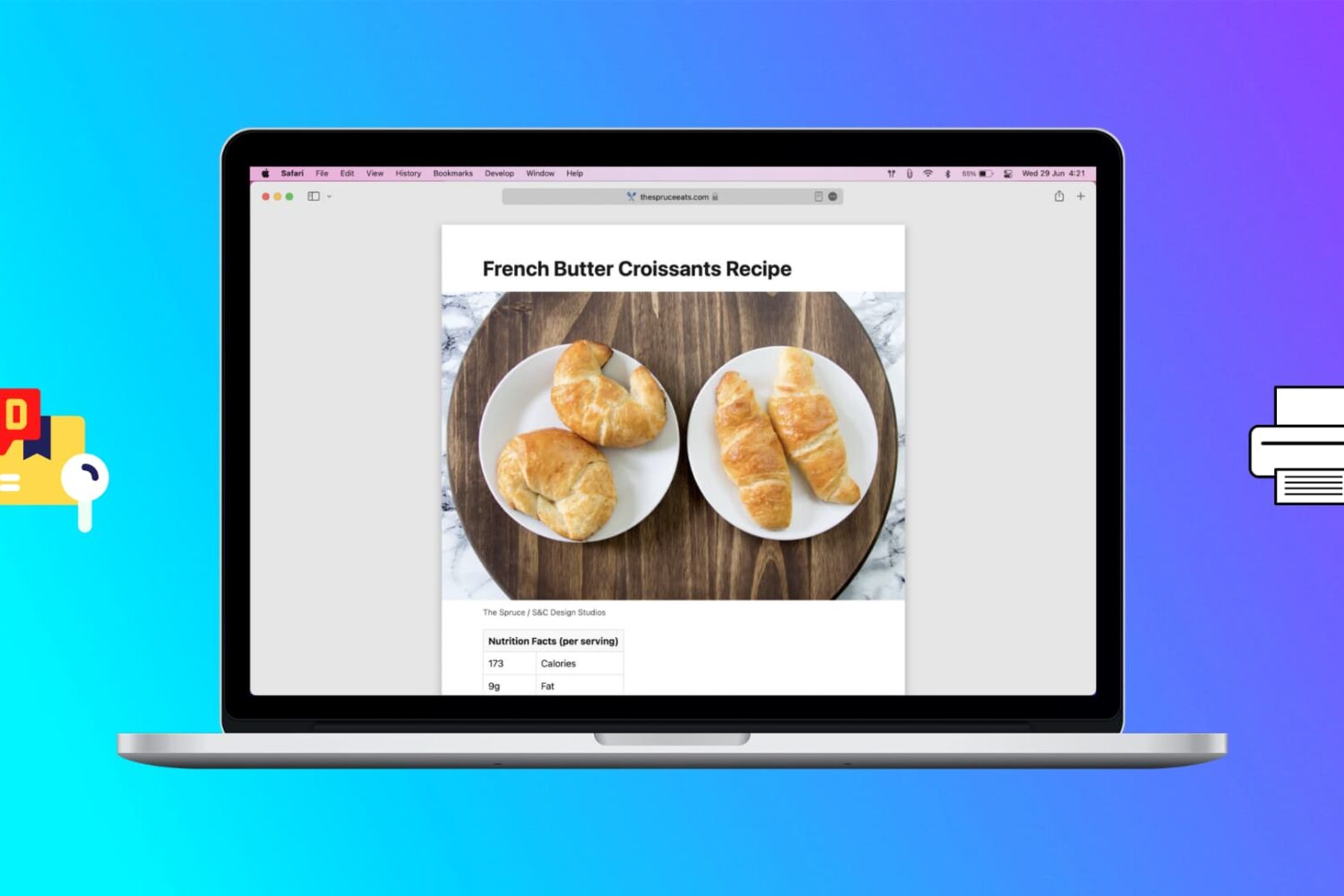
Learn how to print web pages without ads in Safari, Firefox, and Chrome on Mac to have fewer, clutter-free pages.

Speed up your Home Screen navigation by learning how to move through the pages of apps much faster than by swiping.
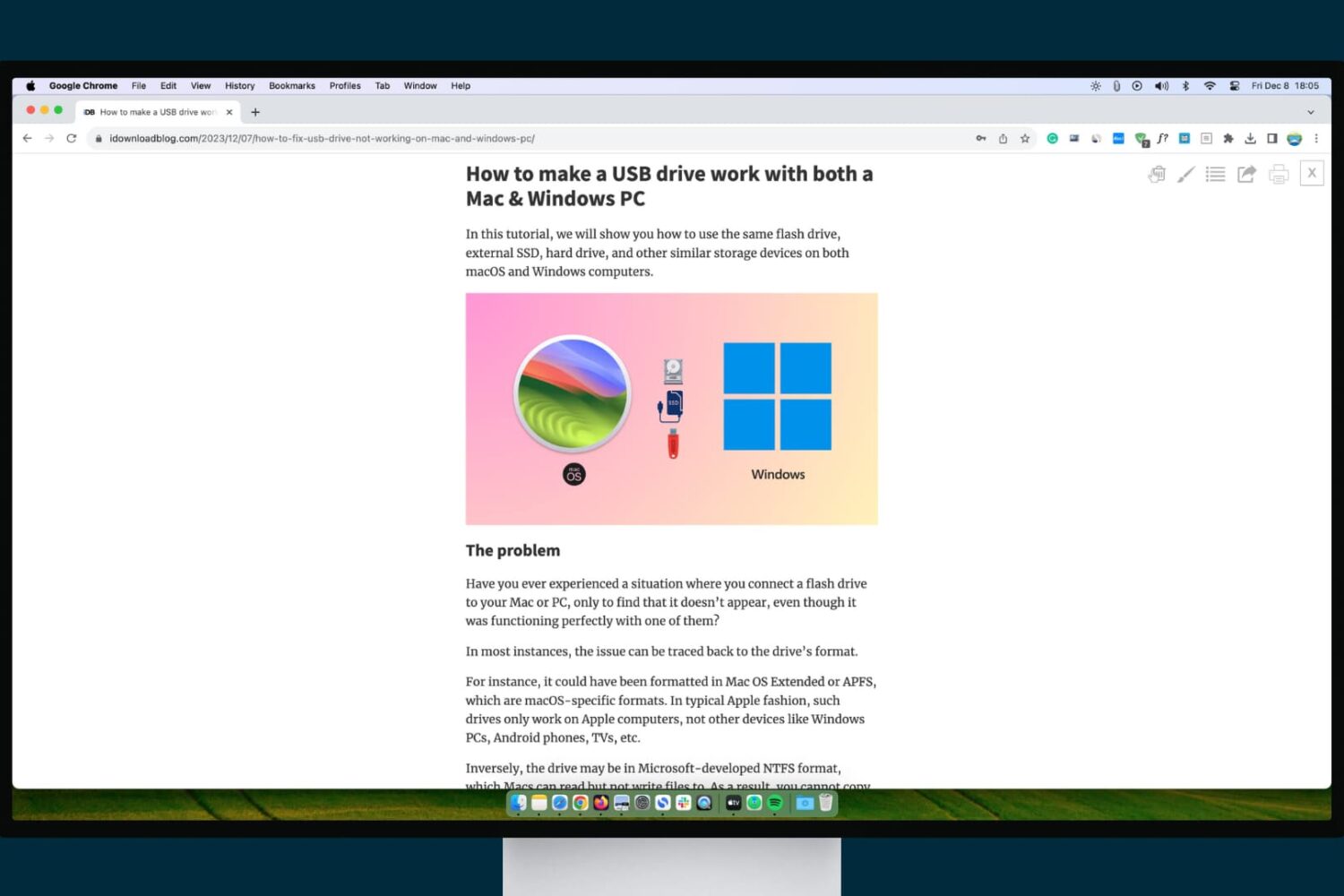
Check out these three ways to turn on and use reading mode in Google Chrome on Mac and Windows PC, which makes it comfortable to read articles without ads, pop-ups, and other distractions.
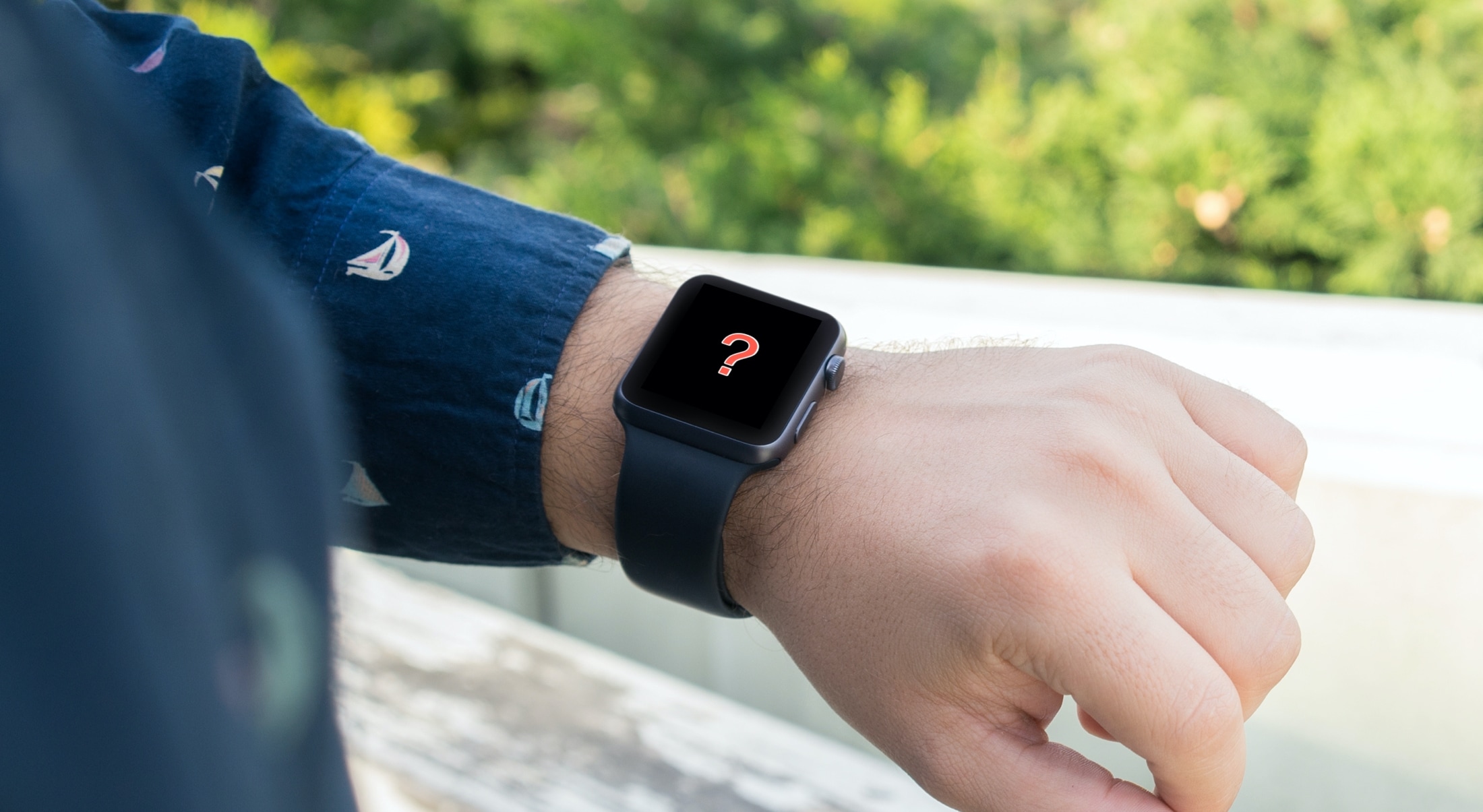
Is your Apple Watch running low on local storage space? In this tutorial, we’ll share five easy ways to make space on your watch for newer apps, media, and more.
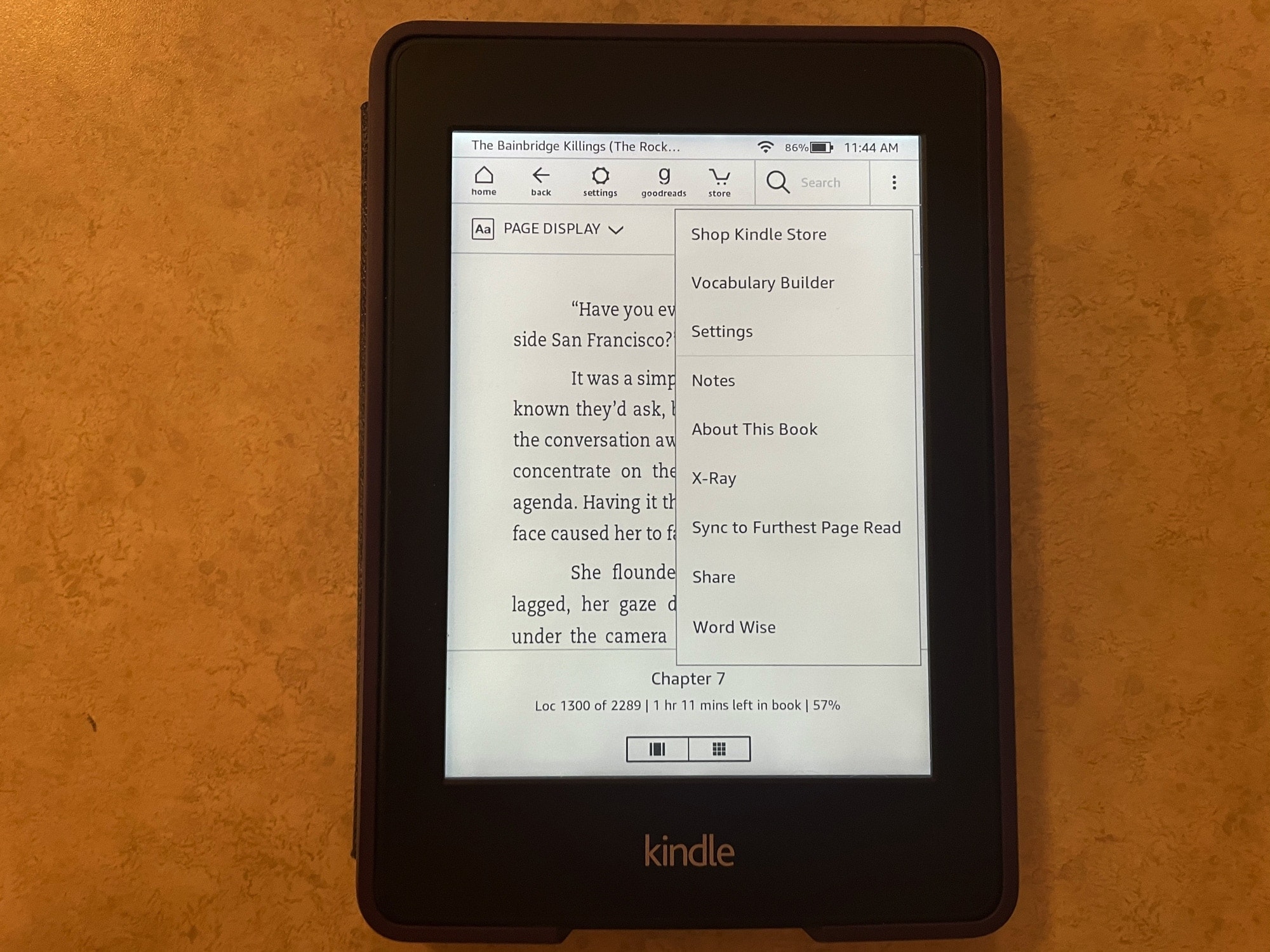
If you’re brand new to the world of Kindle, then you might be wondering what this X-Ray feature you see is and how to use it.
With X-Ray enabled books, you can get more information on what you’re reading. It’s an overall reference that you can use to keep up with characters, terms, and even images. Here, we’ll show you how to use X-Ray for books on your Kindle Paperwhite.
By default, the checkra1n jailbreak installs Cydia as the defacto package manager, and Cydia Substrate or Substitute can be used for tweak injection. But if you’re accustomed to the Chimera or Odyssey jailbreaks, then you might prefer to use Sileo for package management and libhooker for tweak injection instead, yet checkra1n’s jailbreak method offers many benefits over relying on certificates or signed apps.
If you’re wondering whether it’s possible to install Sileo and libhooker on your checkra1n device, then the astounding answer would be yes! A script called Odysseyra1n installs the entire bootstrap on your checkra1n device, allowing you to have an Odyssey-like experience on your checkra1n jailbreak.
If you rely on a slide-loadable jailbreak such as Odyssey (iOS 13.0-13.7) or unc0ver (iOS 11, 12, and 13.0-13.5), then it can be devastating if your device suddenly reboots because of a dead battery or a glitch. When this happens, you’ll be without your jailbreak and any add-ons you installed until you can re-jailbreak again.
Sadly, with many signing service certificates being revoked left and right without notice and with AltStore suddenly not working for apps installed after January 28th, it almost seems like using these jailbreaks puts you right in the crossroads of frustration and unreliability. But perhaps it doesn’t need to.
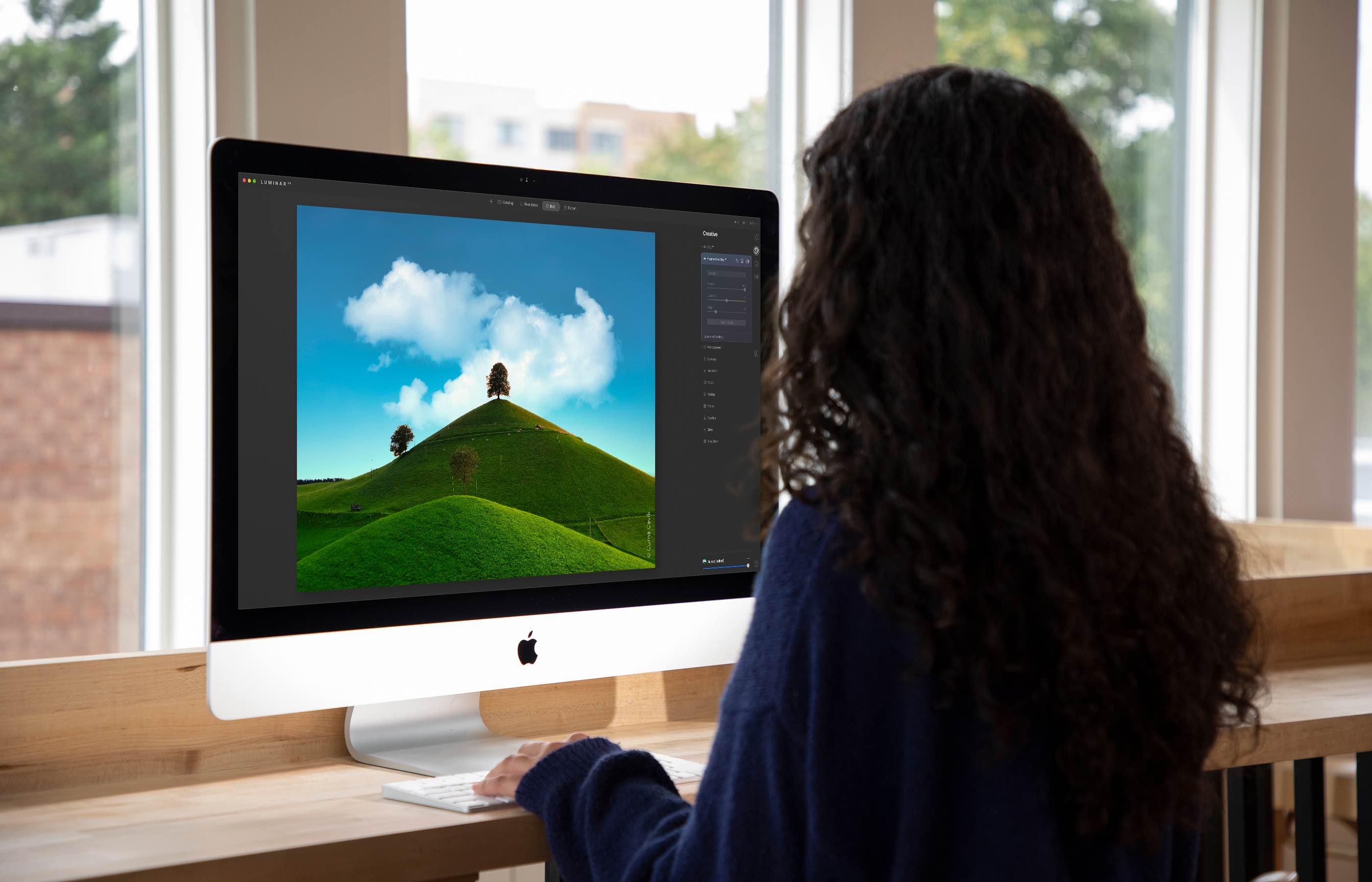
The Luminar AI image editor lets you edit landscapes, cityscapes, nature portraits and architecture photos with ridiculous ease—no need to deal with complex layers and palettes or adjust countless knobs. In this tutorial, we'll demonstrate how easy and fun achieving eye-catching landscape looks can be by with Luminar's rich assortment of AI-powered tools.