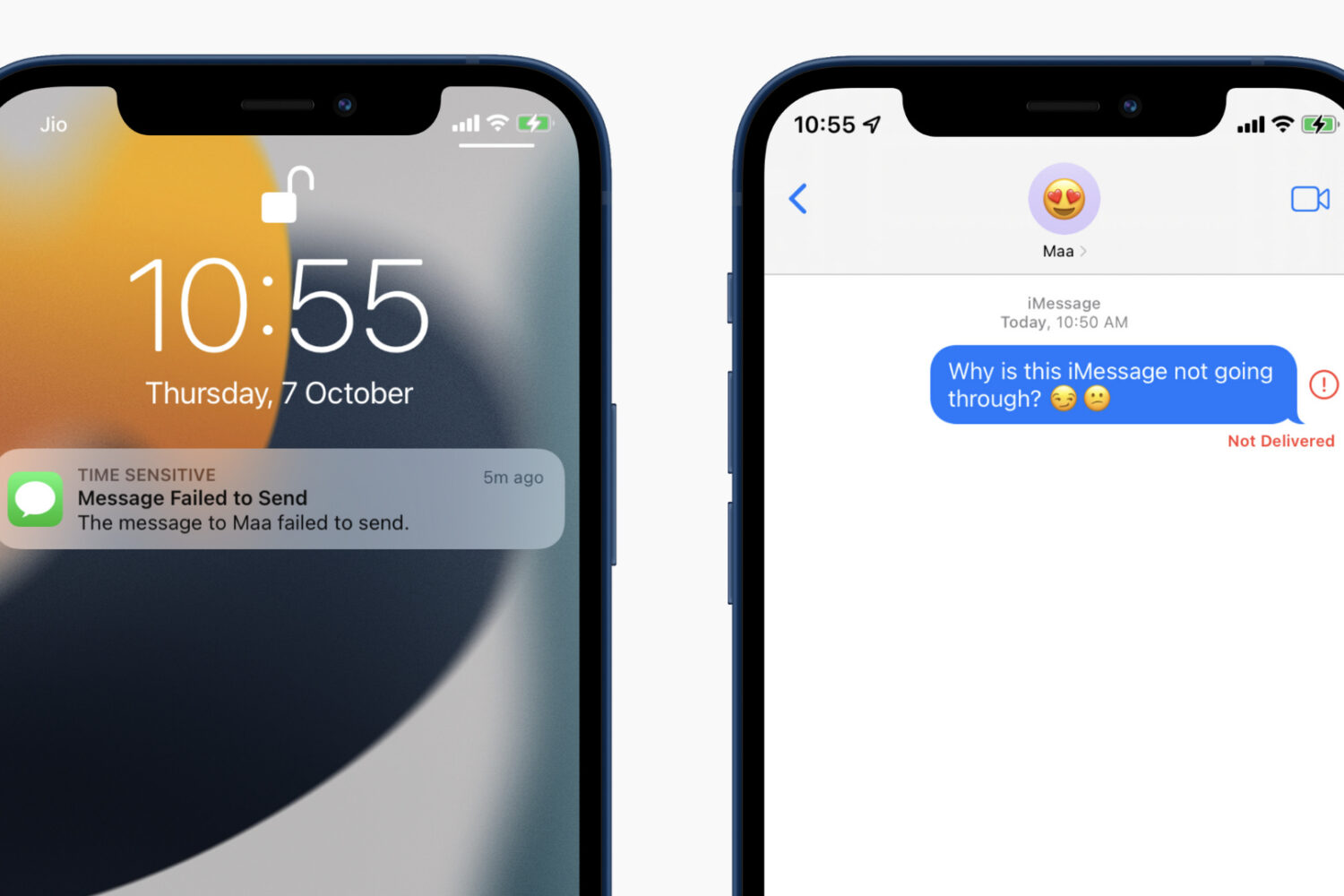
Learn how to find the precise file size of an app or app update for your specific iPhone model. This will help if you're on a limited data plan.
How to know the exact file size of an app or update for your iPhone
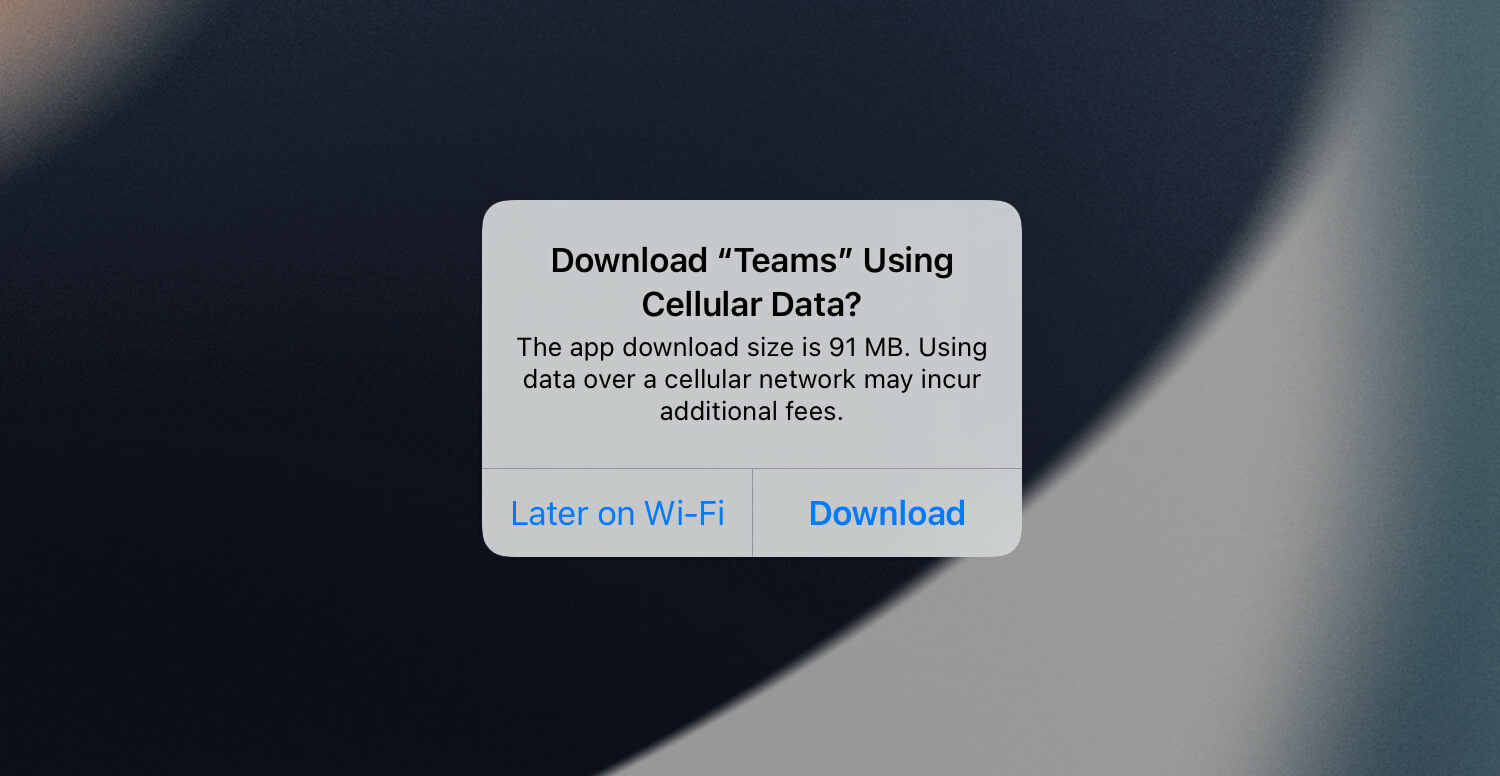
Learn how to find the precise file size of an app or app update for your specific iPhone model. This will help if you're on a limited data plan.
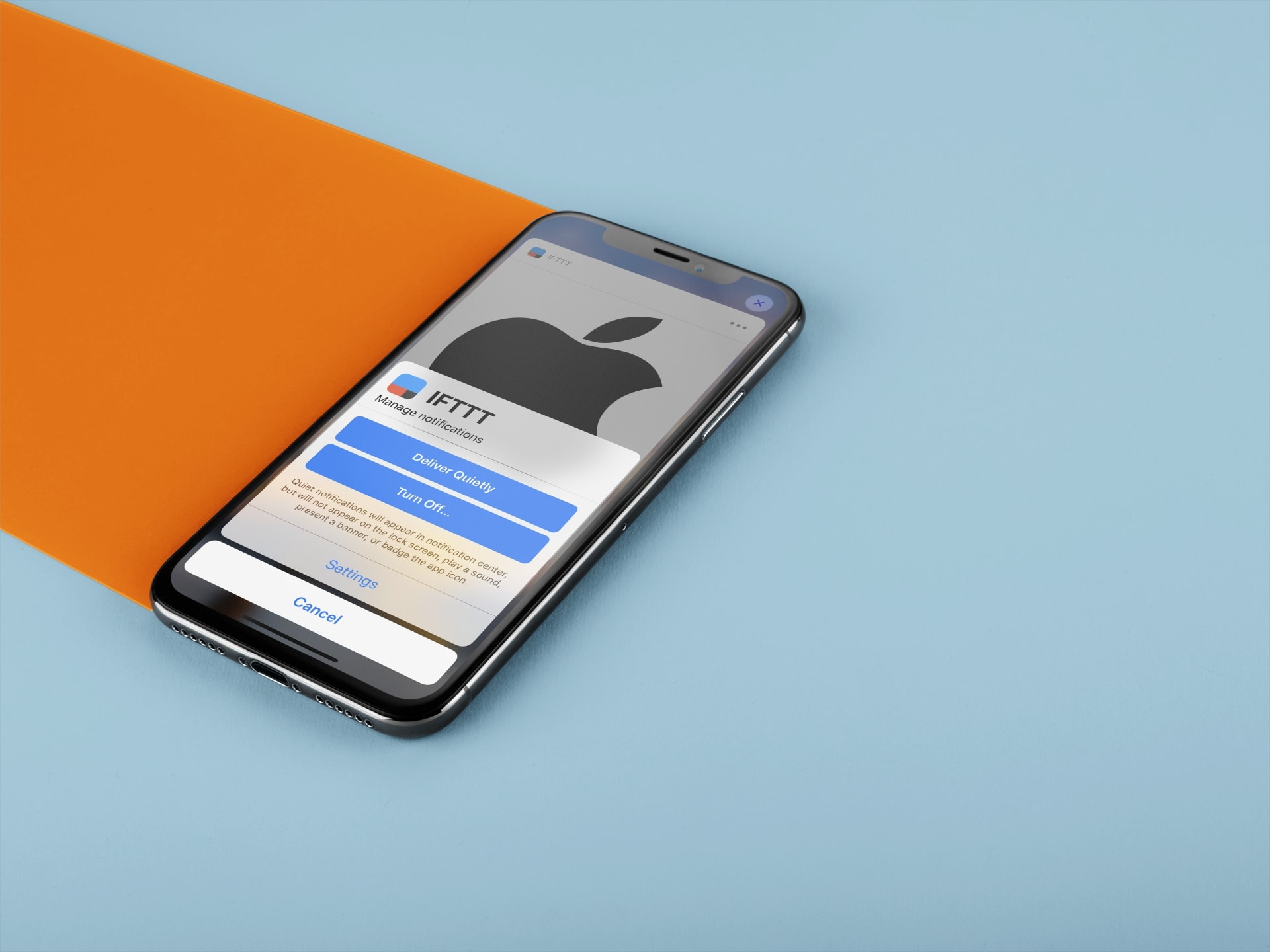
Learn how to set certain app notifications to be delivered quietly without making a sound or waking up the Lock Screen on your iPhone and iPad.

Learn how to use the Per-App Settings feature to customize your iPhone apps with specific settings that only apply to those apps.
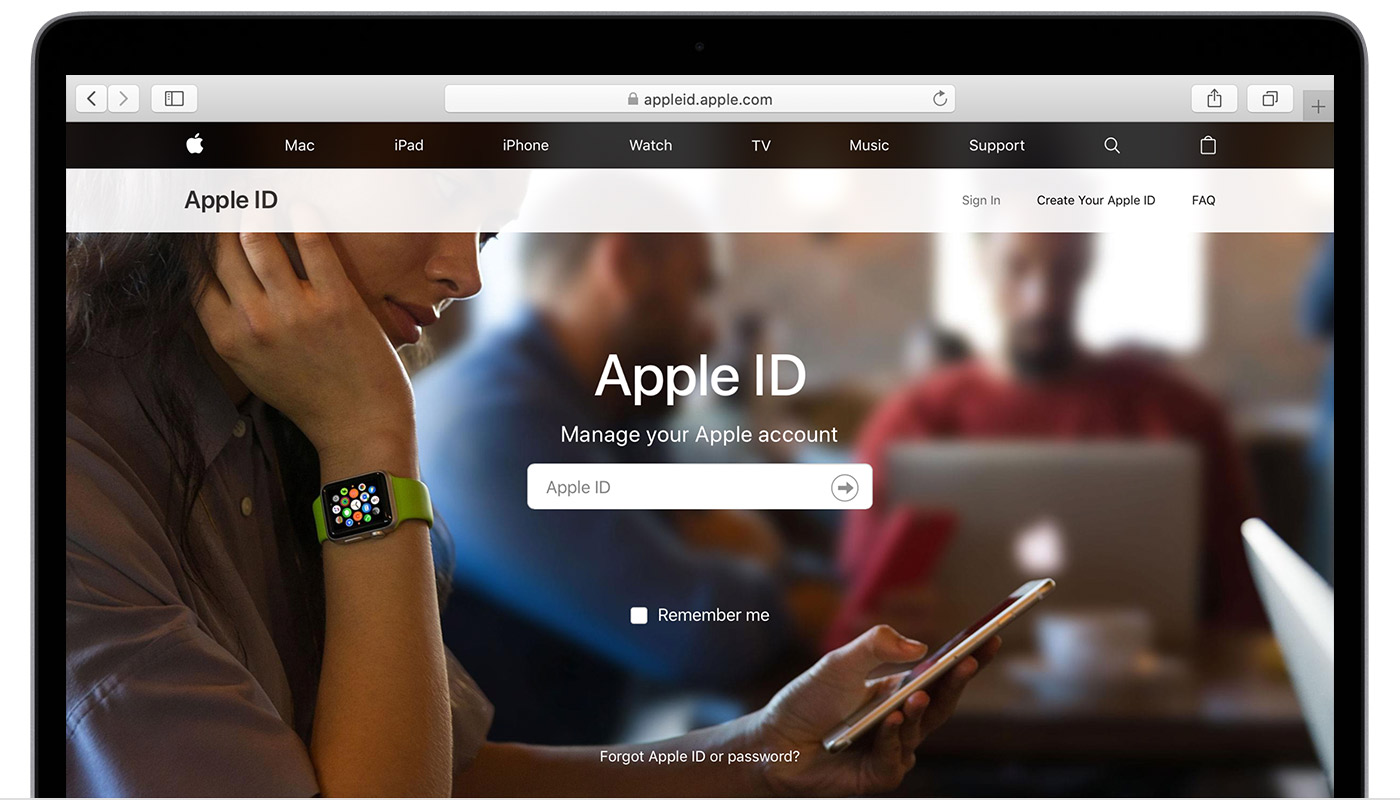
In this tutorial, we’ll tell you what an Apple ID is and how to find yours on your iPhone, iPad, and Mac. We’ll also tell you how to know if your email is already registered as an Apple Account or not.
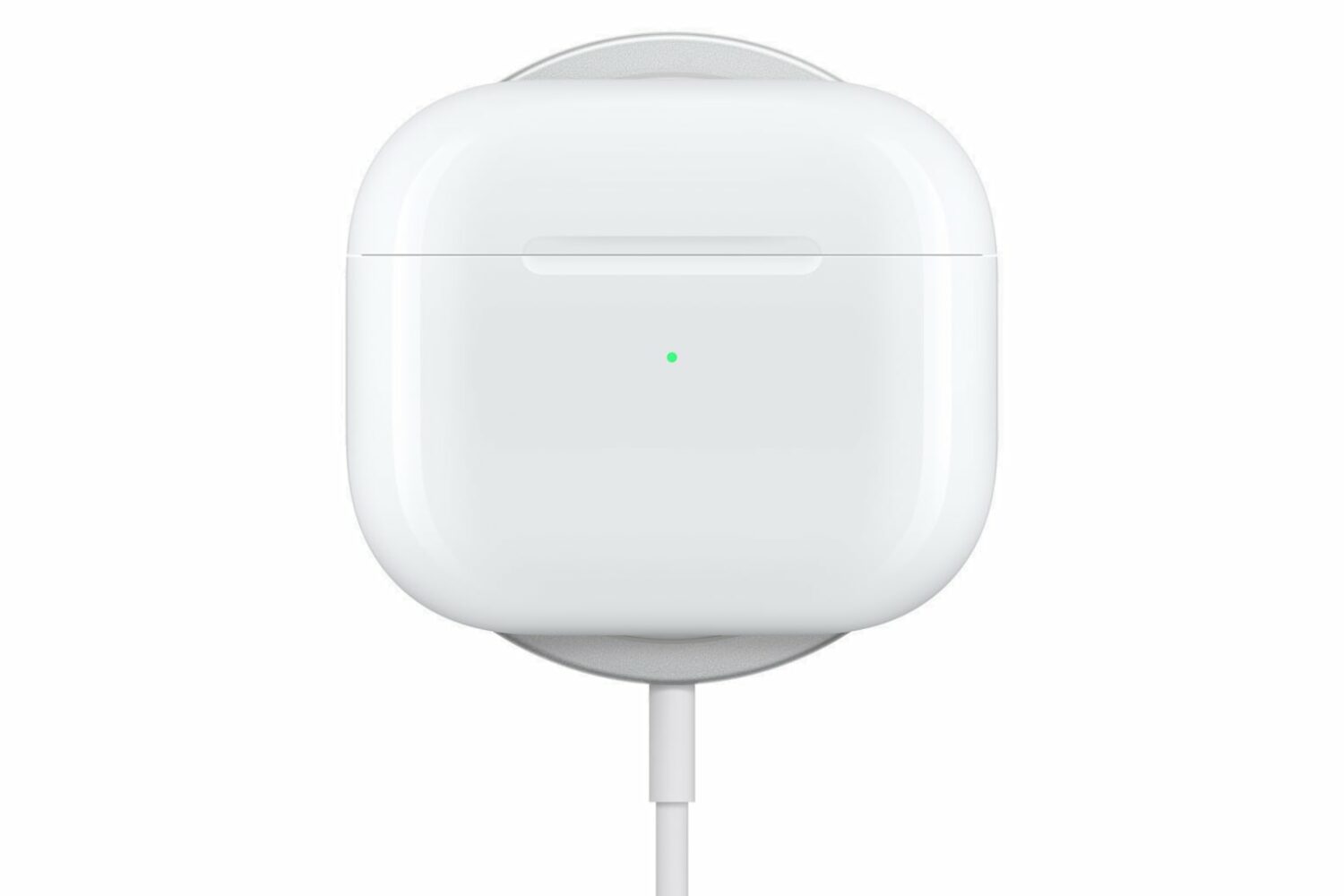
Check out the official AirPods 3 system requirements to see if your phones, tablets, computers and other devices are supported by Apple's third-generation wireless earbuds.
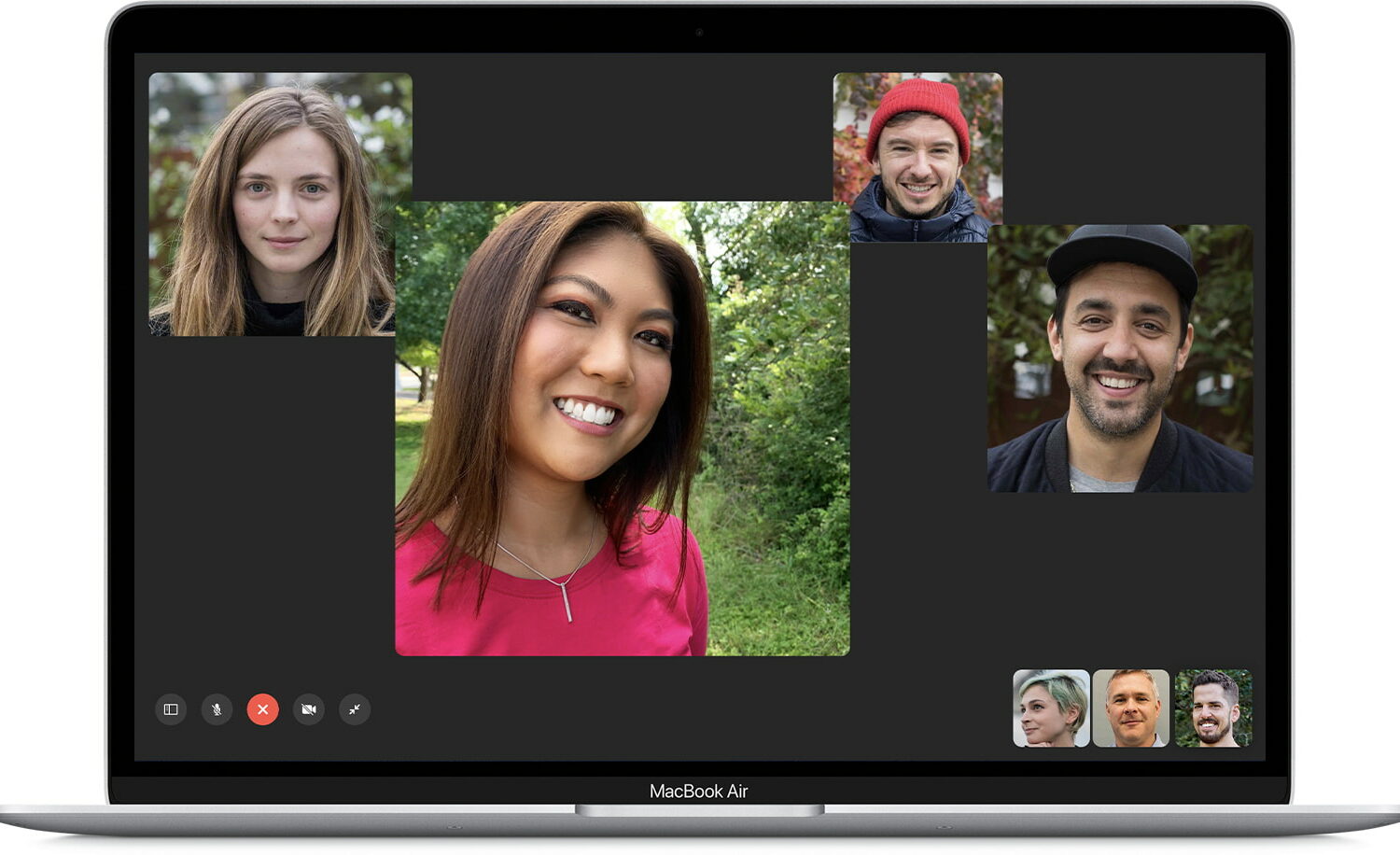
Go through these quick solutions if FaceTime is not working on your Mac, is unavailable, or is failing to activate.
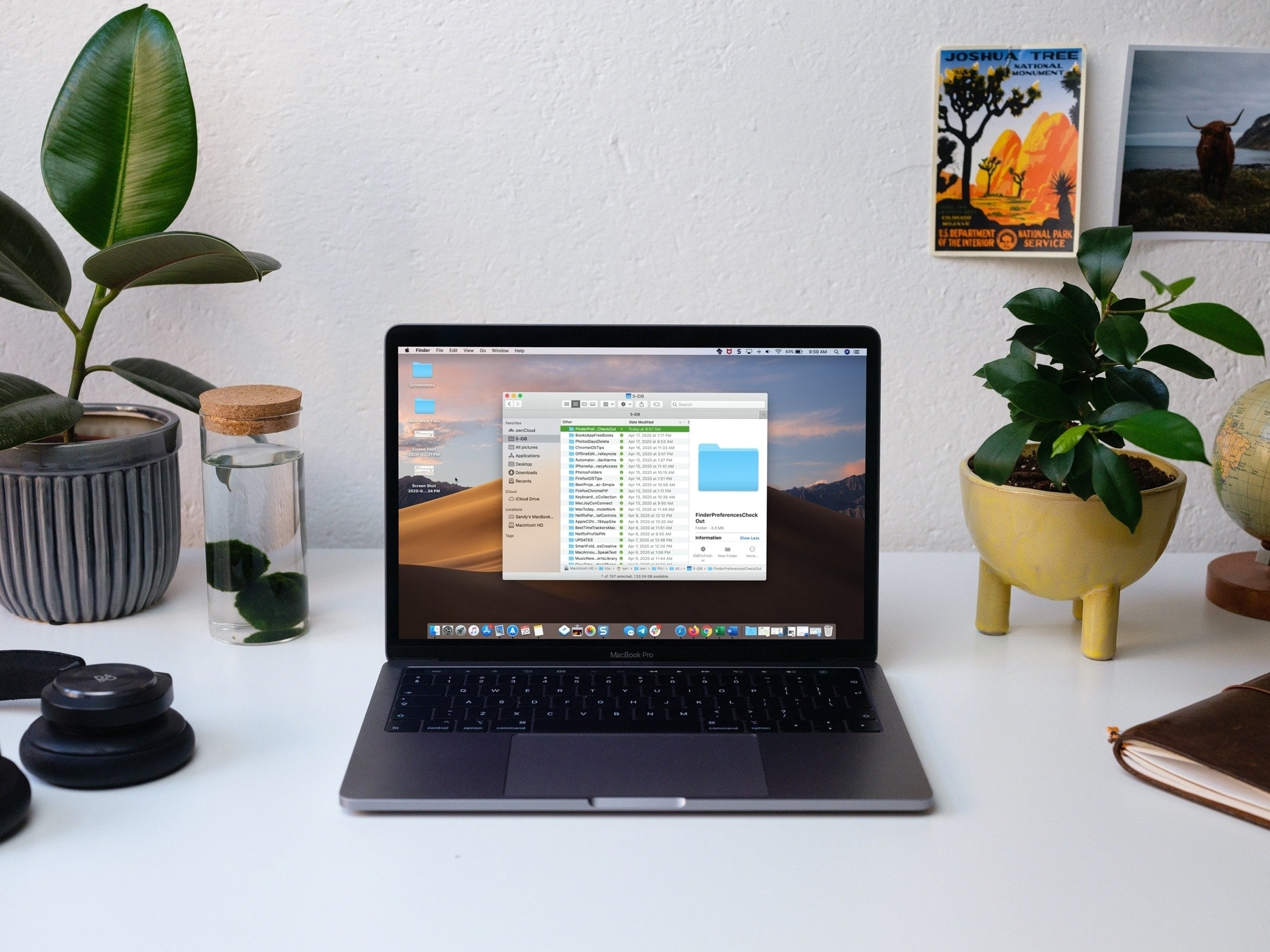
Learn what to do if Finder freezes or fails to respond on your Mac, preventing you from accessing your files and folders.
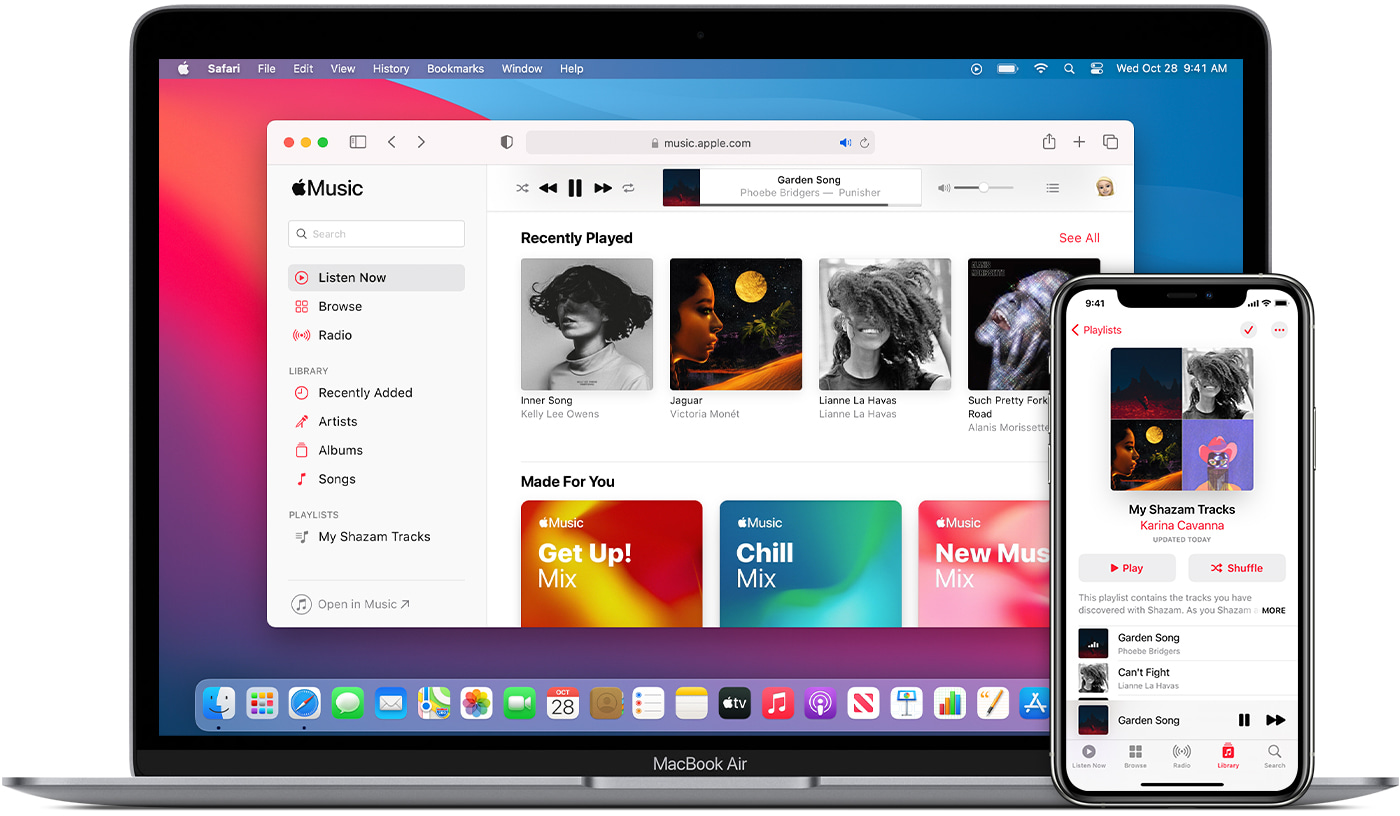
Check out these three easy ways to sync or transfer music, playlists, and videos from your Mac to iPhone or iPad.
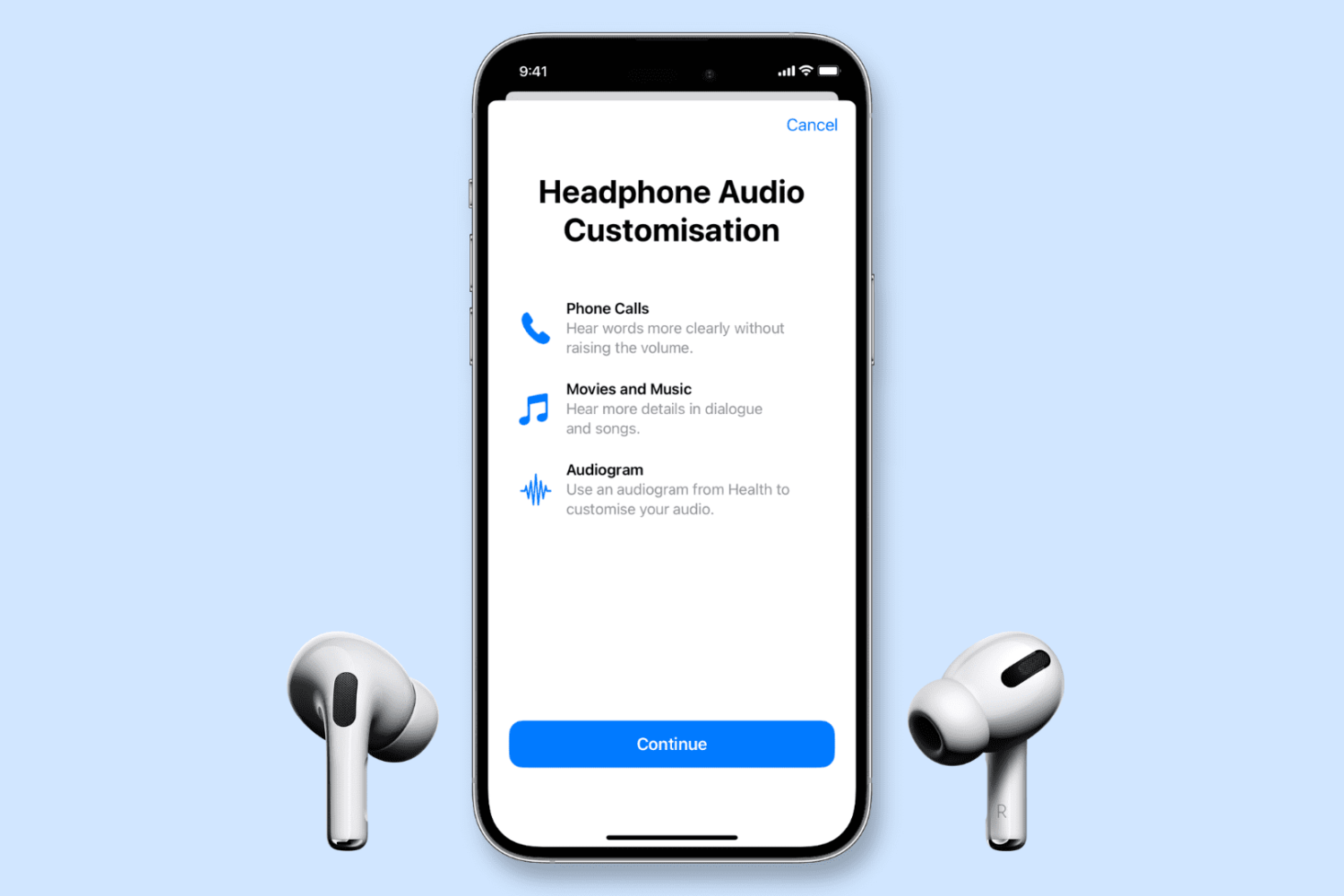
In this tutorial, we guide you through the steps to upload an audiogram to your iPhone and map AirPods or other compatible headphones to your personal hearing profile.

Learn how you can get, set up, and access iCloud on your iPhone, iPad, Mac, Windows PC, or even a web browser like Chrome or Safari.
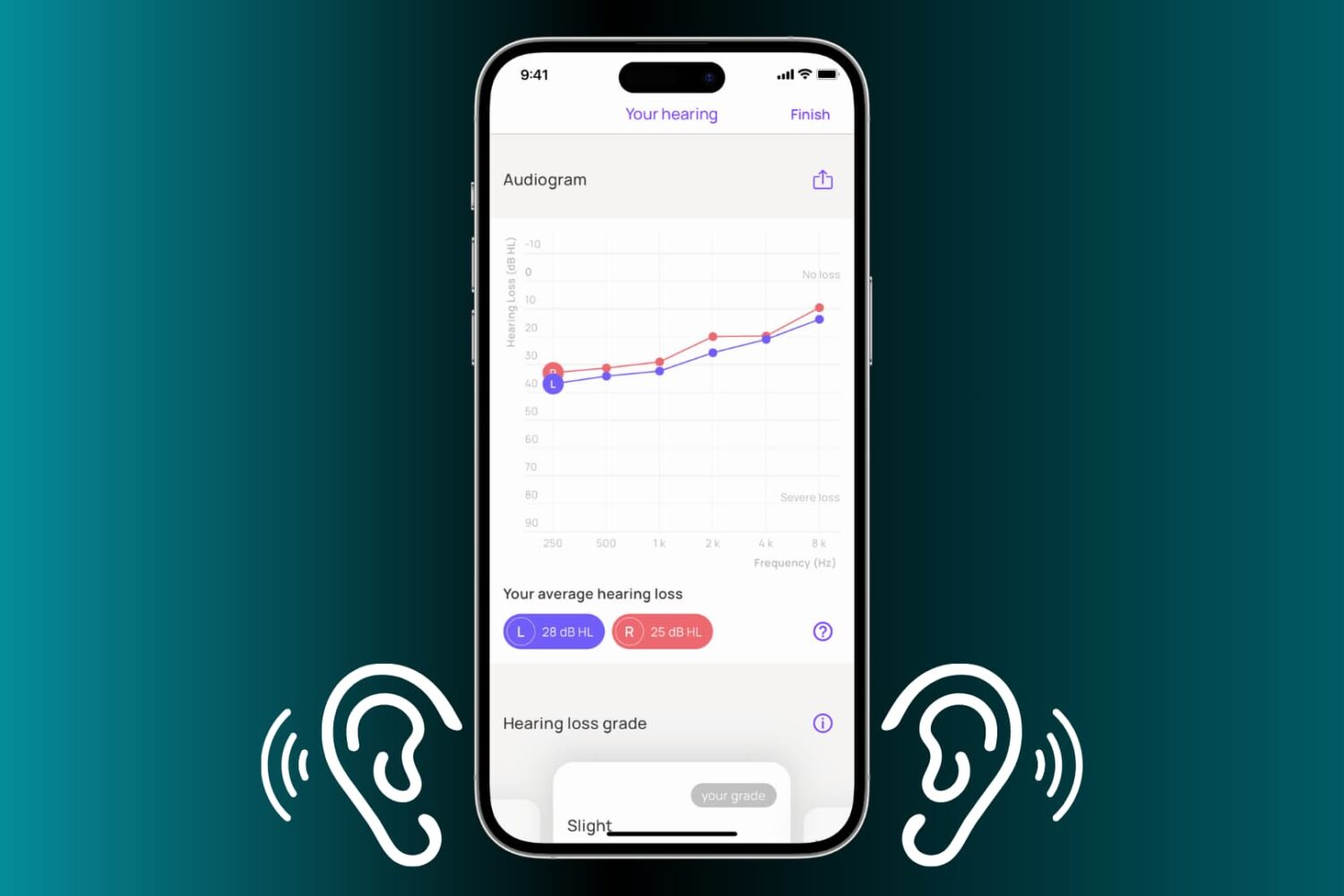
Learn how to create an audiogram for importing on your iPhone and iPad so you can map your AirPods or other compatible headphones to your personal hearing profile.