In this quick tutorial, we’ll show you how you can set up your Mac’s Dock to show only the open and active apps to reduce clutter.
How to always show only open apps in your Mac Dock
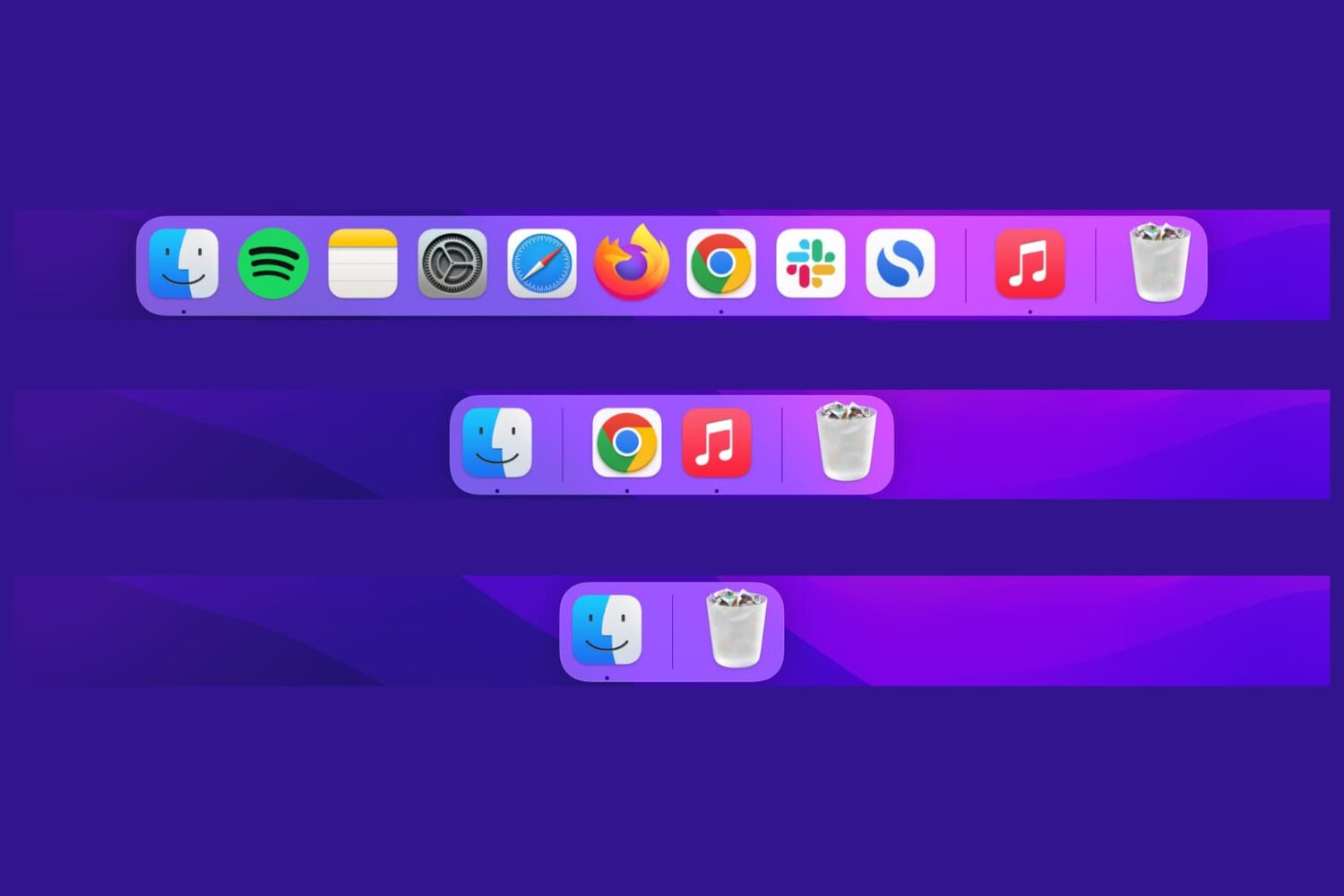
In this quick tutorial, we’ll show you how you can set up your Mac’s Dock to show only the open and active apps to reduce clutter.
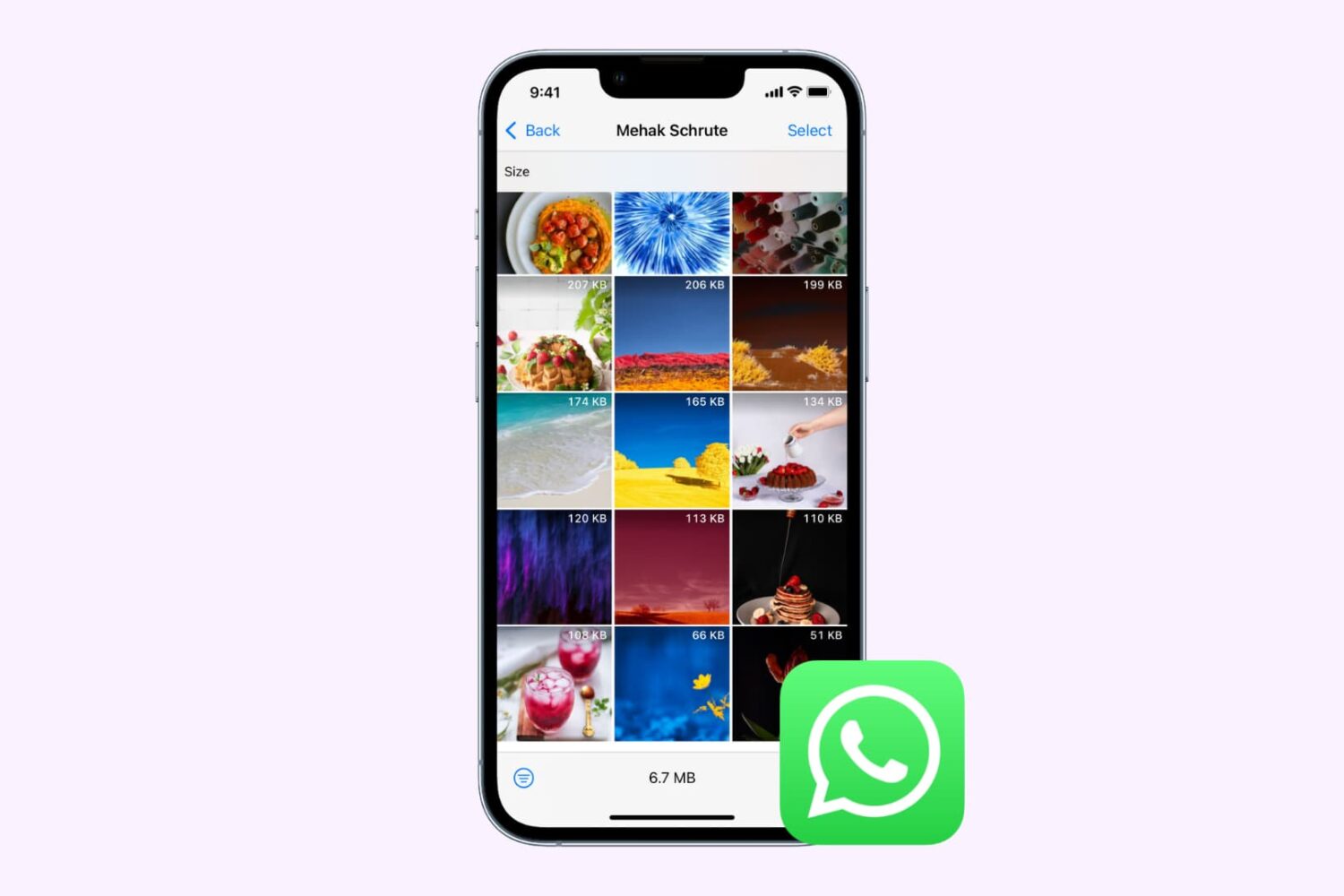
Check out the various ways to delete photos and videos you received on WhatsApp to free space on your iPhone.

You can now play the battle royale game Fortnite on iPhone and iPad in Apple's Safari browser as long as you're subscribed to Nvidia's GeForce NOW game service.
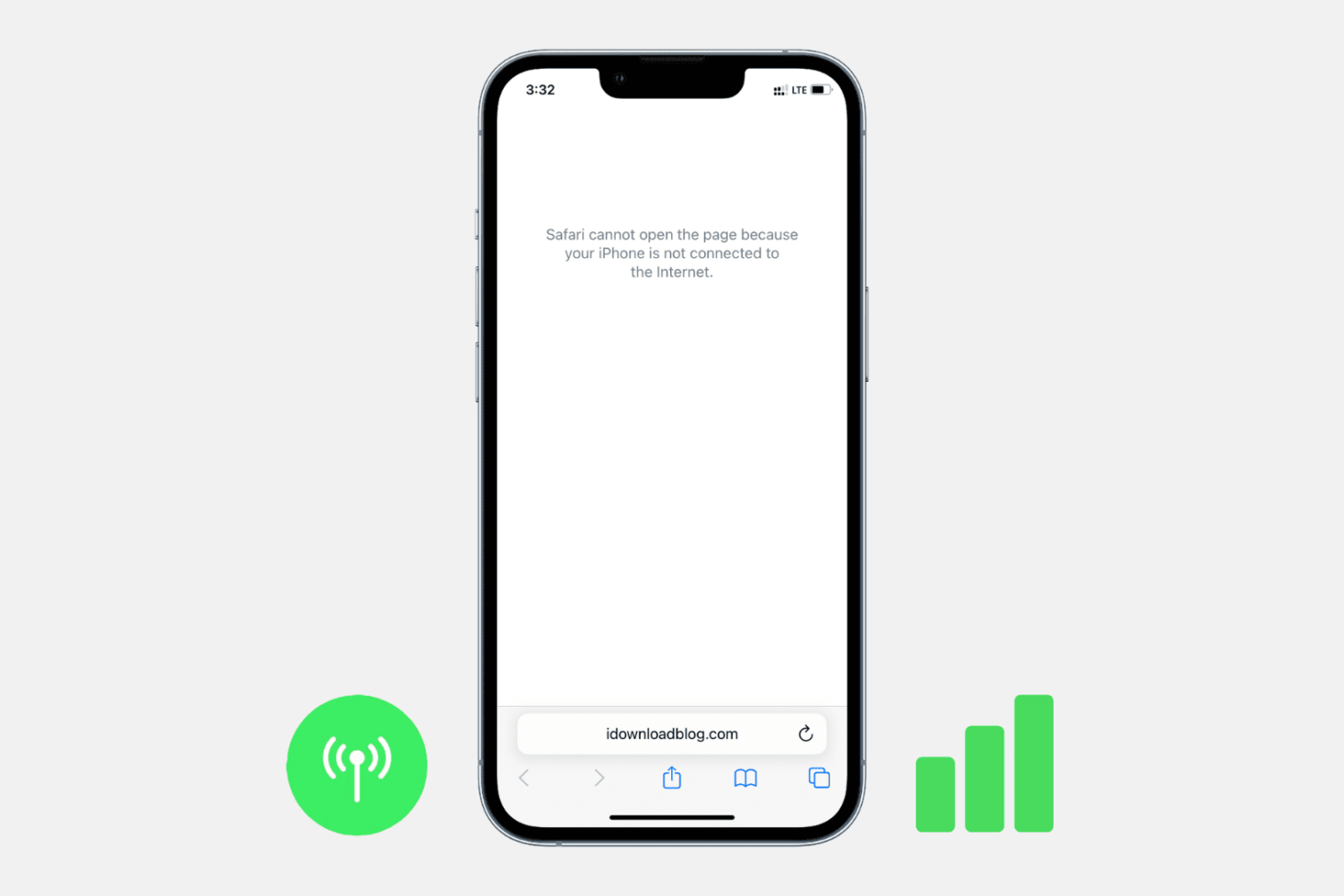
Check out these troubleshooting steps to fix all 5G, 4G, LTE, and 3G issues on your iPhone or cellular iPad and get back to accessing the internet in no time.
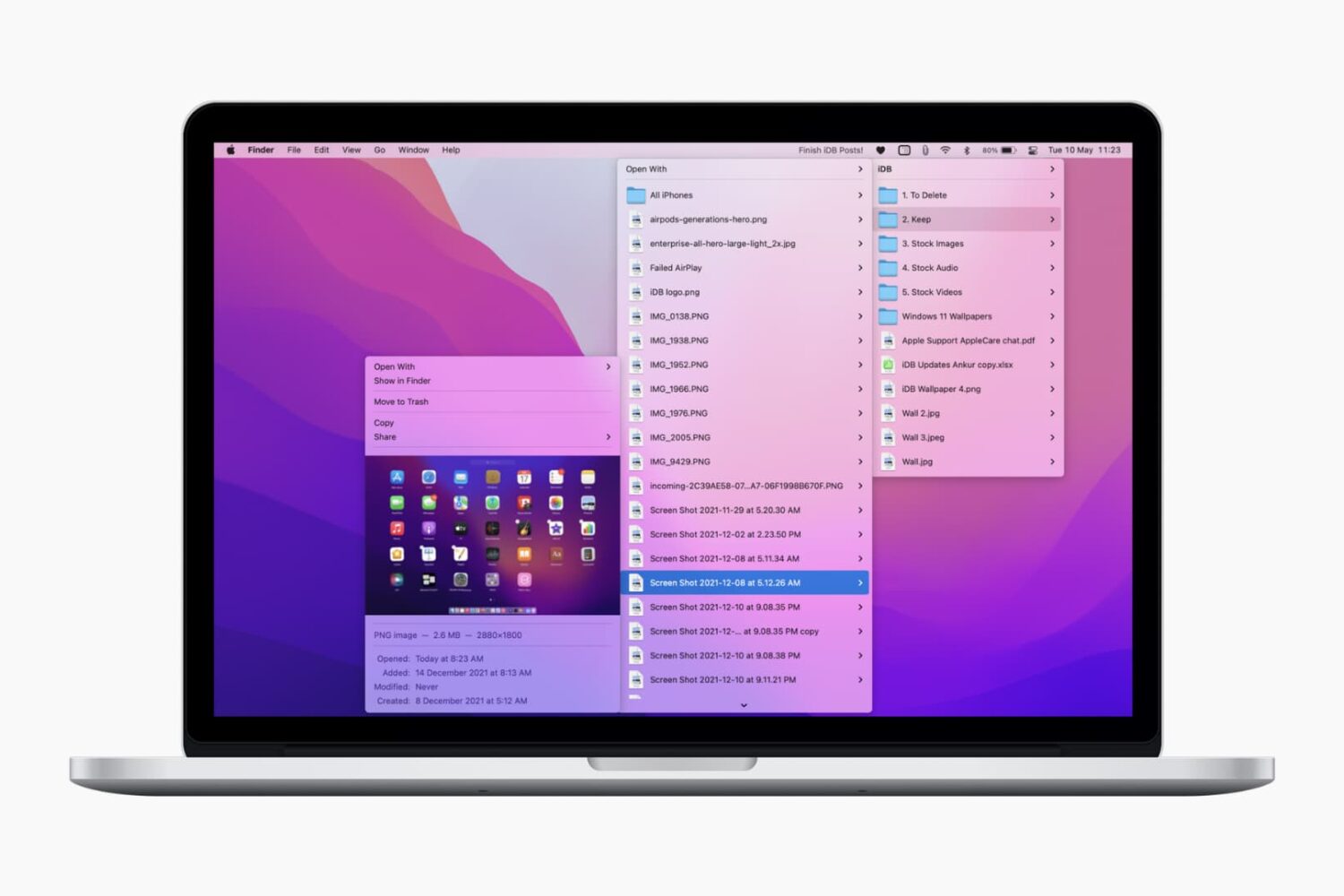
Check out these lightning-fast methods to bookmark important folders on your Mac and open them instantly with just one or a few clicks.

Telegram lets you share your device screen during calls. This makes it ideal for live classes, video presentations, business meets, etc.
Telegram's screen sharing works across platforms, which means you can share your screen no matter which device (iOS, macOS, Android, Windows) you or the participants are using.
In this tutorial, we show you how to share your iPhone or Mac screen with a single person or group on Telegram.
In this tutorial, we tell you about some of the best free ways to convert a Word document (.doc or .docx) into a PDF file on your Mac, iPhone, and iPad.
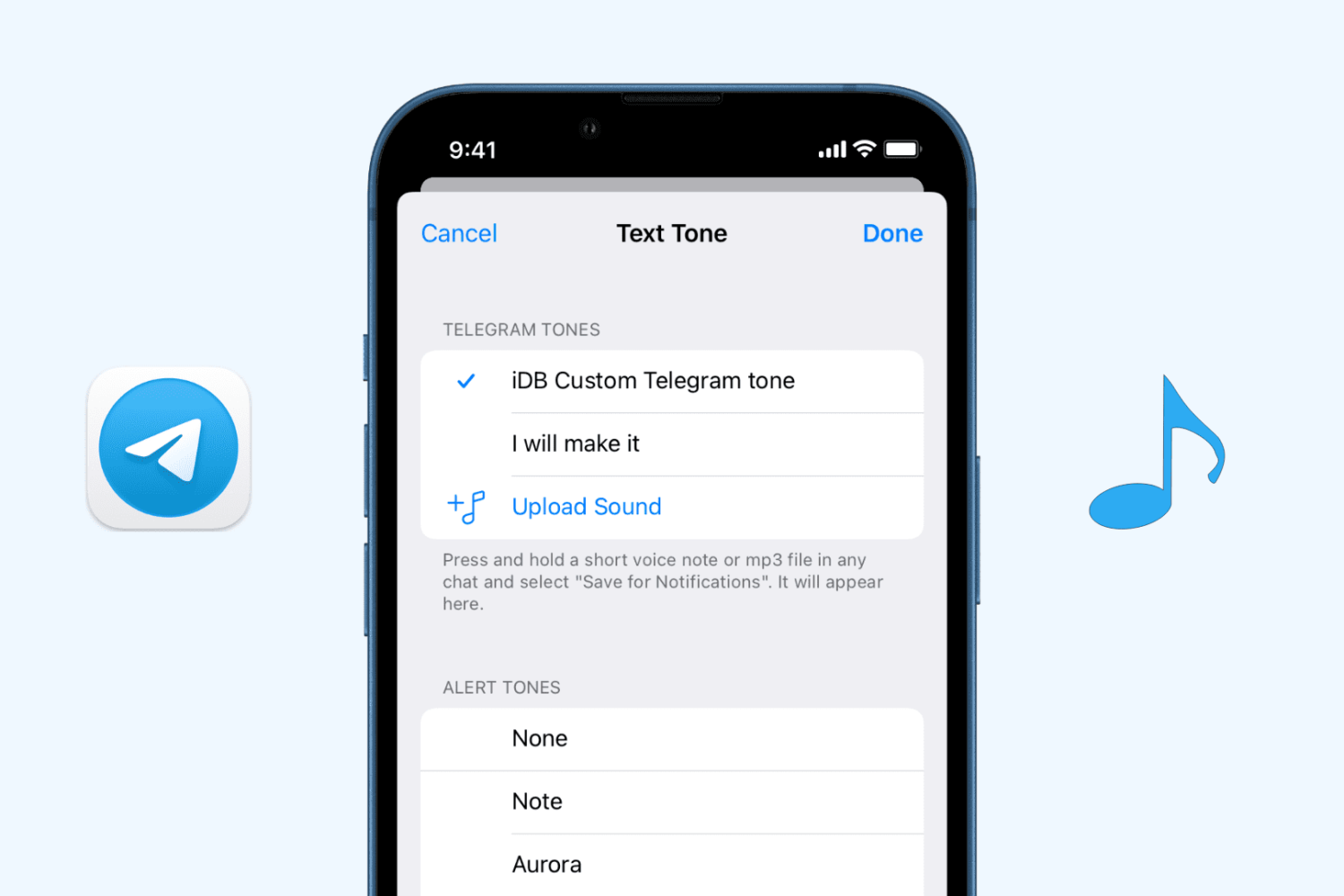
Check out how to upload an MP3 audio file to Telegram from your iPhone or Mac and use it as the custom notification sound for all or selected contacts.

Learn how to create and enjoy a slideshow of images and videos on iPhone, iPad, and Mac right from the Photos app.
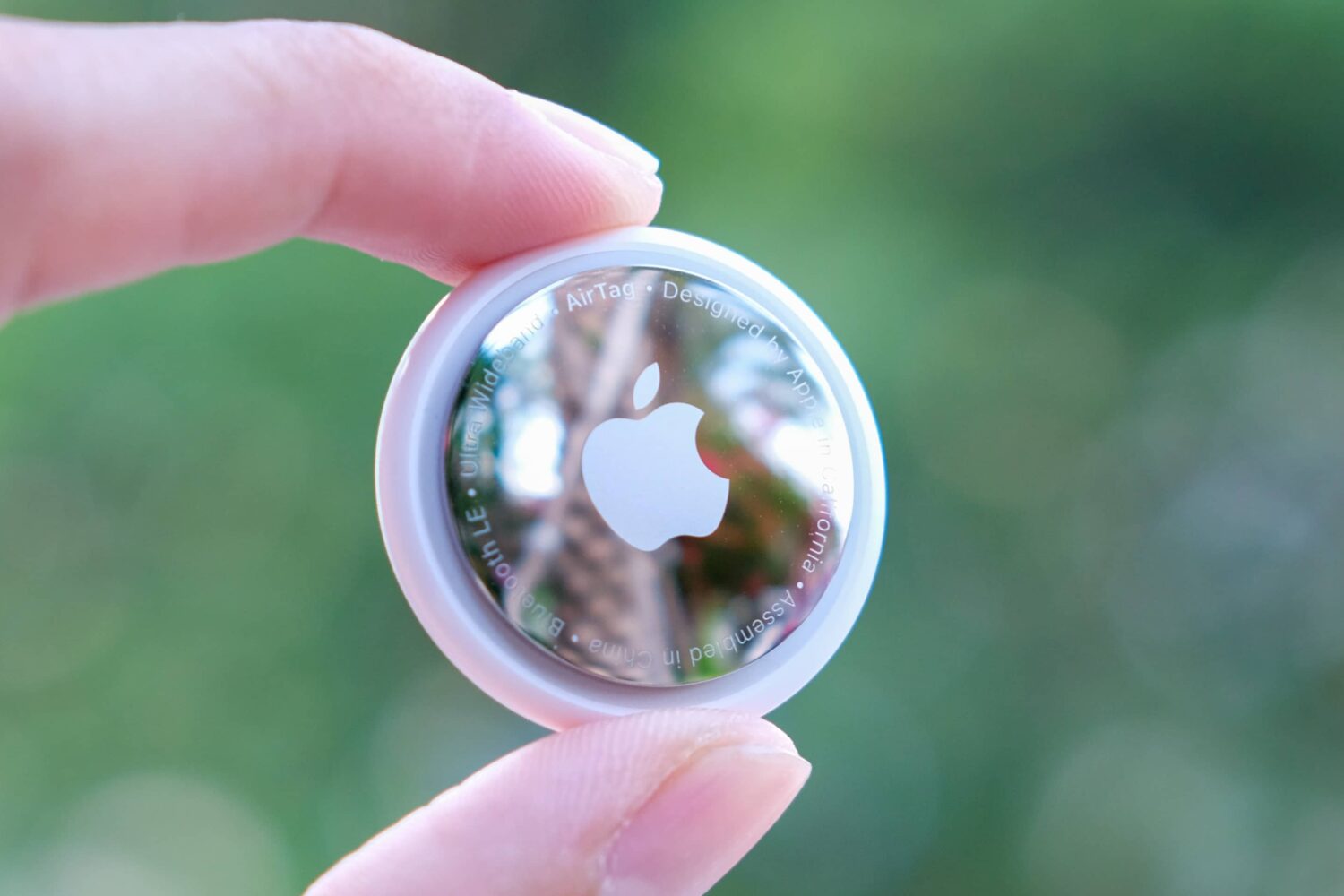
Learn how to update your AirTag to the most recent firmware to get the latest features and fixes. We’ll also show you how to check your AirTag firmware version and see what’s new.
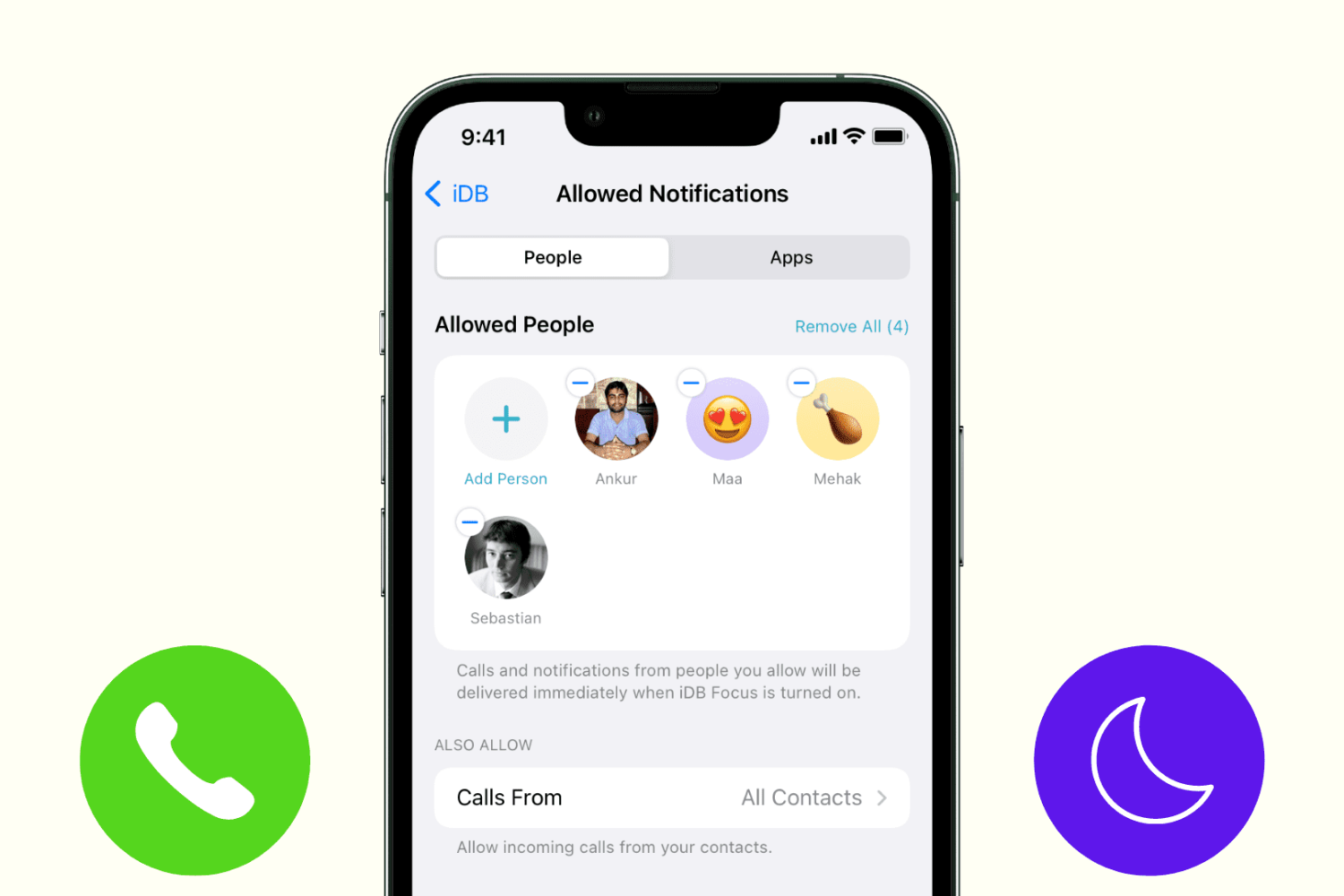
Learn how to stop getting phone, FaceTime, and other calls during Do Not Disturb or Focus mode on your iPhone or iPad.