Check out the quick steps to rename Bluetooth devices on your iPhone, iPad, or Mac and find out what to do if you can’t change the name.
How to rename Bluetooth devices on iPhone, iPad, and Mac
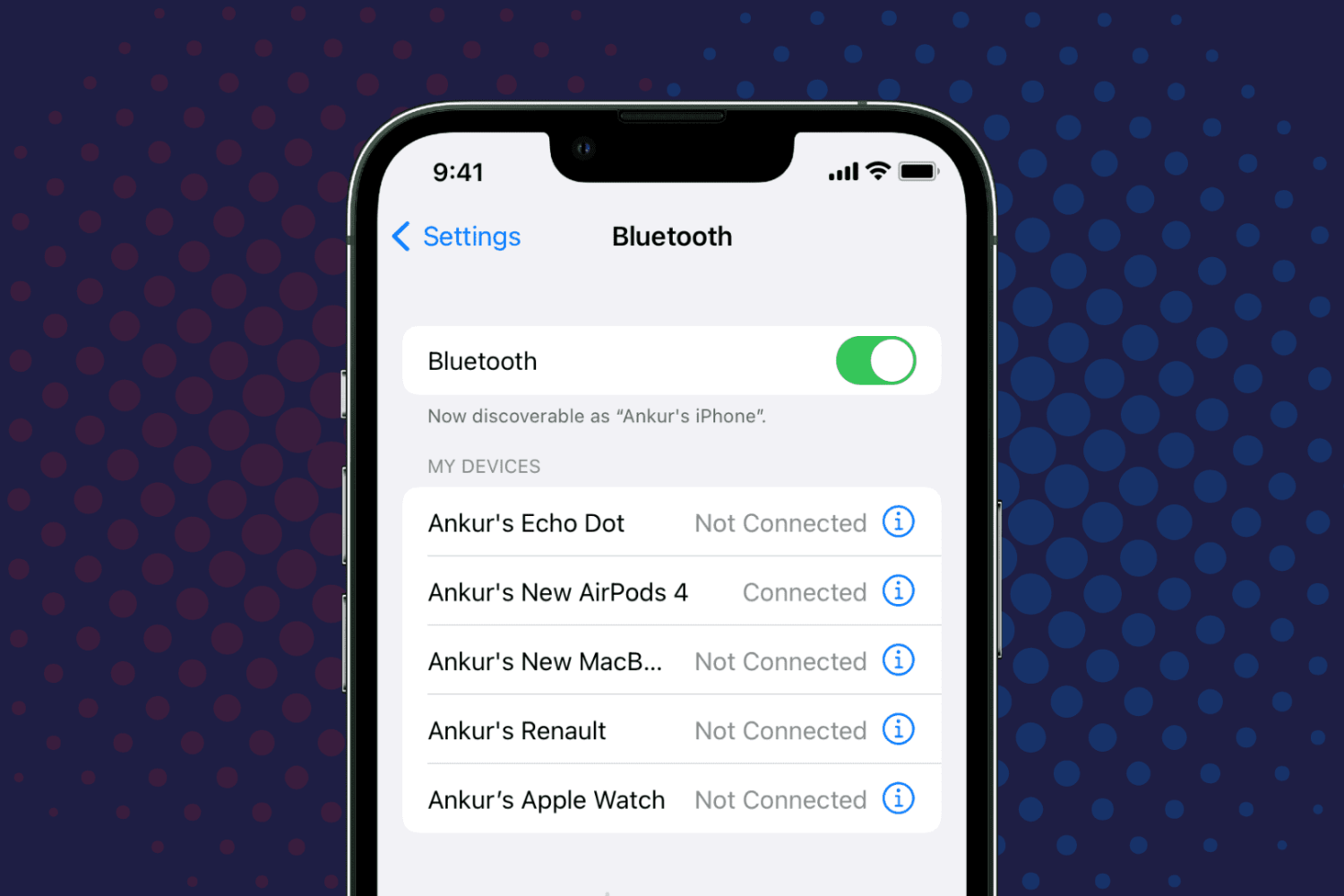
Check out the quick steps to rename Bluetooth devices on your iPhone, iPad, or Mac and find out what to do if you can’t change the name.

Follow these steps to reveal Apple's WWDC Easter egg surprise which lets you interact with developer Emoji in augmented reality on your iPhone and iPad.
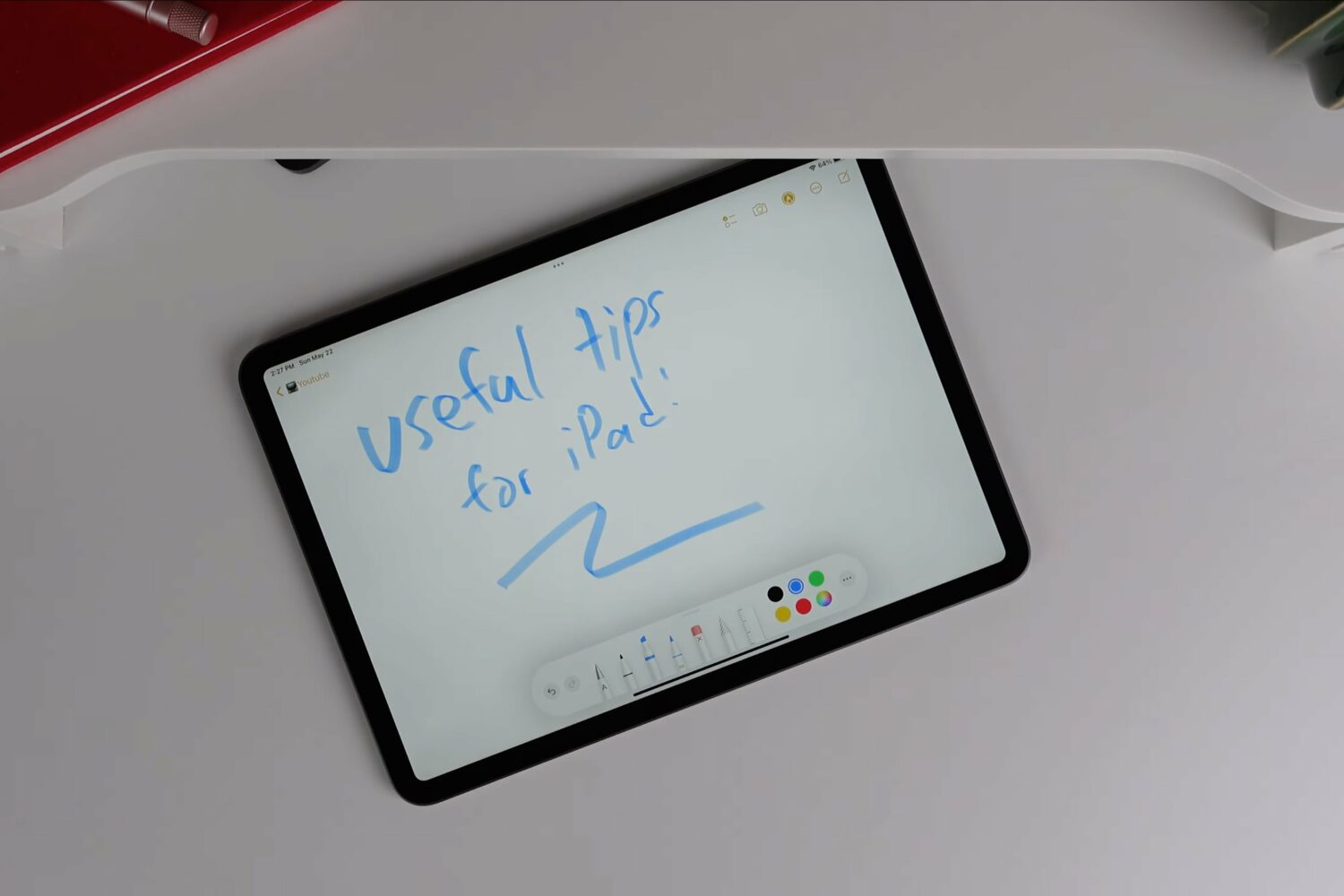
As iPad fans, we're always eager to learn something new. Watch this hands-on video for some pretty cool tips, tricks and useful things you can do with your Apple tablet.
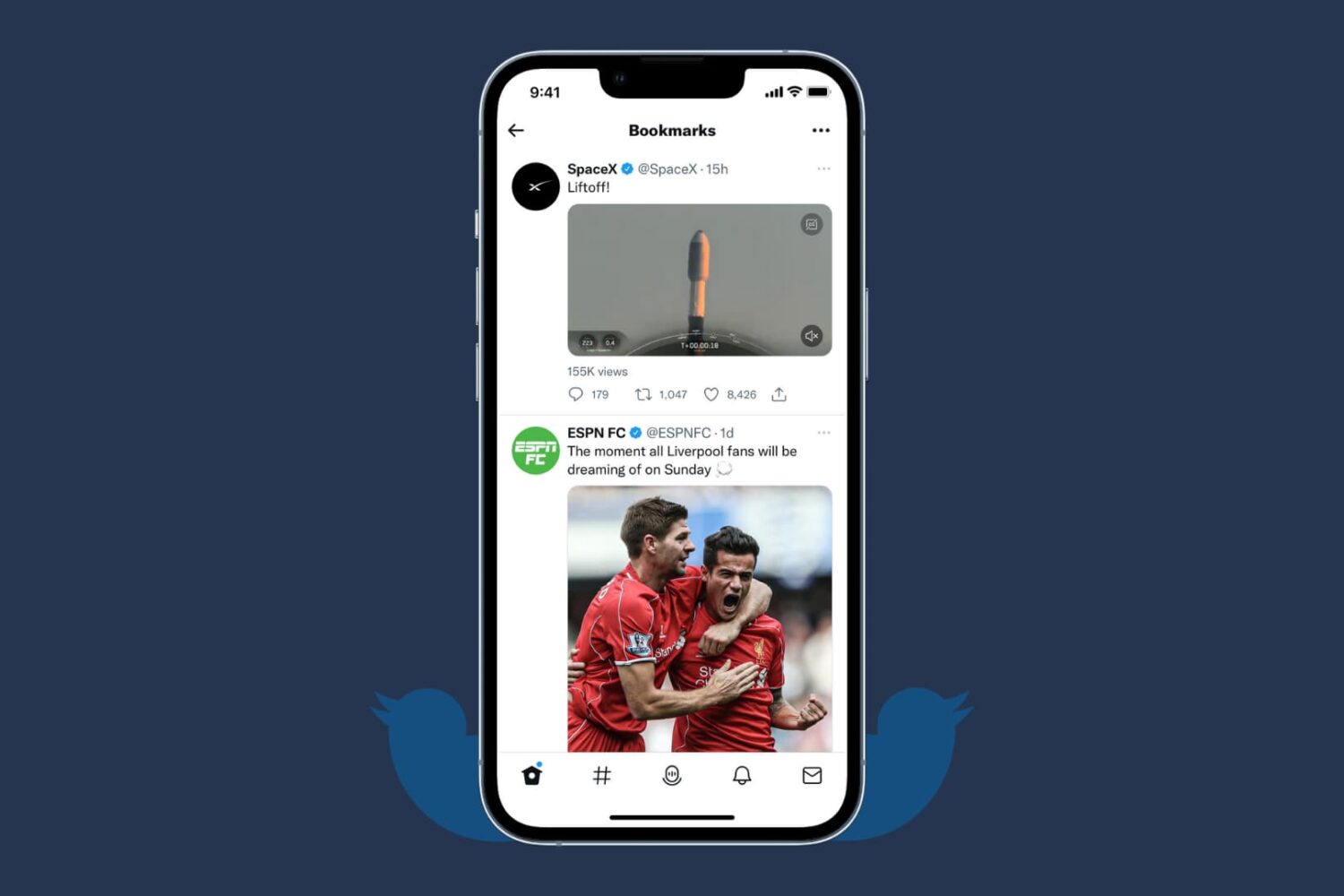
Looking to clear all your bookmarked Tweets? Check out how to remove all Tweets from your Twitter Bookmarks in just a few clicks.
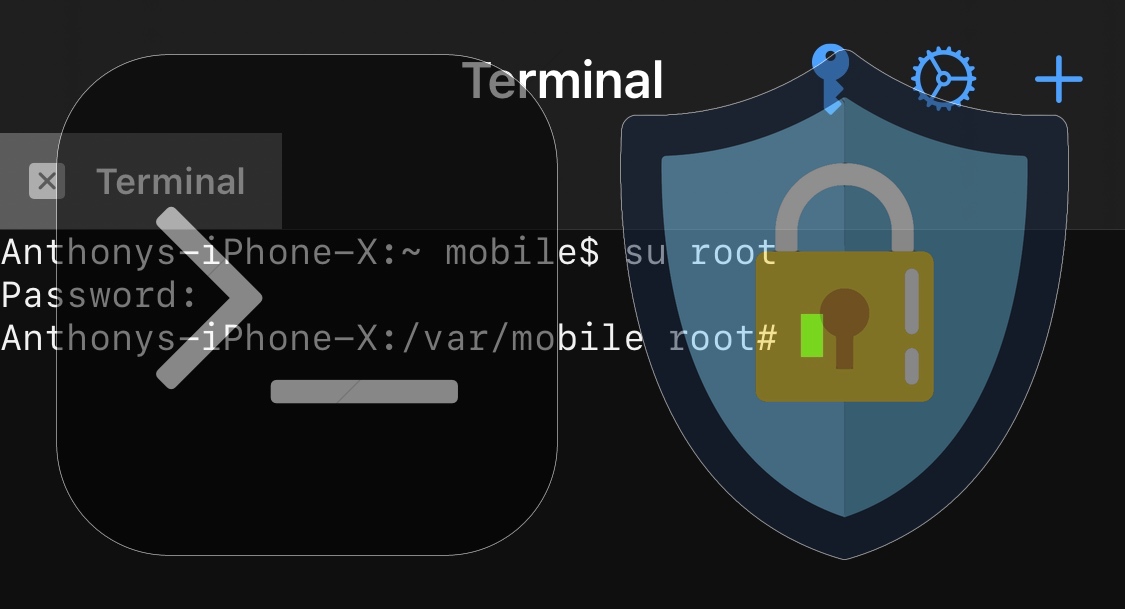
After jailbreaking your iPhone or iPad, one of the most important things you can do to fortify your device’s security is to change the root password so that unauthorized users won’t be able to SSH into your device and make changes unbeknownst to you.
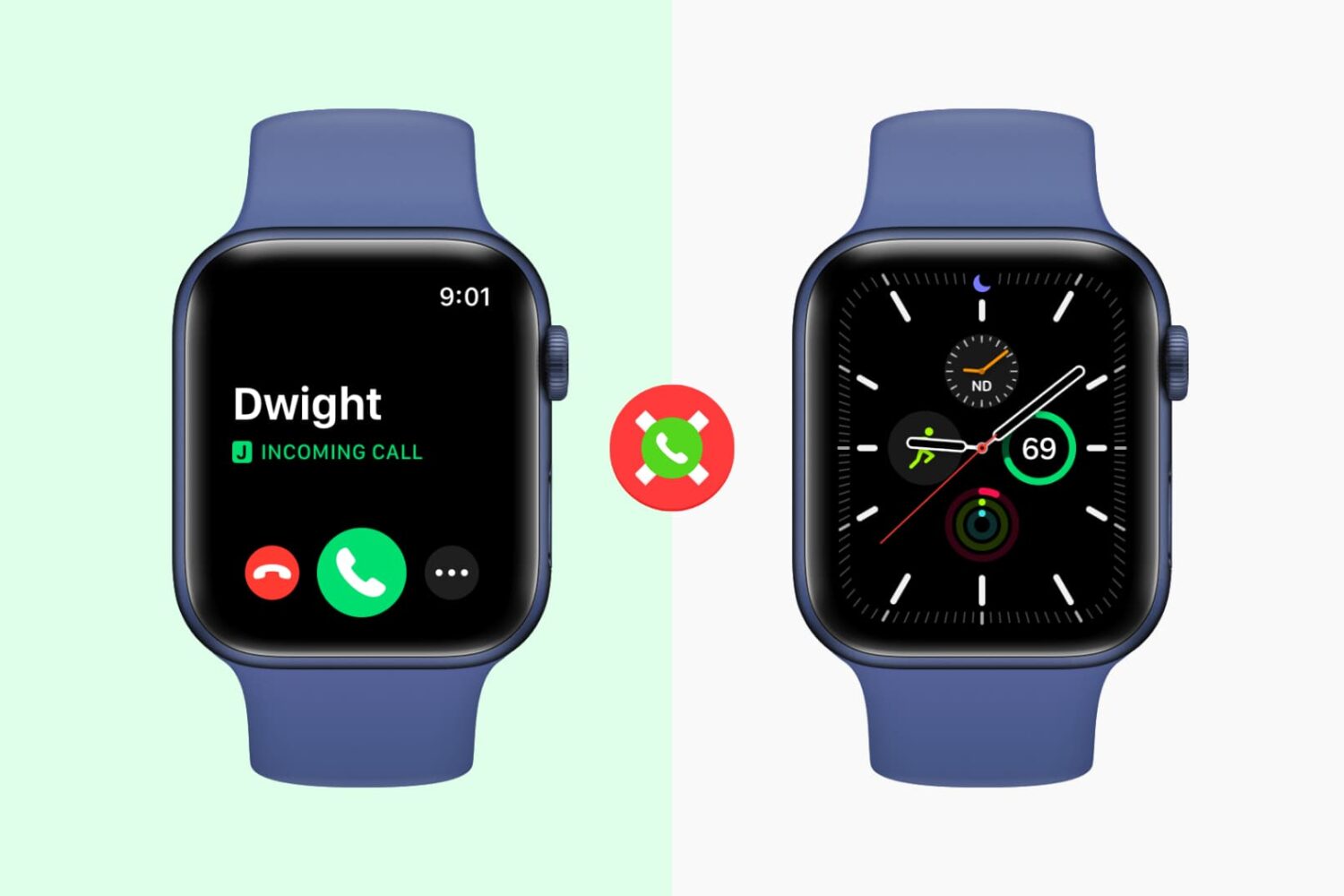
When you get a call on your iPhone, you also hear the tone, feel the vibration, and see the call screen on your Apple Watch. However, if you don’t like getting calls on your Apple Watch, you have a few options to take care of this. Make sure you go through all of them carefully.
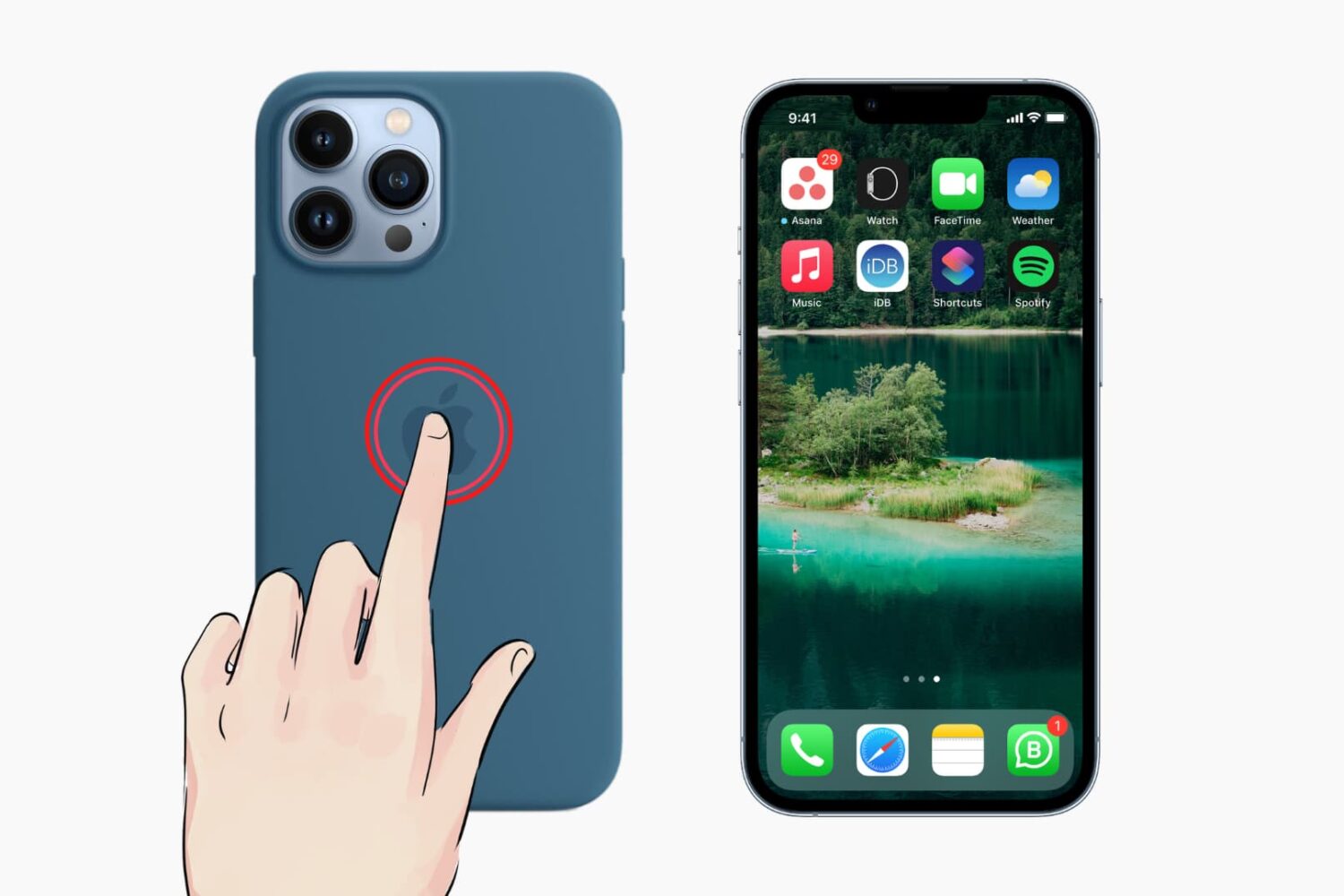
Apple offers about 40 wallpapers which you can see in iPhone settings. Plus, you can download thousands of different wallpapers from places like our Wallpaper gallery. But what if you want to be surprised with a new background every time you change the wallpaper? What if you aren't satisfied with just a few wallpapers and want almost endless options?
In this exciting tutorial, we show you how to use one of the 3 million images from expert photographers around the world as your iPhone wallpaper and switch to a new wallpaper whenever you like.

Learn how to run a shortcut on your Mac with the Terminal command line interface instead of the usual graphical user interface.

Learn how to restart the Apple Studio Display and the Studio Display XDR, which have no power button, in case you encounter bugs, camera problems, or software issues after updating the firmware.
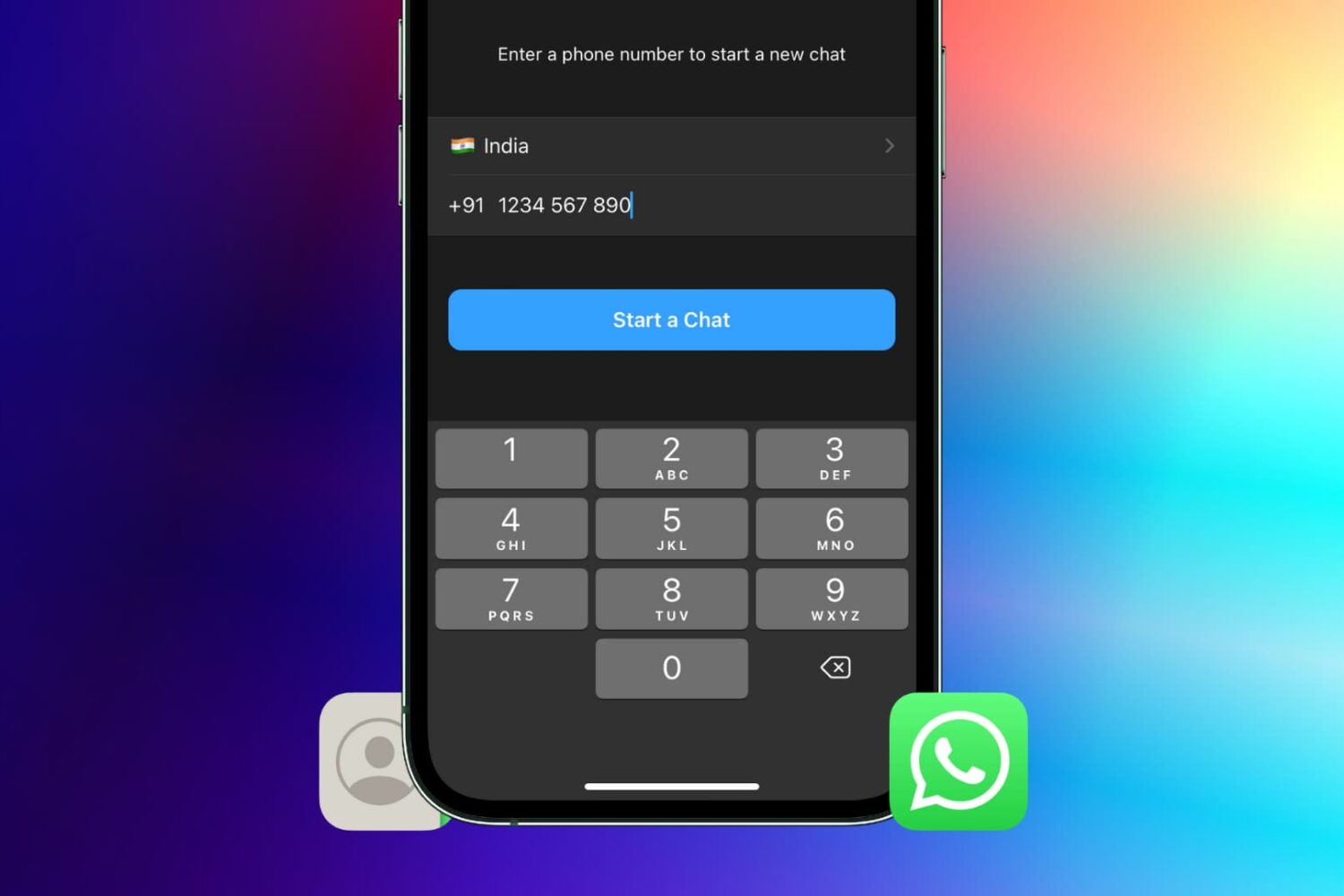
Looking to message someone on WhatsApp whose number you have not saved to your contacts list? In this tutorial, we'll show you 8 easy ways to directly message a phone number on WhatsApp without having to save the number first.
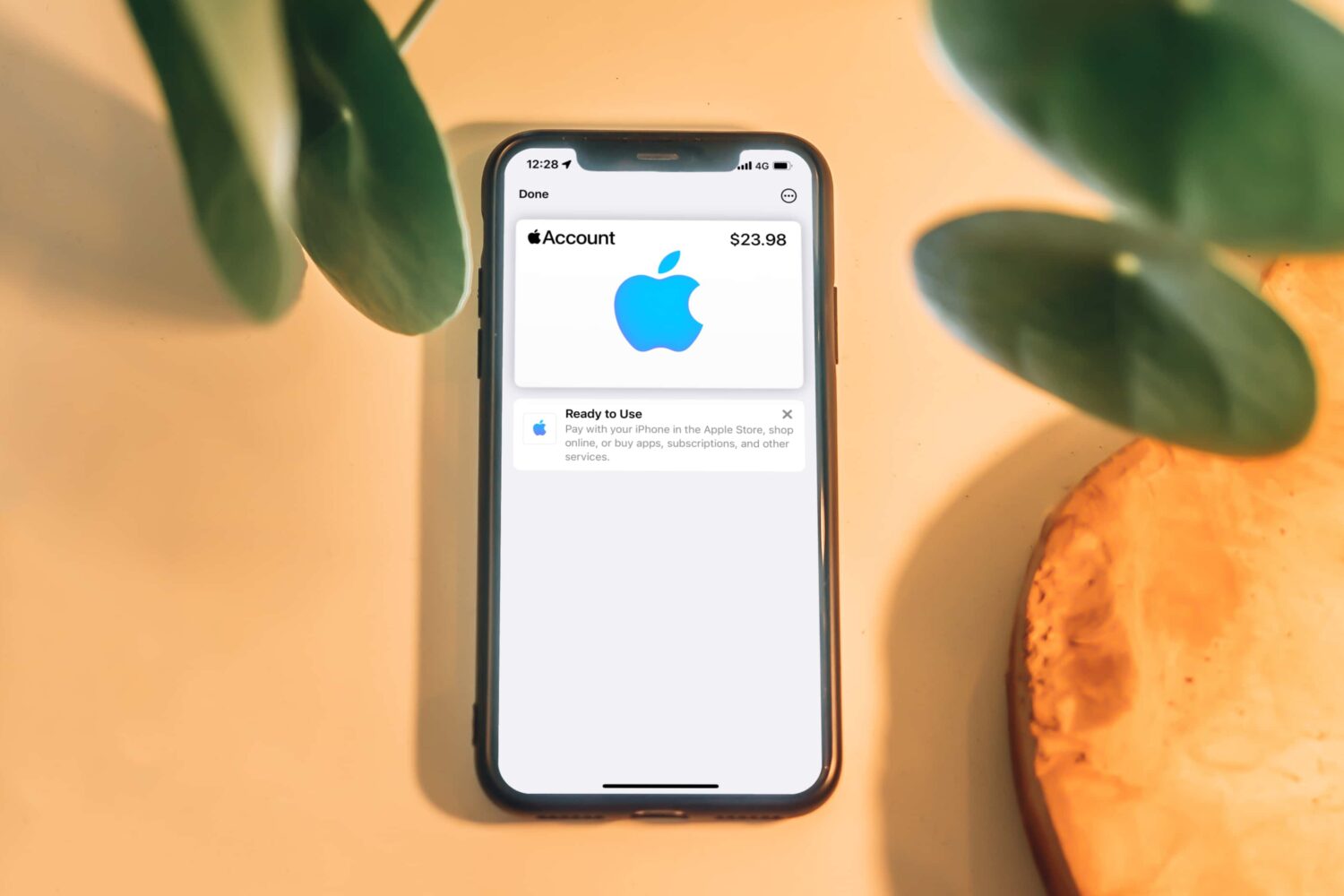
Add an Apple Account card to your iPhone's Wallet app and use it with Apple Pay to buy physical products at Apple's retail stores with your account balance and more.
Check out the correct steps to completely sign out of Gmail and your Google account from your iPhone or iPad, even if you no longer have access to the device.