Apps

How to stop audio messages from disappearing on iPhone and iPad

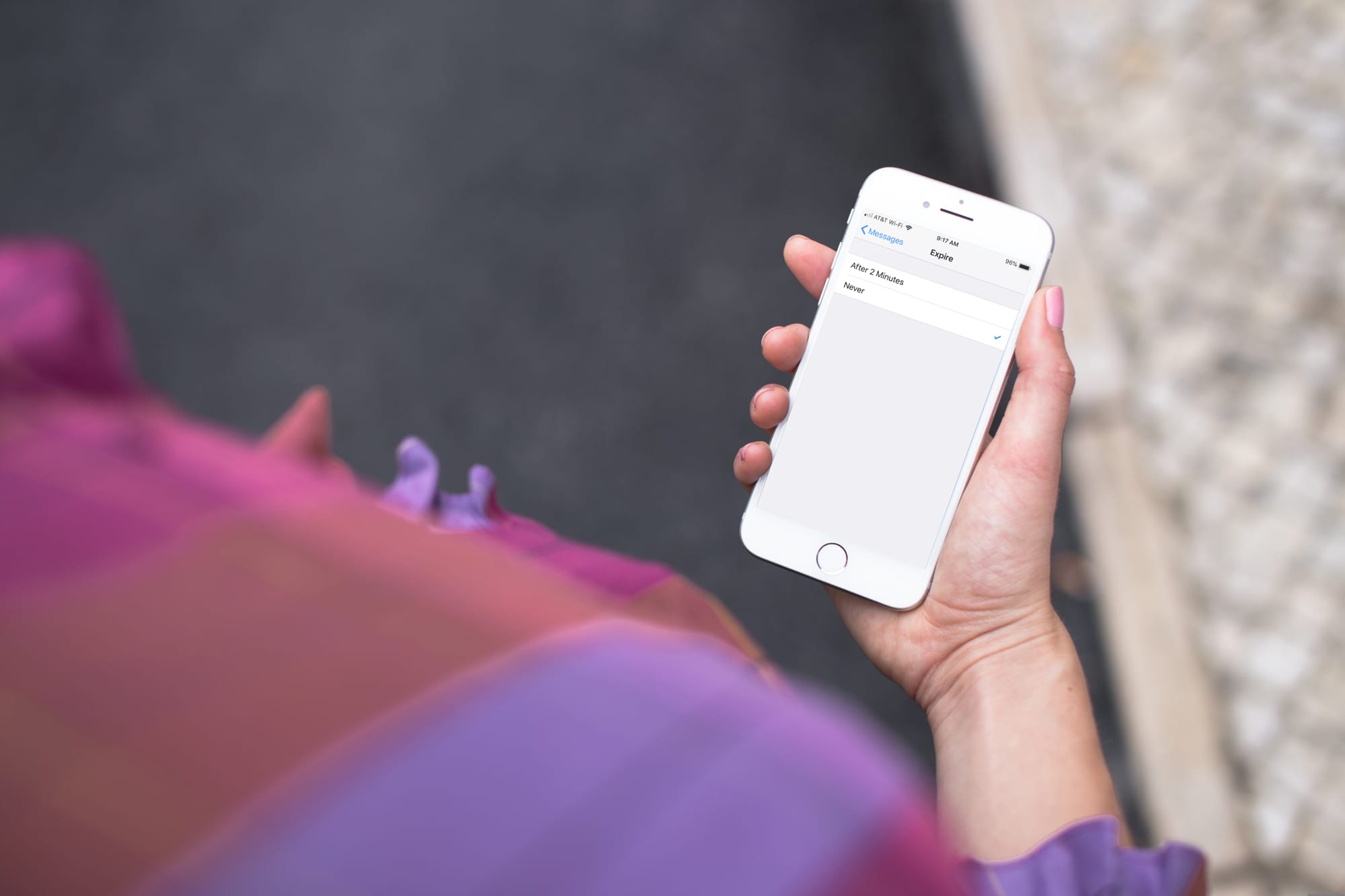
Stop Audio Messages from Expiring on iPhone

Audio messages in the Messages app are cool little ways of communicating without text. You can tell someone you love them, send them a song clip, or just ask what’s up, all with your own voice.

The thing about audio messages, however, is that they don’t hang around forever. By default, they expire after two minutes of sending or listening to them, not to be heard again. This might be fine for some but not for others.

If you fall into the “others” category and want to hang onto those clips, here’s how to stop audio messages from expiring in the Messages app on iPhone and iPad.
How to change the skip seconds for Podcasts and Books on iPhone and iPad

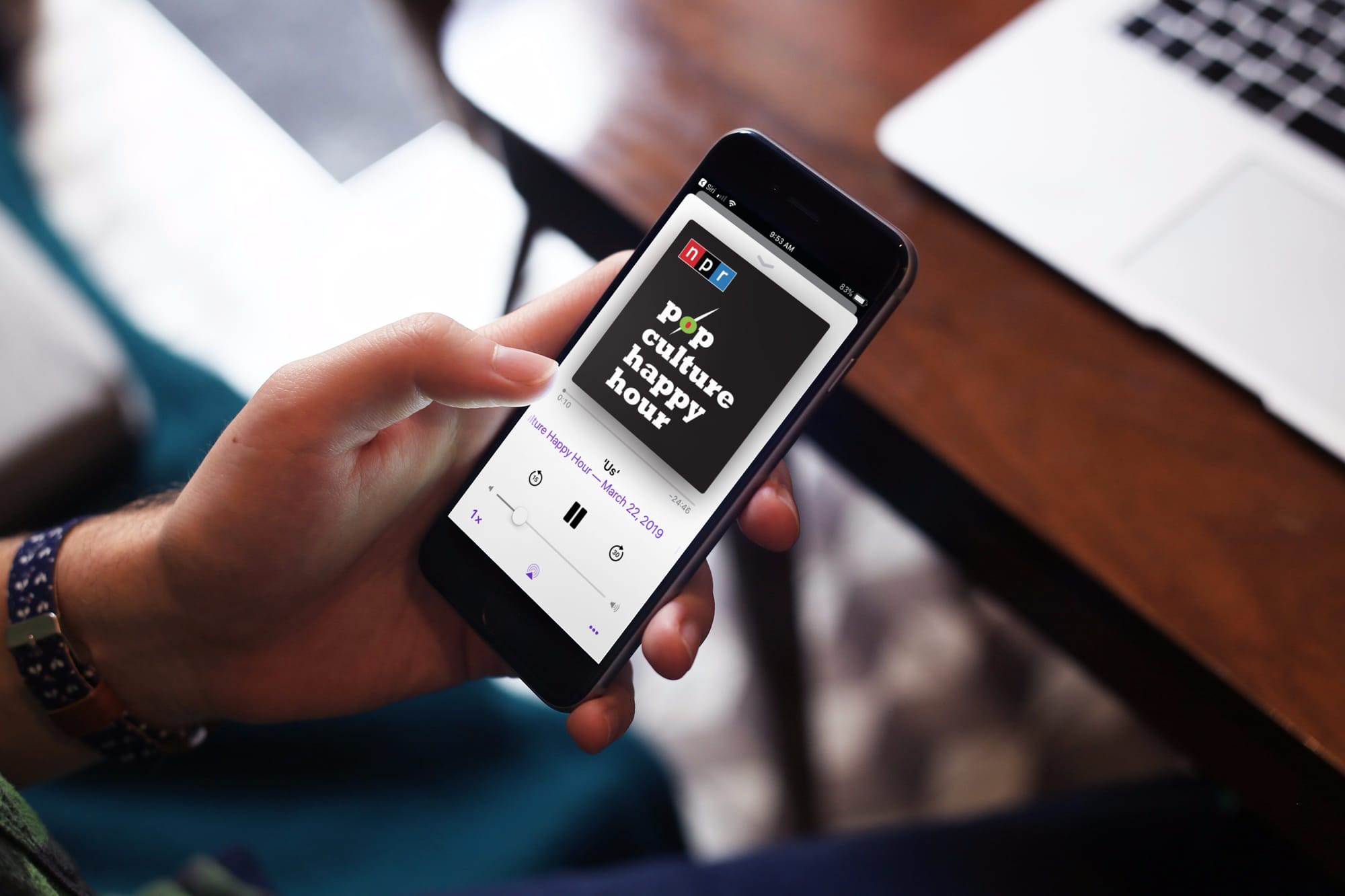
Podcast on iPhone - Change Skip Seconds

If you use your iPhone or iPad to listen to podcasts in the Podcasts app or audiobooks in the Books app, then you probably know about the skip feature. You can skip back a few seconds to catch something you missed or skip forward to move past something you have already heard.

The thing about this skip feature is you may not want it as low as 10 seconds because it might not be enough, and you have to keep tapping. At the same time, you may not want it to be as high as 60 seconds because you might skip way too much.

Here’s how to change the skip seconds for Podcasts and Books on iOS.

How to subscribe to Apple News+ on iPhone or iPad

Apple News Plus on iPhone Subscribe

At Apple’s March media event, a new subscription service was announced called Apple News+. This service is part of the News app and gives subscribers access to over 300 magazines, newspapers, and publications.

If you’re ready to jump on board and check out magazines like People and National Geographic Magazine along with newspapers like The Wall Street Journal and the Los Angeles Times, here’s how to subscribe to Apple News+ on iPhone or iPad.

The best free iPhone weather widgets

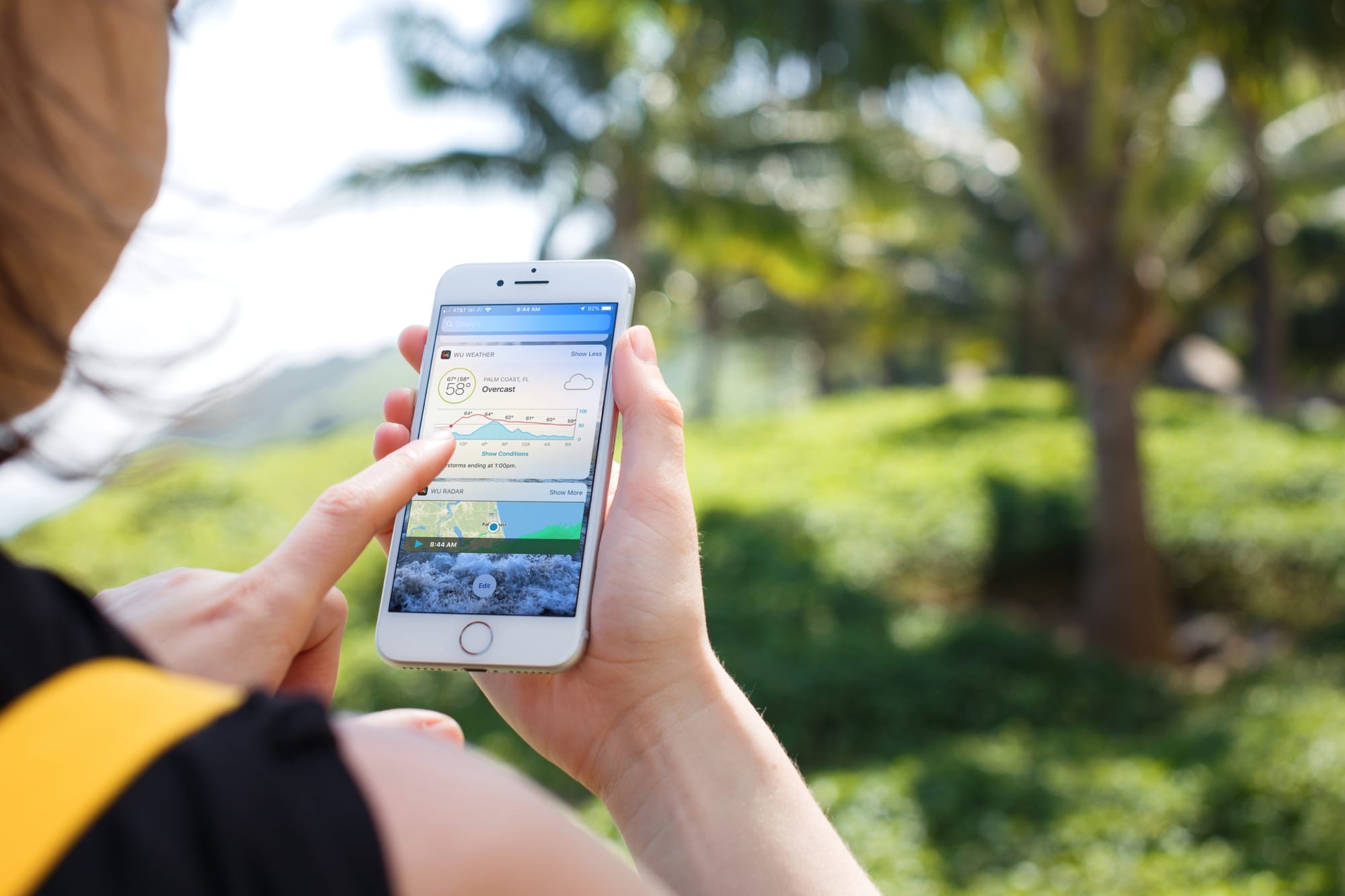
Best Weather Widgets iPhone - Weather Underground

Your iPhone and iPad both come with a handy weather app for getting your current conditions and upcoming forecast. And you can use the widget for that app in your Today View. But what if you want something more or just a little different?

Instead of searching the App Store and trying tons of weather widgets, we’ve compiled a list for you. Here are the best free iPhone weather widgets for your Today View.