Apps

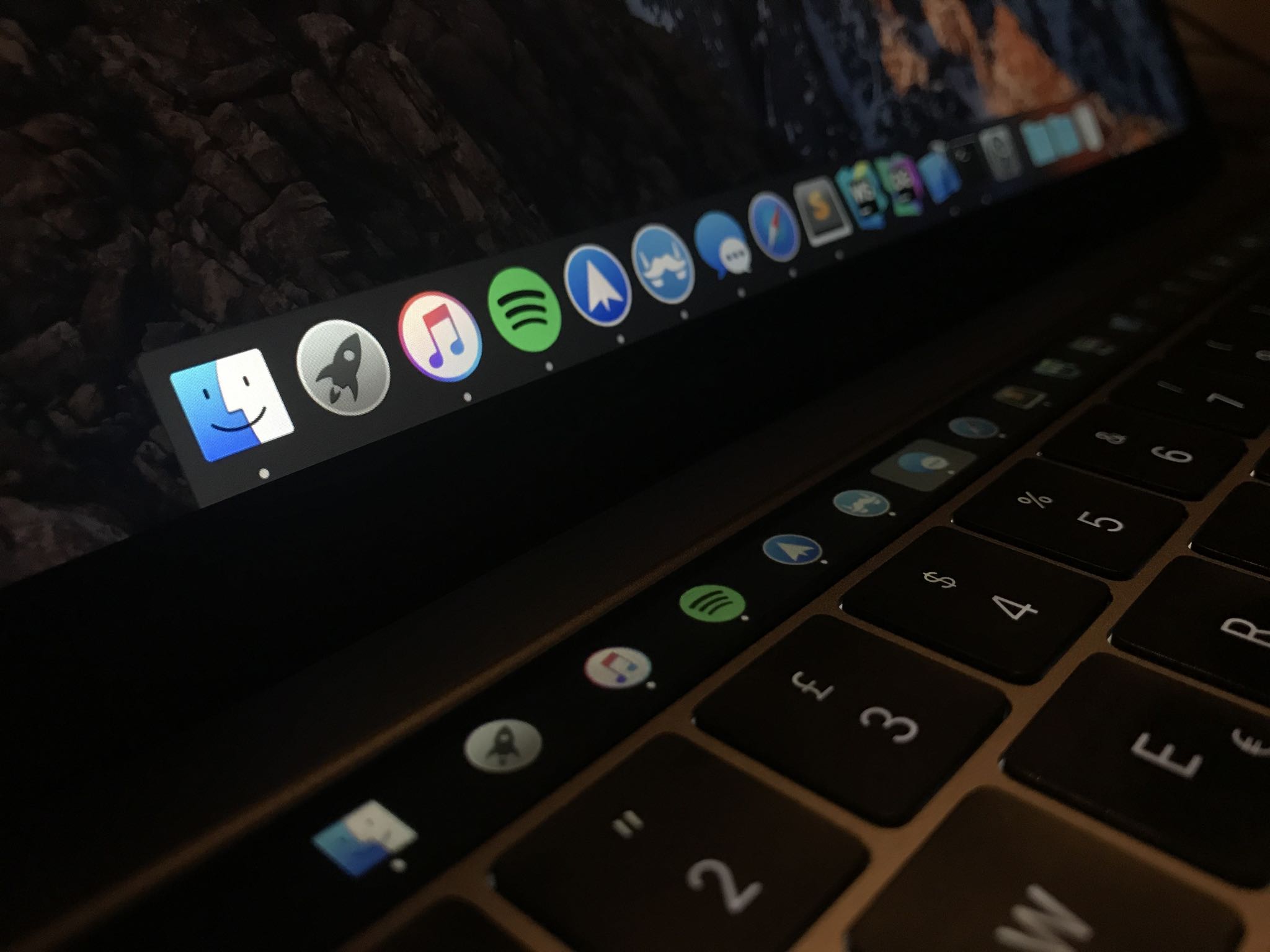
Pock displays the Dock in your Touch Bar

Many people disregard the power of Touch Bar shortcuts just because they're not willing to customize the shortcuts. If you're among that group, how about using that OLED strip in place of the function key row for something universally useful, like the Dock?

How to share Spotify playlists from your iPhone, iPad, and Mac

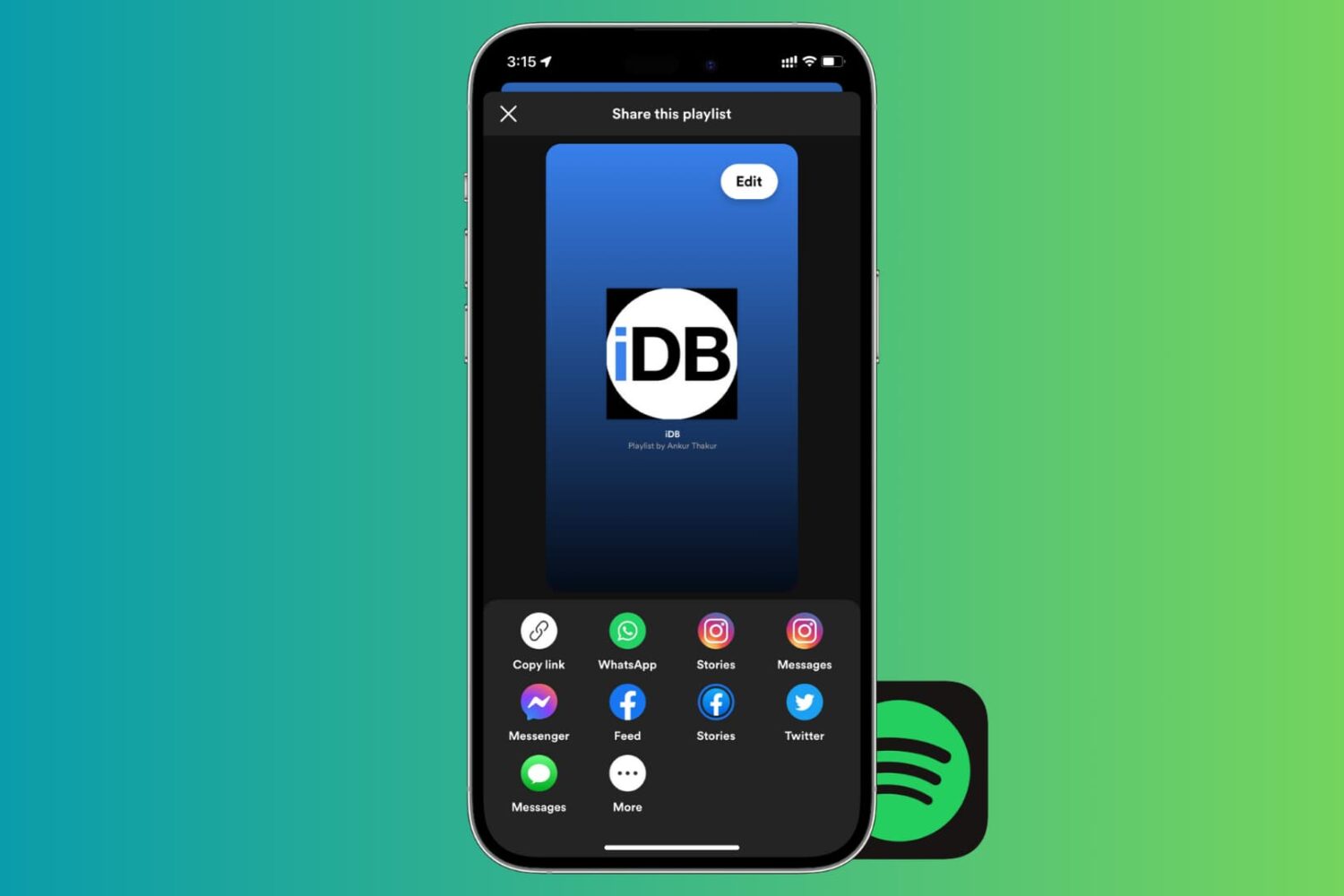
Share Spotify playlist from your iPhone

If there’s one thing that’s better than enjoying the music you love, it’s sharing it with others. And if you use Spotify, sharing your playlists is easy. You can quickly share them in a variety of ways from your devices. So, if you’re ready to brighten someone’s day with some cool new tunes, here’s how to share Spotify playlists on iPhone, iPad, and Mac.

This free team collaboration app is changing how teams work together [sponsored]

Efficiency is the name of the game in today’s fast-paced digital world; and whether you’re leading a team—or an entire company—you should always be looking for new and creative ways to get more done in less time. That’s the goal, right? While there are plenty of pricey tools like Slack and Skype that promise to fine-tune your productivity, few are as quick and impactful as Glip, and it won’t cost you a dime.

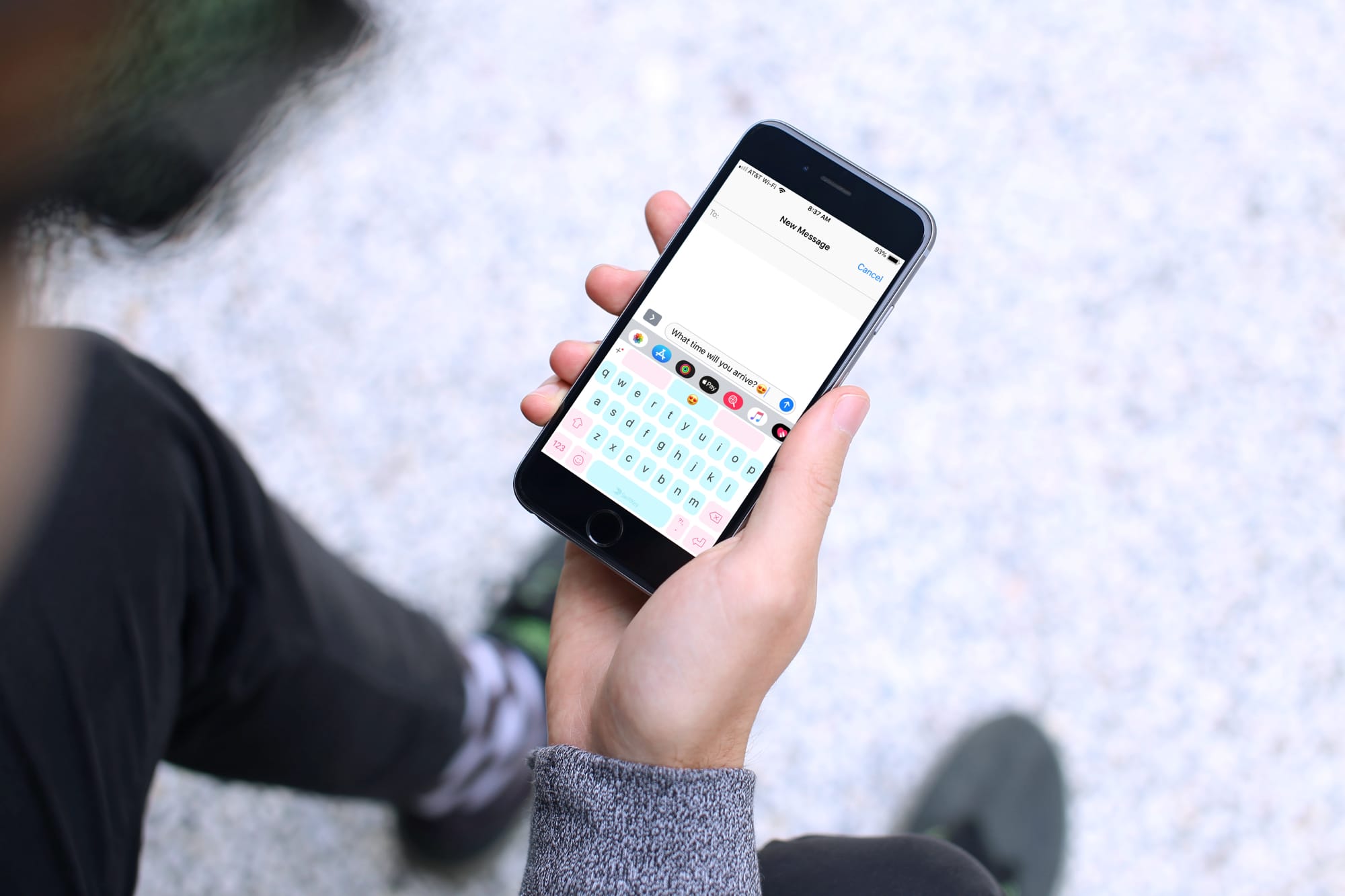
The best swipe keyboards for iPhone and iPad

Best Swipe Keyboard iPhone - SwiftKey

Keyboards that offer a swipe feature are handy, helpful, and let you type faster than ever. Instead of hitting each key separately, you simply use your finger to swipe through the letters to create your words. These types of keyboards are great if you haven’t yet mastered the two-thumb typing.

If you’re in the market for a new keyboard and are interested in swiping, these are the best swipe keyboards for iPhone and iPad.