Interested in some shortcuts to help you around the house? This list gives you a helping hand for making sure that you get things done.
5 iPhone Shortcuts to help you around the house
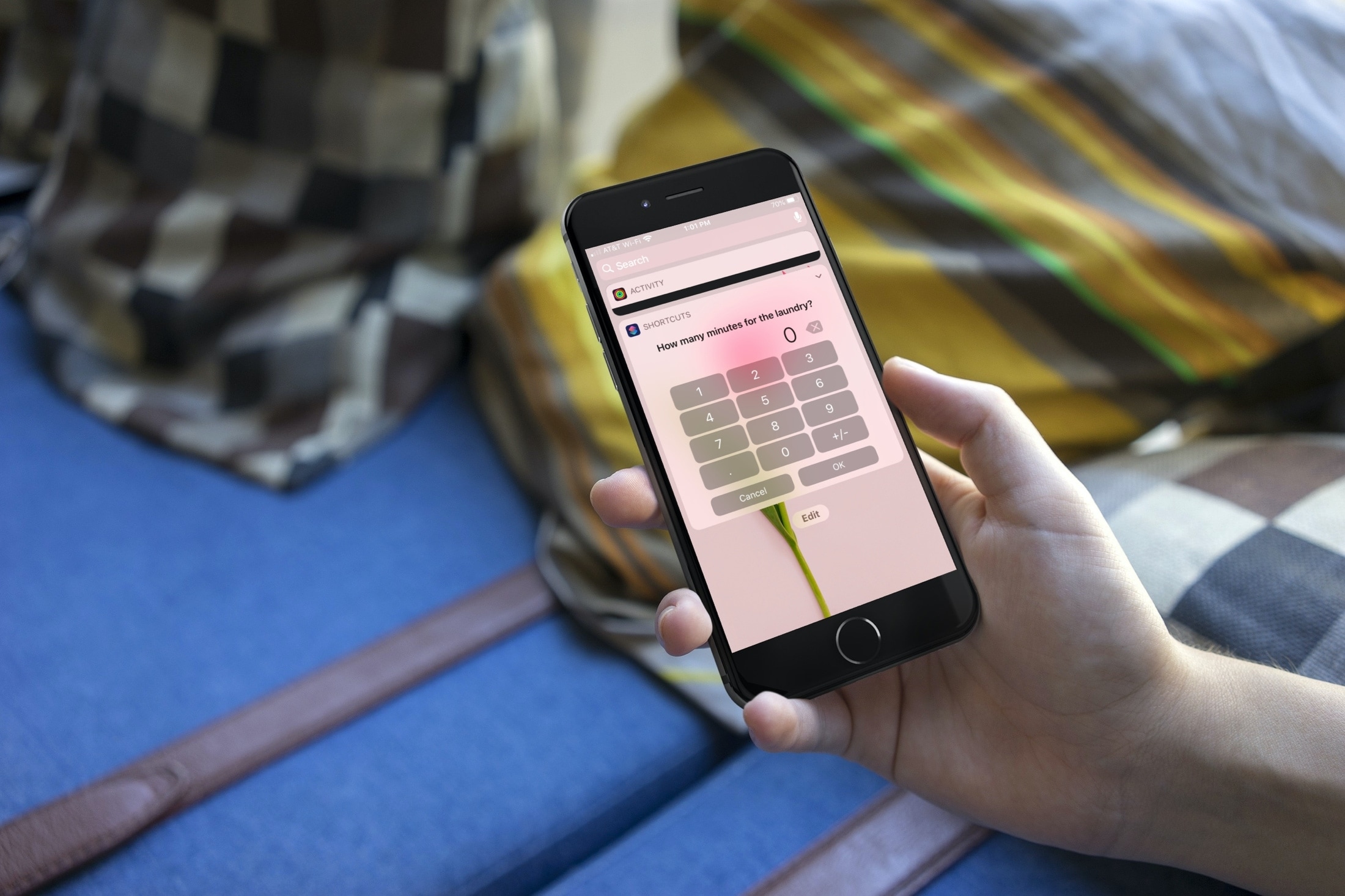
Interested in some shortcuts to help you around the house? This list gives you a helping hand for making sure that you get things done.

Whether you want to zip around the app window faster or adjust the playback of your show easier, check out these handy TV app keyboard shortcuts for Mac.

If you’re trying to describe a location to someone who isn’t familiar with the area, it can be difficult. You can’t just say, "It’s next to Walmart" if they don’t even know where Walmart is. But with the Maps app and Markup tool on Mac, you can easily use shapes and text to show exactly where you’re describing. And it can even be a little fun.
Here’s how to create and mark up a PDF from Maps on your Mac.
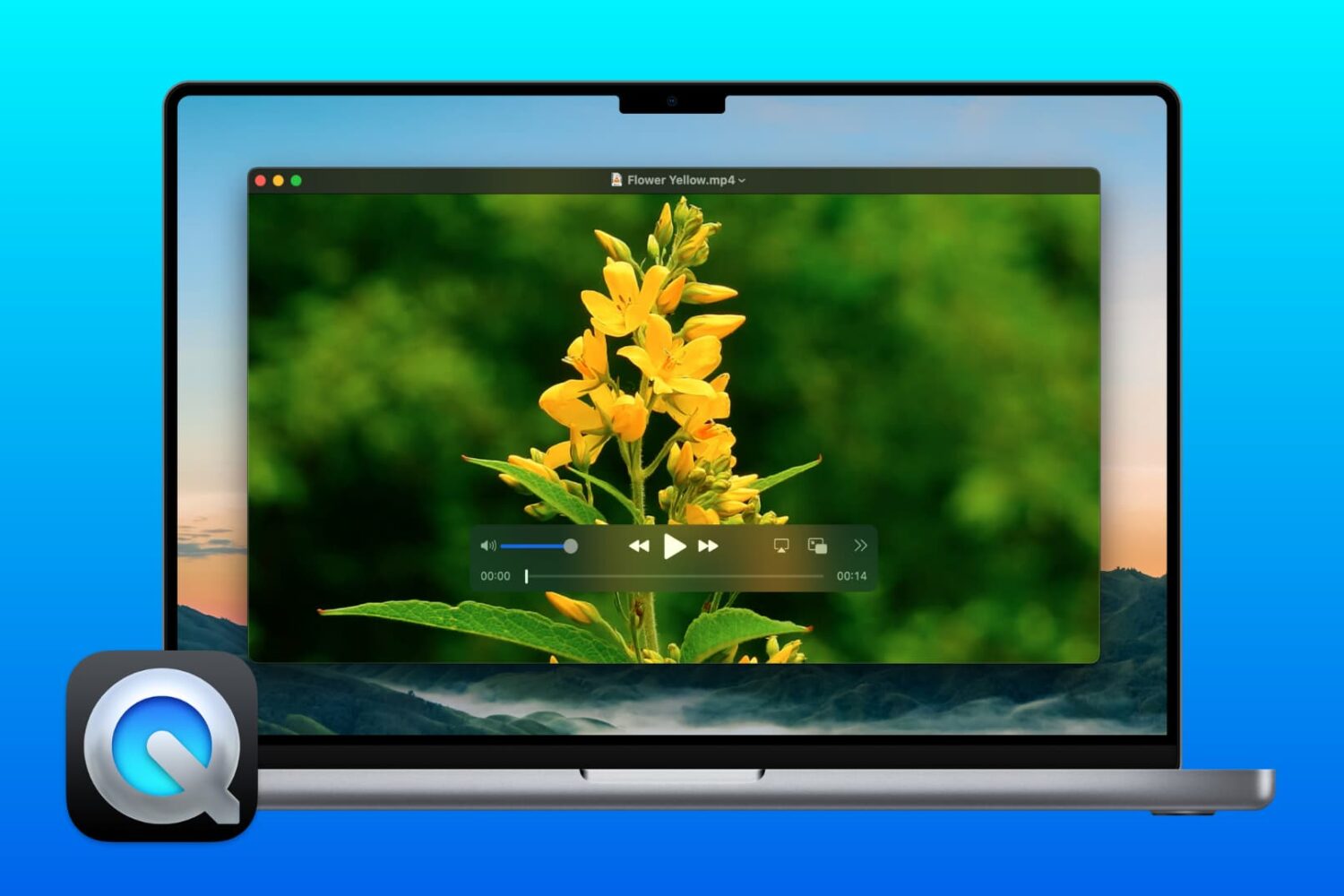
Did you know you can use QuickTime Player on Mac for more than just watching movies? If you need to make changes to your videos, here’s how to edit movies with QuickTime Player.
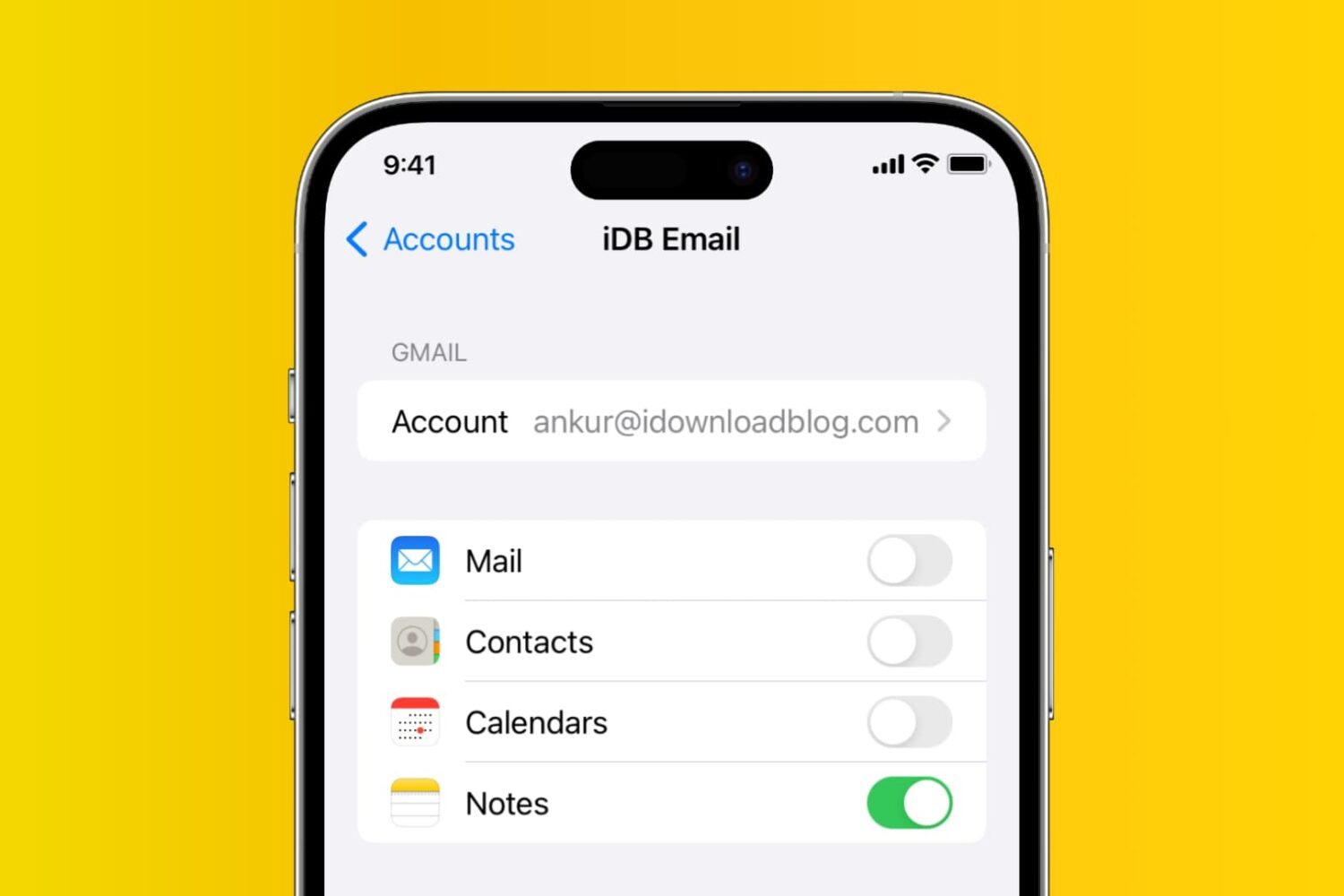
Learn how to add, deactivate, and delete accounts used inside the Apple Notes app on your iPhone, iPad, and Mac.
If you enjoy reading with the Books app on your Mac, then keyboard shortcuts and gestures are great tools. They let you move around the app easier or continue reading your books without trying to take action with the menu bar. For a simpler way to use Books on Mac, check out this list of keyboard shortcuts.

Apple today has updated its official developer iOS app with a few key changes, bringing more options for watching videos and sharing content.
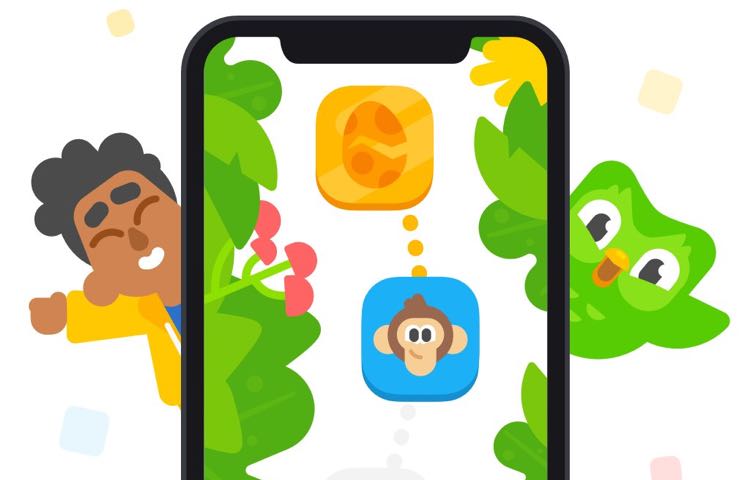
Duolingo has been around for quite some time, helping folks learn new languages in exciting, engaging ways. And now it wants to help kids learn how to read.
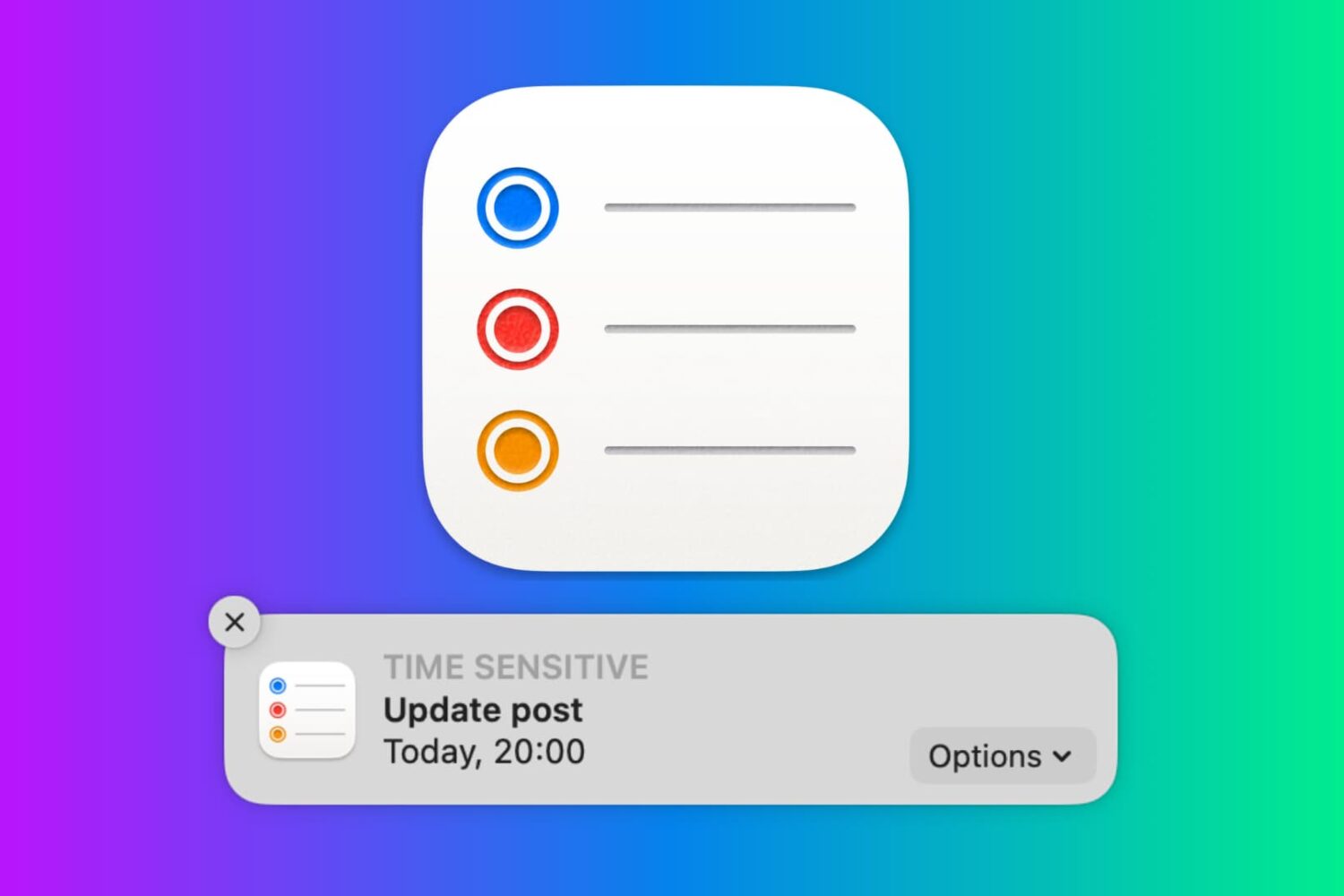
In this tutorial, we will show you how to work with notifications in the Reminders app on your Mac so that you never miss a task, list, or to-do.
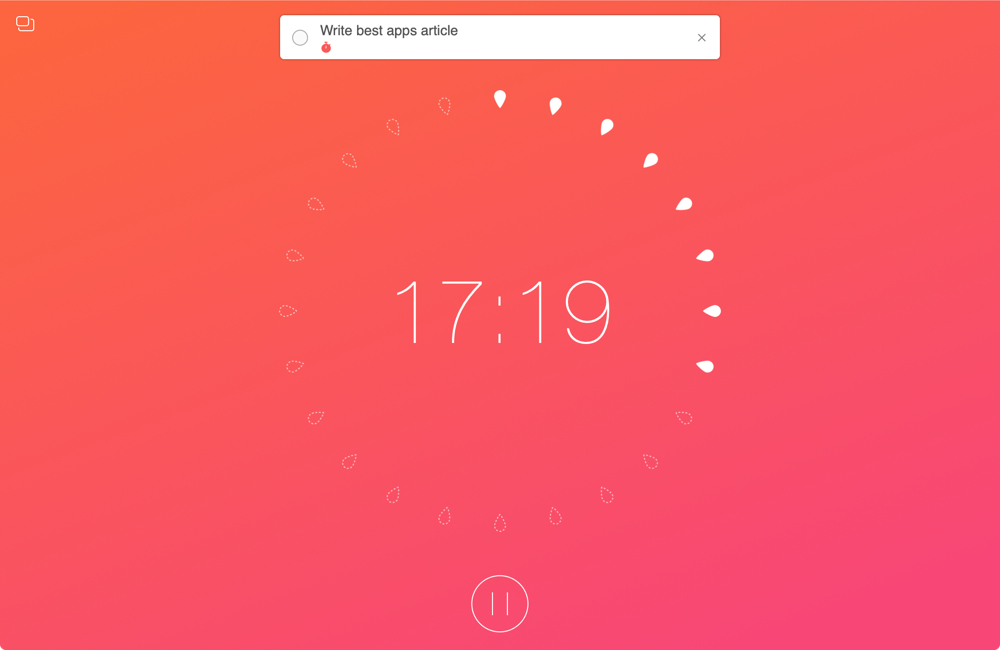
When you work from home, there are a lot of distractions. And while you certainly have interruptions in a physical office or workplace, those you have at home are just a bit different. So if you aren’t used to working at home every day, you need to prepare for these disruptions.
To help you readjust after an interruption and concentrate better on your work, we’ve assembled a list of Mac apps to help you focus. These apps use different techniques and combinations of them such as the pomodoro timer and Eisenhower Matrix methods.
If you need some assistance getting used to working in a home office, these apps should help.
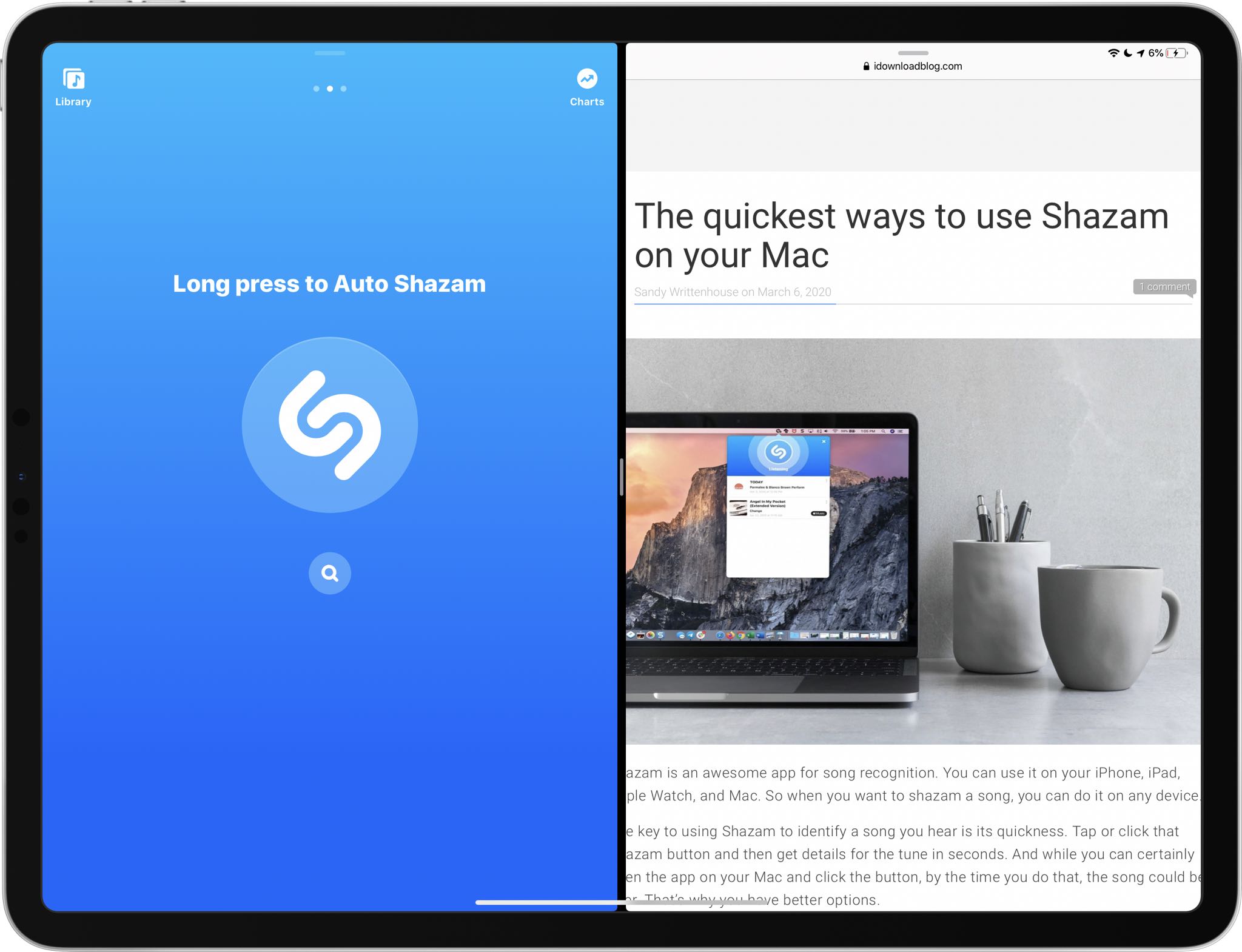
Shazam, the Apple-owned song identification service that's built into Siri, today pushed an update to its App Store app bringing support for side-by-side multitasking.
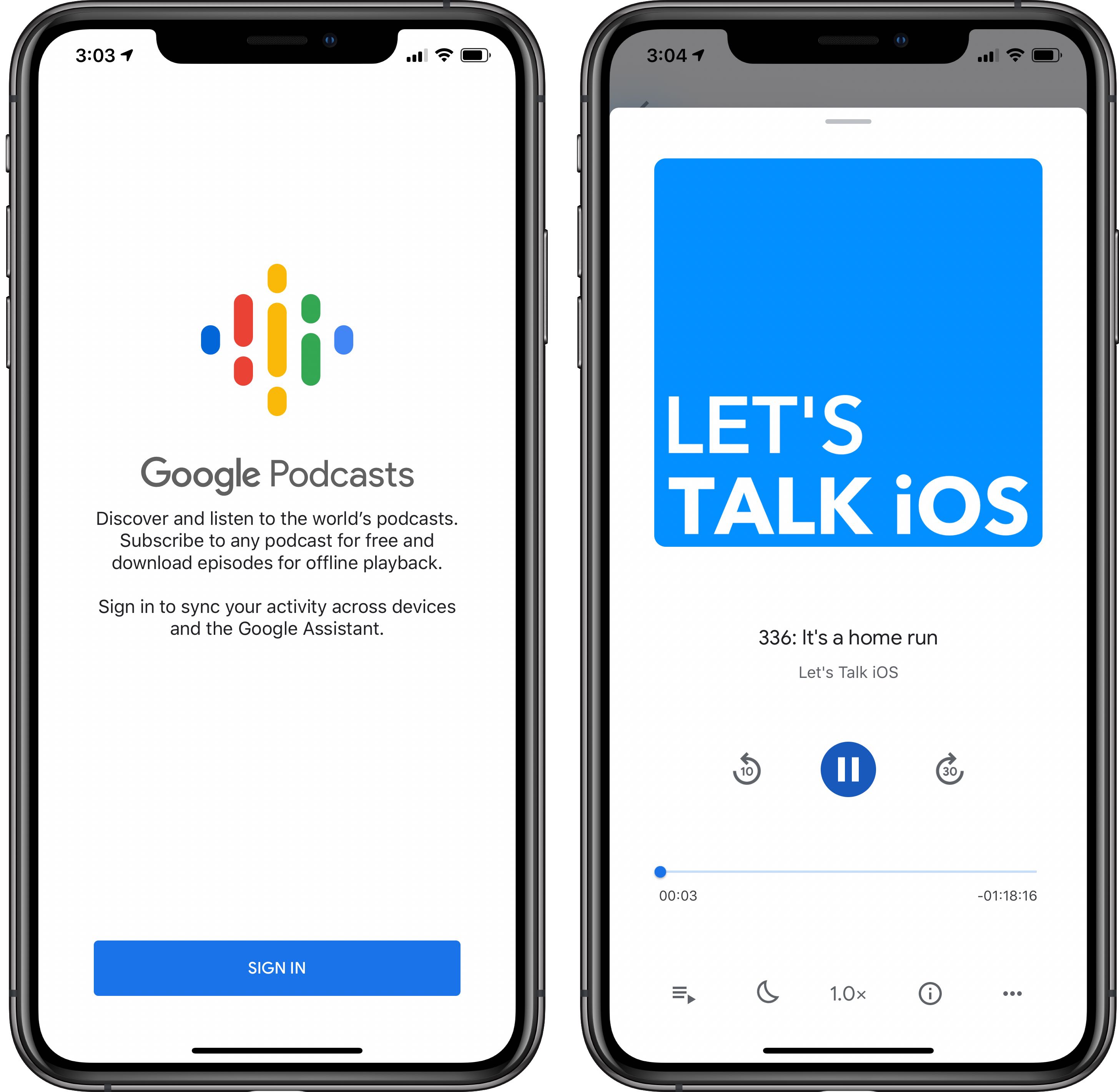
Google's official Podcasts app has launched on the App Store for the first time.