This tutorial will show you how to change the background color in Numbers and Keynote so you can spruce up your work documents.
How to change the background color in Numbers and Keynote
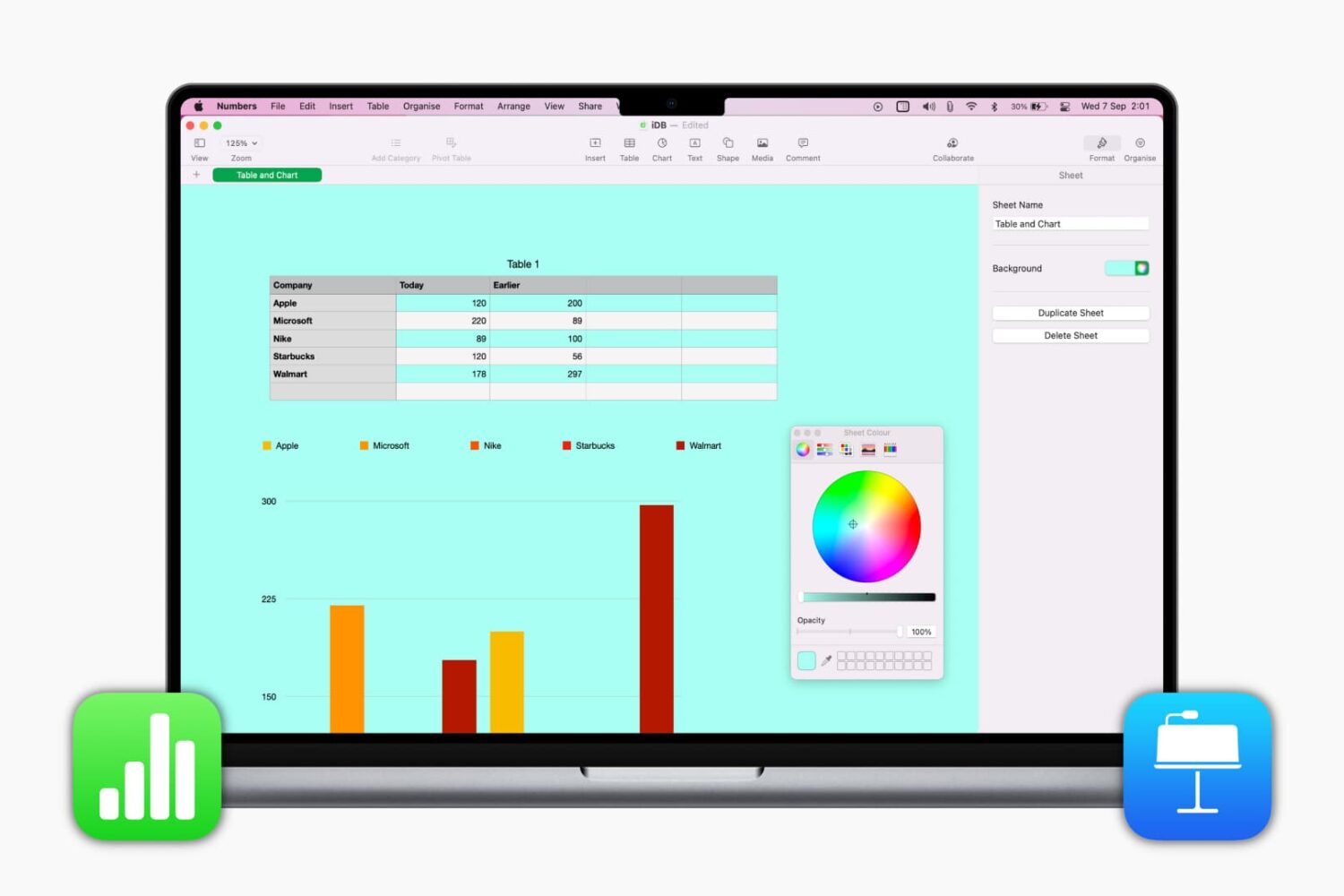
This tutorial will show you how to change the background color in Numbers and Keynote so you can spruce up your work documents.

In this edition of our Apps of the Week roundup, we have an AI-powered celebrity face-swapping app, a musical platform that enables long distance song collaborations, and an app to help you develop better habits. And as always, we've selected two great new games for you to check out.
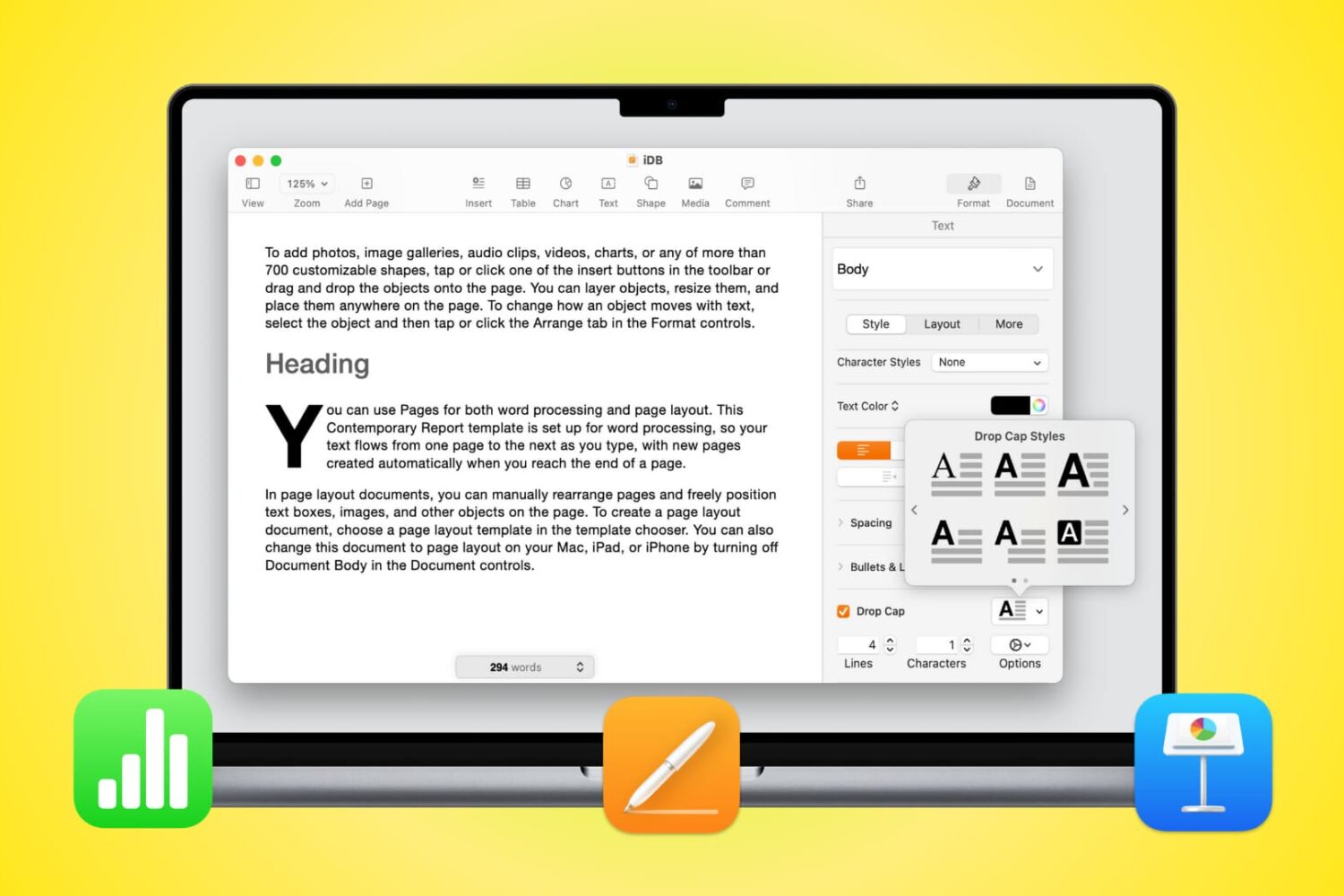
Learn how to use Drop Cap in Pages, Numbers, and Keynote on Mac to increase the size of the first letter (like newspapers do) and enhance the appearance of your documents.

If you’re done working on your Mac for the day or simply taking a break but still have your favorite tunes playing, why not add a little pizzazz to the screen? The Music app on Mac offers a cool tool called Visualizer.
Visualizer is a light show that plays along with your music. You can adjust it to your liking and then just sit back and watch the colors and lights bounce off your screen. Never used the Music app Visualizer before? That’s why we’re here, to show you how to enjoy a light show with your songs!
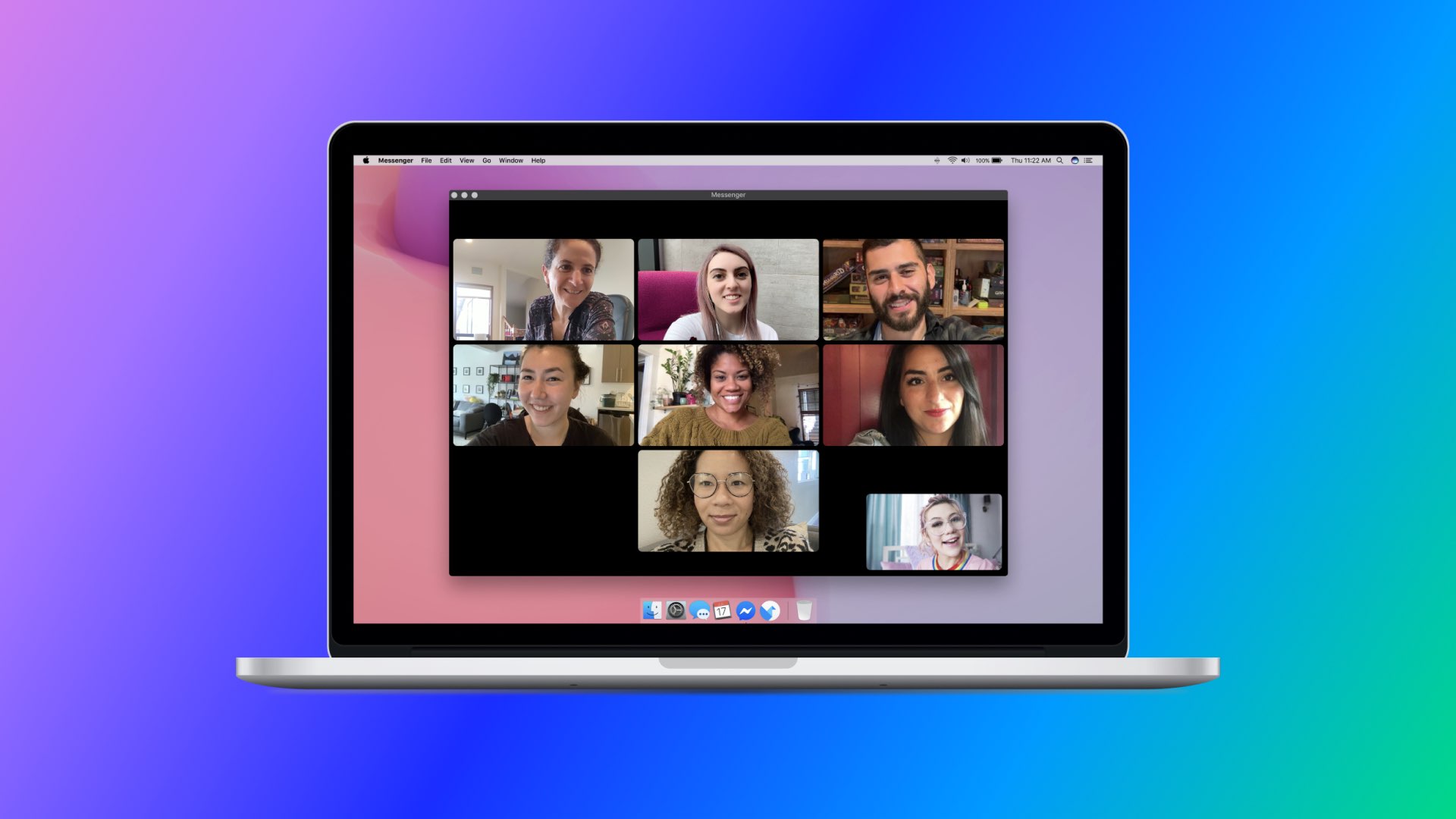
Following initial launch in France last month, the desktop app for Facebook's Messenger service continues its staggered rollout with immediate availability in the Mac App Store in the United States, the United Kingdom, Germany, Italy and a bunch of other markets.
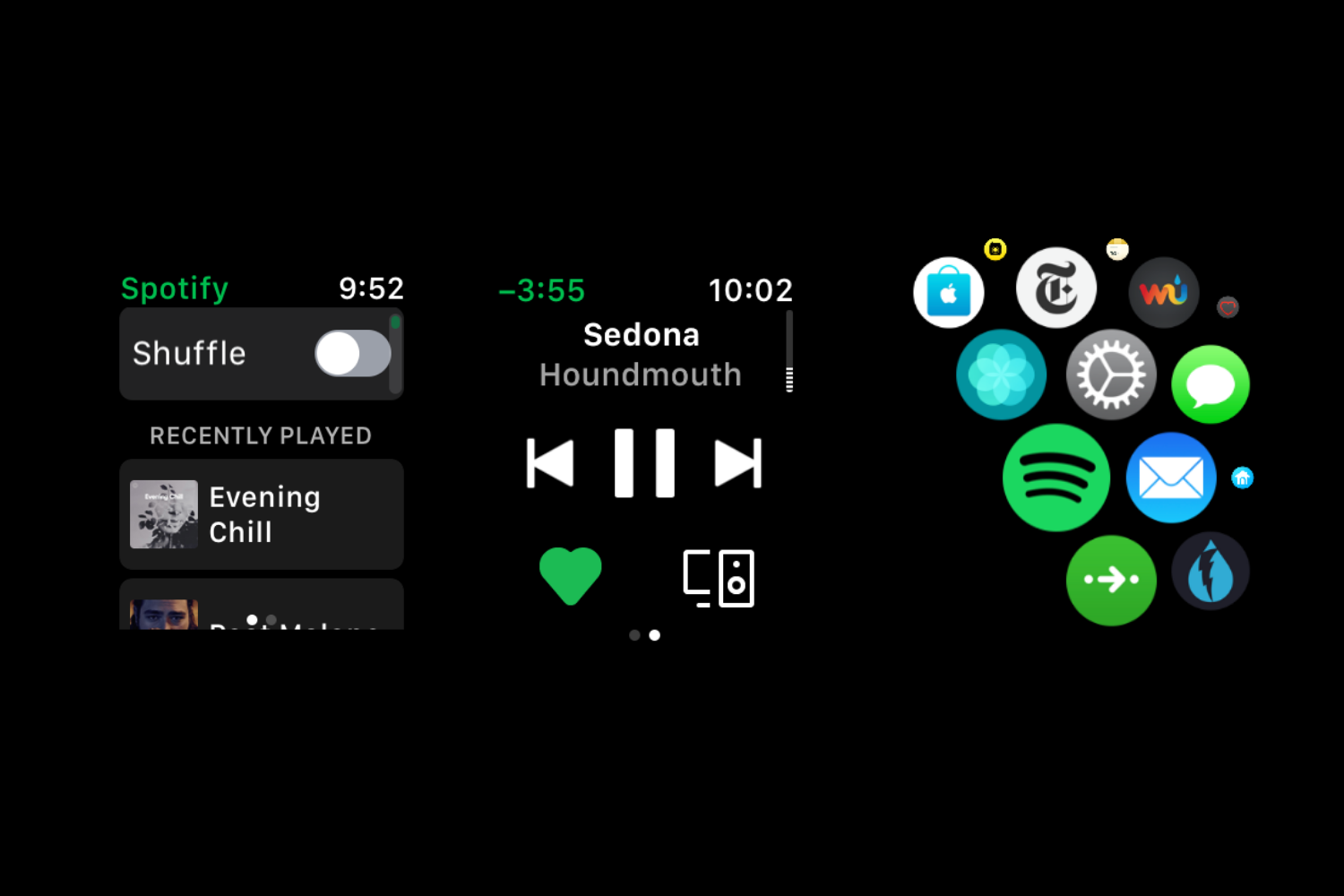
Spotify's Apple Watch software was updated on the App Store earlier this morning with Siri integration that launched on the iPhone, iPad, iPod touch, HomePad, CarPlay and AirPods in October of last year, following the initial release of the iOS 13.0 software update.
Fantastical maker FlexiBits today rolled out Fantastical 3.0.9 for iOS and macOS, bringing out a bunch of fixes and several new features like cursor support on iPadOS 13.4.
This tutorial will show you how to include comments when printing a document in Pages, Numbers, or Keynote on Mac.

If you’re a Spark email user, then you already know and appreciate its terrific features. But if you’re new to the app or are thinking of giving it a try, Spark offers some wonderful collaboration features you can take advantage of for business. We covered some of these features before, but there are even more now.
To help you make the most out of using this email app for your team, we’ll show you how to collaborate with Spark.

There are several terrific writing apps available on the Mac App Store for focused writing. But if you don’t want to shell out the cash just yet, try one of these free tools for capturing your articles, stories, or essays.
Writing with a distraction-free tool allows you to concentrate on what’s most important, your words. So whether you’re just giving this a try to see if you like it or don’t need extra features that the paid apps provide, this list of free focused writing apps is for you.
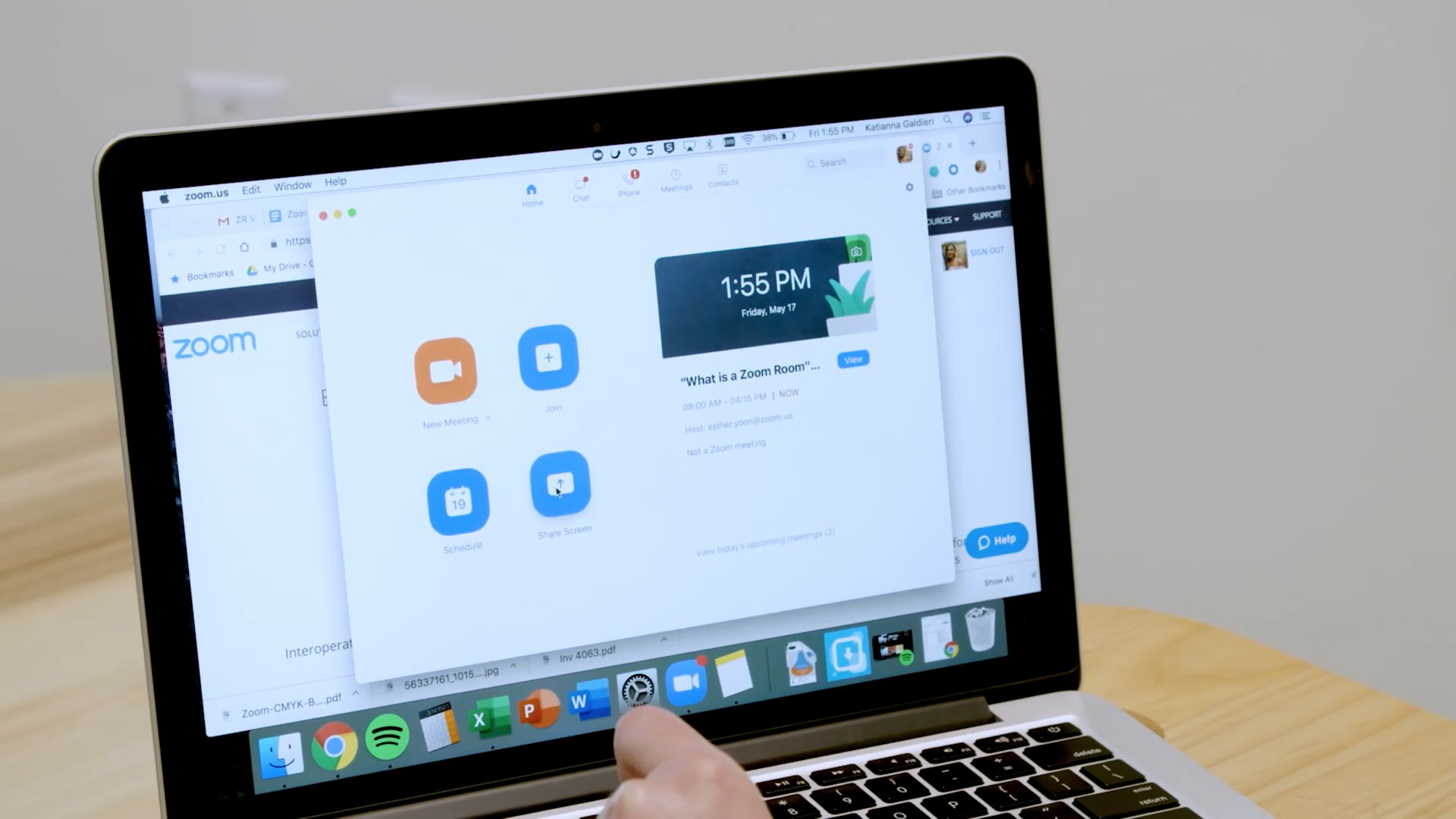
Zoom is having a moment, thanks to the fact that many, many people around the world are being forced to work from home (when they can) due to the global coronavirus pandemic.
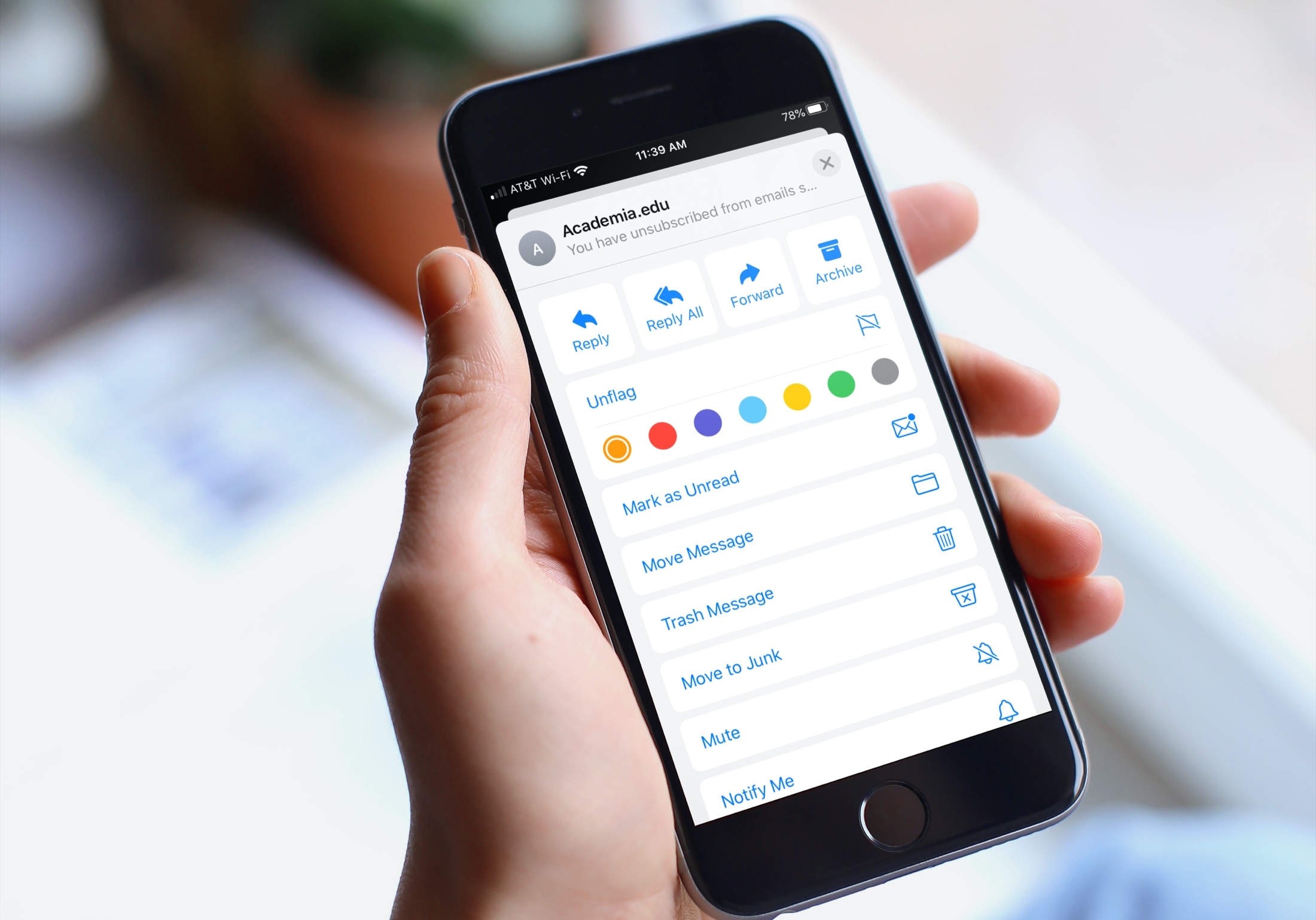
Learn how to organize your inbox by using different colored flags in the Apple Mail app on your iPhone, iPad, or Mac to highlight specific emails.